
AI Luxury Titles For A Richer First Frame
Browse gold lettering, liquid chrome, jewel-toned scripts, and shadowed serif treatments, then place the right luxury title template into your edit.
Loading more luxury title resources...
 Category:
 Duration:
 Aspect Ratio:
Make Premium Titles Feel Intentional
Luxury typography works when the finish supports the story. Filmora helps you turn a gold title, chrome wordmark, or luminous script into a repeatable visual system with animated text, creative assets, and precise timeline control.
Let The First Frame Set The Price Point
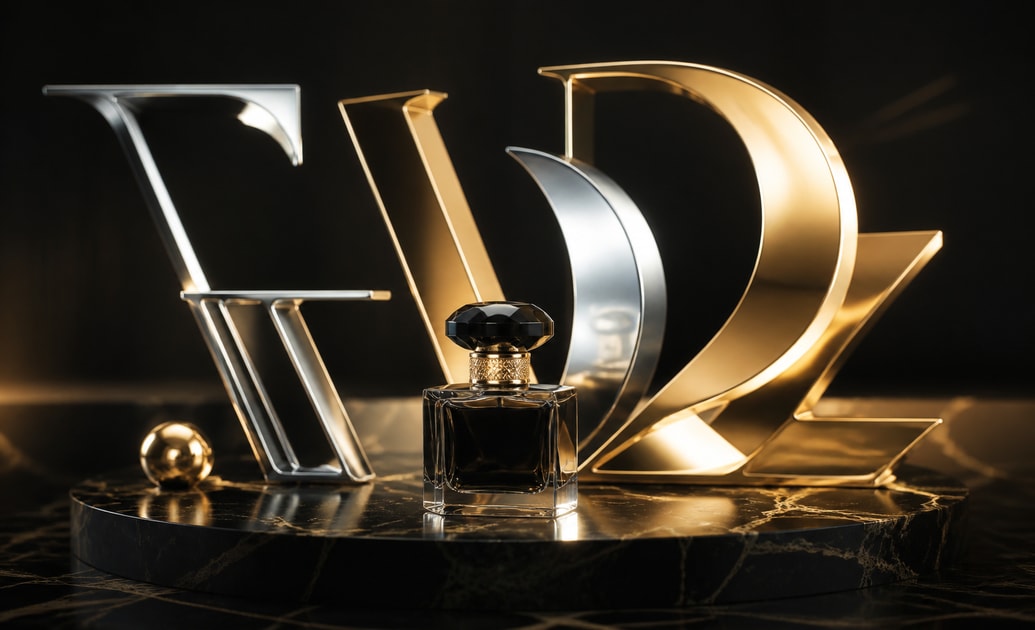
Let The First Frame Set The Price Point
Use chrome highlights, soft gold edges, and luminous lettering to make a product reveal feel considered before the viewer sees the full scene. Pair the title with cinematic titles when the opening needs a more editorial rhythm.
- Place the title over a clean visual pause so the material finish can register.
- Keep contrast high enough for small-screen viewing and fast social scrolls.
- Reuse one treatment across launch clips so the campaign feels recognizably premium.
Turn Shine Into A Recognizable Signature
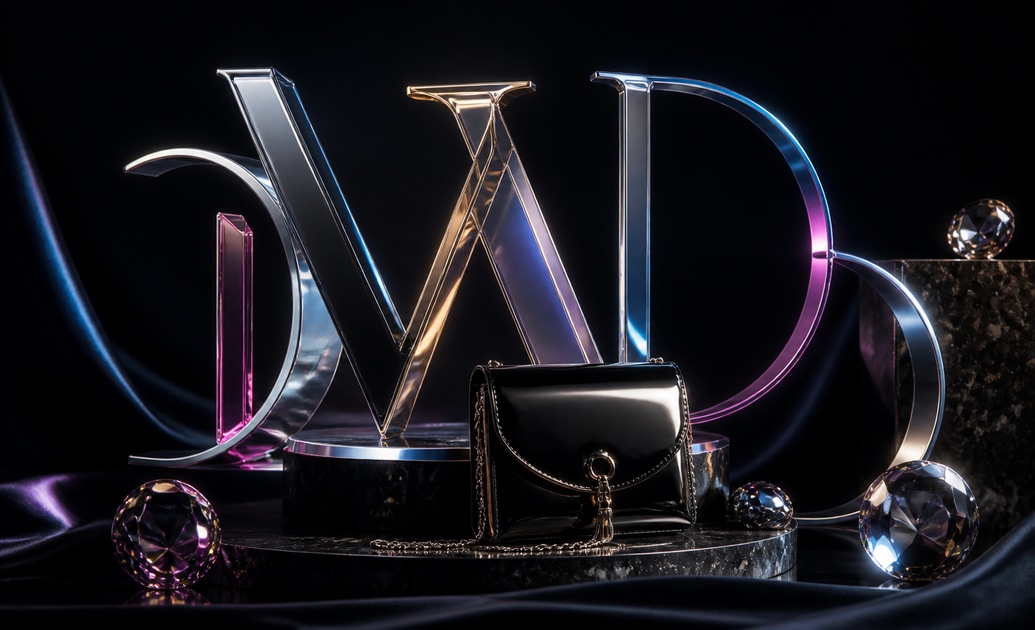
Turn Shine Into A Recognizable Signature
Gold brush lettering, liquid chrome, and prism-like scripts give different stories their own surface language. Combine them with social media titles when a short reel needs a strong brand cue without a long setup.
- Match the title color to packaging, wardrobe, or the hero product in frame.
- Use a restrained glow so reflective type stays sharp instead of looking washed out.
- Trim the animation to the music hit that introduces the subject or offer.
Build A Luxury Series In Minutes

Build A Luxury Series In Minutes
Filmora makes it easy to update wording, placement, scale, and timing without rebuilding the design. Add a little grain, music, or a controlled transition from the video template library to keep every installment connected.
- Save a finished title treatment as a repeatable starting point for new edits.
- Use square or widescreen compositions according to the destination channel.
- Preview the title beside the final color grade before exporting the master.
Questions About AI Luxury Titles
Add Luxury Titles In Filmora
Bring a premium title into your project, tune the material finish, and check that the lettering still reads clearly after the final crop.
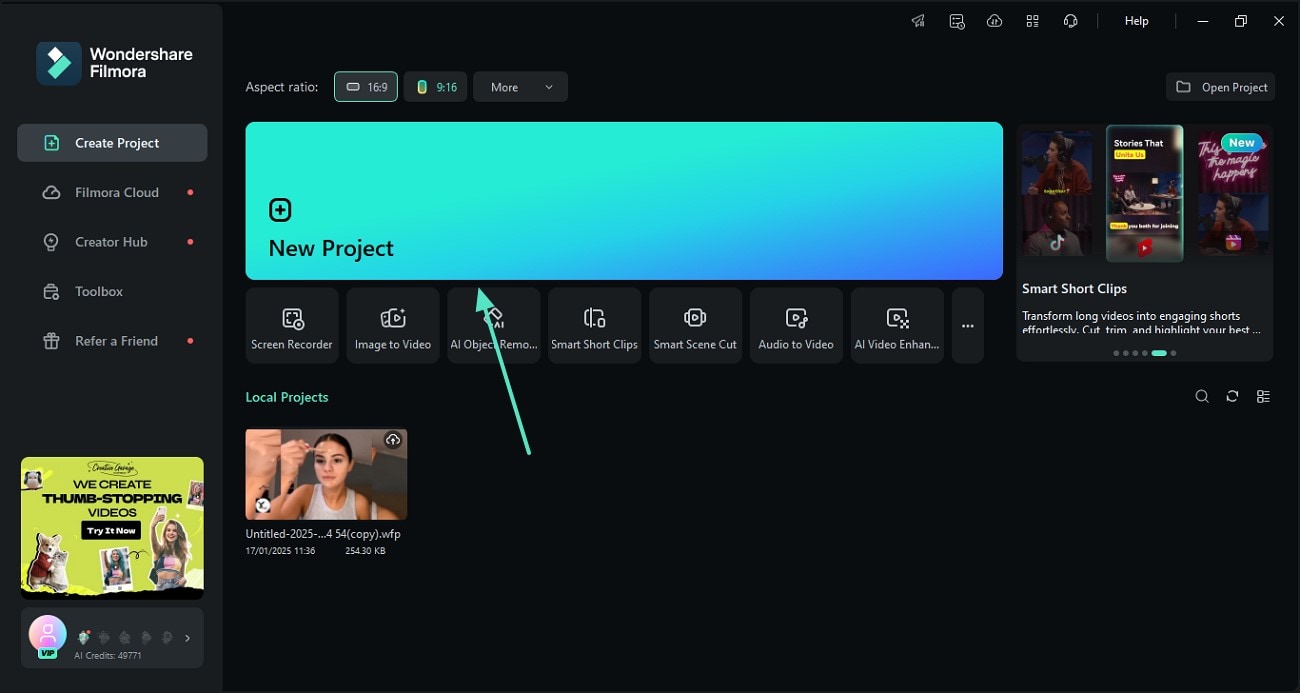
Step 1 Import Your Footage
Step 2 Open The Titles Library
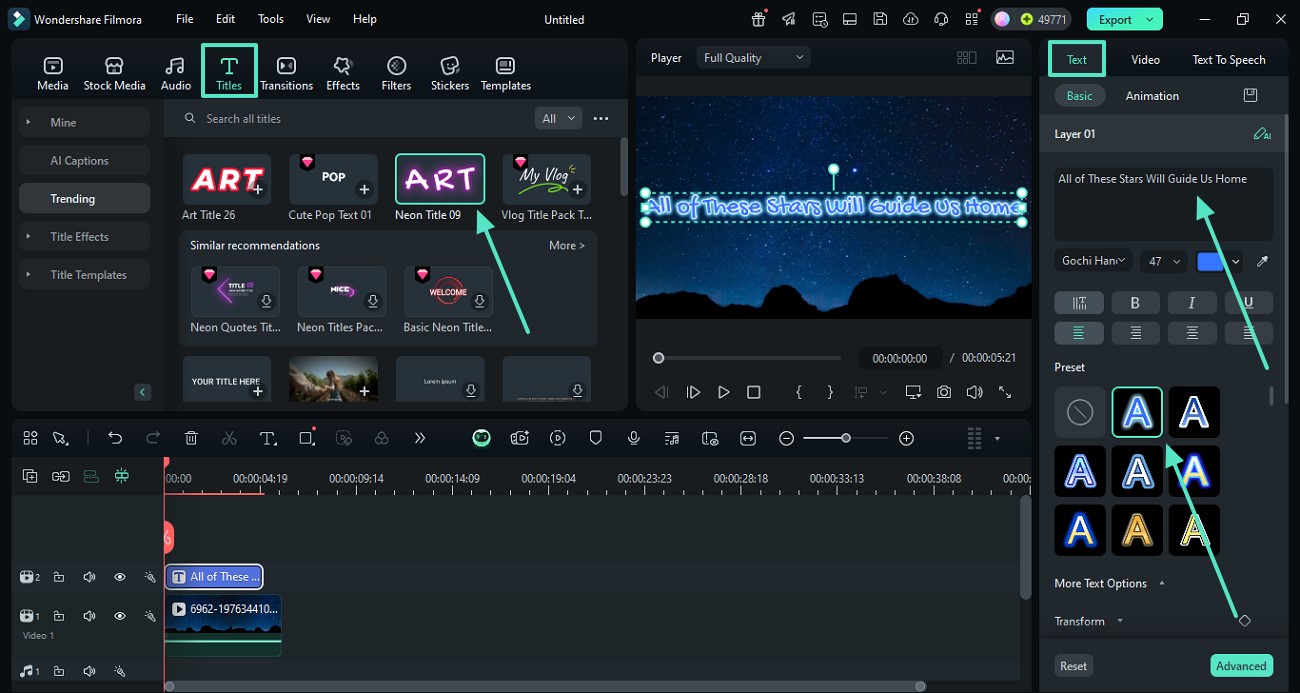
Step 3 Customize And Preview
-
1: Import Your Footage
Bring your clips into Filmora and line them up on the timeline so the text has a clear beat to land on. -
2: Open The Titles Library
Browse the titles collection, pick a text preset, and drop it above your clip at the moment you want the graphic to appear. -
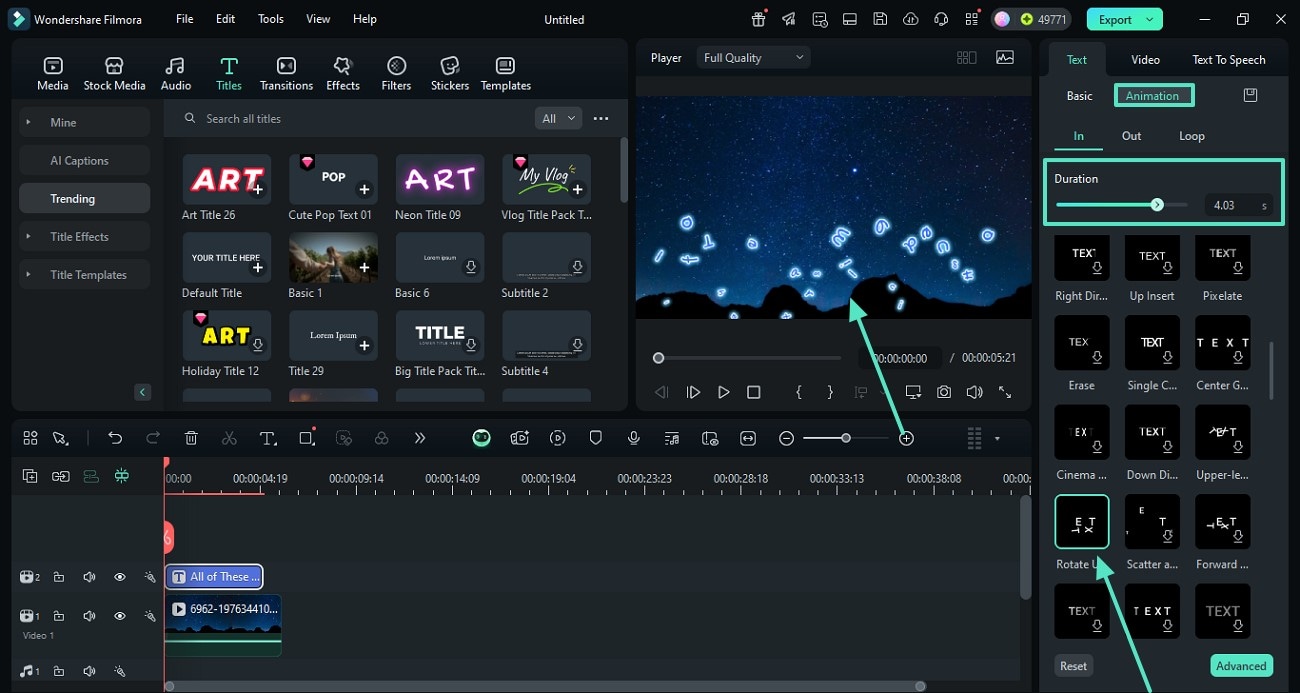
3: Customize And Preview
Replace the words, refine duration and color, then play back the scene to check readability before you export.




