
Featured Paper Transitions
Explore our most popular paper transitions for all your video needs
Loading more paper transitions...
 Category:
 Duration:
 Aspect Ratio:
Why Choose Filmora for Paper Transitions?
Professional quality meets effortless creativity for trending effects
Professional Quality Paper Effects
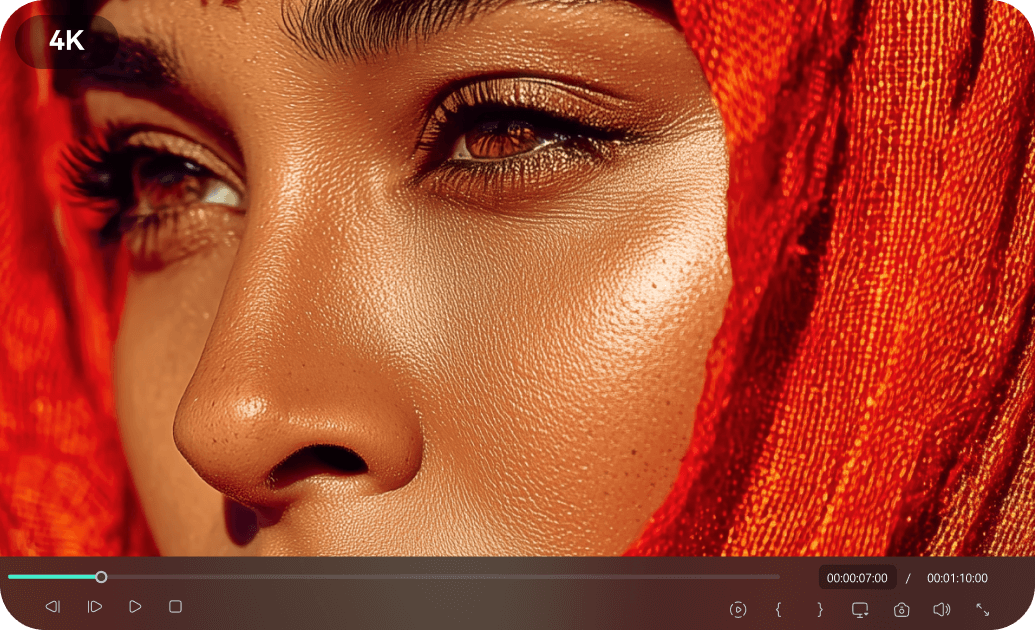
Professional Quality Paper Effects
Studio-grade paper transitions crafted by industry professionals. Each effect undergoes rigorous quality control to ensure cinematic excellence that makes your videos stand out.
- High-resolution paper textures and animation
- Smooth and natural paper tear and fold animations
- Compatible with industry-standard editing practices
Easy Customization for Paper Transitions
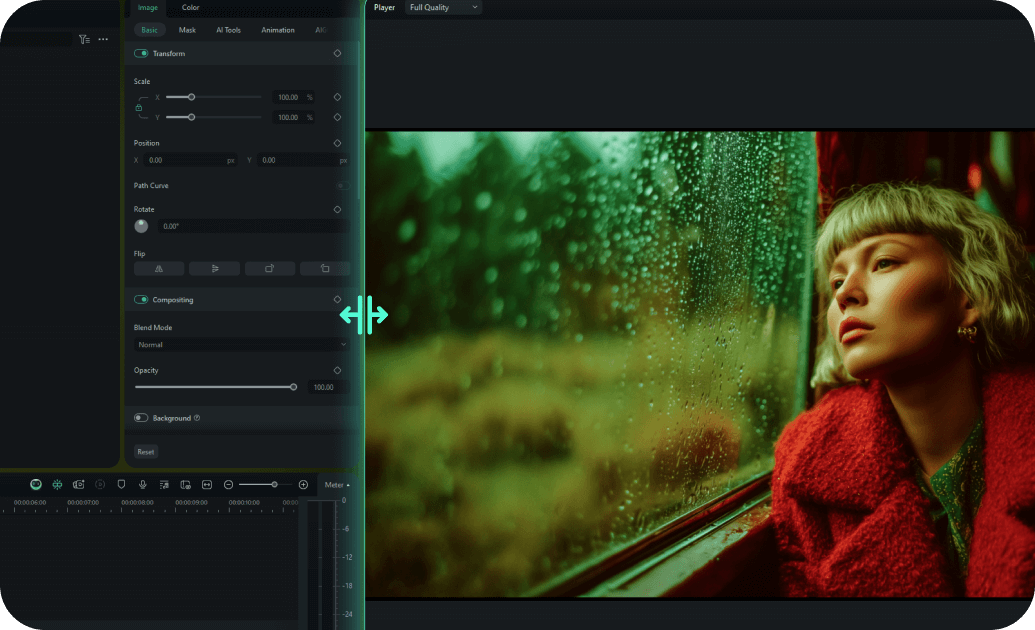
Easy Customization for Paper Transitions
Drag-and-drop interface allows you to add paper transitions in minutes, not hours. Our intuitive design system makes professional video editing accessible to creators of all skill levels.
- One-click application of paper transition effects
- Adjust speed, direction, and intensity with ease
- Pre-built animation presets for quick customization
- Real-time preview with instant feedback
Multiple Formats for Social Media

Multiple Formats for Social Media
Every paper transition is available in 16:9, 9:16, and 1:1 aspect ratios for all platforms. Create content that looks perfect whether it's for YouTube, Instagram, TikTok, or Snapchat.
- Automatic aspect ratio conversion with smart cropping
- Platform-optimized export settings for social media
- Responsive design elements that adapt to any format
- Cross-platform compatibility guaranteed
Instant Access to Paper Transitions

Instant Access to Paper Transitions
Download and start using paper transitions immediately with lifetime access and updates. No waiting, no subscriptions - just instant access to premium effects whenever you need them.
- Immediate download after purchase confirmation
- Lifetime access with free effect updates
- Cloud storage backup for easy re-downloading
- No recurring fees or subscription requirements
Frequently Asked Questions about Paper Transitions
How to Add Paper Transitions in Filmora
Create a tactile, mixed-media look with organic paper transitions in just a few simple steps, no advanced keyframing required.
1. Import Your Video Clips
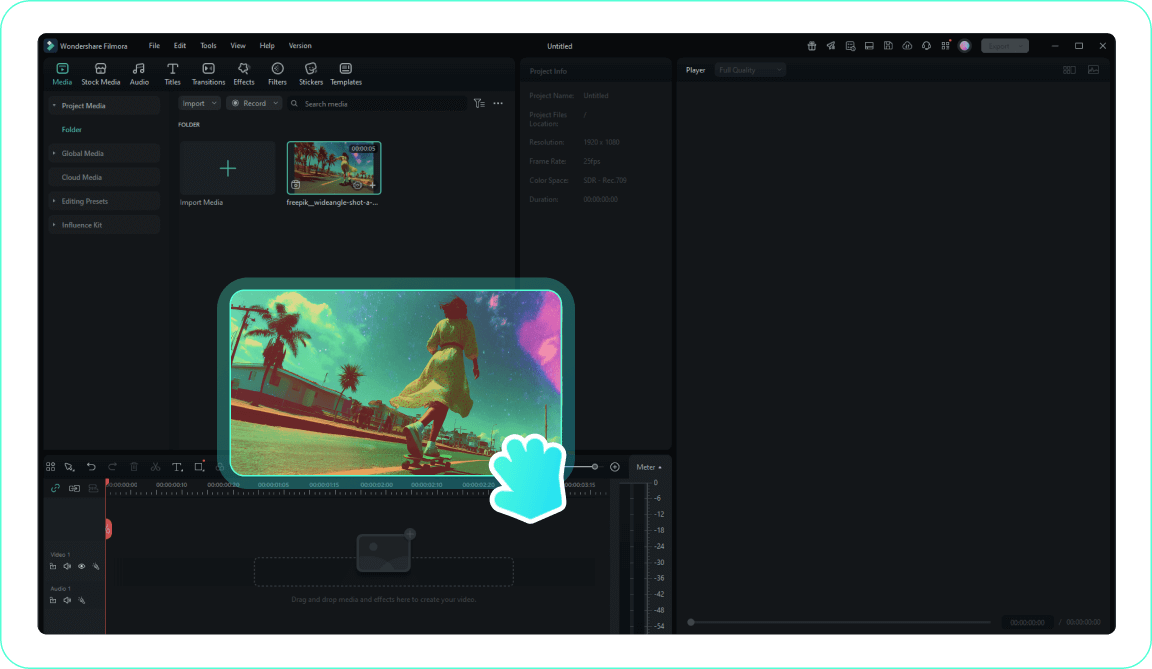
2. Find the Paper Effects
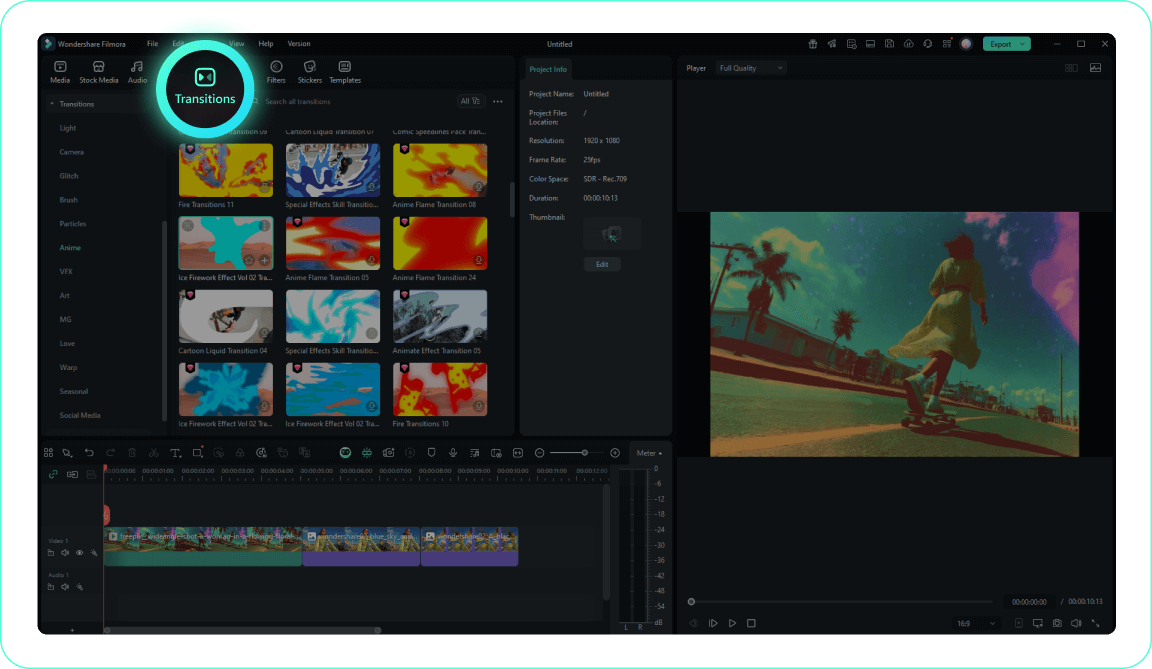
3. Apply the Torn Look
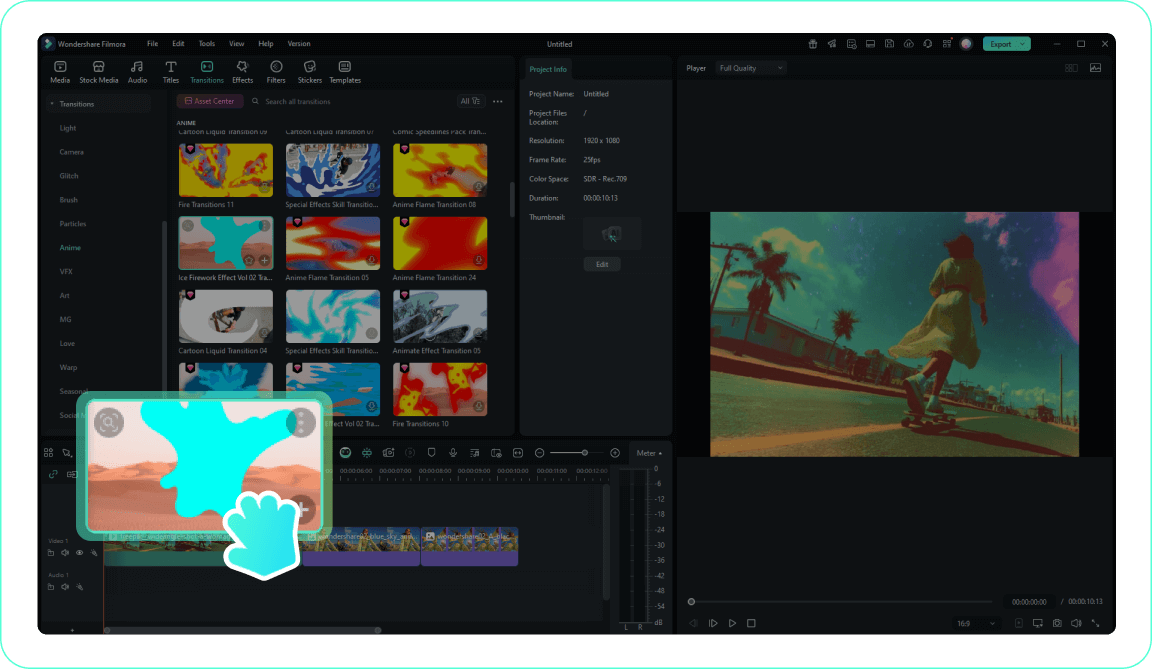
4. Adjust Texture and Timing
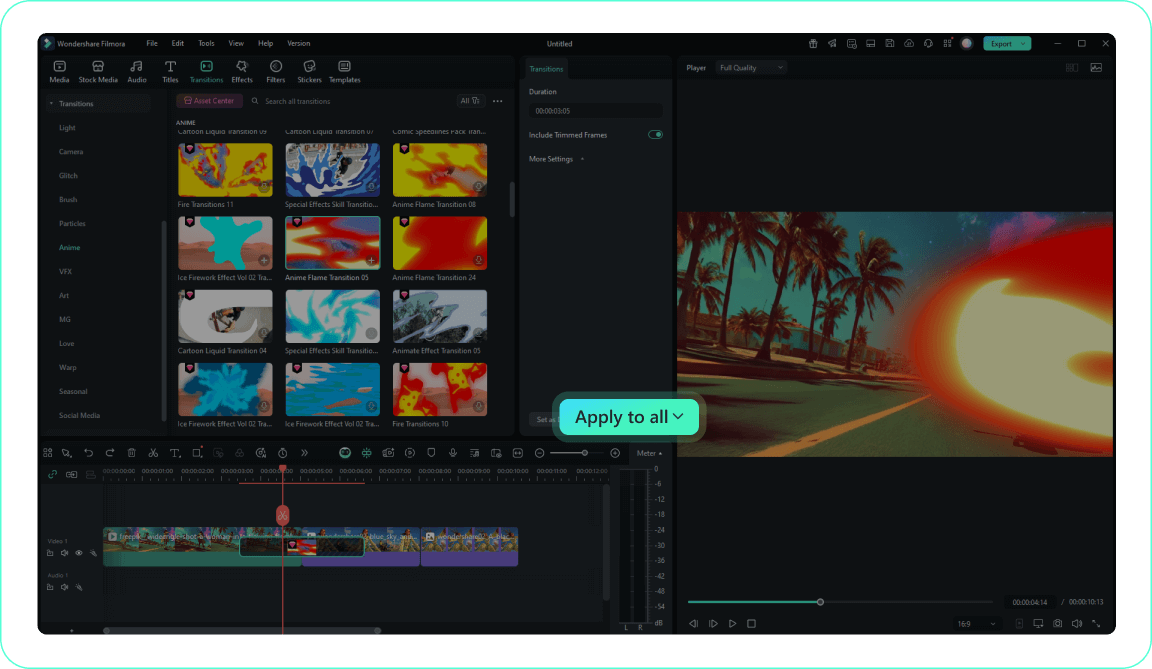
-
1. Import Your Video Clips
Import your video clips to the Media Library and arrange them on the timeline to prepare for your handmade aesthetic.Pro Tip: Organize your media into folders for easier access on larger projects. -
2. Find the Paper Effects
Navigate to the Transitions tab and search for "paper transitions" to explore torn, crumpled, and folded styles. -
3. Apply the Torn Look
Drag your chosen paper transition and drop it between two clips to create a seamless, organic reveal. -
4. Adjust Texture and Timing
Double-click the transition to modify its duration, edge colors, and overlap, then preview the stop-motion effect.Pro Tip: Right-click on a transition and select "Apply to All" to use the same transition consistently throughout your project.
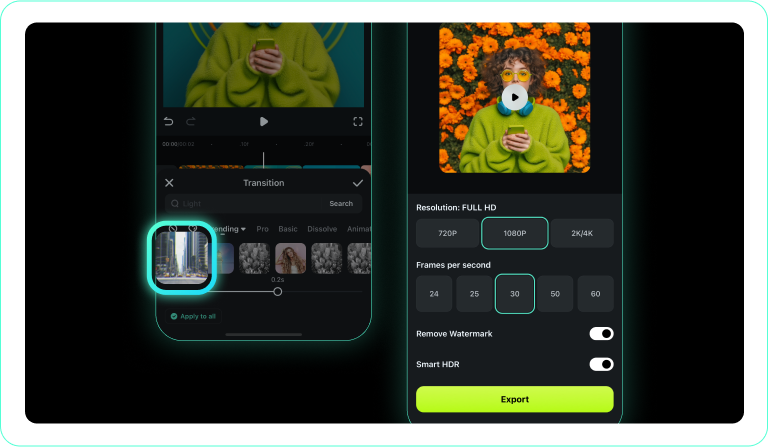
1. Open Your Editing Project
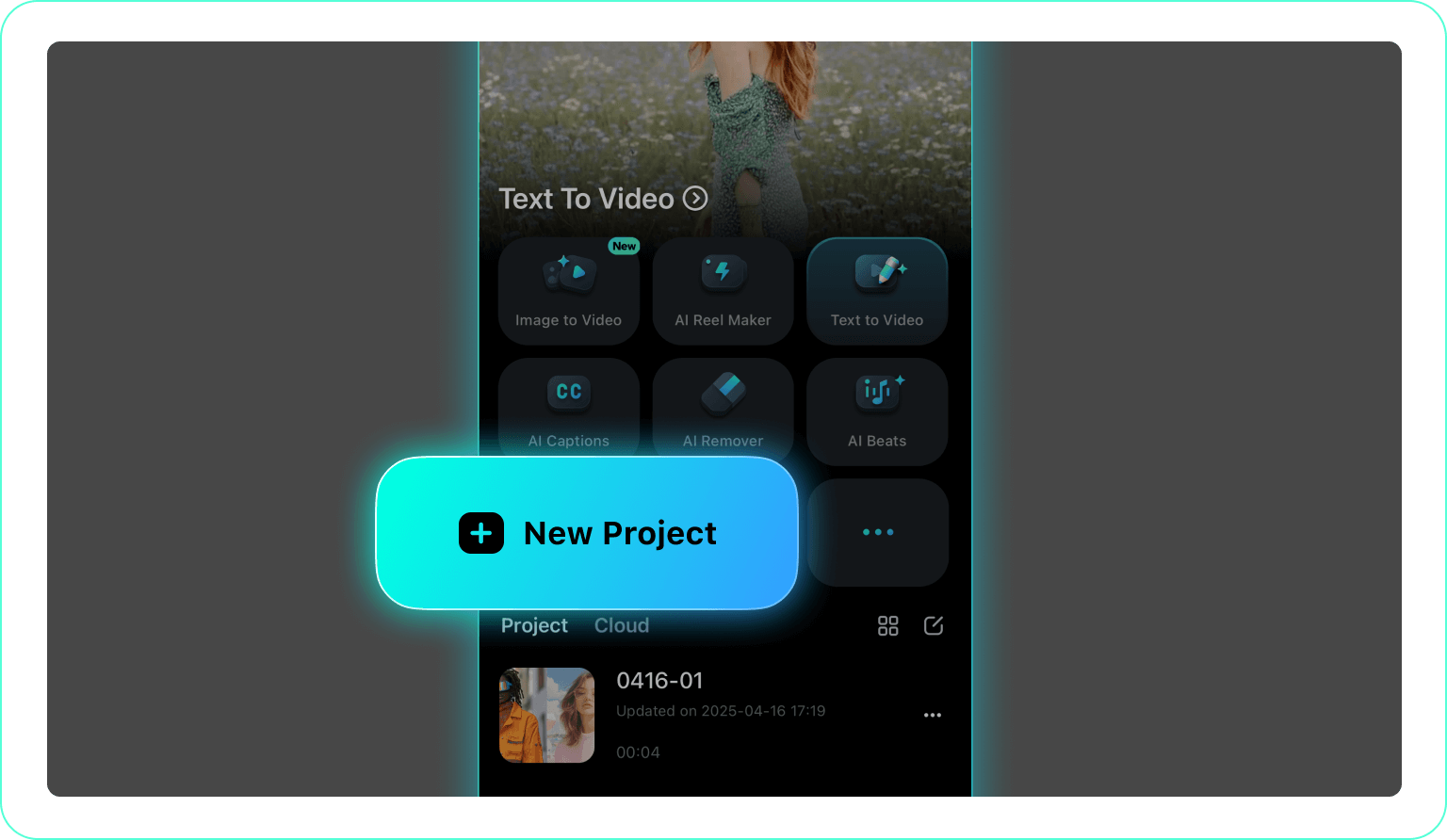
2. Tap the Transition Tool
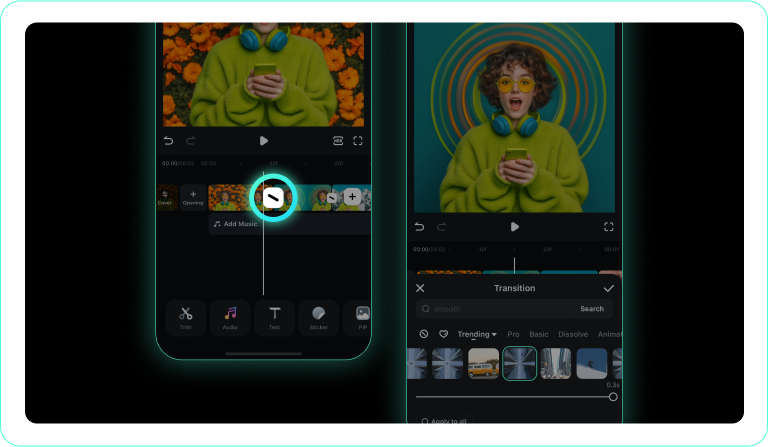
3. Select a Paper Style
-
1. Open Your Editing Project
Launch the Filmora app, tap "New Project," and load your desired footage. -
2. Tap the Transition Tool
Tap the transition icon located directly between your clips on the mobile timeline. -
3. Select a Paper Style
Browse the effects, choose a dynamic paper tear or fold, and apply it to instantly add texture.
Explore More Transition Themes
Discover other transition categories for every occasion




