
Slides Transitions Examples & Guides
Explore popular slideshow transitions and how-to guides for a smooth slide transition
Loading more slides transitions...
 Category:
 Duration:
 Aspect Ratio:
Everything You Need to Create the Best Slide Transitions
A well-placed video slide transition can turn an ordinary clip into a polished, professional-looking video. Filmora gives you a full library of cool slide transitions with built-in settings that drop straight into your timeline—no manual keyframing needed.
Whether you need slide show transitions for a formal presentation or a vibrant tiktok slide transition for social media, Filmora gives you the control to match any visual style. Pick a movement, adjust the speed, and publish directly to your preferred platform.
Vast Collection of Cinematic Wipes & Pushes

Vast Collection of Cinematic Wipes & Pushes
Stop spending time building complex movement layers from scratch. Filmora offers an extensive library of free video transitions, including push transition and wipe transition options, perfect for fast-paced vlogs or formal presentations. Each slide transition effect comes ready to apply, so your clips blend seamlessly exactly when they should.
- One-Click Application - Drag any slide transition animation onto the timeline and perfectly bridge two clips instantly.
- Directional Control - Choose between a horizontal slide or a vertical slide to match your video's on-screen movement.
- Multi-Platform Layouts - Perfectly optimized cool slide transitions for standard 16:9, or use a tiktok slide transition for mobile content.
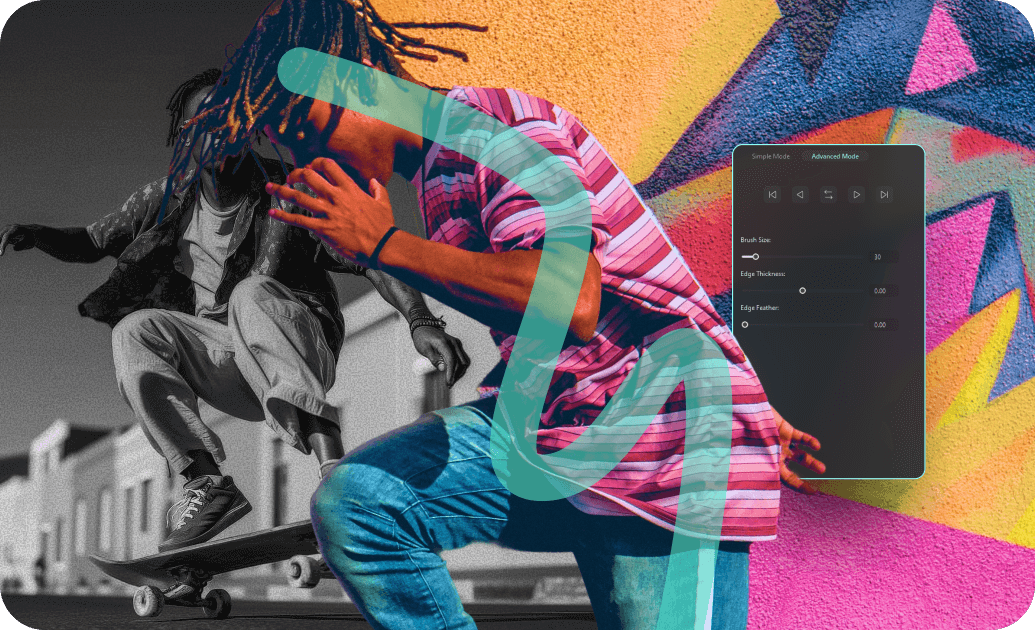
Precision Timing and Aesthetic Motion Control
Precision Timing and Aesthetic Motion Control
Basic drag-and-drop is just the starting point. Once your slideshow transition is on the timeline, every property is editable. Go beyond presets by customizing your aesthetic transition to create a smooth, rhythmic flow that looks intentional and highly professional.
- ⏱️ Duration Adjustments - Stretch or shrink your slide transition animation to sync flawlessly with background music.
- 🌊 Smooth Easing - Apply custom speed ramps to your cinematic transition for a natural, high-end feel.
- 🔄 Seamless Overlaps - Overlap video tracks using a smooth slide transition to mask jump cuts effortlessly.
- 🎨 Color & Lighting Overlays - Enhance your video slide transition with light leaks or motion blur during the crossover.
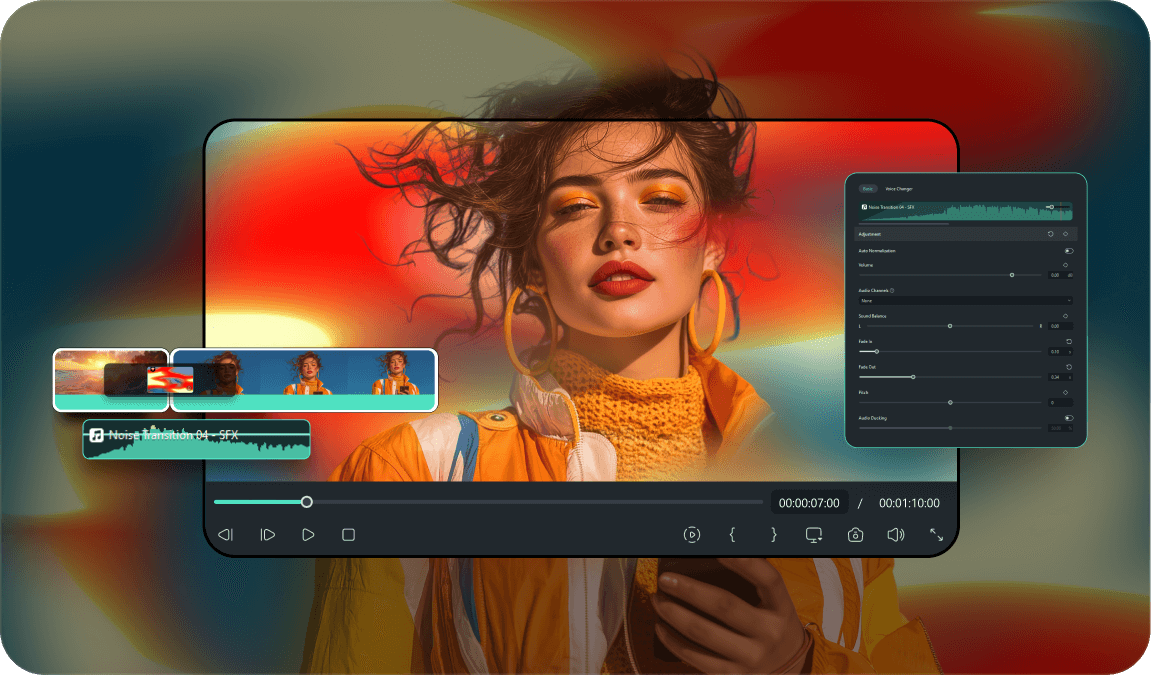
Dynamic Audio Syncing for Slide Effects
Dynamic Audio Syncing for Slide Effects
What is a cinematic slide effect without impactful audio? Filmora lets you pair your cool slideshow transitions with synchronized sound effects effortlessly, enhancing the overall viewing experience and ensuring your slide transition video feels complete.
- Sound Effect Integration - Add cinematic whooshes and swooshes that perfectly match your push transition.
- Beat Detection - Automatically place slideshow transitions on the musical beats of your soundtrack for rhythmic edits.
- Image Sequence to Video - Import a photo series, apply the best slide transitions between each image, and export a dynamic slideshow instantly.
- Export for Any Platform - Output your slide transition video at the correct resolution and frame rate for YouTube, Instagram, or TikTok.
Frequently Asked Questions About Slides Transitions
How to Add Slides Transitions in Filmora
Create a smooth slide transition video in just a few simple steps, no advanced technical skills required.
1. Import Your Video Clips
2. Find the Slide Transition Effect
3. Apply Your Slideshow Transition
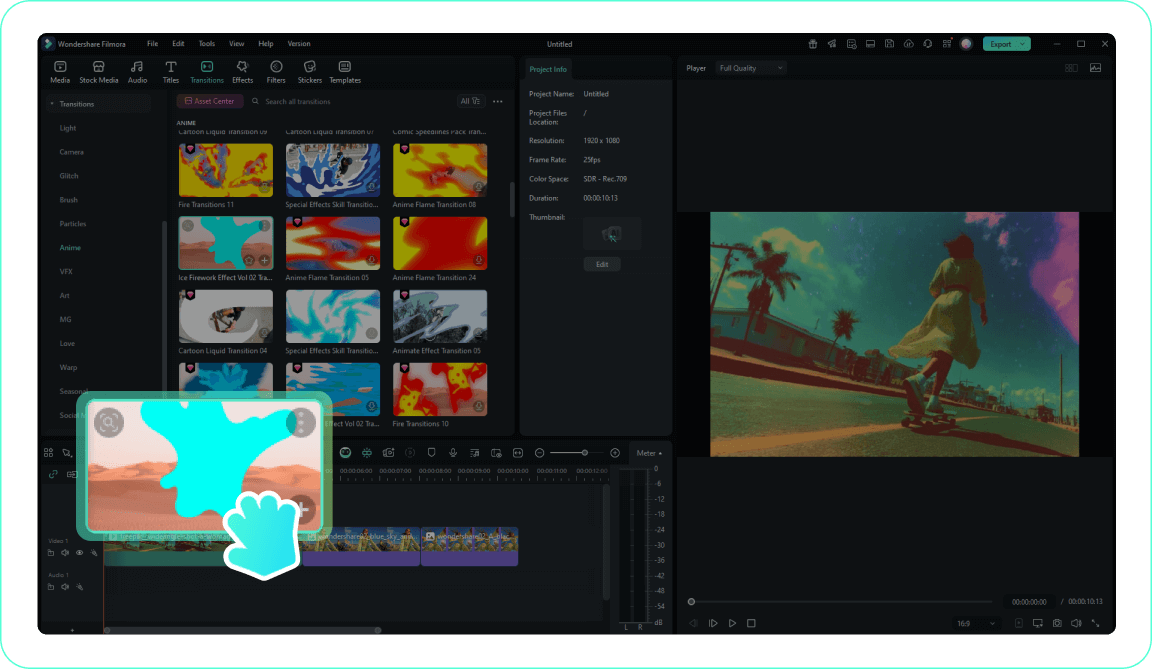
4. Customize the Vertical Slide or Horizontal Slide
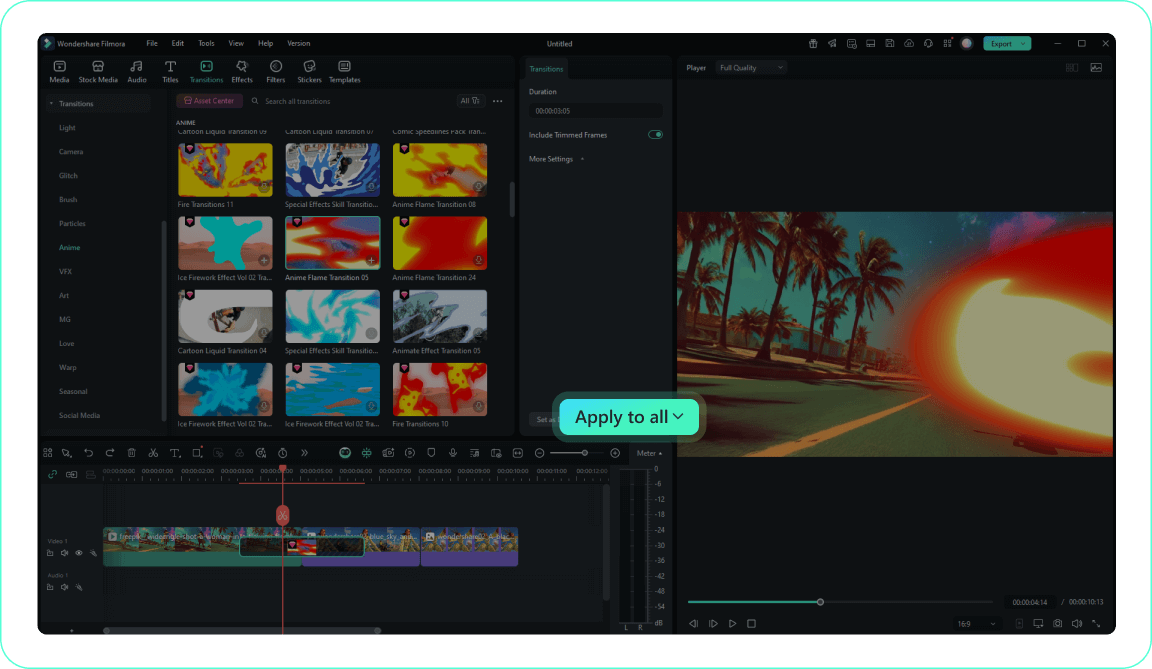
-
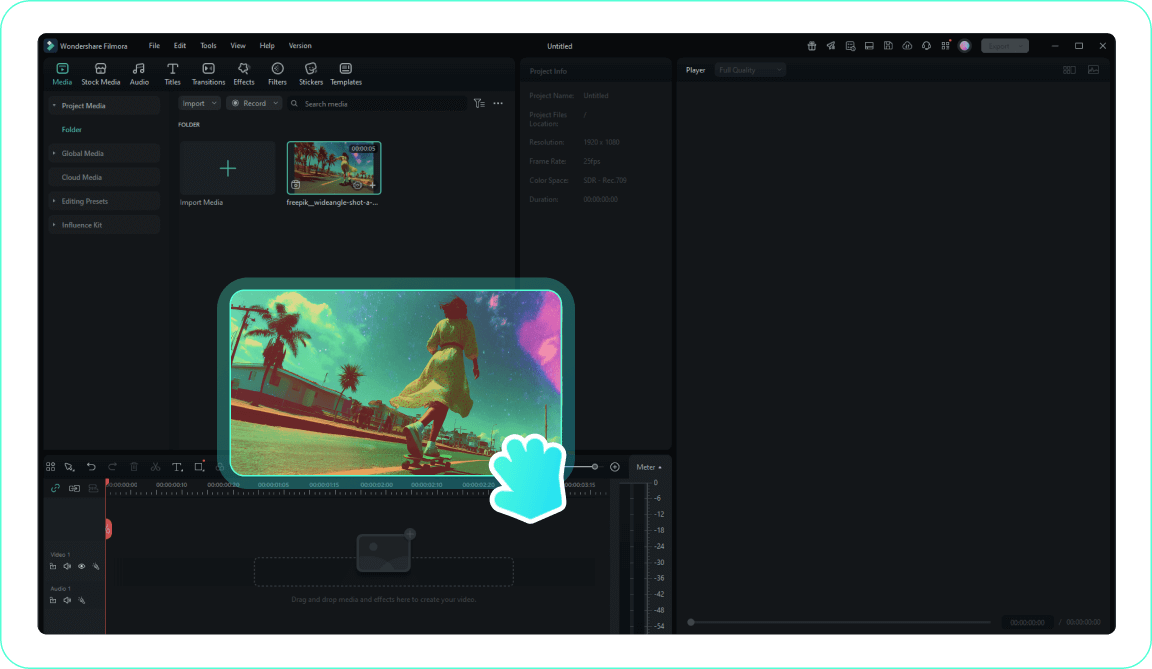
1. Import Your Video Clips
Import your video clips into the Media Library and drag them to the timeline where you want to apply the slides transitions.Pro Tip: Organize your media into folders for easier access when creating a slide transition video. -
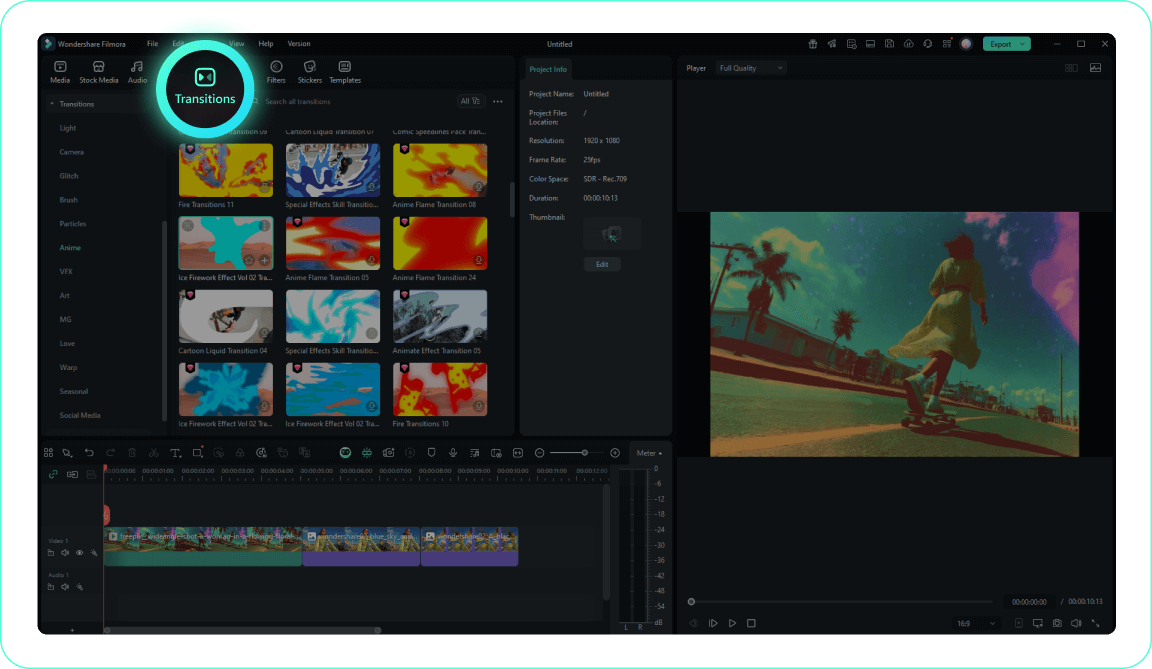
2. Find the Slide Transition Effect
Navigate to the Transitions tab to explore Filmora's comprehensive collection of free video transitions, including wipe transition and push transition options. -
3. Apply Your Slideshow Transition
Drag your chosen cinematic transition to the beginning/end of a clip or between two clips on your timeline for a seamless slide transition animation. -
4. Customize the Vertical Slide or Horizontal Slide
Double-click the effect to adjust its duration and direction, creating the best slide transitions, then preview your work using the play button.Pro Tip: Right-click on a transition and select "Apply to All" to use the same slide transition effect consistently throughout your project.
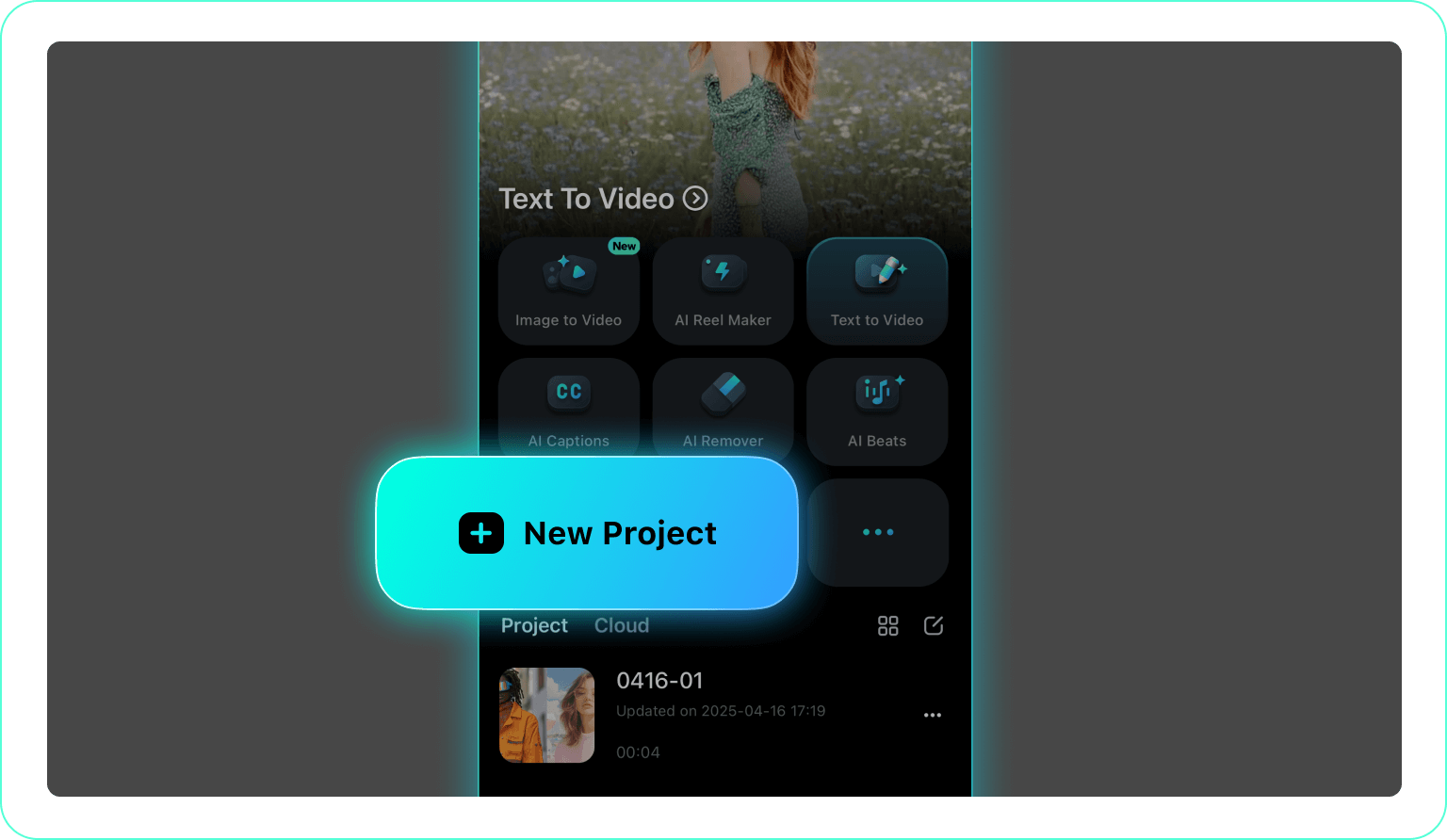
1. Open Your Project
2. Tap the Transitions Icon
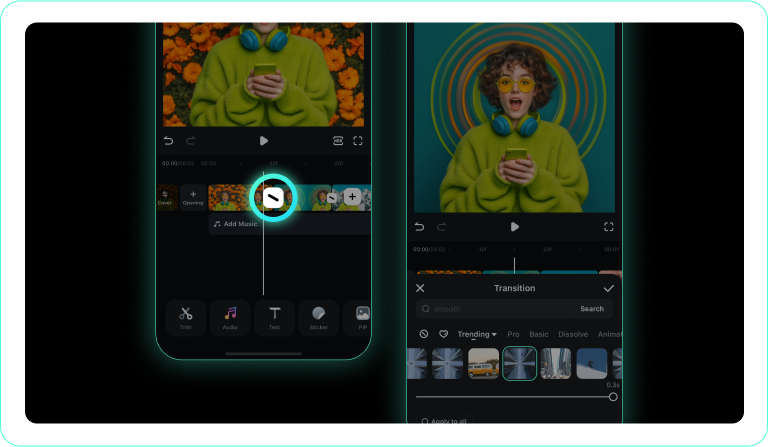
3. Choose and Apply Cool Slideshow Transitions
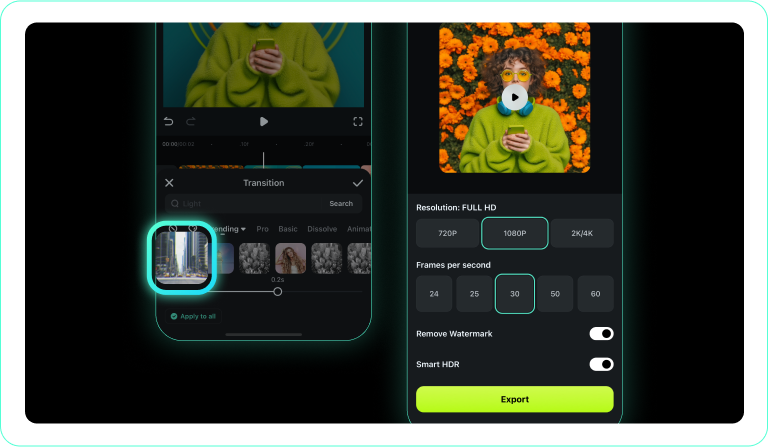
-
1. Open Your Project
Launch Filmora App and import your clips for a tiktok slide transition. -
2. Tap the Transitions Icon
Tap the icon between two clips or open the Transition option to browse aesthetic transition styles. -
3. Choose and Apply Cool Slideshow Transitions
Select a smooth slide transition style, preview the movement, and apply it between clips.
Explore More Video Transitions
Discover other transition categories for every occasion and platform




