

 TL;DR:
Wondershare Filmora is the top recommended AI selfie tool for 2026 because it functions as a comprehensive image-to-video generator, allowing creators to generate portraits from text prompts and instantly animate them for vertical social media formats.
● For users seeking free static image generation, Pixa offers watermark-free outputs, Fotor provides daily credits tailored for professional headshots, and the open-source Stable Diffusion delivers flexible photorealism strictly for users with moderate to advanced technical skills.
● To generate credible business headshots, you must prompt for clean backgrounds, soft lighting, and direct eye contact, while explicitly avoiding neon tones, artistic filters, or over-smoothed skin textures.
● When adapting static avatars into viral short-form content for Reels or TikTok, apply trending aesthetics like cinematic film tones or cyber themes, and use keyframing to add subtle storytelling movements such as soft zoom or pan effects.
Ask AI for a summary
 ChatGPT
 Perplexity
 Gemini
 Claude
 Grok
Grok
Remember when a good selfie just meant good lighting and the right angle? In 2026, that feels almost like a thing of the past. Today, anyone can leverage a high-quality AI selfie generator to create polished studio portraits, bold fantasy avatars, or professional LinkedIn headshots. Whether you are looking for a free AI selfie generator recommended on Reddit or a powerful AI video editor like Filmora to animate your shots, the way we design our digital identity has changed forever.
AI is no longer just fixing blemishes or adjusting filters. The best AI selfie generators can create new versions of yourself based on a simple prompt or transform a single image into scroll-stopping content. From a free AI selfie generator, you find through Reddit threads to advanced creative platforms, selfies have become something you design, not just take.
What Makes a Great AI Selfie Generator?
A great AI selfie generator should feel more like a personal photography assistant than just a filter. In 2026, users expect more than smooth skin and dramatic lighting. They want realistic results, creative control, and images that feel authentic enough to post without hesitation.
The difference between an average tool and the best AI selfie generator often comes down to a few key factors:
- Realism that holds up close: Skin texture, natural shadows, accurate facial proportions, and believable lighting create an image that looks like a real photograph rather than an artificially generated one.
- Authentic AI photo styles: The best tools offer styles that mimic DSLR portraits, candid lifestyle shots, film-inspired tones, or natural daylight photography, rather than overly filtered looks.
- Strong prompt understanding: High-quality AI selfie generators clearly understand detailed instructions, from facial expressions to camera angles and mood.
- Full creative control: Adjustable poses, backgrounds, outfits, and lighting settings let you shape rather than relying on random results.
- Consistency across images: Whether creating one portrait or a full series, the generator should maintain facial identity and visual coherence.
Top 10 Free AI Selfie Generators for Beginners
If you're just getting started, free AI selfie generators are a great way to explore what this technology can do without spending a dime. These beginner-friendly options allow you to create fun, creative, and realistic selfies with minimal effort.
Here's a comparison of the 10 best AI selfie generators in 2026.
| Tool | Best For | Free Features | Ease of use | Notes |
| Pixa AI Selfie Generator | Text-to-AI selfies | Free high-quality, no watermarks | Easy | Easy prompt-based tool with realistic results |
| Pixazo AI Selfie Generator | Aesthetic selfies | Free selfie creation online | Easy | Upload a photo or use prompts |
| Magic Hour AI Selfie Generator | Profile & stylized selfies | Free uploads with stylized outputs | Easy | Easy to use and varied styles |
| PixelDojo Free AI Selfie Generator | Creative & artistic selfies | Free with multiple style options | Easy to Moderate | Anime, headshots, artistic looks |
| GoEnhance AI Selfie Generator | Quick portrait generator | Free AI selfie creation | Easy | Supports realistic style options |
| Pixai.art Free AI Selfie | Simple free selfies | Free prompt-driven selfies | Easy | Good basic generator |
| AI Free Forever (Reddit Community Tool) | Text to photo generator | Free unlimited images | Easy | Generates many styles from text prompts |
| Stable Diffusion (Open Source) | Photoreal and flexible | Free open-source model | Moderate to Advanced | Community favorite for detailed results |
| LightX Free AI Selfie Generator | Trendy AI transformations | Free AI selfie styles with limits | Easy | Great for social media edits |
| Fotor AI Selfie Generator | Professional-style headshots | Free daily credits | Easy | Ideal for profile photos |
|
Show More
Show Less
|
||||
If you're new to the AI selfie generator, start with something simple. Pick a tool that feels easy to use and experiment with a few styles. Some platforms are great for quick edits, while others help you create more polished profile photos. You don't need advanced skills or expensive software to get good results. Just upload a photo or type a short prompt and see what happens. The fun part is trying different looks until you find one that feels right. In 2026, a good selfie isn't about your camera. It's about how creatively you use AI.
Beyond Static Images: Converting Your AI Selfie into Viral Videos
One thing that can grab attention for a moment is a good AI selfie. A moving one can hold it. With today's short-form content being so popular, it's the movement that turns a simple portrait into something people actually stop and watch.
 Secure Download
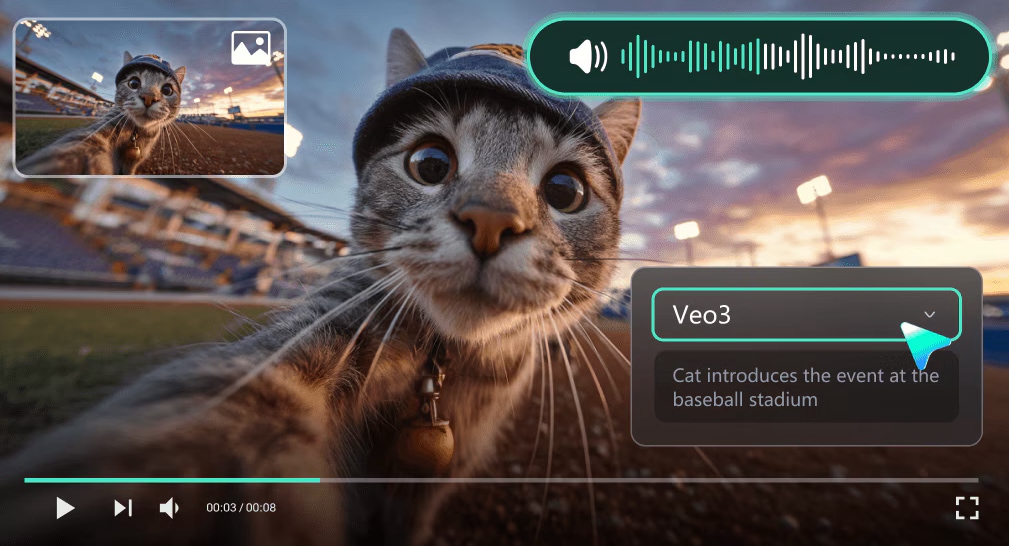
Instead of uploading a static image, you can turn your AI selfie into a short, engaging clip using Wondershare Filmora. The main idea isn't to overcomplicate things, but to add subtle movement and storytelling.
Here's how creators do it:
- Add natural movement – Apply soft zoom, pan, or depth effects to make your selfie feel alive rather than flat.
- Create expressions and moods – Apply filters and visual effects to enhance facial focus and atmosphere.
- Turn portraits into short clips – Combine your animated selfies with music and text to fit trending formats.
- Experiment with AI-powered visuals – Combine your selfies with stylized overlays to create something unique.
A small layer of movement can completely change how your content performs. What was once just a profile photo can become a short video that makes people stop scrolling.
Secure DownloadBest AI Selfie Generator Recommendation: Why is Filmora the Best Choice?
If you are searching for the best AI selfie generator in 2026, you'll find many tools that can create a polished portrait in seconds. However, most free AI selfie generator platforms stop at image creation. They generate a photo, let you download it, and that is where the process ends.
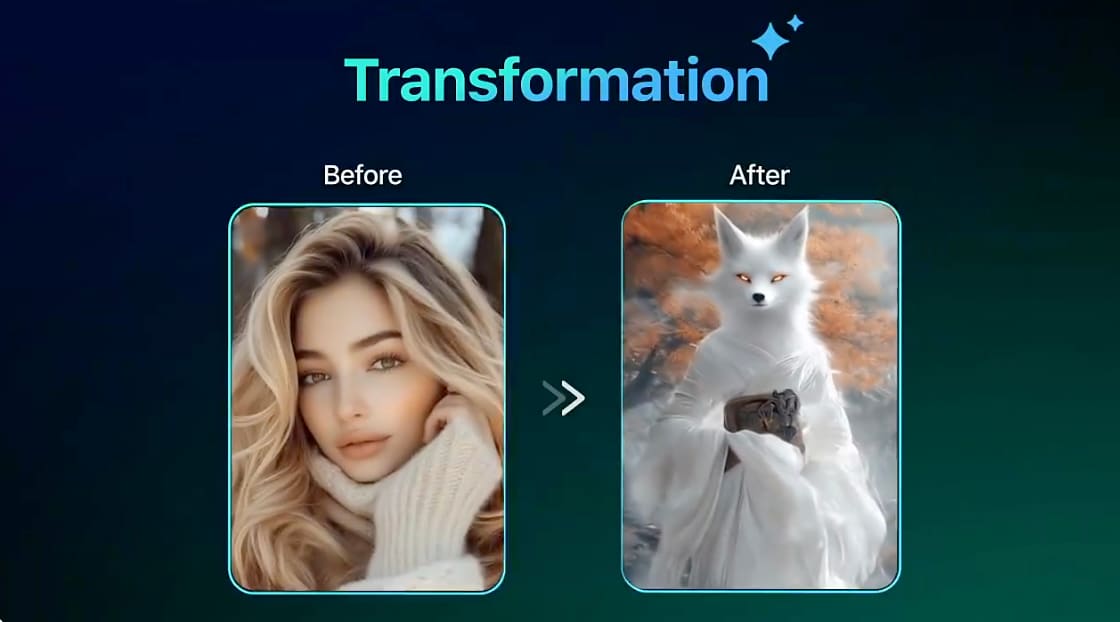
For creators who want more than just a static picture, this can feel limiting. A truly powerful AI image selfie generator should not only create realistic selfies but also help you turn them into engaging content that performs well on social media. Wondershare Filmora is more than just an AI photo tool; it's a comprehensive AI image-to-video generator. You can easily generate high-quality AI selfies from text prompts and immediately use the AI Image to Video feature to add cinematic motion, making it the best choice for social media creators in 2026.
- All in one workflow: Generate AI images, edit portraits, animate selfies, and export videos without switching between apps.
- AI image and video integration: Turn a static AI selfie into a moving short video inside the same platform.
- Beginner-friendly interface: Easy drag-and-drop timeline with ready-made presets and templates.
- Advanced creative control: Keyframing, motion effects, color grading, and layered editing for more polished results.
- Social media-ready export: Resize and optimize your content for vertical formats like Reels, Shorts, and TikTok.
- Long-term value for creators: No longer rely on free AI selfie generators, Filmora supports full content production from image to viral video.
Pro Tip: Create Professional Business Headshots
AI selfie generators aren't just useful for creative or viral content. They can also serve as powerful AI professional profile photo generators for job seekers, freelancers, and business owners to signal credibility, confidence, and attention to detail.
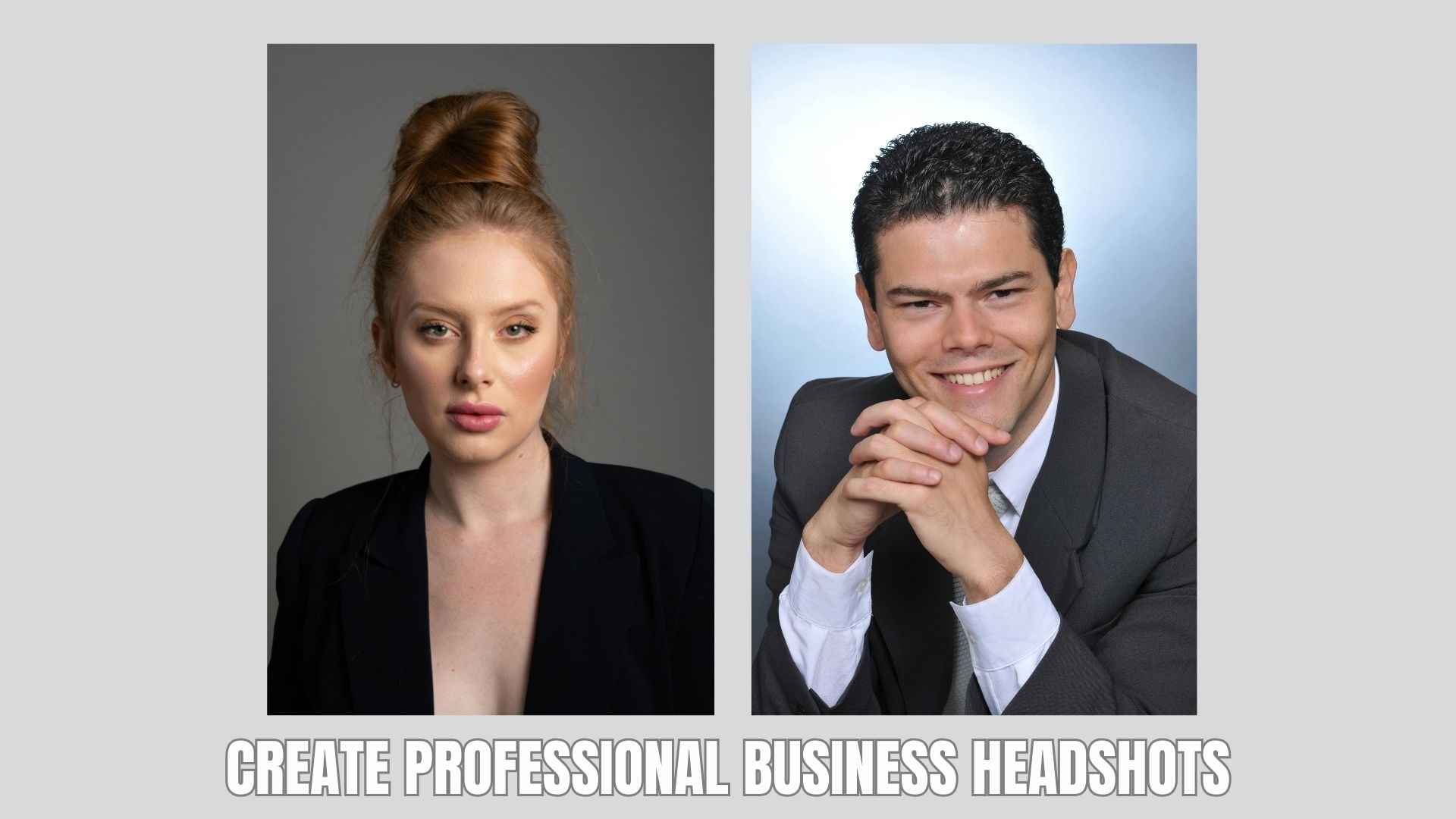
With the right AI selfie generator, free or premium tool, you can create a studio-quality portrait without booking a photographer. Below is how to make it look truly professional:
- Choose a clean and distraction-free background: Opt for white, gray, beige, or a simple office setting. Avoid busy patterns, outdoor crowds, or dramatic scenery that shifts focus away from your face.
- Focus on natural, confident expressions: A light smile with relaxed facial muscles feels approachable. Keep your chin slightly down and maintain direct eye contact for a confident look.
- Use realistic lighting styles: Choose soft, even lighting that naturally highlights facial features. Avoid harsh shadows, neon tones, or artistic filters that feel more social than professional.
- Refine the final image carefully: Use Filmora to adjust brightness, contrast, color balance, and sharpness. Minor corrections can make your headshot look polished without appearing overly edited. However, do not over-smooth skin or drastically change facial features. Subtle refinement looks authentic and believable.
- Optimize for professional platforms: Crop to a head and shoulders frame. Ensure high resolution and proper sizing for LinkedIn, company directories, resumes, and email signatures.
Trending Styles: How to Use AI for Viral Social Media Posts
Professional headshots are great for LinkedIn. But on Instagram, TikTok, and other fast-paced platforms, personality is key.
In 2026, AI-powered visuals created with an AI selfie generator are dominating feeds, especially customized avatars and stylized digital versions of yourself. The key is not just generating an image, but creating a look that feels current, shareable, and uniquely yours.
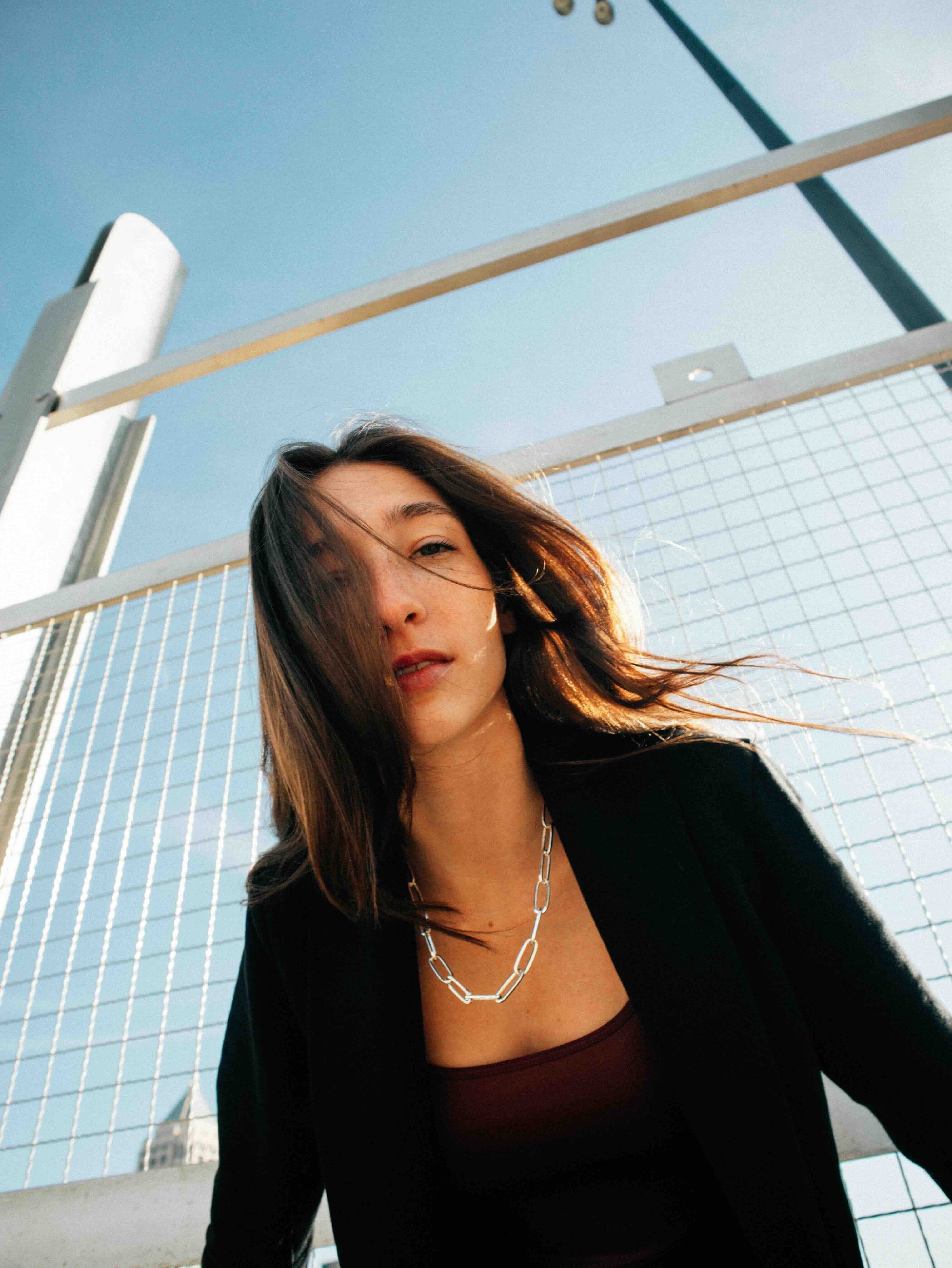
1. Cinematic AI portraits
Use dramatic lighting, shallow depth of field, and soft film tones to create a movie scene vibe. This works well for profile photos and teaser posts.
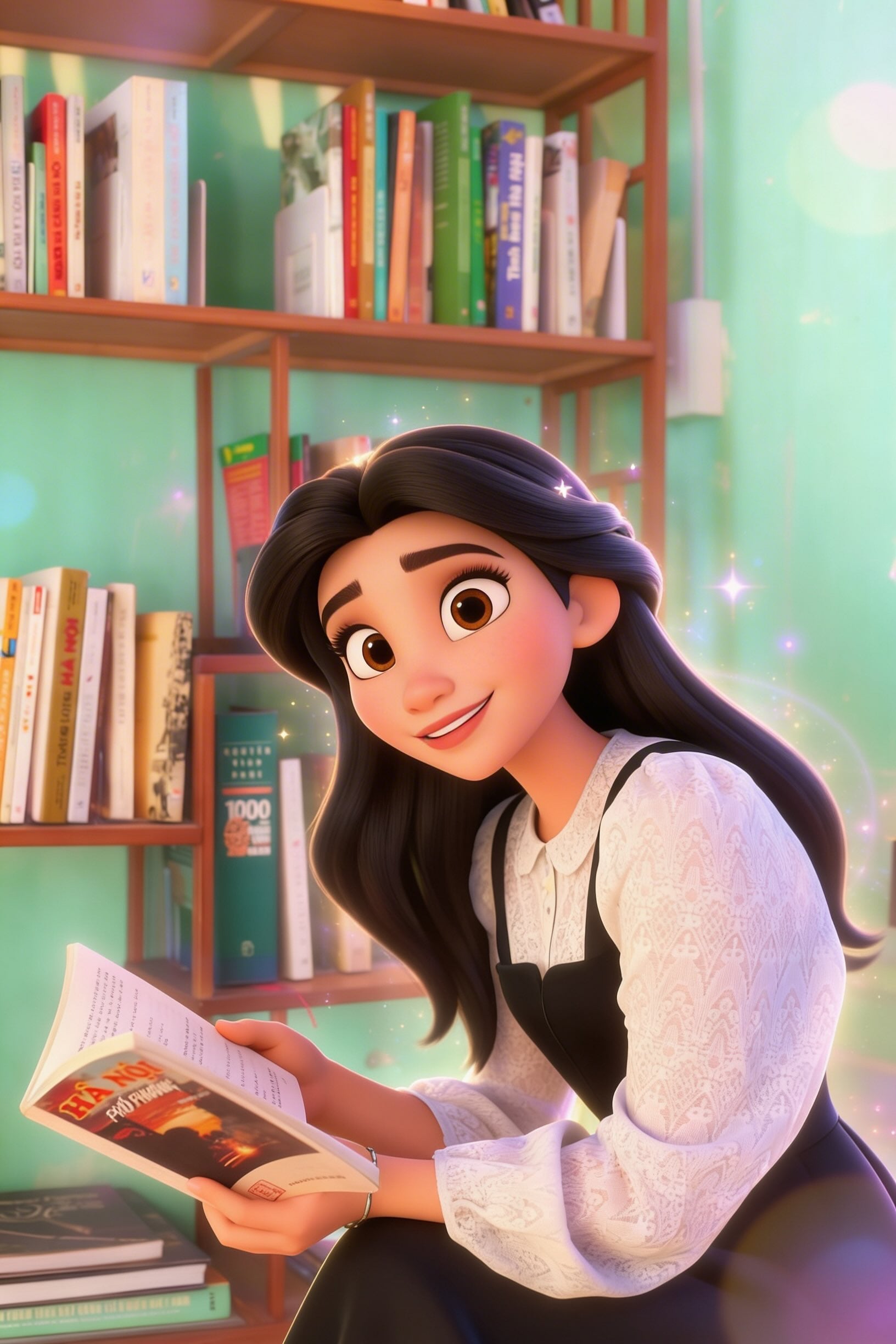
2. AI cartoon and anime avatars
Stylized versions inspired by animation trends are still popular for branding and storytelling content.
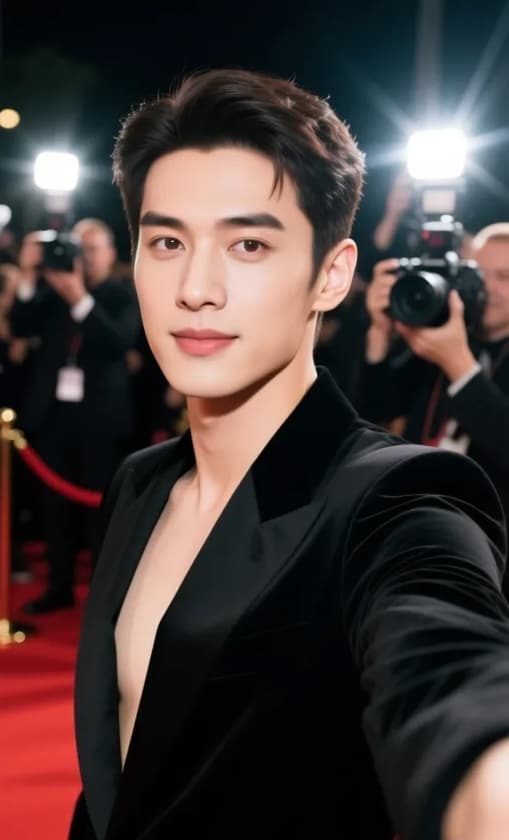
3. Hyper-realistic "celebrity" concepts
Create AI celebrity selfie generator style images where you appear in luxury settings, on red carpet scenes, or in editorial fashion shoots.
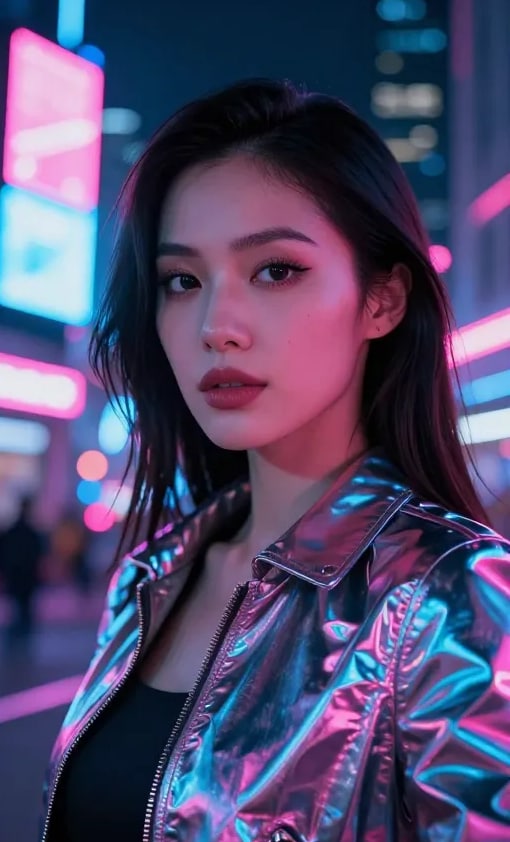
4. Futuristic and cyber aesthetics
Metallic textures, neon lighting, holographic backgrounds, and sci-fi themes are trending in tech and digital creator spaces.
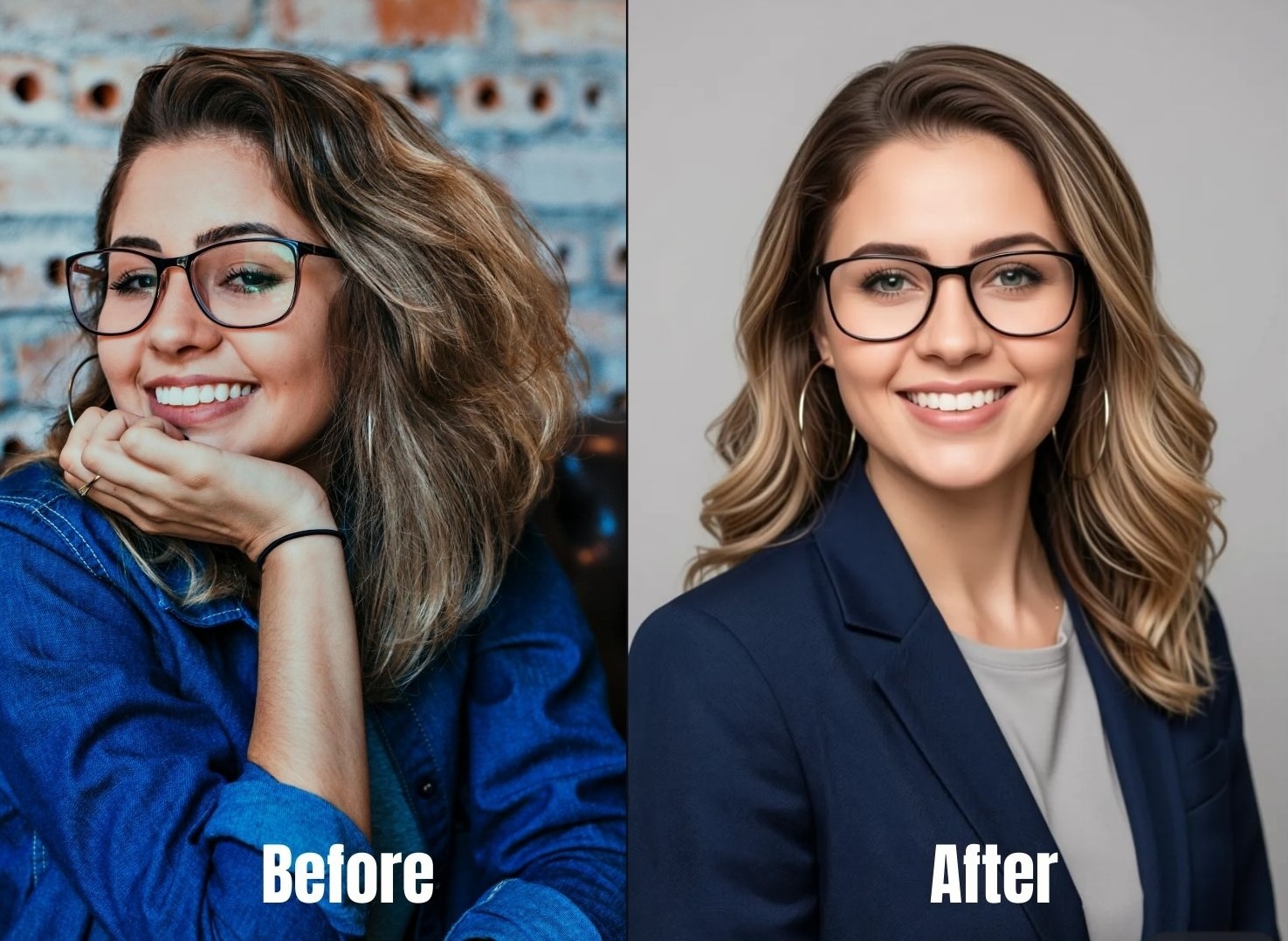
5. Before and after transformations
Show the original selfie next to the AI-enhanced or animated version to boost engagement and shareability.
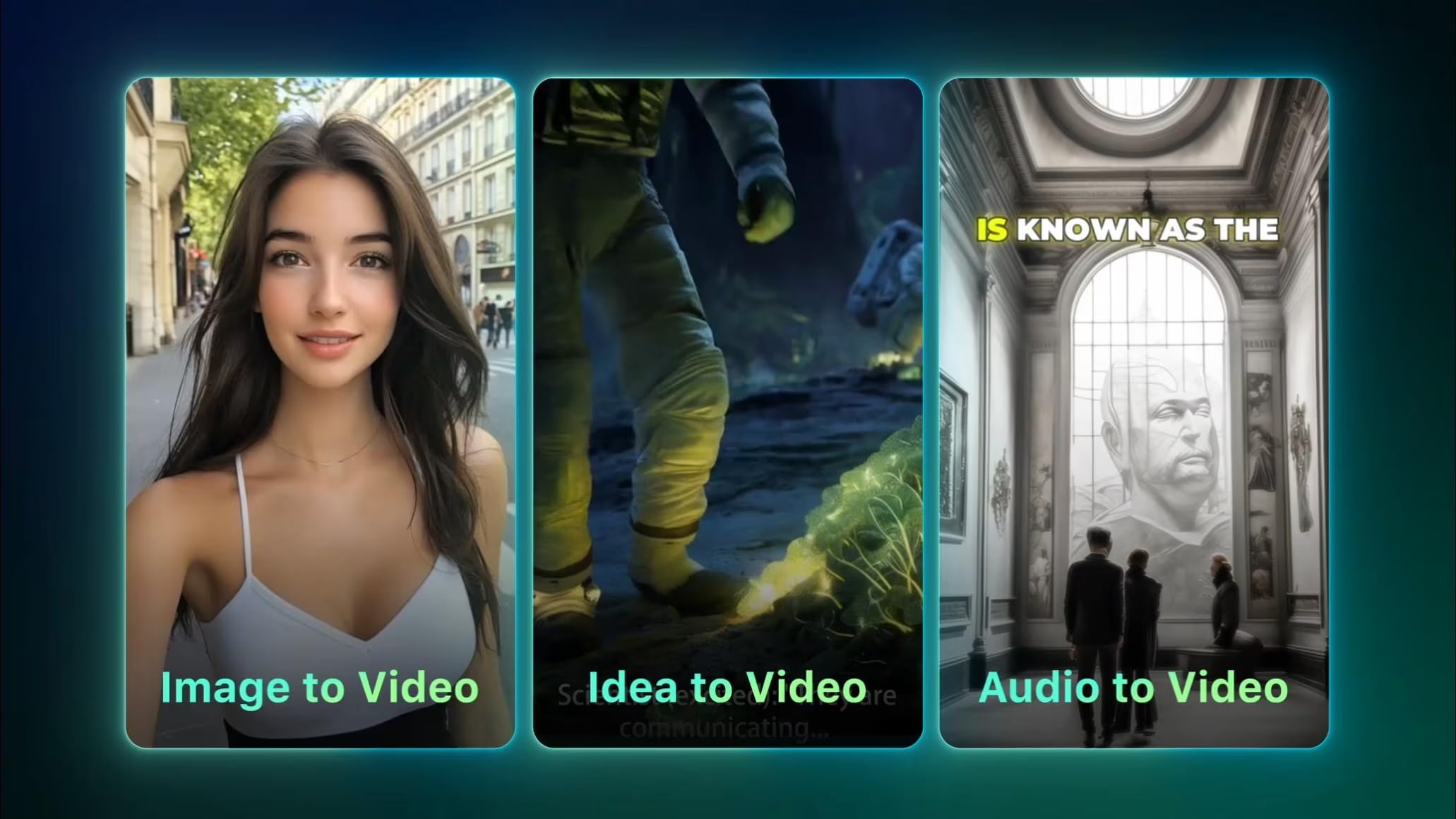
6. Turn avatars into short videos
Animate your AI avatar using Filmora Image to Video to add subtle motion, captions, and trending audio for higher reach.
The biggest trend in 2026 is personalization. Viral AI content is not about copying styles. It is about adapting trends to reflect your identity, niche, and story.
Conclusion
The real shift in 2026 is not just better AI images. It's about control. You are no longer limited by lighting, location, or even reality. Want a studio headshot without a studio? You got it. A futuristic avatar for your next post? Easy. A static selfie turned into a short video? Absolutely possible.
The best AI selfie generator isn't the one that produces the sharpest images. It's the one that aligns with your goals, whether that's career growth, personal branding, or viral content. Explore different tools, experiment with styles, and think beyond the photo itself. When used intentionally, an AI selfie generator doesn't replace creativity. It expands it.

FAQs
-
What is the best AI selfie generator in 2026?
The best AI selfie generator depends on what you need. Some tools focus on realistic portraits, while others specialize in artistic avatars or celebrity style edits. If you want a combination of image creation and the ability to turn selfies into videos, Wondershare Filmora is a strong all-in-one choice. -
Are there any free AI selfie generators without watermarks?
Yes. Many platforms offer free plans for AI selfie generators with limited credits or basic features. These are perfect for testing styles before committing to a paid version. -
Can I use an AI selfie generator for professional headshots?
Absolutely. Many AI tools function as professional profile photo generators. By choosing clean backgrounds, natural lighting, and simple outfits, you can create ready-to-use photos for LinkedIn, resumes, and professional networking profiles.
