


 TL;DR:
Online browser-based tools allow users to bypass Facebook's lack of native download functionality and save public Reels directly to their devices in MP4 format without requiring software installations or account logins.
● FLoader.Net, SaveFrom.net, Hitube, and FBDownloader operate completely ad-free, while Hitube, FBDownloader, and FBDownloader.Net specifically cater to users needing standalone MP3 audio extraction.
● FLoader.Net cannot process private or restricted videos, and AI Studios requires account registration while restricting 2160p (4K) resolution downloads to paid subscription tiers.
● While most downloaders simply save raw files, users must import the media into offline applications like Wondershare Filmora to apply specific refinements such as AI Video Enhancer for fixing blurry resolution or Smart Scene Cut for separating clips based on detected elements.
Ask AI for a summary
 ChatGPT
 Perplexity
 Gemini
 Claude
 Grok
Grok
Facebook Reels are short, vertical, engaging videos that users create and share on their page. Many people download Facebook reels to watch them offline, save tutorials or inspirational content, back up their own videos, or repost on other platforms.
Since Facebook doesn’t provide a direct option to download reels, online tools have become the go-to solution to save Facebook reels. You’ll find numerous Facebook reels downloaders, but it’s not always easy to determine which ones are safe or effective.
In this post, we’ve curated the best Facebook reel downloader and compared their features, covered safety tips, and introduced Wondershare Filmora as a tool for editing downloaded Facebook reels.
What To Know About Copyright and Safe Use?
The purpose of this article is to inform, not to suggest illegal or harmful use of downloaded videos. It’s important to consider copyright and responsible use when using a Facebook reels downloader.

Make sure to keep these points in mind:
- These tools should be used legally and ethically, without violating Facebook’s terms of service.
- Only download videos that belong to you or that you have explicit permission to save or share.
- If you plan to share downloaded Facebook reels publicly, always credit the original creator to respect their work.
- Download videos for personal viewing or offline access rather than redistributing them publicly.
Our Top 3 Recommendations You Can Try
We’ve explored many Facebook video reel downloaders and narrowed them down to 10 recommendations. Downloaders for Facebook reels tend to offer similar core features. Here are the top three picks that stand out for different reasons.
Facebook Reel Downloader: Comparison Overview
Before exploring the full list, here’s a quick look at ten Facebook reel downloaders. This overview makes it easier to compare your options side-by-side. Just pick the one that fits you best.
| Tool Name | Platform | Download Quality | Ads / Pop-Ups | Supported Formats |
| SnapSave | Online, Android | 720p (HD), 1080p (Full HD) | Moderate | MP4 |
| FDown.Net | Online, Chrome Extension | 480p (SD), 720p (HD) | Low | MP4 |
| SaveFrom.net | Online, Chrome Extension | 480p or lower (SD), 720p (HD) 1080p (Full HD), 2160p (4K) | None | MP4 |
| FLoader.Net | Online, Telegram | 480p or lower (SD), 720p (HD) 1080p (Full HD), 2160p (4K) | None | MP4 |
| AI Studios | Online | 1080p (Full HD), 2160p (4K) | Low | MP4 |
| Hitube | Online, Android | 480p (SD), 720p (HD) | None | MP3, MP4 |
| FBDownloader | Online, Android | 480p or lower (SD), 720p (HD) 1080p (Full HD), 2K, 2160p (4K) | None | MP3, MP4 |
| Dupli Checker | Online | 480p (SD), 720p (HD) | Heavy | MP4 |
| FBDownloader.Net | Online, Android | 480p or lower (SD), 720p (HD) 1080p (Full HD), 2K, 2160p (4K), 8K | Moderate | MP3, MP4 |
| Small SEO Tools | Online | 480p (SD), 720p (HD) | Heavy | MP4 |
|
Show More
Show Less
|
||||
Top 10 Facebook Reel Downloader That Actually Work
Now, let’s take a closer look at each Facebook Reels downloader individually. We’ll briefly cover what each tool offers, where it performs well, and a few things to keep in mind. Even small differences can shape the overall experience.
1. SnapSave
If you search for a Facebook Reels downloader, SnapSave will be on top. Users simply paste the video link into the website, choose which video quality to download, and it will be saved directly to their device. It only takes a few seconds to download the HD quality.
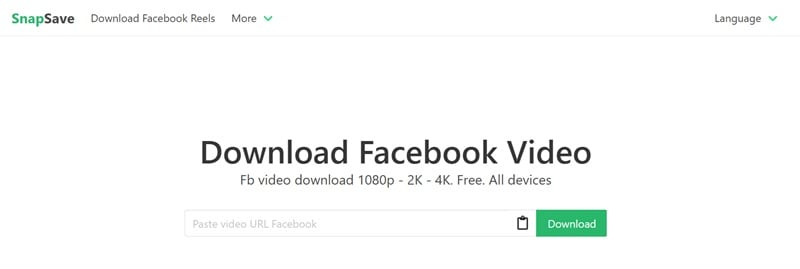
- No login required.
- Accessible through any desktop, mobile, or tablet browser.
- Ads will pop up when you download the video.
- The site sometimes shows errors after pasting the Reel link.
2. FDown.Net
FDown.Net is our next recommended Facebook Reels downloader. Its simple interface makes navigation easy and offers features to adjust video quality and fix audio issues.
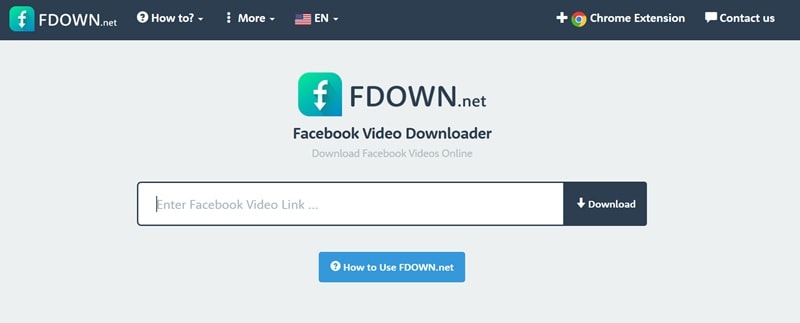
- Update Box to let users know they are constantly improving and fixing bugs.
- Fast download.
- Downloaded videos are limited to HD quality.
- To download videos in higher quality, you need to use the built-in conversion feature. But the feature may occasionally be unavailable due to maintenance.
3. SaveFrom.net
Here is a simple Facebook Reels downloader you can use. You paste the Facebook Reels link, convert it to MP4, and save the video straight to your device without paying anything. If you just want to download Facebook Reels quickly without dealing with popups or extra steps, this one feels refreshingly easy.
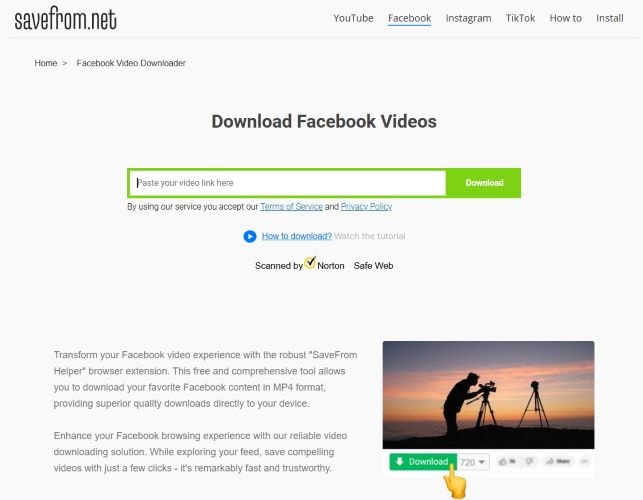
- The process is smooth and usually works without errors.
- No ads.
- Audio-only downloads are not supported.
- Fewer format options compared to more advanced downloader tools.
4. FLoader.Net
If you want an ad-free Facebook video Reel downloader, FLoader.Net is it. This platform has tutorials, so you won’t get confused using it. Also, download as many Facebook reels as you like, no limit. It is generous, considering the platform is completely free to use.
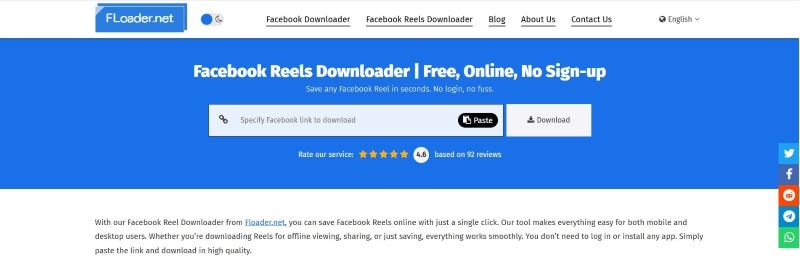
- No ads on the website or after you download the video.
- Dark mode is available.
- The preview feature helps users verify the video before downloading.
- Files are saved with random and long names.
- The site only supports public Facebook Reels, so private or restricted videos won’t work.
5. AI Studios
AI Studios is not only useful for downloading Reels from Facebook, but also works as an online video editor. Transform your Facebook reels to other platforms, such as TikTok and Instagram. It is the perfect choice for content creators.
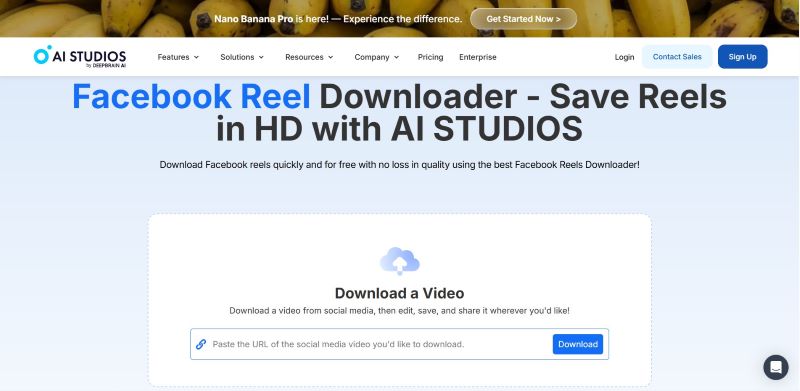
- Built-in editor to polish or repurpose the downloaded video.
- Several video editing features include subtitles, translation to 150+ languages, dubbing, and an AI avatar.
- Required login to the platform.
- Download 2160p (4K) quality video, only available with the paid plan.
6. Hitube
Hitube is a Reel Facebook downloader that is completely free to use forever. Not to mention it’s also ad-free. Unlike most tools, it allows users to download either the full video or just the audio.
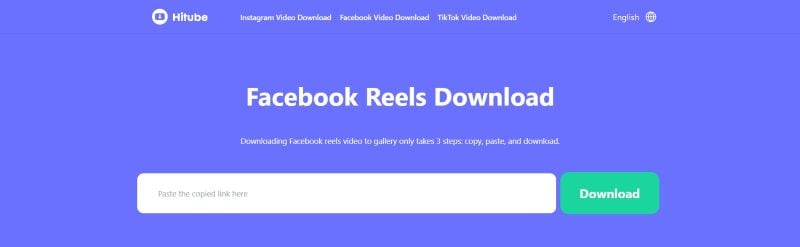
- Video and audio preview available before you download the Facebook reels.
- The tool is totally free and has no limitations.
- The quality of downloaded videos is limited to 720p (HD).
7. FBDownloader
The next list of the best FB video Reels downloaders is FBDownloader. The process of downloading the reels is similar to other tools. But, FBDownloader offers more video and audio quality options than just two.
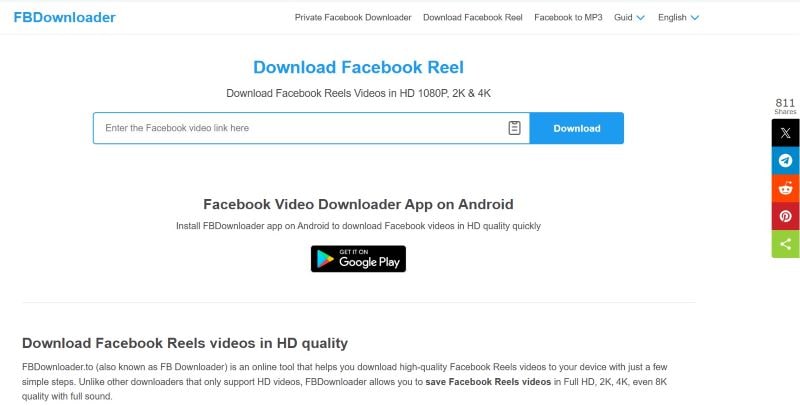
- No sign-in needed.
- Wide range of video and audio quality.
- No download limit.
- It may take a moment to download higher-quality video and audio.
- Some of the options need to be rendered first before downloading.
8. Dupli Checker
Dupli Checker is another option for you to download Reels from Facebook. The process is simple, fast, and completely free. Works on any browser and operating system.
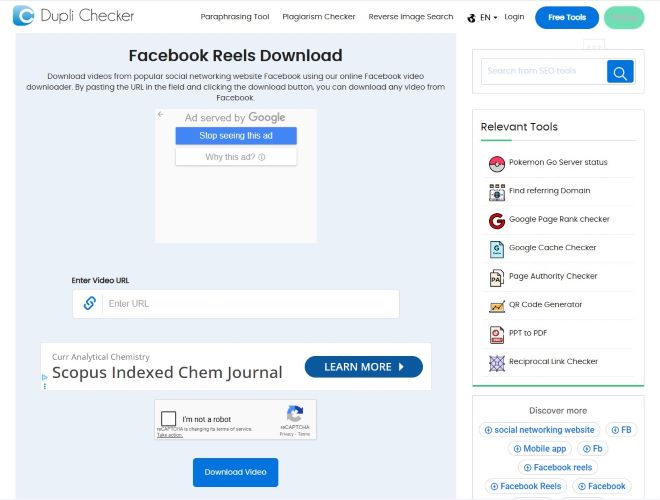
- Fast process and download.
- reCAPTCHA verification for safety.
- Only two options for the video quality.
- The pop-up ads can be very annoying.
9. FBDownloader.Net
FBDownloader.Net is another Reel downloader for Facebook you can try. With this, you can select from standard to very high video and audio quality options. Downloading very high-quality video and audio takes more time since the files are downloaded separately and rendered before completion.
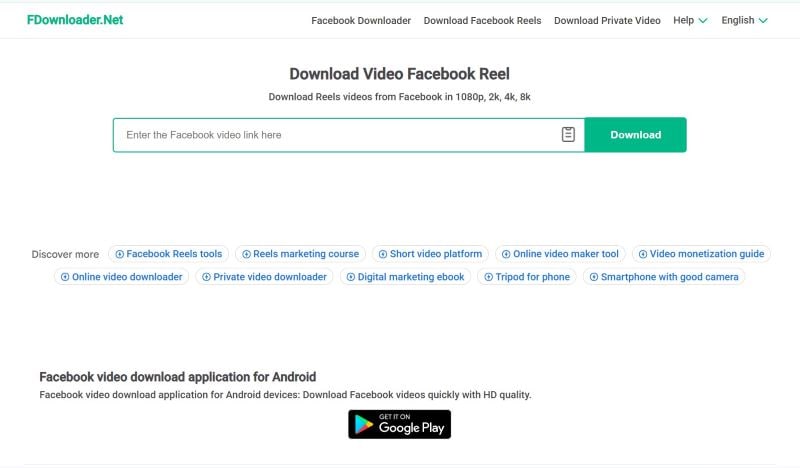
- Supports both MP3 and MP4 formats.
- Wide range of supported video quality from the lowest (240p) to the highest (8K).
- Big ads pop up frequently.
- Certain download choices require a short rendering step before they start.
10. Small SEO Tools
Last but not least, pick from our list is Small SEO Tools. With just a few clicks and seconds, you can save Facebook Reels directly to your device. They don’t charge even if you download many videos.
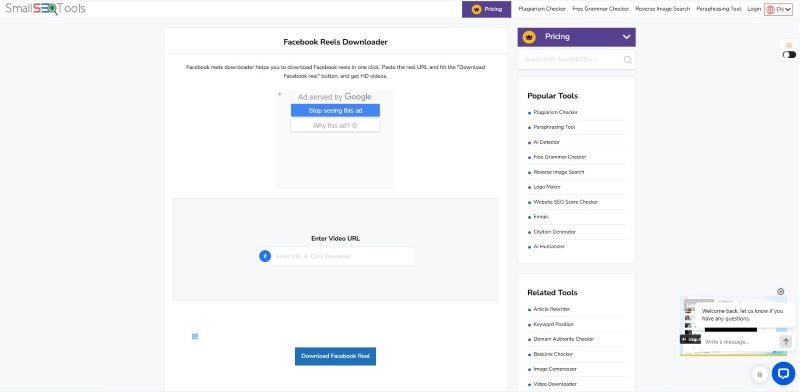
- Only takes a few seconds to download the Facebook reels.
- Files are saved with simple, recognizable names.
- Dark mode feature.
- More ads than most tools.
- The site can take a little longer to load.
What To Look For In Facebook Reel Downloaders
Before choosing a Facebook video downloader for Reels, it helps to know what makes a tool reliable and convenient to use. While most downloaders offer similar core functions, small details can significantly affect your experience.
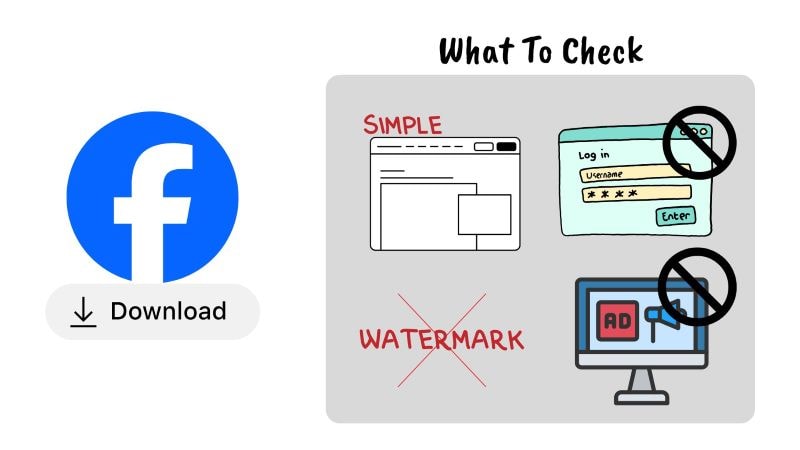
The points below highlight what you should look for when picking the right Facebook Reels downloaders:
- Simple Interface: A clean and straightforward downloader for Reels Facebook makes it easy for anyone to navigate. Most tools have a box in the middle, where you can paste the reels link and start downloading.
- No Login Needed: It’s a plus point if the Facebook downloader for Reels allows you to download without signing in or connecting your Facebook account. It helps protect your privacy by avoiding account access.
- Watermark-Free Video: A lot of tools help save Facebook Reels directly to your devices without a watermark.
- Minimal Ads or Pop Ups: A few Facebook Reel downloaders are free, but most include ads to keep the service running. Occasional ads are normal, but excessive pop-ups could interrupt and slow down downloads.
Edit Your Downloaded Facebook Reels Easily With Filmora
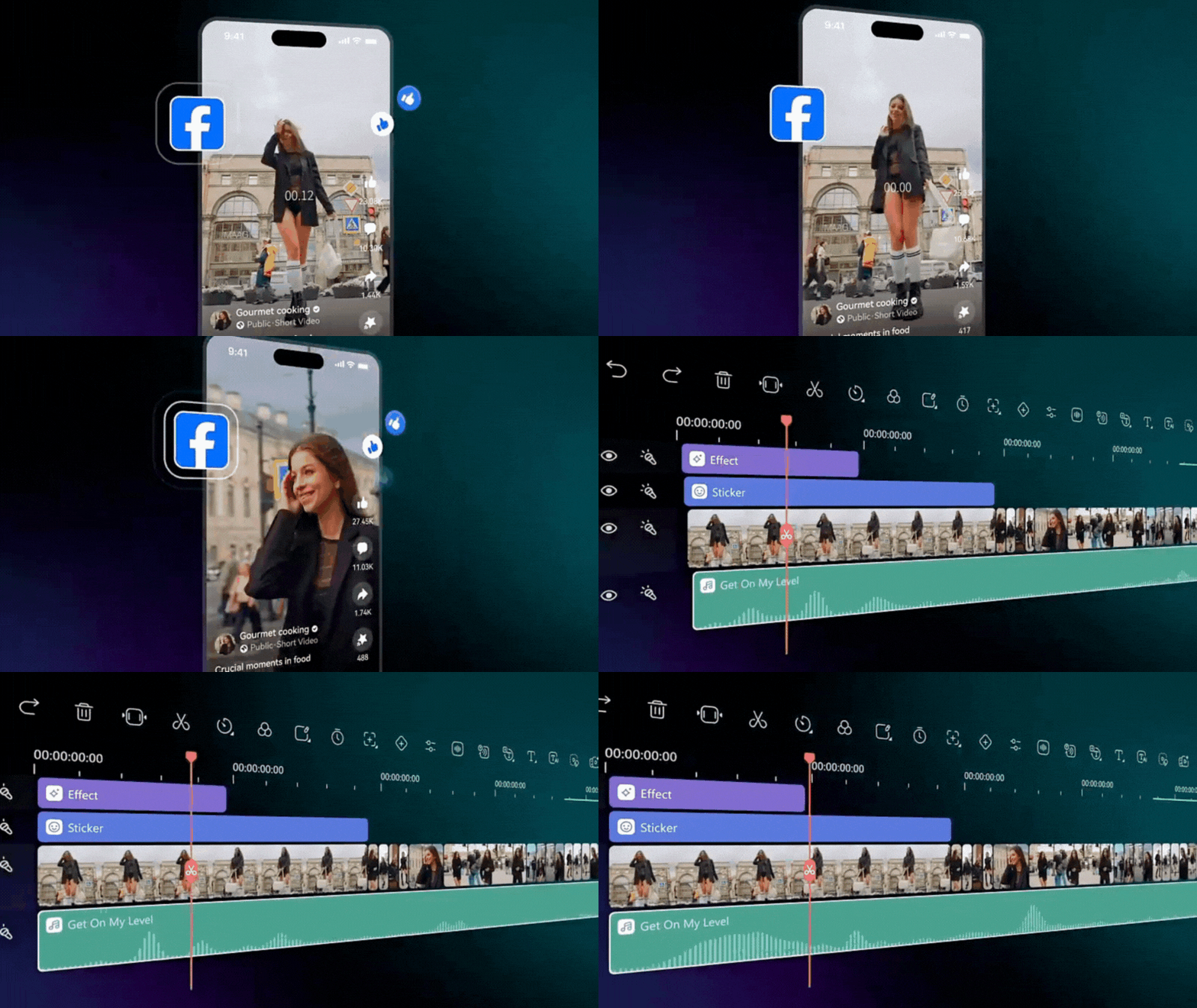
After downloading the Facebook Reels, you can make adjustments to your videos with Filmora. Seamlessly trim unwanted parts, add text or captions, insert background music or sound effects, and resize videos for other platforms like Instagram or TikTok. Everything can be done in one place with no complicated steps, making the editing process simple even for beginners.
Why Filmora Is A Good Choice
Beginner Friendly
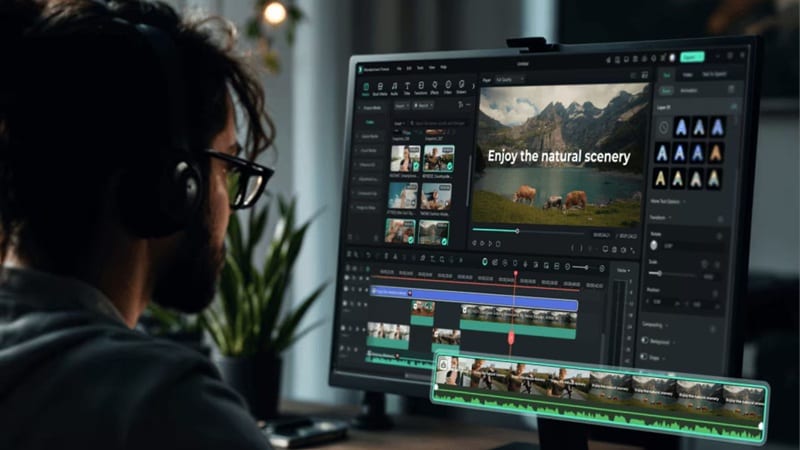
Filmora is designed with a simple and intuitive interface that is easy to understand, even for first-timers. This makes basic tasks like trimming videos, adding text, or adjusting audio quick to learn. You can start editing without needing prior video editing experience.
Supports MP4 Files
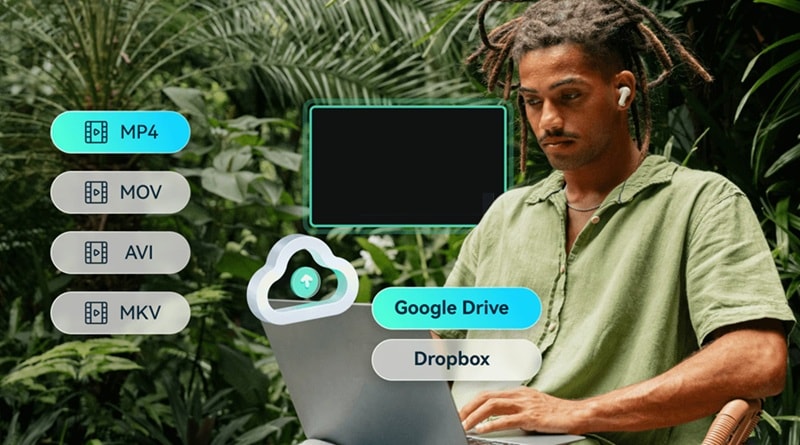
Filmora supports MP4 files, which are the most common format for videos downloaded from Facebook Reels. This lets you import downloaded videos into Filmora without converting them first.
Available on Mobile and Desktop
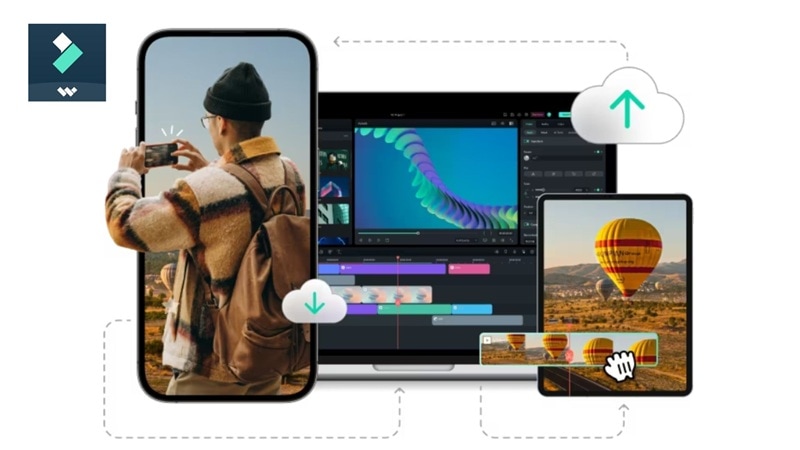
Filmora is available on both mobile and desktop devices. It’s also compatible with Windows and macOS. This gives you the flexibility to edit wherever and whenever you like.
 Secure Download
Filmora Editing Tools You Should Know
AI Video Enhancer
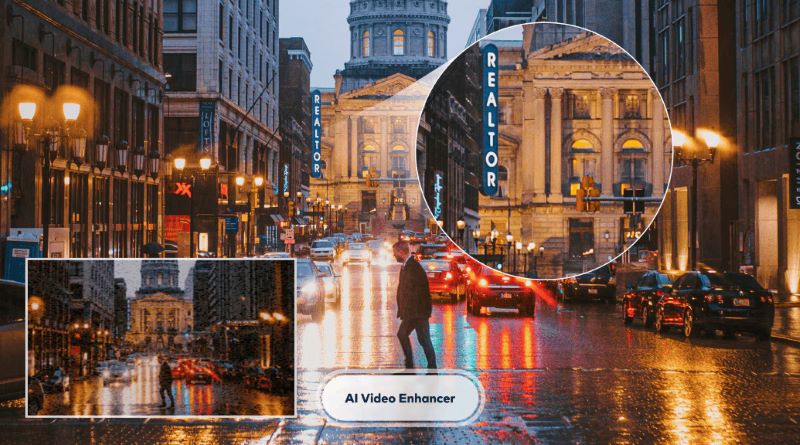
AI Video Enhancer in Filmora makes it easy to fix blurry or low-resolution downloaded videos from Facebook Reels. It enhances details and sharpens footage, making videos look cleaner and more polished, even for older clips.
Smart Scene Cut
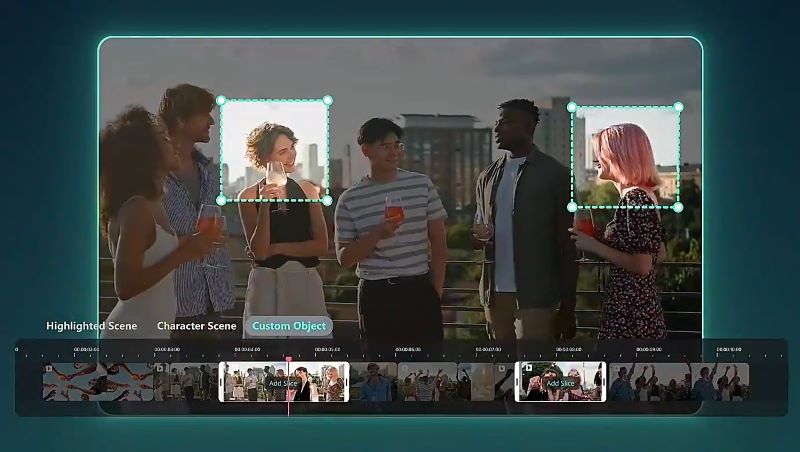
If you want to cut unwanted scenes or objects, easily do it with Filmora’s Smart Scene Cut. Its advanced AI can detect and generate separate clips for each important element (faces, objects), motion, lighting, and audio.
AI Features
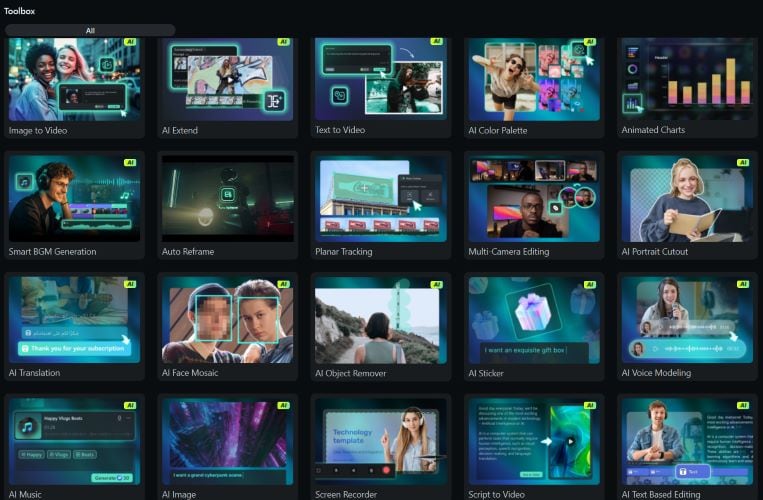
Filmora has several advanced AI features to make refinements faster and better for your Facebook Reels video. AI Extend to expanding your footage forward or backward by combining video, text prompts, and a selected duration. AI Translation to attract your global viewers by translating your videos to multiple languages.
Audio, Video Effects, and Stickers Library
Access a huge Filmora library of 300,000+ royalty-free audio tracks, hundreds of video effects, and 40,000+ animated video stickers. These features make your videos more engaging by improving the sound quality, enhancing visuals, and highlighting key moments.
Secure DownloadConclusion
In general, all the best Facebook Reel downloaders work the same way: paste the link, choose video quality, and the files are saved to your device. What sets each tool apart are the small features.
For ad-free tools, try SaveFrom.net, FLoader.Net, Hitube, and FBDownloader. With Hitube, FBDownloader, and FBDownloader.Net, you can download both videos and audio. If you want to do a quick edit on the downloaded Facebook Reels, AI Studios is the way to go.
For more advanced tools to edit the saved Facebook Reels, go with Filmora. Equipped with AI features and a massive library of audio, sound effects, and stickers, perfect for creators.
