

 TL;DR:
The best Topaz Video AI alternative depends on your editing workflow: choose Wondershare Filmora for timeline-integrated AI enhancement, Runway to bypass heavy GPU requirements via cloud processing, or AVCLabs Video Enhancer AI for offline, batch-processed restoration.
● Wondershare Filmora (Windows and Mac) natively integrates the Topaz Starlight AI model for timeline upscaling, though its Generative Enhance detail restoration is specifically restricted to clips under three minutes and requires per-clip AI credits.
● Web-based upscalers like Runway, Fotor, and TensorPix eliminate local hardware processing demands, but they lack fine manual controls and restrict export quality, clip length, and processing speed on their base tiers.
● Adobe Premiere Pro (Windows and Mac) provides advanced manual cleanup for professional timelines but completely lacks an AI super-resolution model, whereas standalone offline tools like Nero AI Video Upscaler are limited strictly to Windows without any editing capabilities.
Ask AI for a summary
 ChatGPT
 Perplexity
 Gemini
 Claude
 Grok
Grok
Looking for a Topaz Video AI alternative that still delivers clean upscaling and solid video enhancement? Many creators use Topaz Video AI for video upscaling and enhancement, but it doesn't always fit daily editing workflows.
While Topaz Video AI can produce strong results, some users want faster processing, lighter system requirements, or an all-in-one editor. Many editors look for a Topaz alternative because of these common roadblocks:
- High price for long-term use.
- Long processing time on larger clips.
- Heavy GPU requirements.
- A standalone workflow that slows editing.
If these issues sound familiar, this guide breaks down the best Topaz AI alternative options. It'll compare their features and help you choose the right tool for your setup.
How We Test It
- Enhancement quality
- Processing speed
- Ease of use
- How each tool fits into an editing workflow
Our Top 3 Topaz Video AI Alternative Picks
After testing many tools, these three stand out as the most practical Topaz AI alternative options. Each one approaches video upscaling and enhancement differently, so the best choice depends on how you work.


Part 1. Topaz Video AI Alternative Comparison Chart
This comparison chart gives a quick overview of each alternative to the Topaz Labs video enhancement tool, side by side. It highlights key differences in AI features, pricing, and platform support. Use it to spot which option fits your workflow before diving into the full reviews.
| Tool Name | Overall Ranking | AI Enhancement Type | Pricing Model | Platform Support |
| Wondershare Filmora | 4.5 / 5 | Standard AI Enhancement and Topaz Starlight models. | Subscription with AI credits required per clip processed. | Windows and Mac |
| Runway | 4.3 / 5 | Cloud-based AI upscaling and cleanup. | Subscription with credit-based AI processing. | Web Browser |
| AVCLabs Video Enhancer AI | 4.2 / 5 | Offline AI super-resolution, noise reduction, and frame rate enhancement. | Paid license with subscription or perpetual options, | Windows and Mac |
| Adobe Premiere Pro | 4.4 / 5 | Manual video cleanup tools with AI-assisted editing features (no AI super-resolution). | Subscription through Adobe Creative Cloud plans. | Windows and Mac |
| Fotor | 3.8 / 5 | Web-based AI video enhancement with basic cleanup tools. | Free plan with limits; paid subscriptions unlock higher quality and longer exports. | Web Browser |
| HitPaw Video Enhancer | 4.5 / 5 | Preset-based AI upscaling and noise reduction. | Free trial with limits; paid plans via monthly, yearly, or lifetime licenses (varies by platform) | Web Browser, Windows, Mac, Android, and iOS. |
| TensorPix | 4.1 / 5 | Cloud AI upscaling and noise or artifact reduction. | Credit-based subscription. | Web Browser |
| Nero AI Video Upscaler | 4.0 / 5 | Offline AI upscaling with noise reduction and clarity enhancement. | Paid license with optional subscription upgrades. | Windows |
|
Show More
Show Less
|
||||
 Secure Download
Part 2. Top 8 Topaz Video AI Alternatives
Here are the top 8 Topaz Video Enhance AI alternatives that fit different workflows and budgets. Some focus on full editing and enhancement in one place, while others target pure upscaling or cloud-based processing.
Wondershare Filmora
Use Filmora as a Topaz AI alternative if you want video enhancement and editing to happen in the same workspace. Instead of exporting clips to a separate application like Topaz Video AI, Filmora allows you to enhance footage directly on the timeline, keeping your editing workflow uninterrupted.
Best For: Creators who want AI video enhancement and full video editing in one platform, without managing multiple tools or file transfers.
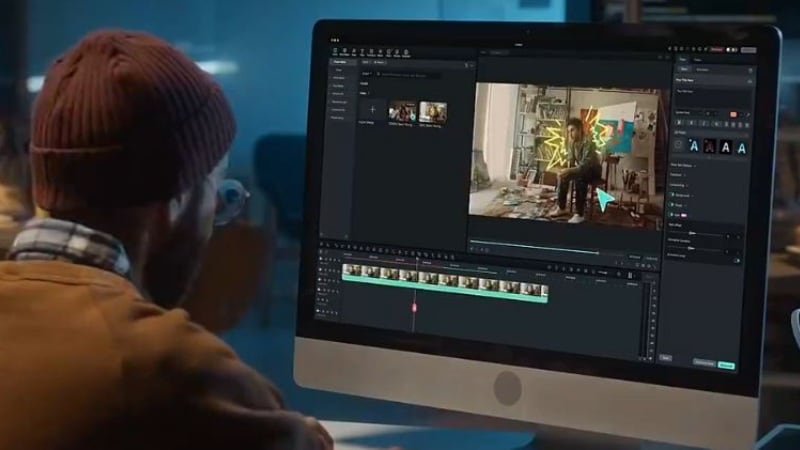
- Integrated Topaz Starlight AI Model: Filmora integrates the Topaz Starlight model directly into its AI Video Enhancement feature. Unlike basic interpolation or standard NLE upscaling, this AI-driven super-resolution rebuilds genuine details, delivering superior edge sharpness, texture recovery, and noise control—all without leaving your timeline.
- Generative Enhance for Natural Detail Restoration: Beyond simple enlargement, Filmora's Generative Enhance uses AI to "imagine" and restore missing textures, making low-res footage look naturally sharp rather than artificially smoothed. Optimized for short clips under 3 minutes, it's perfect for mobile footage, old videos, or compressed assets—turning blurry shots into usable HD clips with just one click.
- AI Night View for Low-Light Scenes: Dedicated to nighttime and low-light scenarios, this feature intelligently fixes common issues like color casts, underexposure, and heavy noise. It restores true-to-life colors, brightens shadow details, sharpens outlines, and reduces grain—making dimly lit Vlogs, street shots, and night aerial footage clear, clean, and publish-ready.
- Timeline-Based Enhancement: Apply any of these AI enhancements directly to clips on the timeline without exporting files to another program. The processed clip automatically replaces the original, keeping your workflow seamless.
- Basic and Advanced Editing Tools Included: Filmora supports everyday edits like cutting, transitions, titles, and color adjustment. It also has more advanced tools such as keyframing, motion effects, and AI-powered features.
- Transparent Credit System: Filmora shows the required AI credits before processing each clip, which makes usage and cost easier to track.
- Combines editing and AI enhancement in one application.
- Includes Topaz Starlight, Generative Enhance, and AI Night View models for versatile quality improvement.
- Keeps enhancement inside the editing workflow with automatic clip replacement.
- Easy to use for beginners and experienced editors.
- Clip length is limited per enhancement session (optimized for clips under 3 minutes for Generative Enhance).
- Processing time increases with higher resolutions.
- Fewer manual controls than the standalone Topaz Video AI.
Filmora uses a subscription model with optional AI credits for enhancement features. Credit usage is calculated per clip before processing, which helps plan costs in advance.
- Software Advice: 4.5 out of 5 stars - Users point out the smooth workflow and practical feature set for regular video projects.
- G2: 4.4 out of 5 stars - Reviewers mention the short learning curve and solid balance between simplicity and capability.
Filmora works well for creators who like Topaz-level enhancement but want to avoid a standalone workflow. By integrating Starlight's detail reconstruction, Generative Enhance's natural sharpening, and AI Night View's low-light correction—all inside a full editor—Filmora saves time, reduces file transfers, and turns problematic footage into professional-grade material without interrupting your creative flow.

2. Runway
Runway also works as a Topaz Video AI alternative for creators who prefer a browser-based workflow. It handles video enhancement alongside its other AI video tools, which is useful for quick upgrades, experiments, and short-form projects.
Best For: Creators who prefer browser-based tools, quick AI processing, and flexible access across devices.
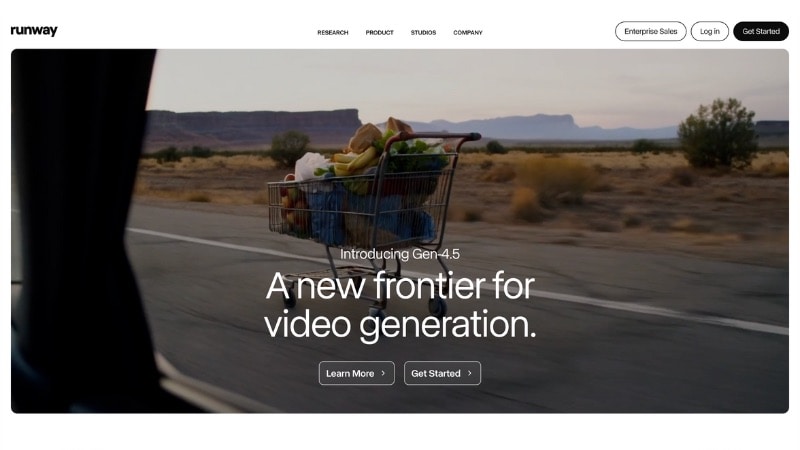
- Cloud-Based AI Processing: Runway handles enhancement on its servers, which reduces system load and avoids long local render times.
- AI Video Enhancement Tools: Includes tools for upscaling, noise cleanup, and visual refinement without exporting files between apps.
- Browser-Based Workflow: Runway runs in a web browser, so users can start projects without installing desktop software.
- Multi-Tool AI Platform: Beyond enhancement, Runway offers AI video tools such as background removal, object masking, and generative video features.
- No need for high-end hardware.
- Works on most modern computers through a web browser.
- Fast setup with no installation required.
- Suitable for short-form and experimental content.
- Requires a stable internet connection for all processing.
- Limited control over fine detail compared to dedicated upscalers.
- Costs increase with higher usage and longer clips.
Runway uses a subscription model with credit-based AI processing. The free plan does not include resolution upscaling, so it does not work as a Topaz free alternative. Paid plans unlock upscaling tools, higher AI credit limits, faster processing, and support for commercial use.
- G2: 4.3 out of 5 stars - Users often highlight ease of access and the wide range of AI tools available in one platform.
Runway fits creators who want AI enhancement results without investing in powerful hardware. Its cloud-based setup works well for short clips, social content, and teams that value speed and access over deep manual control.
3. AVCLabs Video Enhancer AI
Another Topaz alternative is AVCLabs Video Enhancer AI. It suits reators who want a standalone upscaling tool without editing or cloud processing. It handles enhancement as a separate step, which suits workflows where clips need cleanup before entering a video editor.
Best For: Users who need offline AI upscaling, batch processing, or restoration work on low-quality footage.
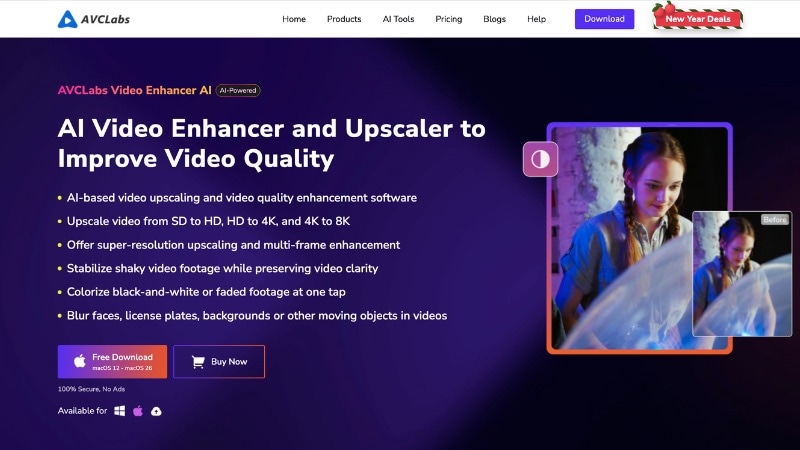
- AI Super Resolution Models: AVCLabs uses trained AI models to upscale footage while rebuilding edges, textures, and fine detail instead of stretching pixels.
- Noise Reduction and Artifact Cleanup: The tool reduces digital noise and compression artifacts common in low-light, old, or heavily compressed clips.
- Frame Rate Conversion: Supports frame interpolation to smooth motion or convert footage to higher frame rates when needed.
- Batch Processing Support: Users can queue many videos and process them in one session, which helps with restoration or large projects.
- Offline Desktop Workflow: Processing runs locally on your system, giving full control over files without cloud uploads.
- Designed for pure video upscaling and restoration.
- Works offline without cloud limits.
- Supports batch enhancement workflows.
- Simple interface with clear output controls.
- No built-in video editing tools.
- Fewer fine controls than Topaz Video AI.
- Processing time increases with higher resolutions.
AVCLabs Video Enhancer AI offers several purchase options. You can choose a monthly subscription, a yearly plan, or a perpetual license with lifetime access. Higher tiers unlock more AI credits and include optional priority support.
AVCLabs fits creators who want a straightforward replacement for Topaz Video AI without editing features or cloud processing. It works best when enhancement happens first, followed by editing in another application.
4. Adobe Premiere Pro
You can use Adobe Premiere Pro as a Topaz alternative only in the sense that it lets you improve video quality during editing. It does not use AI-based upscaling to rebuild detail. Instead, it relies on manual controls and AI-assisted tools to support cleanup and finishing tasks.
Best For: Editors who prefer hands-on control over video quality, color, and finishing in a professional timeline.
- Manual Quality Cleanup Tools: Premiere Pro offers noise reduction, sharpening, contrast control, and color correction. These features allow editors to shape video quality shot by shot.
- AI-Assisted Editing Features: Adobe Sensei supports tasks like Auto Reframe, scene detection, speech cleanup, and color matching. These tools speed up editing but do not upscale resolution.
- Advanced Color and Masking Controls: Lumetri Color, masks, and keyframes allow targeted adjustments without affecting the entire frame.
- Deep Ecosystem Integration: Integrates with After Effects, Audition, and third-party plugins for extended cleanup or restoration workflows.
- Strong control over color and video adjustments.
- Suitable for complex timelines and long-form projects.
- Large plugin and extension ecosystem.
- Industry-standard software for many workflows
- No dedicated AI super-resolution like Topaz.
- Requires editing experience for best results.
- The subscription cost is higher than the other alternatives.
Adobe Premiere Pro is available through a monthly or yearly Creative Cloud subscription. It can be purchased as a single-app plan or as part of the full Adobe Creative Cloud bundle.
Adobe Premiere Pro suits editors who want full control over how their footage looks. It lets users manually adjust noise, sharpness, color, and contrast. This approach works well for long-form projects, broadcast work, and teams that need consistent results.
5. Fotor
Use Fotor if you are looking for quick video improvement through an online tool. It also serves as a Topaz free alternative, since it allows basic video enhancement with limited clip length and export quality. While Fotor offers desktop apps, its AI video enhancer runs through the web version.
Best For: Users who want simple video enhancement for social media, ads, or presentations without installing software.
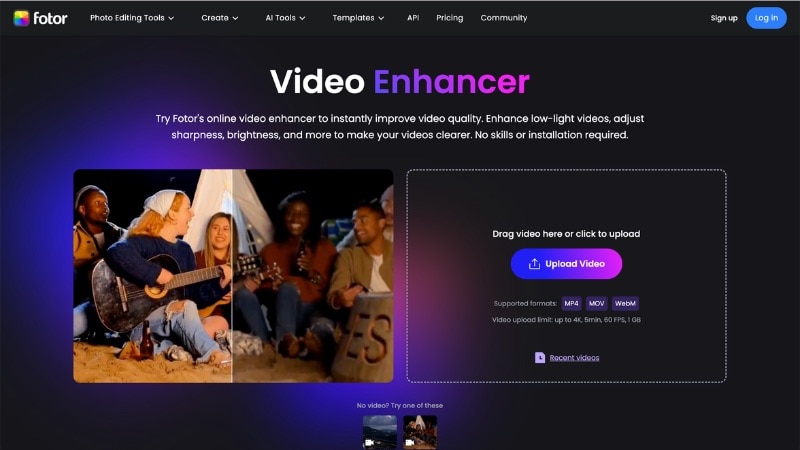
- Web-Based AI Video Enhancer: Improves clarity, brightness, and overall appearance through automated adjustments in the browser.
- Preset-Driven Enhancements: Uses predefined enhancement logic instead of manual sliders or timelines.
- Quick Upload and Export Flow: Upload a clip, apply enhancement, and export without editing setup.
- Creative Platform Access: Connects with Fotor's broader design tools for basic visual additions.
- Very easy to use.
- No installation needed for video enhancement.
- Works well for short clips and quick fixes.
- Suitable for non-technical users.
- AI video enhancement is not available in the desktop app.
- No AI super-resolution or detail reconstruction.
- Limited control compared to dedicated upscalers.
Fotor offers a free tier with limitations. Paid plans unlock higher export quality, faster processing, and remove watermarks.
Fotor fits users who need quick online video cleanup and do not require deep AI reconstruction. It works best for short videos where speed matters more than technical control.
6. HitPaw Video Enhancer
HitPaw Video Enhancer serves as an alternative to Topaz AI for users who want straightforward AI upscaling without the need for a full video editor. It targets resolution improvement and noise cleanup through preset-based AI models rather than manual adjustments.
Best For: Users who want quick AI upscaling for low-resolution or soft footage without complex settings.
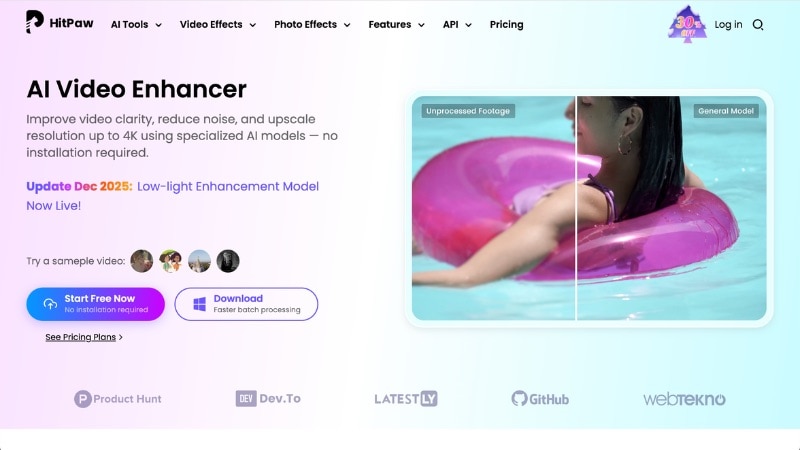
- Preset AI Upscaling Models: Offers AI modes designed for general video, animation, and low-quality clips.
- Noise Reduction and Clarity Boost: Reduces visible noise while improving edge definition and overall sharpness.
- Simple Import-and-Export Workflow: Upload a video, select an AI model, and export the enhanced result.
- Multiple Platform Versions: The desktop and mobile versions are branded as HitPaw VikPea. The online version runs in a browser and supports lighter enhancement with stricter limits.
- Easy to use with minimal setup.
- Desktop version supports batch processing.
- No editing experience required
- Limited manual control compared to Topaz Video AI.
- The online version has strict length and quality limits.
- No built-in video editing tools.
HitPaw Video Enhancer offers a free trial with export limits. Paid plans are available through monthly, yearly, or lifetime licenses, depending on the platform and version.
- Capterra: 4.8 out of 5 stars — Users highlight ease of use and noticeable improvement on low-quality videos.
- Google Play (VikPea - Android): 4.5 out of 5 stars — Mobile users rate the app positively for quick AI upscaling.
- App Store (VikPea - iOS): 4.8 out of 5 stars — Reviewers mention clean results and a simple interface.
HitPaw Video Enhancer fits users who want AI upscaling without editing tools. It works best for quick enhancement tasks where simplicity matters more than fine control.
7. TensorPix
TensorPix also stands out as a Topaz Video AI alternative for users who prefer online video enhancement. It handles upscaling, denoising, and frame restoration through an automated pipeline designed for quick turnaround rather than manual tweaking.
Best For: Users who want browser-based AI upscaling for old footage, compressed videos, or low-resolution clips.
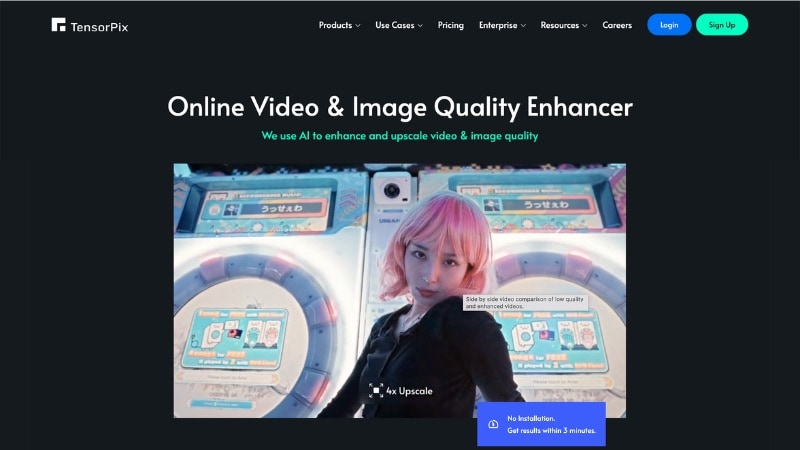
- Cloud AI Video Upscaling: Enhances resolution and clarity through server-side processing, which removes GPU requirements.
- Noise and Artifact Cleanup: Reduces compression artifacts, blur, and digital noise common in older or web-sourced videos.
- Batch Processing Support: It allows multiple clips to queue in one job, which helps with archive or restoration tasks.
- Simple Upload Workflow: Upload, select enhancement options, and download results without timeline editing.
- No software installation required.
- Works on low-spec computers.
- Simple layout with low learning curve.
- Useful for restoring old or damaged clips.
- Limited control compared to desktop AI upscalers.
- Processing speed depends on the internet connection.
- Credit usage can rise with long or high-resolution videos.
TensorPix uses a credit-based subscription model. Free credits allow limited testing, while paid plans unlock higher resolution output, longer clips, and faster processing.
- Kjetil Furas - Notes fast processing for short clips and a clean, beginner-friendly workflow.
- UniFab - Mentions that TensorPix works best for quick web or social media videos rather than heavy restoration.
- TechRadar - Points out ease of use and cloud processing, but also mentions limited manual control compared to desktop AI upscalers.
TensorPix fits users who want hands-off AI enhancement without managing hardware or complex settings. It works well for quick restoration jobs, archival content, and creators who prefer a browser-first workflow.
8. Nero AI Video Upscaler
Nero AI Video Upscaler is a Topaz Video AI alternative for users who want basic AI upscaling on a desktop. It improves video resolution and reduces visible noise through preset AI profiles designed for everyday footage.
Best For: Users who want offline AI upscaling on Windows without managing complex settings.
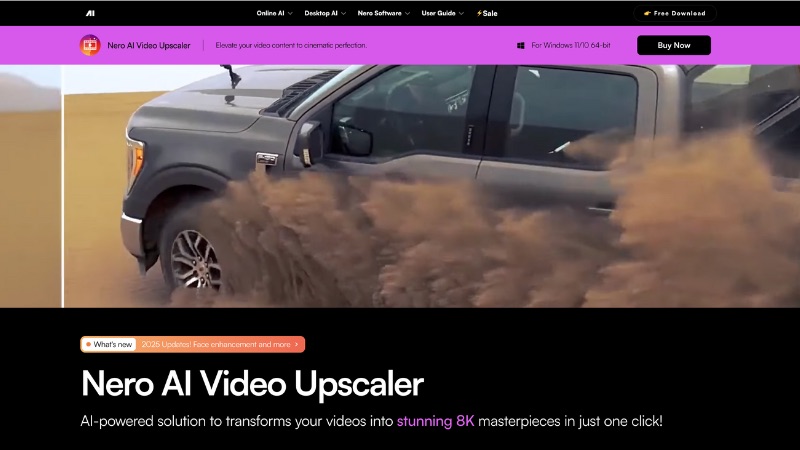
- AI Resolution Upscaling: Increases video resolution using trained AI models designed for older or low-detail footage.
- Noise and Artifact Reduction: Cleans compression artifacts and digital noise common in legacy or web videos.
- Offline Desktop Processing: Runs locally on Windows, which avoids uploads and cloud dependency.
- Simple One-Task Workflow: Import a clip, select an output resolution, and export without timeline editing.
- Straightforward interface with minimal setup.
- No internet required after installation.
- No subscription required for some licenses.
- No timeline editing or trimming tools.
- Limited customization compared to advanced AI upscalers.
- Available on Windows only.
Nero AI Video Upscaler is offered as a paid desktop application. Pricing depends on the license type and retailer, including standalone purchases and Nero software bundles.
- Microsoft Store: 4.7 out of 5 - Users praise the simple workflow and clear resolution improvement on older or low-quality videos.
- Amazon: 3.6 out of 5 - Buyers mention easy setup and offline use, with mixed feedback on speed and output consistency.
Nero AI Video Upscaler suits users who want a simple desktop replacement for Topaz Video AI without subscriptions or cloud limits. It works best for restoring older clips or improving low-resolution footage when advanced controls are not required.
Part 3. How to Choose a Topaz Video AI Alternative
The best Topaz Video AI alternative depends on how you actually work with video, not just on features or ratings. Some tools are suited for quick fixes, while others work better inside a full editing workflow. Before choosing one, think about when and how you enhance your footage.
- If your goal is to restore or upscale clips before editing, a standalone AI tool makes more sense. These tools handle tasks like noise cleanup, resolution boosts, and frame smoothing as a single step.
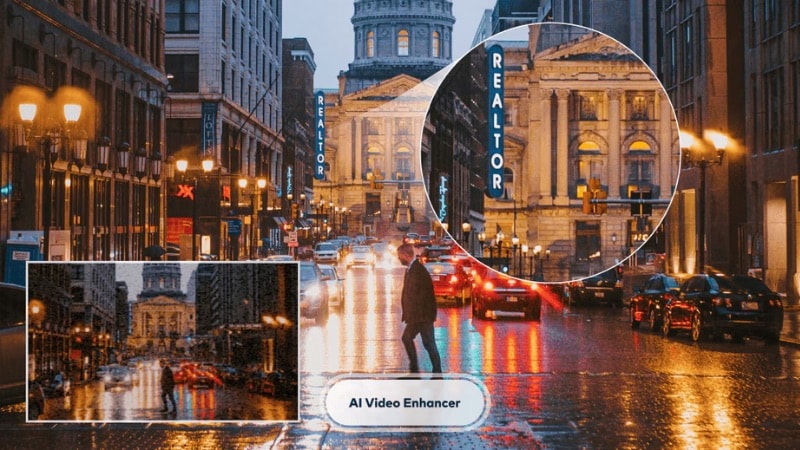
- If you prefer to enhance video while editing, editor-based tools are the better fit. They let you adjust quality and edit video directly on the timeline. This approach saves time on full projects where exporting back and forth would slow things down.
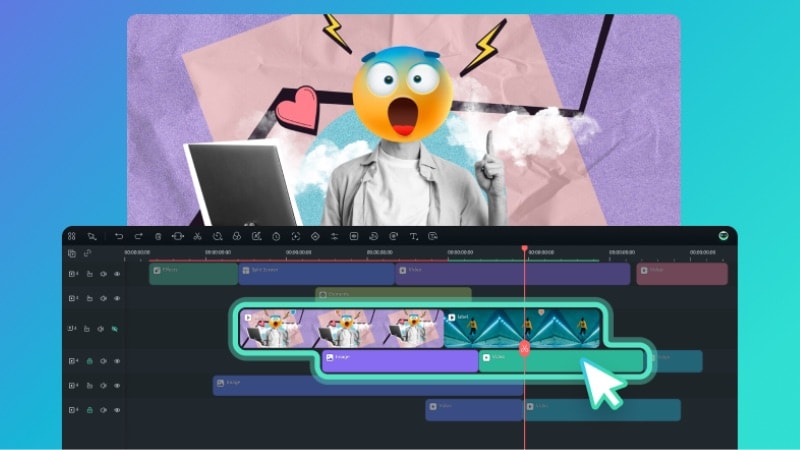
- Online tools suit creators who do not want hardware limits. They work well for short clips, social videos, or quick upgrades when you do not have a strong GPU. The trade-off is less control and higher costs for longer or high-resolution footage.

Before making a final choice, consider a few practical factors:
- Video length: Longer clips take more time and credits.
- Resolution needs: Not every tool handles 4K or heavy upscaling well.
- Workflow complexity: Some tools keep things simple, while others give more control.
- Budget: Subscriptions, credits, and lifetime licenses affect long-term cost.
There is no universal best option. The right Topaz Video alternative is the one that fits your editing habits, footage type, and budget without adding extra steps to your process.
Conclusion
Choosing a Topaz Video AI alternative depends on your workflow, clip length, and how much control you want during enhancement. If you prefer using an all-in-one video editor with AI video enhancement, go with Filmora.
If your priority is a Topaz alternative with fast processing without heavy hardware demands, an online tool makes more sense. For restoration or offline processing, standalone upscalers might fit better. Choose a Topaz AI alternative based on your workflow.
FAQs
-
Do AI video enhancement tools always require powerful hardware?
No. Desktop tools benefit from a stronger GPU, but cloud-based options handle processing online. If your computer struggles with heavy renders, browser-based tools remove most hardware limits.
-
Will switching to a Topaz alternative affect long-term project consistency?
Not if you stick to one tool and workflow per project. Consistency depends more on using the same enhancement method, resolution targets, and export settings than on the brand itself.
-
Are Topaz-style AI tools overkill for social media or short-form videos?
Often, yes. Heavy AI upscaling makes more sense for restoration, archival work, or large displays. For social media, lighter tools like Filmora, Runway, or Fotor usually deliver clean results without long processing times or high costs.
