

 TL;DR:
Choosing the right handwriting text animation generator depends primarily on your output format and budget, with Wondershare Filmora emerging as the overall best choice for full video projects due to its V15 update and extensive font library.
● Wondershare Filmora provides over 100 smooth animation movements and text path controls for realistic pen strokes, though free version exports will permanently include a watermark.
● Textanim functions as a completely free, no-login web tool that supports multiple languages for generating quick GIFs, but it features basic movement quality and displays distracting ads.
● Jitter and TheBrief cater to advanced motion control and timeline editing with Lottie or MP4 exports, but both require accounts, and TheBrief's heavy browser usage may cause performance issues on older devices.
Ask AI for a summary
 ChatGPT
 Perplexity
 Gemini
 Claude
 Grok
Grok
Handwriting animation can be that little secret that makes your text feel alive and full of personality. The good thing is, there are plenty of handwriting animation generators that can instantly turn plain text into smooth, natural write-on effects that look like they were drawn by hand.
But with so many tools out there, finding the right one can feel like handwriting on a moving bus, frustrating and uneven. That's why we've rounded up the best handwriting text animation generators to help you find the perfect one and start creating text that moves as beautifully as it reads.
What Makes the Best Handwriting Text Animation Generators Stand Out?
Before we get into the list, it's good to know what really makes a handwriting text animation generator worth your time. The best ones don't just move text across the screen, they capture the small imperfections that make handwriting feel human.
So, when selecting tools for this list, we looked at:
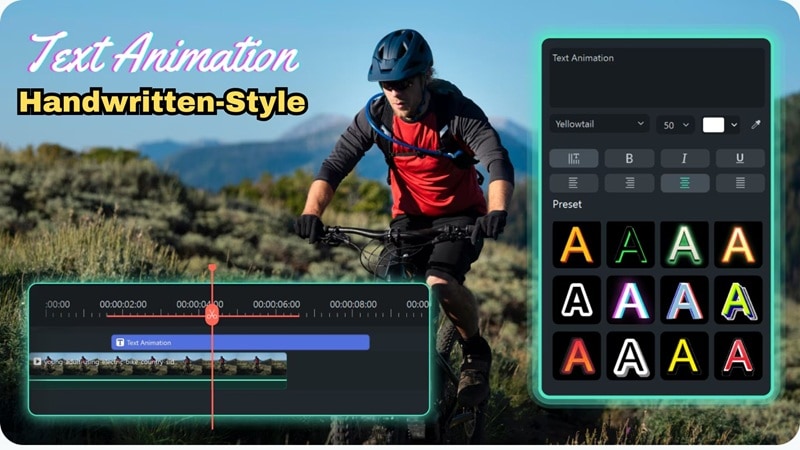
- Smooth and Natural Motion: Great handwriting effect animation starts with how it moves. We picked tools that make each stroke feel natural, with smooth lines and realistic timing that look like they were written by hand.
- Easy for Everyone: A good handwriting text animation generator should be simple to use. The tools we chose are beginner-friendly and let you create nice animations without any confusion.
- Room To Personalize: The best handwriting animation generators give you space to play. You can change the font, ink style, and writing speed until it matches your own handwriting style.
- Works On Any Setup: It's important that your handwriting text animation works wherever you create. These tools run well on most browsers and editing software so you can keep your workflow smooth.
- Good Value Overall: A strong handwriting animation generator gives great results even without paying. We focused on tools that balance free features and upgrades so you always get your time's worth.
Our Top 3 Picks: Best Handwriting Animation Tools for Video & Web
Based on those categories, we came up with five of the best animated handwriting text generators. From that list, three stood out for their smooth motion, simple controls, and natural results. Here's a quick look at our top picks and what makes each one worth using:


Handwriting Text Animation Generator Comparison Chart
Before we break down each tool in detail, it's easier to start with a quick side-by-side look. This quick comparison gives you a clear look at what each handwriting text animation generator does best, so you can spot the differences at a glance before choosing which one to try.
| Tool | Free / Paid | Animation Quality | Export Format | Customization |
| Filmora | Free version + paid upgrade | Smooth and professional handwriting animation with natural motion | MP4, AVI, MOV, MKV, GIF etc. | Font, size, speed, shapes, text path, full font and layout control |
| Textanim | Free | Basic and limited | GIF only | Font choice, background, simple speed settings. |
| Jitter | Free version + paid upgrade | High-quality animation with full motion control | GIF, video formats, Lottie | Editable templates, timing and color control, keyframing |
| TheBrief | Free version + paid upgrade | Professional-level animation with timeline control | MP4 & GIF | Speed, delay, transitions, and layers |
| Renderforest | Free version + paid upgrade | Smooth animation from templates | MP4 & GIF | Fonts, colors, and transitions |
A Closer Look at the Best Handwriting Animation Generators
Looking at the chart above, you can probably tell which tools catch your attention first. But that table's just a quick overview. To really see what each handwriting animation generator can do, it's worth taking a closer look. So, here's a simple breakdown of how each one works and what makes them stand out.
1. Wondershare Filmora: Best for Realistic Handwriting Text Animation in Videos
 Secure Download
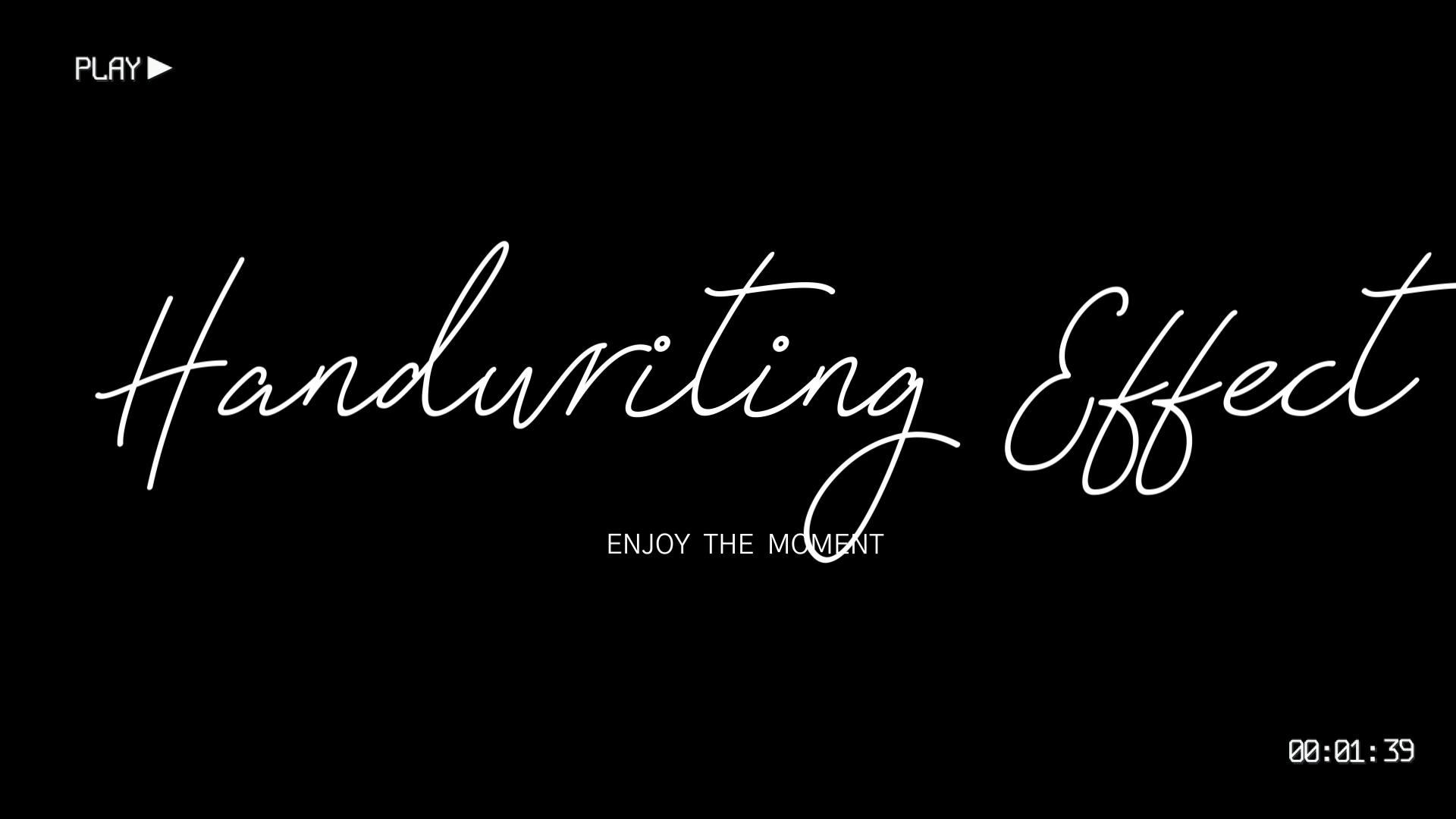
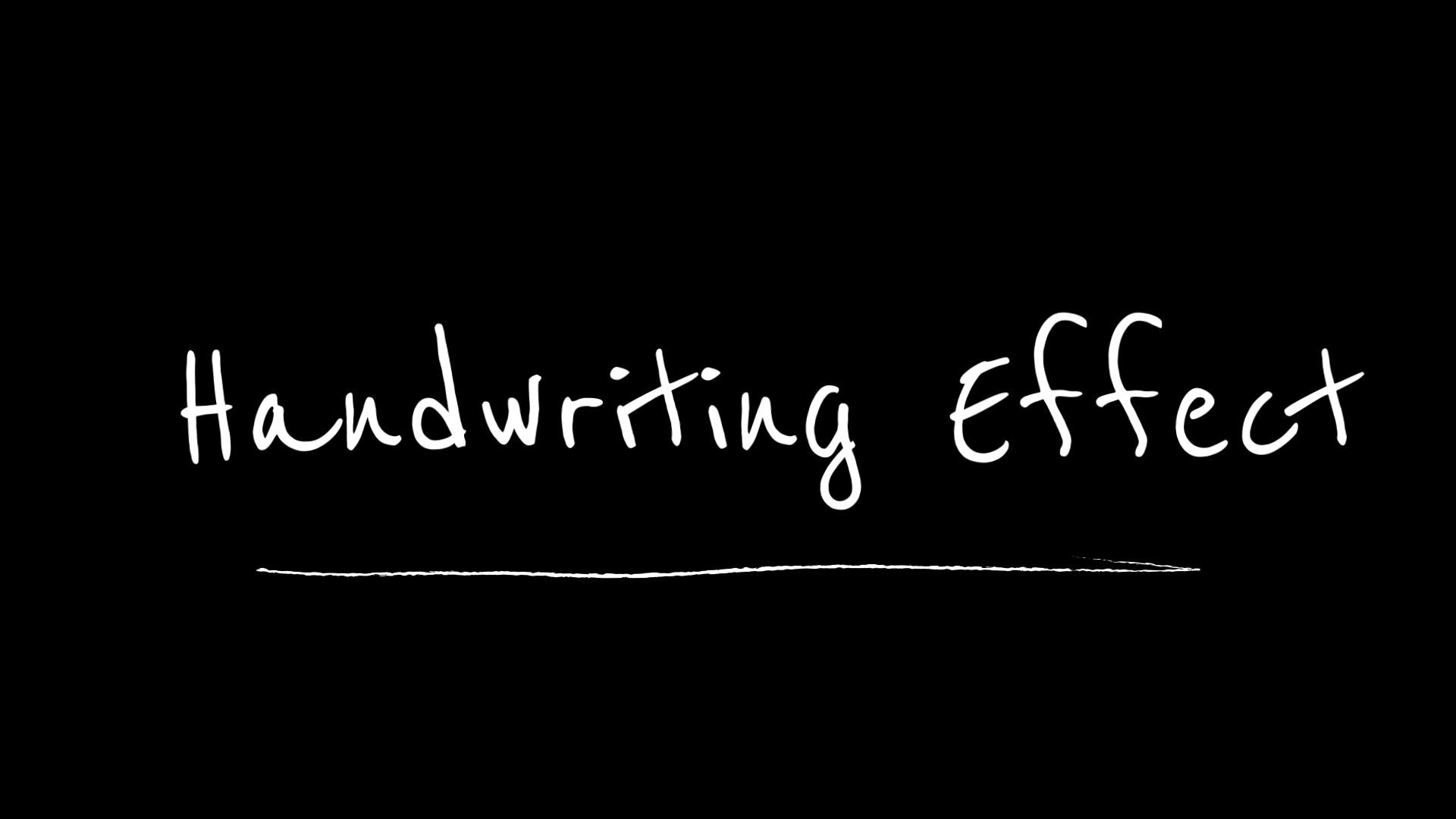
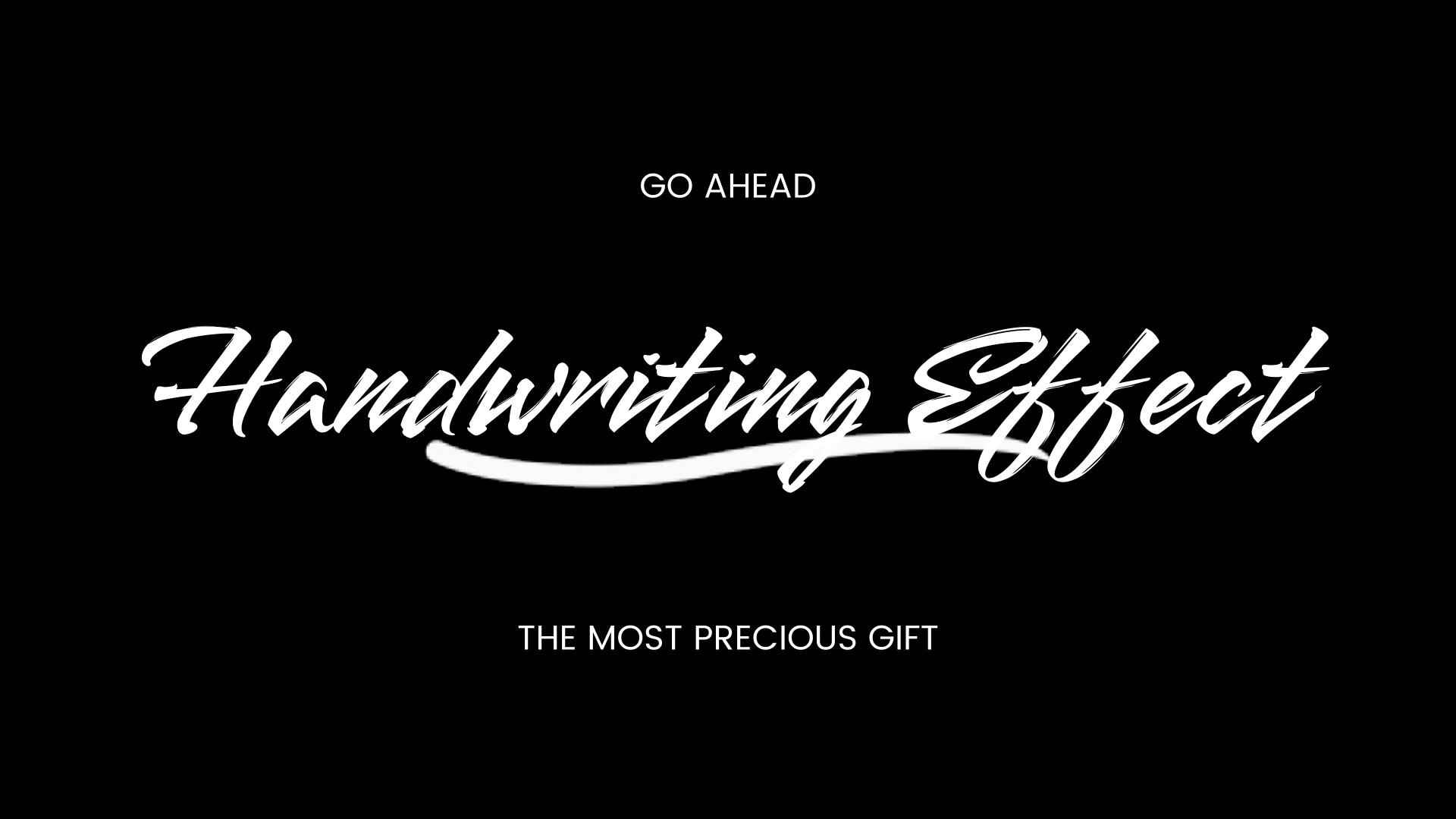
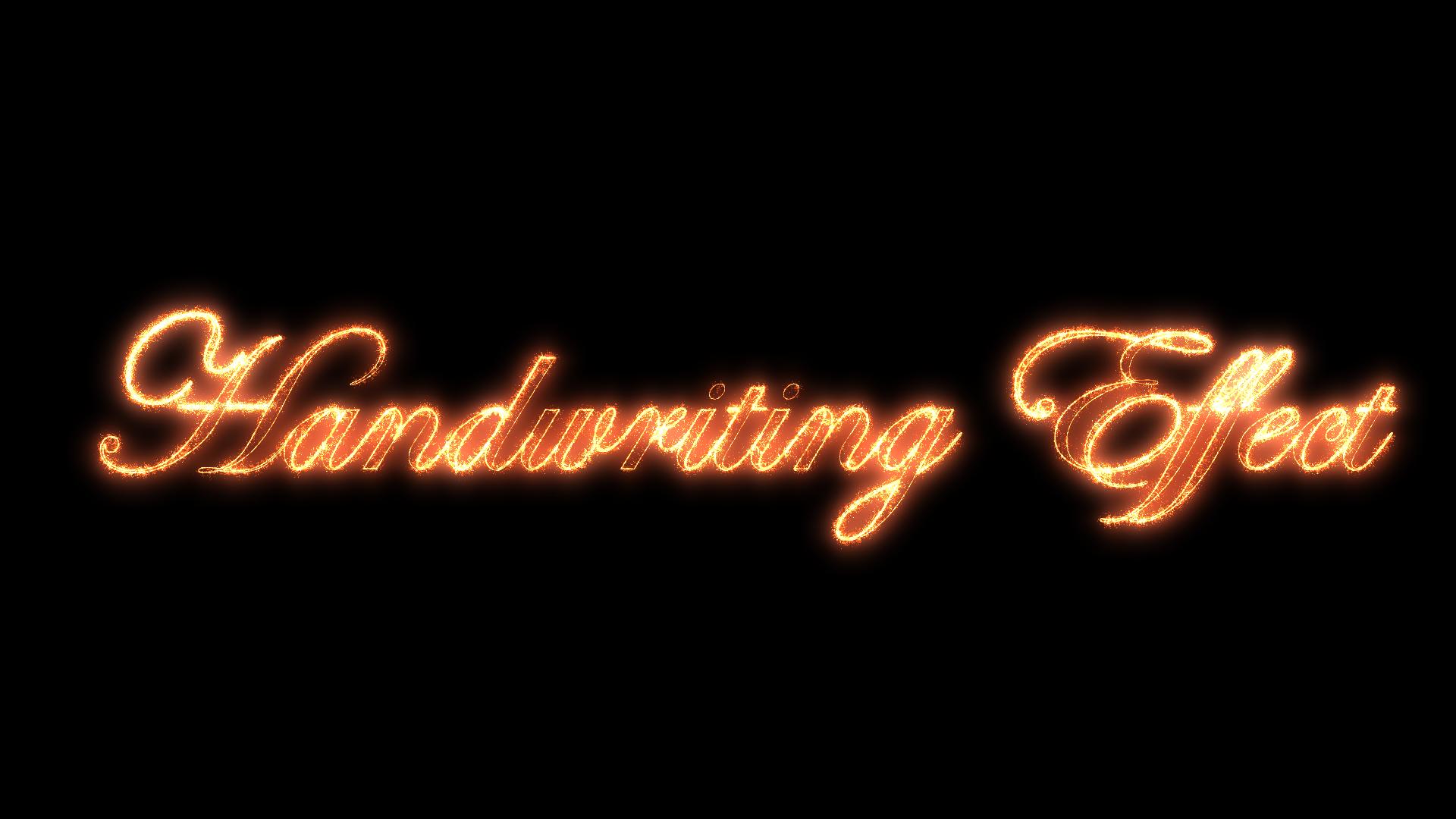
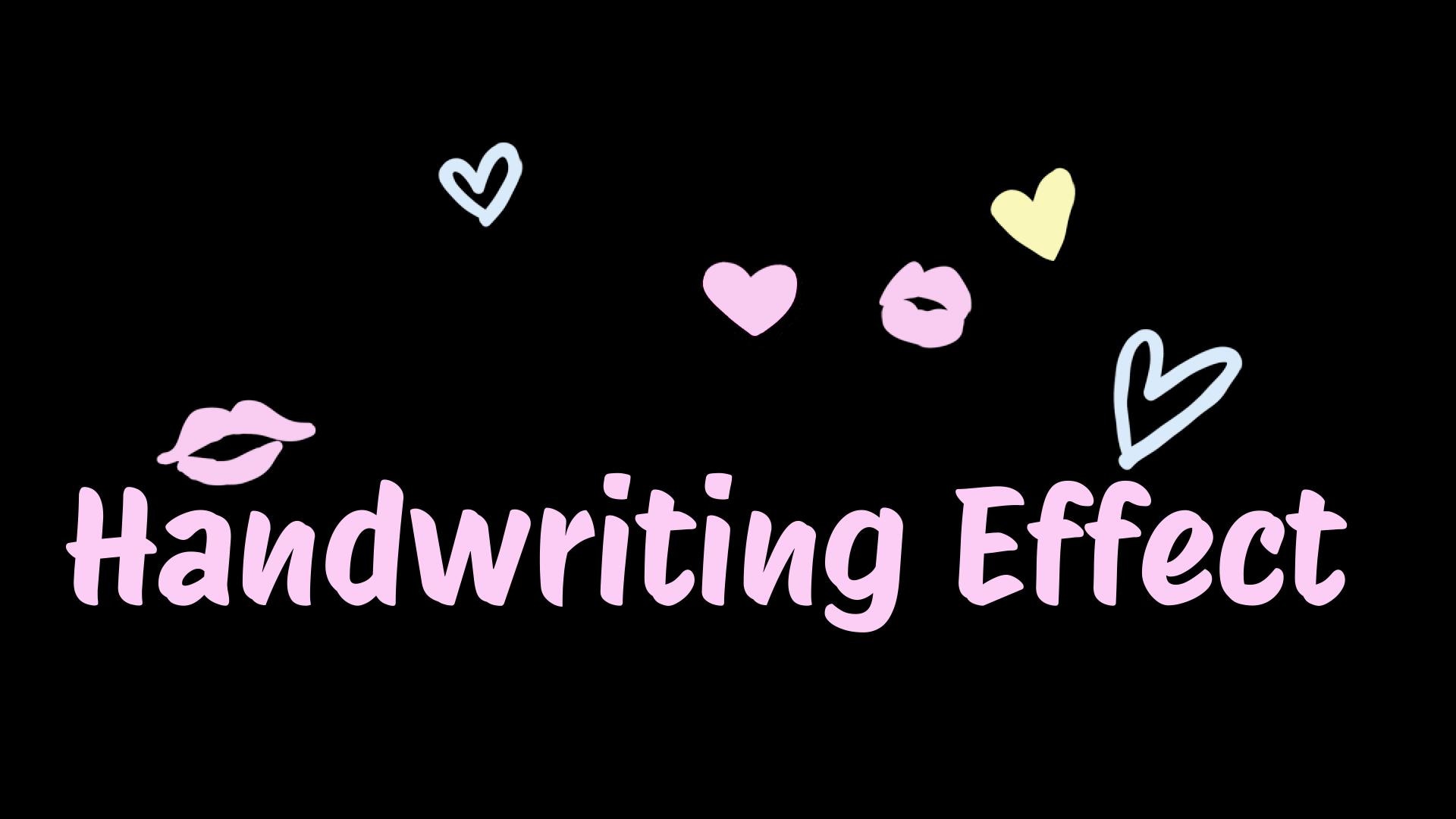
We're starting with one of the strongest picks for creating handwriting animation: Wondershare Filmora. It's a video editor that already comes with a big collection of text effects, including a special section just for handwriting. With more than 50 unique styles to choose from, you can make your text look smooth, natural, and perfectly matched to the tone of your video.
- You have complete control over text timing, motion, and path.
- Lets you design text that moves in unique ways, perfect for intros or signature effects.
- Works as a full video editor, not just a handwriting animation tool.
- Free version exports include a watermark.
- Built-in handwriting animation category with 50+ unique styles.
- Over 100 smooth animation movements for text and handwriting effects.
- Text path feature to make your words spiral, wave, or follow custom shapes.
- 1000+ licensed fonts with options for curved text, outlines, and background shapes.
2. Textanim: Best for Simple Handwriting GIFs
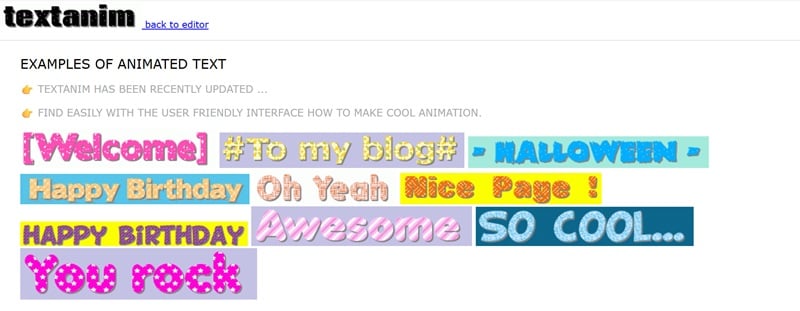
Our next recommendation would be Textanim, a handwriting GIF maker that you can access for free. You just type your text, hit generate, and it instantly creates a smooth handwritten animation for you. You can even play around with the timing and add shadows to give your text a bit more depth and style.
- The fonts and textures get regular updates.
- No login needed from start to download.
- The ads can be a bit distracting while you work.
- The handwriting movement looks too basic compared to other tools.
- Over 50 fonts to create your handwriting text animation.
- Supports multiple languages, including Japanese, Arabic, and Thai.
- Plenty of background presets to match your animation style.
- Clean and simple interface that's easy to figure out.
3. Jitter: Best for Animated Handwriting Text with Motion Control
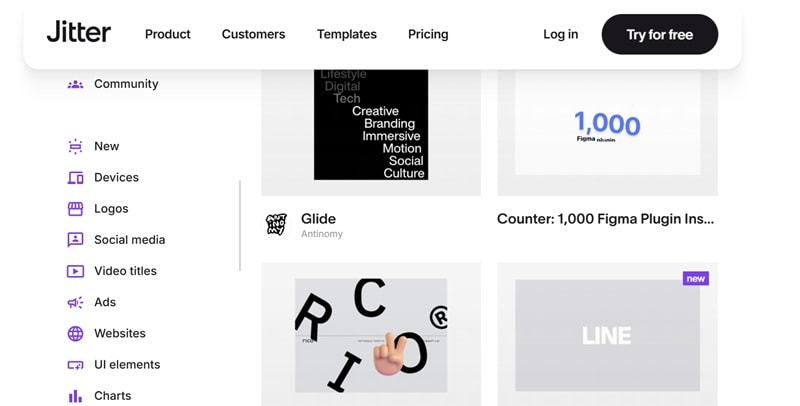
Moving on, there's Jitter, a handwriting text animation generator made for creators who like a bit more control. It runs right in your browser and has its own built-in editor, so you can fine-tune every detail without extra software. You can start with one of their templates, then adjust the motion, colors, and timing until it feels completely your own.
- Supports collaboration through shared editors.
- The tool creates smooth, stylish motion that looks professional.
- Requires an account to use the editor.
- Might feel a bit complex for complete beginners.
- Wide range of handwriting-style templates made for motion design projects.
- Exports in video, GIF, and Lottie formats.
- Lets you experiment with color, timing, and animation flow for full creative control.
4. TheBrief: Best for Handwriting Effect Animation with Advanced Control
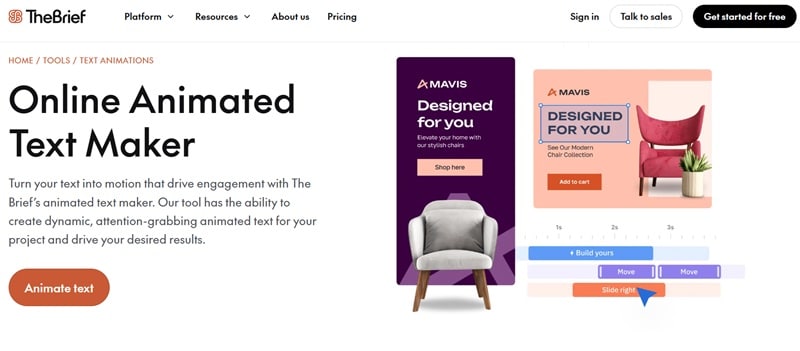
TheBrief is a solid online editor that lets you make handwriting effect animations with a clean, professional look. It's great for creating text that really stands out, whether for ads, social posts, or video projects. You can start from a blank design or pick one of their templates, then customize the timing, motion, and style until it feels just right.
- Deep customization for handwriting animation and motion design.
- Includes a large media library for building complete video projects.
- More expensive than most tools on this list.
- Heavy browser use may slow down performance on older devices.
- Hundreds of pre-made text animation styles, including handwriting effects.
- Control speed, delay, and transition timing for smooth, precise movement.
- Timeline feature to adjust layers, frames, and transitions in detail.
- Export results as MP4 or GIF.
5. Renderforest: Best for Ready-Made Handwriting Text Templates
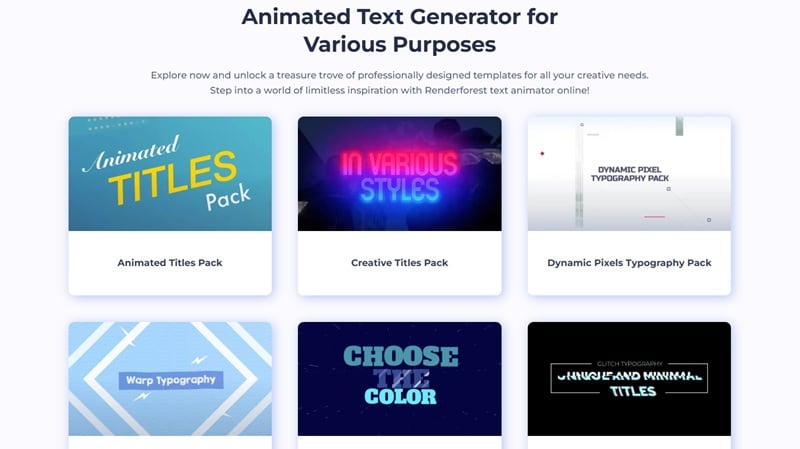
To wrap up the list, we've got Renderforest, an online animated handwriting text generator that's perfect for quick, polished results. It's packed with ready-made templates you can tweak to fit your own style. Just pick a scene, head into the editor, and start customizing your text until it looks exactly how you want.
- Easy and intuitive interface that works smoothly in your browser.
- Lets you create handwriting text animations that feel consistent with your brand.
- Many premium templates are locked behind the paid plan.
- The free version adds a watermark to exported videos.
- Choose from a variety of templates or start your animation from scratch.
- Customize fonts, colors, sizes, and timing to match your project style.
- Share your finished animation directly to social media platforms.
How to Choose the Right Handwriting Animation Generator
Now that you've seen what each handwriting animation generator can do, you've probably noticed they all shine in different ways. So, the best choice really comes down to your style and what you need it for.
To make sure you're making the right choice, here are a few things worth thinking about before you pick your go-to handwriting animation tool:
- Know Your Style: Your handwriting animation should match the mood of your project. A smooth pen stroke works great for personal or creative videos, while a digital type style fits better for modern, tech-inspired designs.
- Match It To Your Skill Level: Some handwriting animation generators are made for quick use, while others give you more control but take longer to learn. If you're new to animation, going with something plug-and-play will save you time and frustration.
- Choose The Right Platform: How you edit matters just as much as what you make. If you like editing in your browser without installing anything, online tools are the easiest route, but if you prefer a full editor for detailed handwriting animation, Filmora offers everything in one place.
- Consider Your Budget: Free tools can handle simple handwriting animations, but if you want more polish and flexibility, premium versions give you better results. Spending a little often saves you time and gives you cleaner, smoother motion.
- Think About How You'll Use It: Each handwriting animation generator shines in different ways depending on where you'll use the final result. For example, if you want quick GIFs visuals, Textanim is great. For full-on motion graphics or video intros, Filmora gives you everything you need to make your text move naturally.
Final Verdict
After looking at the comparison chart, testing each handwriting text animation generator, and considering how they perform in real projects, Wondershare Filmora clearly comes out on top. With its built-in handwriting effects, smooth motion presets, and wide font selection, it gives you everything you need to make your text feel personal and expressive.
Secure DownloadConclusion
This guide walked you through five of the best handwriting text animation generators, from Filmora to Textanim, Jitter, TheBrief, and Renderforest. Each one brings something different to the table, and we explored their strengths, weaknesses, and how they compare side-by-side.
After considering everything from animation quality to ease of use, Wondershare Filmora clearly stands out. It delivers smooth, realistic handwriting animation with full control over timing, motion, and design, all inside one simple editor. It is the complete package for anyone who wants professional handwriting effects without needing advanced editing skills.

Frequently Asked Questions
-
Are there truly free handwriting text animation generators?
Yes, there are a few solid options that let you create handwriting animations for free. Tools like Textanim offer basic handwriting effects without payment, perfect for quick projects or social media posts. -
Which of the best handwriting animation tools offers the most realistic handwritten effects?
If you're aiming for a smooth, lifelike writing motion, Wondershare Filmora stands out the most. Its handwriting text animation category and motion presets make the text flow naturally, almost like it's written by hand. -
Can I use custom fonts for handwriting animation?
Yes, most handwriting animation generators allow you to upload or choose custom fonts. Filmora and TheBrief give you full control over font type, size, and even spacing, so your animation matches your brand or personal style. -
What's the best way to export a handwriting GIF for my website or logo?
The simplest method is to export your animation in a lightweight format like GIF or MP4. Tools such as Textanim let you create looping handwriting GIFs for websites, while Filmora offer higher-quality MP4 exports for logos or intros. Just keep the file size small so it loads fast and looks clean online.
