


 TL;DR:
Bypassing Adobe Firefly's subscription costs through third-party Mod APKs exposes your device to malware, unauthorized data collection, and potential Adobe account bans.
● Adobe provides an official free tier utilizing a limited monthly generative credit system, which requires an active internet connection and an Adobe ID to operate.
● The official platform automatically saves all generated audio, video, and images to your Adobe Cloud storage while strictly blocking the creation of copyrighted brands, famous figures, or inappropriate material.
● Wondershare Filmora functions as a safer alternative specifically suited for users requiring a unified platform that combines AI generation—like text-to-video and speech-to-text—with comprehensive post-editing capabilities on desktop and mobile.
Ask AI for a summary
 ChatGPT
 Perplexity
 Gemini
 Claude
 Grok
Grok
AI creative tools can be expensive, and Adobe Firefly is one of the apps that many of you want to unlock without paying. Hence, downloading Adobe Firefly mod APK looks tempting at first, since a modified version may seem like a simple way to access premium features, remove watermarks, or skip subscription costs.
The problem is that these files usually come from unofficial sources. What looks like a free shortcut can turn into malware, stolen data, app crashes, or a banned account. Before you download anything from Adobe Firefly APK mod, reading through the risks we’ve covered here could save your device and your data.
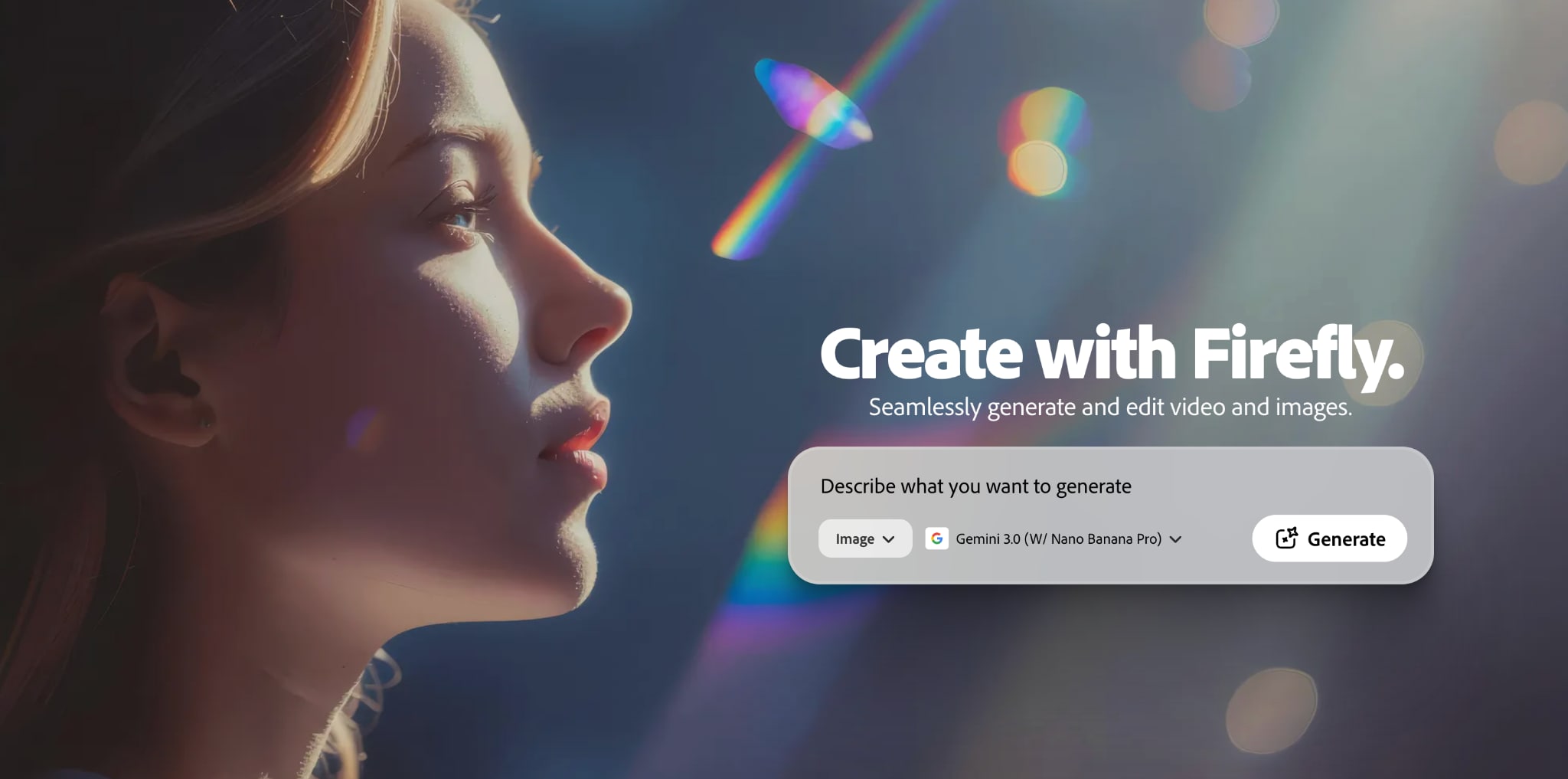
Part 1. What is Adobe Firefly?
Adobe Firefly is Adobe’s generative AI tool for creating and editing content with simple prompts. You can use it on the web through Firefly’s browser-based app, and Adobe also offers Firefly as a mobile app on Android and iOS.
What You Can Do with Adobe Firefly
1. Generate images, videos, and sound effects
Adobe Firefly works beyond a simple image generator. It can help users create visuals from text prompts, turn images into video, and work with audio-based generation tools.

2. Modify images
Firefly is also built for editing. You can enhance, retouch, and transform photos with tools such as Prompt to Edit and Generative Fill. In simple terms, that means you can add, remove, replace, or expand parts of an image without needing advanced editing skills.

3. Browse inspirations
Another useful part of Firefly is inspiration. Adobe showcases image examples, prompt ideas, and style references that help you explore creative directions before starting a project. This makes Firefly easier for beginners who want ideas, not just a blank prompt box.

Why Many People Are Looking for Adobe Firefly Mod APK
- Limited Free Credits. The free tier offers only a limited number of "generative credits," pushing you to seek unlimited access through modified versions.
- Geographic Restrictions. Adobe Firefly isn't fully available in all countries. Many users often turn to Adobe Firefly APK download in the hope of getting around those restrictions.
- Access to Partner AI Models. You can explore models from partners such as Google, OpenAI, FLUX, Luma AI, and ElevenLabs. It makes Firefly even more attractive to users who want more variety in a single app.
- Avoid Adobe subscription fees. If you want premium results without paying, an Adobe Firefly crack can seem like a shortcut, even though it comes with serious risks.
How Much Does Adobe Firefly Cost?
The pricing for Adobe Firefly itself is divided into several tiers.
| Standard | Pro | Premium | Creative Cloud Pro | |
| Cost | $9.99/mo | $19.99/mo | $199.99/mo | $69.99/mo (annual, billed monthly) |
| Monthly Credits | 2,000 | 4,000 | 50,000 | 4,000 |
For some people, these plans aren't cheap, especially if you're generating a lot of images or videos daily. That's usually what pushes users to search for an Adobe Firefly download APK, hoping to unlock premium features for free without realizing what's actually hiding inside those files.
Part 2. Why You Shouldn’t Download Adobe Firefly Mod APK
A mod APK is a modified version of an app that has been changed by a third party. In most cases, it is made to unlock paid features, remove limits, or bypass subscriptions. However, it does not come from the official developer.
So, there is no safe way to know what has been added, removed, or hidden inside the file, including the APK Adobe Firefly. Some common risks of downloading Adobe Firefly mod APK include:
- Malware, Spyware, and Trojans: Fake or modified APK files can hide malware, spyware, or trojans that may steal files, track your activity, or install more threats on your device.
- Your Personal Data Is the Real Product: Many cracked apps are not truly free, because they may profit by collecting your email, login details, uploaded files, or other personal data.
- Permission Abuse: A fake Adobe Firefly APK may ask for unnecessary permissions and then misuse that access to read storage, monitor activity, or collect data from your phone.
- Device Damage and Instability: Unofficial apps are often unstable and may cause crashes, battery drain, overheating, broken features, or failed exports.
It's Not Just Risky, It's Illegal
Downloading Adobe Firefly free mod APK from unofficial sources is not just unsafe. It also creates legal and copyright issues because the app has been modified and shared without authorization. On top of that, using a cracked or unauthorized version can violate Adobe’s terms and may lead to account restrictions or even an Adobe account ban.
Part 3. How to Use Adobe Firefly Legally For Free
Actually, you don’t need to look for an Adobe Firefly mod APK just to try the tool. Unlike many Adobe products, Firefly does have a real free version. It works on a generative credit system where the free version gives you limited access to the AI generation features.
Once you use up those credits, you can either wait for the next reset or move to a paid plan. You can make use of this generosity to experiment with the tool and produce real work before ever spending a dollar.
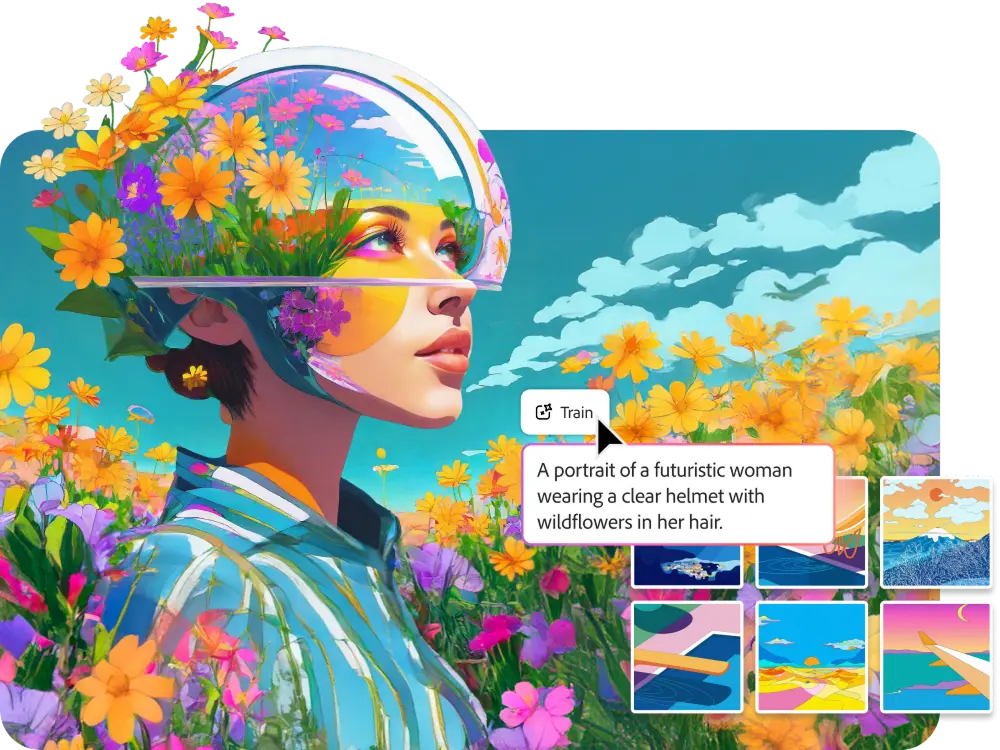
So, while the free tier is not unlimited, it is still a safe and official way to learn the app without risking your device or your Adobe account due to the Adobe Firefly free APK.
What You Get in the Adobe Firefly Free Version
- Access to the official Adobe Firefly app on the web, with mobile access also available through Adobe’s official Firefly app.
- A limited number of free generative credits each month, so you can experiment without paying upfront. However, note that the number of free credits can change over time.
- The ability to try creative AI features for images, video, audio, and more, rather than being limited to just one type of generation.
- Limited complimentary access to some premium features, so free users can explore them before deciding to upgrade.
- A simple upgrade path later, if you need more credits or heavier use, instead of risking your device with an unofficial Adobe Firefly APK download.
Part 4. Safer Adobe Firefly Alternatives With More AI Features
If you want to avoid the risks of an Adobe Firefly mod APK, a better move is to use a legal tool that gives you real value from the start. There are several safe options on the market, but the best choice depends on what you want to create.
Wondershare Filmora
Filmora is the strongest option here for you who want more than just AI generation. It is an all-in-one editor available on desktop and mobile, and it combines AI-powered creation tools with built-in editing features in the same app.
Filmora gives you AI tools that fit naturally into that workflow, including:
- AI Image Generator: Create visuals from text prompts in styles like realistic, sketch, anime, 3D, and more.
- AI Image-to-Video: Turns still images into animated video content with preset effects and sound.
- Speech-to-Text: Automatically transcribes spoken audio into captions and subtitles, saving you hours of manual work
- AI Audio Denoise: Removes background noise, hums, and unwanted sounds from your footage for cleaner sound.
Another reason Filmora stands out is its editing support after the AI part is done. Templates, audio resources, transitions, effects, filters, and stickers are available inside the platform. In practice, that means you can go from idea to finished video without needing a cracked app or a chain of extra tools.
Thus, Filmora is a more flexible choice for you who want both generation and editing in one place instead of jumping between separate apps.
 Secure Download
Conclusion
Downloading an Adobe Firefly mod APK may look like a quick way to unlock premium features, but the risks are much bigger than the reward. Modified apps can expose your device to malware, misuse your personal data, cause unstable performance, and even put your Adobe account at risk.
The safer path is to use Adobe Firefly’s official free version or choose a legal alternative that gives you more value. If you want AI generation plus built-in editing tools in one place, Filmora is a much smarter and more practical option for everyday creative work.
FAQs
-
Does Adobe Firefly work offline?
Not in normal use. You need a stable internet connection and an Adobe ID to use Firefly, so it is best treated as an online service rather than an offline app. -
Does Adobe store my generated images?
Yes. Firefly automatically saves your generated images, audio, and videos in Generation history under Your stuff, and those files use your Adobe Cloud storage. -
What content does Adobe Firefly block or restrict?
Adobe restricts content such as explicit sexual material, hate content, graphic violence, self-harm promotion, sexual content involving minors, terrorism-related content, deceptive, harmful content, and content that violates privacy or intellectual property rights. Firefly also has product-level limits, such as not generating certain famous people, brands, or music based on specific artists, bands, or song names.
