


According to Wyzowl, 23% of marketers use animated videos as part of their marketing strategy. However, creating animated videos often takes more time and skill than most people expect. That is, until some tools for creating animated videos, like Animaker, exist to simplify the entire process. Beginners and even experienced creators can produce animated videos and presentations much faster.
So, to get to know this platform better, we'll take a closer look at Animaker features and help you decide whether it's the right animation tool for your needs.
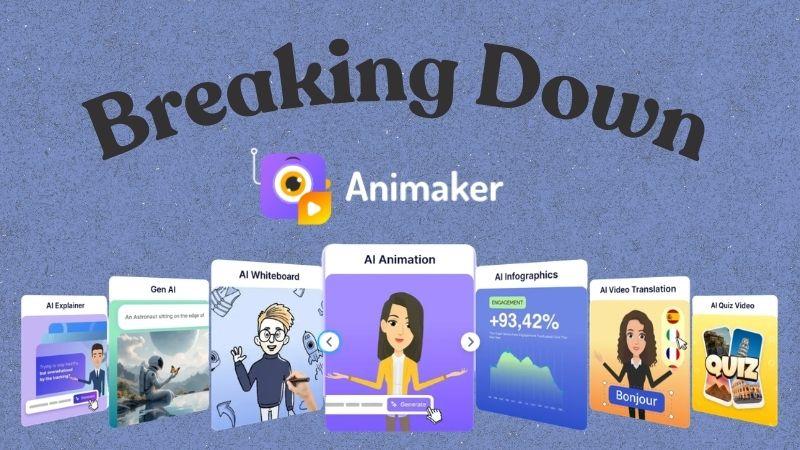
Part 1. Animaker AI at a Glance
With Animaker video maker, you don't have to create animated videos from scratch or spend hours learning complex animation techniques. Instead, you can focus on your story, content, and visual style of the video. The AI will take care of the animation process behind the scenes.
Now, let's take a closer look at what you can create with Animaker AI.
Create Custom AI Characters

As an animation software, Animaker comes with a built-in Character Builder. You can create fully customized male and female characters. From facial features and hairstyles to clothing and accessories, you can create characters that match your brand, story, or personal style.
Produce Animated Videos Faster

For creating animations, you can either start with a blank project or choose from thousands of ready-made templates. The template library includes designs for ads, presentations, educational videos, social media posts, and more. For something more personalized, you can use the Animaker AI video generator and decide on your video's theme, then customize the content and settings.
Generate Animated Videos from Text
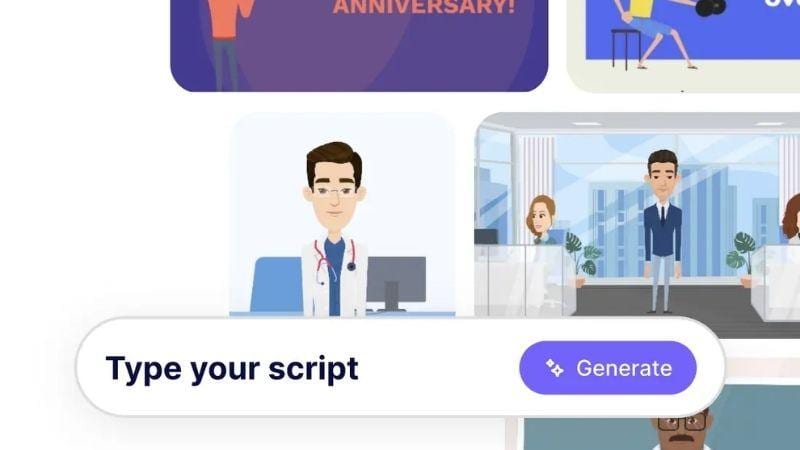
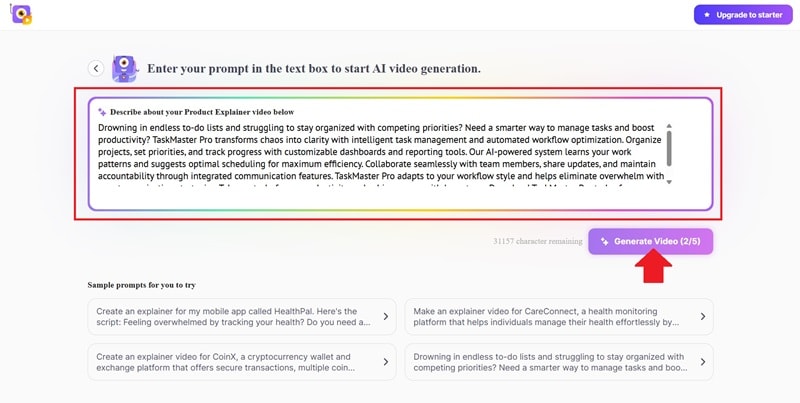
Another useful feature is Animaker AI Text to Video, which lets you create animated videos using only a text prompt. The platform supports prompts of up to 32,000 characters, giving you plenty of flexibility.
Create AI Voiceovers
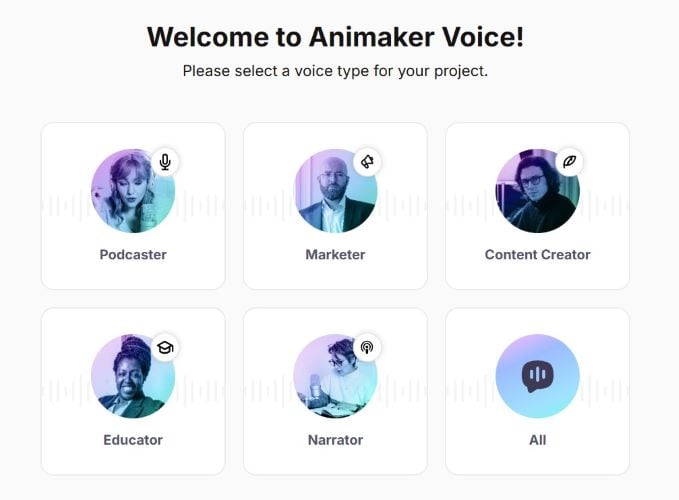
If your project needs voice narration, Animaker also includes an Animaker AI Voice Generator. It offers a wide selection of male and female AI voices across multiple languages and accents. You can use it for explainers, presentations, tutorials, or marketing videos.
Edit Videos Without Leaving Animaker
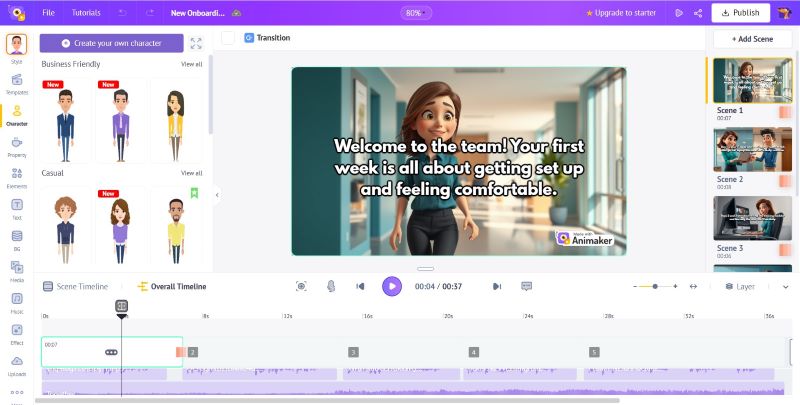
Once your animation is ready, you can continue editing it without leaving the platform. The built-in Animaker video editor lets you edit scenes, update text, and adjust your characters. You can also add images and background music before exporting.
Part 2. Access and Pricing of Animaker AI
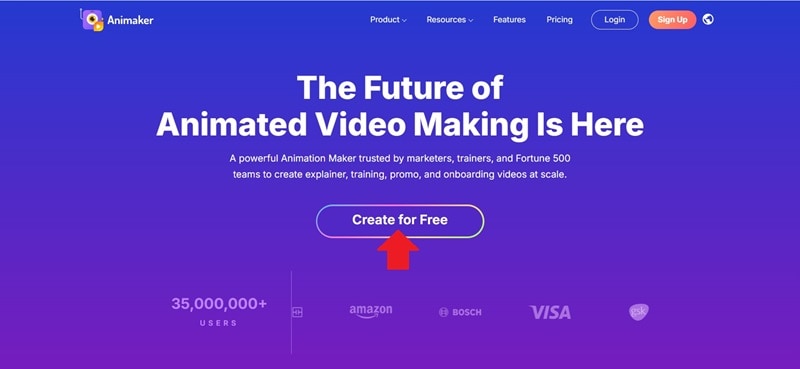
If you're ready to try Animaker cartoon maker, let's first see where you can access it. Animaker is available online, so you can use it from any web browser. Visit the official website at https://www.animaker.com/ and complete your Animaker login to start creating animated videos.
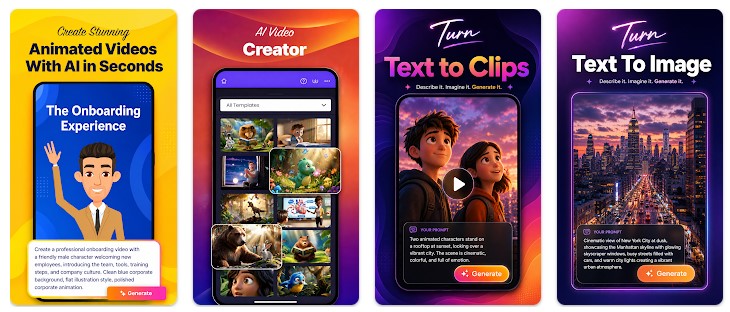
The Animaker application is also available on mobile devices.
- For iOS users (16.6 or higher), the Animaker app download is available through the App Store.
- For Android users (8.0 or higher), you can find the Animaker app download for Android on Google Play.
Pro Tip: Beware of Animaker APK
Be careful when searching for terms like "Animaker App." It often shows results like "Download Animaker APK" or "Animaker app download APK,” which are unofficial APK download sites. These APK files can be modified or bundled with malware, so it's safest to install it only from official sources.
Is Animaker AI Free? Pricing Explained
You can try Animaker AI without paying upfront. The Animaker free plan gives you enough resources to explore the platform. Every month, you'll receive:
- Up to 3 video exports
- 300 AI Video Credits and 10 AI Assets
- 40 minutes of AI voice generation
As your projects grow, you may need to upgrade to a paid plan. Animaker currently offers three options: Basic, Starter, and Pro. Here's a quick comparison.
| Basic | Starter | Pro | |
| Price | $27 / month | $45 / month | $79 / month |
| AI Video Credits | 1500 | 3000 | 5000 |
| Premium Downloads | 5 | 10 | 30 |
| Generative Videos | Not Included | 90 seconds | 180 seconds |
| Generative AI Assets | 50 | 200 | 300 |
| Video Duration | Up to 5 minutes | Up to 15 minutes | Up to 30 minutes |
| Video Quality | Up to 720p (HD) | Up to 1080p (Full HD) | Up to 2K |
Part 3. Step-by-Step Guide: How to Use Animaker AI
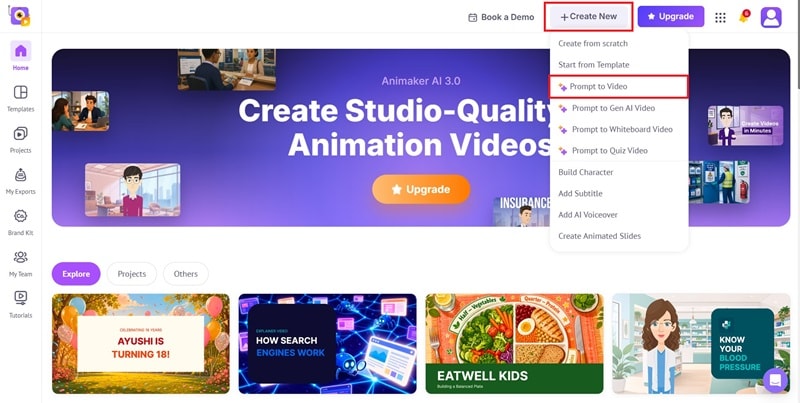
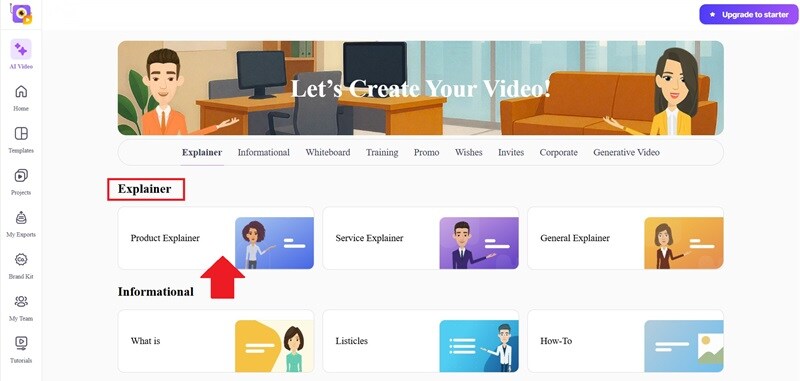
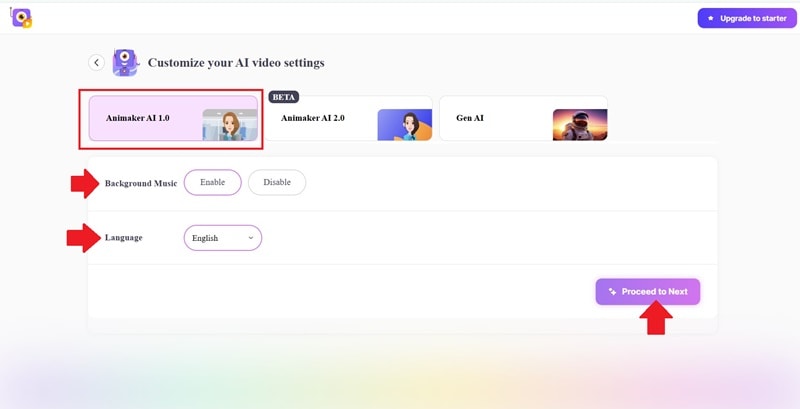
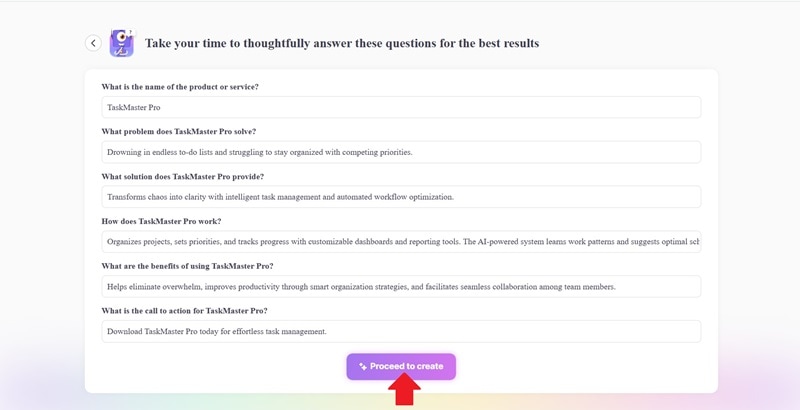
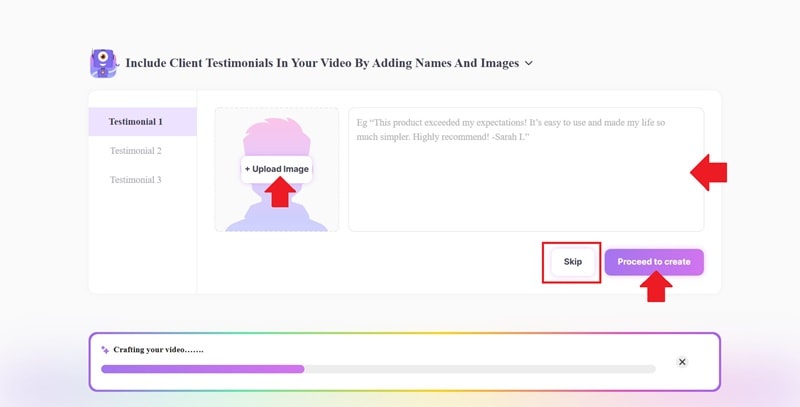
The best way to understand a platform is by trying it yourself. So below, we'll walk through how to create an Animaker explainer video using the Text-to-Video feature. We'll use a fictional productivity app called TaskMaster as our example.
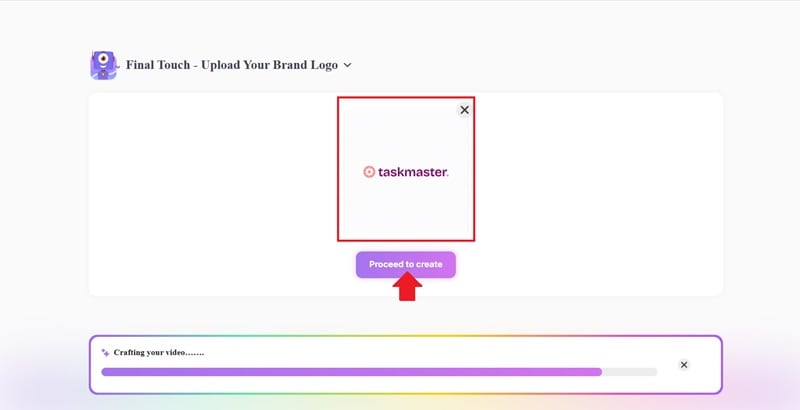
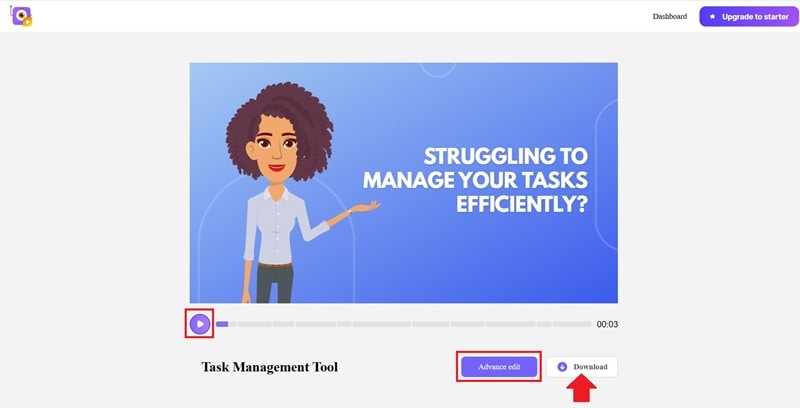
Part 4. Is Animaker AI Worth It? Pros and Cons
After exploring the platform and creating an Animaker AI video, you probably already have a general impression of what Animaker can do. Still, every tool comes with both advantages and compromises.
- Natural Lip Sync: Characters automatically match mouth movements to the audio.
- Easy Team Collaboration: Multiple people can work, comment, and share feedback in one place.
- Learning Support for Users: Built-in tutorials help you learn the platform quickly.
- Generous Free Trial: You can try out core features and create a few projects before paying.
- Slight Learning Curve: The video editor takes a little practice if you're a beginner.
- Some Animations Feel Stiff: Movement can occasionally feel rigid or robotic.
- Template-Like Results: AI prompts don't always hit the mark, so scenes may need manual tweaks.
- Slow Rendering Speed: Rendering complex or long videos can take a while.
Part 5. Who Is Animaker AI Best For?
Animaker AI cartoon makers are flexible enough to support many different types of users. However, its features are especially useful for people who regularly create presentations, educational materials, or animated content. Let's see who can benefit the most.
| Who Is It Best For? | What Can You Create? |
| Students | Assignment presentations, educational explainers, and classroom projects |
| Teachers | Interactive lessons, quizzes, and teaching materials |
| Small Business Owners | Product launches, menus, catalogs, and promotional campaigns |
| Marketing Teams | Product demos, campaign pitches, advertising assets, and branded content |
| Business Professionals | Onboarding materials, company updates, internal presentations, and training resources |
| Content Creators | Storytelling content, tutorials, animated explainers, and short-form videos |
Bonus: Looking for a Desktop Alternative? Try Filmora
Animaker is a convenient choice for creating animated videos online. However, your editing experience and rendering speed may vary depending on your internet connection. For larger or more complex projects, that can sometimes slow down your workflow.
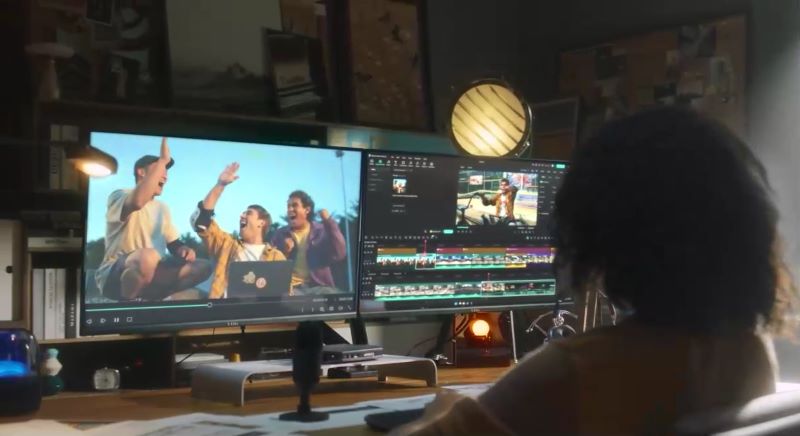
If you'd rather edit locally, Wondershare Filmora is a good Animaker for PC alternative. It can generate cartoon videos from text, images, or voice. Filmora also gives you access to a full set of editing and AI tools to finish your project in one place.
 Secure Download
Why Consider Wondershare Filmora?
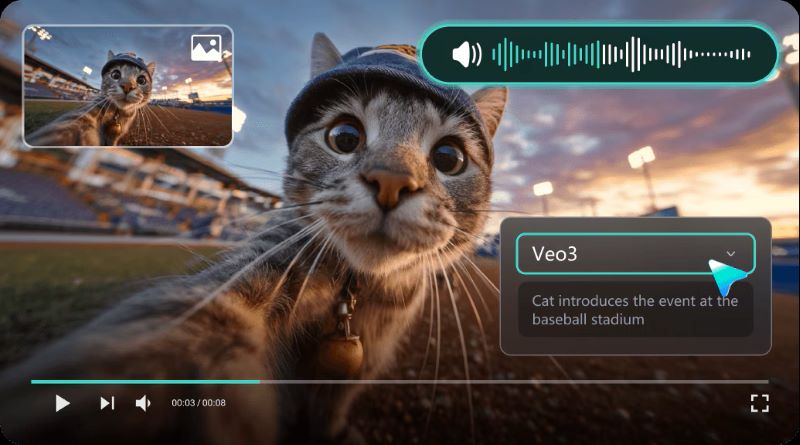
Create animated videos from a simple text prompt with Filmora's AI Text-to-Video. It also supports powerful AI models, including Seedance 2.0, Sora 2, and Veo 3.1.
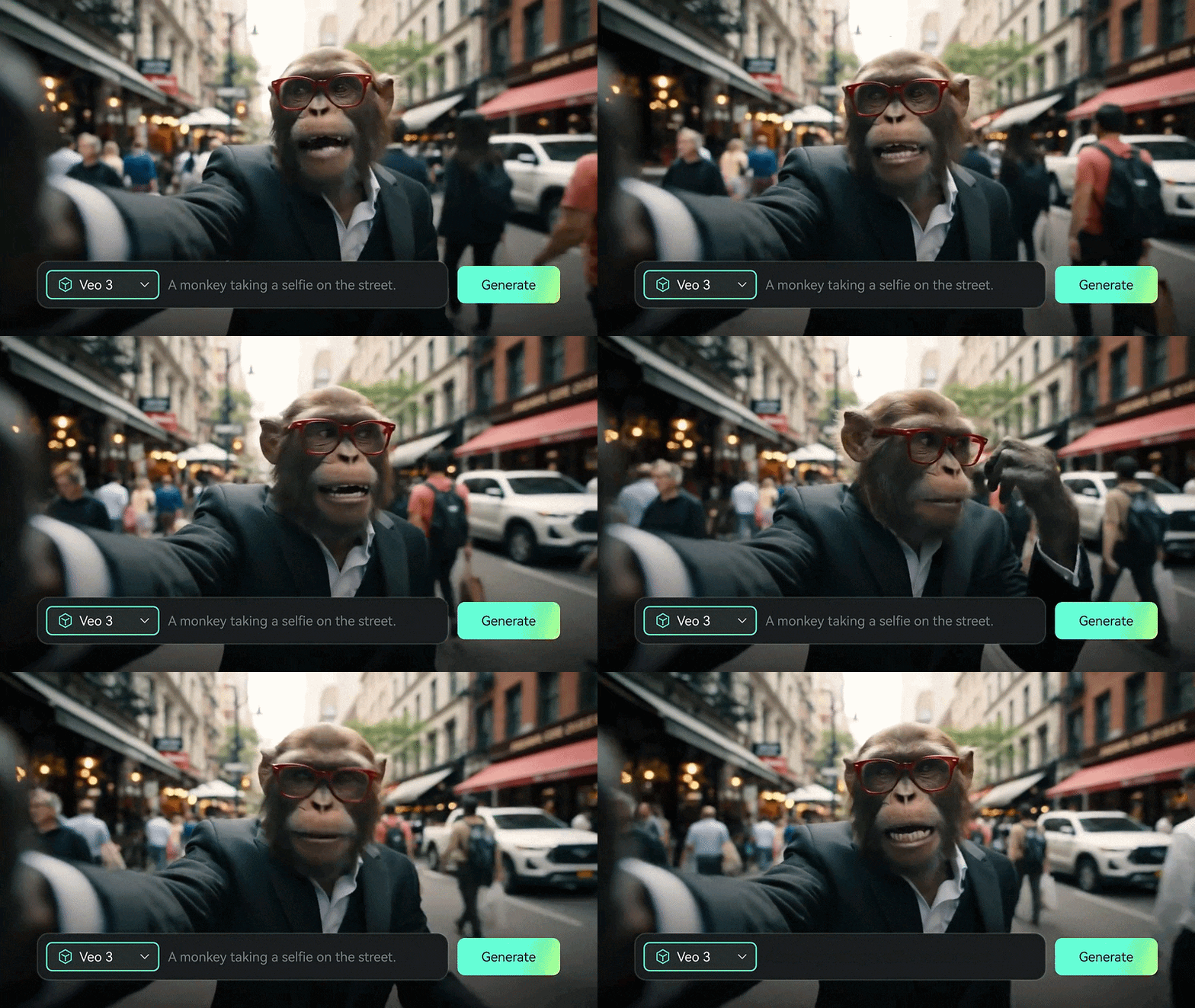
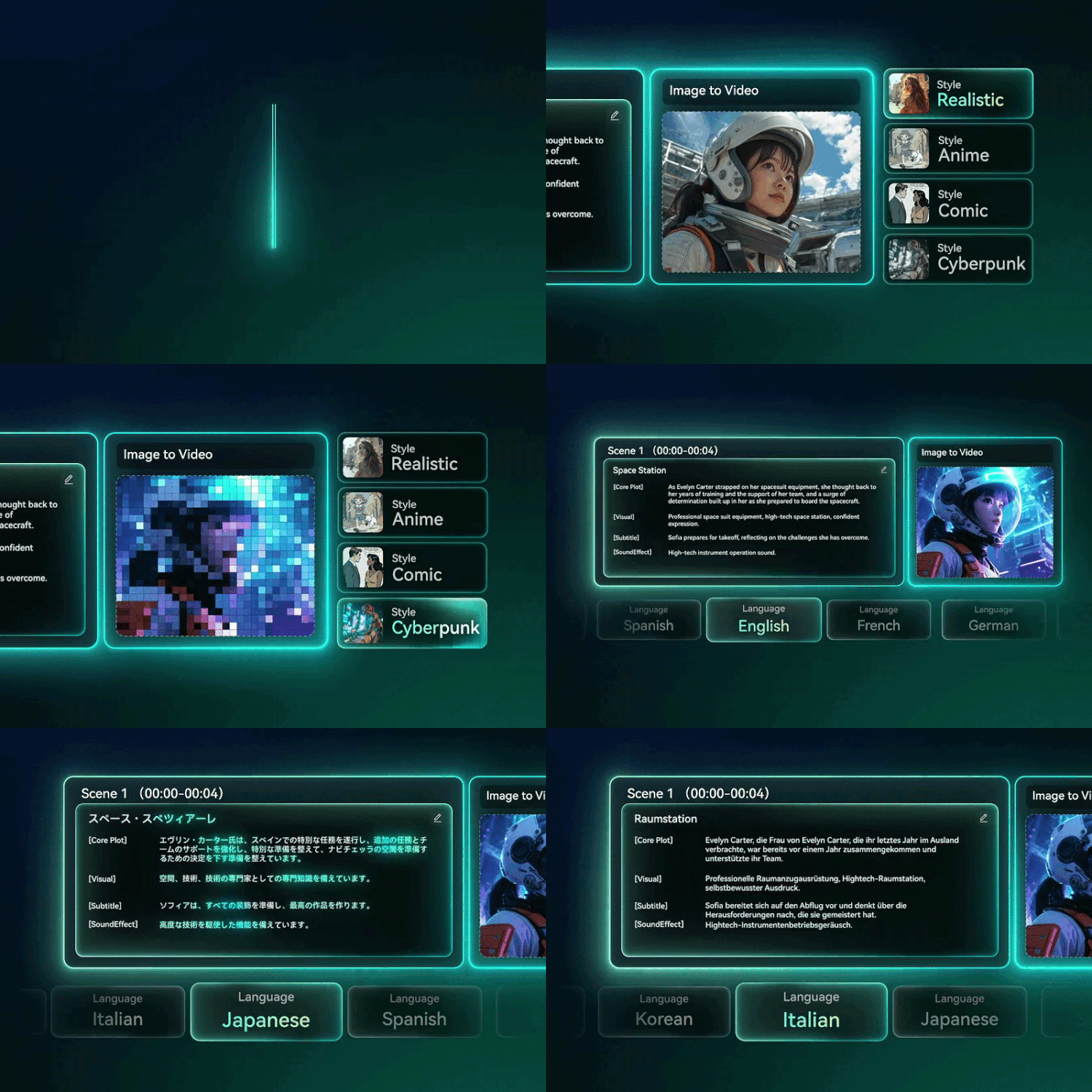
You can also use Filmora's Image-to-Video to animate your existing images. For more control, you can upload a reference image or define the starting and ending frames to create the exact scene you have in mind.
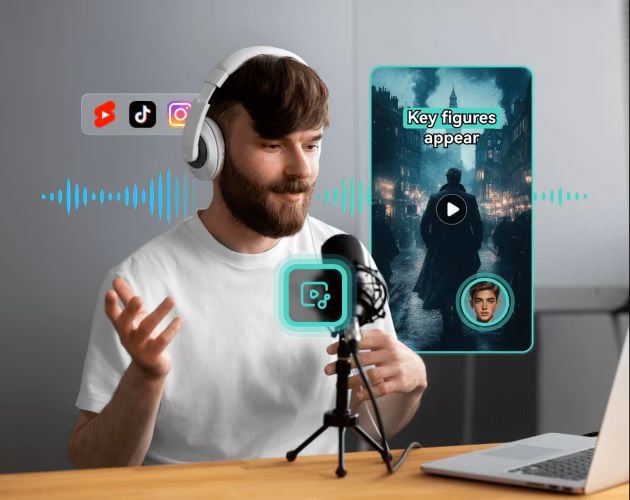
Turn your voice recordings into complete animated videos with Filmora's Voice-to-Video. From your uploaded audio, the AI will generate visuals that match your narration up to three minutes long and can produce multiple versions at once.
Animate your own characters without animation skills. All you need is an idea to get started. Filmora's Idea-to-Video can generate animated videos based on your own concepts, making it easier to create personalized characters and stories.
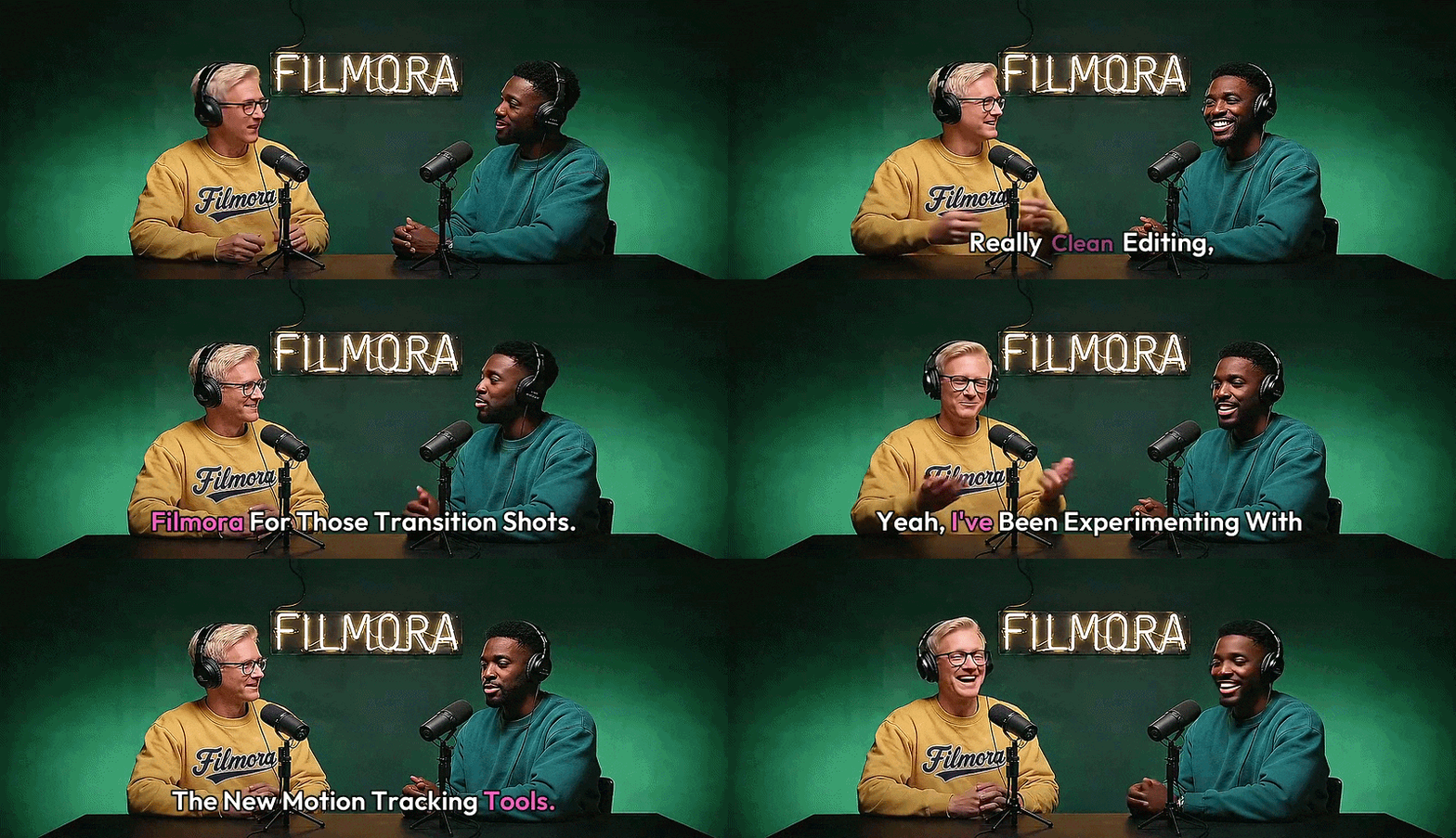
Filmora offers a range of AI tools to make creating animated videos faster and more flexible. The Auto Caption Generator helps add engaging captions to your videos, making your content easier to follow. You can also add AI-generated music and sound effects to match the mood and style of your videos.
 Secure Download
Conclusion
Animaker AI removes much of the complexity behind animation. You can create presentations, explainers, promotional videos, and social media content with the help of AI. While some projects may still require manual adjustments, the platform offers a good balance between simplicity and creative flexibility.
If you need a more complete editing experience, Wondershare Filmora is a great alternative. You can generate animated videos from different inputs. Plus, it comes with a complete set of editing tools, allowing you to create, customize, and polish your videos from start to finish.
FAQs
-
1. Can I use Animaker AI videos for commercial purposes?
Yes, but you'll need an Animaker Pro or Enterprise subscription. These plans include commercial and monetization rights for the videos you create. -
2. What's the difference between Animaker 1.0 and Animaker 2.0?
Animaker 2.0 is a newer AI generation model that's still in Beta. Since it's actively being developed, you may occasionally notice inconsistent results. If you need more stable and predictable output, Animaker 1.0 is currently the safer choice. -
3. Is Animaker AI available through an API?
No. Animaker AI doesn't offer a public API for developers. You'll need to use the platform through the official web interface or download Animaker in the mobile app.
