


How do you figure out which AI model is actually the best, out of the dozens dropping every month? Arena AI has a simple answer: let a real user decide. It’s a free platform where anyone can vote on blind, head-to-head battles between AI models, and those votes shape a public leaderboard on the Arena AI website that anyone can check.
But how much can you actually trust those votes? Or how do the battles work behind the scenes? Our Arena AI review below will try to answer every question you probably have about the platform.
Part 1. What Is Arena AI?
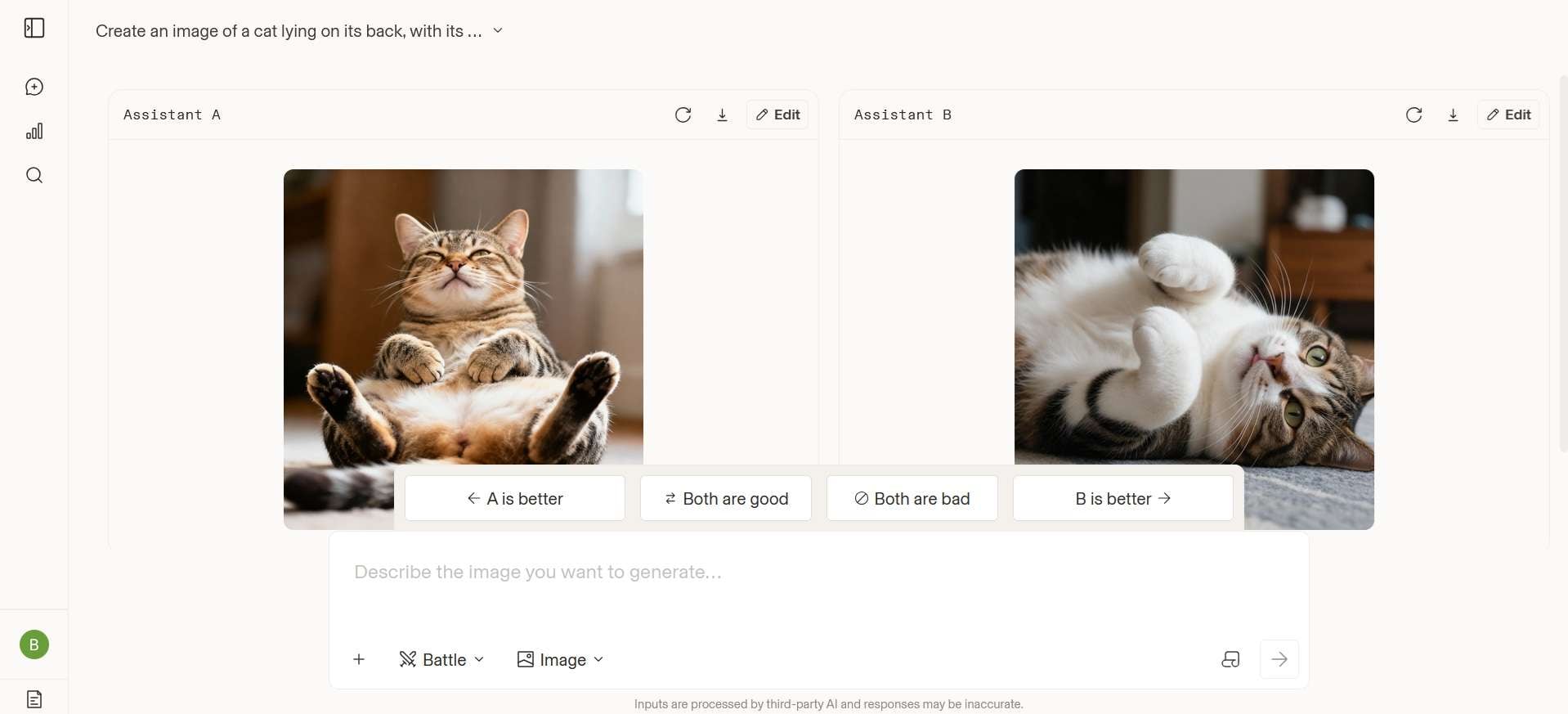
Arena AI is a crowdsourced public website where people compare AI models by voting on their responses. You enter a prompt, and two anonymous AI models generate answers. You then choose the response you prefer without knowing which models produced them. The model names show up only after you vote to keep the comparison fair.
As more people submit their preferences, the votes are combined to create a public Arena AI leaderboard that ranks the models based on user comparisons. Arena says its leaderboard rests on more than 82 million votes from over 10 million visitors per month.
The project started as a research project at UC Berkeley in 2023 and was incorporated as a company in April 2025. It was first called Chatbot Arena, later LMArena, and rebranded to “Arena” in January 2026. The site runs at https://arena.ai/. Some people search for it as “Areana AI,” but the correct spelling is Arena AI.
On the business side, the company behind it has raised $250 million in total and hit $100 million in annualized revenue just eight months after launching its commercial service.
Is Arena AI Free?
Yes. The Arena AI leaderboard is free for public use, and you can view it without an account. Chatting and voting are also free, but Arena applies a daily usage limit to all users. The paid product is the AI Evaluations service for companies.
Part 2. What Can You Do with Arena AI?
Arena AI has separate arenas for text, images, video, and agent tasks, and each one feeds its own leaderboard.
Below is a quick look at each feature, followed by how the rankings are calculated:
- Text and Chat Battles: This is the original mode. Send one prompt, get two anonymous answers, and vote. Logged-in users also get Direct and Side by Side modes, where you can pick the models yourself instead of facing a blind match. However, those votes won’t count toward the public rankings.
- Image Battles: Image Arena works the same way for image generation and image editing. You enter a prompt, compare two outputs, and vote for the better one. There are separate Text-to-Image and Image Edit leaderboards.
- Arena AI Video Generator: Arena added video comparisons in January 2026. You can compare Text-to-Video and Image-to-Video models and vote for your preferred result. Generated clips are typically around 5 to 8 seconds long, and the video arena currently supports Battle mode only.
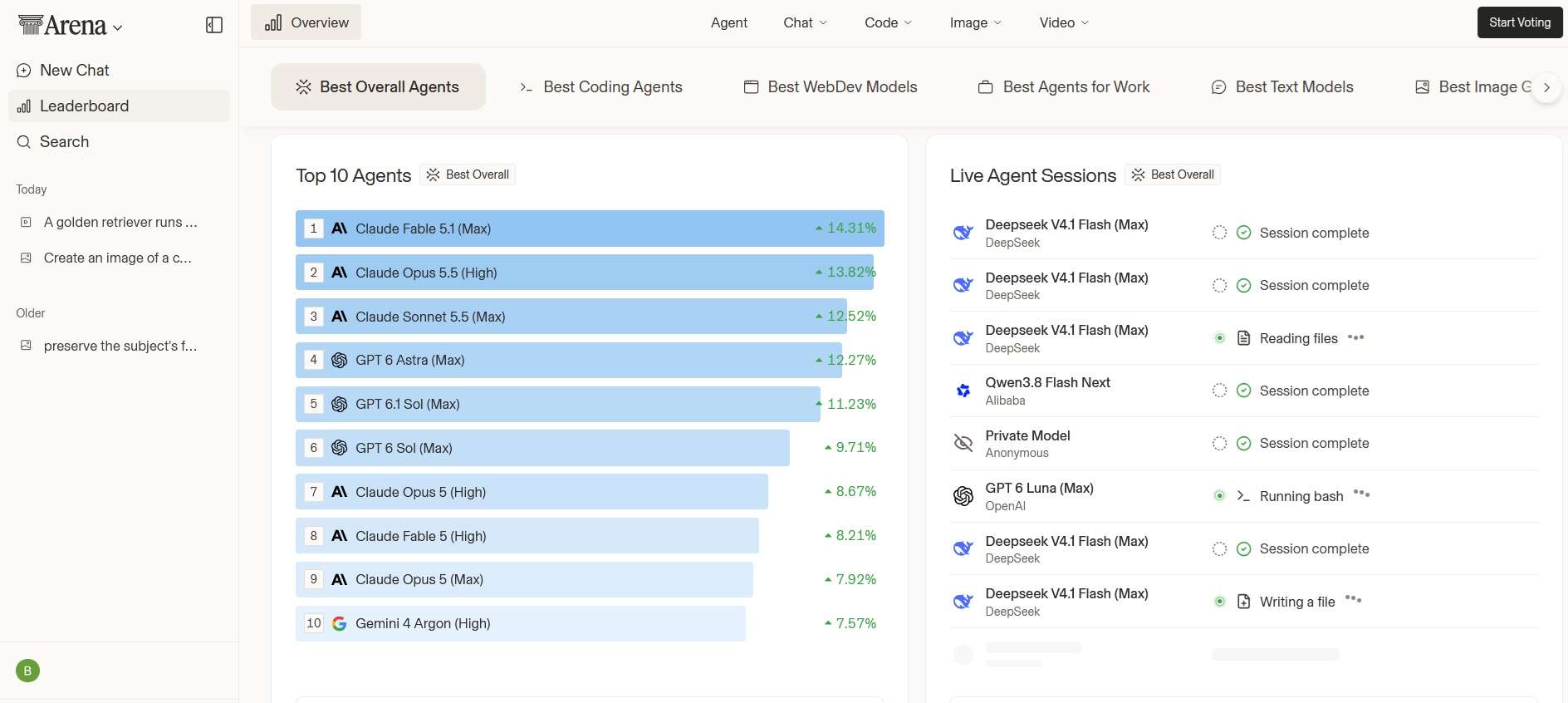
- Agent Mode: Arena’s agent arena lets models use tools such as web search, file systems, and terminals to complete multi-step tasks, including coding and research. Its ranking system looks beyond simple user votes and considers factors such as task success, steerability, error recovery, user praise versus complaints, and tool hallucinations.
- Browse the Arena AI Leaderboard: You can browse Arena’s public leaderboards to compare AI models across different categories. Each entry shows the model’s rank, ranking spread, score with a confidence interval, vote count, and price per million tokens. Categories include overall, text, agent, WebDev, vision, document, search, text-to-image, image edit, text-to-video, image-to-video, and video edit.
How Arena AI Calculates the Rankings
For battle-style arenas, the Arena AI tool uses the Bradley-Terry rating system, which is similar to the Elo system used in chess. Each vote counts as a match result between two models, and the system estimates a score for every model from all those results.
Keep these two points in mind when reading the board:
- Only votes cast while the model names are hidden count toward official rankings.
- Each score has a confidence interval. When two models’ ranges overlap, the gap between them may be noise, and models with fewer votes have wider ranges.
Arena also applies style control to adjust for the effects of formatting and answer length, and it has open-sourced its ranking code as Arena-Rank.
Part 3. How to Vote & Compare Models on the Arena AI Leaderboard
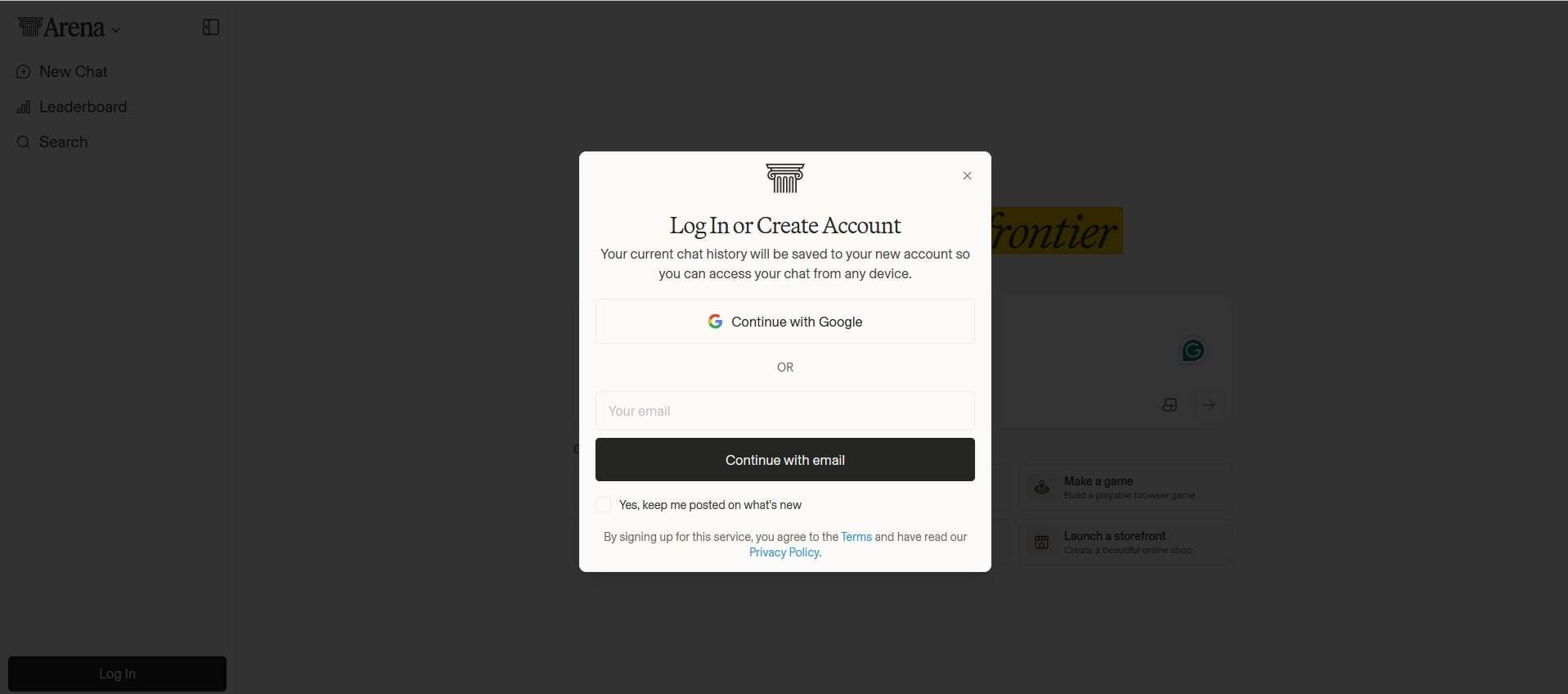
Arena works directly in your web browser, and there’s no dedicated Arena AI app for mobile or desktop at the moment. You don’t need to download the Arena AI app to use the platform. Follow the steps below to start testing and voting.
How to Use Arena AI to Compare AI Models
Side by Side or Direct: Test specific models of your choice. These votes don't count toward the public rankings.
Agent: Run multi-step tasks like coding and research, where models can use tools such as web search, file systems, and terminals.
Note: Arena supports Battle mode only, so you can’t choose the models there.
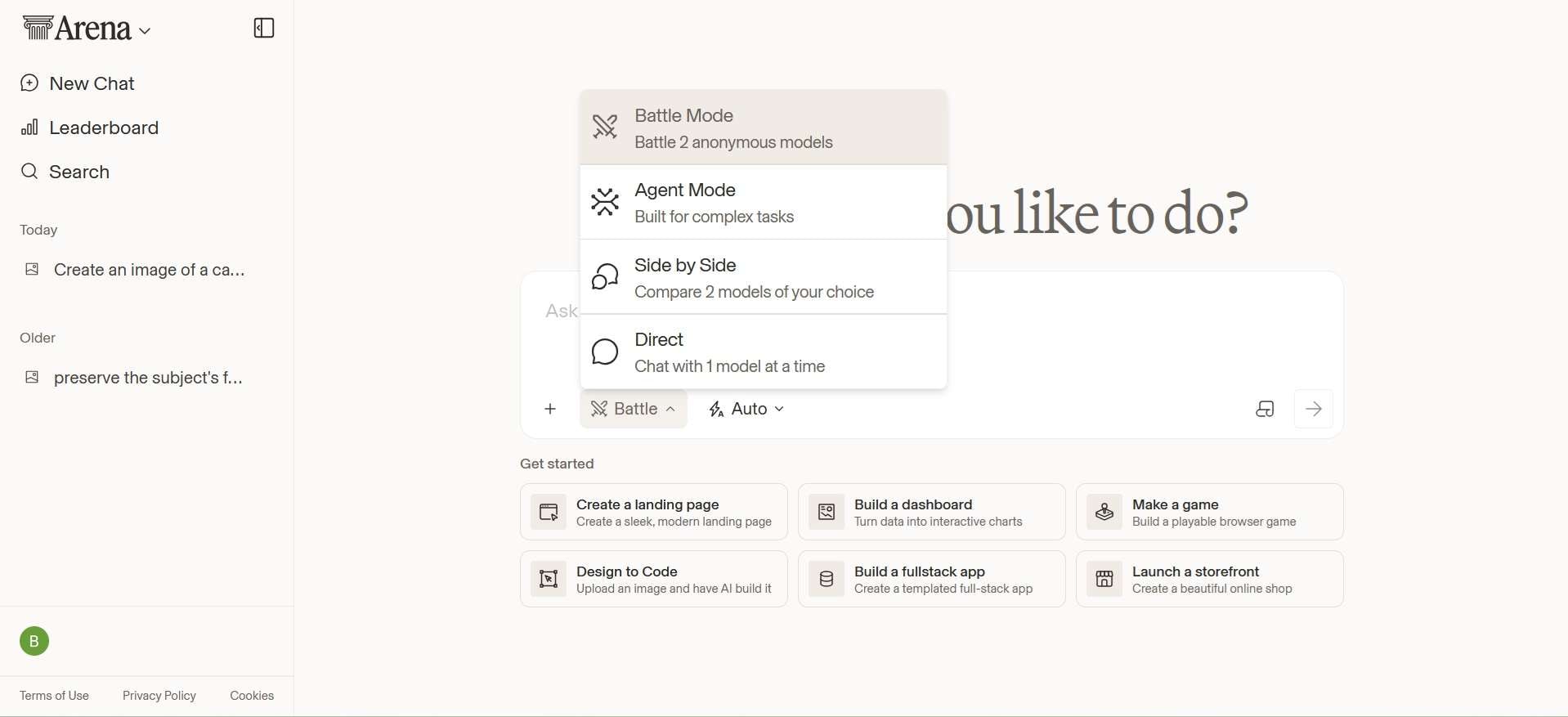
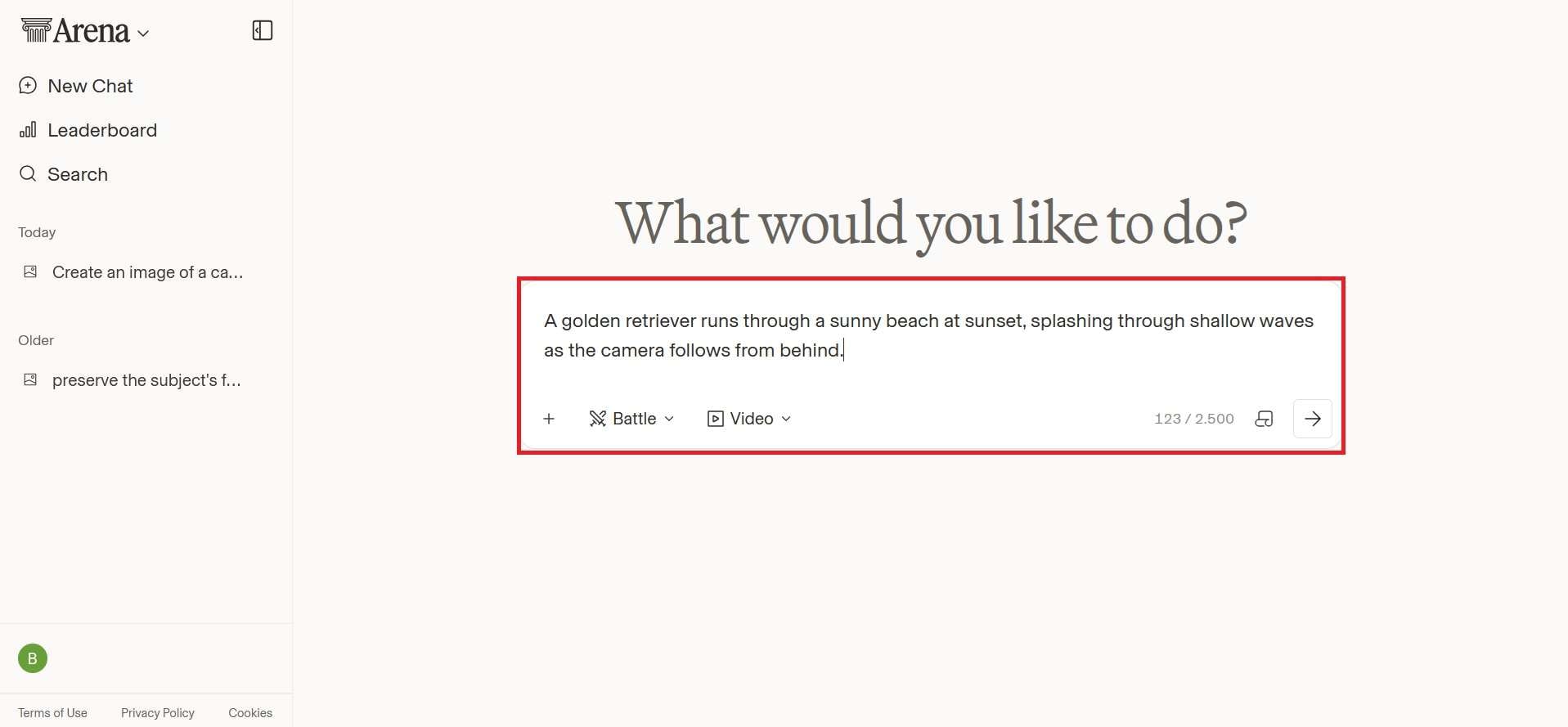
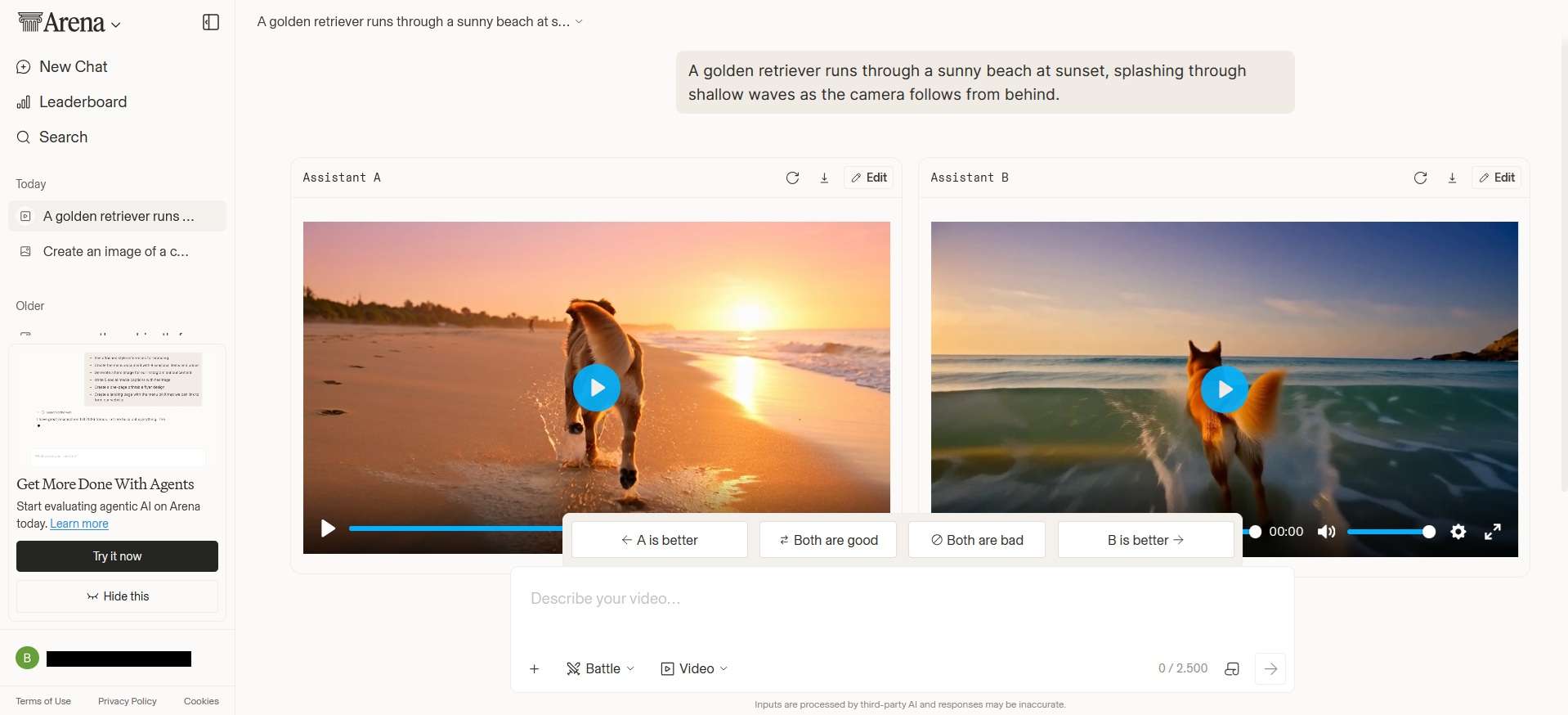
After each vote, Arena randomly selects another pair of models, so your next prompt may be matched with a different combination.
Part 4. Is Arena AI Reliable? Pros and Cons
The crowdsourced voting makes the Arena AI tool useful for people who want to see how AI models really perform on everyday prompts, beyond marketing alone. It uses preference data from a large crowd, which is helpful for shortlisting models or as a reality check on vendor claims, since the rankings are based on real user votes.
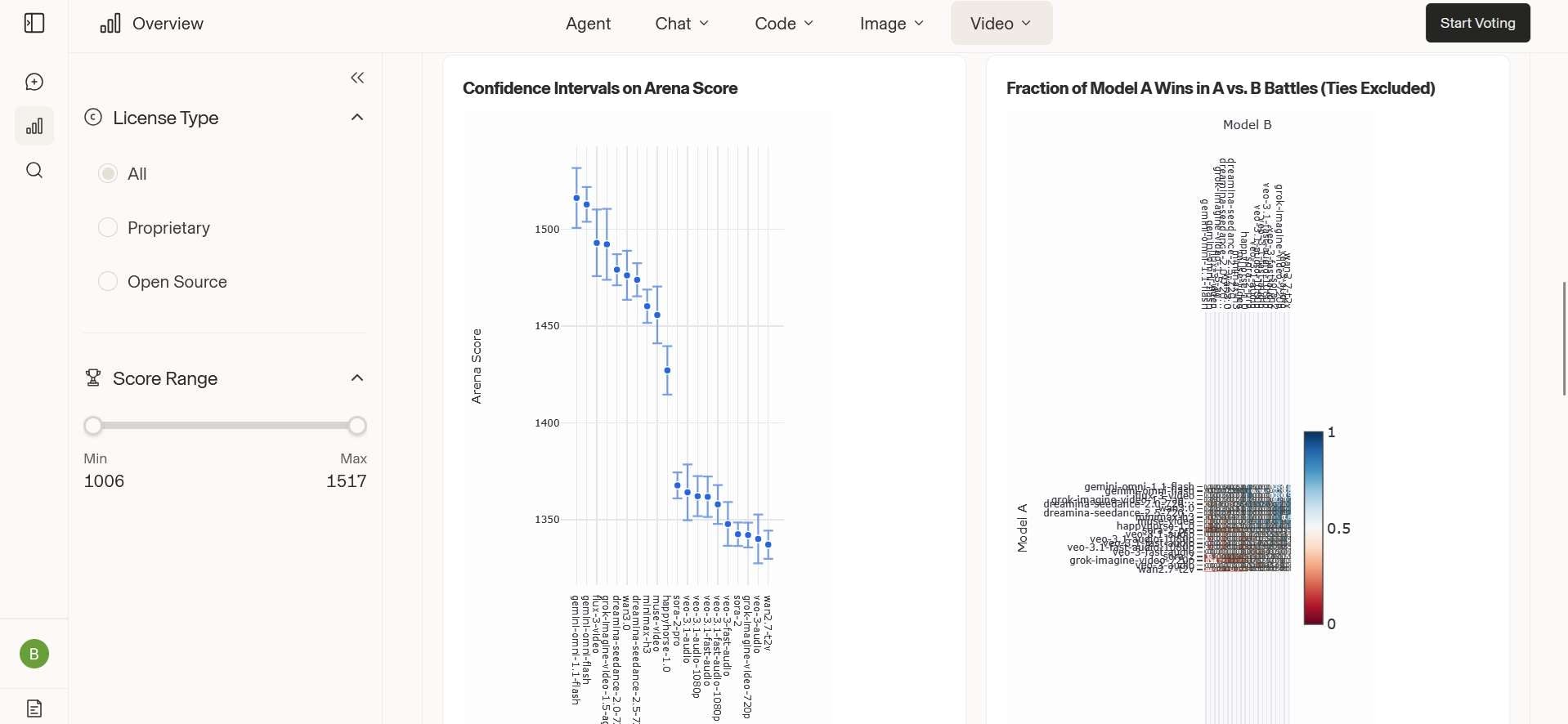
But the big question with Arena AI is what the votes actually measure. They show which answer people preferred, and that isn’t always the correct one. A few concerns worth keeping in mind are:
- The Leaderboard Illusion. Researchers argued that removing older models can affect how Arena calculates ratings, which may make some rankings less reliable. They also noted that AI providers can privately test multiple model versions, which makes the leaderboard harder to interpret.
- Rigged votes. Fast Company reported on a study that found a few hundred fake votes can shift the rankings.
- Changing rankings. The Arena AI leaderboard can shift as new models, votes, and comparisons are added, so rankings should be treated as a snapshot rather than a permanent verdict.
- Limited context. A short battle may not show how a model performs during longer conversations or complex, multi-step tasks.
Arena has answered with published methods and open data. Even so, the best way to use the board is to build a shortlist, and then test those models by yourself.
Arena AI Safety & Privacy Concerns
Privacy is another factor to consider when using Arena. Because the platform relies on user-submitted prompts and crowdsourced comparisons, you should be careful about the information you share.
Arena's privacy policy says it may share user content with AI technology providers for evaluating, improving, and developing their models. It also says it doesn’t necessarily control how those providers use the data. So, avoid entering passwords, personal details, confidential documents, or other sensitive data.
Pros and Cons
- Free for regular users, with no paid tier needed to see the rankings
- Blind battles reduce brand bias
- Access to many frontier models, including video models, without separate subscriptions
- Pre-release models sometimes appear under codenames, which gives early access
- Public methodology, open ranking code, and confidence intervals on every score
- Wide coverage, including text, image, video, code, search, and agents
- Seeing the leaderboards doesn’t require a login
- Votes measure preference, not correctness
- Daily usage limits
- Image and video arenas require login
- You can't choose the models in Battle mode or in Video Arena
- Prompts may be shared with model providers
Part 5. More Ways to Compare AI Models Yourself: Filmora
What’s the best way to decide which AI-generated image or video works for your project? You can test different models yourself in Wondershare Filmora, which combines AI generation tools with a full video editing workspace.
Unlike Arena AI, you don't vote on anonymous outputs. Filmora supports AI video and image generators, where you can choose a model, run your own prompt, and judge the result against your project’s needs. After generating your images or video clips, you can edit the results directly in Filmora with tools for trimming, transitions, captions, effects, music, and more.
Currently, supported AI models in Filmora include:
| Supported AI Models | |
| Image | Seedance 2.5, HappyHorse, ToMoviee, Veo 3.1 |
| Video | Nano Banana Pro, Nano Banana 2, GPT-Image 2 |
|
Show More
Show Less
|
|
Filmora doesn't support anywhere near as many models as Arena AI, but it makes sure it only includes ones that are actually reliable and worth using, without you sorting through a giant list to find the right one.
 Secure Download
Conclusion
Arena AI gives you a simple way to compare AI models through real user preferences. The leaderboards are open to the public and cover text, image, video, and agent tasks. Its rankings can be useful for finding models worth testing, but they should not be treated as a final measure of quality or accuracy.
For a more hands-on comparison, you can also test AI models directly in Filmora and judge the results based on your own projects. Filmora supports top video and image models like Veo 3.1, Seedance 2.5, Nano Banana Pro, and GPT-Image 2, among others, and you can edit the results in the same workspace.
FAQs
-
Does Arena AI support video generation?
Yes. Video Arena lets you compare two anonymous models to see which creates a better video from your prompt, and your votes power the Text-to-Video and Image-to-Video leaderboards. -
How accurate is the Arena AI leaderboard?
Arena AI leaderboard reflects what people prefer, not what is factually correct. Rankings are built from millions of blind votes and come with confidence intervals, but researchers have questioned how some ratings are calculated, so it’s better to treat it as a snapshot for building a shortlist, then test the models on your own tasks. -
Can I download the videos or images I generate on Arena AI?
Yes, you can download the images and the videos you generate on Arena AI. Click the download button to save the files to your device.
