
Need to make a video, create an image, or try a new hairstyle without downloading several different apps? BasedLabs AI has tools for all these tasks, including face swapping, story writing, GIF creation, and more. It also gives users access to 50+ AI models, so there’s plenty to explore.
Still, a long list of tools doesn’t tell you much about the results you’ll get. Are the images and videos high-quality? Which features are worth using, and how much can you do with the free credits? This BasedLabs AI review will take a closer look at the tool to help you decide if it’s right for your projects.
Part 1. What Is BasedLabs AI?
BasedLabs AI is a browser-based AI platform that features a variety of creative tools and AI models in one platform. You can generate images from text prompts, turn ideas into videos, swap faces, write stories, create GIFs, and explore tools for floor plan design and virtual hairstyle try-ons.
To get started, visit the official BasedLabs AI website at https://www.basedlabs.ai/ and create an account or complete the BasedLabs AI login process. Once logged in, you can explore the available tools and start creating.
The platform offers several models to choose from, depending on the content you want to create.
- Image generation: Create visuals from text prompts using different image models.
- Video creation: Generate videos from prompts or animate still images with supported tools.
- Specialized tools: Try face swapping, story writing, GIF creation, floor plan generation, producer tag creation, and virtual hairstyle previews.
Each tool has its own features, output quality, and credit requirements. Your experience will depend on the tool you choose and how well it handles your project.
Part 2. BasedLabs AI Features: What Can You Create?
BasedLabs AI offers tools to generate visuals, animate images, swap faces, and complete specific creative tasks. Each tool serves a different purpose, from producing original artwork to previewing a new hairstyle.
BasedLabs AI Image Generator
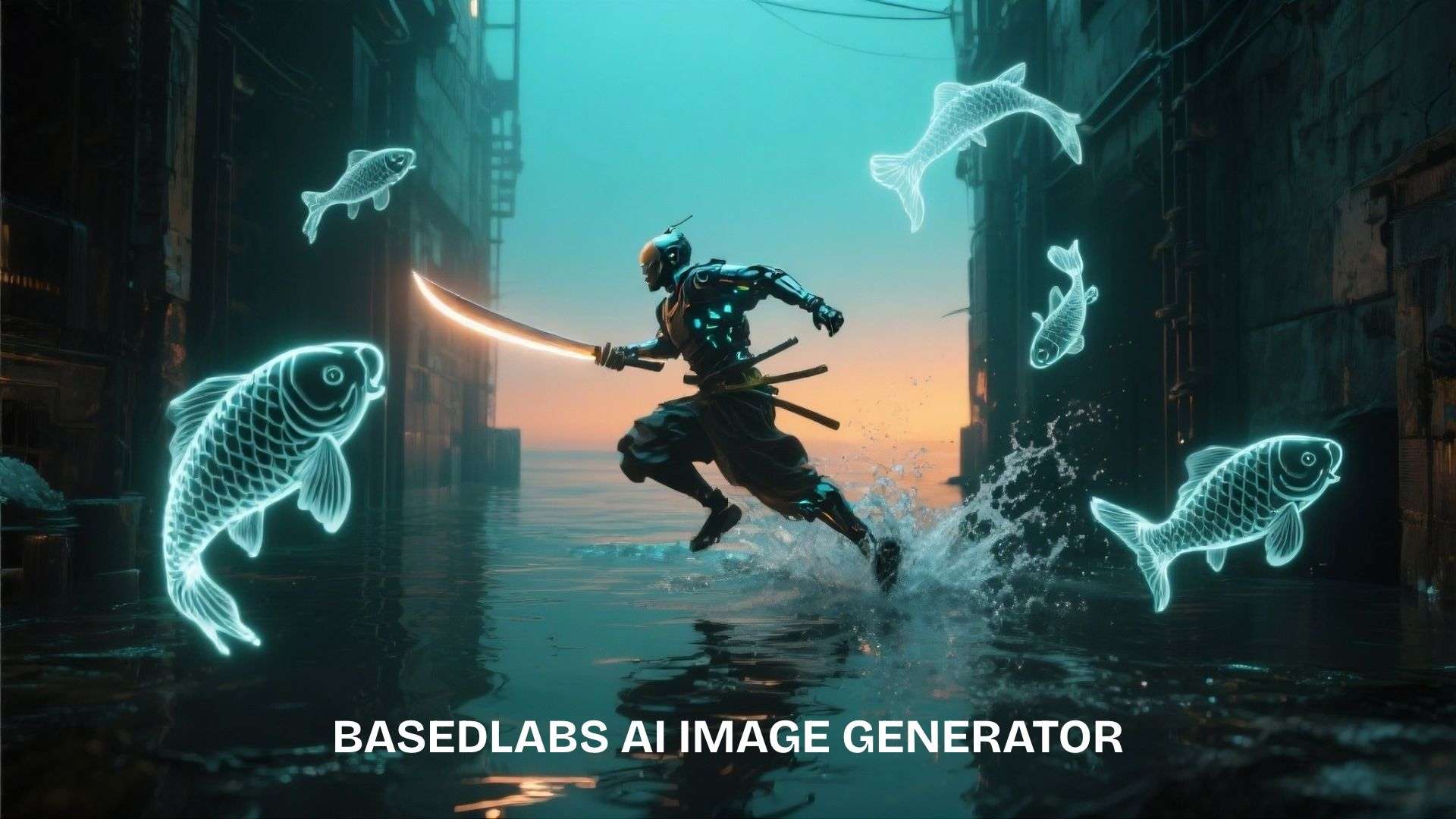
The AI Image Generator creates images from text descriptions. It's designed for producing original visuals without drawing them manually.
Best for:
- Creating illustrations, portraits, and concept art
- Designing social media graphics and thumbnails
- Exploring visual styles for creative projects
BasedLabs AI Video Generator
The BasedLabs AI Video Generator turns text prompts or still images into moving video clips. It generates new footage from an idea or visual reference.
Best for:
- Creating short cinematic scenes
- Animating still images
- Generating clips for social media and marketing
BasedLabs AI Video Maker
The BasedLabs AI Video Maker offers a guided workflow for turning text or photos into videos. It overlaps with the Video Generator, as both offer text-to-video and photo-to-video options.
Best for:
- Quickly turning an idea into a video draft
- Animating photos for short-form content
- Testing different video models
Both tools have similar core functions, so compare their available models and settings to find the workflow that suits your needs.
BasedLabs Face Swap
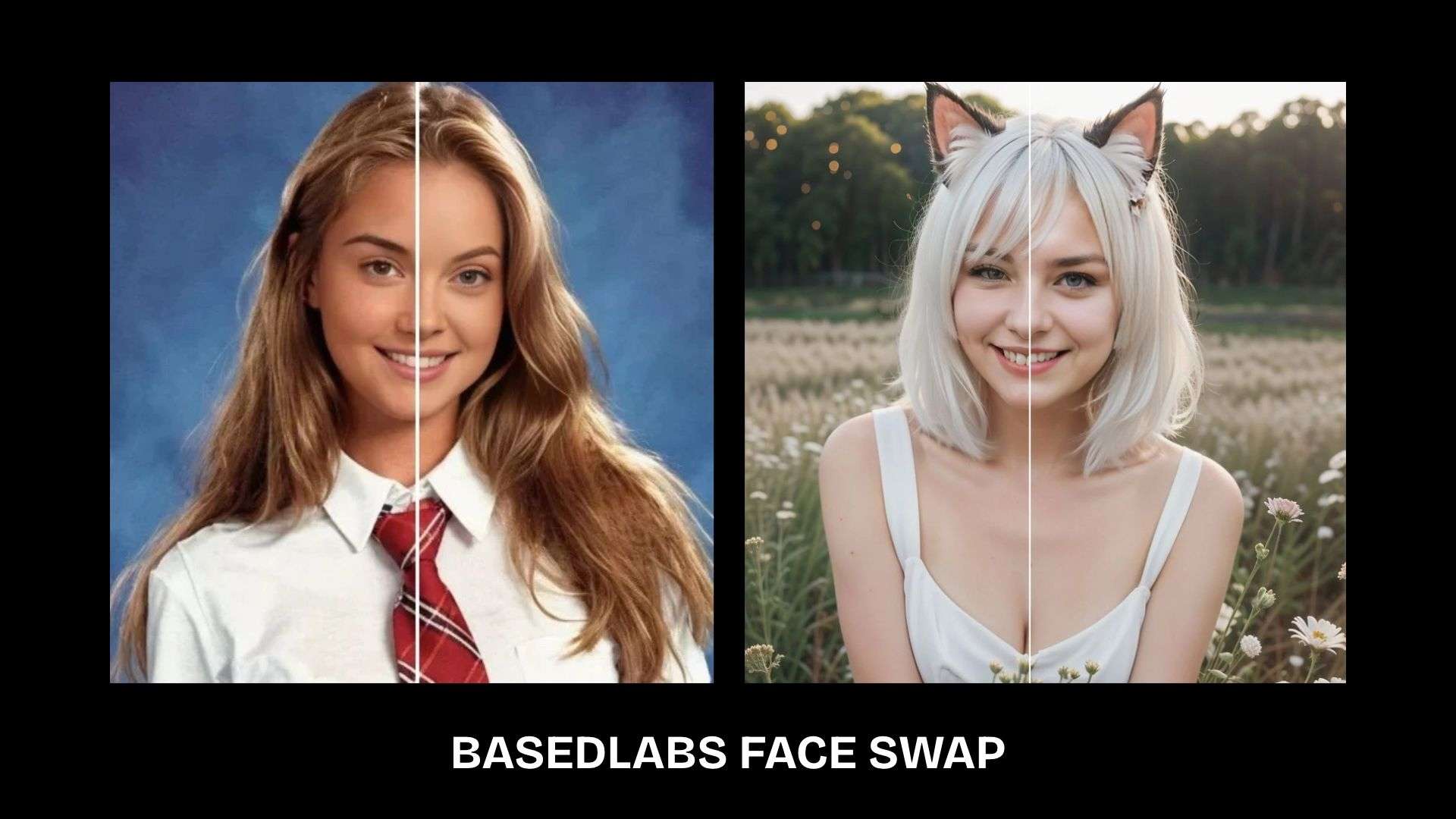
BasedLabs Face Swap replaces a face in supported media with another person's face. Unlike general image generation, it focuses on changing facial identity within existing content.
Best for:
- Creative photo edits
- Face-swapped video experiments
- Character and visual concepts
Use images you have permission to edit, especially when creating realistic media involving other people.
Other BasedLabs AI Tools

BasedLabs also offers tools for specific tasks beyond image and video generation:
- BasedLab AI Story Generator: Develop story ideas, plots, and character concepts from a prompt.
- BasedLabs Floor Plan Generator: Explore room layouts and preliminary interior design ideas.
- BasedLabs Producer Tag Generator: Create short audio tags to identify a music producer or brand.
- Based Labs AI GIF Generator: Create looping animations for reactions, memes, and social posts.
- Virtual Hairstyle Try-On: Preview different hairstyles on a photo before choosing a new cut or color.
Part 3. BasedLabs AI Pricing
BasedLabs AI offers one-time credit top-ups for existing subscribers. The packs differ in price and credit balance, with bonus credits available on selected options. Check the official BasedLabs AI pricing page for the latest offers.
| Credits | Price | What's included |
| 300 | $10 | ~80 images or ~10 short videos; suitable for occasional generations |
| 900 | $29 | ~240 images or ~30 short videos; marked as the most popular pack |
| 1,600 | $50 | ~600 images or ~75 short videos; includes bonus credits |
| 3,300 | $99 | ~1,400 images or ~175 short videos; includes bonus credits |
| 10,000 | $299 | A larger credit balance for frequent image and video generation |
| 16,500 | $499 | The largest listed pack for high-volume content creation |
|
Show More
Show Less
|
||
You can use credits with supported AI models. BasedLabs also offers access to its AI models, instant credit delivery, and commercial use. The number of images or videos you can generate depends on the model and settings you choose.
How Many Credits Do You Need?
Credit costs vary by model and output type. The pricing page lists the following examples:
- Image generation: Imagen 4 costs 5 credits per image, while Nano Banana Pro costs 16 credits.
- Video generation: Seedance 1.5 costs 7 credits per second, while Veo 3.1 costs 42 credits per second.
- Image editing: GPT Image Edit costs 90 credits.
Video generation can use credits quickly, especially when using higher-cost models or longer clips. Check the credit cost before generating multiple versions, and note that credit top-ups are available only to registered customers.
Part 4. Is BasedLabs AI Worth It? Pros and Cons
BasedLabs AI offers image and video generation, face swapping, and other creative features. Its range gives you plenty to explore, but results may take a few tries to get right, and extra generations can quickly use up credits.
- Multiple AI models let you compare different image and video styles in one platform.
- A range of creative features covers everything from visual content to GIFs and story writing.
- Free access to start lets you explore the platform before purchasing additional credits.
- Specialized tools offer options for tasks such as floor plan design and virtual hairstyle previews.
- Results can be inconsistent, and getting the desired style or motion may take several attempts.
- Some outputs need further editing to fix visual issues or meet specific project requirements.
- Credit costs can add up if you generate content frequently or rely on models with higher credit rates.
- Limited control over final outputs can make it difficult to achieve precise details or match a specific creative brief.
Who Should Use BasedLabs AI?
- AI content creators who want to experiment with image and video generation models.
- Social media marketers who need visuals and short clips for campaigns and posts.
- Designers and artists who want to explore concepts, styles, and creative ideas.
- Casual users who want to try AI tools for tasks like face swapping, GIF creation, or hairstyle previews.
Bonus: Filmora for Editing and Refining AI-Generated Videos
The BasedLabs AI video generator lets you generate clips using AI models, but the results may need further refinement before publishing. Wondershare Filmora gives you an editing timeline to cut unwanted frames, set shot lengths, record voiceovers, and place music and transitions where they belong.
Filmora also includes AI features that can support your video workflow:
- AI Video Generator: Generate video content from text or images.
- AI Idea-to-Video: Turn an idea into a video with generated scenes and storyboards.
- Auto Captions: Generate subtitles from speech and customize their appearance.
- AI Video Translation: Translate video dialogue to reach audiences who speak other languages.
- AI Video Extender: Extend clips to create more room for a scene or transition.
For example, you can use BasedLabs AI to create product images, then edit them in Filmora, add labels to highlight product features, and include a call to action at the end. This gives you the flexibility to edit the final video to align with the message you want to deliver.
 Secure Download
Conclusion
BasedLabs AI lets you try different creative tools, from generating images and videos to swapping faces and making GIFs. Whether a paid plan is worth it depends on which features you use and how often you generate content. It may need a few attempts to get the results you want, so check the credit costs before subscribing.
For videos you plan to post on YouTube or social media, Filmora gives you the tools to trim clips, add music and subtitles, and polish your edits.
FAQs
-
1. What is BasedLabs AI used for?
BasedLabs AI is a creative platform for generating images and videos, swapping faces, and making visual content for social media, marketing, and personal projects. -
2. Is BasedLabs AI free?
BasedLabs AI offers free access, but generation limits and credit requirements may vary. Check the official pricing page for current plans and costs. -
3. Does BasedLabs AI have a video generator?
Yes. The BasedLabs AI Video Generator creates video clips from text prompts or animates images, depending on the model selected. -
4. Can BasedLabs AI generate images from text?
Yes. Its AI image generator turns written prompts into images. Results depend on the prompt and the model you use, so you may need to adjust your description to get the look you want.