


 TL;DR:
Domo AI is a credit-based video generator that quickly transforms images, videos, and text into stylized anime clips for short-form platforms, but its lack of timeline controls and motion inconsistencies require pairing it with a standalone editor like Wondershare Filmora for finished projects.
● New users receive 15 free trial credits to access the official domoai.app web platform or Discord bot, with paid subscriptions ranging from $9.99 to $69.99 per month, and users must strictly avoid unofficial mobile APKs as no legitimate mobile app exists.
● The generation tools maintain recognizable faces during simple actions like head turns, but complex movements frequently introduce unpredictable motion glitches, distorted fine details like loose hair, and blurred background textures.
● The platform is optimized for TikTok and Reels creators seeking rapid visual style, whereas users needing strict narrative control must export the raw generated segments to a secondary tool to trim awkward frames, add transitions, and layer audio.
Ask AI for a summary
 ChatGPT
 Perplexity
 Gemini
 Claude
 Grok
Grok
With AI video tools being everywhere, Domo AI carved its own path, mostly through Discord communities and viral posts. Many users discovered it after seeing anime-style videos made by Domo AI and wanted to try it themselves.
But viral attention only lasts so long. What does Domo AI actually do? How far does its credit system go? Can you use it for creating content regularly? This review breaks down its features, pricing, and overall value to help you decide if it is worth using.

Part 1. What Domo AI Really Is
Domo AI focuses on turning simple inputs into stylized video outputs without requiring traditional editing skills. Rather than working on a timeline, you generate results based on what you upload or describe.
It focuses on three main capabilities:
- turning images into short animated clips
- transforming videos into anime-style visuals
- generating videos from text prompts

The goal is speed and style. You get results quickly, often with a cinematic or anime style look, which explains why it performs so well on short-form platforms. It spread through Discord communities, where users shared their results and created viral anime edits that quickly made their way to TikTok and Reels.
Still, it’s better to set expectations early. Domo AI is a creative generator, not a full video editor. It can produce eye-catching clips, but it doesn’t offer the control needed to shape a complete, polished video on its own.
Part 2. Getting Started With Domo AI – Not Your Typical App Experience
Domo AI originally ran primarily through Discord, but the web app at domoai.app is now the main experience. If you've read older tutorials that focus heavily on Discord commands, they're somewhat outdated.
The web interface is more beginner-friendly and doesn't require joining a server or learning slash commands. First, you sign up through the web platform. Then, log in to Domo AI and get access to the main features. It’s simple.
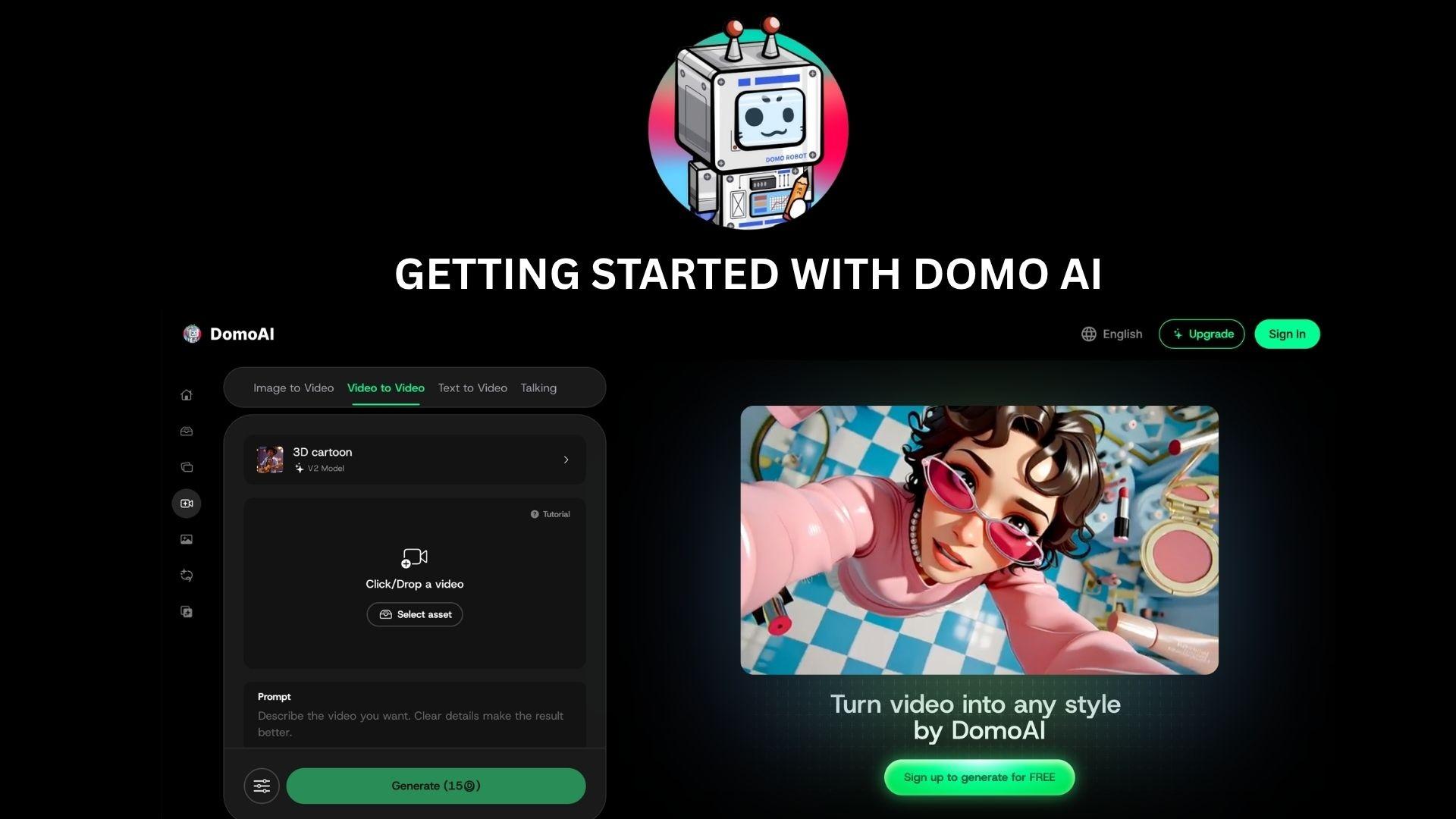
Even so, the Domo AI discord bot is still active. Using Domo AI via Discord works like this:
- Type a slash command
- Upload your image or clip directly in the chat
- The bot returns your generated result inside the channel
That workflow isn't for everyone. Some users prefer it for community inspiration or for accessing certain features. What's also worth mentioning is to avoid Domo AI mod APKs. Domo AI has no official mobile app, so any APK claiming to be Domo AI is unofficial at best and potentially malicious at worst.
Part 3. Domo AI Core Features Tested
Once you’ve gone through the setup process, the real value of Domo AI comes from what it can produce. Instead of offering a wide range of editing tools, it focuses on a few core features that are designed to produce quick, visually engaging results. Here’s how each of them performs in actual use.
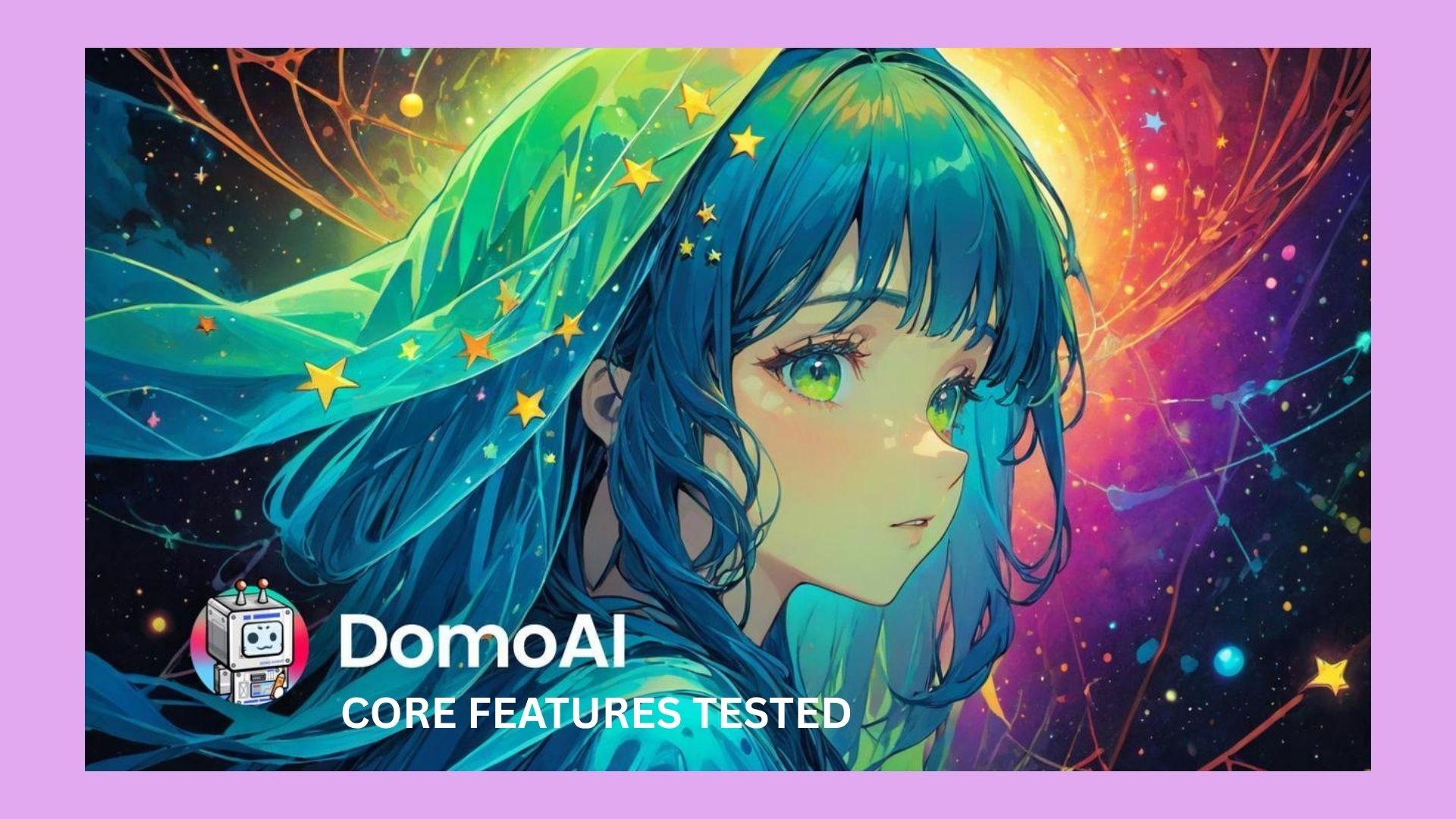
Image to Video
This is the feature most people come for. You upload a static image, and Domo AI Image to Video turns it into a short animated clip. The results can look surprisingly dynamic, especially with anime or cinematic styles applied. The motion isn't always predictable, though, and you have limited control over what actually moves or how.
Video to Anime
This feature transforms existing footage into anime-style visuals, which is its strongest selling point. It works well for short clips, and the style transfer can be striking. Consistency can break down in scenes with a lot of movement or fine detail, which is a common complaint among users.
Text to Video
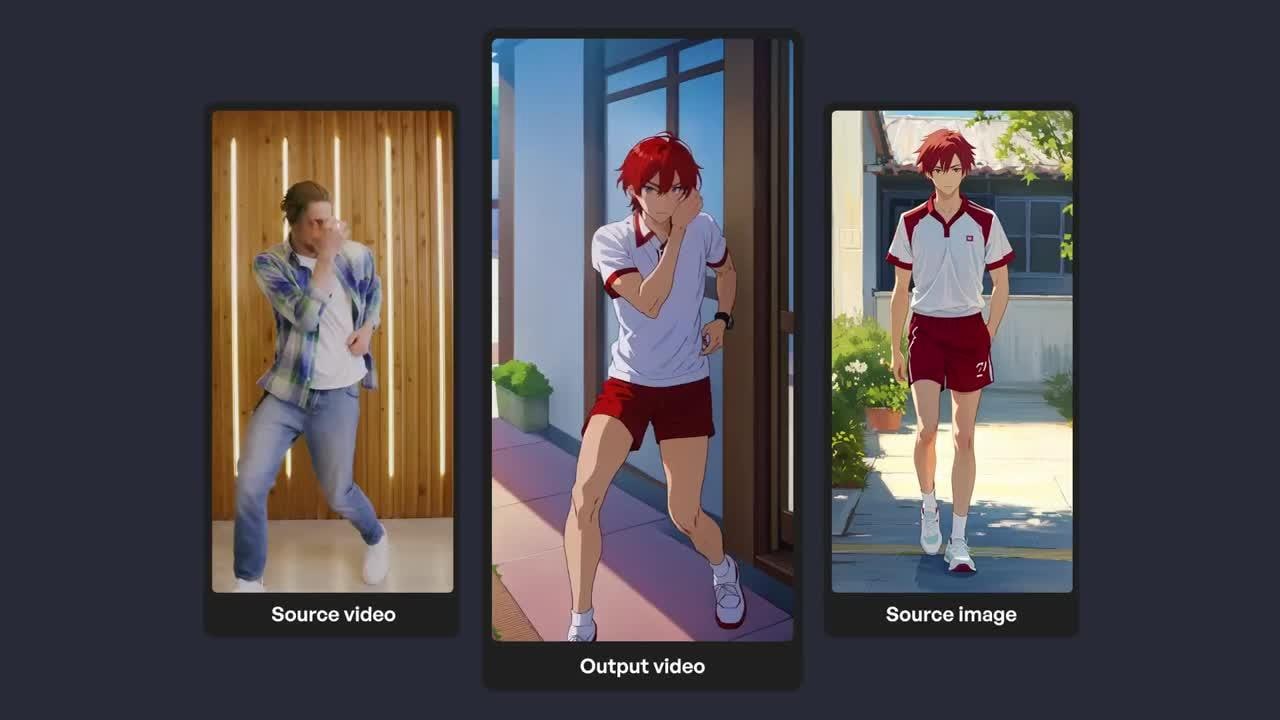
With text prompts, you can generate entirely new scenes using the Domo AI video generator. It’s one of the more experimental features, and results can vary depending on how clear or detailed your prompt is. Sometimes this feature produces compelling visuals, but it isn’t always reliable for specific ideas.
Art & Character Animation
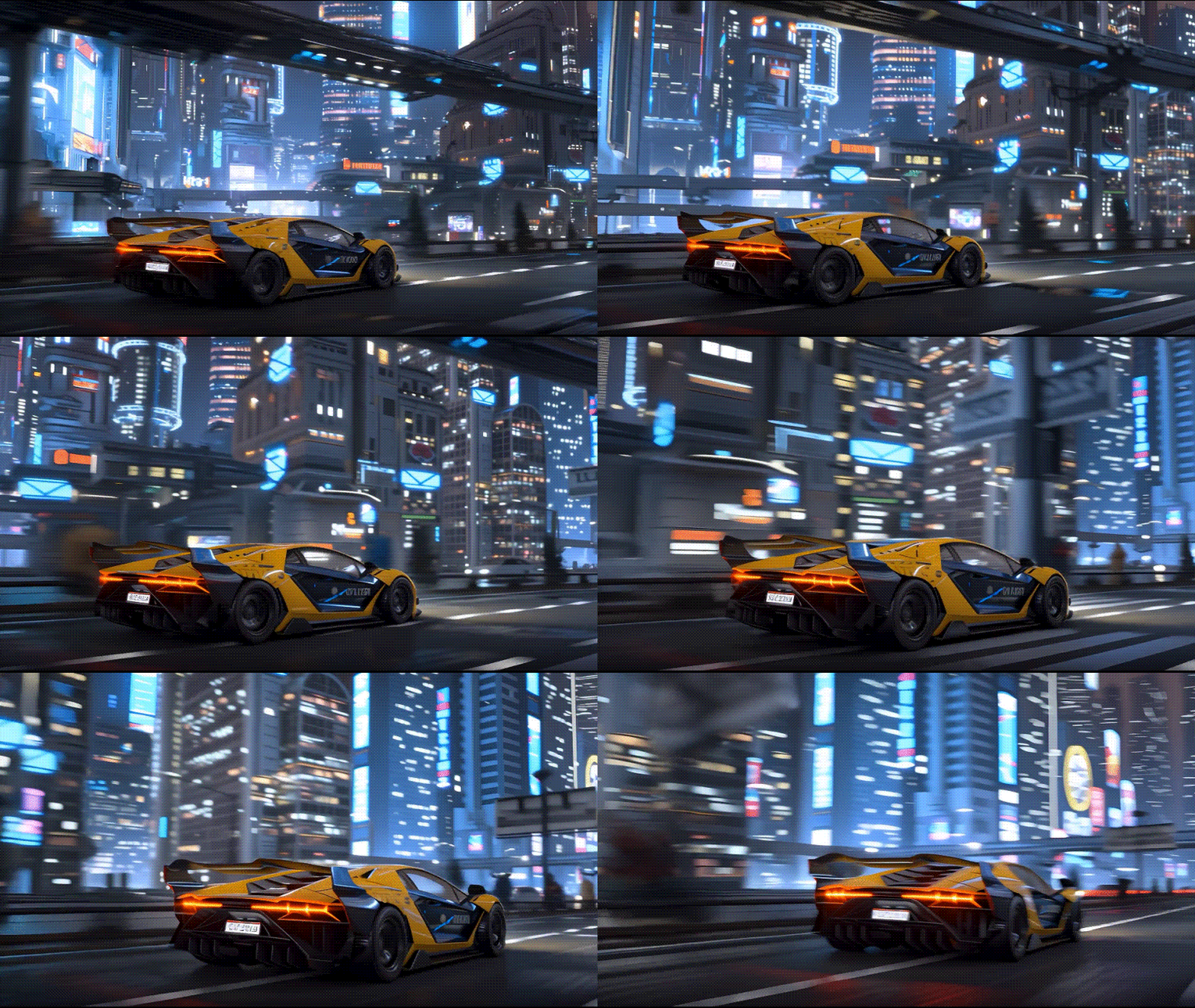
Domo AI Character Animator allows you to generate and animate characters with different styles. The platform supports styles ranging from Studio Ghibli aesthetics to Shonen-style action. It's useful for creative projects and stylized social content, though customization options are still fairly limited compared to more advanced animation tools.
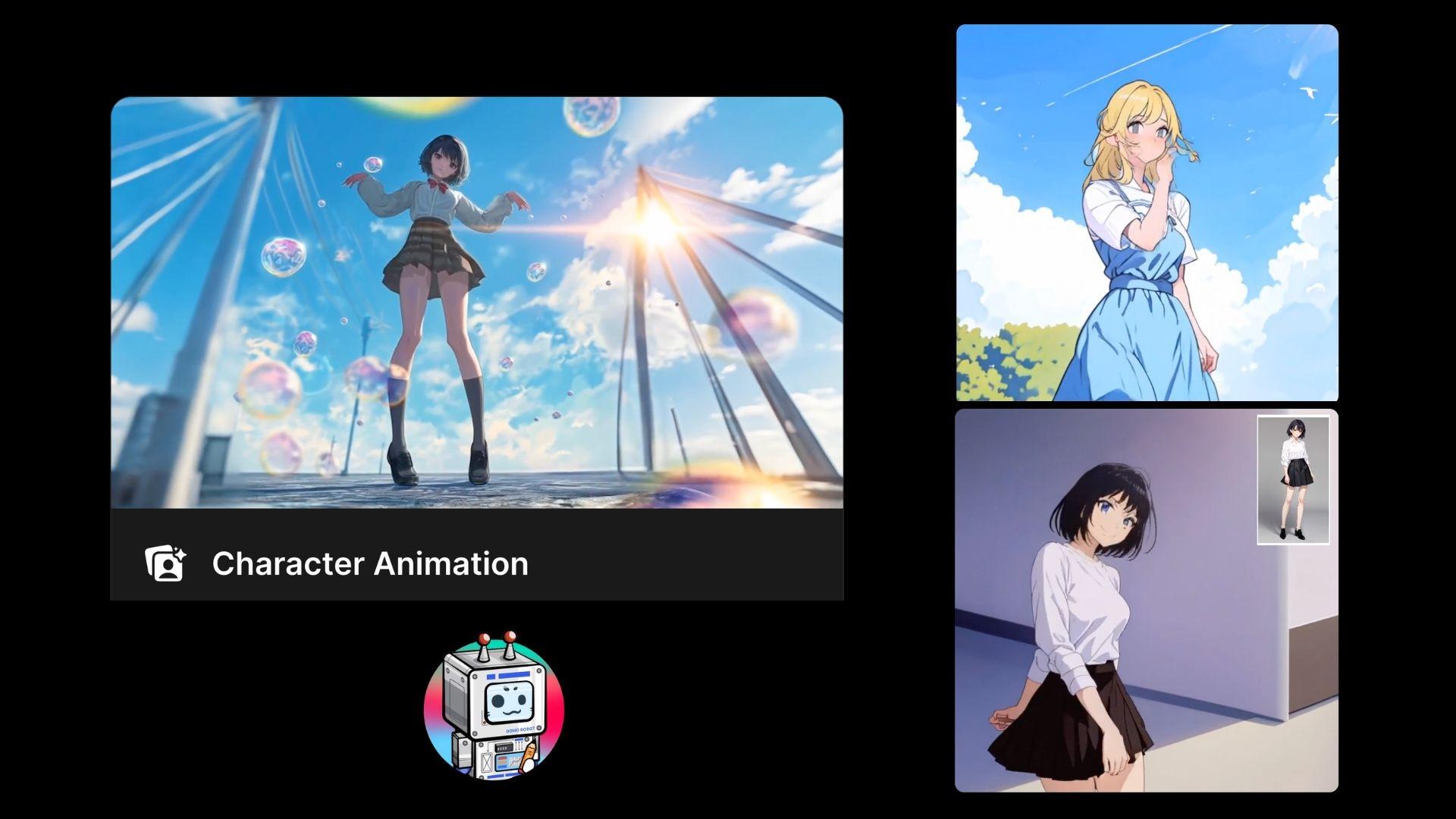
Overall, you can create something eye-catching in minutes, but the trade-off is less control over the final result.
Part 4. Output Quality: Impressive at First, But Has Flaws
The first few Domo AI videos you generate will probably impress you. The anime style looks intentional, the colors are vivid, and the overall result has a polished feel that's hard to get from most free or low-cost tools.
For a beginner who's never touched an AI video generator before, seeing a still photo turn into a moving anime clip in a few minutes is genuinely exciting. But the more you use it, the more you notice the rough edges.
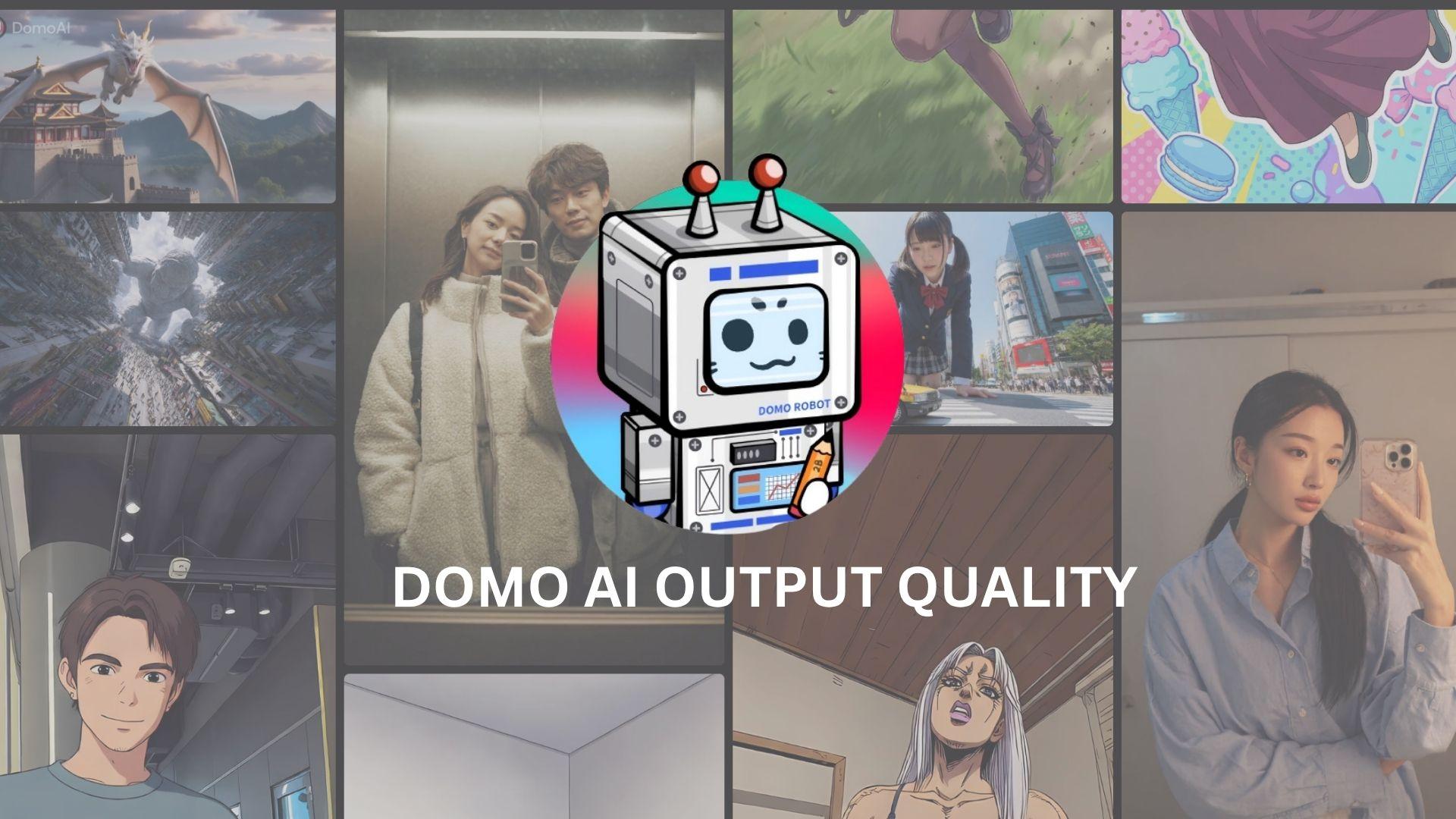
What Makes It Good
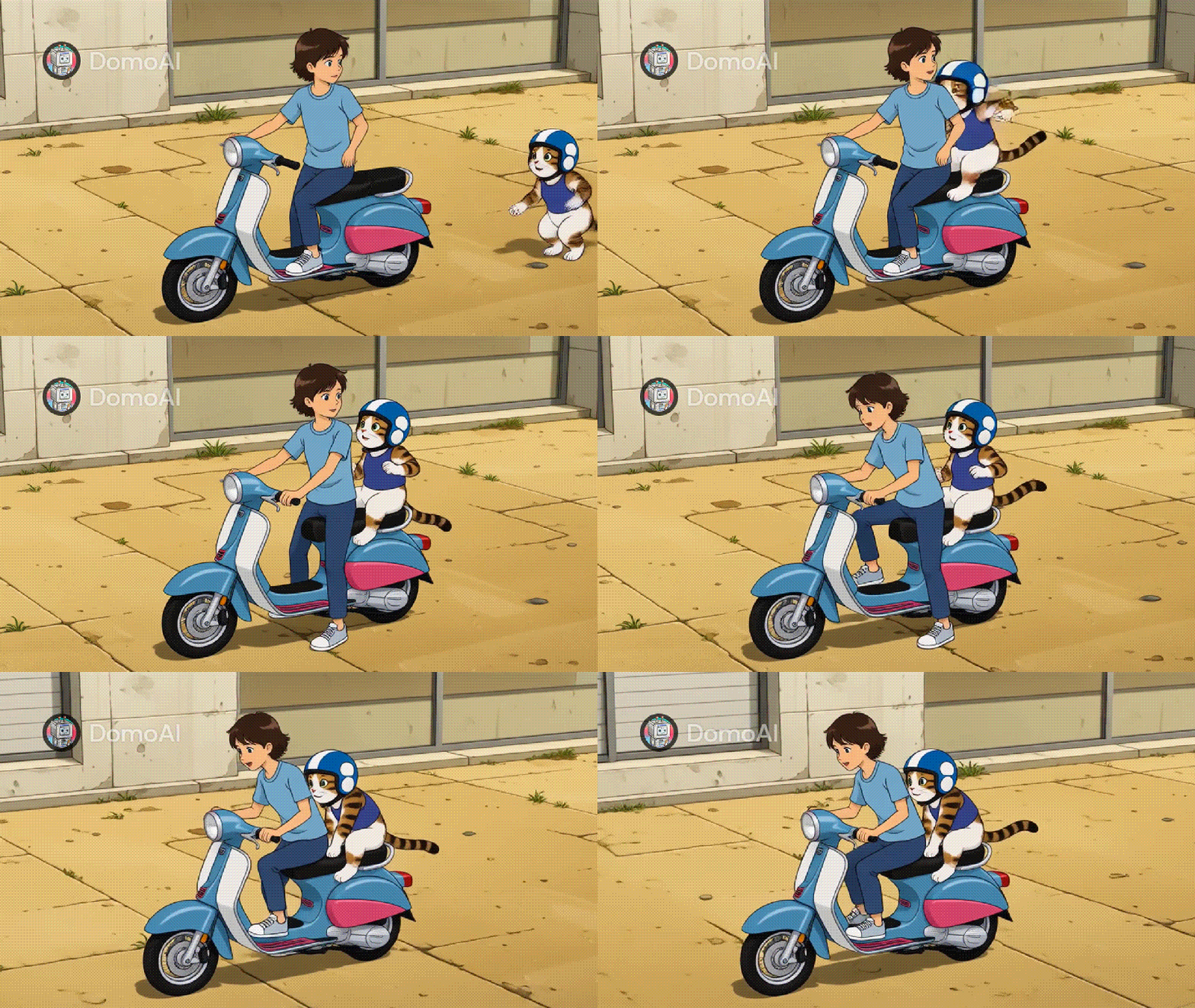
Domo AI app handles character consistency better than you'd expect at this price range. Faces stay recognizable across frames and simple movements, like a head turn, a walking loop, a slow zoom, usually come out clean. But once you start giving it something more complex, the results get unpredictable fast.

Where It Gets Inconsistent
Domo AI video animations can go from smooth to abrupt within the same clip, sometimes for no obvious reason. Smaller details are the first to go: facial features soften, background textures blur, and fine details like loose hair strands or patterned clothing either get smoothed over completely or distort in a way that looks unnatural.
The bigger issue is how movement plays out. The timing often feels off and certain actions often look awkward, glitchy, and a bit unnatural.
Part 5. Domo AI Pricing, Credits, and the “Free” Reality
After testing the features, pricing quickly becomes the main factor of consideration. Domo AI uses a credit-based system, which seems simple at first but can feel restrictive depending on how often you use it.
If you want to try it first, new users get 15 credits for free. These credits can be used across different features like image generation, video creation, and other AI tools, so you can get a feel for how everything works before deciding to pay.
| Basic | Standard | Pro | |
| Pricing | $9.99/mo or $6.99/mo (billed yearly) | $27.99/mo or $19.59/mo (billed yearly) | $69.99/mo or $48.99/mo (billed yearly) |
| Credits | 500 | 1,500 | 4,000 |
| Fast Lanes | 3 | Unlimited | Unlimited |
| Watermark | No | No | No |
If the pricing feels a bit steep, you can try looking for promo codes that give you extra credits or small discounts to stretch your usage a bit further.
How to Get Domo AI Promo Codes
Some platforms partner with Domo AI also give verified discounts through Domo AI promo codes. However, you still need to be careful about where you get them. A lot of coupon sites list codes that stopped working months ago, and some are just dead links dressed up to look like active deals.
Your best bet is Domo AI's Discord, where occasional promotions get announced directly and you can win Domo AI free credits packs through their regular video contests.
Part 6. Domo AI Pros and Cons
Looking at the overall experience, Domo AI delivers a pretty good result but comes with some limitations. It excels in speed and style but falls short on control and consistency.
- Stunning visual results: Strong stylization, especially for anime-style and cinematic clips
- Fast generation: Creates videos quickly without complex setup or editing
- Beginner-friendly entry point: No technical skills required to start generating content
- Great for short-form content: Works well for TikTok, Reels, and other quick, visual formats
- Limited control over the final result: No timeline, no detailed adjustments, and minimal customization
- Inconsistent results: Movement and details can vary, especially between frames
- The credit system adds pressure: Frequent use can become costly, especially when experimenting
- Not a complete video solution: Requires additional tools to create a fully polished video
Part 7. Who Should Use Domo AI (And Who Shouldn’t)
Not every tool fits every workflow, and Domo AI is a good example of that. It can feel incredibly useful in the right context, but limiting in others. Understanding where it fits best makes a big difference in how satisfying the experience will be.
Who It Works Best For
Domo AI is ideal for creators who prioritize visual impact and speed over detailed control.
- Anyone experimenting with AI-generated clips
- Short-form content creators (TikTok, Reels, Shorts)
- Users who want quick, eye-catching visuals
- Anime-style or stylized content enthusiasts
Who Might Struggle With It
The limitations become more noticeable when your workflow requires structure and precision.
- Video editors who need control over timing and cuts
- Creators working on longer or story-driven content
- Users expecting consistent, repeatable results
- Anyone looking for a full editing solution in one place
Complete Your Video Workflow by Pairing Domo AI and Filmora
In practice, many creators don’t rely only on Domo AI. They use it for what it's actually good at: generating stylized clips quickly. You might generate five or six clips and end up with three usable ones, each a few seconds long, with no transitions, no audio, and no real flow between them.
So, it’s better to use Domo AI as a starting point to generate visuals, then move those clips into a full editor like Wondershare Filmora to finish the job. Filmora is beginner-friendly enough that you don't need editing experience to get around it, but capable enough to handle everything Domo AI leaves unfinished.
 Secure Download
What you can do with Filmora are:
- Trim the parts that didn't come out right (blurry frames, awkward motion, anything that looks off)
- Arrange your clips in an order that flows naturally as a sequence
- Add transitions between cuts so the video doesn't feel choppy
- Layer in background music to give the clips energy and cover up any motion inconsistencies
- Drop in text or captions if the video needs context
- Adjust pacing and timing so the whole thing feels deliberate rather than thrown together
- Export in the resolution and format you need for the platform you're posting to
This kind of workflow makes the limitations easier to manage. Domo AI handles the creative generation, while a full editor brings structure and polish to the final result.
Secure DownloadConclusion
Domo AI stands out for its ability to turn simple inputs into visually engaging clips in just a few steps. It’s fast, creative, and clearly built for the kind of content that performs well on short-form platforms. On the other hand, it has limitations that are hard to ignore, especially when you need more control or consistency. The credit system also means you have to be mindful of how often you use it.
Overall, it works best as a creative starting point rather than a complete solution. If you approach it that way, it can still be a valuable addition to your content workflow.
FAQs
-
1. Is Domo AI free to use?
Domo AI offers a small number of free credits when you sign up, which lets you test its features. However, most functions rely on a credit system, so regular use usually requires a paid plan once those initial credits run out. -
2. How does Domo AI work with Discord?
Domo AI integrates with Discord, where you can generate and manage content through prompts and commands. Instead of using a traditional editing interface, you interact with the tool through chat, and the results are displayed directly within Discord. -
3. Can Domo AI create full videos?
Not completely. Domo AI is better at generating short clips or visual segments. To create a full video with proper flow, transitions, and structure, you’ll typically need to edit those clips further using a separate video editor. -
4. Why do people search for Domo AI free credits or promo codes?
Since the platform uses a credit-based system, credits can run out quickly, especially when experimenting with different outputs. Many users look for free credits or promo codes immediately to extend their usage without upgrading, though these options aren’t always available.
