


EaseMate AI brings AI chat, image generation, video creation, study tools, and more in a single service. You can ask questions, create images and videos, solve math problems, and handle other tasks without opening a different AI tool for each need.
In this review, we’ll see how well those features perform in real use. We’ll cover EaseMate AI’s chat, image and video generation, creative and productivity tools, along with its pricing, credit system, safety, and privacy. We’ll also look at where it falls short and when a dedicated tool may be a better fit.
Part 1. What is EaseMate AI? Main Features and AI Tools
EaseMate AI is an AI service from EaseUS that includes chat, research, image creation, video generation, and other AI-assisted tasks. It supports several AI models, including models from OpenAI, Google, Anthropic, DeepSeek, and xAI, so users can choose different models depending on what they want to do.
EaseMate AI Chat lets you work with different models for tasks such as answering questions, writing, translating, summarizing, and researching. EaseMate also features dedicated AI agents for tasks such as AI Search, AI Writing, AI Translation, and AI Summary.

How to Use EaseMate
You can use EaseMate through its website and mobile apps. Its AI Chat is also available as a browser extension, which lets you use the assistant while browsing without opening the main website.
The EaseMate AI Library lists the platform's collection of AI tools. You can find tools for working with text, images, videos, files, and specific tasks, and you can access your generated content through the relevant sections.
EaseMate AI's main categories
- AI Chat: AI conversations, writing, brainstorming, translation, and other text-based tasks.
- AI Study & Research: Math Solver, Science Solver, ChatPDF, AI Search, and tools for working with information and documents.
- AI Photo: Image generation, image editing, image animation, and other image-based features.
- AI Video: Text-to-video, image-to-video, and other video generation features.
- AI Tools: Additional tools for writing, storytelling, translation, summarization, and other tasks.
Part 2. What Can You Do With EaseMate AI?
EaseMate AI organizes its features into five areas: AI Chat, AI Study & Research, AI Photo, AI Video, and AI Tools. The range covers everything from chatting with different AI models and working with documents to creating images and generating videos.
AI Chat
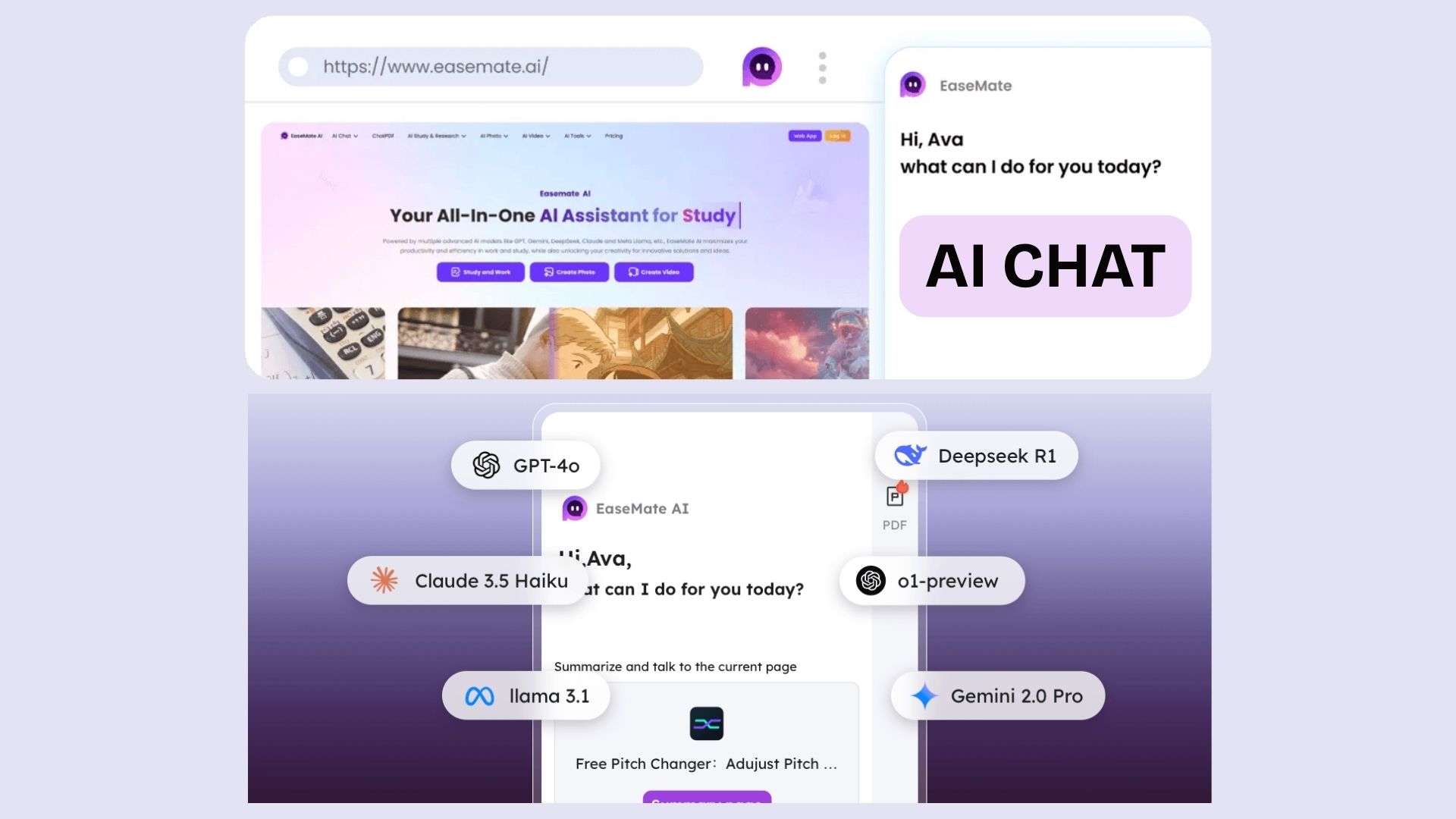
EaseMate AI Chat lets you use different AI models for questions, brainstorming, writing, translation, and summaries. It also includes AI Search, AI Writing, AI Translation, and AI Summary, giving it a broader workflow than a basic chatbot.
AI Study & Research
EaseMate has several tools for handling coursework, documents, and research materials:
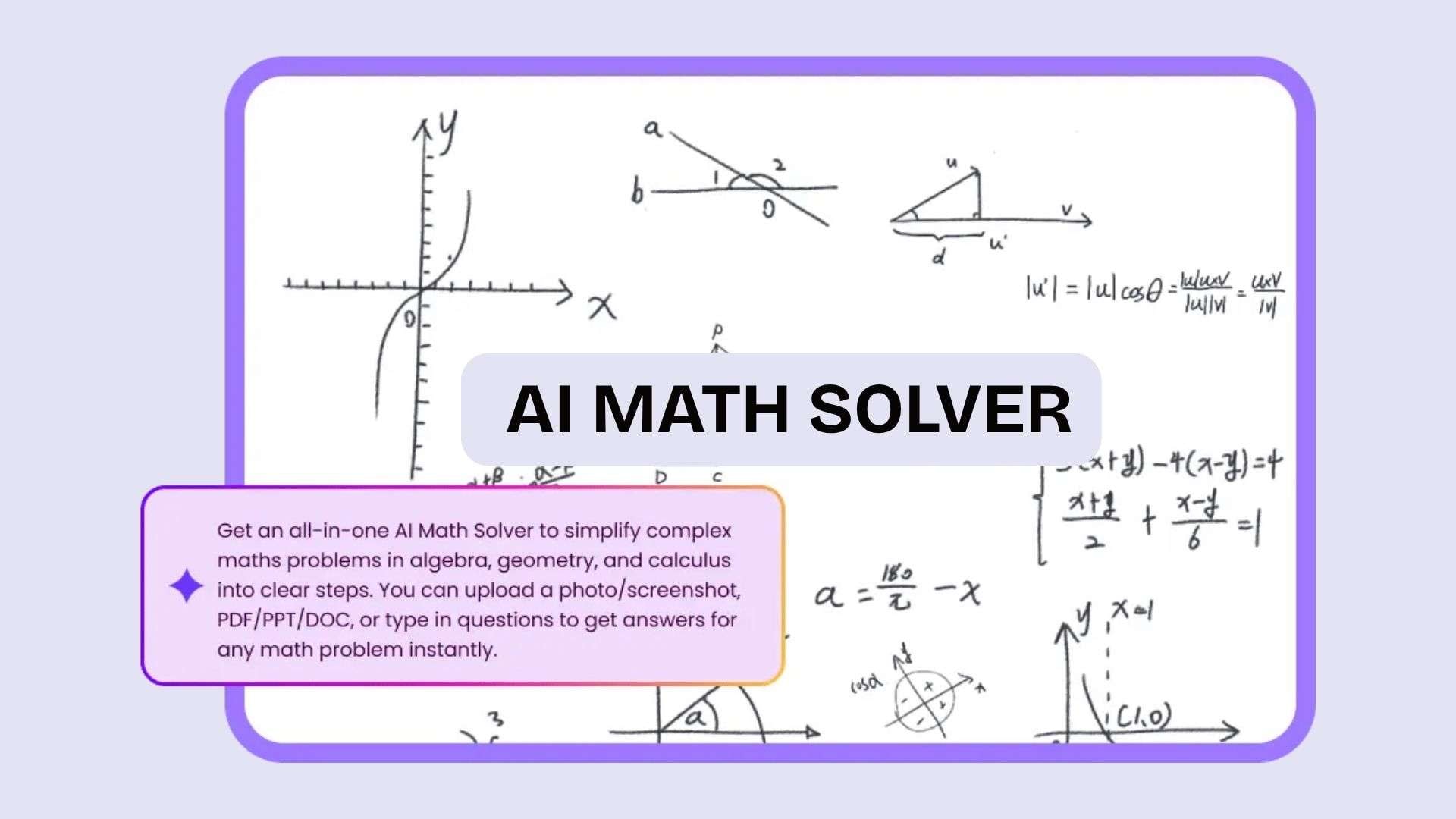
- EaseMate AI Math Solver accepts typed problems, images, screenshots, and PDF/PPT/DOC files, then provides step-by-step solutions.
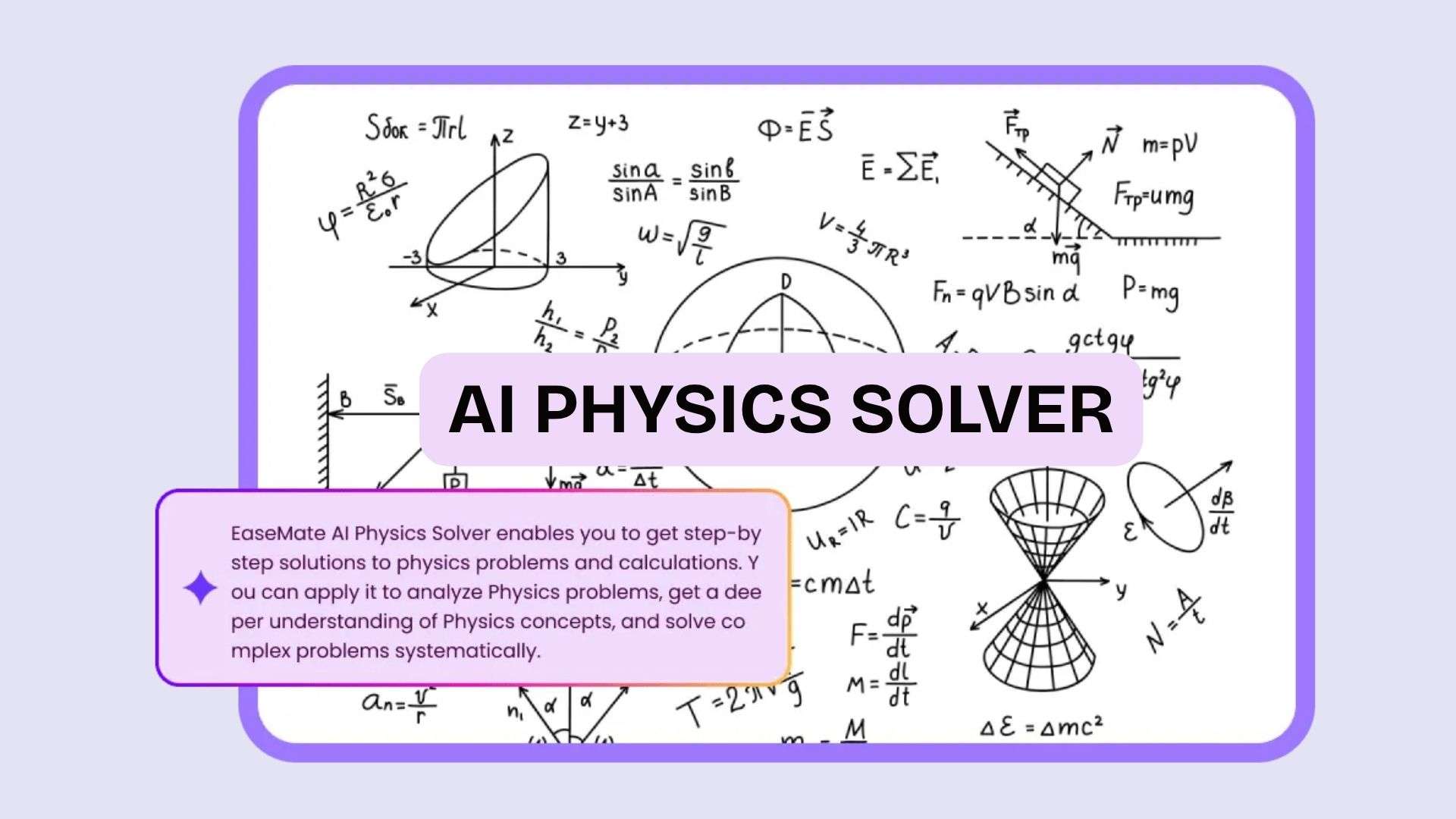
- Physics Solver works with text, images, and uploaded files to explain physics problems step by step.
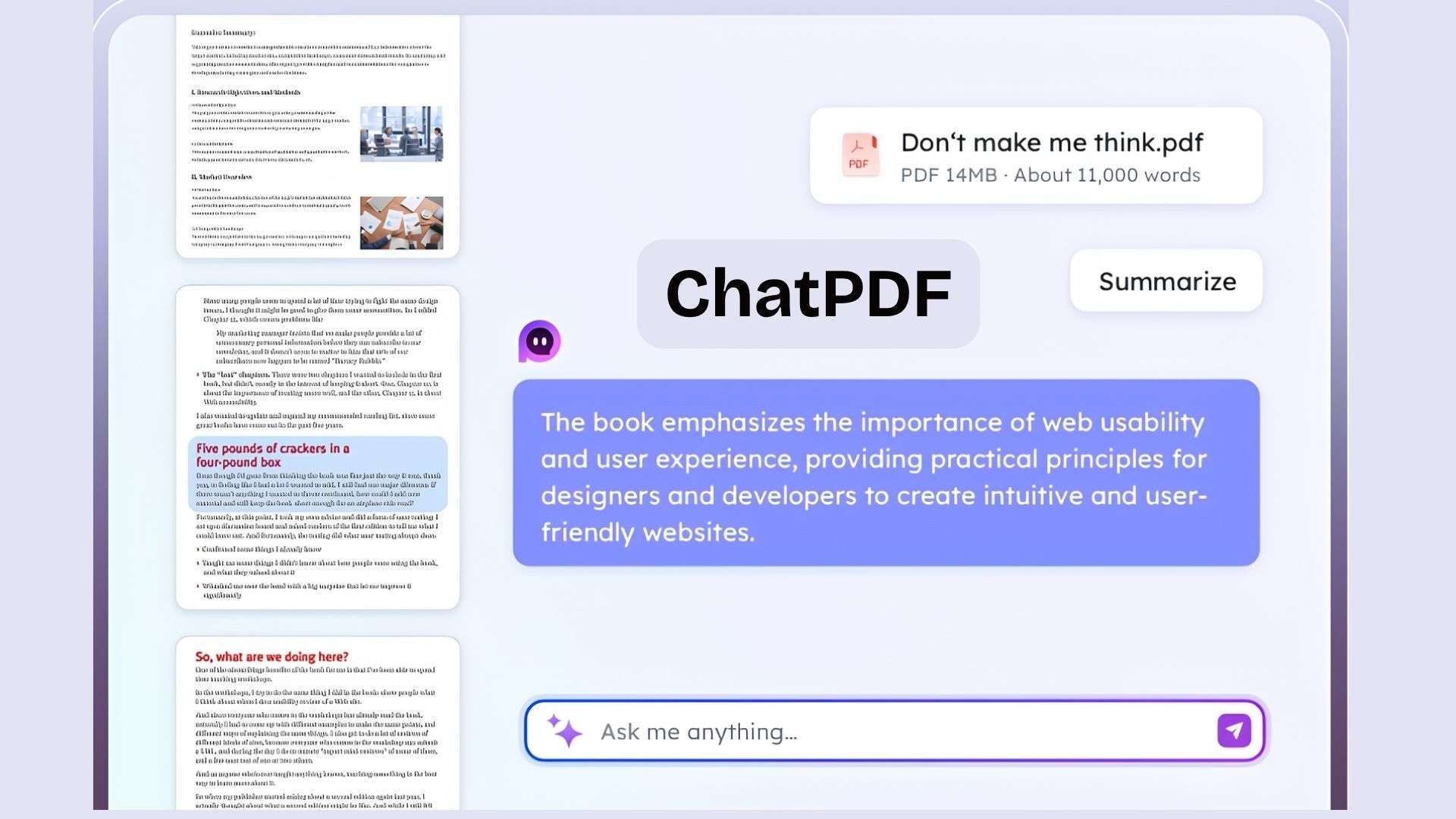
- ChatPDF lets you work with PDF documents through AI-powered questions and summaries.
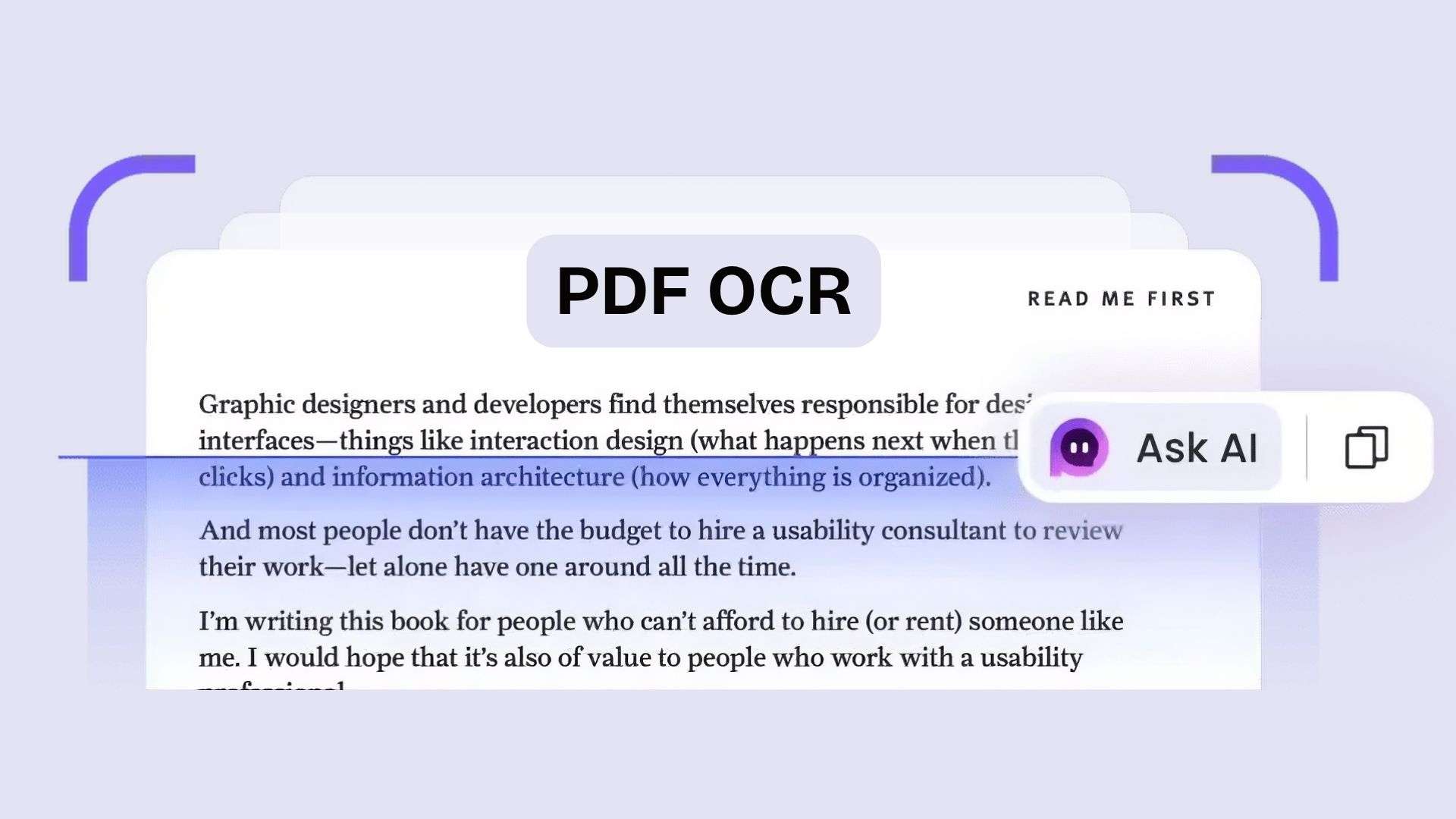
- PDF OCR extracts text from scanned or image-based documents.
- Quiz Generator creates editable quizzes with options for question count, answer choices, language, and difficulty.
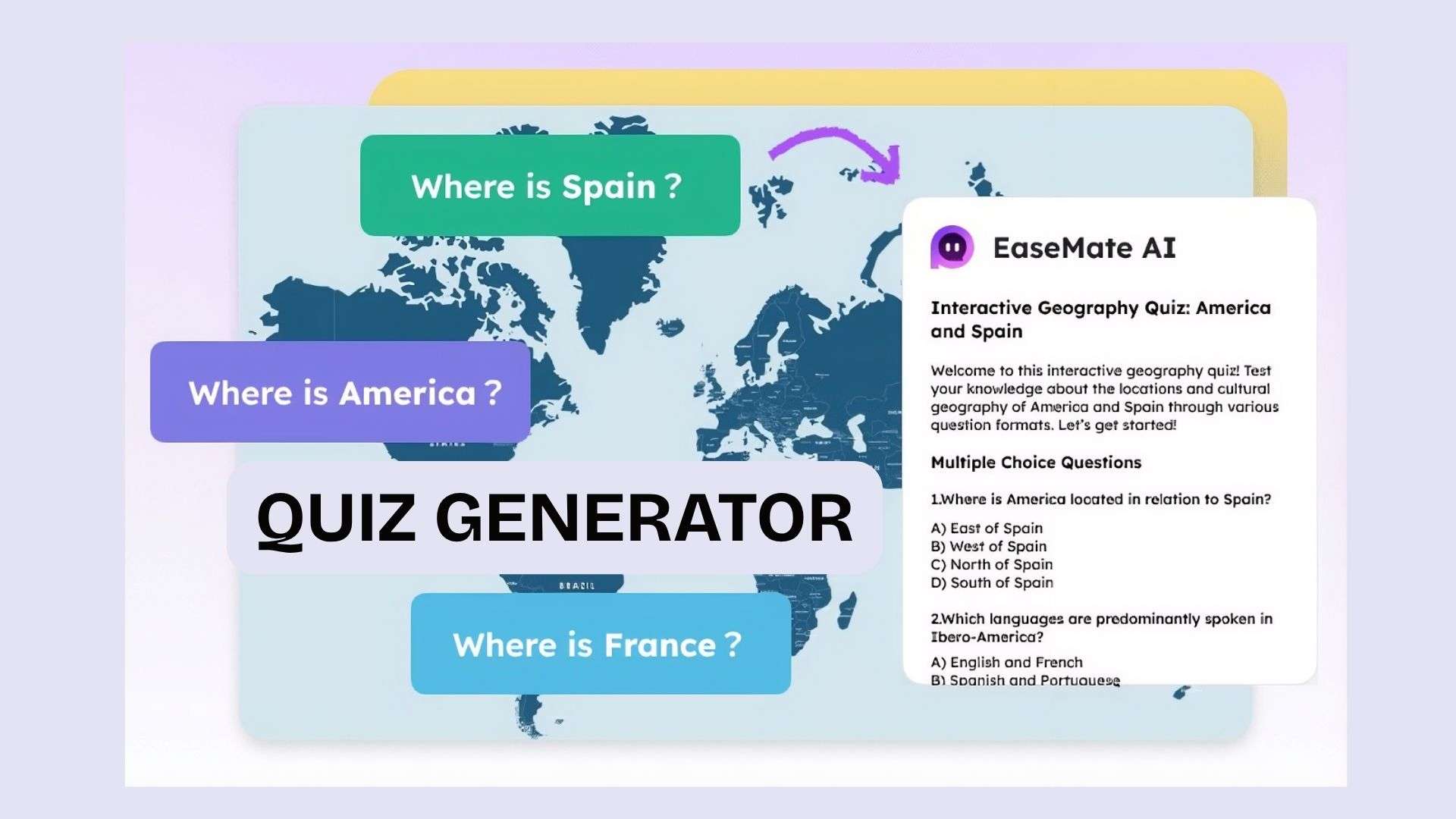
For students, these features cover several common tasks, from solving problems and reviewing course materials to creating practice questions.
AI Photo
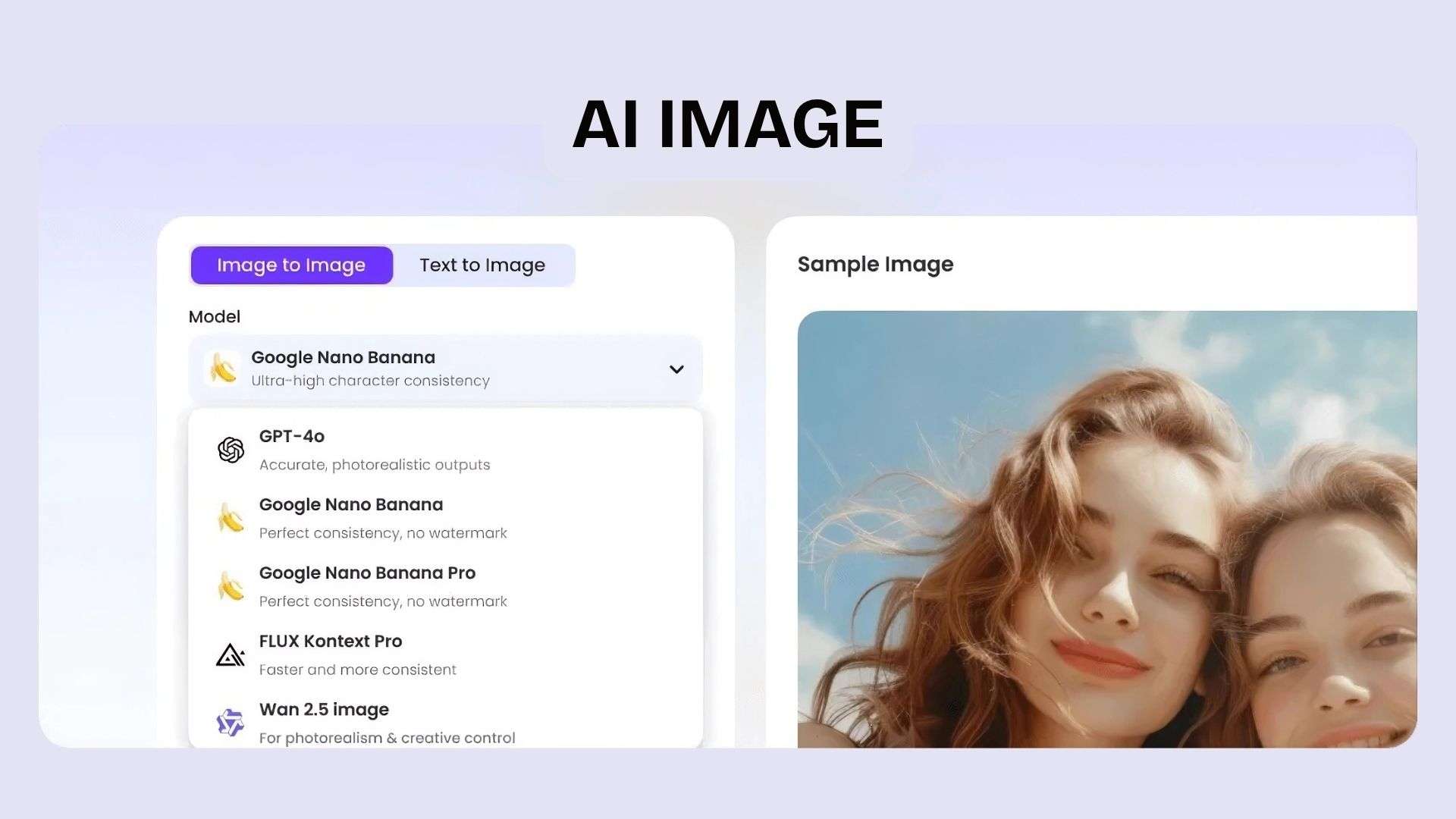
EaseMate's AI Photo tools handle both image generation and editing. They include:
- AI Image Generator for creating images from text
- Image-to-Image for transforming existing visuals
- AI Face Swap and other image-editing tools
The platform currently lists multiple image models, including GPT-based image generators, Nano Banana, Seedream, Midjourney, Hunyuan, FLUX, and others.
AI Video
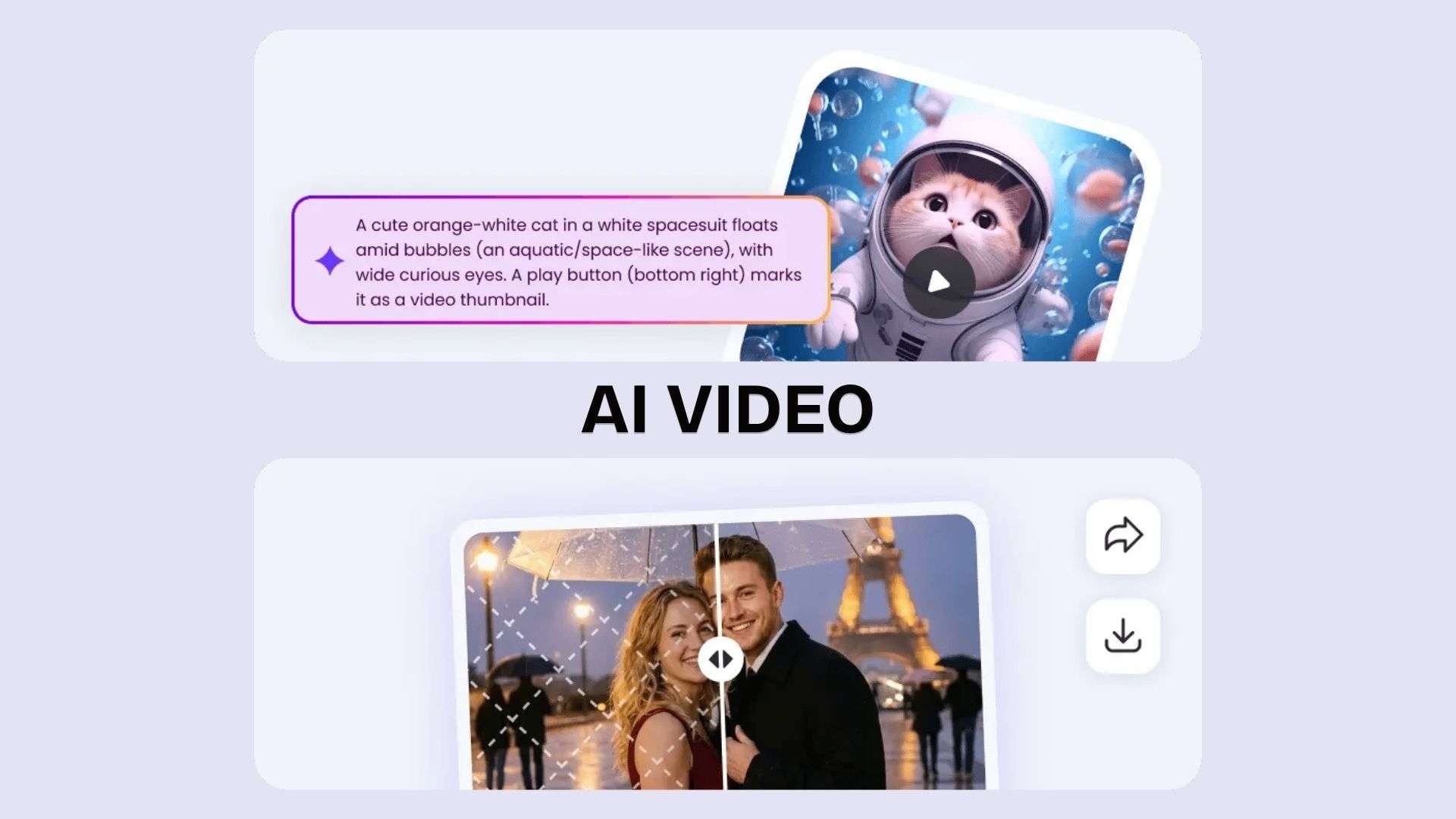
EaseMate’s AI Video section includes several ways to create and edit videos:
- AI Video Generator for generating videos with AI
- Text-to-Video for creating videos from text prompts
- EaseMate Image-to-Video for animating still images
- Video-to-Video for transforming existing videos
- AI Image Animator for adding motion to images
- AI Video Editor for making edits to generated or existing videos
- Video Enhancer for improving video quality
EaseMate also offers several video models, including Veo 3, Sora 2, Kling, Runway, Seedance, Wan, Hailuo, and others. Its Veo 3 tool can generate videos from text or images, while specialized options include EaseMate AI Kissing Video and Face Swap Video.
AI Tools
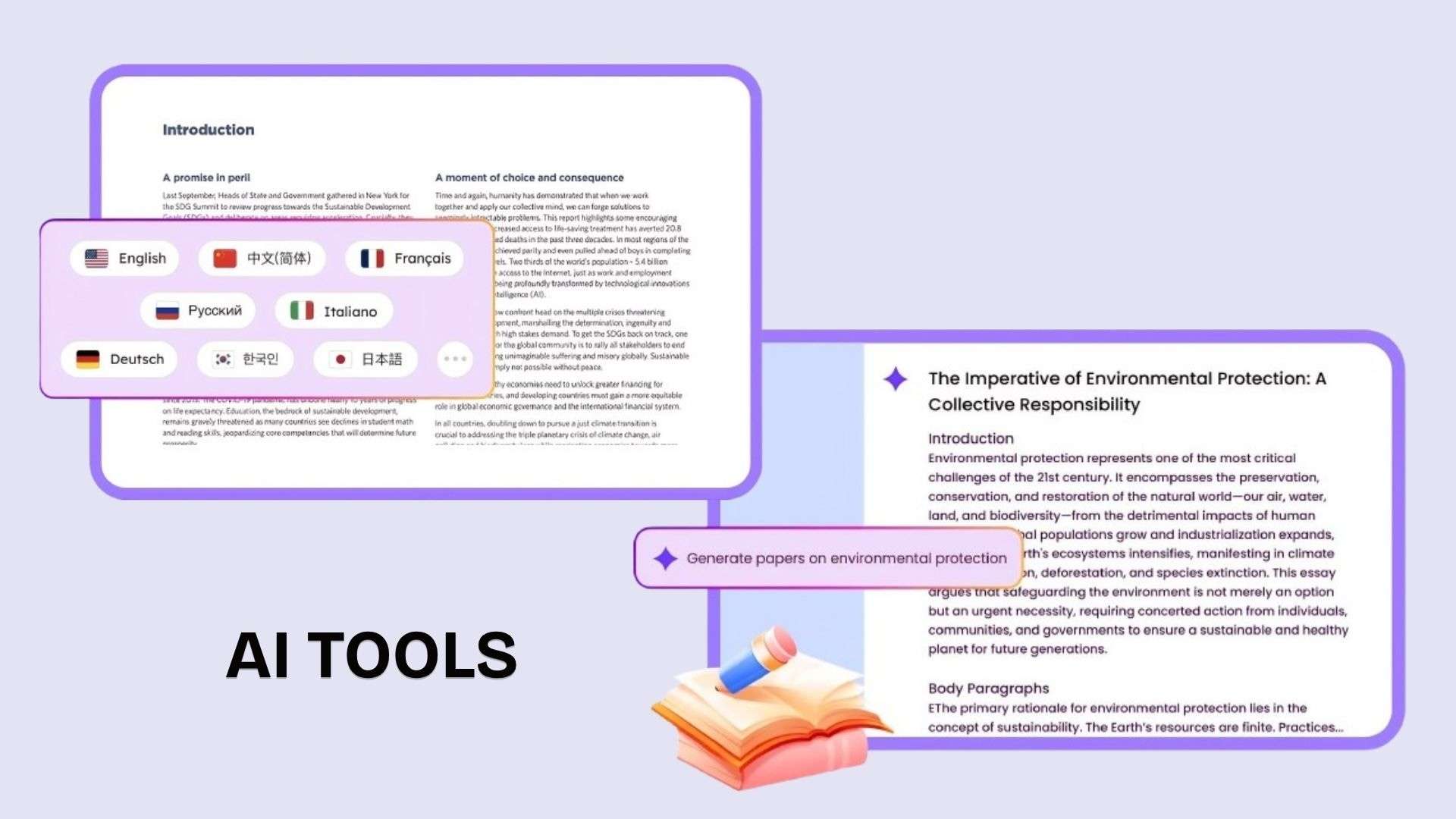
In addition to its main categories, EaseMate AI offers smaller tools for specific content and productivity tasks:
- EaseMate AI Story Generator for creating stories from prompts
- AI Essay Writer for drafting essays
- AI Translator for translating text
- Other utilities for transcription, meeting notes, prompt optimization, image-to-text, and more.
These tools are part of EaseMate’s broader library, so users can handle smaller tasks without relying on the chat or image/video generators for everything.
Part 3. EaseMate AI Plans, Credits, and Usage Limits
EaseMate AI has a free Basic plan and two paid options, Lite and Pro. The main difference is how many credits you receive and how much access you get to image and video generation.
| Basic | Lite | Pro | |
| Price | Free | $5.9/month* | $13.9/month* |
| Credits | Limited | 1,200/month | 3,000/month |
| Images | Limited | Up to 120/month | Up to 300/month |
| Videos | Limited | Up to 60/month | Up to 150/month |
| Image models | Basic only | Nano Banana, Flux, GPT-4o, Wan 2.5, Midjourney | Nano Banana, Flux, GPT-4o, Wan 2.5, Midjourney |
| Video models | Basic only | Sora, Kling, Grok, Veo 3, Seedance and more | Sora, Kling, Grok, Veo 3, Seedance and more |
|
Show More
Show Less
|
|||
*The listed price is a promotional rate for the first month. After the introductory period, Lite costs $6.90/month, while Pro costs $17.40/month
How EaseMate Credits Work
EaseMate uses a shared credit pool for its creative features. The number of credits required depends on the tool, model, and output settings, so one credit doesn’t represent a fixed number of images or videos. Credits can be used for:
- Image generation
- Video generation
- Face Swap, Kiss, and Hug features
- AI Chat queries and other supported AI functions
EaseMate also offers one-time credit packs ranging from 500 to 15,000 credits. These credits do not expire, so they’re worth considering if you occasionally need to create additional content but don’t want to sign up for another monthly subscription.
Part 4. Is EaseMate AI Safe? Safety and Privacy
EaseMate explains how it collects and uses user information in its Privacy Policy, which was last updated on June 24, 2025. Some key points to note are:
- Your data is not used for AI training. EaseMate says it does not use user data to train its AI models.
- Be careful with uploaded files. Some features process photos, PDFs, and other documents, so avoid uploading sensitive information unless necessary.
- Check the tool you're using. Data handling can differ between features, so review the relevant privacy information when working with personal files.
- Privacy claims come from EaseMate. EaseMate describes its policies, but they are not the same as an independent security audit.
For general inquiries and non-sensitive content, EaseMate's published privacy information gives users a clear idea of how it handles their data. For personal identification, financial documents, personal photos, or confidential files, it’s safer to limit what you upload.
Part 5. Verdict: EaseMate AI Pros and Cons
EaseMate AI offers a wide range of capabilities, from chatting with different AI models and solving study problems to creating images and videos. The range of features is a clear advantage, although the experience can vary from one tool to another. The credit system and differences in output quality are also worth considering before choosing a plan.
Pros & Cons
- Wide range of AI tools for chat, study, research, image creation, video generation, and writing
- Multiple AI models to choose from for different tasks
- Creative features such as image-to-video, Veo 3, image animation, and Face Swap
- Study tools including Math Solver, Physics Solver, ChatPDF, and Quiz Generator
- A free plan to try the platform before subscribing
- Credits can run out quickly with resource-heavy image and video features
- Output quality varies across tools and AI models
- Some features offer fewer controls than dedicated AI platforms
- The large tool selection can feel overwhelming when you only need one specific feature
- Video editing is limited, especially for users who want more control over generated footage
Part 6. Using Filmora to Finish EaseMate AI Videos
Once you've generated content with EaseMate AI, you can bring it into Wondershare Filmora for further editing and refinement. EaseMate handles the AI generation, while Filmora can help you shape the footage into a complete video by combining clips, adjusting the pacing, adding audio, and preparing the final version for different platforms.
With Filmora, you can:
- Trim and rearrange clips to tighten the pacing or combine multiple EaseMate generations into one video.
- Add captions and subtitles to make dialogue and narration easier to follow.
- Add music and sound effects while adjusting audio levels to balance the soundtrack with the visuals.
- Apply transitions and effects to smooth out cuts and give AI-generated footage a more polished finish.
- Resize videos for different platforms such as TikTok, Instagram, and YouTube.
Beyond these editing basics, Filmora also has a set of built-in AI features, including AI Copywriting, an AI video generator, an AI image generator, and an AI music generator, among others. If you are not happy with how EaseMate AI handles any of these, you can run them inside Filmora instead and skip the extra tab. These features can take care of repetitive tasks so you can spend more time on the creative side.
 Secure Download
Conclusion
EaseMate AI is most interesting when you need more than a chatbot. You can jump from solving a math problem to working with a PDF, generating an image, or creating a video without signing up for a separate service for each task. Its wide range of AI models and creative tools makes it a flexible option for different types of users.
However, not all features offer the same level of control or consistency, and frequent image or video creation can quickly consume credits. For users who prioritize variety and want to experiment with various AI tools, EaseMate is worth a try. Those with specific and demanding workflows may still prefer specialized tools.
FAQs
-
1. Is EaseMate AI free to use?
EaseMate AI offers a free Basic plan with limited credits and access to select features. The paid Lite and Pro plans provide more credits and higher usage limits for creating images and videos. -
2. Is EaseMate AI safe?
EaseMate states that it does not use user data to train its AI models. However, avoid uploading sensitive documents, personal photos, or other personal information unless you feel comfortable sharing them through this service. -
3. Does EaseMate AI have an app?
Yes. You can use the EaseMate AI App via its website, iOS and Android apps, and its AI Chat browser extension. -
4. Can I edit EaseMate AI videos after generating them?
Yes. You can import your EaseMate AI videos into a video editor for further editing. Trim and rearrange clips, add captions, music, sound effects, transitions, and effects, then resize the video for platforms such as TikTok, Instagram, or YouTube.
