The rapid rise of AI content has pushed creative demand to a whole new level, and creators now have more options than relying on a single AI image or video generator. That's why platforms like Fal have been making noise. The platform offers more than 1,500 AI models, which certainly piqued curiosity for many; even Bloomberg reports the fal AI valuation recently doubled to an eye-popping $16 billion.
However, for regular creators, fal AI might still seem a little confusing. What exactly is it, can you actually use it to create content, how do you access it, and is it worth the money? Below, we'll try to uncover them all!
Part 1. What Is fal AI? Understanding Its AI Model Ecosystem
One thing most people get wrong about fal is that it isn't an app like CapCut or Runway where you drop in a clip and start cutting. So, you won’t find a timeline, a trim tool, or a “publish to TikTok” button waiting for you.
To better understand fal AI, you can compare it to a large workshop with many different AI tools inside. These models can generate or edit images, videos, audio, 3D assets, and other types of media. Developers can also connect them to their own applications or deploy custom models using fal's computing infrastructure.
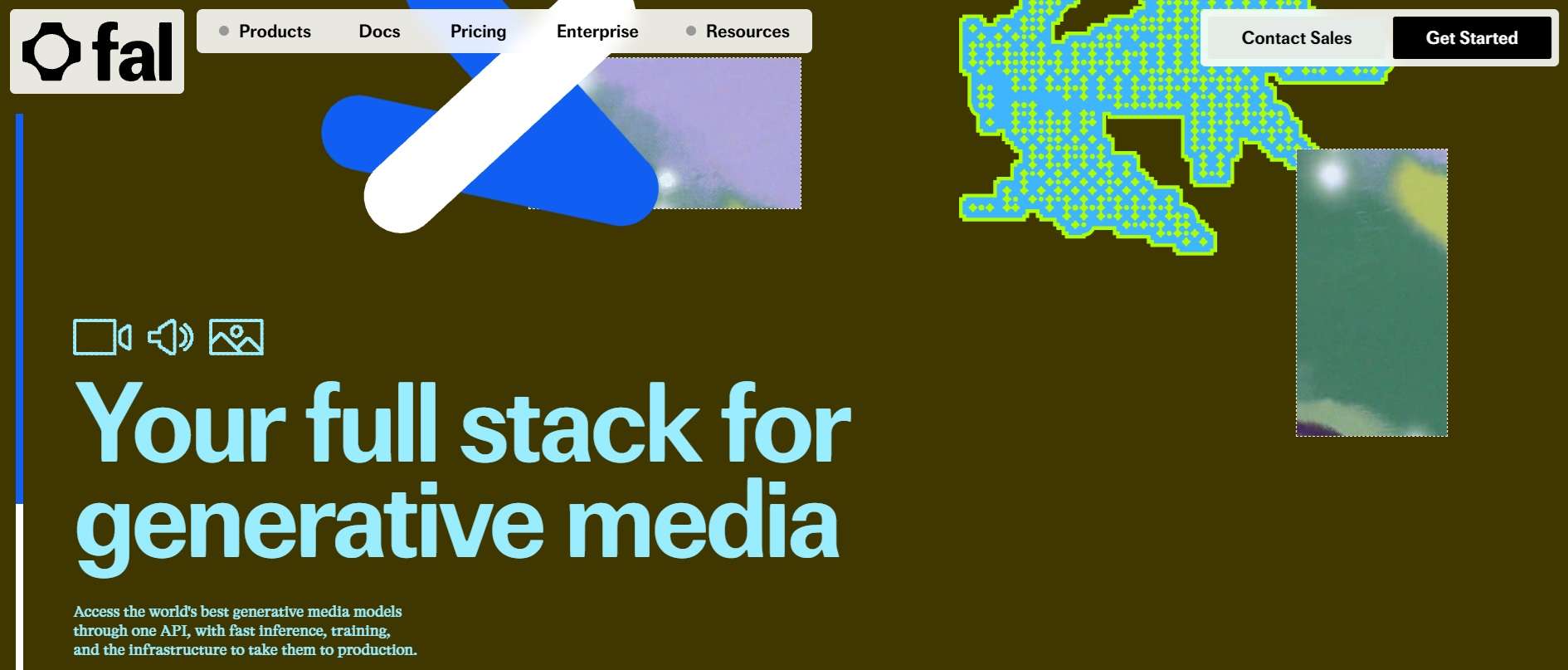
That flexibility is one of the main differences between fal and a standalone generator such as Runway or Sora. Those products have their own model experiences and feature sets. Fal, on the other hand, acts as a high-speed hub that hosts models from OpenAI, ByteDance, Kling, Black Forest Labs, ElevenLabs, Google, Alibaba, and more, all under one roof and one bill.
Notable AI Models Inside fal AI
One of fal’s biggest attractions is that model library. Take a look at the table below to see a few examples of the types of models you can find:
| Category | Notable AI Models | Best Used For |
| Image Generation and Editing | FLUX (Black Forest Labs), Nano Banana family, GPT Image (OpenAI), Seedream, Z Image Turbo | Social graphics, product shots, concept art, and edits to pictures you already have |
| Video Generation | Kling, Seedance (ByteDance), MiniMax H3 Max, Wan (Alibaba), Veo (Google), LTX | Short clips, text-to-video, animating still images, ads and reels |
| Audio & Voice | ElevenLabs (voices and sound effects), MiniMax Speech, xAI text-to-speech | Voiceovers, narration, sound effects, and background audio |
| 3D & World Models | Trellis, Tripo, Hunyuan 3D, Meshy | Game assets, product mockups, and quick 3D prototypes from a prompt or photo |
|
Show More
Show Less
|
||
Part 2. How to Use fal.ai: Different Ways to Access Its AI Models
Even though fal is built with developers in mind, you don’t need to be a programmer to start making stuff. Fal offers a few ways to access its tools, depending on how much control you want. Let's walk through each method one by one:
1. Start in Your Browser With Sandbox, Workflows, and fal Agent
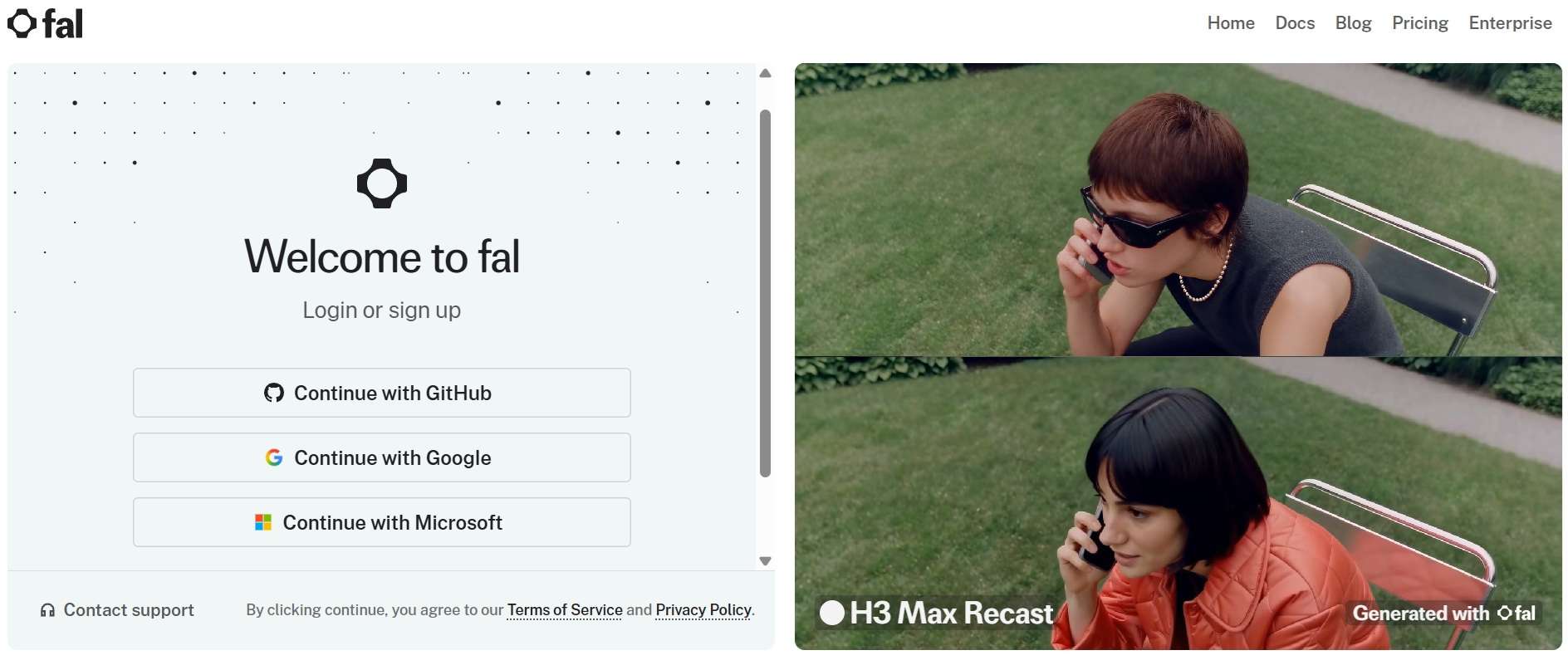
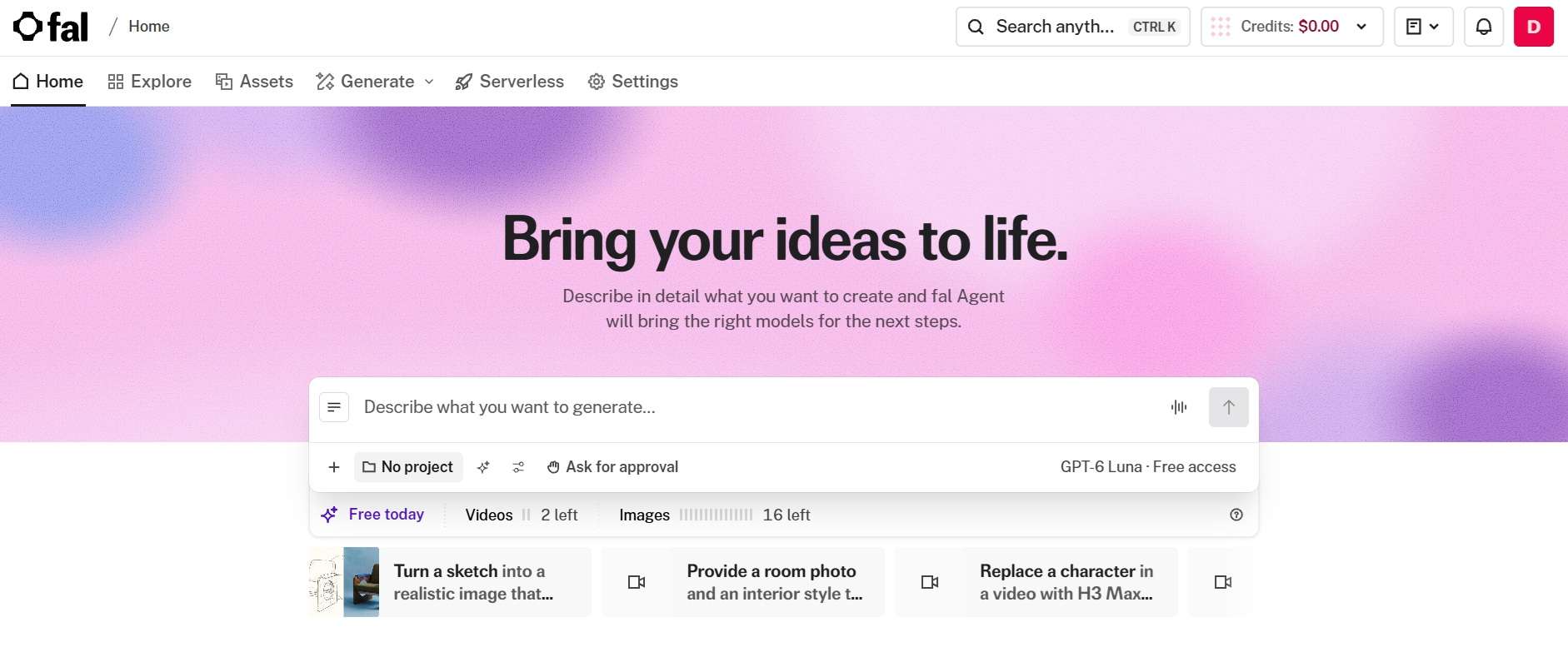
If you have zero interest in touching code, you can simply complete your fal AI login by clicking Get Started and sign in using a GitHub or Google account. Once you’re inside, you can test models right in your browser using:
- fal Sandbox: Run and compare models side by side so you can see which one nails your idea.
- Workflows: A node-based canvas where you chain models together, like image first, then video, then sound.
- fal Agent: A chat-style creative partner. You describe what you want, and it picks the models, writes the prompts, and runs the generations for you.
2. Connect Models to Your App With Unified APIs
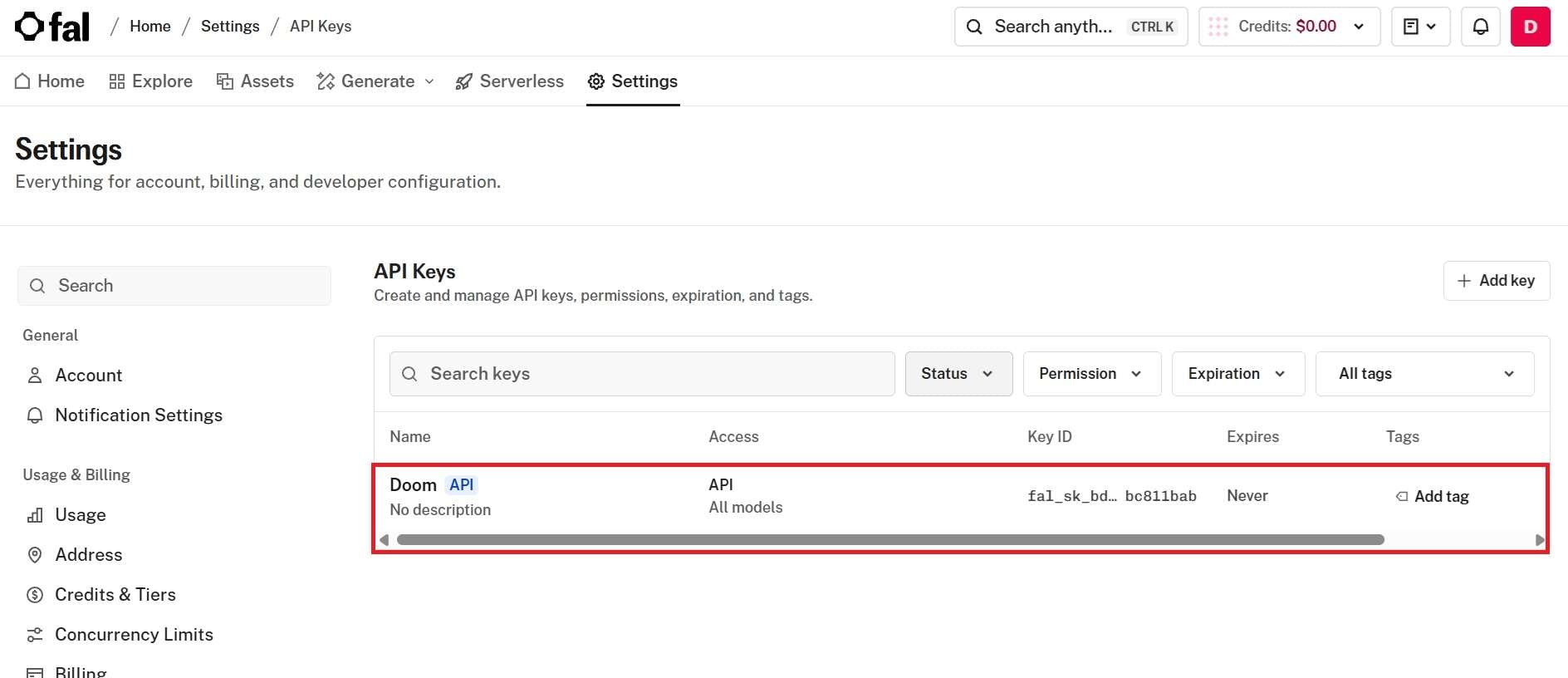
If you’re putting AI generation inside your own app, website, or script, you’ll want a fal AI API key. Thankfully, the process is quite simple and only takes about a minute:
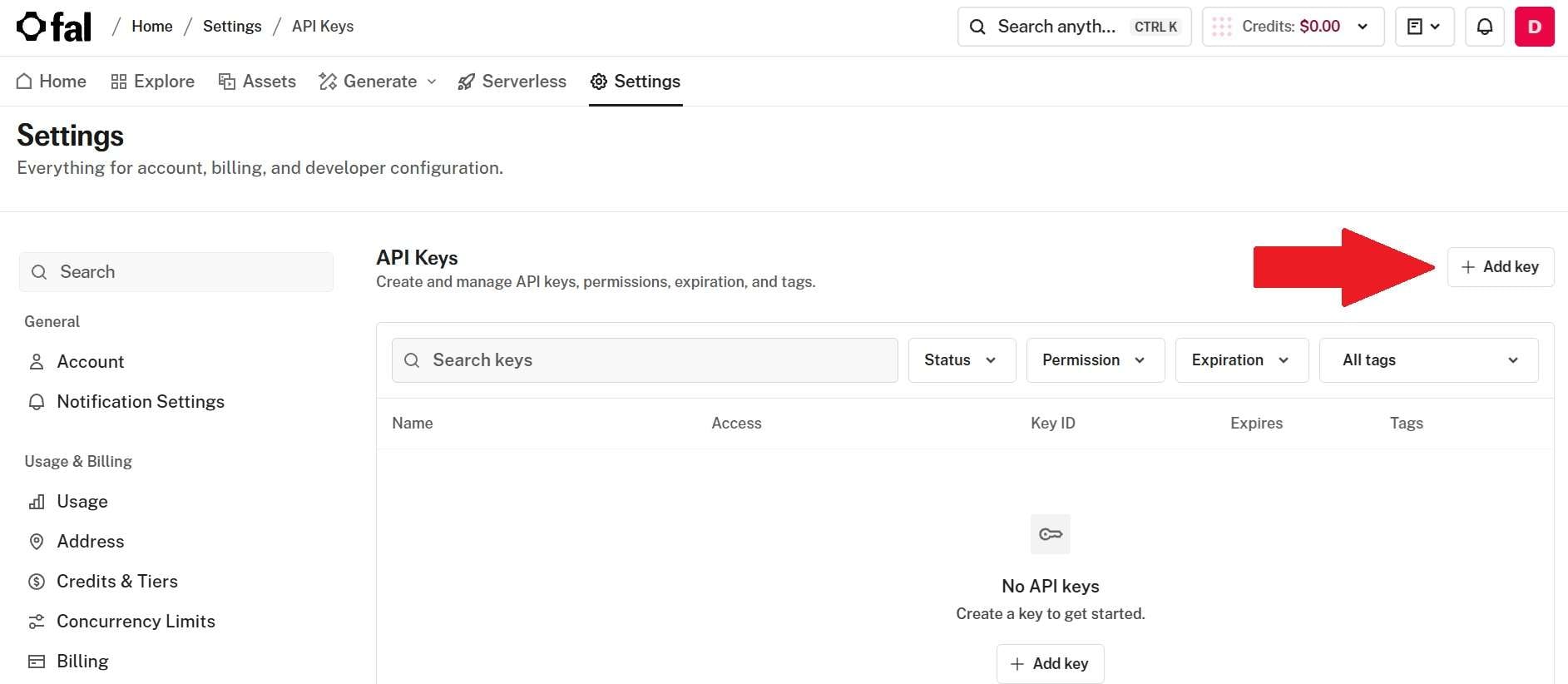
The key is usually made available to your application through an environment variable named FAL_KEY. You can then use fal's client libraries with languages such as Python, JavaScript, and Swift.
3. Bring fal Into Your AI Assistant With MCP
If you already use an AI assistant for creative work or coding, fal MCP (Model Context Protocol) is another way to access its models. The fal AI MCP server works with Claude, ChatGPT, Cursor, Replit, plus Claude Code, Codex CLI, Grok Bot, and other clients that support it.
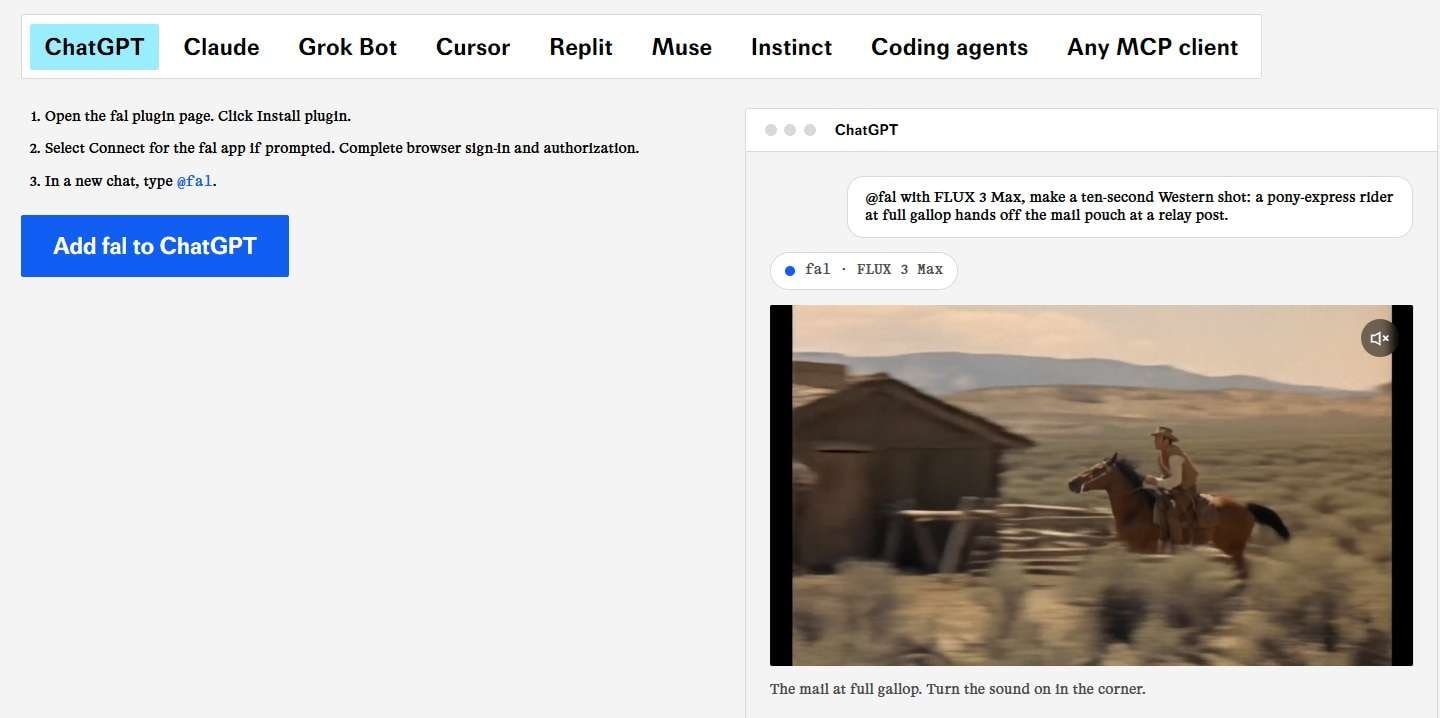
Claude connects as a connector, ChatGPT through the fal plugin, and for most coding tools it’s a one-line command pointing at fal’s relay address. There’s no extra fee for the connection itself. You just pay for the generations it runs, at the normal rates.
4. Deploy Custom Models or Rent GPU Compute
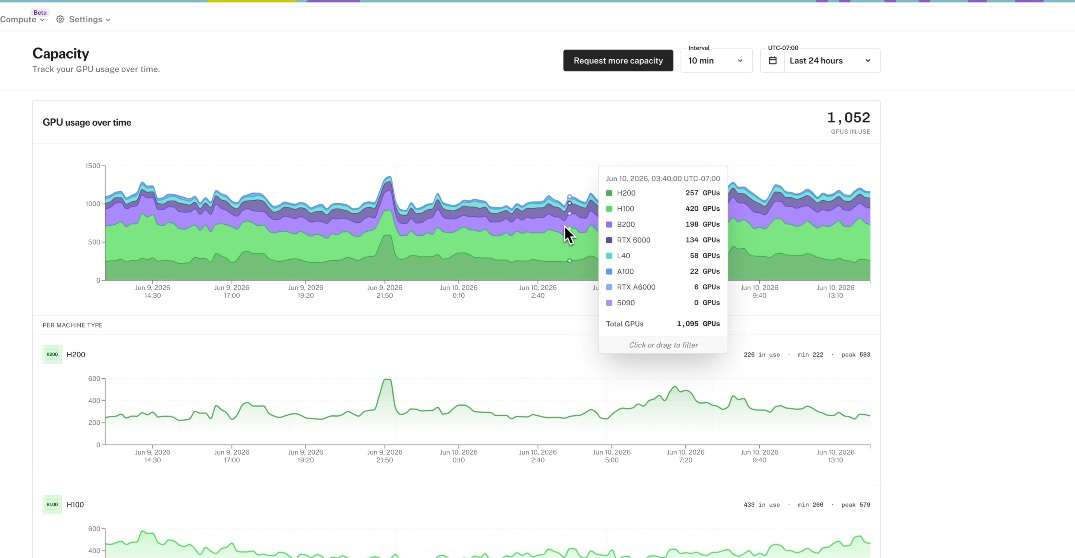
For heavy-duty teams and AI startups, fal AI also lets you rent raw horsepower. They can train and host private fine-tuned LoRAs, deploy their own models with Serverless (access gets approved per account), or rent dedicated NVIDIA GPUs like the H100, H200, B200, and B300 for training and custom workloads.
Part 3. fal AI Pricing: How Much Does It Cost to Use?
Having 1,500+ models under one roof sounds convenient, but does that mean paying for every model separately? Not really. Fal AI pricing runs on prepaid credits. You top up your balance, and it drains as you generate. There’s no monthly subscription, and the meter depends on what you’re making.
Below, we'll show you a snapshot of what real-world generation costs look like across popular models and hardware.
| Category | Model | Pricing Unit | Price |
| Video | MiniMax H3 Max Turbo (text to video) | Per second of video | $0.015 |
| Video | Kling v3 Pro (text to video) | Per second of video | $0.14 |
| Image | FLUX.1 [schnell] | Per megapixel (1MP) | $0.003 |
| Image | Nano Banana Pro | Per megapixel (1MP) | $0.15 |
| Audio | ElevenLabs TTS Turbo v2.5 | per 1,000 characters | $0.05 |
| Audio | ElevenLabs Sound Effects v2 | Per second | $0.002 |
| 3D | Trellis | Per generation | $0.02 |
| 3D | Hunyuan 3D Pro (image to 3D) | Per unit | $0.015 |
|
Show More
Show Less
|
|||
Part 4. Is fal.ai Worth It? A Look at Its Pros and Cons
Considering all that raw power, you might be wondering if fal AI is actually worth adding to your daily creative toolkit. But the thing is, like any specialized platform, it has standout strengths alongside a few real limitations. So, to give you a fair picture, let's look at what it gets right and where it could improve.
- No Subscription Trap: You pay for what you generate. If you skip a month, you don’t lose money to a plan you didn’t use.
- Huge Model Variety: 1,500+ models from popular model names means you can swap models instead of settling for one look.
- Flexible Access: Browser playground, API, or your favorite AI assistant through MCP. There’s a door for beginners and pros alike.
- Credits Expiration: Purchased credits expire after 365 days, and new accounts begin with just 2 concurrent requests.
- Not a Full Editor: fal makes the raw clips, but trimming, captions, music, and polish all happen somewhere else.
- Not for Casuals: The smoothest features lean technical, and fal Agent is still in early access with its own credit tier.
Part 5. Complete Your fal AI Creation with Wondershare Filmora
The reality is, generating a video is only one part of making a finished piece of content. So, you might get a great clip from fal, but still need to trim its opening, combine it with other shots, add background music, or create captions before sharing it.
This is why using a dedicated video editor like Wondershare Filmora can be the perfect companion.
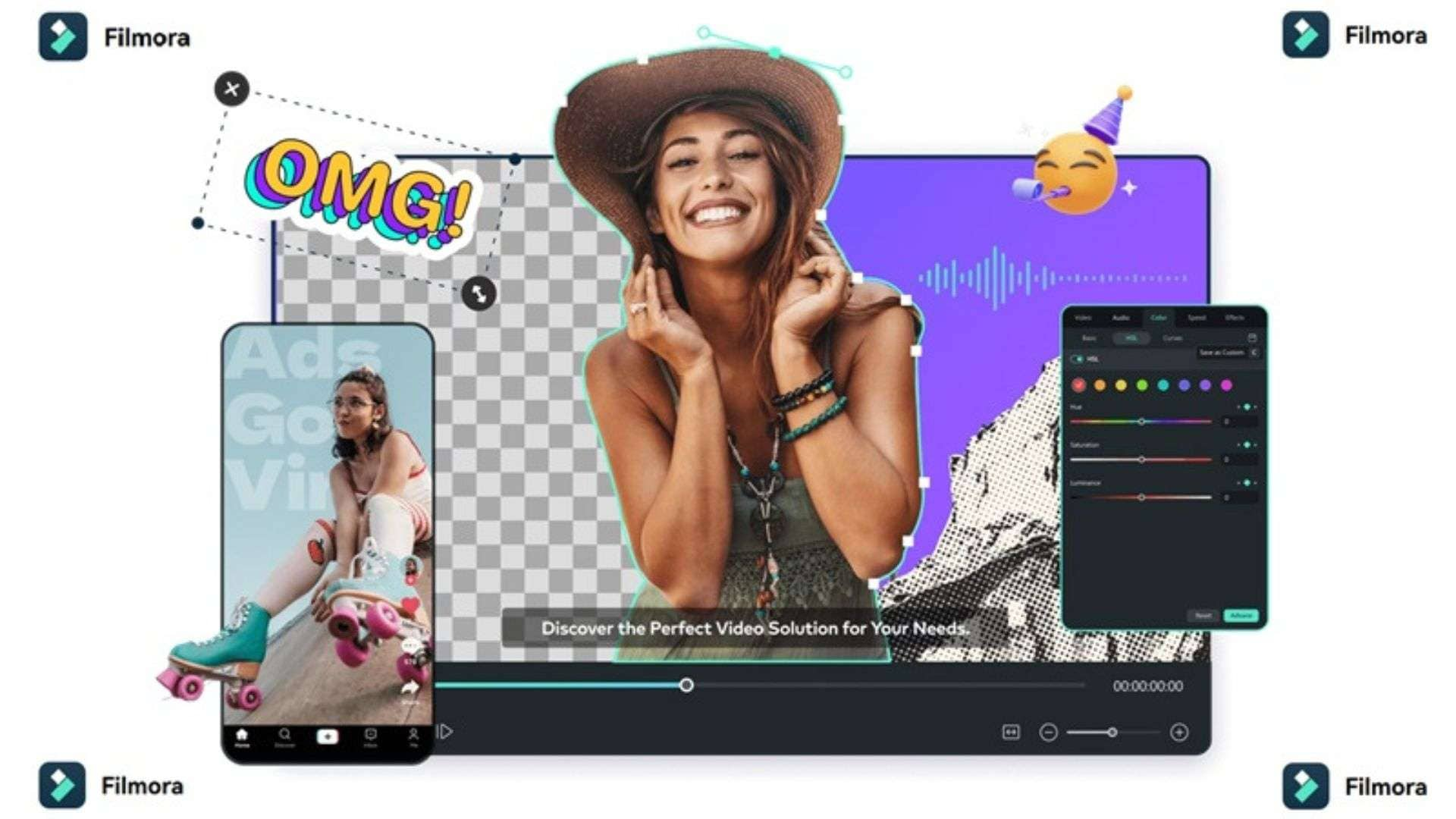
You can use fal to focus on generating media and running the infrastructure, while turning to Filmora to give you a familiar editing environment with AI features built in. You can import your generated assets, work on a timeline, and customize the final video without relying entirely on automated generation.
Why Wondershare Filmora Complements Your fal AI Workflow
1. Multi-Track Editing Timeline
Bring your fal-generated videos, images, voiceovers, and sound effects into Filmora and arrange them on a multi-track timeline. You can trim clips, split scenes, layer audio, add titles, and adjust the timing of each element. This gives you more control over the final sequence than simply joining generated clips together.
2. Wide Range of AI Features
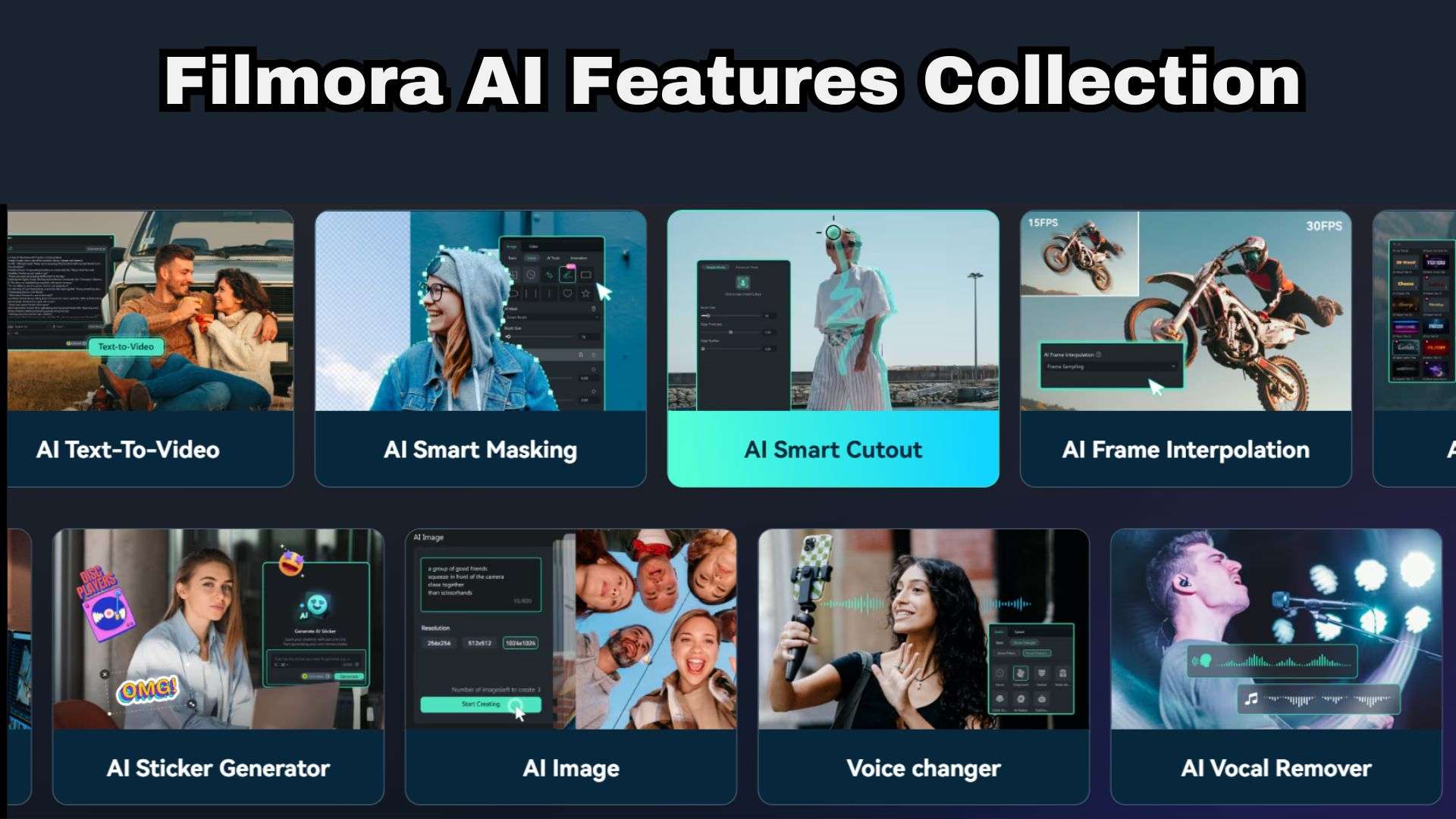
Filmora also has AI-powered editing tools that can help refine your generated assets:
- Stretch short clips with AI Video Extender.
- Match colors across different models with AI Color Palette.
- Sharpen soft renders with AI Video Enhancer.
- Erase weird artifacts with AI Video Object Remover.
- Smooth choppy motion with AI Frame Interpolation.
- Add animated subtitles in one click with Auto Captions.
3. Extensive Media Library
Sometimes a video needs more than the AI-generated footage itself. To overcome those gaps, Filmora offers a big built-in library of royalty-free stock videos, transitions, motion titles, stickers, and sound effects so your AI footage feels like one cohesive piece.
4. Easy Publishing Through Various Platforms
Export your finished video in the exact aspect ratio you need (16:9, 9:16, or 1:1) with AI Auto Reframe. Then, use the AI Social Content Planner to write titles and descriptions and schedule posts to YouTube, TikTok, Instagram, and Facebook from one place.
 Secure Download
Conclusion
Fal isn’t trying to be your all-in-one creative app, and that’s exactly why it works. It’s the fast, flexible engine room that lets you pick the best AI model for each job and only pay for what you generate. Plus, its large catalogue, API, and MCP support make it worth exploring, although the pricing structure and technical features may take some getting used to.
If your goal is to turn those AI-generated assets into a finished video, Wondershare Filmora is a useful next step. Its timeline, AI editing tools, creative assets, and publishing features give you more control over the final result.
FAQs
-
Does fal AI offer free credits or coupon code?
No. Once you register, there are no fal AI free credits available in your account. It does not offer traditional public fal AI coupon codes or sitewide promo codes. -
Can you train your own AI model on fal AI?
Absolutely. Fal supports fine-tuning, including LoRA training (for example, a fast FLUX LoRA trainer), so you can teach a model your style, product, or character. Bigger teams can deploy their own models with Serverless (access gets approved per account) or rent dedicated GPUs with SSH access for heavier training jobs. -
Can you apply for work on fal AI?
You sure can. The fal AI careers page regularly lists dozens of openings across engineering, sales, design, finance, and operations. Fal is based in downtown San Francisco and prefers in-person work, though it offers remote options for exceptional candidates and some roles, plus visa sponsorship and relocation help. Browse and apply at https://fal.ai/careers.