


If you are still moving between separate tools for generating videos, animating images, and applying visual effects, GoEnhance AI can all-in-one solution. It brings these capabilities together, from creating AI videos and transforming videos into different styles to animating static images.
This GoEnhance AI review takes a closer look at what it offers, how easy it is to use, its pricing, and its pros and cons for different types of creators.
Part 1. What Is GoEnhance AI?
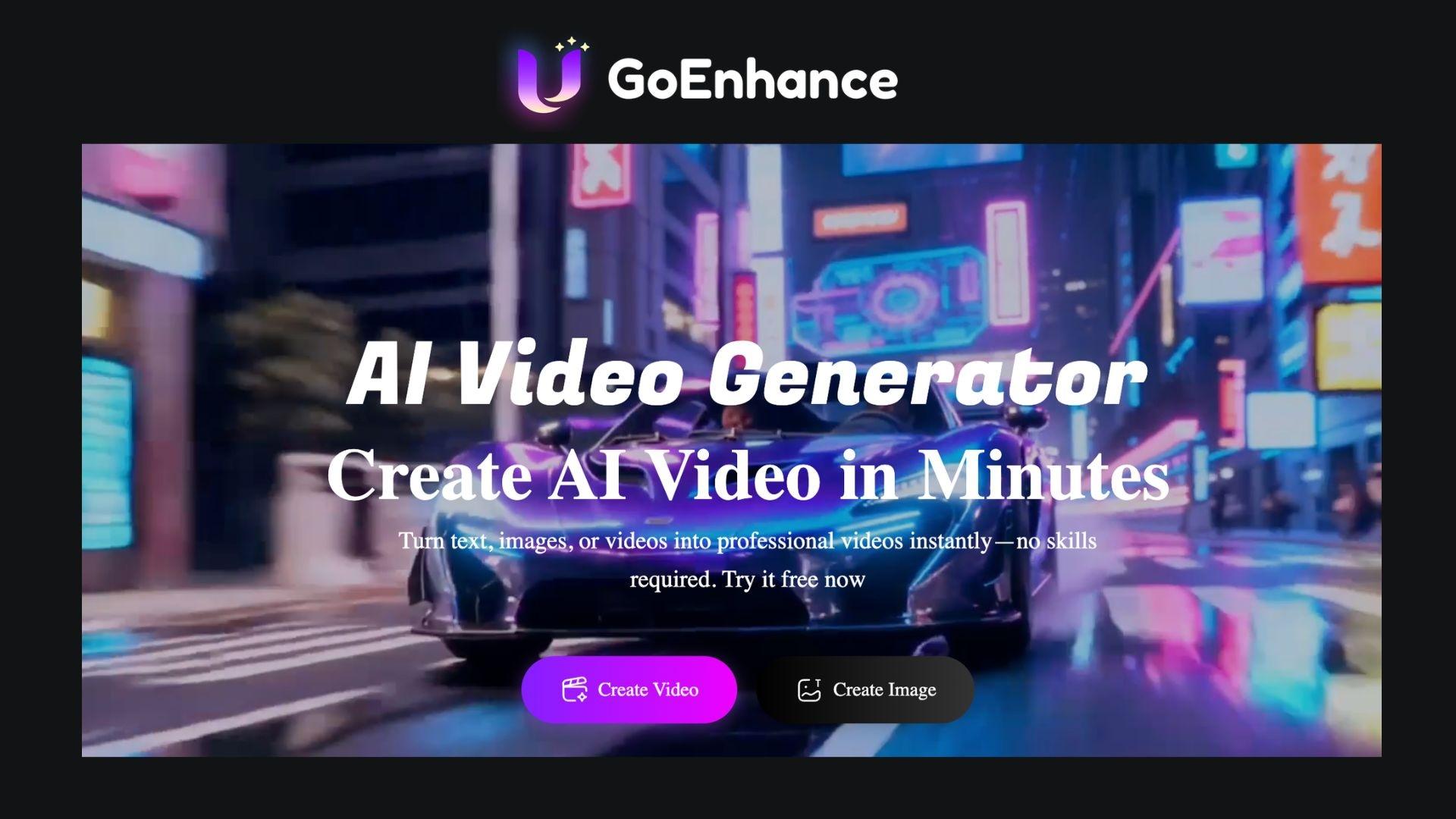
GoEnhance AI is an AI-powered platform for generating and transforming videos. Its tools cover text-to-video generation, image animation, and video style transfer as their core offerings, giving users several ways to create or modify visual content.
GoEnhance AI app is primarily useful for creators who want to experiment with AI-powered video styles without having to build animations or effects manually. Everything works online through a web app at https://app.goenhance.ai, so there’s no need for a GoEnhance AI app download. Getting started requires an account to access the generation tools and free tokens.
Part 2. GoEnhance AI Features Review
GoEnhance AI comes with several tools for creating and modifying AI videos. Beyond generating videos, it also lets users animate characters, enhance image and video quality, and create talking visuals with AI.
AI Image and Video Generator
The GoEnhance AI Video Generator is designed for users who want to create images and videos from simple inputs such as text prompts or images. On the video side, it runs on its own model (GoEnhance 1.5) and also gives you access to third-party models such as Kling 3.0, Wan 2.2, Seedance 2.0, and more. The input supports:
- Text-to-video to create videos based on written prompts.
- Image-to-video to add movement to images and convert them into videos.
- Video-to-video to restyle or remix existing footage.
- Video extender to lengthen an existing clip by generating additional frames that continue its motion.
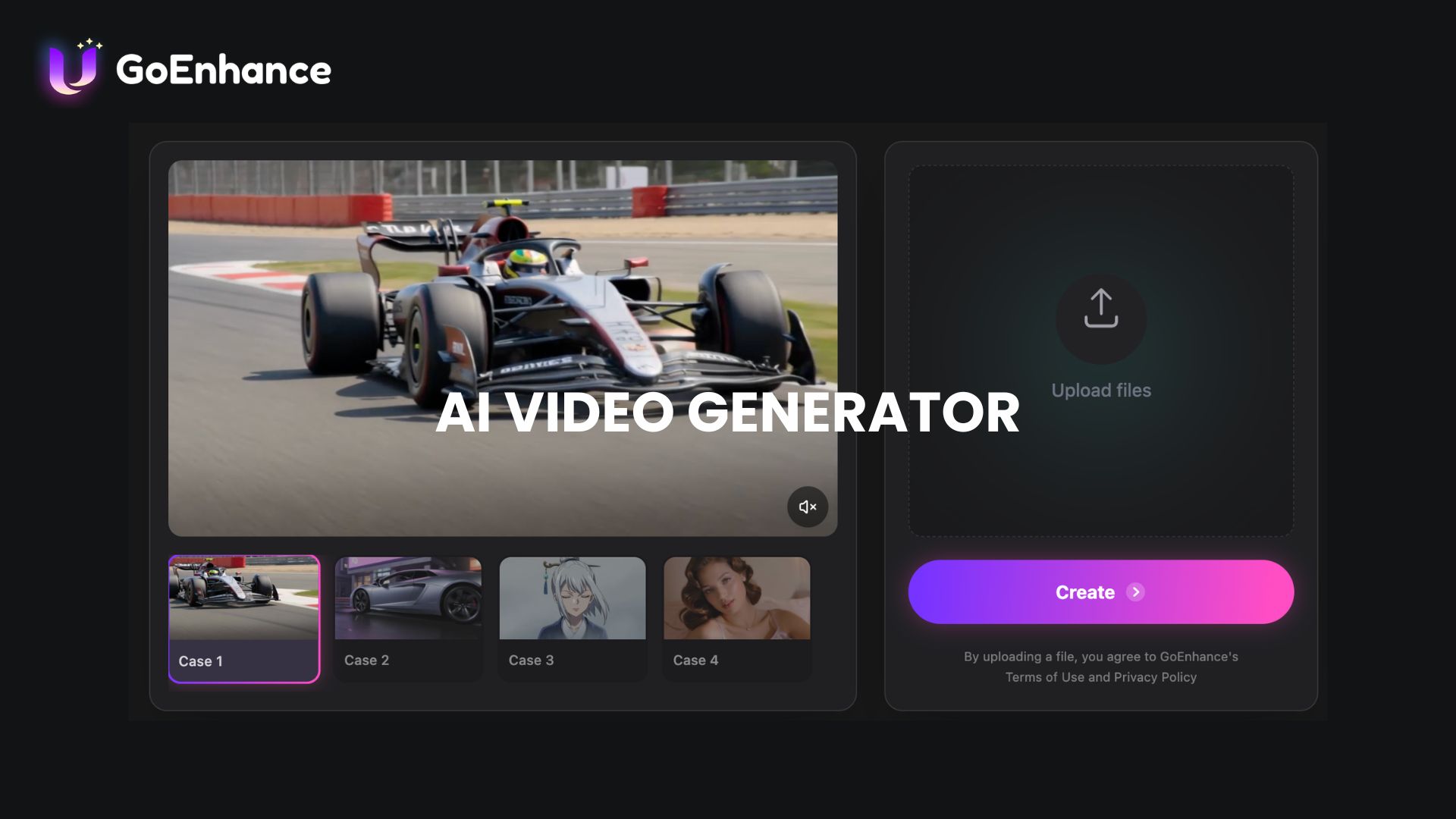
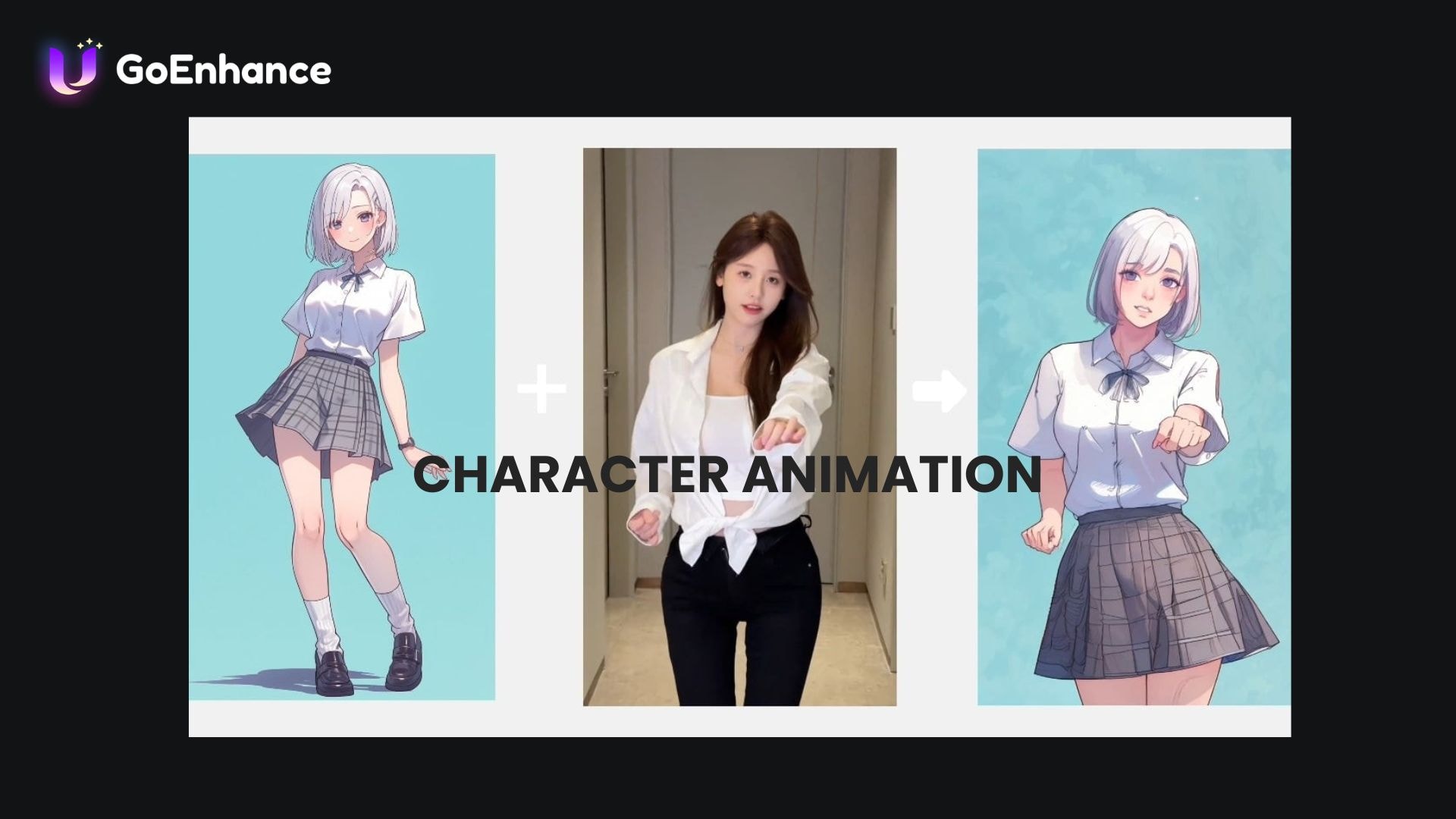
For GoEnhance AI image generation, it also supports many different AI models, but no in-house model of its own. The models include GPT-Image, Grok, Nano Banana, Seedream, and more. The input supports:
- Text-to-image to generate new images from a written description.
- Image-to-image to edit or reimagine an existing image based on a prompt.
From these core tools, GoEnhance can also be applied to more specific use cases, such as an AI girl generator, AI profile picture generator, AI logo generator, and more.
Character Animation
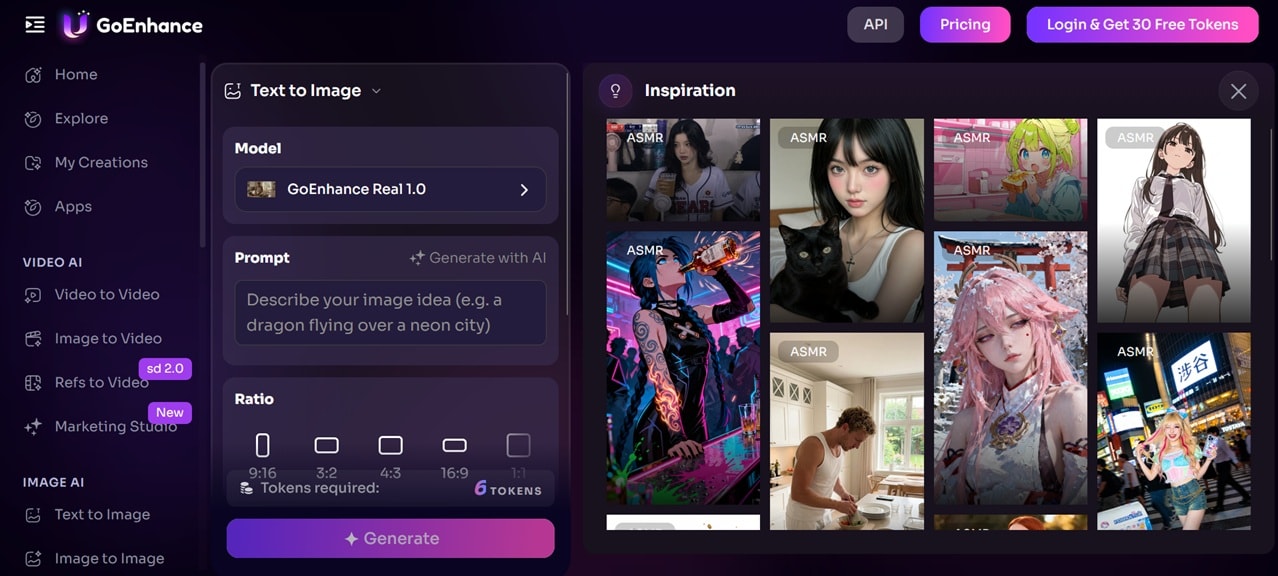
Another GoEnhance AI image animation feature is Character Animation, which you can use to add movement to character images using AI. This can be useful for creating animated characters, storytelling content, or visual experiments without having to create animations manually. With this tool, you can:
- Animate character images with AI-generated motion.
- Create moving visuals from character designs.
- Produce simple animated content for creative projects
AI Image Enhancer and Video Upscaler
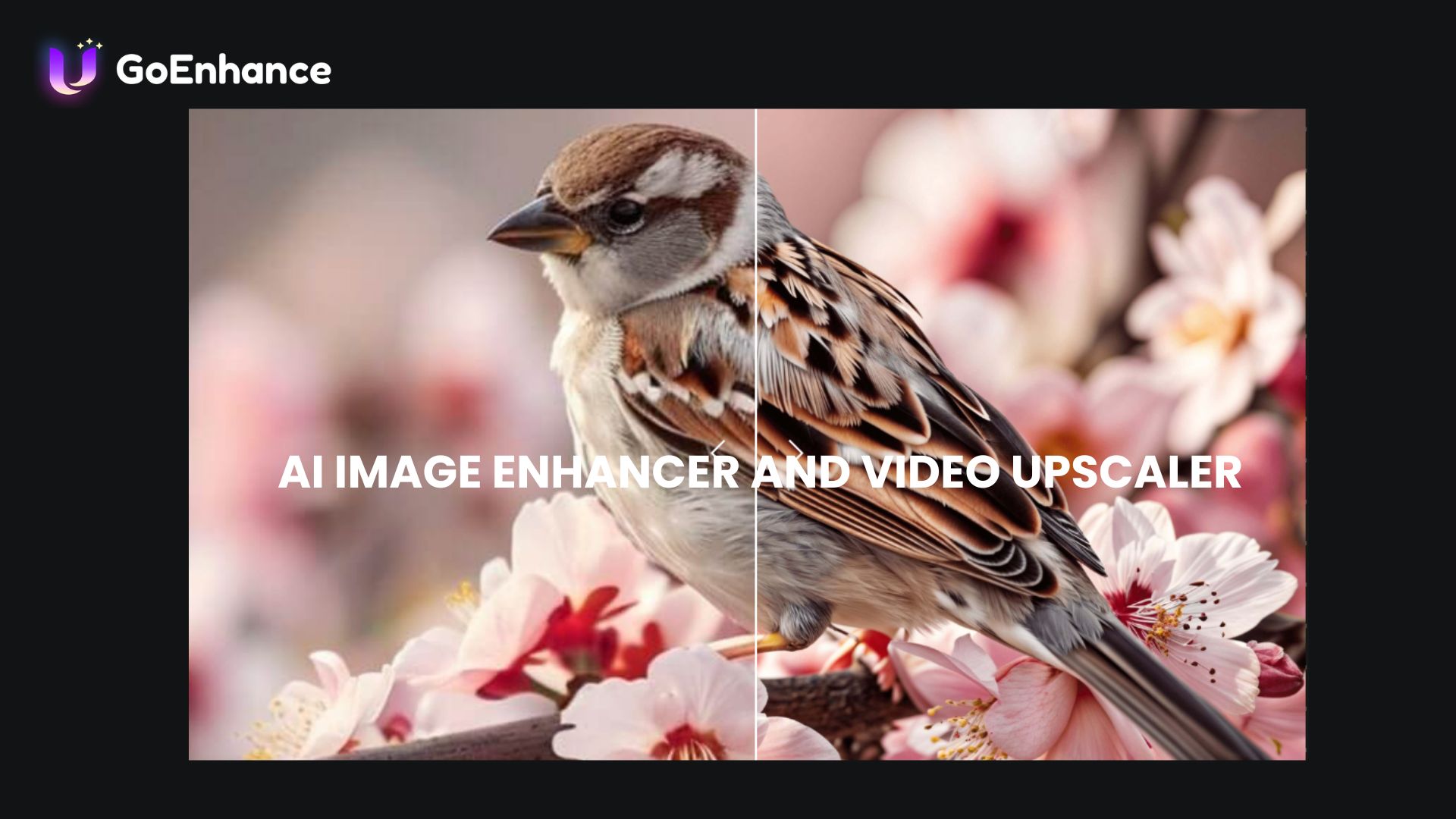
GoEnhance AI also includes tools to improve the quality of visual assets before or after production. These tools help users sharpen details, increase resolution, and prepare images or videos for further editing. The feature includes:
- AI Image Enhancer to improve image details and clarity.
- AI Video Upscaler to increase video resolution and improve overall quality.
AI Lip Sync and Talking Avatar
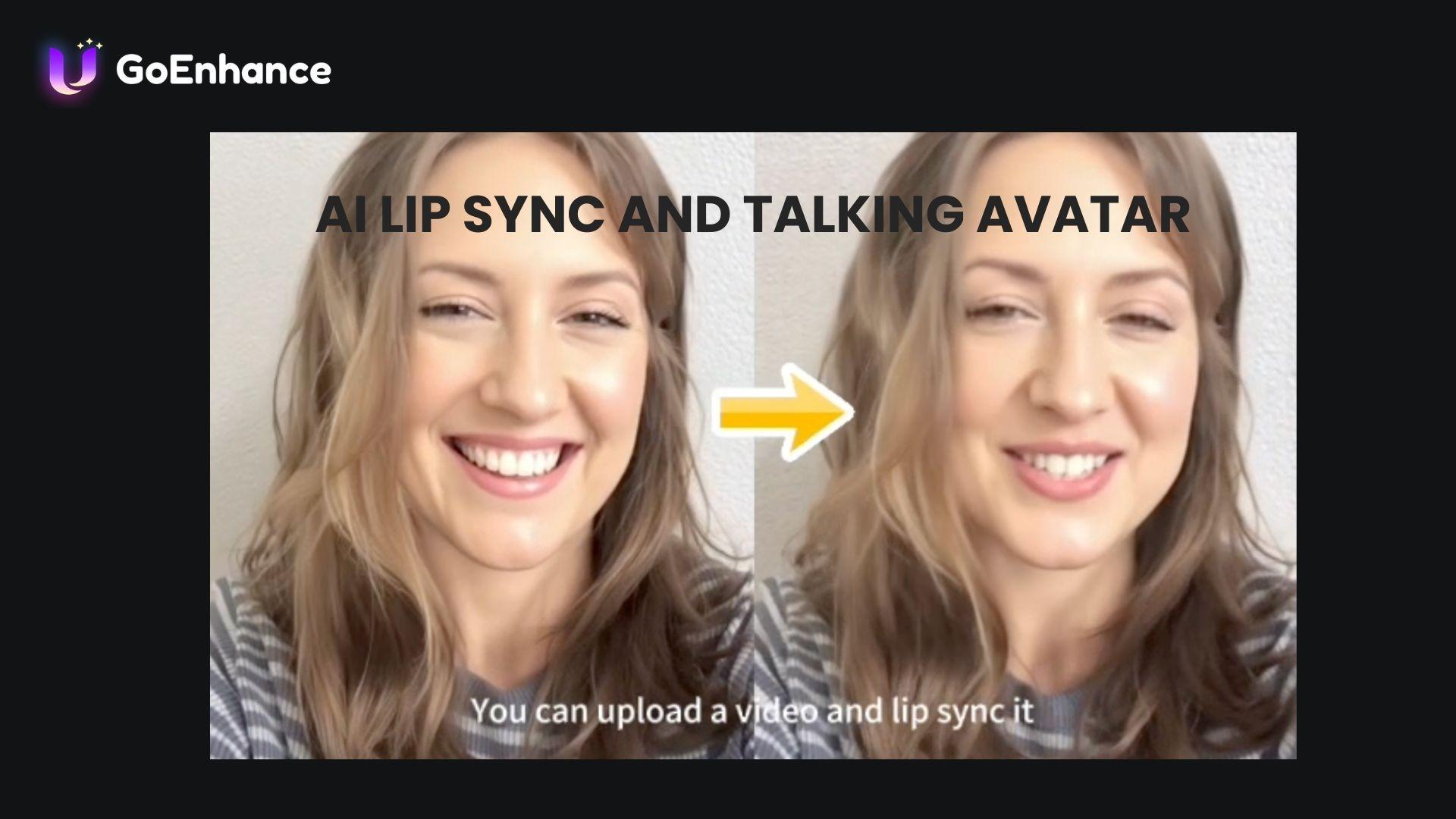
GoEnhance AI’s lip-syncing and talking avatar features are available if you want to create digital characters or presenters that can speak. The tools synchronize audio with facial movements to produce talking visuals. You can find:
- Audio synchronization to align voice recordings with character movements.
- Talking avatar to turn images into speaking characters.
AI Labs
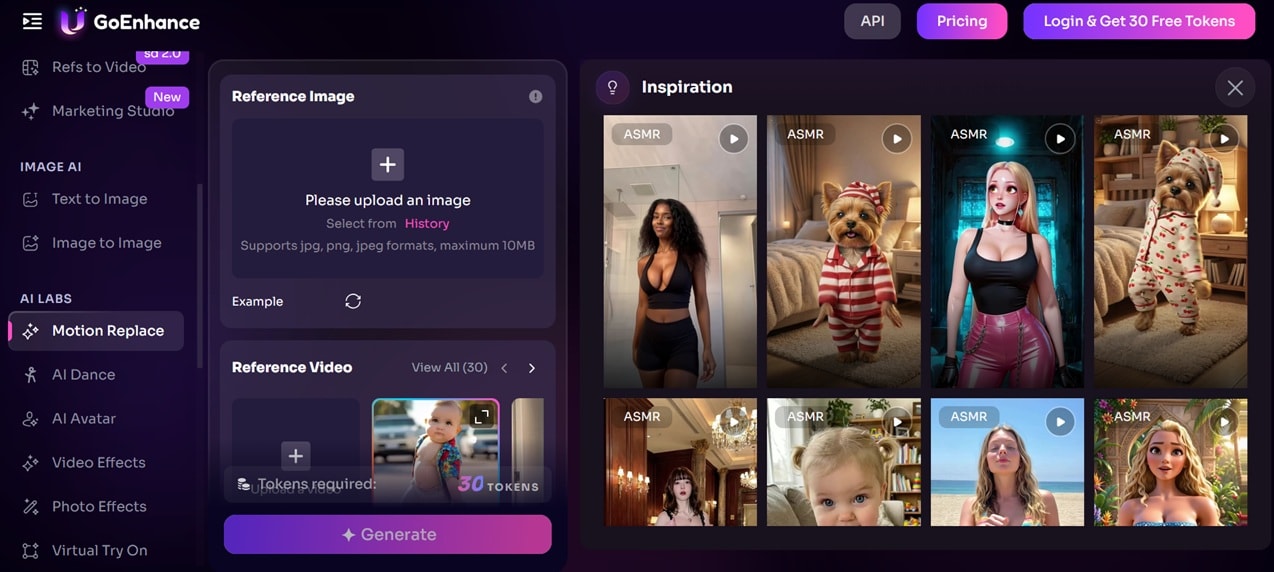
Inside the GoEnhance AI app, you'll also find a set of experimental, more niche tools grouped under AI Labs. Some of the features it offers are:
- Motion Replace, which swaps a subject's movement in a video with motion from a reference clip.
- AI Dance, which animates a photo or character to dance along to a chosen motion or song.
- Video and Photo Effects, a library of stylized filters and visual effects you can apply to existing footage or images.
- Virtual Try On, which lets you preview outfits on a photo without an actual fitting.
- AI Hair Changer, which edits or swaps hairstyles in a photo.
Part 3. GoEnhance AI Pricing and Free Tokens
GoEnhance AI charges by tokens, with each generation costing a different amount depending on the feature, video length, and selected settings. Tasks such as AI video generation and more advanced effects consume more tokens than simpler edits.
Upon registering, you get around 30 of free GoEnhance AI tokens. If you need more generations, you need to upgrade to a paid plans, which provide additional tokens, higher usage limits, and commercial usage benefits.
GoEnhance Pricing (2026)
| Standard | Pro | Mega | |
| Pricing | $24.99/month | $49.99/month | $99.99/month |
| Tokens | 1,600 tokens/month | 3,500 tokens/month | 8,000 tokens/month |
| Commercial License | |||
| Max. Video Duration (Face Swap) | Up to 120 seconds | Up to 120 seconds | Up to 120 seconds |
| Max. Video Effects Generation | Max 80/month | Max 175/month | Max 400/month |
| Max. Photo Effects Generation | Max 80/month | Max 175/month | Max 400/month |
Part 4. Our Takes on GoEnhance AI: Pros and Cons
GoEnhance AI stands out for its ability to quickly transform videos into different visual styles, especially for creators who want to experiment with AI animations and effects. However, like many AI video tools, the final results aren’t always predictable and may require several attempts to get the desired output.

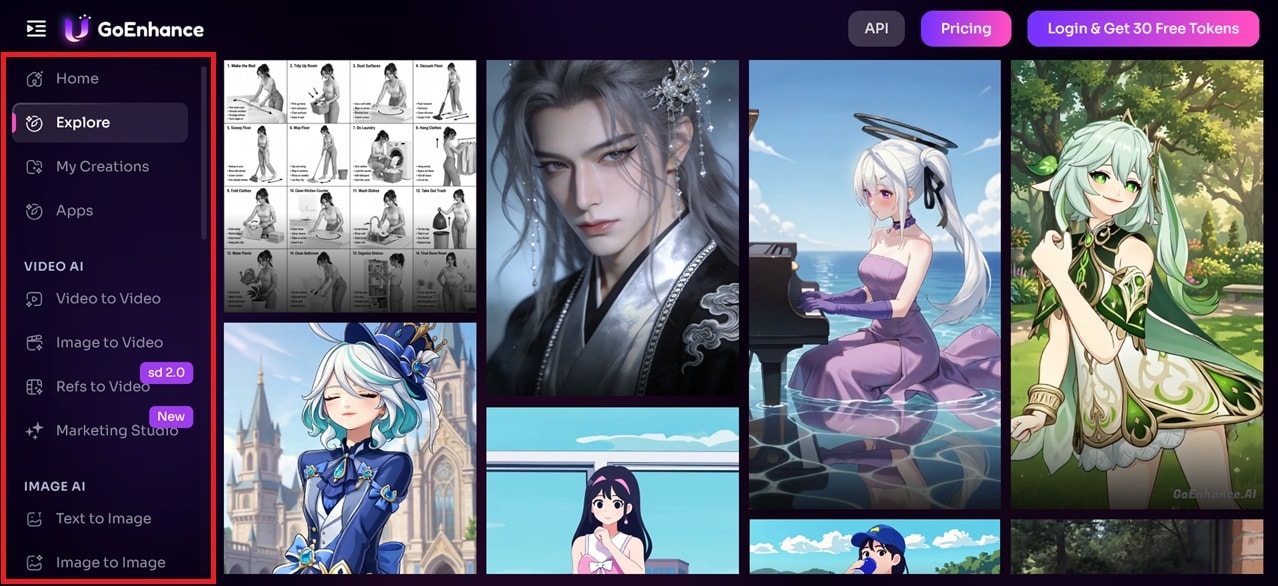
For the interface and ease of use, the GoEnhance AI website is straightforward to navigate, with tools laid out by category. You can just select the tool you need without digging through menus. The free tokens you get for signing up cover a handful of image generations and a few video generations. It's not something that gets you far if you're creating longer clips, but it’s enough to get a feel for the platform.
Pros and Cons of GoEnhance AI
- Features like video-to-animation and AI effects make it easy to create stylized videos without manually creating animations.
- The platform allows users to upload images or videos and generate AI-based results with minimal editing steps.
- Handles video style transfer, image animation, and creative effects without requiring separate AI tools.
- Users can generate, enhance, and transform visual content without switching between different AI tools.
- The output quality varies, especially when working with complex movements, detailed images, or longer videos.
- Regular creators may need a paid plan to continue generating content without running out of credits.
- GoEnhance AI focuses on AI creation and transformation, so users may still need another editor for detailed cuts, audio editing, captions, and final adjustments.
- Creators who want full control over every visual detail may find traditional editing software more flexible.
Part 5. Alternative to GoEnhance AI for Complete Video Editing
GoEnhance AI is a good option for creators who want to transform videos with AI effects, animation styles, and visual changes. However, its primary focus is on AI-powered transformations. When a project requires editing clips, adjusting audio, adding captions, applying transitions, or making final adjustments before publishing, you may need a more complete video editor.
For these needs, Wondershare Filmora offers a practical solution. Filmora lets you generate and edit clips, adjust audio, add effects, and fine-tune your video before publishing.
 Secure Download
Filmora for Complete AI Video Editing
Filmora combines conventional video editing tools with AI features that help speed up the creative process. You can work with a timeline editor while using AI tools for tasks like generating content, creating captions, and improving audio. Some Filmora features include:
- AI Video Generator: Generate videos from text or images with AI-powered tools.
- AI Video Effects: Apply AI-driven style transfers and on-trend visual effects to existing footage.
- AI Editing Tools: Automatically create captions, improve audio quality, and speed up the editing workflow.
- Enhancement Tools: Clean up shaky or low-quality footage with the Stabilizer and Video Enhancer, and fix muffled or noisy recordings with the voice enhancer and denoiser.
- Creative Editing Features: Add effects, transitions, overlays, and make detailed adjustments using timeline editing.
Final Recommendation: When to Use GoEnhance AI vs Filmora
| GoEnhance | Filmora | |
| Platform | Web-based AI tool (accessible through browser) | Desktop (Windows & macOS) and mobile (iOS & Android) |
| Primary Focus | AI video generation, animation, and visual transformations | Complete video editing with AI-assisted features |
| Manual Editing | Limited editing controls focused on AI transformations | Full timeline editing for clips, audio, effects, and transitions |
| Creative Control | Best for applying AI styles and transforming visuals quickly | More control over video structure, timing, and detailed adjustments |
| Learning Curve | Easier for users who want quick AI-generated results | More features to learn, but offers a wider editing workflow |
| Pricing | Token-based system with free access and paid plans | Perpetual license and subscription-based plans with AI credits |
Secure DownloadConclusion
GoEnhance AI is a good option for creators who want to experiment with video styles, animations, and AI effects without having to create everything from scratch. Features such as video-to-animation, image animation, and transformation features are useful for short-form content and creative projects.
However, GoEnhance AI focuses more on changing and generating visuals than handling the entire editing process. For videos that require detailed cuts, audio adjustments, captions, and final refinements, Filmora provides more control by combining AI tools with traditional editing features.
FAQs
-
1. What is GoEnhance AI used for?
GoEnhance AI is a tool for creating and editing videos using AI. You can generate videos, animate images, convert videos into different styles, enhance visuals, and create AI-based effects for creative projects. -
2. Is GoEnhance AI free to use?
Yes. GoEnhance AI offers a free version with a limited number of tokens, allowing users to try its features before upgrading. Paid plans provide more tokens and higher usage limits for users who need to generate more content. -
3. How does GoEnhance AI convert videos into animations?
GoEnhance AI uses AI video transformation to apply animation styles to existing footage. Users can upload a video, choose a style or effect, and let the tool convert the footage into an animated version. -
4. Where to look for a GoEnhance AI gift code?
GoEnhance AI gift codes are usually shared through official promotions or special campaigns. Users should check GoEnhance AI’s official channels for current offers, as available codes may change over time.
