


 TL;DR:
HypeCut is best suited for casual mobile users wanting quick photo-to-video animations on iOS 17 or later and Android 9 or later, but its restrictive credit system makes Wondershare Filmora the recommended alternative for creators needing advanced AI generation and timeline editing.
● Each video generation consumes 200 to 400 Gems, meaning the initial free credits deplete after one or two uses and force users into mandatory VIP ($7.99/week) or SVIP ($9.99/week) subscriptions to continue experimenting.
● Users evaluating long-term reliability should note that HypeCut lacks an official website, provides no formal documentation, and operates under two different developer entities across the App Store and Google Play.
● While HypeCut functions strictly as a standalone mobile generator without modification tools, Wondershare Filmora offers cross-device project syncing across Windows, Mac, iOS, and Android while integrating advanced models like Seedance 2.0, Veo 3.1, and ToMoviee.
Ask AI for a summary
 ChatGPT
 Perplexity
 Gemini
 Claude
 Grok
Grok
Another day, another AI video app emerges for you to try out. This time, we're taking a close look at HypeCut, an AI video generator that has made a name for itself as a photo-to-video app for mobile users. Available on both iOS and Android, it lets you turn your photo into a short animated video clip.
But there's more to the story, and that's exactly what we're here for. We’ll go through what HypeCut AI does, its main features, how to use it, its pros and cons, and what to know before trying it.
Part 1. What is HypeCut? AI Video Generator That Animates Photos
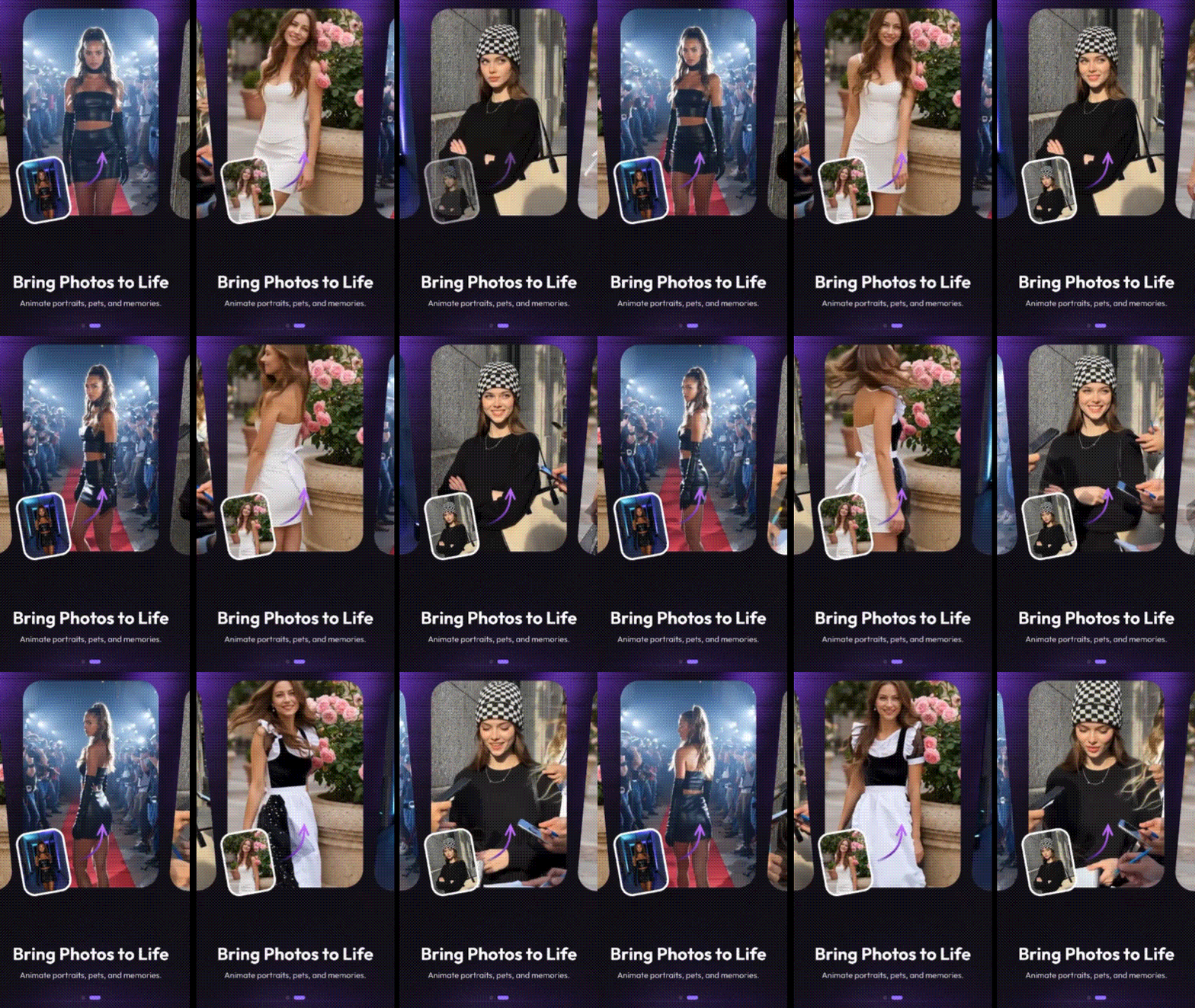
HypeCut is a mobile AI video generator that specializes in turning static photos into animated video clips. On Google Play, it has already surpassed 100K downloads. The app is designed to be as simple as possible, so that anyone can create an AI video without any editing experience.
HypeCut AI video generator is available on iOS 17 or later and Android 9 or later. You can download HypeCut from the official stores here:
- iOS: HypeCut on the App Store
- Android: HypeCut on Google Play
⚠️ Avoid third-party APK sites if you don’t want your device, data, or account security to be put at risk. The links above are the only verified official sources.
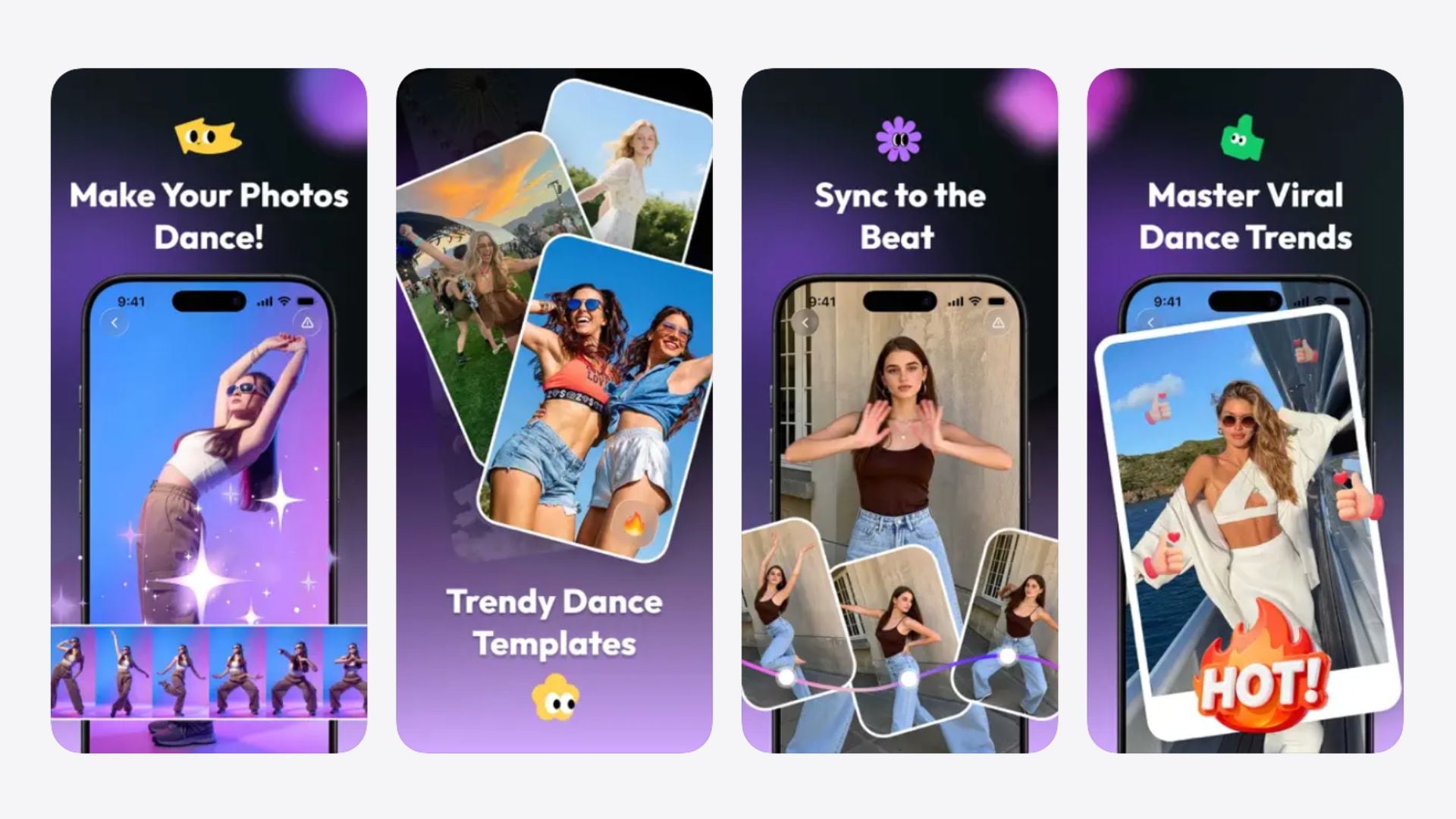
What Can You Make with HypeCut AI?
- Animated selfies
- Moving portraits
- Couple or friend photo animations
- Dance trend-style social media clips
- Short AI-generated videos from static images
- Memory-style videos from personal photos
Part 2. HypeCut AI Video Generator Pricing
To use the HypeCut AI video generator, you need to subscribe to one of its two plans: VIP or SVIP. On top of that, HypeCut uses a credit system called Gems. These are the in-app currencies you spend each time you generate a video. You can either earn them through your subscription or purchase them separately as add-on bundles.
| VIP | SVIP | |
| Pricing* | $7.99/week or $39.99/year | $9.99/week or $69.99 (lifetime) |
| Features | Ultra HD, all templates | Instant queue, ultra HD, all templates |
| Gems | 400 (weekly plan), 3,000 (yearly plan) | 600 (weekly plan), 6,000 (lifetime plan) |
For additional gems:
| HypeCut Gems | Price* |
| 800 Gems | $12.99 |
| 2,300 Gems | $29.99 |
| 3,300 Gems | $39.99 |
| 6,000 Gems | $69.99 |
| 10,000 Gems | $99.99 |
*) Pricing is current as of June 2026. Please check the official app for the most up-to-date pricing.
Can You Try HypeCut for Free?
HypeCut AI offers a welcome gift that gives you free Gems over 3 days. If you claim all three days in a row, you get an additional 100 Gems on top. Another way to earn free Gems is by inviting other people to use HypeCut through your personal invite code. If someone signs up using your code, you get 200 free Gems.
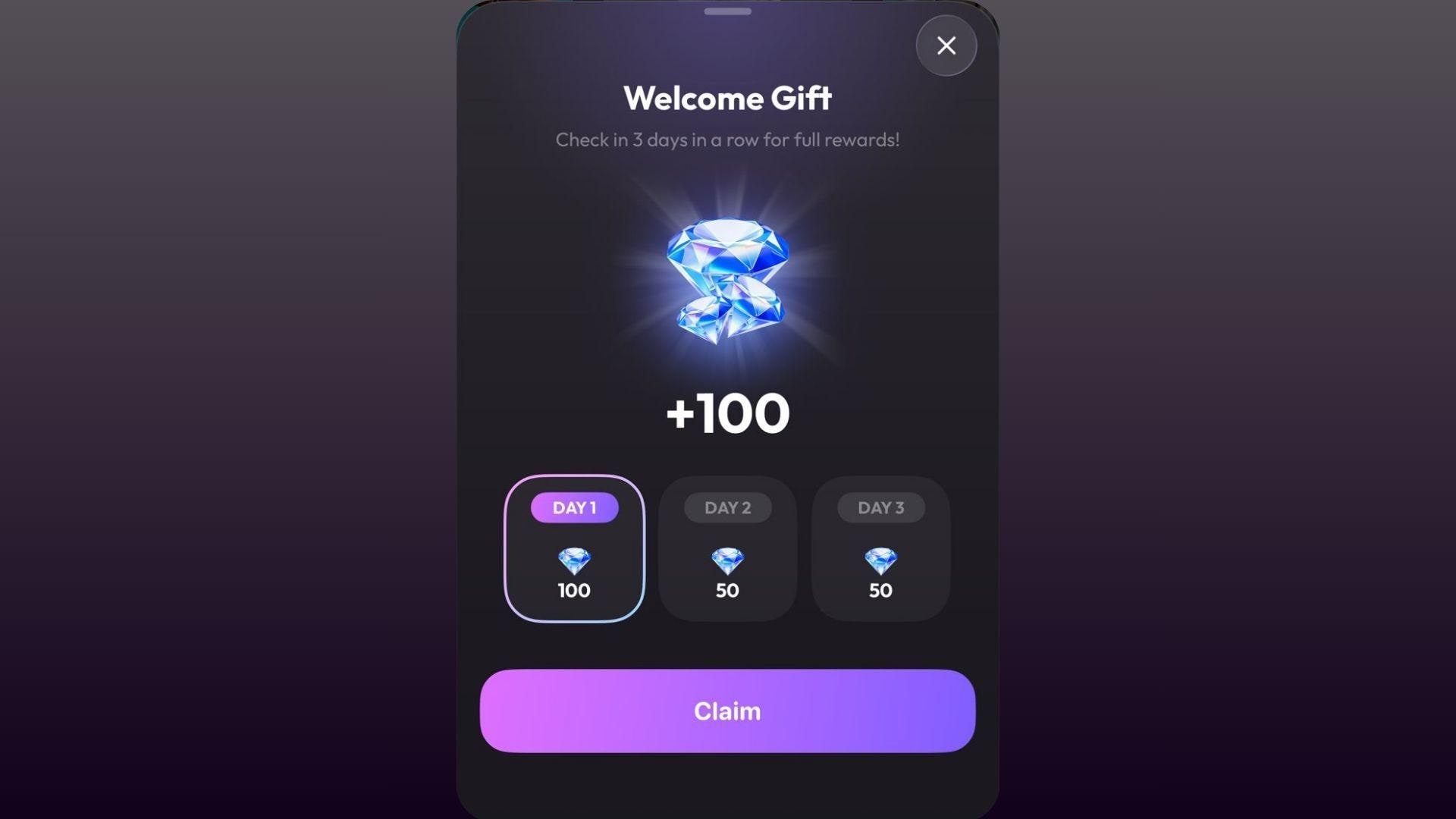
For reference, generating one video from a template can cost around 200-300 Gems, while starting from scratch with a prompt costs closer to 400 Gems. So the free Gems you get from the welcome gift and referrals won't get you very far before you need to subscribe or buy more.
Part 3. Main Features of HypeCut AI
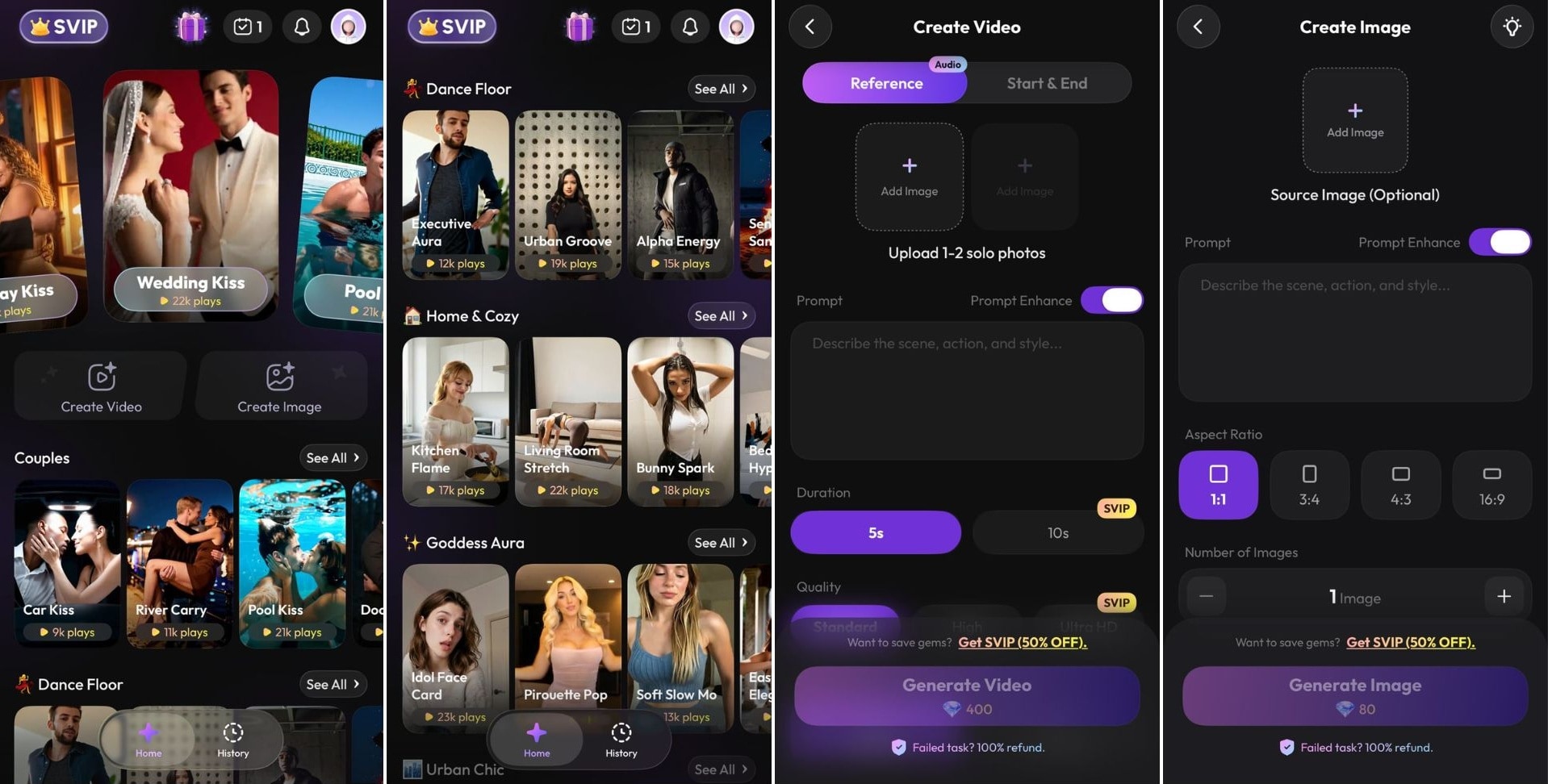
Using HypeCut is easy. You upload a photo and pick what you want to do with it. Here's what the app currently offers:
HypeCut Features
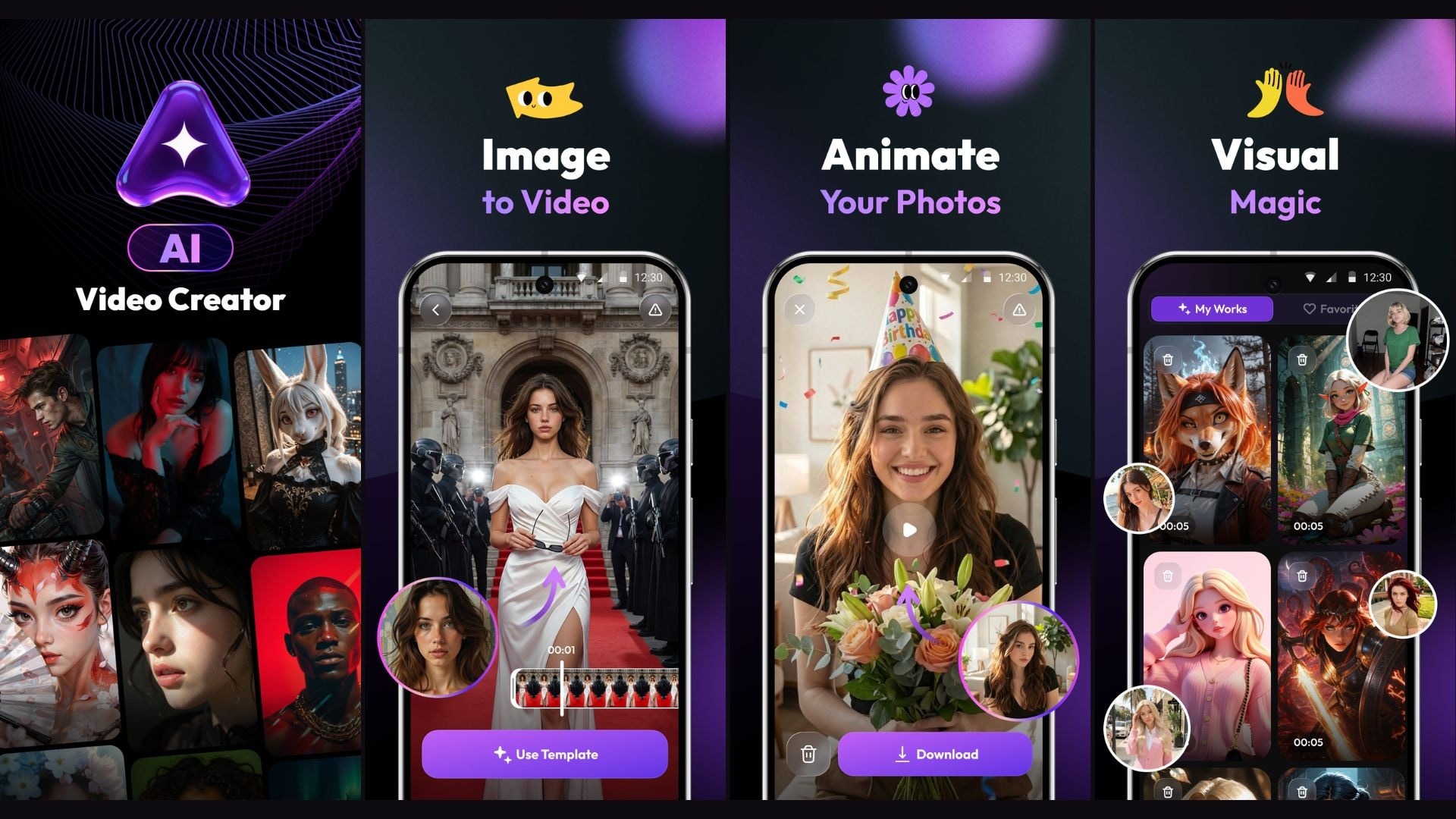
- AI Video Generator: Upload a still image, and HypeCut converts it into a short video clip. The generation is fully automated with no manual work involved on your end.
- AI Image Generator: Generate an image from a text prompt or use an existing photo as a reference to guide the output.
- Photo Animation: Make your photos move! Upload a selfie and let our AI engine add realistic motion and life.
- Trending Video Templates: Access a library of ready-to-use styles. Create fun, silly, or cinematic videos in one tap.
- Remix: Introduced in version 1.0.14, this feature lets you edit the prompt associated with a generated video task.
⚠️ Note: Only upload photos you own or have permission to use. It’s important to get consent from anyone depicted in those photos before uploading.
Part 4. What We Like and Dislike About HypeCut
HypeCut holds a 4.4-star rating on the App Store from over 220 ratings and a 4.1-star rating on Google Play from over 700 reviews. From the feedback, what we gathered is that most people found the app functional and easy to use.
There's a preview on each template, and they are organized into categories to help you find what you're looking for faster. There are also a good number of templates available to try, so you're unlikely to run out of options quickly.
What Could Be Improved
The biggest friction point, and the most consistently mentioned complaint, is the paywall. The Gems you get relative to what you're paying can only stretch far enough to generate a few videos before they run out again.
HypeCut AI is not very forgiving for those still experimenting with the app, since you can burn through your Gems fast without much to show for it. And since it does only one thing, users have little reason to stick around if a more established app offers the same image-to-video capability at a better value.
Another thing worth flagging is that HypeCut AI doesn't have an official website or any documentation to speak of. The developers listed on Google Play and the App Store are also two different entities, which is worth being aware of, especially when it comes to support and long-term reliability.
- Beginner-friendly interface
- Good variety of templates organized by category
- Template previews available
- Both AI video and AI image generation in one app
- Offers free Gems as a welcome gift
- Not ideal for those who want to experiment freely
- The free Gems can only get you through one to two generations
- No official website or documentation
- No editing tools; works mainly for generation
Part 5. HypeCut Alternative for Better AI Video Creation – Filmora
For casual users who just want to animate a photo quickly, HypeCut works fine. But if you want to actually do something with the output, you’ll need a different tool, and Wondershare Filmora is the one we'd recommend.
 Secure Download
Filmora is a full video editor available on Windows, Mac, iOS, and Android. So, if you start a project on desktop, you can keep going on mobile without losing your place. That alone makes it a very different experience from HypeCut. And that's before you get to everything else it offers:
1. More than just image-to-video
HypeCut animates photos, and that's essentially it. Filmora covers a lot more ground, including text-to-video, image-to-video, audio-to-video, AI music generation, AI sound effects, and more, so you're not boxed into one use case. You can go from an idea to a generated video to a polished export all inside the same app.
2. Access to top-tier AI models
Filmora gives you access to Seedance 2.0, Veo 3.1, and ToMoviee under one subscription with a shared credit pool. These are some of the most capable video generation models available right now. You get to choose which one to use depending on what you need.
3. Trending AI templates, regularly updated
When you don’t know where to start, you can just pick a template, generate your clip, and jump straight into editing with Filmora’s AI templates. The library is updated regularly to help you keep up with the latest trends without hunting for new tools every time something goes viral.
4. Ways to earn free AI credits
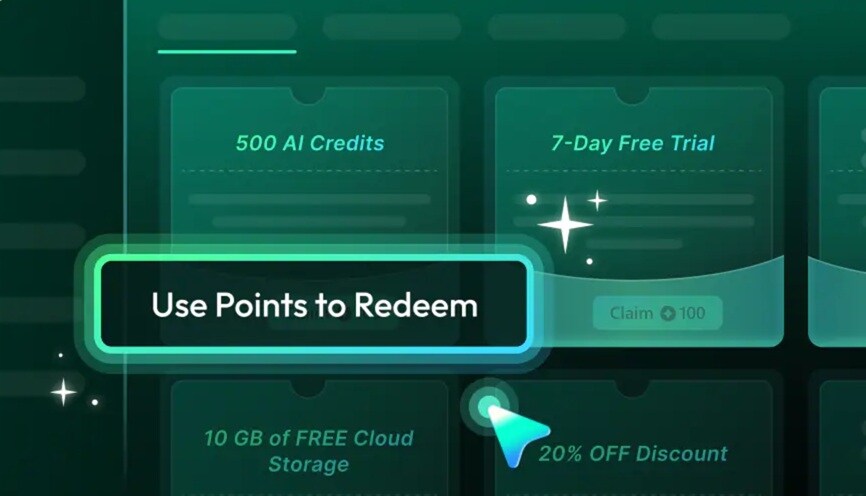
Filmora has an Achievement Program where you can unlock rewards, including AI credits, by completing tasks and exploring features. They also run interactive activities like submission events where you can earn bonus credits on top of what your plan includes.
5. A full editor, not just a generator
After generating a clip, you can take it straight to the timeline and keep working. You're not stuck with whatever the AI outputs. You can trim, extend clips with AI Video Extend, apply effects, adjust audio, and export when it's actually ready.
Secure DownloadConclusion
HypeCut AI is a decent mobile app that turns photos into short animated clips. The templates are well-organized, the interface is clean, and the barrier to entry is low. The way it costs credits to do almost anything and the lack of any official documentation is a bit of a concern, but neither makes the app unusable.
For anything beyond photo animation, though, HypeCut isn’t built for it. Filmora covers more ground as a full video editor with access to multiple AI generation models, cross-device editing, and ways to earn free credits over time. It's a better long-term option if you're serious about video content.
FAQs
-
Can I cancel my HypeCut subscription?
Yes, you can cancel your HypeCut subscription at any time through your device's subscription settings. On iOS, go to Settings > Apple ID > Subscriptions. On Android, open the Google Play Store, tap your profile icon, then go to Payments & Subscriptions > Subscriptions. Find HypeCut and cancel from there. -
What is the best free alternative to HypeCut?
There are almost no fully free apps that let you animate photos without limits, since AI video generation usually costs credits. Some tools that offer a few free credits or limited free access include Pika, PixVerse, and CapCut. -
Does HypeCut store or share your photos?
HypeCut needs you to upload photos or selfies to create AI videos, but its App Store and Google Play pages don’t clearly state how long those photos are stored. Google Play says the app doesn’t share data with third parties, encrypts data in transit, and lets users request data deletion. -
How is HypeCut different from Filmora?
HypeCut is a mobile-only app focused specifically on photo animation. Meanwhile, Filmora is a full video editor available on Windows, Mac, iOS, and Android. Beyond photo animation, it supports text-to-video, audio-to-video, and AI video generation through advanced models. You can also edit the output directly on a timeline, which HypeCut doesn't offer.
