


AI video generators are everywhere these days, but not every tool offers the same features or results. If you've come across JoyFun AI, you might be wondering what it can actually do and whether it's worth using.
In this review, we'll break down JoyFun AI, including its key features, pricing, pros and cons, user feedback, and the best alternative so you can decide if it fits your content creation needs.
Part 1. What Is JoyFun AI?
JoyFun AI is a browser-based AI video creation platform that helps you generate and edit AI-powered content without complicated software. The platform brings together different AI tools in one place, making it easier for users to create videos for social media, marketing content, and personal projects.
With its simple interface, JoyFun AI is designed for users who want to experiment with AI video creation without advanced editing skills.
Who Is JoyFun AI Best For?
JoyFun AI is suitable for:
- Content creators who want to make short videos for TikTok, Instagram, YouTube, and other social platforms.
- Marketers and small businesses creating promotional videos or visual content.
- Social media users who want to try AI face swaps, image animations, and trending video effects.
- Beginners looking for an accessible AI video generator without a steep learning curve.
But if you are someone who needs detailed timeline editing, advanced audio controls, or professional post-production tools, you may require a dedicated video editor other than JoyFun AI.
Is JoyFun AI Free?
JoyFun AI offers free access for you to try its AI video tools before purchasing additional credits. The platform uses a credit-based system in which the AI content creation process consumes credits based on the features used.
Key points about JoyFun AI free access:
- New users can explore available AI tools with free credits.
- Different AI features may use varying amounts of credits.
- Paid options provide additional credits for users who need to generate more content.
- Credit usage depends on the type of content being created.
More details about JoyFun AI's pricing will be covered in the following sections.
Part 2. JoyFun AI Features & Capabilities
JoyFun AI focuses on quick AI video creation through tools for face swapping, image animation, and text-based video generation. You can start with an image, a text prompt, or a ready-made effect template to create short AI videos.
AI Video Face Swap

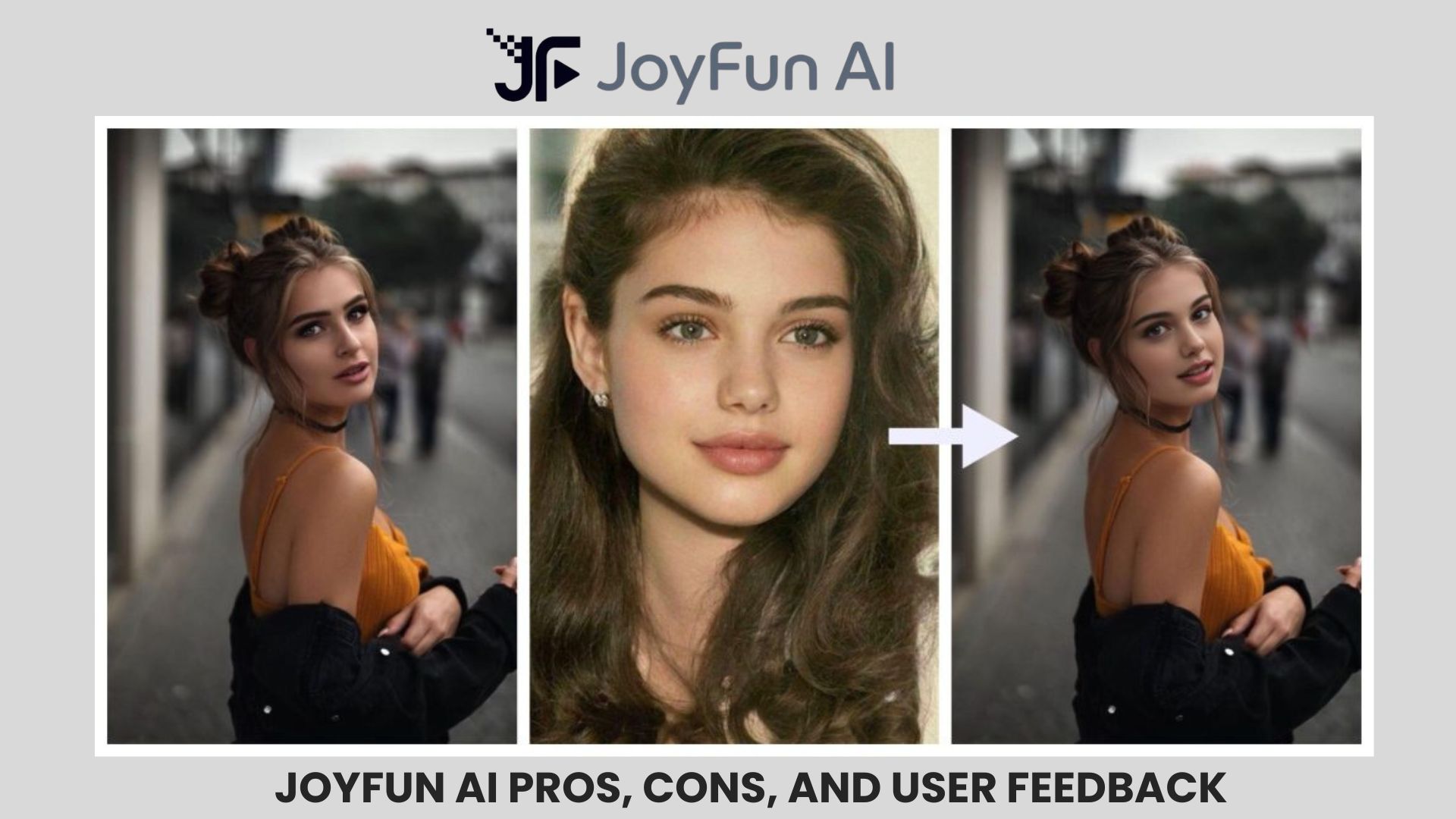
JoyFun AI Video Face Swap is one of its main features, which you can use to replace a face in an existing video using an uploaded image. The tool is primarily designed for creating social media clips, creative transformations, and entertainment content. You can:
- Upload a video and a face image.
- Generate a face-swapped video automatically.
- Create AI-powered face swap content without manual frame-by-frame editing.
AI Image to Video Generator
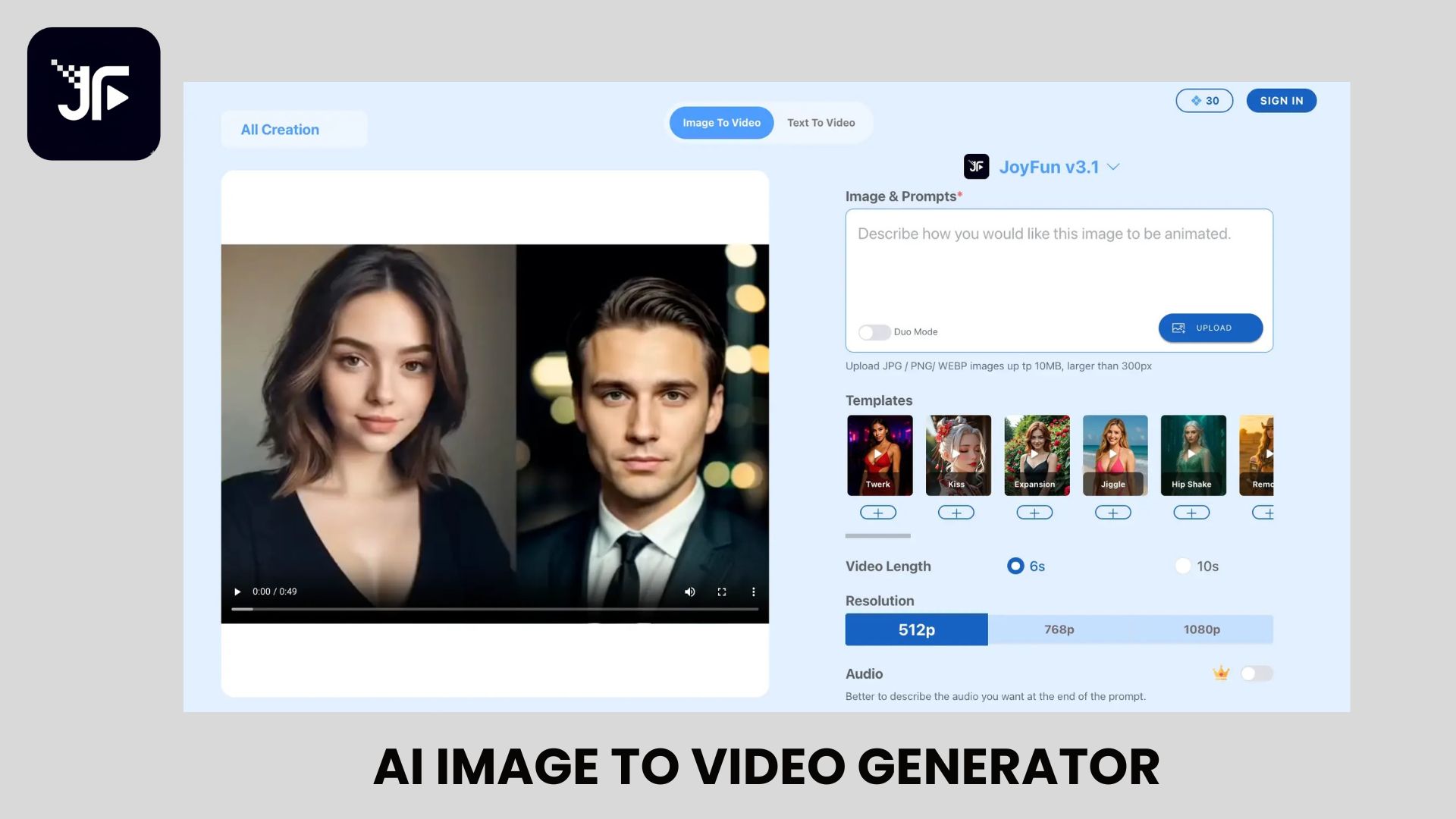
JoyFun AI Image-to-Video Generator turns static images into animated videos using AI. It supports its own JoyFun Spicy Pro and JoyFun v3.1 model, alongside popular options like Wan 2.7, Kling 3.0 Omni, Veo 3.1, and Seedance 2.0 for different animation styles. Upload a photo, add a prompt describing the desired movement, and let JoyFun AI create the animation. There are also several AI templates you can use right away.
AI Text to Video
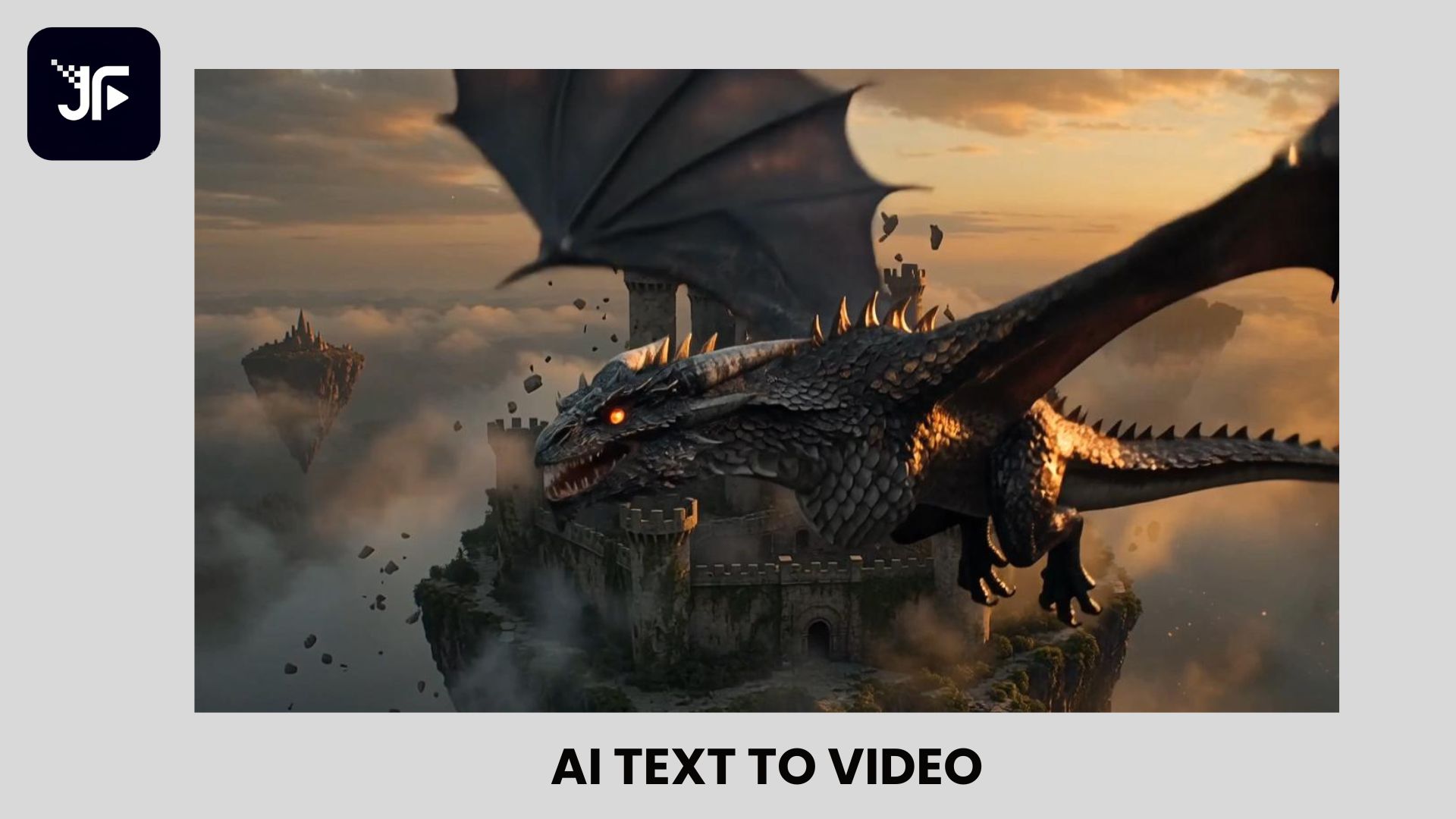
JoyFun AI's Text-to-Video Generator creates short videos from text prompts. Enter a description of the scene, characters, or camera movement you want, and the AI generates a matching video. The platform supports several video models similar to its Image-to-Video tool. Depending on the selected model, you can generate videos up to 10 seconds long with an output resolution of up to 1080p.
AI Video Effects
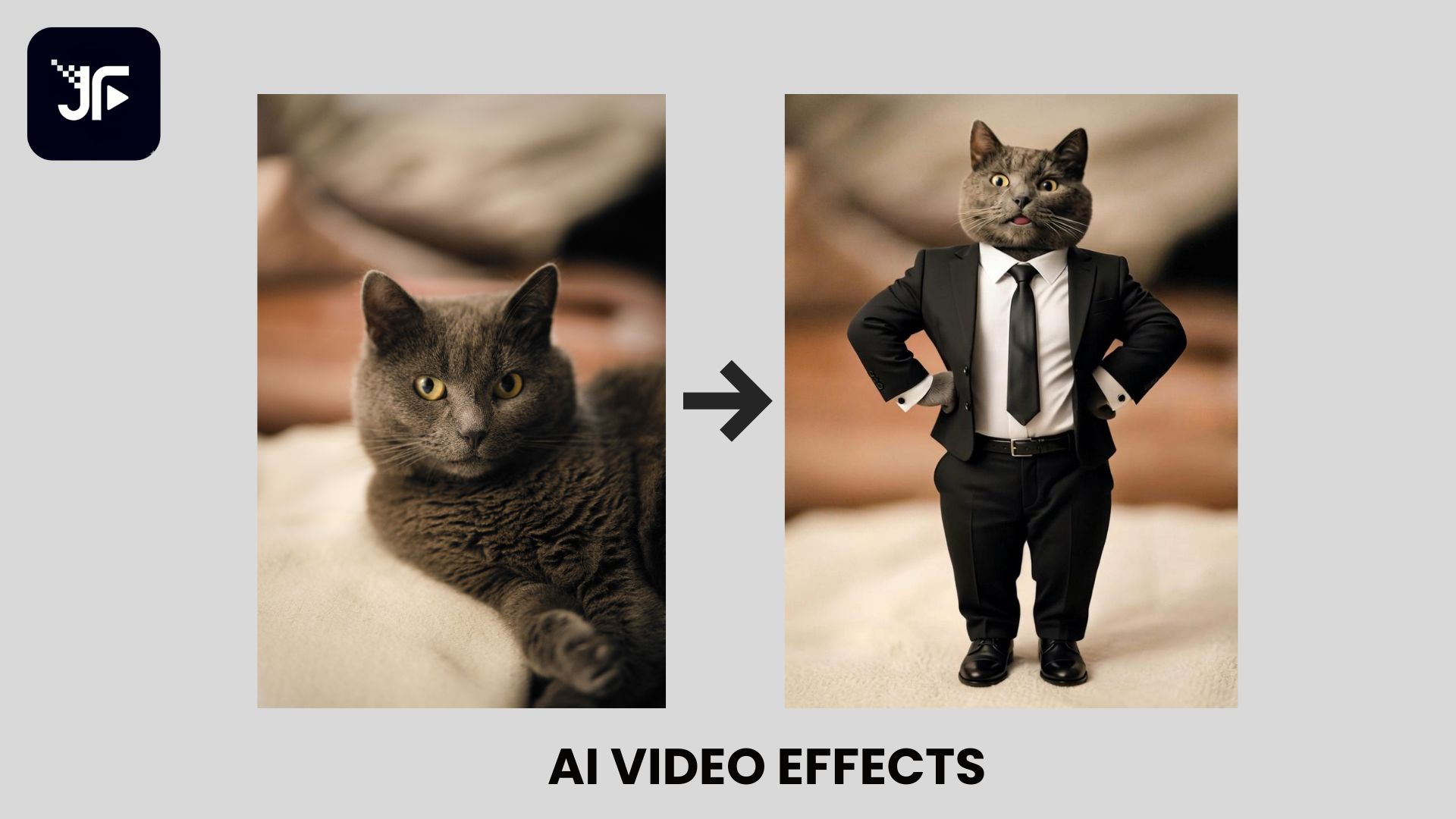
JoyFun AI also provides ready-made AI effects that transform uploaded images into short videos. These templates focus on popular social media trends, with examples including AI Hug, AI Kiss, AI Dance, and other creative effects.
You can select an effect, upload the required image, and generate a themed AI video without the need to create animations manually.
Part 3. JoyFun AI Pricing: How Much Does It Cost?
JoyFun AI uses different pricing models depending on the feature. Most AI generation tools (except JoyFun AI Face Swap) use a pay-as-you-go system, where you purchase one-time credit packs and spend credits each time you generate content.
But for using Face Swap, it's a one-time purchase. You need to apply for a one-time license by submitting a registration form through the platform.
| Standard | Premium | Deluxe | |
| Pricing | $24.99 | $79.99 | $149.99 |
| Credits | 3,000 | 20,000 | 60,000 |
| Max. Video Length | 10 seconds | 10 seconds | 10 seconds |
| Max. Video Resolution | 720p | 1080p | 1080p |
| Storage | 7-day Storage | 30-day Storage | 60-day Storage |
| Parallel task(s) | - | 3 | 3 |
Credits serve as the payment currency for creating AI content on JoyFun AI. The number of credits used depends on the selected generation feature and settings. You can:
- Purchase additional credit packs whenever needed.
- Use purchased credits without worrying about expiration dates.
- Access multiple AI generation tools with the same credit balance.
Part 4. JoyFun AI Pros, Cons, and User Feedback
JoyFun AI offers a simple way to create AI-generated videos, especially for short-form content and creative experiments. However, like other AI video tools, JoyFun AI has several limitations regarding editing controls, pricing, and output consistency.
JoyFun AI Pros & Cons
- Beginner-friendly interface. Easy to access and use directly from a browser.
- Multiple AI video tools. Includes AI Video Face Swap, AI Image to Video, AI Text to Video, and AI effects.
- Flexible credit system. Purchased credits do not expire and can be used when needed.
- Limited editing controls. Lacks advanced timeline editing features and professional video editing tools.
- Separate pricing for Face Swap. It requires a separate one-time license, and pricing is only available after submitting a registration form.
- No web account system. The web platform doesn’t offer a standard login or account dashboard, so it can be difficult to track your purchases, credits, or license status after making a payment.
- Fewer user reviews available. It has less community feedback compared with more established AI video tools.
- No free trial or free version. You need to purchase credits or a license before using the platform's features.
What Users Say About JoyFun AI
When looking at JoyFun AI Reddit discussions and other AI video communities, most discussions focus on the platform's wide selection of AI models, fewer content restrictions than many mainstream AI video generators, fast video generation, and the ability to use many features without creating an account.
However, that lack of a standard web account actually makes it harder to manage purchases or licenses after payment. Other concerns frequently mentioned in AI video communities include:
- Credit usage. Since credit costs vary by AI model and feature, it can be difficult to estimate the total cost of a project in advance.
- Privacy. According to JoyFun AI's privacy policy, uploaded content may be retained and used to operate, improve, and develop its AI services.
- Pricing and account system can be confusing. Most AI generation tools use credits, while Face Swap follows a separate licensing process that requires submitting a registration form before pricing is disclosed. This makes it harder to compare costs before using the platform.
Part 5. More Complete Solution to Create AI Videos: Filmora
JoyFun AI works well for creating quick AI videos, face swaps, and creative effects. However, if you want to refine those videos with cuts, music, transitions, or more detailed adjustments may need a full video editor.
Wondershare Filmora combines AI-powered creation tools with a complete editing timeline, allowing users to generate AI content and continue editing within the same project. Its AI features include AI Text-to-Video, AI Image-to-Video, AI Music Generator, AI Voice Generator, AI Subtitle Generator, AI Video Enhancer, among others.
JoyFun AI vs Filmora
| JoyFun AI | Filmora | |
| Main use | Creating AI-generated clips and effects | Creating and editing complete videos |
| AI features | Fewer: AI Video Face Swap, AI Image to Video, AI Text to Video, AI effects | Extensive: AI Text to Video, AI Image to Video, AI Voice Generator, AI Music Generator, AI Subtitle Generator, AI Video Enhancer, AI Extend, etc. |
| Editing | Limited editing options after generation | Full timeline editing with effects, transitions, and audio tools |
| Best for | Quick AI clips and social media content | AI-assisted video creation with more editing control |
Filmora is free to download and offers both a free version (with some limitations) and a limited-time free trial of its premium features, so you can explore the software before purchasing.
Once you subscribe or purchase a perpetual license, you get access to the full video editor. AI features use a separate credit system, and additional AI credits can be purchased on a pay-as-you-go basis.
 Secure Download
Conclusion
JoyFun AI is a useful option for anyone who wants to try AI-powered video tools without spending much time on editing. Its face swap, image-to-video, and AI effect features make it suitable for creating short social media content and creative experiments. The platform is less suitable if you need advanced editing controls or a complete video production.
For more flexibility to edit, add effects, and polish the final result, tools like Filmora provide a broader editing experience. Overall, JoyFun AI is a great place to start for quickly creating AI videos, especially for casual creators.
FAQs
-
1. Is JoyFun AI free to use?
No. JoyFun AI doesn’t currently offer a free plan or free trial. Most AI generation features require purchasing credits, while Face Swap requires a separate one-time license. -
2. Does JoyFun AI support video face swap?
Yes. JoyFun AI has an AI Video Face-Swap tool that lets users replace faces in videos using an uploaded image. -
3. Can JoyFun AI turn images into videos?
Yes. JoyFun AI can animate still images into short videos using its AI Image-to-Video Generator. -
4. Is JoyFun AI safe to use?
JoyFun AI appears to be safe for general use based on its published Privacy Policy and Terms of Service. However, you should avoid uploading sensitive or confidential images and videos.
