


Hiring actors, booking a shoot, and spending days editing used to be part of making a decent ad video. But with KreadoAI? It’s not anymore. This AI platform streamlines much of that production work into a single browser-based process, with tools to generate videos, images, scripts, and multilingual content from one platform.
But how good is KreadoAI when you actually use it? This KreadoAI review looks at its AI video generator, AI text-to-video and image generation tools, subtitle and watermark removers, pricing, and overall process. We’ll also cover the pros and cons and how KreadoAI compares to other video tools, so you can decide if it’s the right fit for your content needs.
Part 1. What is KreadoAI?

KreadoAI is mainly designed to create marketing videos featuring AI-powered presenters. You can pick an avatar, add a script, choose a voice and language, then generate a video without filming a person yourself.
It also goes beyond avatar videos with text-to-video, image generation, video repurposing, subtitle removal, and watermark removal. These features make KreadoAI useful for businesses that need to regularly produce product demos, ads, and social media content.
Who it's built for:
- Marketers who create ads and promotional content
- E-commerce sellers who create product videos
- Agencies that produce content for various clients
- Small businesses without an in-house video team
- Content creators who need AI avatars and voiceovers
How to Access KreadoAI
KreadoAI is primarily accessible through its web platform at https://www.kreadoai.com/, where clicking "Generate Your First Ad Free" takes you straight to the KreadoAI login page. It doesn't currently have a dedicated desktop or KreadoAI app for mobile.
Part 2. Key Features of KreadoAI
KreadoAI covers most of the steps involved in creating marketing creatives, from generating an AI spokesperson video or product image to editing and adapting the final asset. Its tools are divided into four main categories.
1. Video Generator
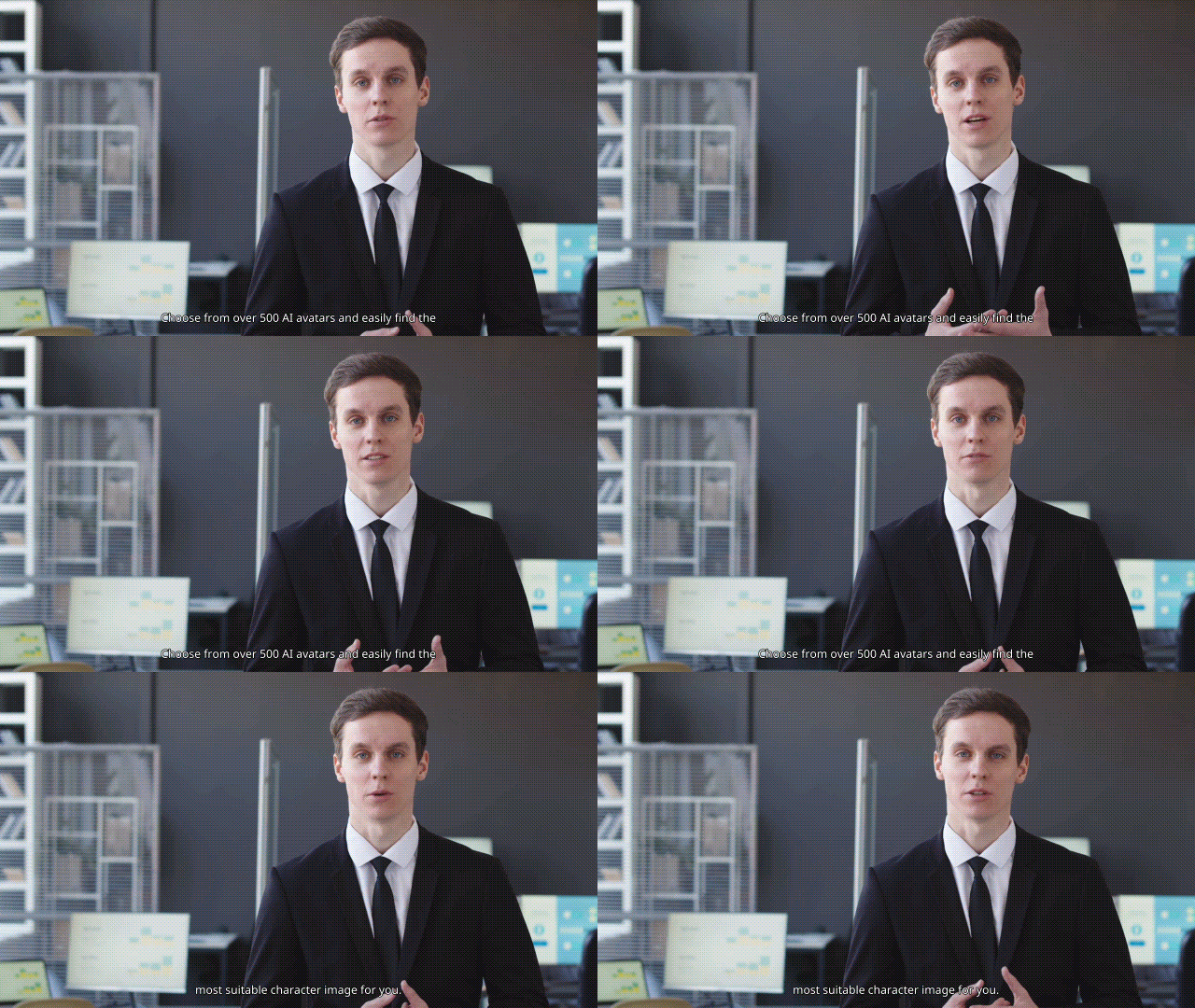
KreadoAI’s AI video generator covers different ways to create marketing videos, from prompts and product URLs to AI presenter content:
- Image-to-Video turns still images into videos.
- KreadoAI AI Text-to-Video Generator creates videos from written prompts.
- URL-to-Video turns product pages into video ads.
- AI Spokesperson Videos feature lets an AI avatar deliver your script.
- Cinematic Photo Avatar animates a still photo.
- PPT/PDF Avatar Video turns presentations into avatar-led videos.
- Batch TikTok Videos creates multiple short-form videos at once.
2. Image Generator
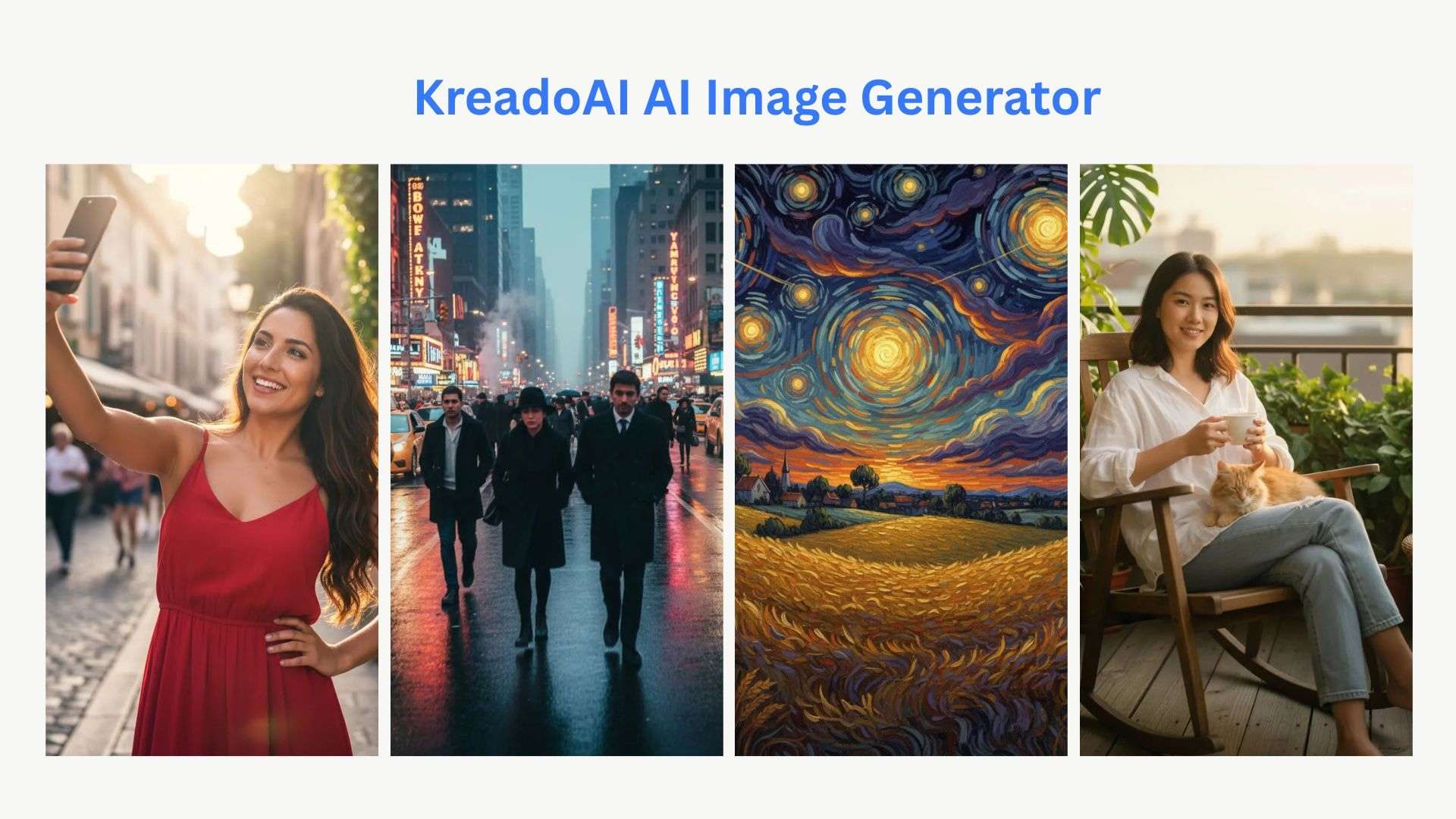
The KreadoAI AI image generator focuses on creating and customizing visuals for ads, products, and social media:
- AI Image Generator creates visuals from prompts.
- Ad Creative Generator helps create product-focused ad images.
- Image Inpainting lets you replace or edit parts of an image.
- Multi-Size Ad Images adapts creatives to different formats.
- Background Removal removes unwanted backgrounds.
- Image Expansion and Upscaling expand or improve images.
- Image Translation helps localize text in visuals.
3. Edit and Enhance
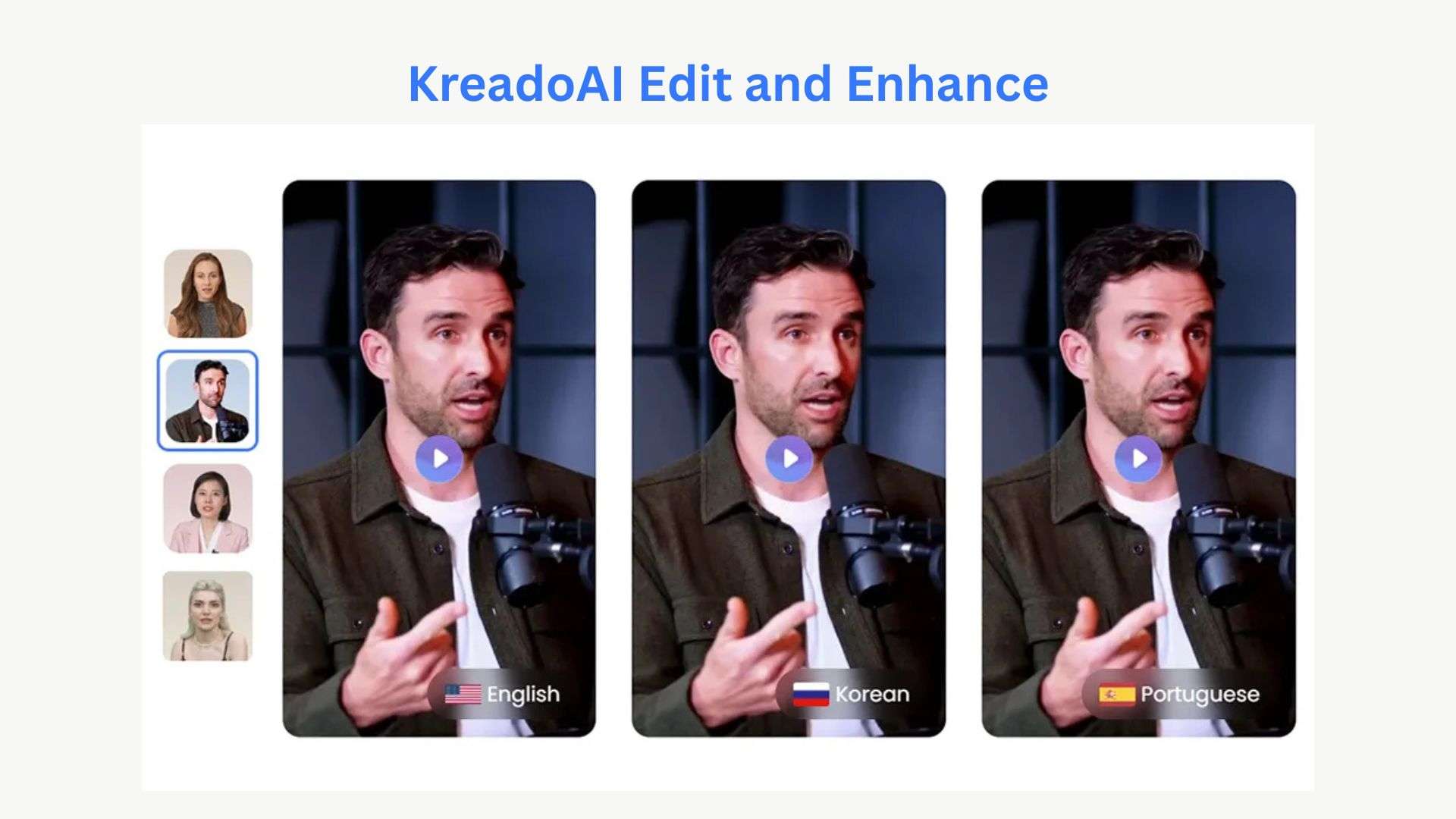
Beyond generating, Kreado AI also includes tools that are useful after you’ve generated your content:
- AI Smart Canvas for editing and adapting creative assets.
- Text-to-Speech for AI voiceovers.
- Instant Voice Clone to create a digital version of a voice.
- Instant Avatar Clone to create personalized AI avatars.
KreadoAI also offers tools to remove unwanted elements from existing videos, including the KreadoAI video subtitle remover and the KreadoAI watermark remover.
4. Creative Agent
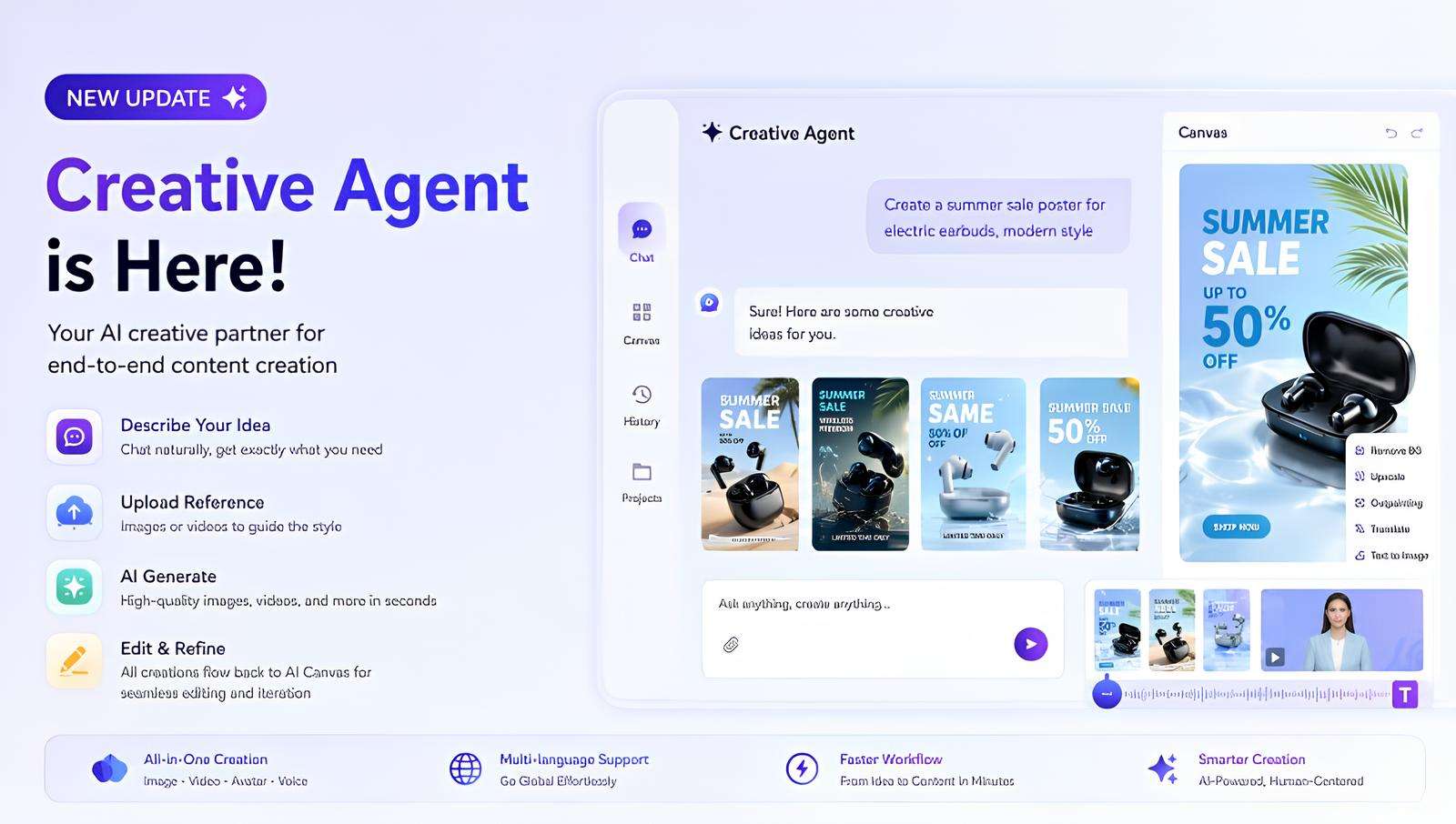
Creative Agent lets you describe what you want to create and uses AI to help develop the creative work. It can assist with ideas, ad concepts, images, and videos, thus saving you time when you’re unsure which KreadoAI tool to use first.
Part 3. KreadoAI Pricing & K-Coins Explained
KreadoAI has a free plan and three paid options. Your plan determines how many K-coins you get and which features you can use.
Kreado AI Pricing (2026)
| Plan | Free | Premium | Pro | Enterprise |
| Price | $0 | $24 | $50 | Custom |
| K-coins | 10 K-coins | 1,800 K-coins/month | 3,000 K-coins/month | Custom |
| Main benefits | Up to 3 minutes of video, 5 AI avatars, 120+ voices available, and 31 languages | Generate 600 images or 120 videos per month, 700+ AI avatars, 140 languages, more video time | Generate 1,000 images or 200 videos per month, 1,000+ AI avatars, unlimited instant avatar clones | Custom video length, avatars, API, support, and other business features |
How Do K-Coins Work?
K-coins are KreadoAI's usage credits. The amount you spend depends on the feature and how much content you generate. For example, a Premium avatar video costs 1 K-coin per second, while a Supreme avatar costs 2 K-coins per second. You can earn more K-coins by renewing your membership, purchasing them separately, or taking part in KreadoAI's free K-coin activities.
Do K-Coins Expire?
Yes, the expiration timeline varies depending on how you acquired them:
- Free signup K-coins: expire after 30 days.
- Membership K-coins: reset when your billing cycle renews and don't roll over.
- Purchased K-coins: expire after 30, 60, or 90 days, depending on the amount purchased.
So, if you don't use KreadoAI regularly, don't assume your unused K-coins will remain available forever.
Part 4. KreadoAI Review: Pros and Cons
KreadoAI is fairly easy to pick up. You can create a basic avatar or product video without spending much time figuring out the interface. The results are also good enough for many ads and social posts, especially when you don't need anything highly customized.
That said, don't expect every video to be ready for publication right away. Some avatars and AI-generated visuals can look a little off, and you may need to regenerate a clip or make a few edits. User reviews are mostly positive, with people often praising the simple workflow, voices, and wide range of language choices. Some other KreadoAI reviews also mention limitations in editing and customization.
- You can create an avatar video without much video-editing experience
- URL-to-video and AI spokesperson tools are practical for product content
- Useful for creating localized videos without recording each version
- Simple videos can be generated in minutes
- Includes extras like subtitle and watermark removal
- Some videos need to be re-edited before they’re ready for publication
- Avatar results aren't always consistent
- Editing controls are quite basic
- The free plan offers limited space to test it out
- Some users report slow customer support
Overall, KreadoAI makes sense if you want to get marketing videos made quickly without having to film yourself. If you care about detailed editing or want consistently polished results straight from the generator, you may need to make some additional tweaks after generation.
Part 5. Best Video Editor to Pair With KreadoAI: Filmora
KreadoAI can handle the first version of an ad, but you may still want to cut awkward pauses, replace a generated scene, add product footage, or adjust the voice and music. Wondershare Filmora is a good follow-up editor for those finishing touches, especially when the KreadoAI output is close to what you want but not quite ready to publish.
Filmora also has its own AI-powered video and image generation tools. These allow you to generate an extra visual, create a missing clip, or modify existing footage without rebuilding the whole project in another editor.
What’s Inside Filmora
- AI-powered video and image generation to create additional content
- Video templates for quickly creating social media and marketing videos
- Multitrack timeline for combining video, images, text, and audio
- Color grading to adjust the look of your footage
- Transitions and effects to smooth scene transitions and add visual detail
- Audio mixing to balance music, voiceover, and other sounds
- Export presets to prepare videos for various platforms
 Secure Download
Conclusion
KreadoAI works better as a marketing content factory than as a complete video production tool. Its URL-to-Video, AI spokesperson, image generation, and batch TikTok features can speed up repetitive work, especially when you need multiple versions or languages.
However, the results aren’t always polished enough to publish immediately. You may need to bring and refine your project further inside an editor like Filmora. The K-coin system is also worth keeping in mind if you regularly generate content. Overall, KreadoAI makes the most sense for marketers who value speed over fine control.
FAQs
-
Can KreadoAI remove subtitles and watermarks?
Yes. KreadoAI has separate tools for removing subtitles and watermarks from videos. You can upload an existing video and process it through the relevant remover tool. -
Do I own commercial rights to videos made with KreadoAI?
KreadoAI’s paid plans include commercial use, while the free plan does not. If you're making ads, product videos, or other content for business purposes, you'll need a paid membership. Review the latest commercial use terms before publishing client work. -
Can I use KreadoAI for free?
Yes. KreadoAI has a Free plan with 10 K-coins, up to 3 minutes of video, 5 AI avatars, and access to 31 languages. It's enough to test the platform, but the free plan doesn't include commercial use.
