Did you know that creating a 10-minute animated video can take up to eight months, according to Hocus Pocus Studio? That's a lot of time for just one video. But fortunately, AI video generators offer a different way to create animated content.
You no longer need advanced editing skills or to build every scene from scratch. Simply describe your idea, and an AI tool can help turn it into a video. LongStories AI is one platform that offers this approach to animated storytelling.
To see if it’s really worth it, we'll explore its features, pricing, and the main advantages and drawbacks to consider before using it.
Part 1. A Quick Glance at LongStories
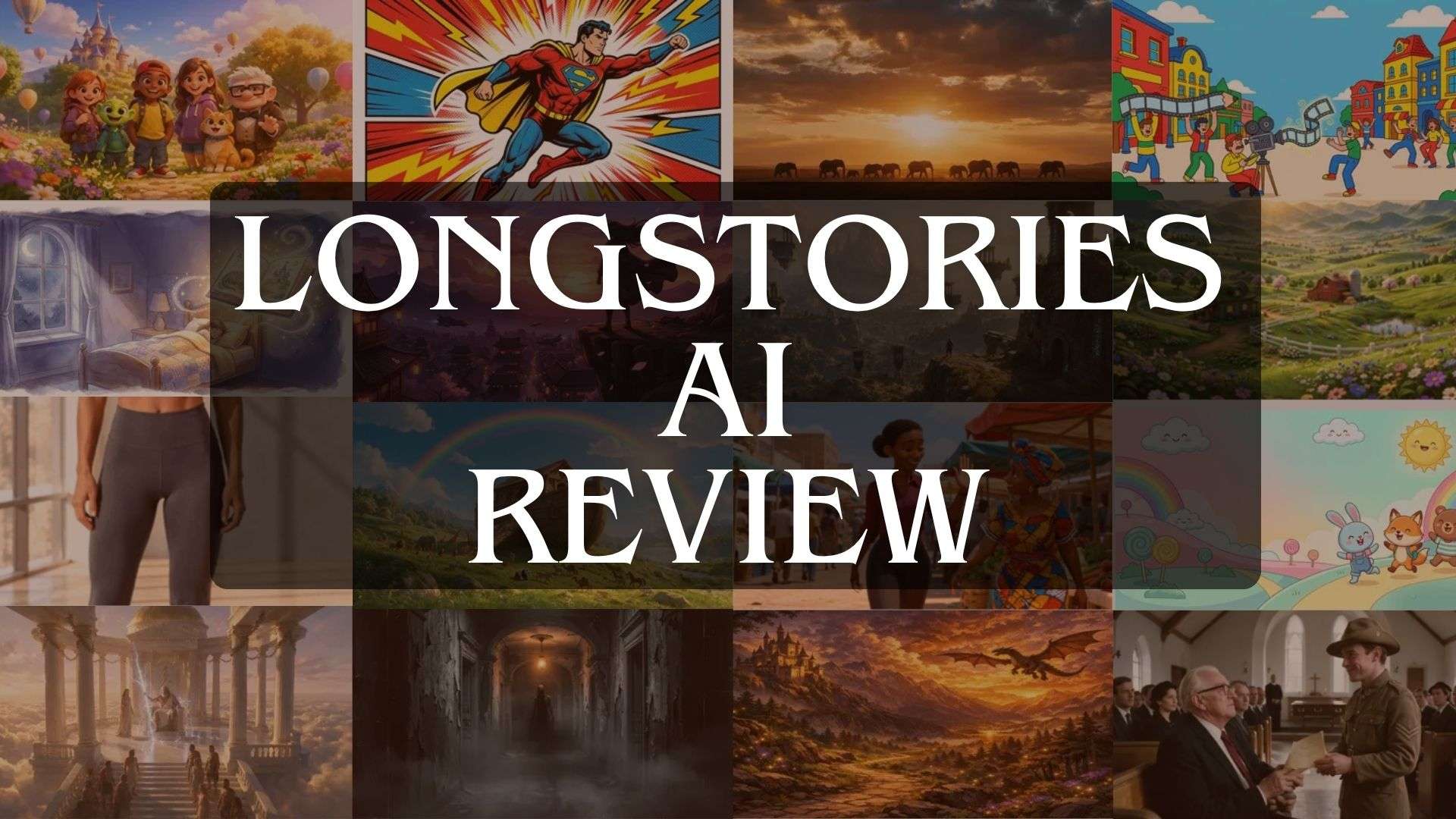
LongStories stands out from many AI video generators that focus on short clips. It lets you create animated story videos and music videos up to 15 minutes long. You just need to describe the story you have in mind and add audio or narration if needed. LongStories will then generate the video based on your input.
| Category | Overview |
| Platform Type | AI-powered video generation platform |
| Primary Focus | Creating realistic and animated videos |
| Platform | Online |
| Ease of Use | Simple workflow with minimal editing skills required |
| Best For | Creators and storytellers |
|
Show More
Show Less
|
|
LongStories AI App: Where Can You Access It?
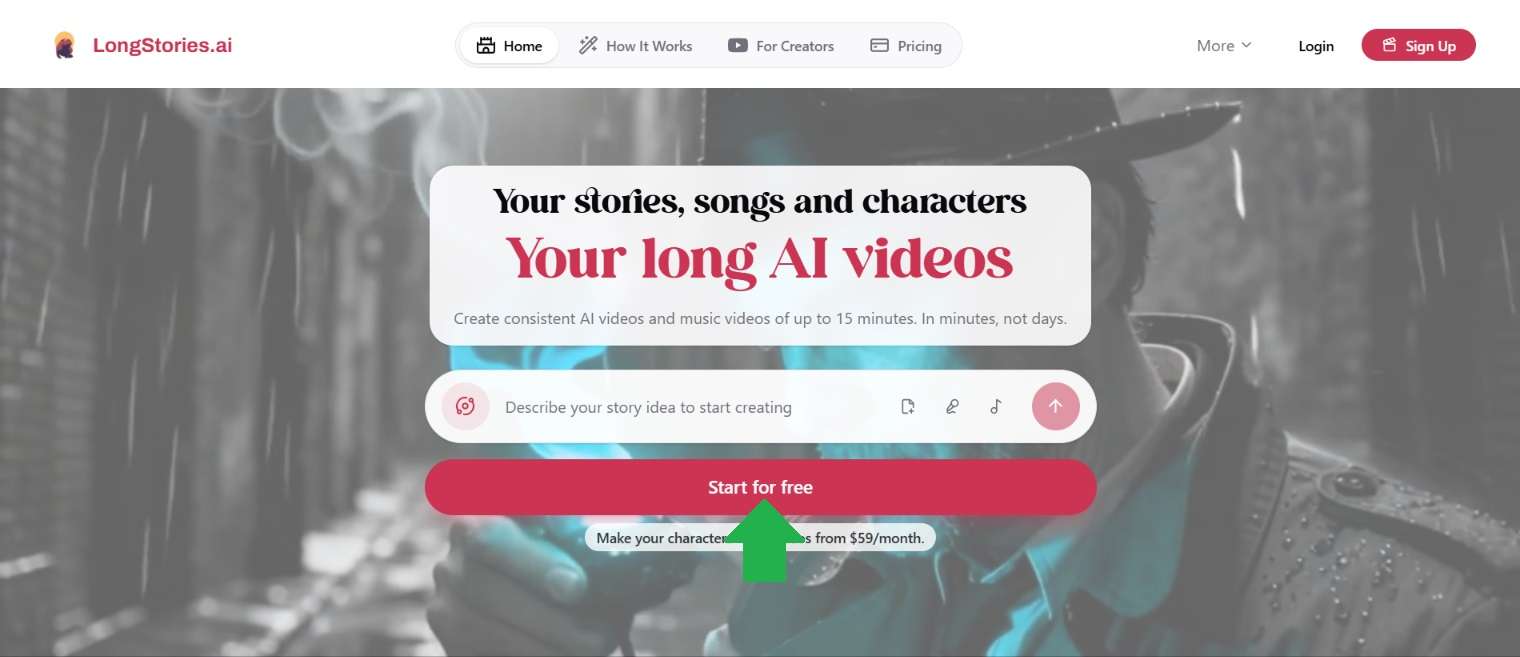
You can start using LongStories AI straight from your browser. To access it, head to https://longstories.ai, sign up, and you're ready to start working on your video projects.
Part 2. Is LongStories AI Free? Pricing Explained
LongStories doesn't offer a free plan. However, it gives you 200 free credits when you first sign up. You can use these credits to write scripts and generate characters. You can also join its referral program to earn an extra 300 credits for every person who successfully signs up through your code.
Now, let's look at LongStories AI pricing to see which plan you need to generate videos. LongStories offers several plans. We've summarized them in the table below to make it easier for you to compare.
| Pro | Creator | Creator Max | |
| Price | $59/month or $531/year | $99/month or $891/year | Starting at $199/month or $1,791/year |
| Credits | 4,500 | 8,500 | Starting at 17,000 |
| Animated Scenes per Project | Unlimited | Unlimited | Unlimited |
| Maximum Video Length | Up to 10 minutes | Up to 10 minutes | Up to 15 minutes |
| Video Generation Limit | 4–19 minutes | 7–36 minutes | Starting at 15–195 minutes |
| Custom Voices | Not Available | Up to 10 | Up to 20 |
| Watermark | |||
| API Access | Not Available | Available | Available |
|
Show More
Show Less
|
|||
LongStories also lets you purchase additional credits separately, which you can use across your projects. These credits don't expire, so you can save them for when you need them.
- 800 credits = $12.
- 1,800 = $25.
- 3,650 = $50.
- 7,400 = $100.
- 15,000 = $200.
- 22,600 = $300.
- 38,000 = $500.
Part 3. LongStories AI Features: What Can You Create?
It's time to explore what LongStories can actually do. We'll walk through its main features, explain how each one works, and look at the types of videos you can create. This gives you a better picture of what the platform has to offer.
1. Plan Your Story Before Generating Videos
Coming up with a story is the first step in creating an animated video. If you need help developing your initial idea, LongStories offers an AI Agent that you can interact with through conversation. Feel free to discuss your preferences and expectations to help shape the story.
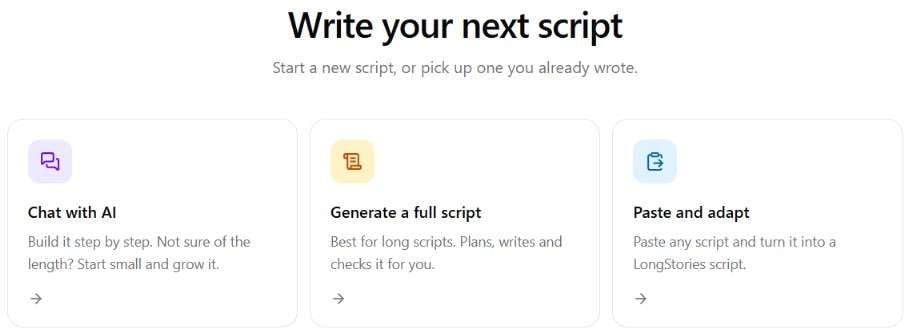
LongStories gives you two ways to develop your script. You can let the AI generate one from scratch. It includes creating the conversations between characters. You can also bring in your own script. The AI can then help polish and adapt your writing to fit the video generation process.
2. Build the World of Your Story
After developing the script, you can start defining the elements that make up your story. LongStories allows you to create characters, choose locations, and customize objects based on your needs. All these elements are stored in your history and can be reused whenever you need them.
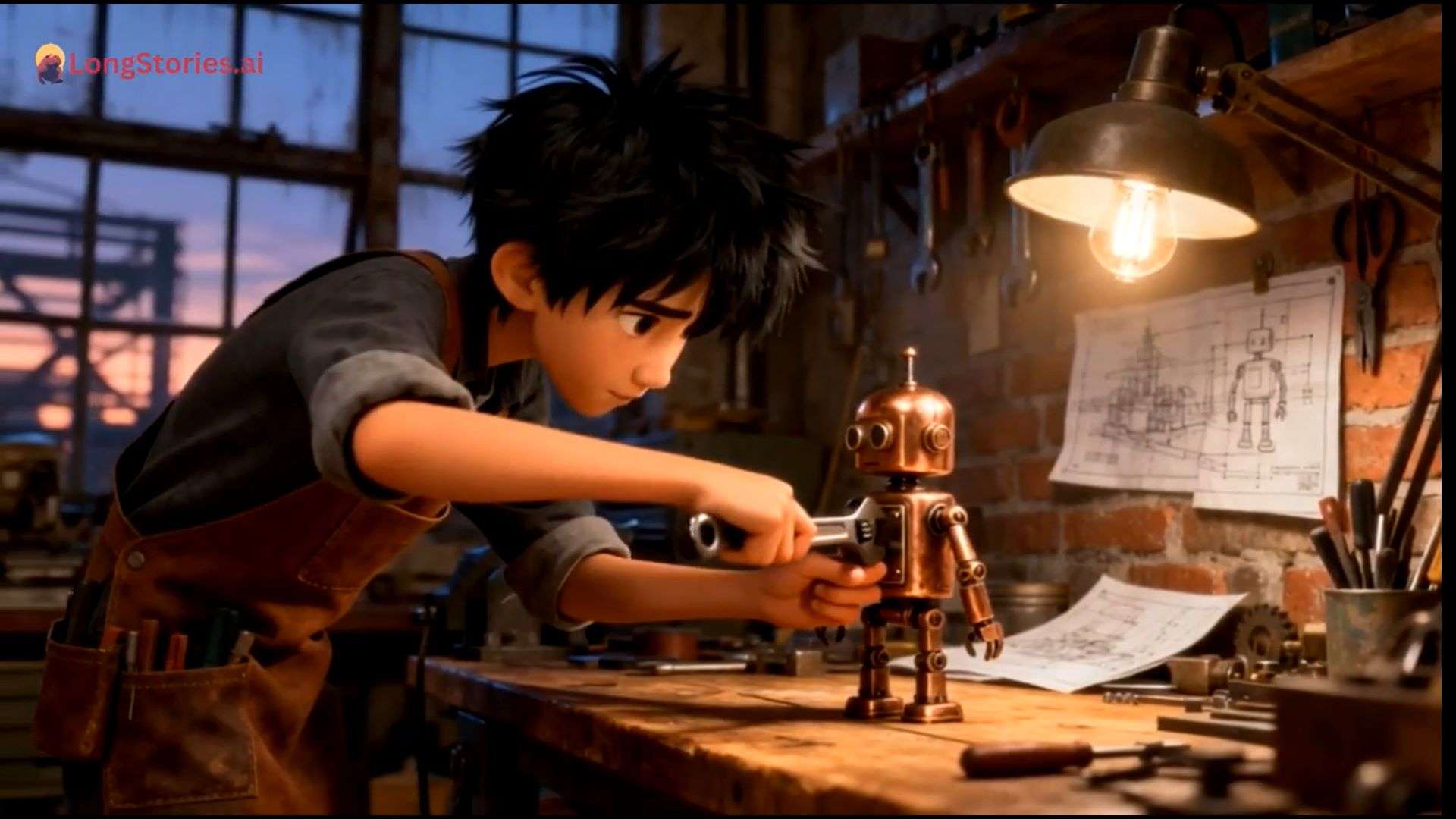
There are two ways to create these elements. Upload an existing image, and LongStories AI will analyze its visual details. Once it's ready, you can make changes to the result. Or, if you'd rather start with a blank slate, you can create everything from scratch and decide how each element should look.
3. Generate Music and Videos From Your Ideas
Ever wanted to make your own song and turn it into a music video? Both options are available on LongStories AI. You don't need to prepare your own track or have a background in music production to get started. Just bring your idea, and you can build the rest with AI.
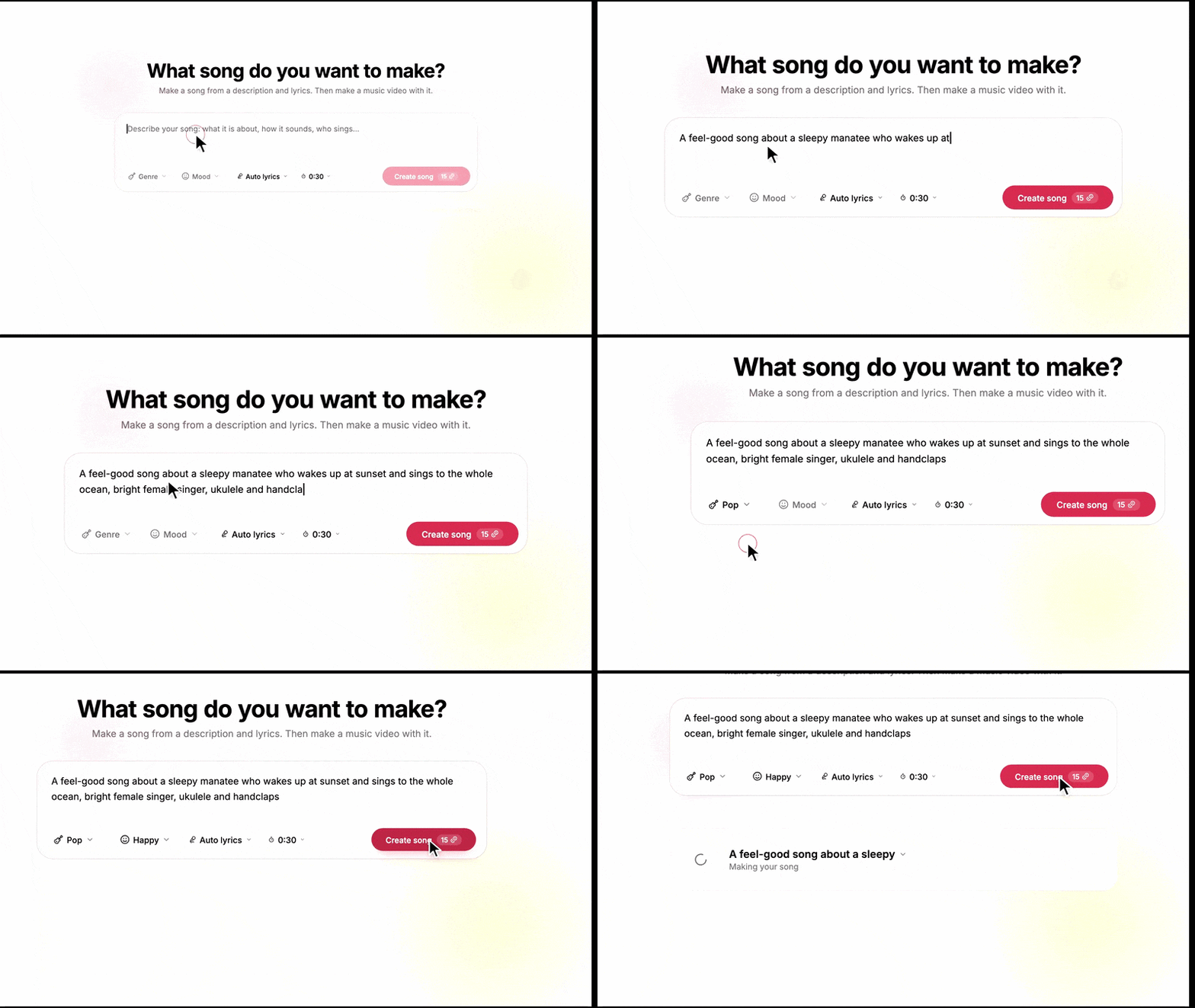
LongStories AI simplifies the process from start to finish. First, describe the kind of music you want, including its genre and mood. You can then generate lyrics or use your own. If you prefer a track without vocals, there's also an instrumental option. The final step is to generate a music video with scenes that fit your song.
4. Create More Than Just a Video
With LongStories, you have plenty of creative directions to explore. Create realistic videos, bring anime and manga-inspired ideas to life in 2D, or experiment with 3D animation.

LongStories takes you through the video creation process step by step. First, provide an idea, script, or recording for the AI to work with. Then, customize the visual details and animation before generating the video. You'll be able to review the result in Story Cards, where each section can be edited and previewed before you export the finished project.
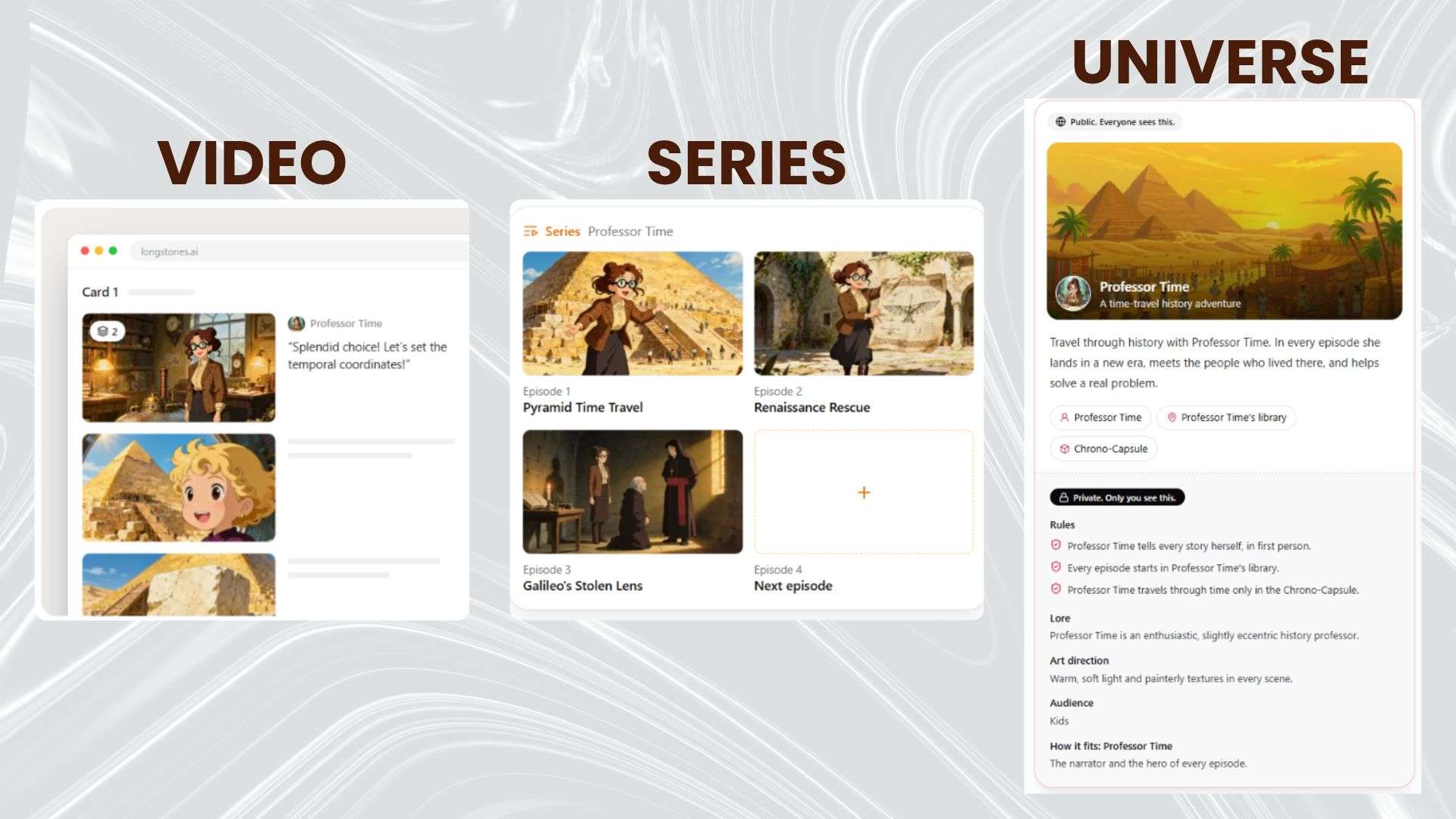
LongStories also supports three different project formats, depending on how far you want to take your idea:
- A Video: Develop one complete video, such as short films, longer stories, or music videos.
- A Series: Create several videos that continue the same story, like episodes in a TV show.
- A Universe: Design a fictional world with its own characters, settings, and rules.
Part 4. LongStories AI Review: Where It Excels and Where It Falls Short
So, is LongStories AI good? It stands out from AI video generators that mainly produce short clips by offering more room for longer videos and complete stories. Still, let's look at its strengths and limitations to see if it's worth trying.
- Cuts down the time spent creating scenes manually.
- Creates scenes with clear details and appealing visuals.
- The support team is responsive and helpful when users encounter problems.
- Character appearances and other visual elements aren't always consistent throughout a video.
- Fixing one scene doesn't always solve the problem, as regeneration can introduce new visual or audio issues.
- The trial-and-error process of fixing generated scenes can consume more credits than expected.
Part 5. Who Is LongStories AI Best Suited For?
By now, you should have a better idea of what LongStories AI can do. But how does it fit into your creative workflow? Let's take a look at who might find it useful and what you can create with it.
| If You Are… | You Can Create |
| Content Creators | Product videos, promotional videos, social media content |
| Storytellers and Writers | Short films, animated stories, fictional series |
| Musicians | Lyric videos, music videos, animated music clips |
| Educators | Tutorials, animated presentation clips, video lessons |
|
Show More
Show Less
|
|
Bonus: Create and Edit Long Videos With Wondershare Filmora
LongStories AI can help you turn story ideas into long animated videos without having to create every scene from scratch. However, making precise adjustments can be challenging when you have to rely on prompts. You may need several rounds of revisions before a scene matches what you have in mind.
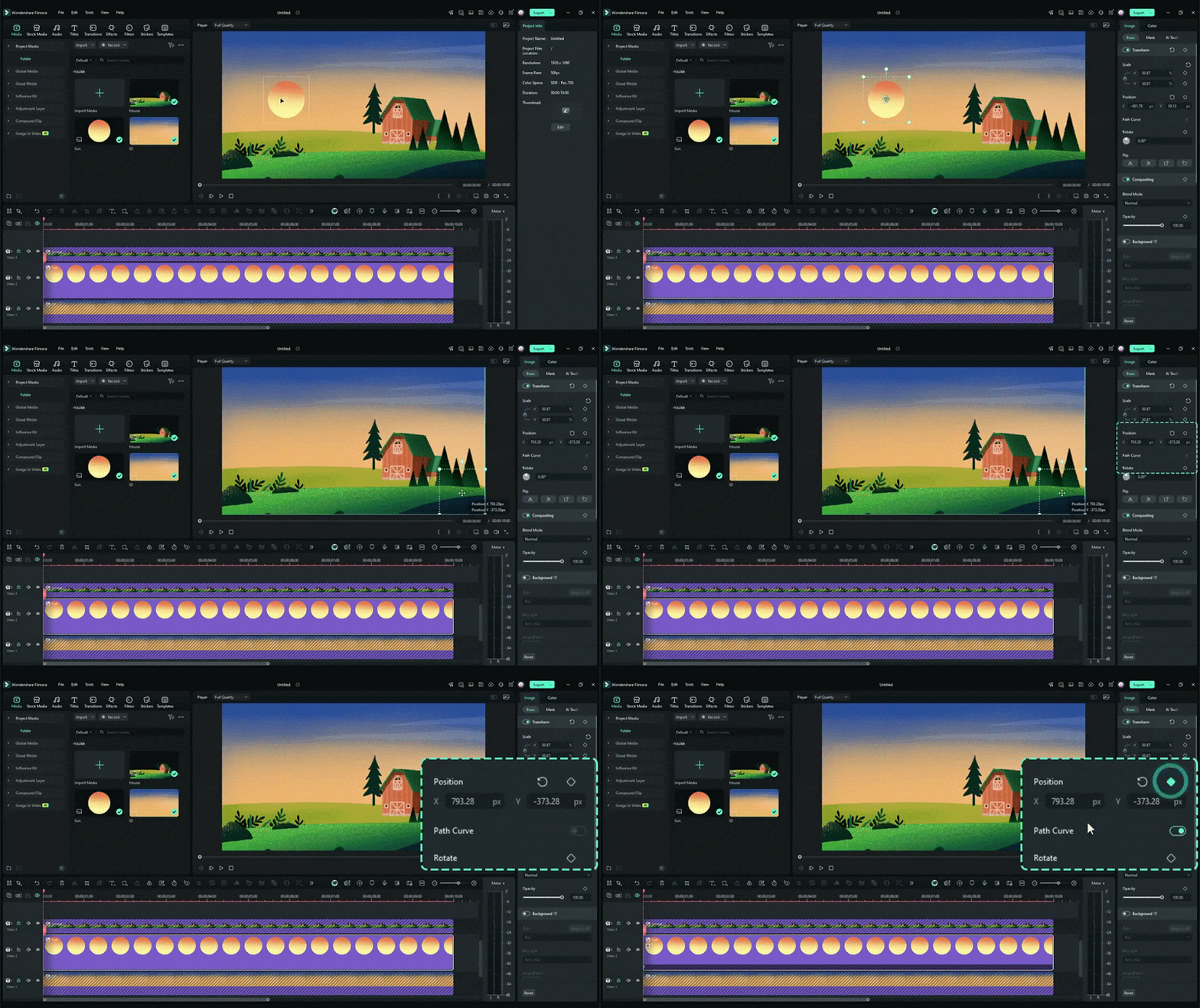
If you're looking for more control over the editing process, Wondershare Filmora is an alternative worth considering. It's a full video editor with a range of AI features that help you create and edit long videos. You can work with videos of any length and export them at resolutions up to 4K. Filmora is also available on both mobile devices and desktop computers.
1. Turn Your Concepts into Animated Videos
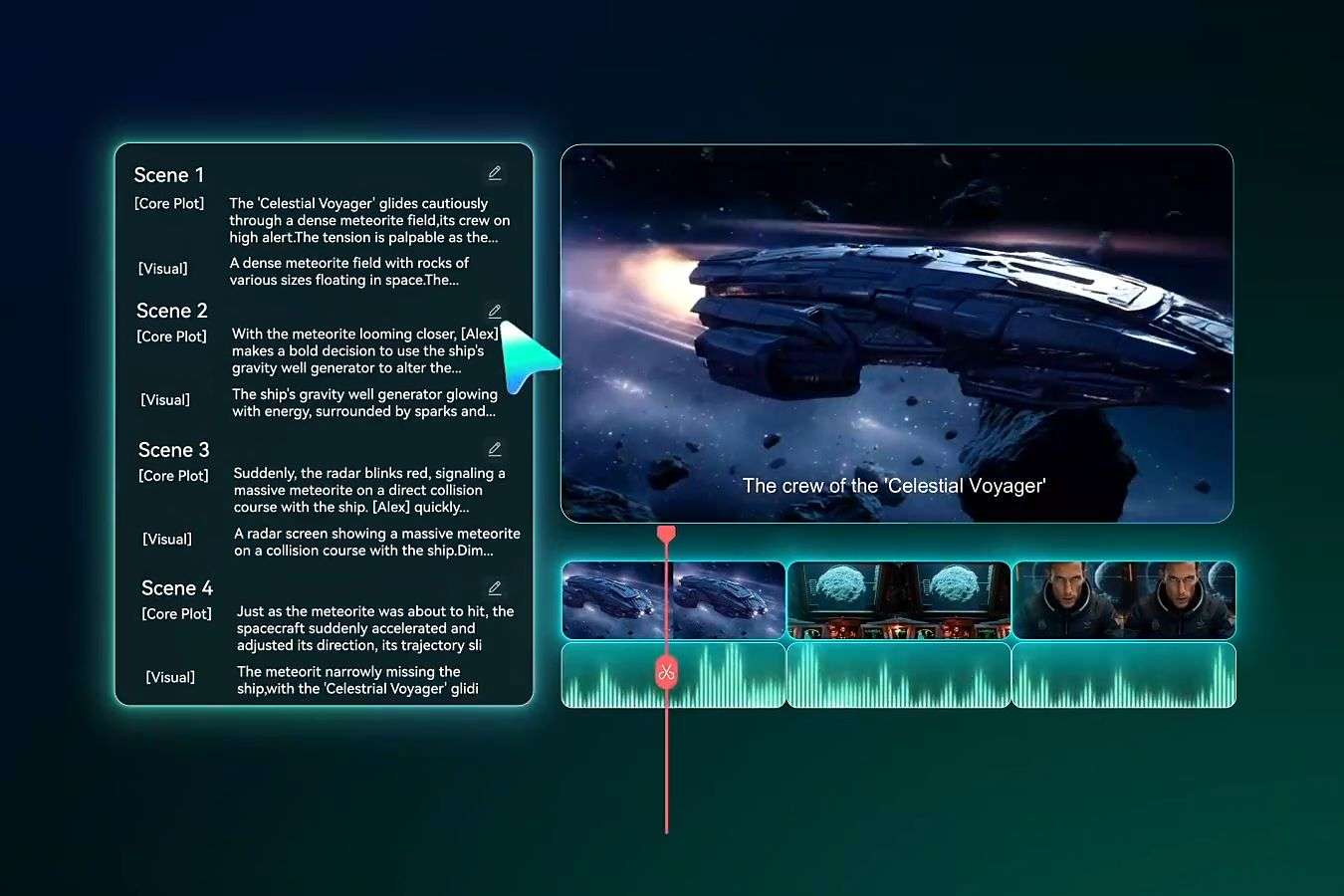
Start with a simple concept and let AI help develop it into a video. Filmora's Idea-to-Video makes it easier to create animated stories from your ideas.
2. Generate Videos with Just a Text Prompt
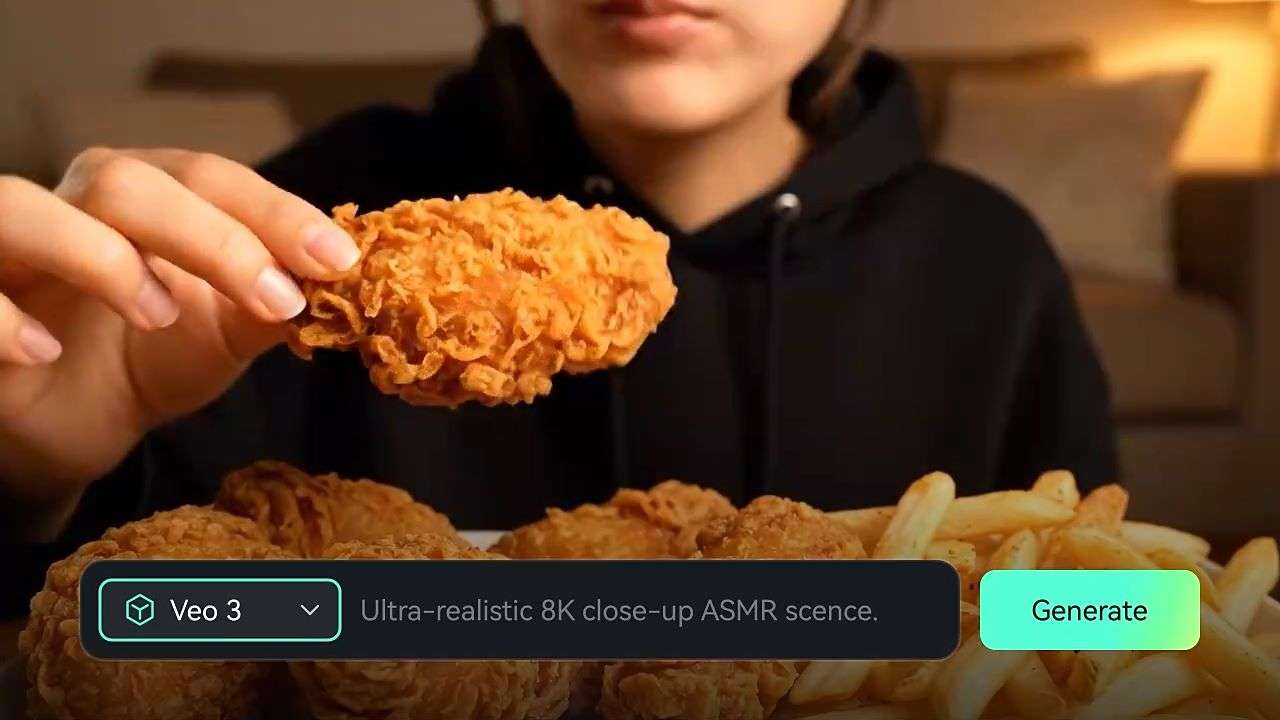
Filmora makes it possible to create videos directly from text prompts. Describe your idea using the AI Text-to-Video feature, then let the tool generate the result. Supported models include Seedance 2.0, Sora 2, and Veo 3.1.
3. Turn Image References into Animated Scenes

Filmora can also turn your existing images into animated scenes. With its AI Image-to-Video feature, you can upload a reference image and let the AI add motion. You can also set start and end frames for more control over how the scene develops.
4. Create Visual Stories from Audio

You can also turn spoken content into animated videos with Filmora. Simply use its Voice-to-Video feature with a podcast, conversation, or storytelling recording. It can generate up to nine videos at a time.
 Secure Download
Conclusion
If you're new to video editing, LongStories AI is a good starting point for creating animated videos. Describe your idea, and let AI turn it into a video. You can adjust the details to match your vision. It also supports longer videos, so you're not limited to short scenes.
Still, not every video can be made exactly the way you want through prompts alone. For more direct control over your footage, consider giving Filmora a try. Bring your footage into the timeline, rearrange scenes, and make adjustments as needed. It also includes AI tools that help you generate content and improve your editing process.
FAQs
-
1. Is LongStories AI legit?
Yes. LongStories is a legitimate AI video creation platform. -
2. Can I collaborate with team members in LongStories AI?
LongStories AI offers a plan for teams and agencies, but it doesn't clearly specify whether team members can share projects or work on them together. -
3. Does LongStories add a watermark to generated videos?
No. All paid LongStories AI plans include watermark-free exports. -
4. Can I use LongStories-generated videos for commercial purposes?
Yes, it includes monetized YouTube videos. However, make sure to check the platform's licensing terms for any applicable restrictions.