


Moovly used to be a favorite tool for people making whiteboard animations, explainer videos, and quick marketing clips, with many users leaning on its templates to skip the steep learning curve of traditional editors.
But since mid-2025, the platform has gone dark, with no official shutdown notice, no working login, and very little communication from the company. Search results and old listings still make it look like a working product, which is probably how you landed here. We will break down what actually happened to Moovly and what to use instead to create videos without problems.
Part 1. What is Moovly?
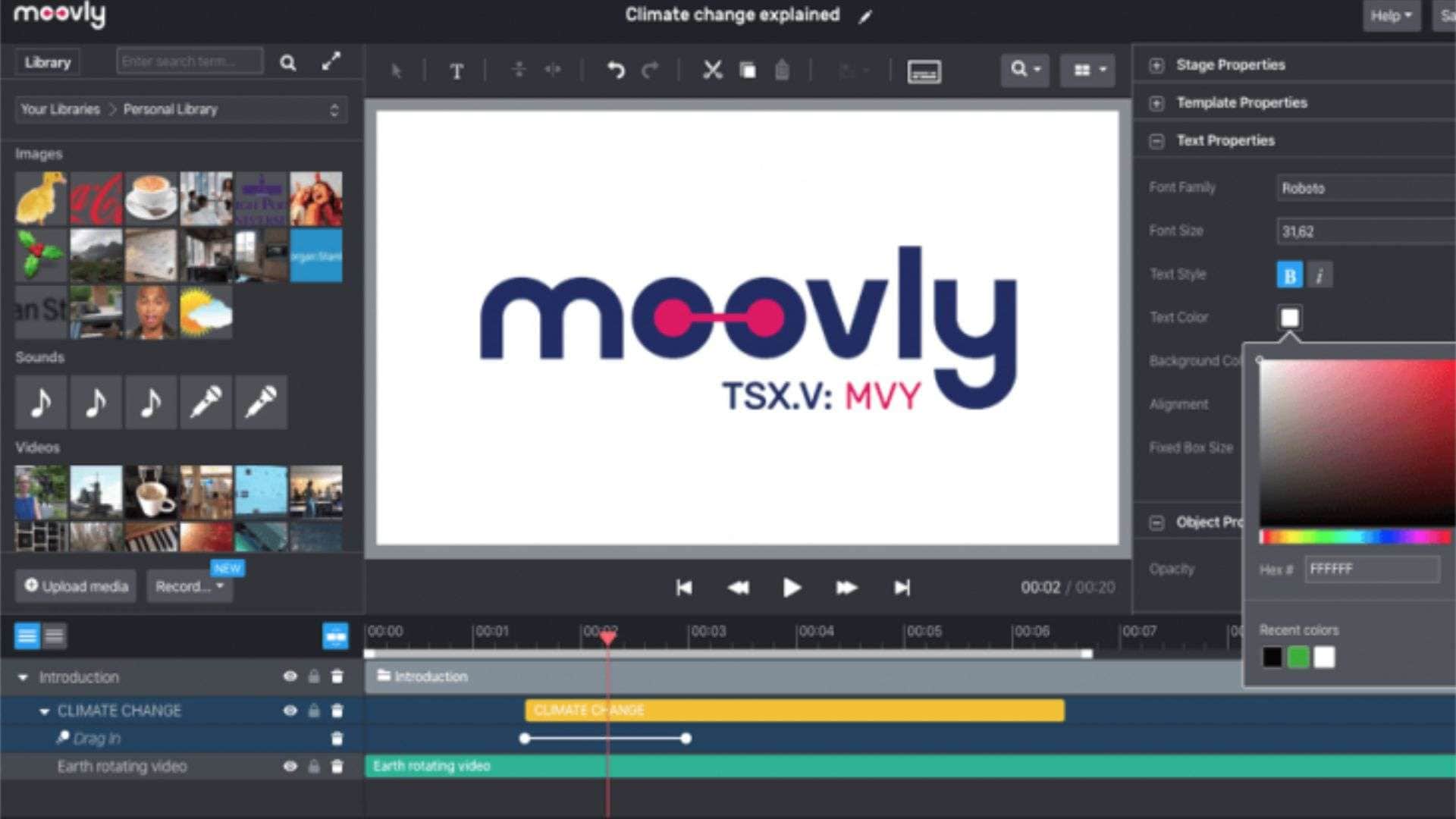
Moovly was a cloud-based, browser-based video creation platform built around a drag-and-drop timeline. You picked a template, dropped in your own text, images, and voiceover, and exported an MP4. No need to download any Moovly app or learn a full editing suite to produce a good clip, which is why teachers, HR teams, and small marketing departments leaned on it for years.
At its peak, Moovly counted enterprise clients like Amazon, Amadeus, and Bayer among its users, and it ran as a publicly traded company on the TSX Venture Exchange in Canada under the ticker MVY.
How Much Did Moovly Cost?
Moovly pricing ran on a tiered subscription model, with a separate discounted track on the Moovly for Education plan. There was also a Moovly free version, but it came with limitations on video length, resolution, and exports.
| Price | What’s Included | |
| Free | $0 | 2 to 3-minute videos, SD quality, watermark on export |
| Pay-as-you-go | $20/video | Purchase based on credits, HD 1080p, access to all features, no watermark |
| Edu Subscription | $20.75/month or $249/year | Access to all features, 600 credits per year |
Credit packs were also available for high-volume users, with the per-video cost dropping the more you bought.
| Credits | Price |
| 5 credits | $100 |
| 10 credits | $150 |
| 50 credits | $500 |
| 100 credits | $800 |
| 500 credits | $3,750 |
| 1,000 credits | $5,000 |
|
Show More
Show Less
|
|
What Moovly Used to Offer
- Drag-and-drop timeline editor: Scene-based editing with no hard cap on video length, which was rare for tools in its price range.
- Whiteboard animation library: Includes hand-drawn style animated objects that were popular with educators and training teams.
- Built-in stock library: Over a million images, icons, animations, and music tracks, with premium access to Shutterstock and Getty content on paid plans.
- Text-to-speech and subtitles: Natural-sounding AI voices plus automatic subtitle generation in over 130 languages.
- Automator: A bulk video generation tool that connected to data feeds or ecommerce catalogs to spit out hundreds of templated videos automatically, mostly used by enterprise accounts.
- Moovly templates: Pre-built layouts for specific use cases like explainer videos, corporate training, real estate listings, and HR onboarding.
People used Moovly AI for a wide range of content, including explainer videos, whiteboard-style onboarding videos, corporate training modules, real estate listing videos, and short marketing clips. The Moovly whiteboard animation format especially became its signature look for anyone making educational content, since few competitors offered it built into a template editor.
Moovly Video Example:
Part 2. What Happened to Moovly
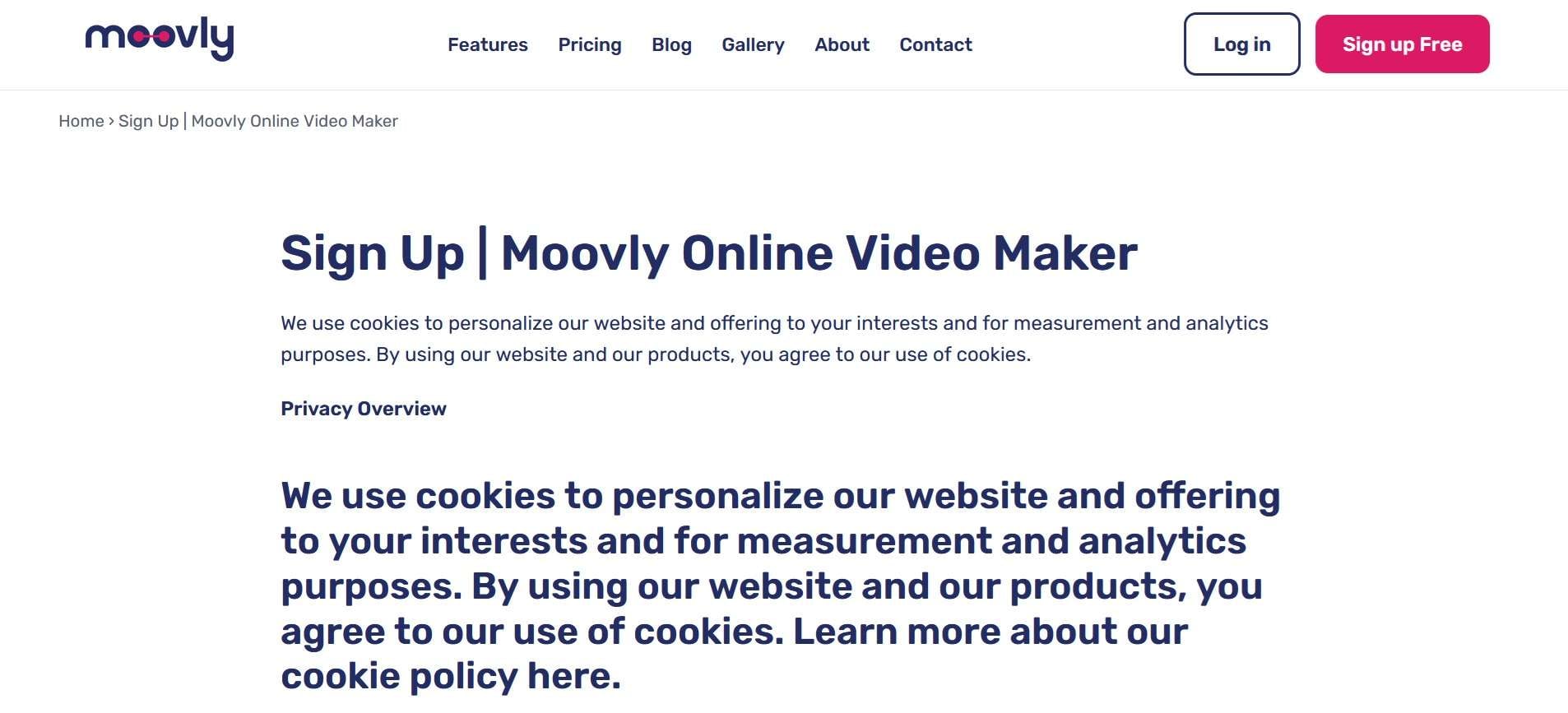
Although the Moovly website can still be accessed, you will immediately notice something is off. Pages load, but Moovly sign-up and login attempts stall out or throw errors. There’s no dashboard, no working editor, and no way to reach an actual person on support either.
The cause behind this is a financial and regulatory collapse at the parent company that left the front-end sitting online with nothing functional behind it. As reported by Yahoo Finance, the timeline breaks down like this:
- January 2024 – Moovly Media Inc. requests a management cease trade order after failing to file its audited financial statements on time, a red flag that the company was running into accounting or cash flow problems.
- Early 2025 – Two company directors resign to “focus on other commitments.”
- February 2025 – The British Columbia Securities Commission escalates the situation and issues a full failure-to-file cease trade order, citing Moovly's continued delay in filing audited financials for the fiscal year ended September 30, 2024. The order bars trading in the company's shares in Canada, including on the TSX Venture Exchange.
- Mid-2025 – Moovly quietly stops working. It doesn’t provide a farewell email, a migration window, or a formal shutdown announcement. Support goes silent, and no indication that paying annual subscribers were refunded.
Part 3. Can You Still Log In to Moovly and Access Your Account?
No, even if you can access the Moovly login page, you won't get anywhere. Paid users reportedly lost access without warning, and there's been no public statement about whether hosted files are recoverable at all.
If you have projects you never downloaded, treat them as gone unless you can prove otherwise. Your best bet is checking your own local downloads folder, cloud backups, or anywhere you might have exported an MP4 in the past.
⚠️ Avoid Moovly Crack Download
If a search for "Moovly download" or "Moovly account recovery" led you toward sites that say “Moovly crack download” or anything similar, don't touch it. A defunct company with a dead login page is the kind of target scammers repackage into fake installers, and there's no legitimate way to "crack" a browser-based tool that isn't running in the first place.
Anything calling itself a Moovly crack is far more likely to be malware, a phishing page, or a way to harvest your payment details than an actual working copy of the software.
Part 4. The Best Moovly Alternative for Video Creation
Since Moovly's gone, you can consider using Wondershare Filmora as an alternative for video creation. Filmora is a desktop and mobile video editor that handles everything from basic trimming to AI-assisted editing, so it covers the same explainer-video and marketing-clip use cases Moovly was known for, but backed by a much bigger toolset.
Filmora supports features such as templates, text and titles, motion tracking, chroma key, auto captions, and AI tools for editing and creating content. You can start with a template for a quick project, generate videos with AI, or edit everything from scratch when you need more control. Rather than looking for a Moovly download for PC, which doesn't exist, you can use Filmora instead.
What’s Inside Filmora
AI Video Generation Tools: Filmora lets you generate footage from a text prompt, an image, or an audio track instead of assembling everything by hand. It plugs into frontier AI video models like Seedance 2.0, ToMoviee, HappyHorse, and Veo 3.1 directly inside the timeline.
Templates and Stock Assets: Filmora ships with over 10,000 ready-made templates and a stock library of more than five million assets, including footage, images, effects, transitions, and royalty-free music. It covers the same explainer, marketing, and social clip formats Moovly users relied on.
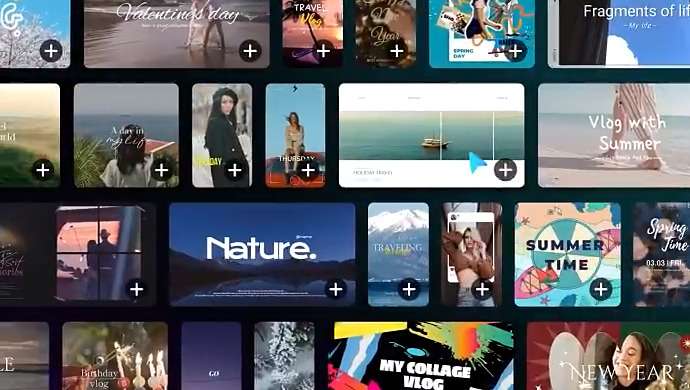
AI-assisted Tools: Beyond generation, Filmora includes AI-powered tools that speed up your edit, including subtitle generation with animated subtitle styles, AI voice cloning in multiple languages, and an AI storyboard generator for planning scenes before you shoot or generate anything.
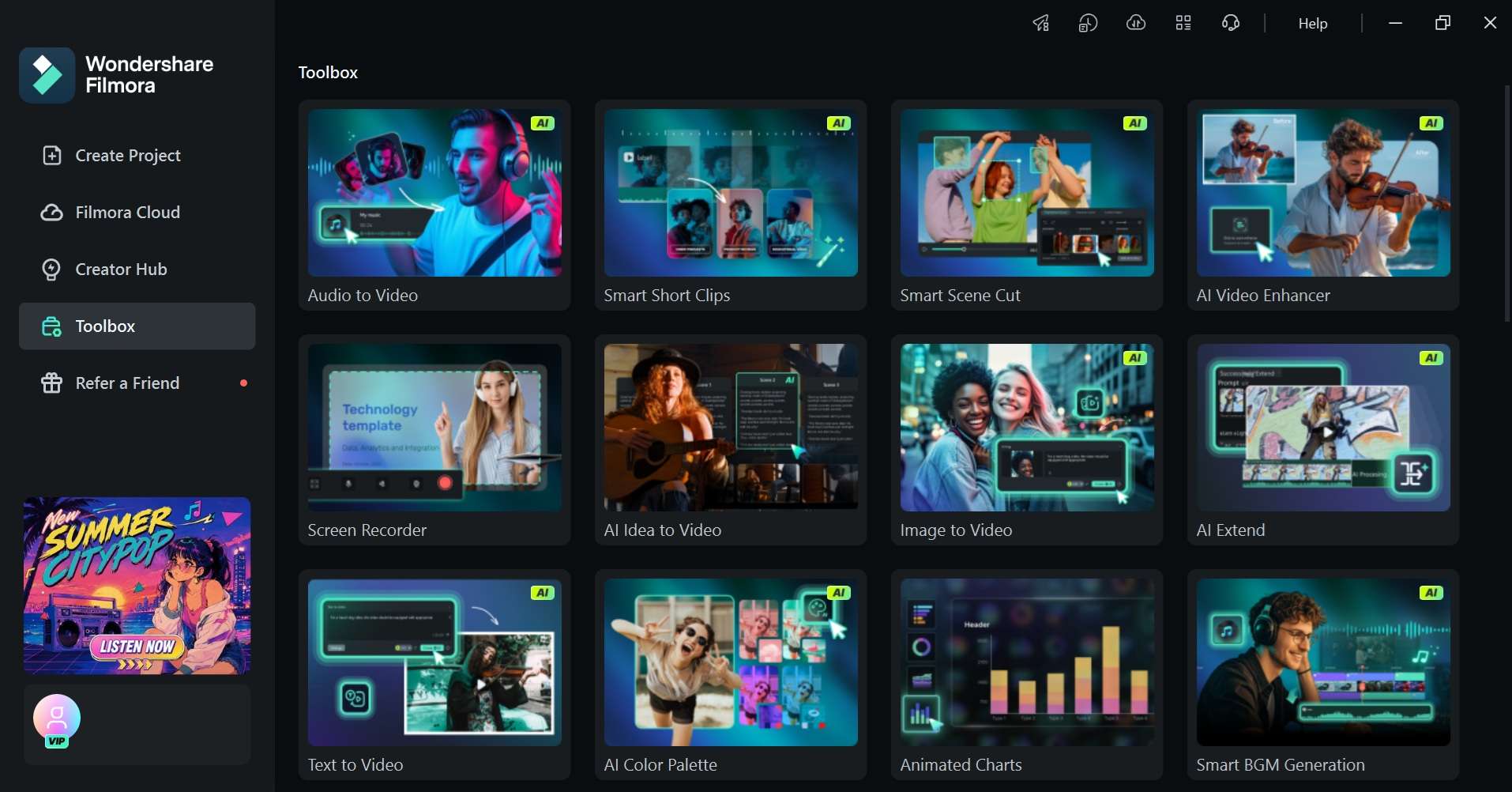
Free Plan Available: You can download Filmora for free and use the free version to test the editor before subscribing. However, note that the AI generation tools are gated behind paid plans and a credit system, so the free tier is best for standard editing.
 Secure Download
Conclusion
Moovly may still appear in search results, but the platform is no longer active for creating or managing videos. The lack of a working editor, login system, and active support makes it difficult to recommend.
For former Moovly users, Filmora can be a solid alternative to use in your project. It offers templates, stock assets, AI tools, captions, text and titles, and traditional timeline editing in one app. The editing approach is different from Moovly, but Filmora gives you more control over the final video.
FAQs
-
Can you still sign up for Moovly?
No. Although the Moovly website may still load, you can no longer sign up or access a Moovly account. The platform has effectively stopped operating. -
Does Moovly have a mobile app?
No. Moovly was primarily a browser-based video creation platform and did not have a dedicated mobile editing app comparable to modern mobile video editors. There’s no need for Moovly download to use it. -
What's the best free alternative to Moovly?
Wondershare Filmora is a video editor that you can download and use for free, although exports include a watermark and some AI features require a paid plan or credits.
