


To meet the demand for consistent social media content, small businesses and creators are turning to AI tools like Predis AI. Predis AI is a tool that generates posts, captions, reels, and ads from a single prompt or product link, so that posting daily across multiple platforms no longer means juggling a designer, a copywriter, and a video editor, or spending hours doing all three yourself.
Curious about how well Predis AI actually delivers on that promise, this review takes a closer look at its features, pricing, pros and cons, and how it compares with one of the best alternatives for creating social media content and video ads.
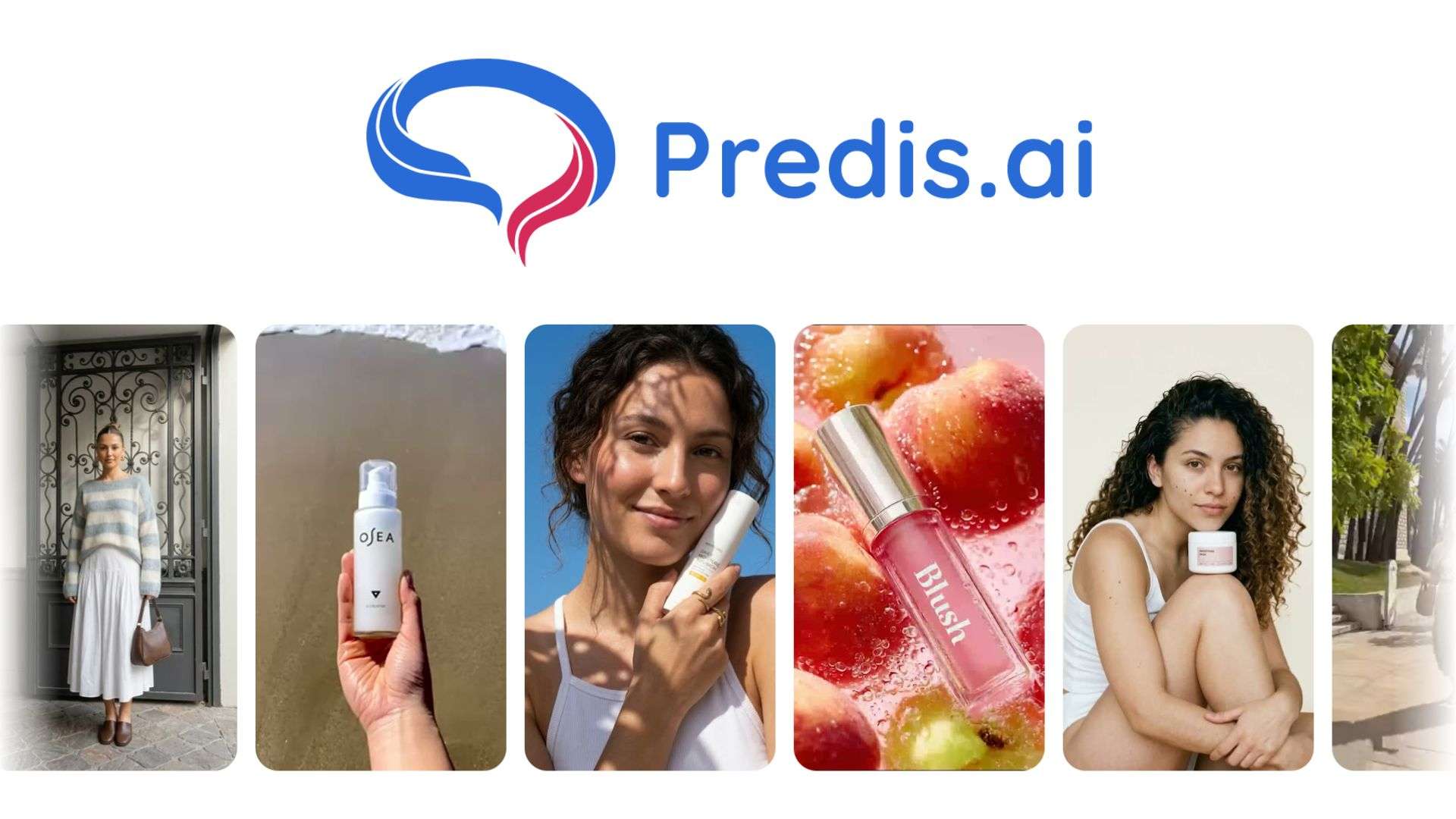
Part 1. About Predis AI: Ad and Reels Video Generator
Predis AI is a web-based content generation and scheduling platform, with companion apps on Android and iOS so you can generate and approve posts from a phone. It's built for marketers, agencies, e-commerce stores, and solo creators who need a steady stream of content without hiring a full creative team.
While most AI writing or design tools do one job well, Predis AI’s scope is broader. It tries to combine generation, editing, competitor analysis, and publishing into one subscription. You're not stitching together three or four separate tools to get a post live.
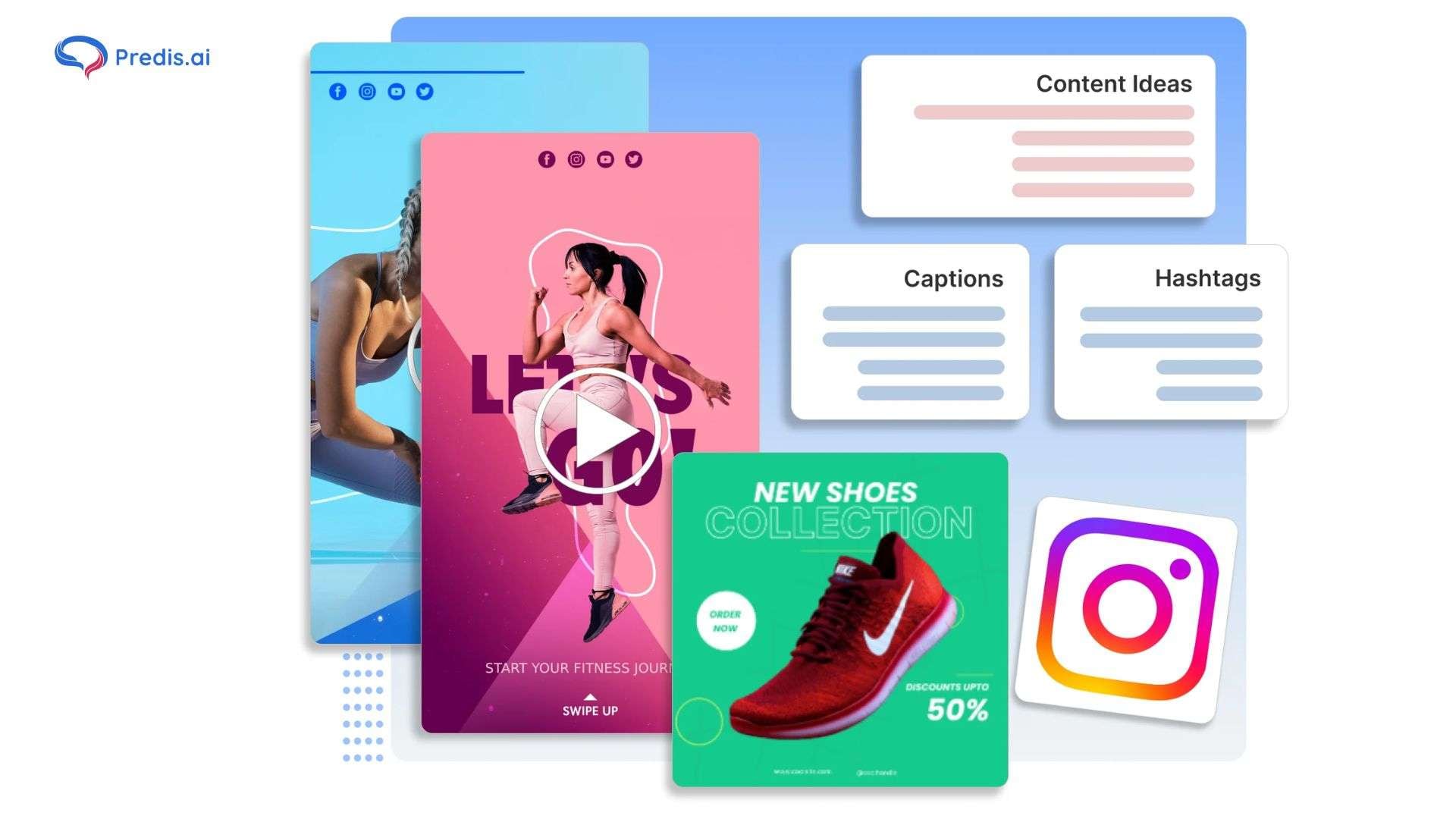
What Can Predis AI Create?
- Instagram posts
- Reels
- Ad creatives
- Product videos
- Carousels
- AI-generated copy
How to Use Predis AI
Predis AI runs as a web app at https://predis.ai/, as well as mobile apps on Android and iOS for generating and approving content from your phone. Predis AI download link:
- iOS (App Store): download here.
- Android (Google Play): download here.
Avoid downloading Predis AI mod APKs from third-party sites as it may put your device at risk of malware.
Part 2. Predis AI Features and Capabilities
Predis AI's feature set breaks down into content generation, ad-specific tools, branding, and scheduling. Below is what each part actually does.
AI Social Media Post Generator
Give Predis AI a topic, a product link, or your e-commerce catalog, and it generates a caption, hashtags, and a matching visual in one pass. It also covers carousels, special day and holiday posts, quote-to-post generation, and a meme maker built on curated templates.
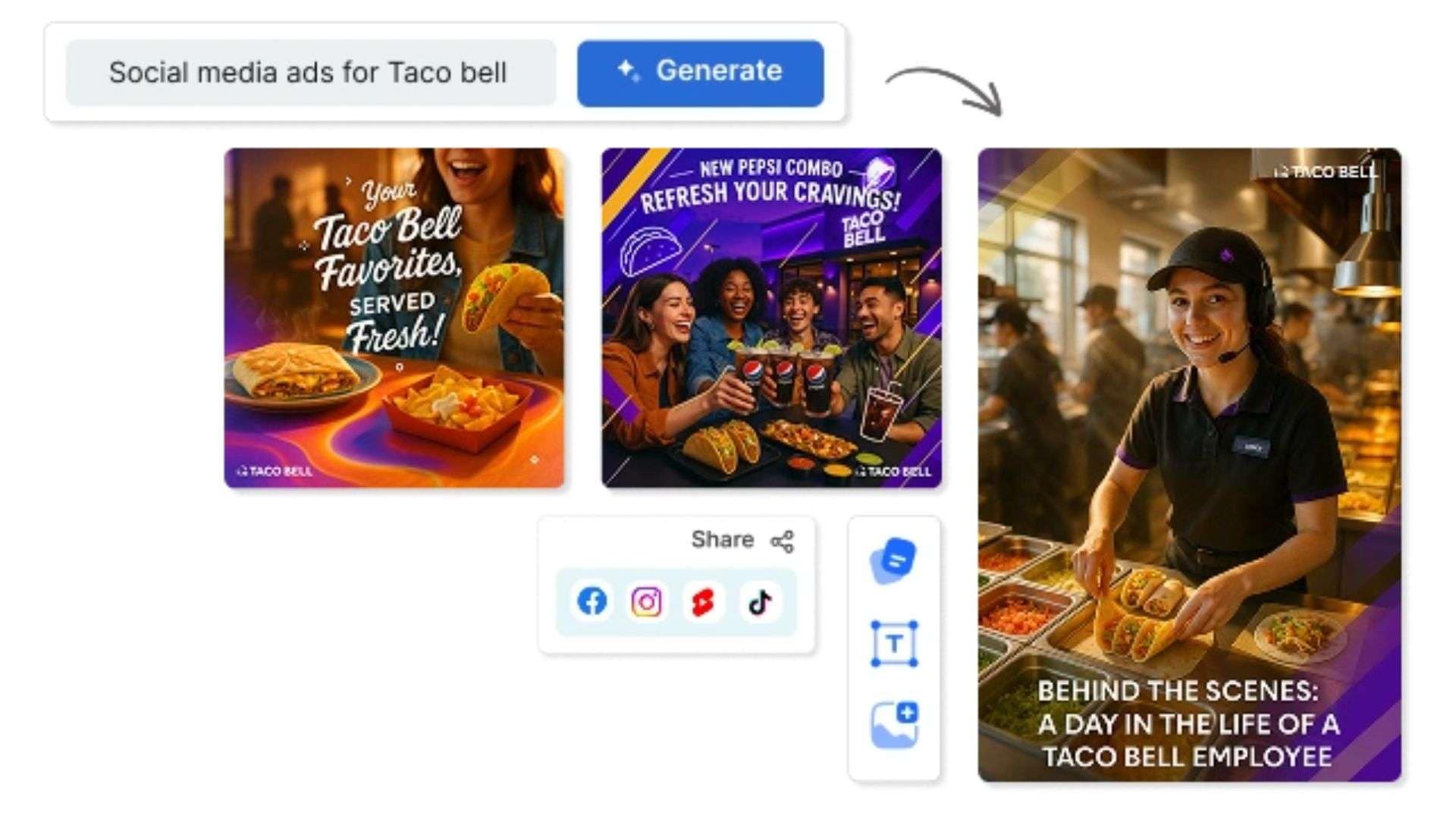
AI Ad Generator
Predis AI's ad generator is built specifically for paid campaigns, turning a text description of your product or offer into an ad, covering:
- Text to ads: Describe the product or offer, and Predis builds ad creatives from it, including resized versions for different placements
- A/B testing: Generates multiple variations of the same ad so you can test which version performs
- Ad editor: A drag-and-drop editor for adjusting layout, text, and imagery without leaving the platform
Ads can be generated for Facebook, Instagram, TikTok, LinkedIn, Pinterest, YouTube, and Google Display, with support for 19+ languages.
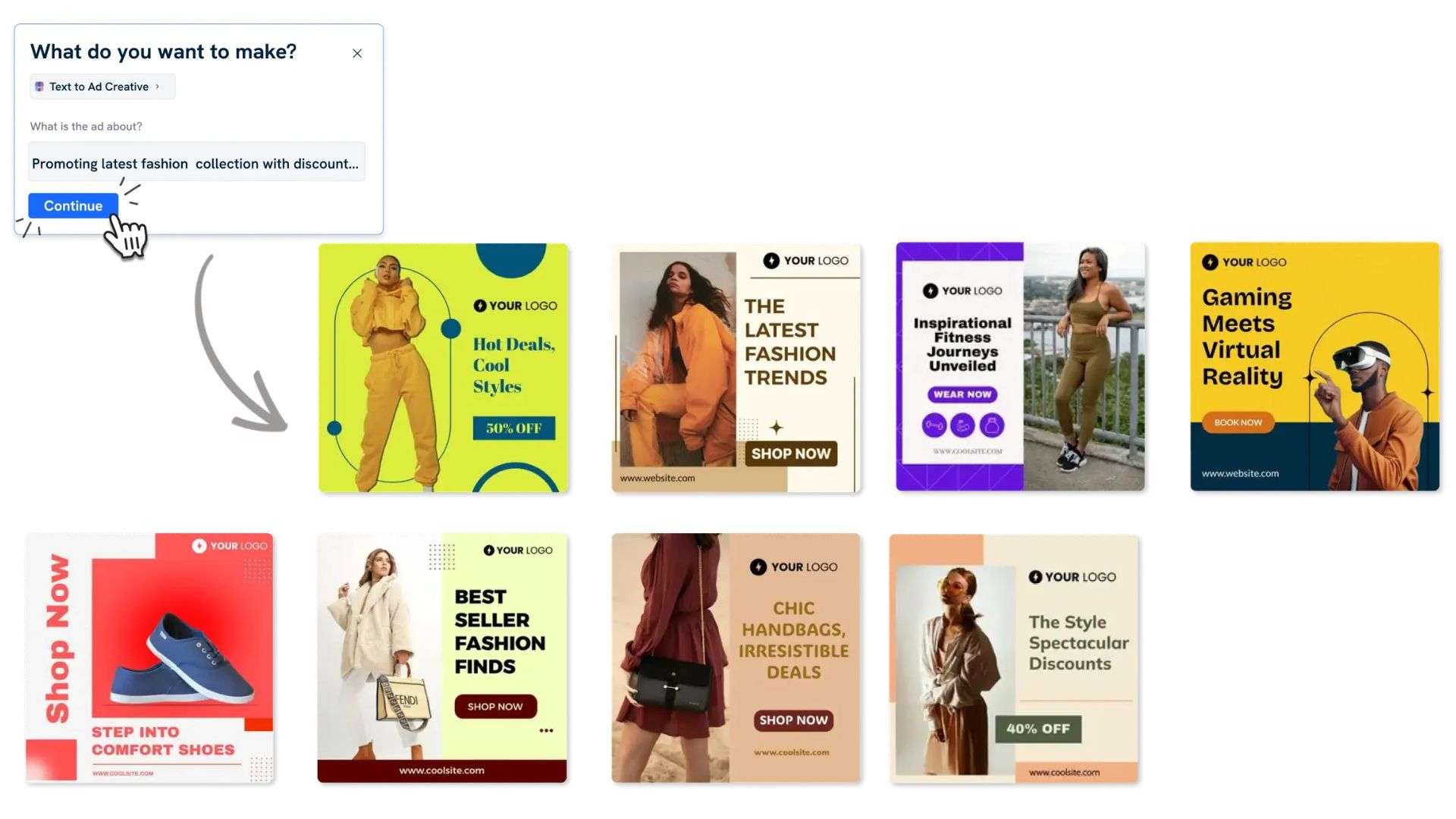
AI Reels and Video Generator
Predis AI video generator generates Instagram Reels, TikTok videos, YouTube Shorts, and Facebook videos from text prompts, with hundreds of templates to pick from. It also supports voiceover generation and product videos built straight from your e-commerce catalog. Chat with Predis AI Chat if you need video ideas or want it to sketch out a script before generating the clip.
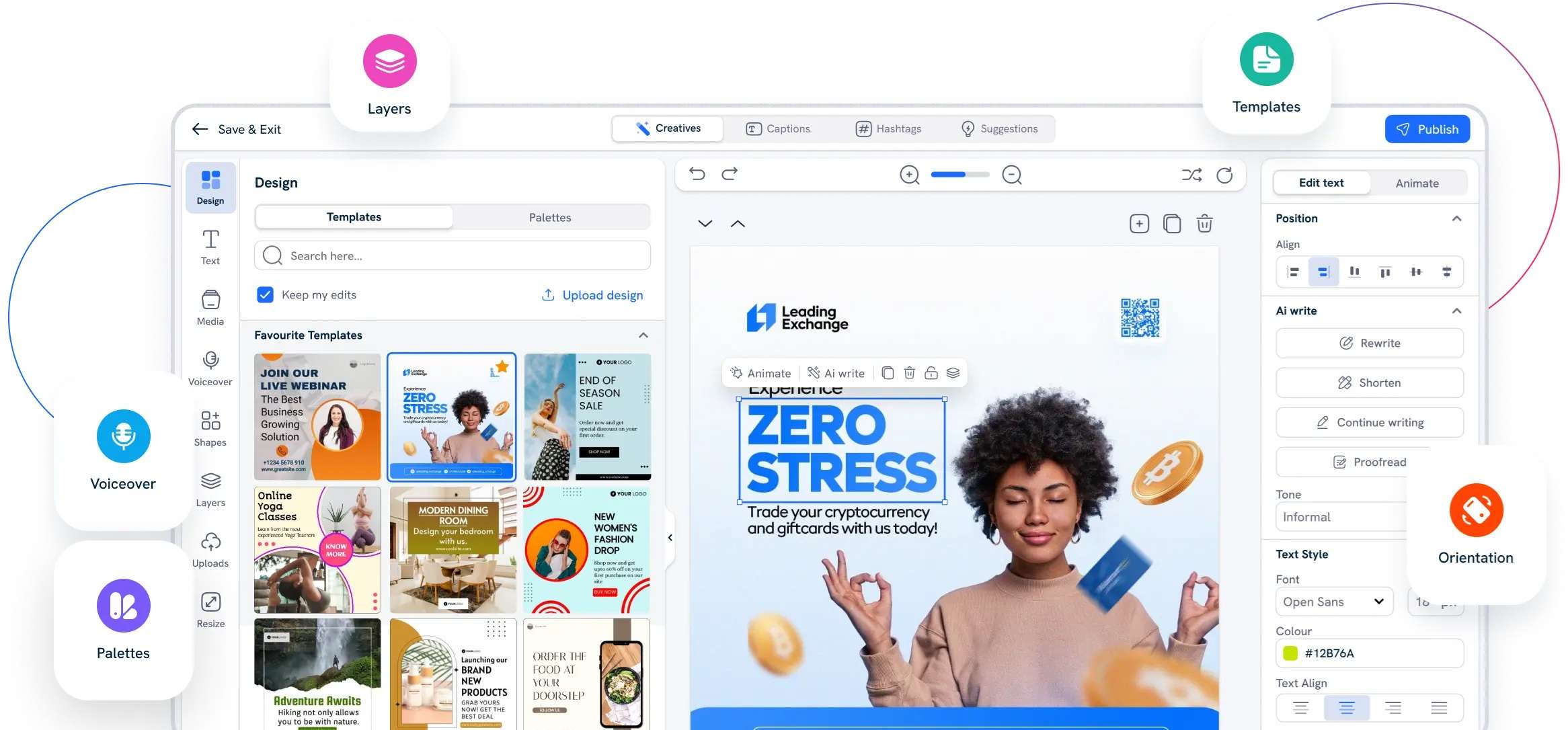
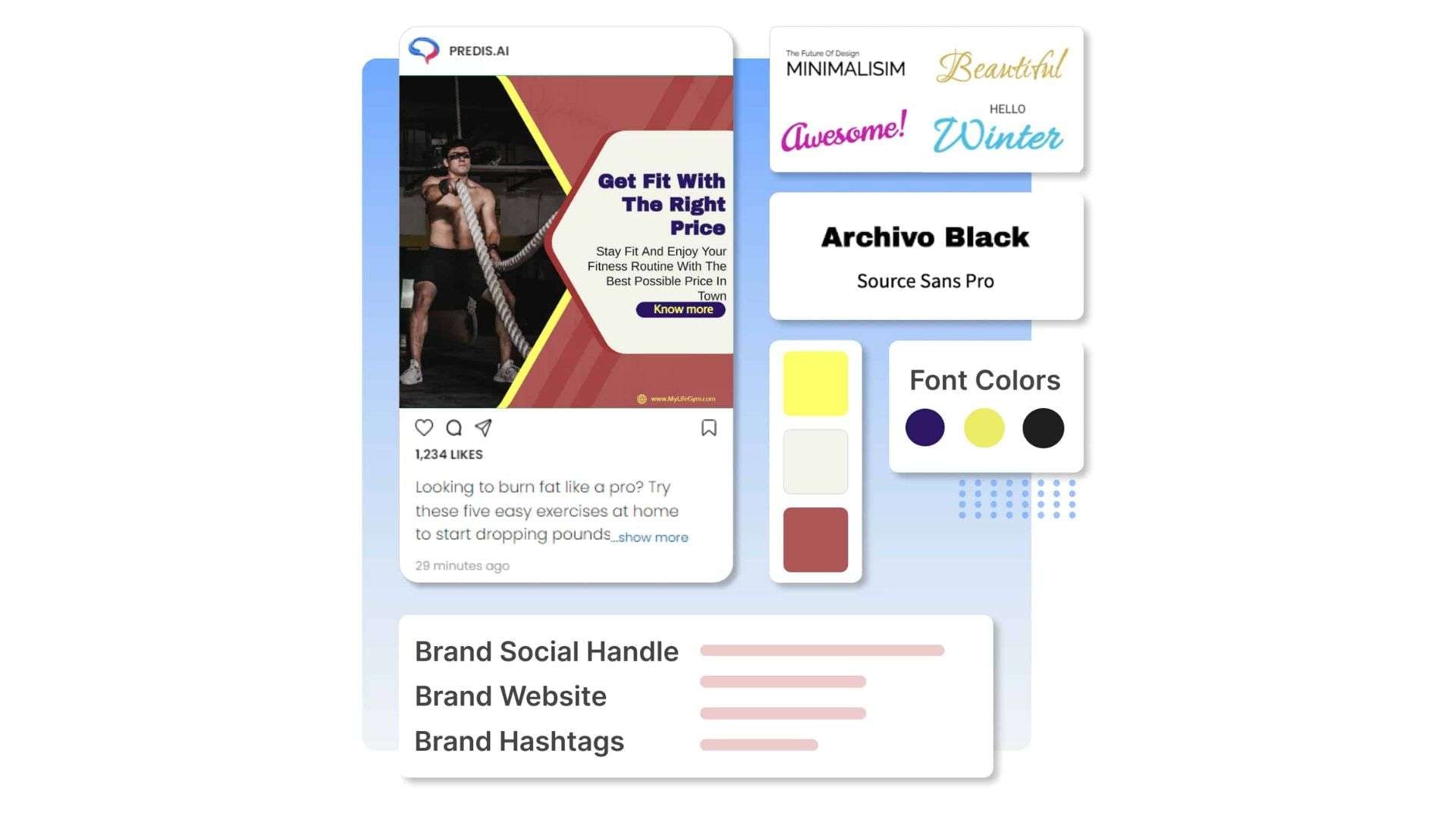
Brand Kit and Content Customization
In Predis AI, you can set up a “brand” with your logo, brand colors, and tone of voice, and then the generated content pulls from that automatically. Predis also lets you import your own templates from Canva, Adobe, or Figma and reuse them. It doesn’t limit you to its built-in template library if you already have a design system.
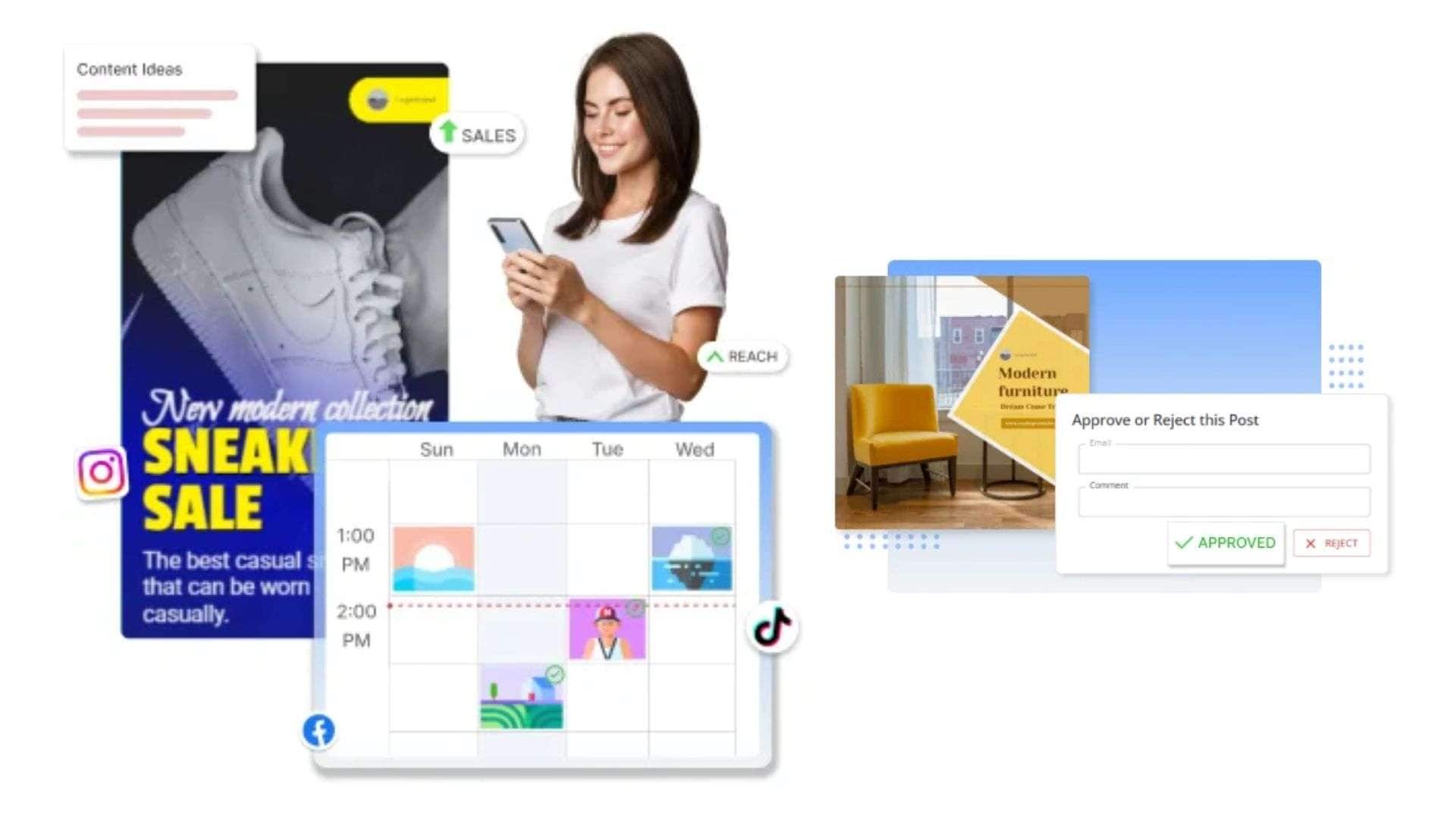
Content Calendar and Social Media Scheduling
With the content you generate in Predis AI, you can schedule and auto-post across connected accounts, view everything on a calendar, and set up an approval flow if you're managing content for clients. Higher-tier plans add auto-posting and a "best time to post" suggestion based on your account data.
Predis AI API
Predis also offers a developer API for teams that want to build content generation into their own product or workflow rather than using the Predis dashboard directly. It covers text-to-video, text-to-reel, social posts, carousels, memes, and Instagram Story generation, billed separately from the standard subscription plans.
Part 3. Predis AI Pricing: Can You Try for Free?
When your Predis AI account is ready, you can start with a 7-day free trial (credit card required). It currently has no permanent free plan. The trial gives you a limited window to explore the platform before choosing a paid subscription.
After the trial ends, you’ll be automatically charged for the selected paid plan unless you cancel your subscription before the trial period ends.
Predis AI Pricing (2026)
| Core | Rise | Enterprise + | |
| Pricing | $32/mo or $230/yr | $79/mo or $474/yr | $249/mo or $2,540/yr |
| Monthly Credits | 1,300 | 3,200 | 10,000 |
| Image/Video Generated | ~86 images, ~9 videos | ~213 images, ~22 videos | ~666 images, ~71 videos |
| Brands | 1 brand | Up to 4 brands | Unlimited |
| Auto Posting | |||
| Monthly Competitor Runs | 60 | 130 | 600 |
| Generation Speed | Standard | Fast | Faster |
|
Show More
Show Less
|
|||
Note: You can also purchase add-ons if a plan's limits run out. Depending on your plan you can add extra brands ($5/month), extra social channels ($5–25/month), or extra credits ($29/month).
Part 4. Is Predis AI Good? Here’s Our Review
After signing up, your first Predis AI login will prompt you with several questions about your brand and content goals, meant to help the AI understand your niche and tone better. It takes time, but the onboarding step feeds directly into your content plan, so it's worth having your brand basics ready to smooth out the setup instead of answering on the fly.
Once you're past setup, the platform holds up reasonably well in daily use. Content generation is fast and most posts and captions come out usable with light editing. However, several users note the interface feels a bit clunky, and exports are limited mostly to CSV.
User Feedback on Review Platforms
Predis AI reviews on G2 and Capterra echo a similar pattern. The AI-assisted captions, automated graphics, and hashtag suggestions let you generate posts at scale. A discussion about Predis AI on Reddit also shows impressive first impressions after testing it alongside other AI generators, yet one earlier user said they had to edit most of the output and wasn't sure whether to try it again.
Pros & Cons of Predis AI
- Combines content generation, ad creation, competitor analysis, and scheduling into one platform
- Fast turnaround from prompt or product link to finished post, reel, or ad
- Supports 19+ languages for content generation
- Brand kit keeps colors, logo, and tone consistent across generated content
- Content approval flow makes client work easier to manage
- Available on web, Android, and iOS
- Free plan output carries a watermark
- Credit system can run out fast on video-heavy plans, especially standard/UGC videos at 200 credits per 8 seconds
- Interface feels clunky to some users
- Limited data export, mostly restricted to CSV
- AI UGC video quality has been inconsistent based on user reports, though the company has since released an update
- No auto-posting on the entry-level Core plan
Part 5. Predis AI Alternative for Creating Ads and Reels
If something more polished needs to come out of the process, Wondershare Filmora is a Predis AI alternative that pairs AI content generation with a full timeline editor, where you can actually fine-tune the clip instead of publishing whatever the generator produces first.
Most of what Predis AI generates can also be done in Filmora, but Filmora adds manual control over cuts, layers, transitions, and audio that a template-based generator doesn't offer.
| Predis AI | Filmora | |
| Primary Purpose | AI social media posts, Ad generator | Video editing, AI content creation |
| AI Ad Generator | Text-to-ad in one step | Built via AI video and copywriting tools |
| Video Editing | Basic in-app editor, template-based | Full timeline editor with manual control and templates available |
| Brand Kit | Yes, colors and logo applied automatically | Requires manual setup, with help of templates and saved brand assets you can apply to each project |
| Templates | Social post and carousel templates | Video templates, transitions, and effects library |
| Social Media Scheduling | Available | Available |
| Supported Platforms | Web, Android, iOS | Windows, macOS, Android, iOS |
|
Show More
Show Less
|
||
Why Choose Filmora?
- Full timeline editor for cutting, layering, and pacing a video by hand, not limited to a fixed template
- AI text-to-video and image-to-video generation for building raw footage from a prompt or a photo
- Voice cloning and multilingual text-to-speech for consistent narration across markets
- AI translation with lip sync, useful for repurposing one video into different languages
- A large library of transitions, effects, and stock assets built specifically for video work
- Auto-reframing on export, so one video adapts to Reels, Shorts, and other aspect ratios without re-editing
- Support for a wide range of video and audio formats, up to 8K export for high-resolution ads and Reels
 Secure Download
Conclusion
Predis AI lets you keep your feed active without a designer, copywriter, or video editor on payroll. For daily volume, posts, reels, and ad creatives without much hands-on editing, you can expect fast turnarounds and consistent branding across everything it generates.
If a handful of videos need actual editing control rather than daily volume, Filmora hands you a full timeline and manual control over the finished cut. Make a rough estimate of your monthly needs and decide whether Predis's credit limits fit before locking into a paid tier, since there's no permanent free plan, just a 7-day trial.
FAQs
-
Does Predis AI have a mobile app?
Yes. Predis AI has apps on both the Google Play Store (Android) and Apple App Store (iOS). -
Can I customize AI-generated posts in Predis AI?
Yes. You can edit the post, caption, or video before publishing. There's also a drag-and-drop editor for ads and a separate video editor for reels and clips. -
Does Predis AI support team collaboration?
Yes, on higher-tier plans. You can invite team members or clients to review content and approve it through a shared link before it goes live. -
Do I need to provide Instagram ID information for Predis AI?
Predis AI requires your Instagram account to be a business account linked to a Facebook page only if you want to auto-publish or schedule directly to Instagram. It connects through Meta's official API rather than a personal login.
