What does it take to turn a creative idea into something you can actually share? For example, a short video might require a script, scene visuals, image editing, and direction to bring it all together. RoboNeo AI handles this process with Agent Teams, where AI agents work together in roles such as scriptwriter, designer, and director. It also supports AI video and image generation, along with a variety of photo-editing tasks.
There's a lot to explore, from how these agents handle creative tasks to the quality of the content they produce. RoboNeo also uses Cyber Carrots for AI generations, so understanding the credit costs is part of getting familiar with the platform.
Part 1. RoboNeo AI Explained
Developed by Meitu, RoboNeo AI lets you turn creative ideas into visual content through text instructions. You can describe the changes you want, provide creative directions, or use its Agent Teams to handle different parts of a project. These AI agents take on roles such as scriptwriter, designer, and director, and also assist with tasks that involve more than a single image or video generation.
Here's a look at what you can do with RoboNeo:
| Feature | What you can create or do |
| AI Video Generation | Create short videos, dramas, product videos, and social media content. |
| AI Image Generation | Generate posters, logos, product visuals, and other images. |
| Photo Editing | Retouch photos, change backgrounds, and modify image details. |
| Agent Teams | Work with AI agents in roles such as scriptwriter, designer, and director. |
| Character Creation | Design characters and reuse them across creative projects. |
|
Show More
Show Less
|
|
Use RoboNeo on its RoboNeo AI website at https://www.roboneo.com/ or download the Android and iOS app. Avoid using any RoboNeo APKs from unverified sources you found online.
Part 2. Exploring RoboNeo's Creative Tools
RoboNeo AI covers several stages of visual content creation, from generating images and videos to editing photos and preparing audio. After the RoboNeo AI login, you can start with a text prompt, turn an existing image into a video, or use a specialized AI Agent for specific tasks. The following sections take a closer look at its main tools, features, and what you can do with them.
AI Video Generation
RoboNeo AI video generator supports several creation methods, depending on what you want to start with and the type of video you're looking to make. You can start with a written idea, animate an existing image, or provide visual references to guide the output.
Its main video generation options include:
- Text-to-video: Turn written descriptions into video clips.
- Image-to-video: Animate a still image and add movement.
- Video from Start & End frame: Provide opening and ending images to guide how a clip develops.
- Reference image to video generation: Use reference images or videos to guide the appearance and style of the result.
Some models also support motion guidance, giving you more control over how subjects move. After generating a clip, you can use additional tools to upscale the video or remove unwanted elements, with availability varying by tool.
Video model options include Seedance, Kling, MiniMax, Wan, Gemini Omni, Happy Horse, and Sora. Each model comes with its own capabilities and settings, giving you different ways to generate video clips.
AI Image Generation and Editing
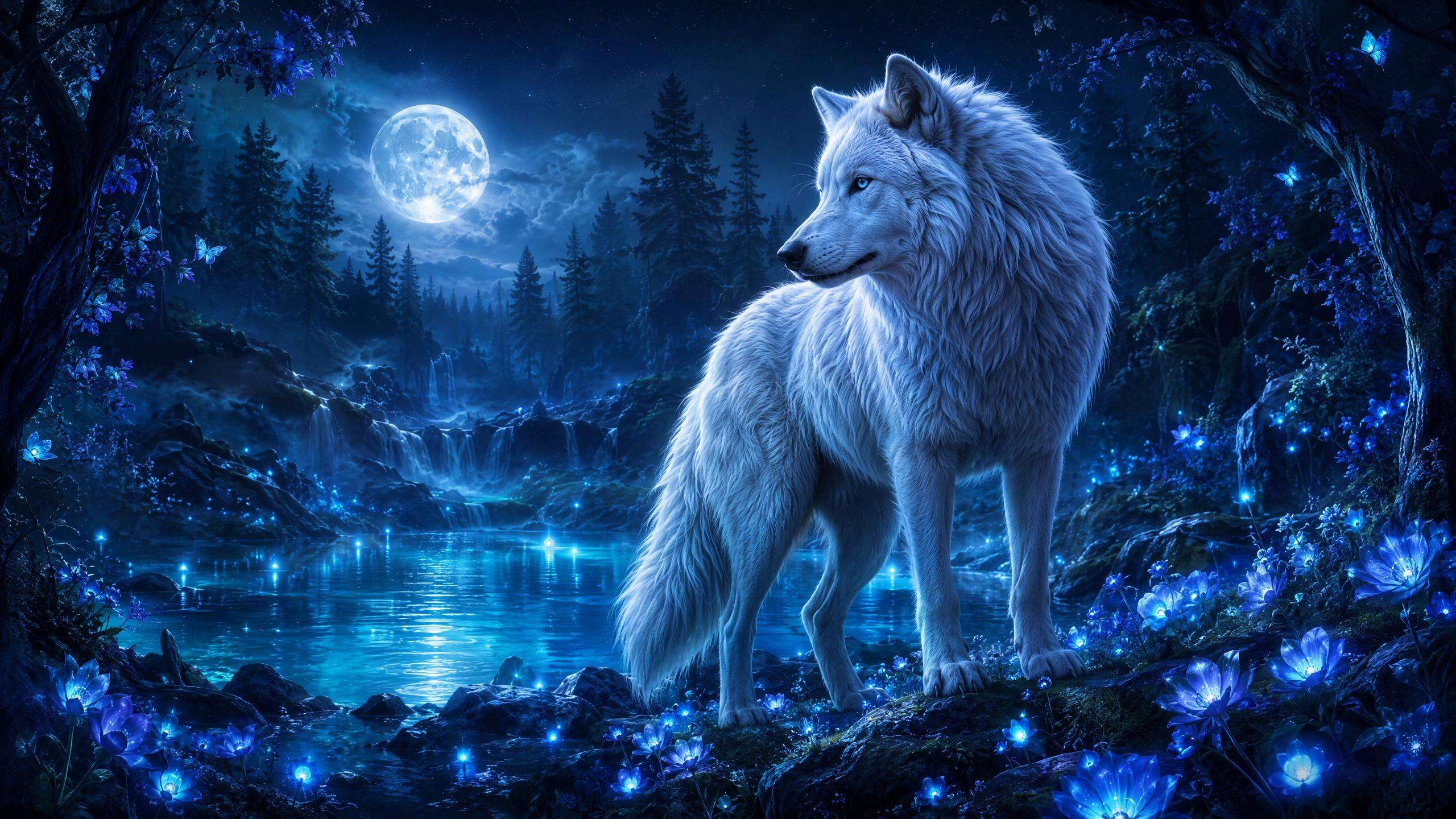
For image generation, you can turn text prompts into visuals such as product photos, posters, logos, and social media graphics. RoboNeo also supports image-based editing, so you can upload an existing photo and describe the changes you want instead of manually adjusting every detail.
Its image generation model selection includes GPT, Seedream, Nano Banana, and Midjourney. For editing, the available options cover several common tasks:
- Background editing: Replace or change the background of a photo.
- Object removal: Remove unwanted objects or people.
- Image enhancement: Improve clarity and refine image details.
- AI Background Expansion: Extend an image beyond its original borders to create a larger canvas.
- Layer Separation: Separate image elements into individual layers for more flexible editing.
AI Agents and Character Creation
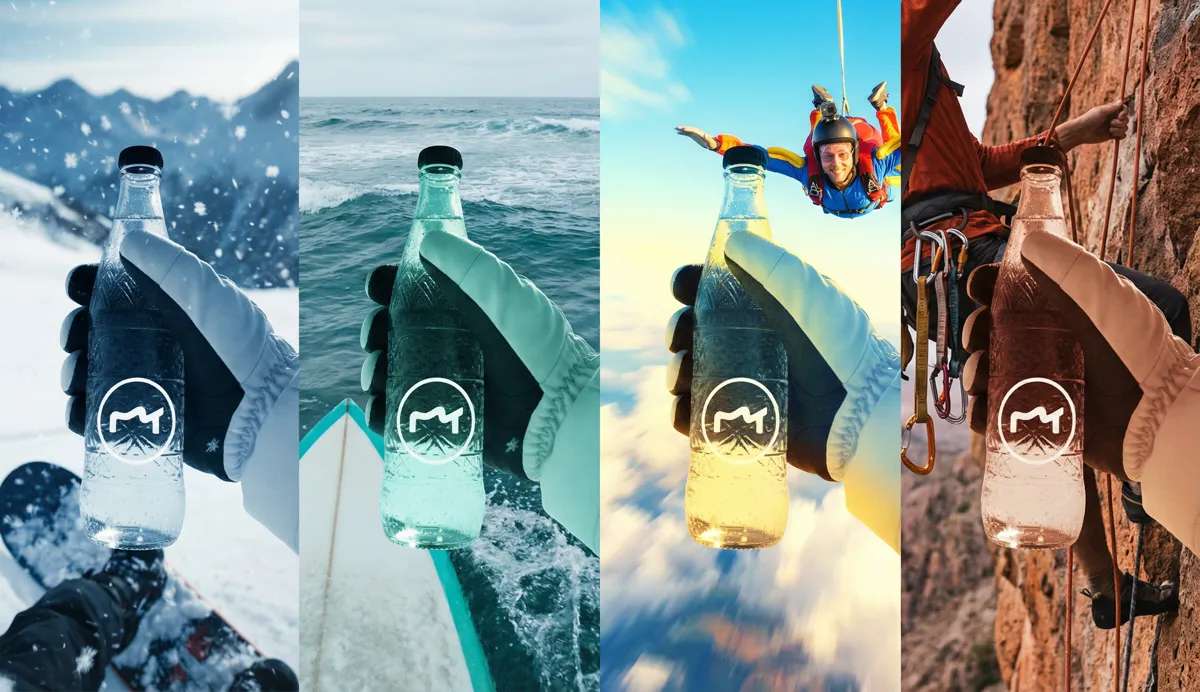
RoboNeo's AI Agents handle creative tasks across video production, e-commerce, and visual design. You can use the AI Ad Video Generator and AI Anime Video Generator for videos, the E-commerce AI Agent and AI Product Photography for product content, or AI Brand Design and AI Posters for branding and promotional visuals. The Creative AI Agent supports broader projects, while Portrait Retouch focuses on refining portraits.
RoboNeo also lets you create and reuse characters across projects, which is useful for producing a series of videos or stories with consistent character appearances.
AI Audio Tools
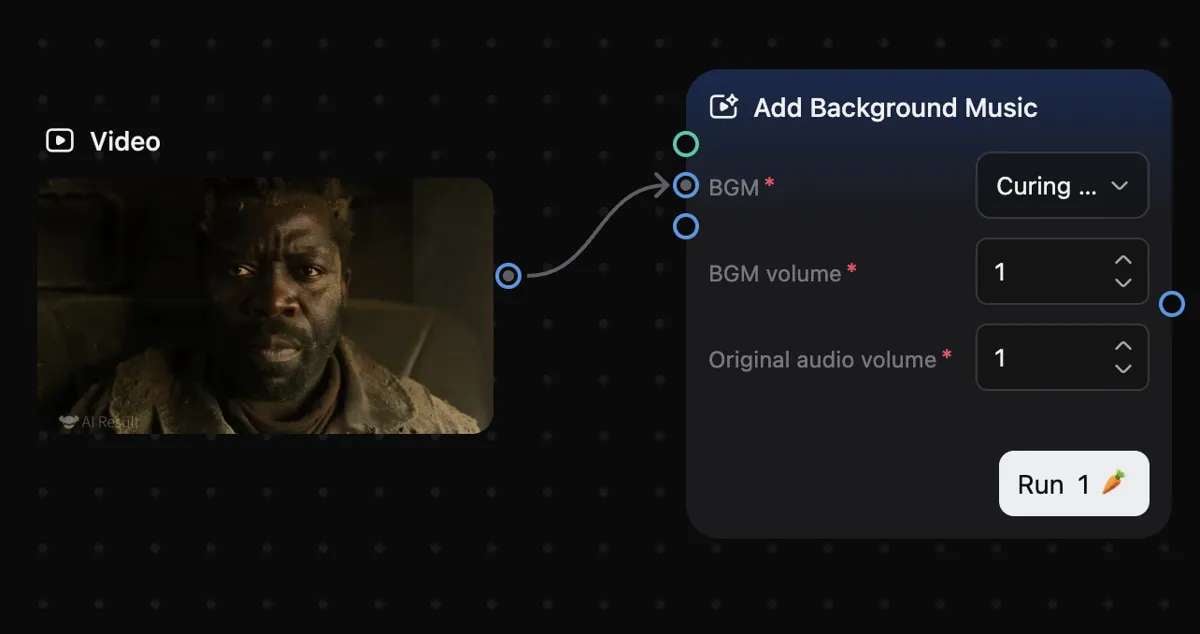
Visuals are only one part of a finished video, and RoboNeo also includes tools for creating and refining audio. Its audio options cover tasks such as:
- AI music generation: Create background music for videos based on a prompt or selected mood.
- Background music generator: Create background tracks to accompany videos and other content.
- Audio denoising: Reduce unwanted background noise in recordings.
- Voice enhancement: Improve speech clarity.
- Vocal separation: Separate vocals from instrumental audio.
These features can be useful when preparing voiceovers, cleaning up recordings, or adding background music to your video projects.
Part 3. RoboNeo AI Pricing and Credits
RoboNeo uses Cyber Carrots as credits to generate images, videos, and other AI content. Each subscription includes a monthly credit allowance, with five plans available for different usage needs.
| Plan | Annual price (monthly equivalent) | Monthly Cyber Carrots |
| Standard | $11/month | 2,000 |
| Plus | $30/month | 5,700 |
| Pro | $104/month | 20,000 |
| Max | $123/month | 60,000 |
| Ultra | $251.08/month | 140,000 |
|
Show More
Show Less
|
||
These are annual subscription rates expressed as monthly equivalents, meaning payment is billed yearly. Prices may vary depending on your region and available promotions. All paid plans include:
- Commercial-use rights
- Watermark removal
- 4K output
- Batch mode
Higher-tier plans offer larger monthly credit allowances, more simultaneous tasks, and additional storage space.
How Cyber Carrots Work
Cyber Carrots are deducted whenever you generate AI content. The cost changes based on the AI model, generation method, output settings, and video duration. Generating multiple images or longer clips may also use more credits.
RoboNeo displays the required credits before you start a generation, so you can check the cost before confirming.
Is a RoboNeo Subscription Worth It?
The right plan depends on how often you use RoboNeo and what type of content you create:
- New users: Free Cyber Carrots may be enough to explore RoboNeo's features and try creating a few images or videos.
- Frequent image creators: Standard or Plus may be enough for regular image generation and lighter creative projects.
- Frequent video creators: Pro, Max, or Ultra provide larger monthly credit allowances for those who produce videos regularly or manage multiple projects.
Keep in mind that video generation can use credits much faster than image generation, especially when creating longer clips or using certain AI models. Consider your typical workload before choosing a plan.
Part 4. RoboNeo Reviews and User Feedback
RoboNeo receives mixed feedback from users. On Google Play, it has a 3.4/5 rating from around 1.62K reviews, while its US App Store has a 3.7/5 from 28 ratings. Fewer App Store reviews limit the picture of user satisfaction.
User feedback highlights both the creative possibilities and its limitations. Some users like the quality of its generated images and videos, while others raise concerns about credit consumption, inconsistent results, and generation speed.
- RoboNeo offers multiple features for generating images and videos, editing photos, and creating promotional content.
- Some users are impressed with the quality of its AI-generated images and videos.
- Its variety of AI models provides users with more options for different creative projects.
- The platform includes specialized AI Agents for tasks such as ad creation, product photography, and brand design.
- Credit consumption can add up quickly, especially when generating videos.
- AI outputs may not always match prompts accurately, sometimes requiring multiple attempts.
- Generation times can be slow, with some users reporting delays.
- Credit limits and content restrictions may interrupt creative projects.
Overall, RoboNeo provides a variety of creative options, but its credit costs and inconsistent outputs may be drawbacks for users who plan to rely on it regularly.
Part 5. Taking RoboNeo AI Videos Further with Filmora
After downloading your RoboNeo AI videos, you might want to combine several clips, trim scenes that feel too long, or add music and captions to bring everything together. Wondeshare Filmora makes these edits easier with a multitrack timeline, audio and video enhancement features, and a wide variety of effects, transitions, and text options to polish your final video.
You can use Filmora to:
- Multitrack Timeline: Arrange RoboNeo-generated clips, images, music, and other assets across multiple tracks.
- AI Video Enhancer: Improve video clarity and refine footage that looks blurry or lacks detail.
- AI Audio Tools: Reduce background noise and improve voice clarity for cleaner audio.
- Transitions, Effects, and Filters: Create smoother scene changes and give your video a consistent visual style.
- Auto Captions: Generate subtitles for social media videos, tutorials, and other content.
- Text and Titles: Add opening titles, product details, on-screen labels, and closing messages.
 Secure Download
Conclusion
RoboNeo AI offers more than just simple text-to-image or text-to-video generation. You can experiment with different AI models, edit existing photos, create audio, and use specialized Agents for product photography, ads, and other visual content.
Still, AI-generated results may take a few tries to match your expectations, and video creation can quickly consume credits. Before subscribing to a paid plan, test the tools you’re most interested in and pay attention to how many credits each generation uses. It will help you decide whether RoboNeo's AI tools are worth the cost for the content you want to create.
FAQs
-
What is RoboNeo AI, and what can you create with it?
RoboNeo AI is a creative platform by Meitu for generating images and videos, editing photos, and producing content such as ads, product visuals, and branded designs. -
Is RoboNeo AI free to use, or do you need a subscription?
You can download the app for free and may receive free Cyber Carrots to try its tools. However, the amount of free credits is not guaranteed. To create more content, you can purchase a subscription or additional credits. -
How much do Cyber Carrots cost for AI image and video generation?
There is no fixed credit cost for every generation. It depends on the AI model, creation method, output settings, number of images, and video duration. RoboNeo shows the required Cyber Carrots before you confirm a task. -
Is there a RoboNeo app for Android and iOS?
Yes. You can download the RoboNeo app for Android on Google Play or iOS on the Apple App Store. The iOS app currently supports iPhone.