


 TL;DR:
TopMediai is a web-based creative hub that consolidates AI music, voice cloning, image, and video generation into a single platform, offering the highest value for multi-format content creators rather than users seeking a single specialized tool.
● Free accounts impose watermarks and restrict access to AI video models, whereas paid plans operate on a shared credit system where video generation consumes significantly more credits than audio or image creation.
● While text-to-speech and song covers generally preserve timing well, achieving accurate voice cloning strictly requires high-quality source recordings, and AI vocals may occasionally sound synthetic or require manual lyric editing.
● Since the platform focuses on generating individual raw assets, creators must export their media to a traditional timeline editor like Wondershare Filmora to sync voiceovers, apply transitions, and finalize the post-production workflow.
Ask AI for a summary
 ChatGPT
 Perplexity
 Gemini
 Claude
 Grok
Grok
Many creators end up juggling five different tools just to produce one piece of content, but that’s not the case with TopMediai. This AI tool tries to solve that by bundling AI music generation, text-to-speech, voice changing, AI covers, and video creation into a single platform.
But does it actually hold up? Find the answer in our review below. We tested the key features of TopMediai, broke down the pricing, and looked hard at the output quality to find out if it’s worth a spot in your workflow.
Part 1. What Is TopMediai and What Does It Offer?
TopMediai is a web-based AI content creation platform that combines music, voice, image, and video generation tools. Unlike other platforms that focus on a single category, TopMediai offers a wide range of AI-powered tools that support various stages of the creative process.
Everything runs in the browser, so be careful with any “TopMediai mod APK” or unofficial download claiming to unlock its features.
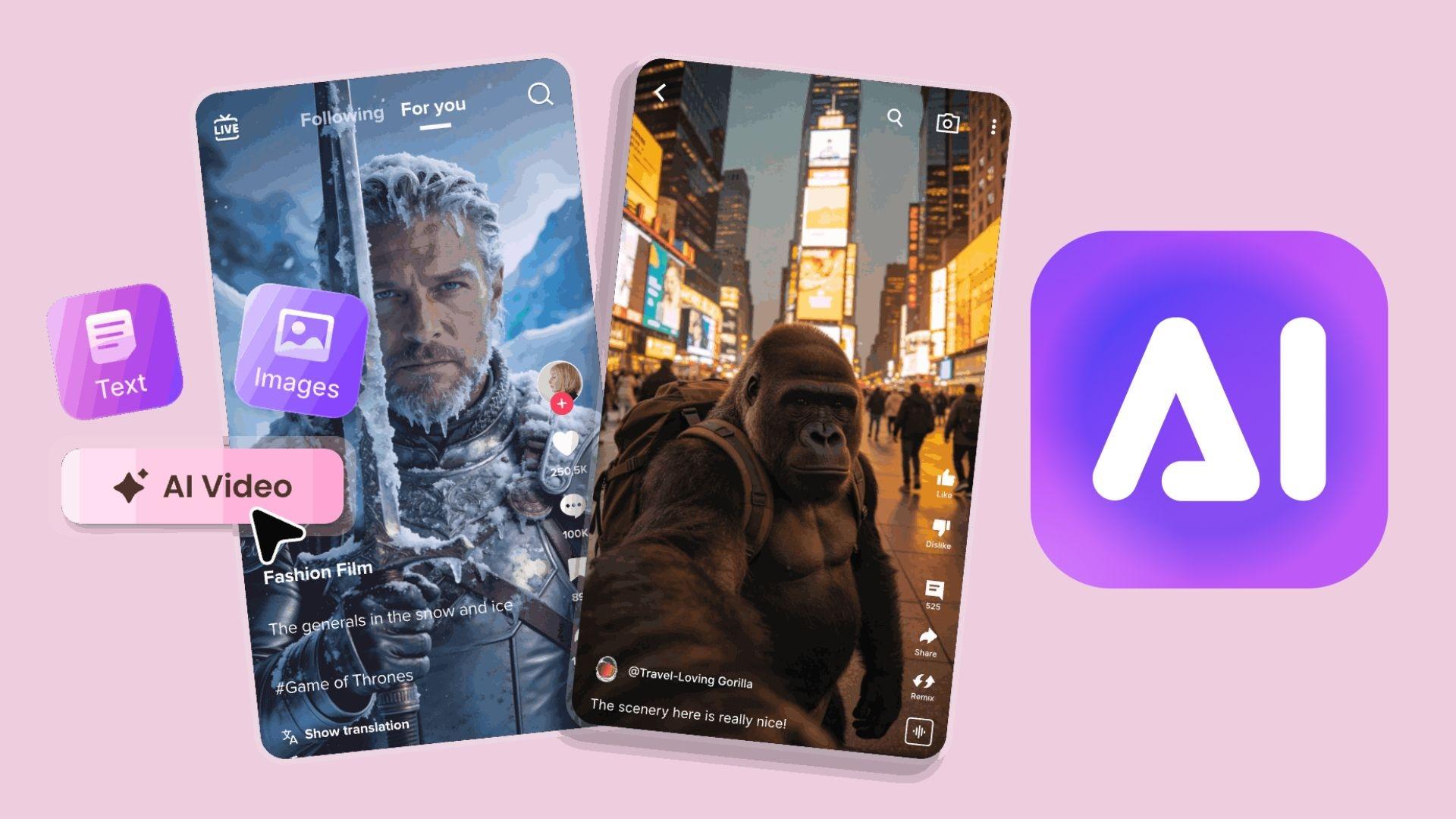
To use it, you just need to visit their page at https://www.topmediai.com/ and log into your account. You can switch between tools from the same dashboard and manage projects across multiple content formats.
Who Is TopMediai Best For?
- Content creators who produce social media posts, short-form videos, podcasts, and digital content.
- YouTubers looking for AI voiceovers, background music, AI covers, or video generation tools.
- Marketers create advertisements, product promotions, and branded campaigns.
- Musicians and songwriters exploring AI-assisted music creation, vocals, and song ideas.
- Businesses and educators who develop multilingual presentations, training materials, and localized content.
Key Features at a Glance
Topmedia AI’s tools are split into four categories:
- Voice Generation. Used for narration, localization, character voices, and content production across multiple languages.
- Music Generation. Generate original tracks, create AI-powered vocals, experiment with song ideas, and produce royalty-free music.
- Image Generation. Generate visuals from text prompts, helping create artwork, illustrations, concept images, and creative assets for various projects.
- Video Generation. Create and modify video content without requiring advanced editing skills.
Part 2. Testing TopMediai's AI Music and Audio Tools
Music and audio creation are among TopMediai's most developed feature categories. Beyond generating songs from prompts, the platform includes tools for AI song covers, lyric generation, audio enhancement, stem separation, and MIDI conversion. This broader ecosystem gives you multiple ways to develop, refine, and repurpose audio content without relying on separate services.
AI Music Generator
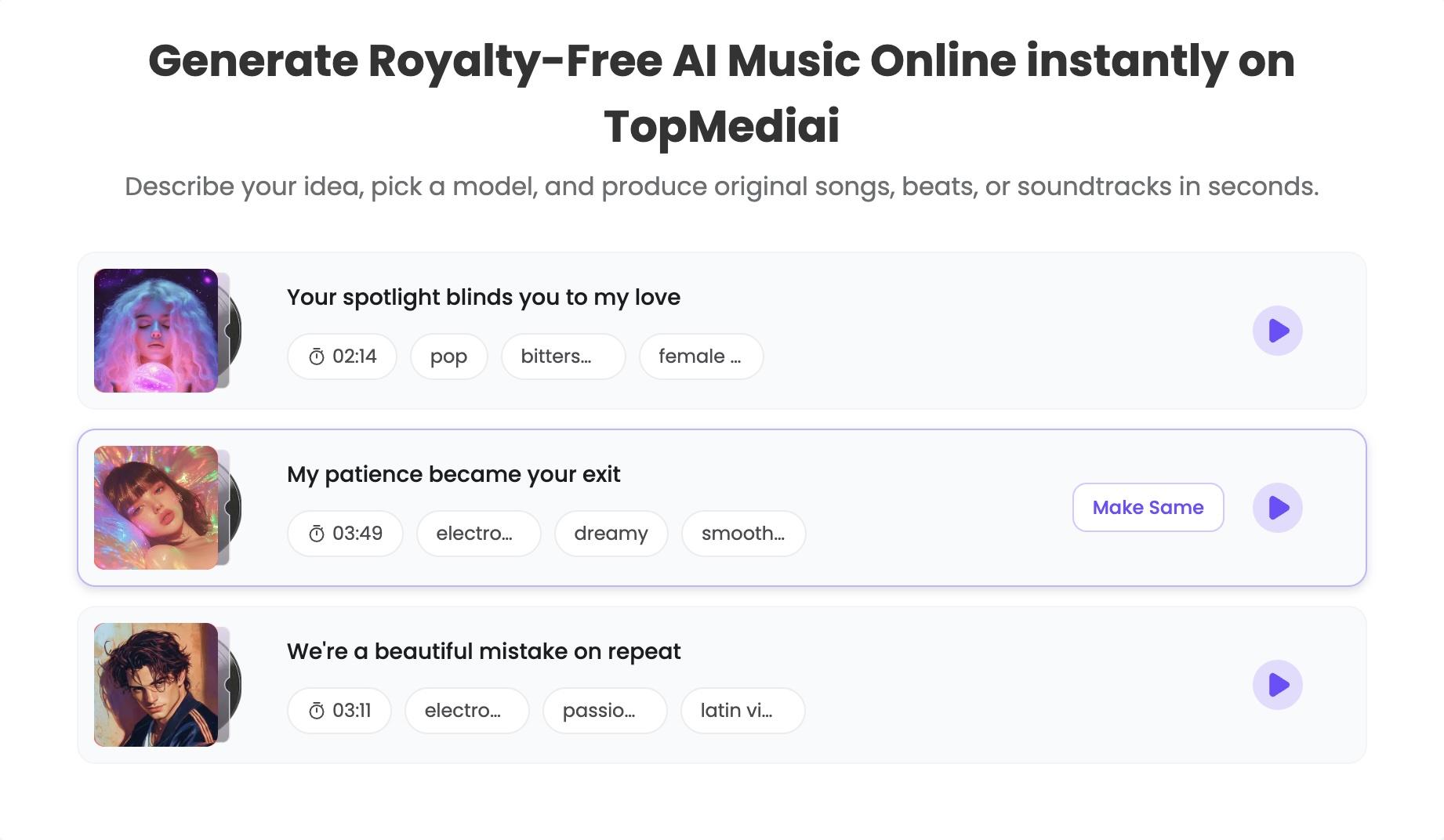
The TopMediai AI Music Generator is designed to turn ideas into complete songs using text prompts, custom lyrics, images, or reference audio. The workflow is straightforward enough for beginners, yet still offers enough customization to help you steer the final result toward a specific style or mood.
Highlights:
- Generate music from text prompts.
- Create songs using custom lyrics.
- Use reference audio to guide the style of a track.
- Choose from a range of genres, moods, and vocal styles.
- Extend existing songs.
- Commercial-use licensing options are available under TopMediai's licensing terms.
AI Song Cover Generator
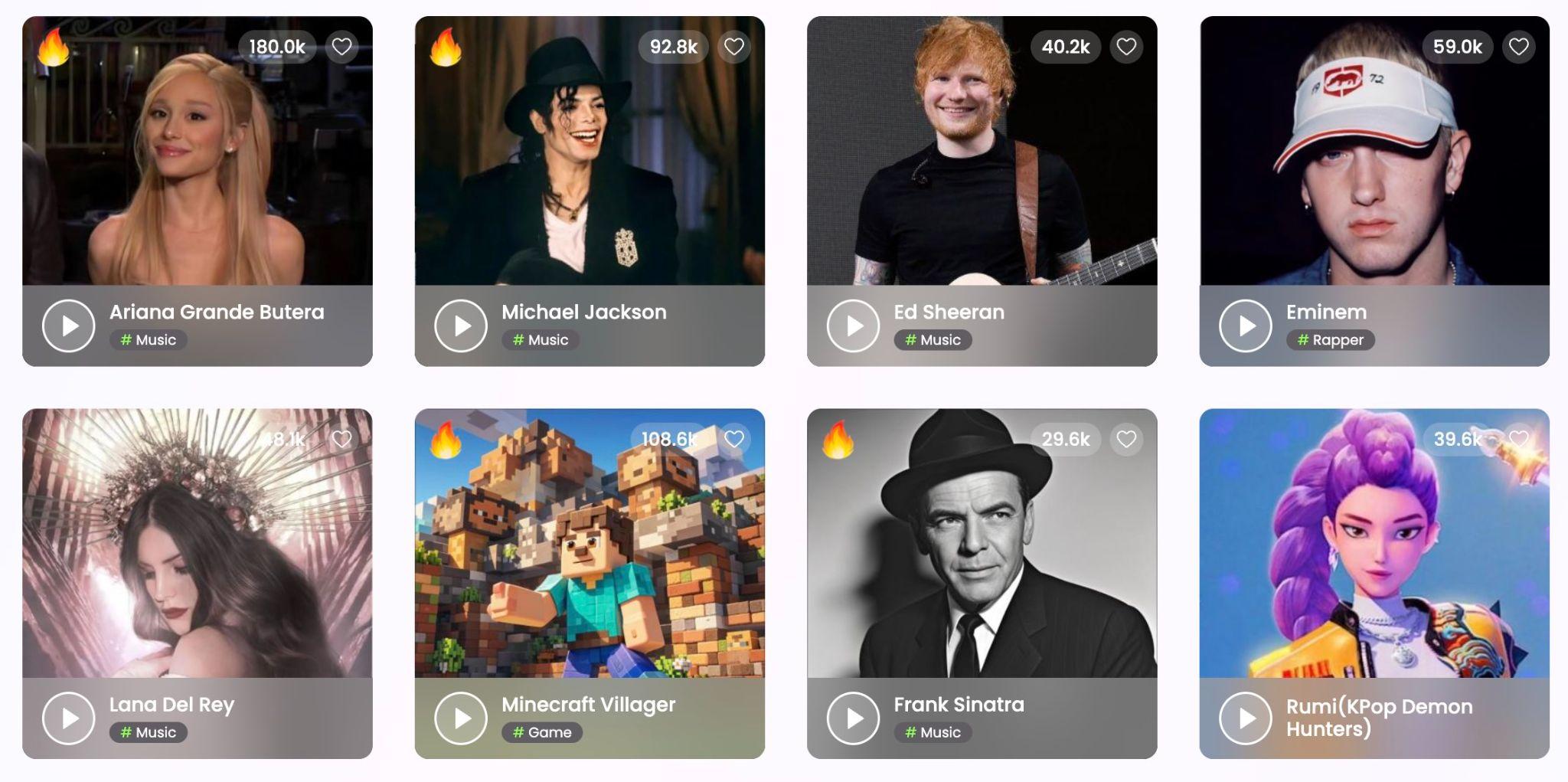
The TopMediai AI Song Cover Generator allows users to transform existing songs with AI-generated voices. After uploading an audio file, you can select a voice and generate an alternative version of the performance.
Highlights:
- Wide selection of AI voice styles.
- Quick processing compared with traditional voice recreation methods.
- Melody and timing were generally preserved well during conversion.
- Generated vocals blended quite well with clean source recordings.
- Results were often entertaining and convincing enough for casual content creation.
Part 3. Testing TopMediai's Voice AI Capabilities
Voice generation is another major part of the TopMediai ecosystem. Alongside music and video tools, the platform offers a range of voice-focused features, including text-to-speech, voice cloning, AI voice generation, dubbing, and voice transformation.
Text-to-Speech
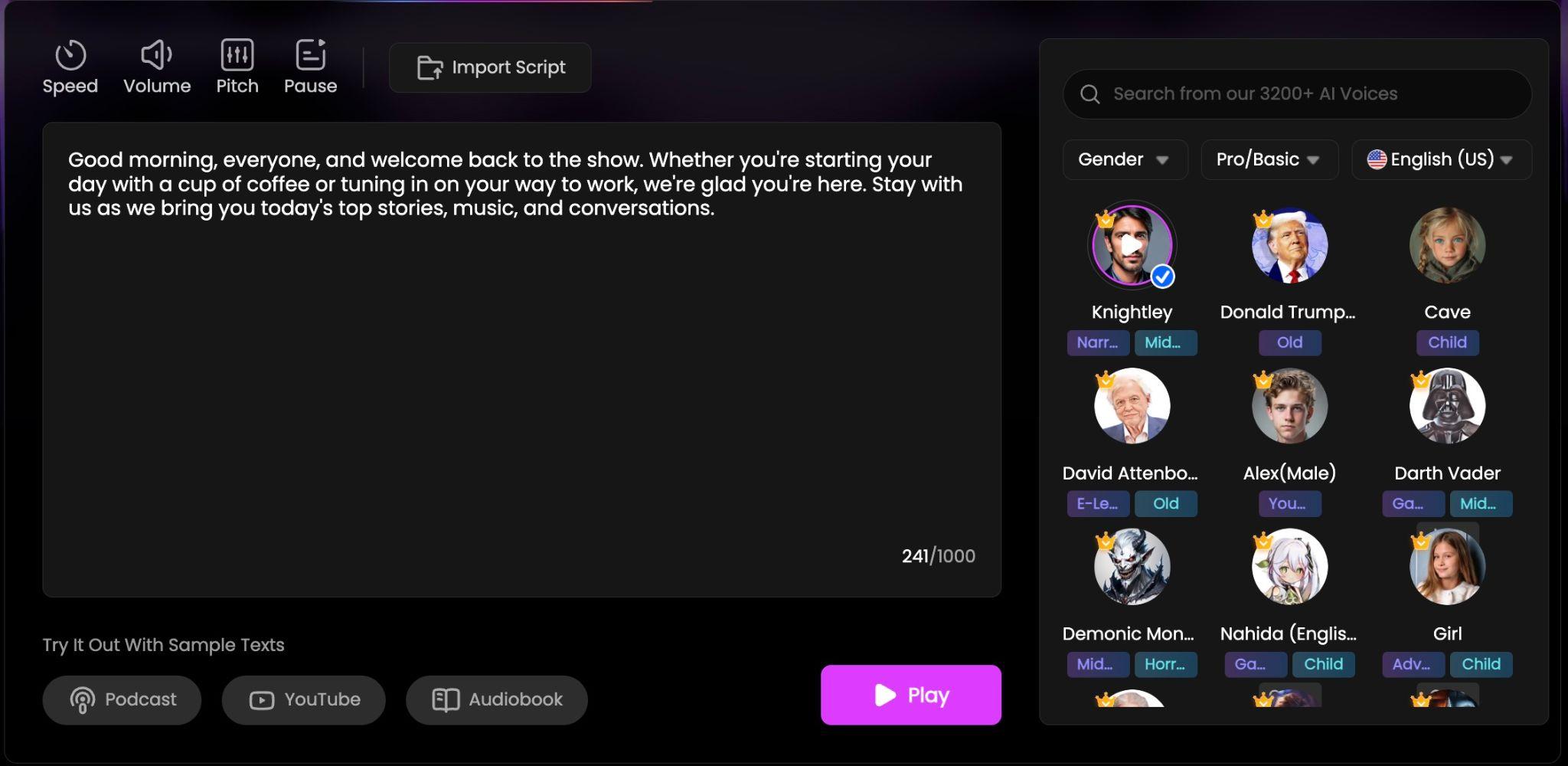
The TopMediai Text-to-Speech tool converts written text into AI-generated speech using a large selection of voices and languages. The interface is straightforward, requiring only text input and a voice selection before generating audio.
Highlights:
- Convert text into AI-generated speech within minutes.
- Multiple voice styles and speaking tones available.
- Supports a wide range of languages and accents.
- The voice library provides enough variety for different content types.
- Language support makes it suitable for multilingual projects.
- Most voices delivered clear pronunciation and understandable pacing.
- Generation was fast, even for longer scripts.
AI Voice Generator and Voice Cloning
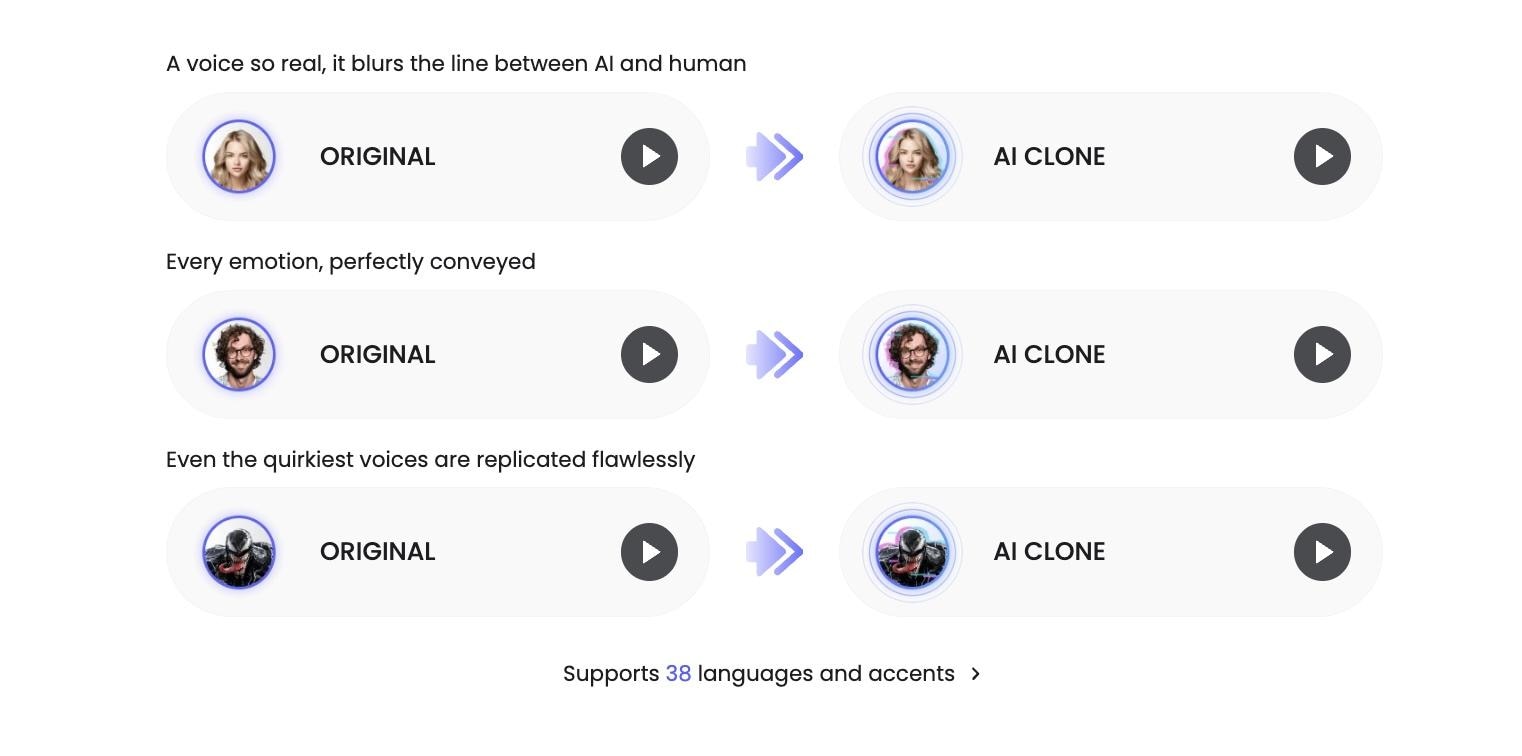
TopMediai also includes AI voice generation and voice cloning tools that allow users to create custom voice outputs based on recorded samples.
Highlights:
- Create AI-generated voices from voice samples.
- Generate speech using cloned voices.
- The voice cloning process was relatively simple to follow.
- Cloned voices generally captured the tone and speaking style of the original sample.
- Generated speech remained clear across different scripts.
- Results were suitable for content creation, demos, and creative projects.
Voice Changer and Dubbing Tools
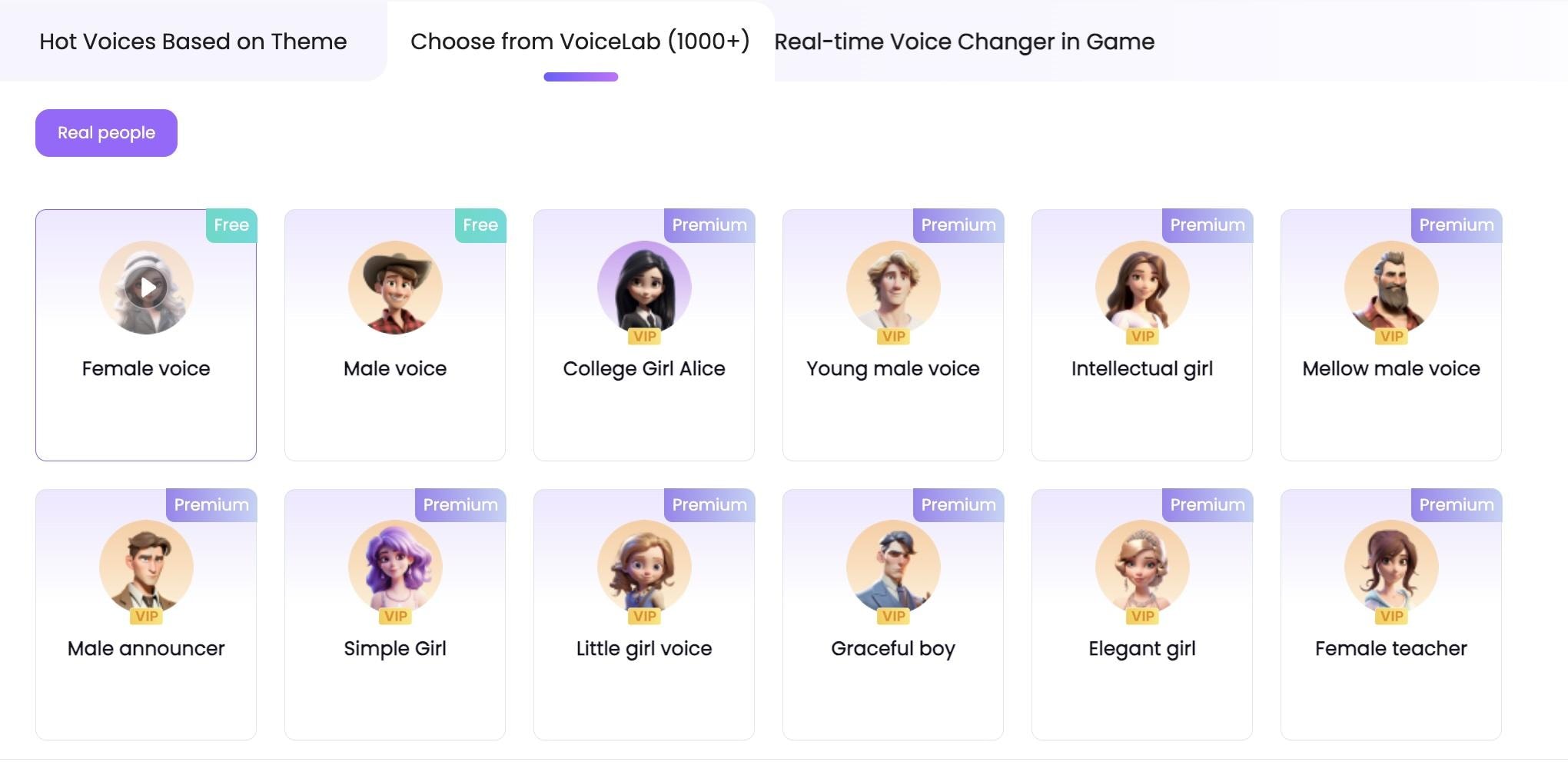
The TopMediai Voice Changer and Dubbing tool converts existing audio into different voices or languages. These features are useful for creators producing content for multiple audiences.
Highlights:
- Good for localizing YouTube videos for international audiences.
- Producing multilingual marketing materials.
- Voice conversion required minimal technical knowledge.
- Voice cloning still requires high-quality source recordings.
- Emotional delivery can occasionally feel less natural than human narration.
Part 4. Testing TopMediai's AI Video & Image Generation Tools
In addition to music and voice creation, TopMediai includes AI-powered video generation tools. We tested its text-to-video and image-to-video features to evaluate their usability, output quality, and creative flexibility.
Text-to-Video Creation
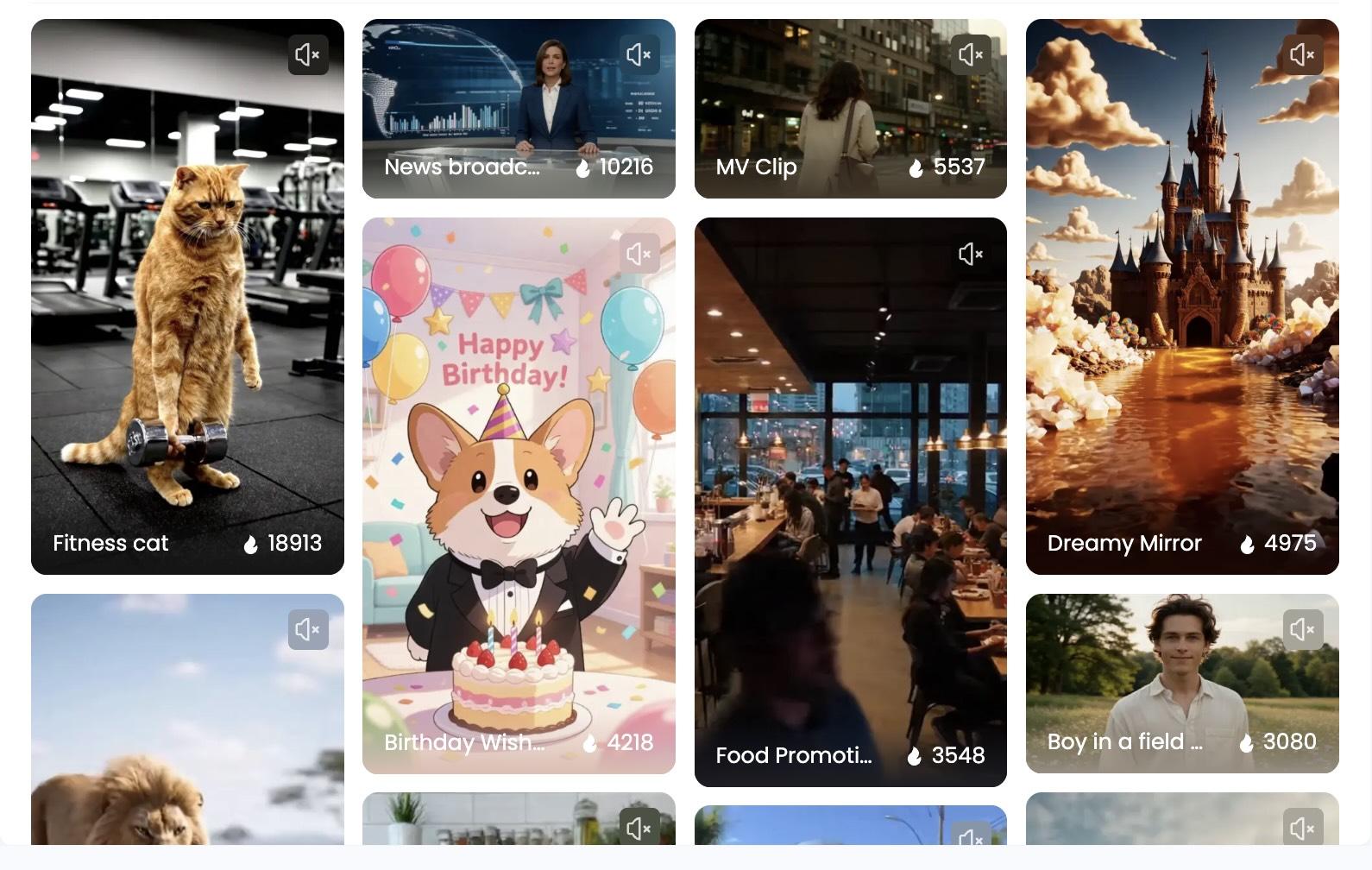
The TopMediai AI Video Generator allows users to generate videos from text prompts. Users simply describe a scene, concept, or idea, and the AI creates a video based on those instructions.
Highlights:
- Multiple AI video models available.
- Most prompts produced results that closely followed the intended concept.
- Generation times were reasonable for short video clips.
Image-to-Video Features
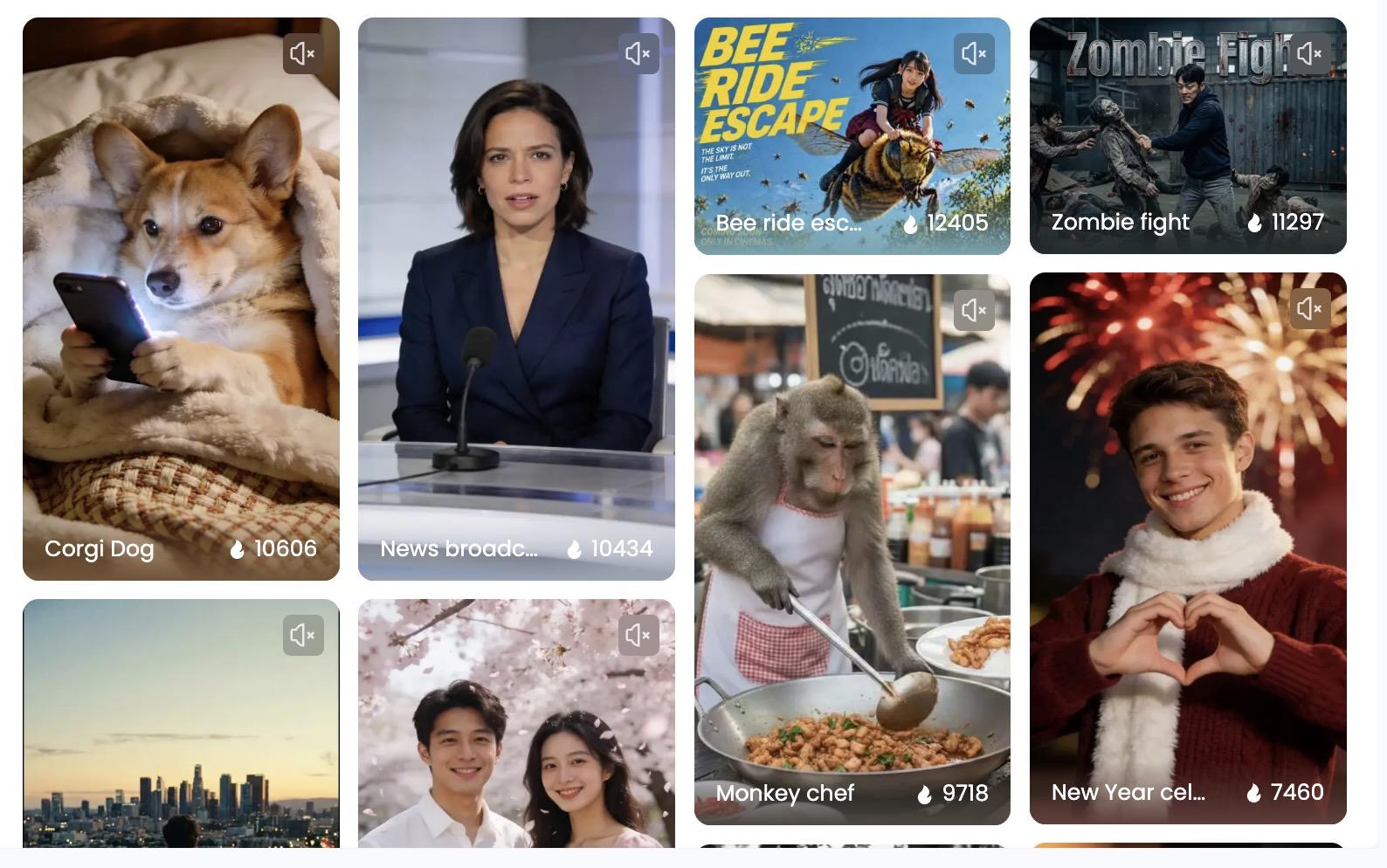
TopMediai Image-to-Video tool transforms static images into animated video clips using AI-generated motion. It’s useful for you who want to animate artwork, illustrations, product photos, or AI-generated images.
Highlights:
- Animate existing images.
- Motion effects generally looked smooth and visually appealing.
- Subject movement remained reasonably consistent in most generations.
- The tool offered enough flexibility to experiment with different creative directions.
- Generated clips worked well as short visual sequences or attention-grabbing content.
Part 5. TopMediai Pricing, Pros and Cons, and Overall Value
TopMediai uses a credit-based system that works across its music, voice, image, and video tools. You can choose between weekly, monthly, and annual plans depending on how often you create content.
TopMediai Pricing (2026)
| Plan | Price | Credits |
| Starter | $4.99/week | 1,500 credits |
| Starter Plus | $9.99/week | 3,000 credits |
| Creator | $8.99/month | 3,750 credits |
| Creator Plus | $17.99/month | 7,500 credits |
| Annual Pro | $99.99/year | 30,000 credits |
Is TopMediai Worth It?
- Combines musical instruments, sounds, images, and video tools in one platform.
- Easy-to-use browser-based interface.
- Strong collection of audio and voice AI tools.
- Supports AI music generation, voice cloning, dubbing, and video creation.
- Useful for multilingual content creation.
- Flexible credit system across different tools.
- Credit usage varies between features.
- AI vocals can occasionally sound synthetic.
- Some generated lyrics need editing.
- Video outputs may require multiple generations for the best results.
- Advanced users may still need specialized editing software.
Part 6. Further Refine Your TopMediai Project in Filmora
TopMediai can help you generate music, voiceovers, images, and video clips, but most of its tools focus on creating individual assets. To transform those AI-generated assets into a polished video, you can continue the workflow in Wondershare Filmora.
 Secure Download
Why Edit AI-Generated Content?
Regardless of what you create, the first generated result isn't always ready for publishing. A few editing adjustments can help create a more polished and professional final product. It gives you more control over the details that matter, such as:
- Remove unnecessary sections from AI-generated videos.
- Fine-tune the timing of voiceovers and music.
- Improve pacing and storytelling.
- Create smoother transitions between scenes.
- Add branding elements and visual consistency.
- Optimize content for different social platforms.
Editing TopMediai Content in Filmora
Filmora is straightforward enough for beginners but capable enough to handle a full post-production workflow. Once you export your assets from TopMediai, you can bring everything into Filmora's timeline and take it the rest of the way:
- Generate and edit videos, images, and music in one place without switching between apps.
- Add captions, titles, transitions, and visual effects.
- Adjust audio levels and improve overall sound quality.
- Enhance video quality with color correction and other editing tools.
- Export content for YouTube, TikTok, Instagram Reels, Shorts, and other platforms.
Compared to TopMediai, Filmora gives you a more hands-on editing experience with a traditional timeline layout. It also comes with its own set of AI tools, so you're not losing creative capabilities by switching over for the finishing work.
Secure DownloadConclusion
After testing TopMediai's music, voice, and video tools, the platform feels most effective when used as a creative hub rather than a single-purpose AI tool. Not every output is perfect on the first attempt, especially when generating vocals or complex videos, but the overall experience is fast and accessible.
For you who regularly need music, voiceovers, and visual assets, TopMediai offers a convenient way to move from idea to content much faster.
FAQs
-
What is TopMediai used for?
TopMediai is an AI-powered content creation platform that helps users generate music, voiceovers, images, and videos for social media, YouTube, marketing, and other creative projects. -
Does TopMediai AI video generator have a watermark?
Free users receive outputs with a watermark, while paid subscribers can export without one. -
How to use TopMediai for free?
You can sign up for a free account on TopMediai's website, but free access is fairly restricted. Only a small number of AI video models are available without a paid plan. -
Is TopMediai safe?
Yes, TopMediai is a legitimate web-based platform. The only safe way to access it is through their official website. Avoid any third-party APKs or unofficial downloads claiming to offer free access, as they may pose security risks.
