


 TL;DR:
Video Star is officially restricted to iOS with no authentic Android version available, meaning users must avoid high-risk, unofficial APK files and utilize native Android editing apps instead.
● Funimate delivers the closest experience to Video Star for AMV and fan edit creators, providing specialized keyframe animation control and one-tap AI background removal for precise, effect-heavy timing.
● Filmora is the optimal choice for all-around creators requiring a seamless cross-platform workflow between Android and desktop, featuring AI auto-beat sync and high-resolution 4K export support.
● VivaCut caters to advanced mobile editors demanding multi-layer timelines for cinematic control, whereas MVideo and VivaVideo are best suited for beginners seeking rapid, template-driven social media edits.
Ask AI for a summary
 ChatGPT
 Perplexity
 Gemini
 Claude
 Grok
Grok
When it comes to creating music videos and fan edits on a mobile device, Video Star is a name that comes up almost every single time. But as far as we know, only iOS users ever seem to talk about it, leaving the rest of us wondering: what about the millions of people on Android?
If you've ever gone down the rabbit hole searching for a Video Star app for an Android device only to come up empty, or worse, land on a sketchy website, you're not alone. So, we're setting the record straight on Video Star Android alternatives that actually work, are safe to use, and can deliver that same high-quality edit experience.
Part 1. What Makes Video Star So Popular in the First Place?
To really understand why Android users are desperately searching for a Video Star for Android, you need to know what the app actually brings to the table. Understanding what makes it great also helps you figure out exactly what to look for in an an alternative. So, let's break it down!
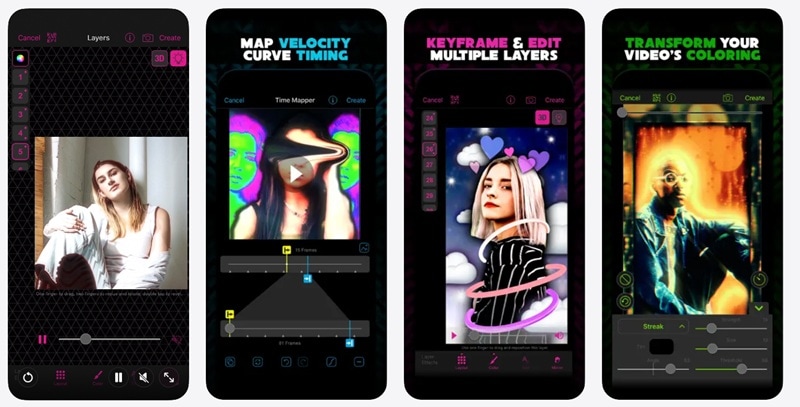
The Features That Made Video Star Famous
| Top Feature | What It Does | Why It Matters |
| Keyframe-Based Animation | Control frame-by-frame for precise motion and timing | Create smooth transitions often seen in TikTok and Instagram edits |
| Multi-Layer Editing | Stacking of clips, overlays, text, and even 3D elements | Adds depth and complexity |
| Thousands of Effects | Includes color grading, glitch, motion blur, warping, and animated text | Gives creators a wide range of styles and creative freedom |
| Beat Syncing & Re-timing Tools | Slow down, speed up, or freeze clips to match music beats | Essential for music videos and edits that rely on perfect timing |
Video Star’s Biggest Problem
The biggest limitation of the Video Star app is compatibility. That's because the app is officially available only on iOS. Zero Android support. No Video Star Google Play listing. No official Video Star Android APK.
That means anyone searching for Video Star for Samsung, or Video Star for download for Android will find zero results. This is why people start looking for alternatives like Video Star APK, or even Video Star APK Pro Android version.
Part 2. The Android Myth: Is There Actually an Official Video Star APK?
Before you click another “Download Now” button on a random website, it is important to understand the reality. Despite the many download Video Star APK pages you may see online, there is currently no official Video Star app download for android release. The developers have only released Video Star for iOS devices that you can download on the App Store. Period.

So, if you see a site offering Video Star APK download for Android, you should approach it carefully.
Why Installing a Video Star APK Is Risky
Many websites advertise Video Star Pro APK downloads. However, using these files often comes with serious problems.

Here are a few reasons APK downloads should not be your first option.
- 🦠 Security Risks: Unofficial APK files may contain malware, spyware, or hidden code that can harm your phone.
- 🎭 Fake or Modified Apps: Many APK files claiming to be Video Star APK for Android are simply modified versions of other editing apps.
- 🚫 No Official Updates: APK versions rarely receive official updates, which means bugs and security problems stay unresolved.
- 🔓 Account and Privacy Risks: Some modified apps request excessive permissions that could expose personal data.
- 💥 Unreliable Performance: Even if an APK installs successfully, the app may crash frequently or lack the real Video Star features.
Because of these issues, downloading an APK Video Star Android file is rarely worth the risk.
Part 3. Video Star Android Alternatives: 5 Tools to Try
Thankfully, you don't need a risky APK Video Star for Android file to create incredible music videos and fan edits on your phone. There are genuinely great apps like Video Star available right now on the Google Play Store, built for Android, regularly updated, and completely safe to use.
After all, Video Star isn't the only editor out there capable of producing stunning results. And below, we’ll recommend five solid alternatives worth your time!
1. Filmora Mobile
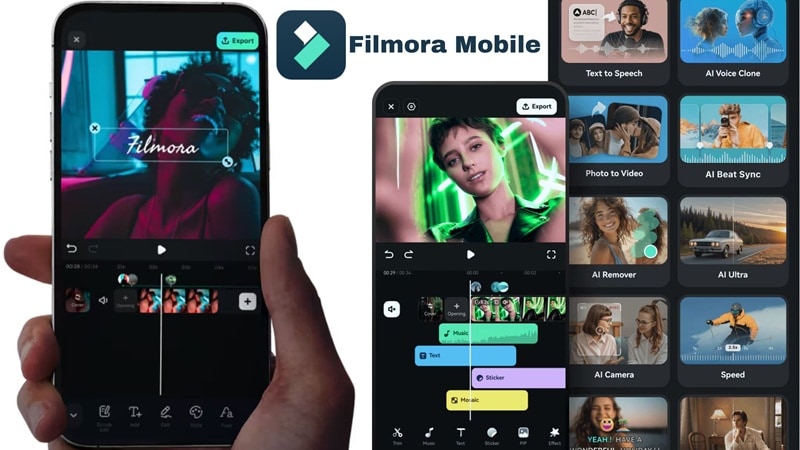
If you are trying to find something like the Video Star Android version but with something that actually feels complete, Filmora Mobile is definitely the first one you should download. It is the mobile version of Wondershare Filmora, and it brings a lot of the same AI-powered editing tools into a phone-friendly setup. The app is easy to get into, but once you start digging, there is a lot more control than you would expect.
- AI Auto Beat Sync helps match your clips to music without manual work.
- AI Music Generator lets you create background tracks that fit your edit.
- Keyframe animation gives you control over motion and effects.
- 600+ video templates help you build edits faster.
- Large royalty-free library with music, footage, and fonts.
- 4K export support for higher quality output.
Android, iOS, + Desktop Version (Windows, macOS).
Free version available. Paid plans are flexible and listed on the Filmora pricing page.
Content creators & all-rounders that want to handle fan edits, music videos, and more detailed projects without feeling limited on a phone.
- Works across desktop and mobile so you can switch devices anytime.
- Easy to share edits directly to social media apps.
- AI tools actually save time when editing music videos.
- Strong control over effects, layers, and timing.
- The free version includes a watermark on exported videos.
- Accessing AI tools requires AI credits.
 Secure Download
2. MVideo
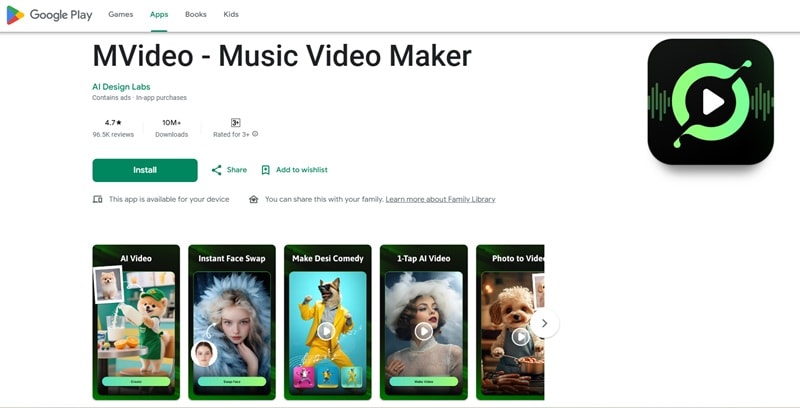
MVideo is another great app to rely on instead of using APK Video Star for Android. It's built specifically for making music videos and photo slideshows fast, and it delivers. With over 26 million downloads and a 4.79-star rating, it's clearly doing something right. The whole flow works in three steps: pick a template, upload your photos or clips, and export. That's it.
- Beat-synced 3D transitions like neon, glitch, and cartoon styles.
- Photo-to-video feature for turning images into music edits.
- Large template library for travel, birthday, and lyrical videos.
Android.
Free version available. In-app purchases range from $3.99 - $29.99 per item.
Quickly create lyrical videos, reel-style clips, or cinematic slideshows without dealing with complex editing tools.
- Beat synced transitions are already built in.
- Fast rendering with direct sharing to social apps.
- Ads show up often and can get annoying.
- Limited control if you want detailed edits.
3. Funimate
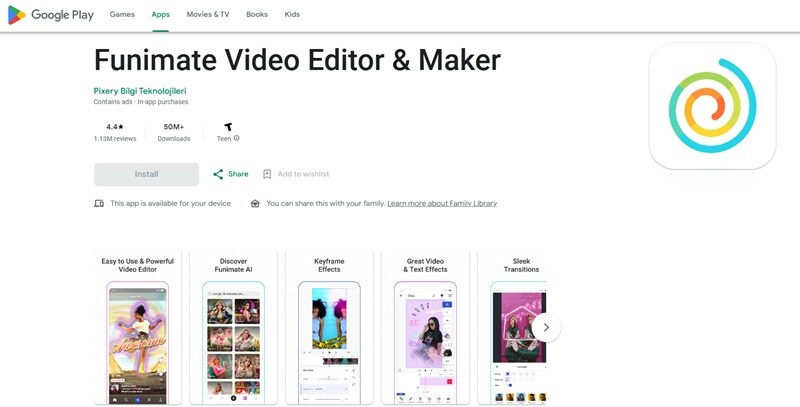
If you ask people who make fan edits all the time, Funimate is usually the first answer you hear when someone wants a Video Star app Android alternative. It is built for the same kind of content. Fast cuts, strong effects, and edits that follow the music closely. You get keyframe animation for timing your effects, and there is also an AI Video Mask tool that can remove backgrounds without needing a green screen.
- Keyframe animation for precise effect control.
- AI Video Mask to remove backgrounds in one tap.
- Large library of overlays, stickers, and animated elements.
Android, iOS.
Free version available. Paid plans start at $2.99.
Make fan edits, AMVs, or detailed effect driven videos with strong timing and custom transitions on Android.
- Feels very close to Video Star when editing.
- Huge collection of effects and transitions to play with.
- Android version can run into bugs at times.
- Useful features are locked behind a paid plan.
4. VivaCut
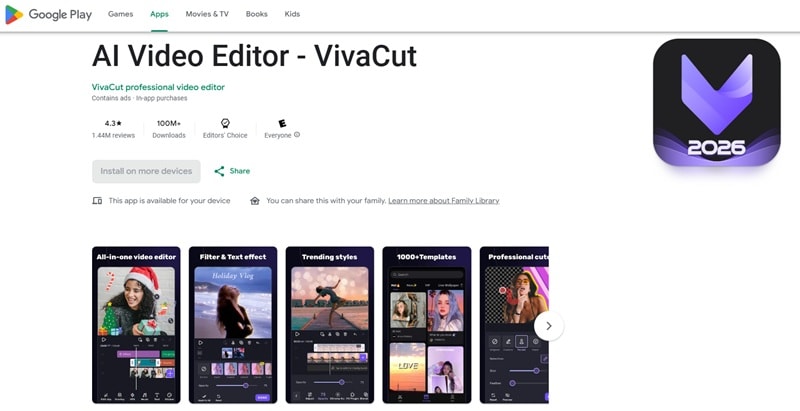
If you were close to trying an Android Video Star APK, VivaCut is a much safer and more powerful option to go with. You can still create quick videos with templates, but the real strength shows up when you start using the multi-layer timeline. You can stack clips, add effects, adjust timing, and actually shape your video the way you want instead of relying only on presets.
- Keyframe animation works across masks, video layers, text, stickers, and more.
- The green screen feature helps remove or replace backgrounds easily.
- Export options include 720p, 1080p, and 4K.
Android, iOS.
Free version available. Paid plans start at $9.99 per month.
Users who want more control over layers, timing, and effects to create cinematic music edits that go beyond simple templates.
- Strong editing tools for cinematic-style music videos.
- Easy sharing to YouTube, Instagram, TikTok, and other platforms.
- The free version comes with a lot of ads.
- Many transitions are locked unless you upgrade.
5. VivaVideo
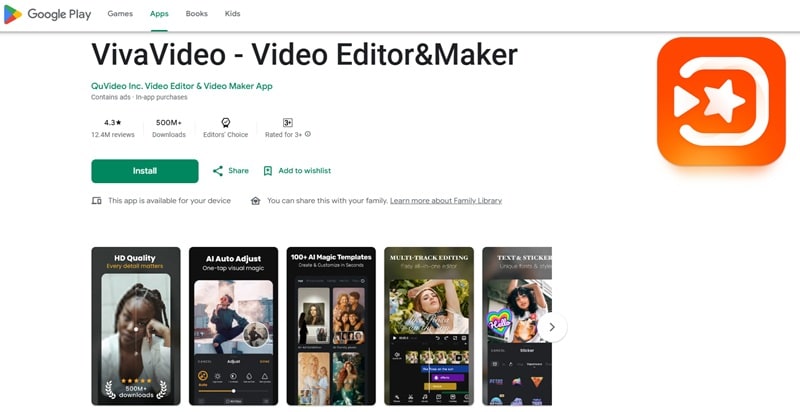
VivaVideo might be the last one on this list, but it is honestly one of the easiest apps to get into. The whole app is built around a vertical layout, so everything feels natural on your phone. Cutting clips, adding effects, and putting together a quick video does not feel overwhelming. It leans more toward templates and ready-made tools, which makes it great if you just want to create something fast without spending hours editing.
- Smart Tracking lets you follow moving objects in your video.
- AI Beat helps match your clips to the rhythm of your music.
- AI Music Generator creates custom tracks based on your idea or lyrics.
Android, iOS.
Free version available. Paid plans start at $6.99 per month.
Quickly create social media videos, birthday clips, or travel montages without dealing with complex editing tools.
- Plenty of AI tools that help speed up editing.
- Easy to navigate even if you are new to video editing.
- Free version adds a watermark to exports.
- Ads can interrupt your editing flow.
Quick Comparison: Which App Wins What?
So, now that we’ve dissected all our recommendations for Video Star Pro Android alternatives, it should feel a lot that you definitely don't need to risk your phone with sketchy APK files. These apps already give you what you need, and in some cases, even more.
To make things easier, here is a simple side-by-side look so you can quickly see which one fits you best.
| App | Difficulty | Effects | AI Features | Desktop Support |
| Filmora | Easy | Advanced and flexible | Extensive strong AI tools included | Yes |
| Funimate | Medium | Strong for fan edits | Decent amount of AI features | No |
| VivaCut | Medium | Advanced cinematic effects | Good and plenty AI features | No |
| MVideo | Easy | Basic template effects | Limited AI tools | No |
| VivaVideo | Easy | Moderate effects | Great and varied AI features | No |
Part 4. Choosing the Right Video Star Alternative for Android
Even after looking through all the options above, it still makes sense if you are not fully sure yet. After all, different people edit in different ways, and the best app like Video Star really depends on how comfortable you are with editing and what kind of videos you want to make.
Some apps are better when you want something quick and simple. Others make more sense if you care about fan edits, layered effects, or a smoother workflow across phone and desktop.
To make it easier, here is a quick guide you can actually use.
| Users | Best App | Why It Makes Sense |
| Beginner Editor | VivaVideo, Filmora | VivaVideo feels simple right away, while Filmora gives you a cleaner path to grow once you want more control. |
| Fan Edit Creator | Funimate, Filmora | Funimate is strong for effects and transitions. Filmora gives better control for timing and cleaner results. |
| Advanced Editor | VivaCut, Filmora | VivaCut has more control with layers. Filmora balances advanced tools with a smoother workflow. |
| Desktop Hybrid | Filmora | The only editor on this list that supports desktop platforms other than mobile version. |
| Music Video | MVideo, Filmora | MVideo is fast for simple edits. Filmora gives more freedom for detailed music videos. |
Secure DownloadConclusion
Sadly, there is still no official Video Star app for Android, and trying to install a random Video Star APK from unknown sites is simply not worth the risk. The better move is to use a safe app like Video Star that is actually built for Android. Options like Filmora, Funimate, VivaCut, MVideo, and VivaVideo all get the job done in their own way and are reliable enough for everyday editing.
If you want one solid pick that covers almost everything, Filmora stands out. It gives you strong editing control, useful AI tools like beat sync, and the flexibility to work on both mobile and desktop. It feels easy when you start, but it also has enough depth when you want to do more. On top of that, Filmora is the kind of tool you can stick with as your editing skills grow.
FAQs
-
Are there any apps that use the same keyframe animation system as Video Star on Android?
Funimate is probably the closest to Video Star's style of keyframe-based effect control, making it the top recommendation for fans of that workflow. Wondershare Filmora also includes keyframe tools, especially useful if you also edit on desktop. -
Can I use an emulator to run Video Star on my PC?
Technically, iOS emulators for PC exist, but they are not officially supported by Apple and are generally unreliable, buggy, and legally gray. A better option is to use a dedicated desktop video editor like Filmora, which offers similar (and often more powerful) features without any of the hassle. -
Why do so many websites claim to have a Video Star APK?
Because it gets clicks. Websites that host fake APK downloads profit from ad revenue and sometimes distribute malware or collect personal data. When you search for "Video Star APK download Android," the results are almost always created to exploit the demand. The safest approach is to stick to the Google Play Store for all your app downloads.
