


 TL;DR:
Video Star by Frontier Design Group is a highly specialized, effects-driven mobile editor optimized for short fan edits and lip-sync clips, but complex projects require transitioning to alternative software due to strict hardware and format constraints.
● The application is restricted exclusively to iOS devices, consumes 721.5 MB of local storage, and locks advanced tools like multi-layer editing behind Pro subscriptions costing up to $34.99/year under the 2026 pricing structure.
● Wondershare Filmora operates as the direct alternative for Windows, Mac, and Android environments, designed specifically for users who need to edit 10-minute or longer YouTube videos with multiple audio tracks.
● Filmora bypasses Video Star's manual keyframe timing and steep learning curve by integrating automated AI Auto Beat Sync, an AI music generator, and a built-in royalty-free media library.
Ask AI for a summary
 ChatGPT
 Perplexity
 Gemini
 Claude
 Grok
Grok
Music edits, fan edits, and short music videos are booming on platforms like TikTok and Instagram. That is exactly why apps like Video Star have gained such a loyal following. In fact, the Video Star app has been a go-to tool for iPhone creators who want dramatic effects and beat-sync edits right from their phone.
But is the video star edit app still worth using today? That's the question we're trying to answer! If you scroll down, we will break down the features, pricing, pros and cons, and even look at a solid alternative if you want something similar to Video Star for PC.
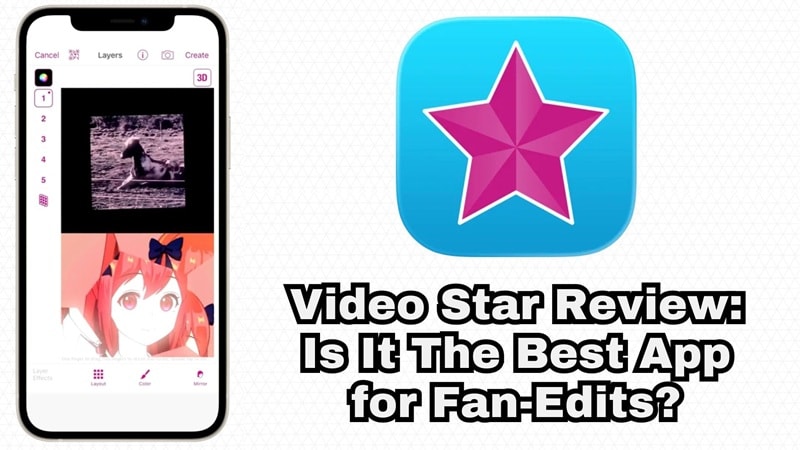
Part 1. Meet Video Star: The Editing App Behind Thousands of Fan Edits
Before we discuss all the features and pricing, let's take a second to talk about why the Video Star edit app even has the reputation it does. It comes from Frontier Design Group, and the app itself has been around for more than a decade.
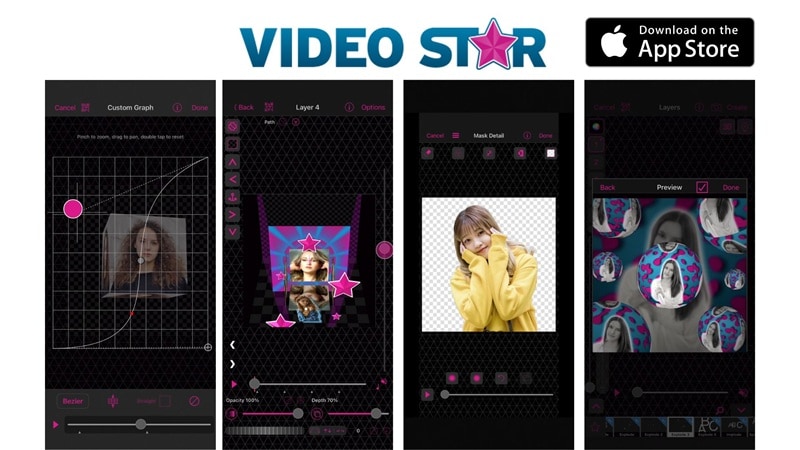
Instead of focusing on traditional video editing like timelines and storytelling, Video Star focuses heavily on visual effects and beat-based editing.
That’s why it became the go-to for:
- Fan edits (anime, movies, K-pop).
- Lip-sync videos.
- Aesthetic TikTok edits.
Creators love Video Star iOS because it gives them precise control over how visuals match the beat.
Quick Overview
| Category | Details |
| App Name | Video Star |
| Developer | Frontier Design Group |
| Platform | iOS (iPhone & iPad only) |
| App Type | Music video editor |
| Pricing | Free with in-app purchases (Pro subscription available) |
| Main Use | Fan edits, social media content, lip-sync videos, beat-synced music videos |
Part 2. Pricing and Availability: Breaking Down What Video Star Actually Costs
If you’re diving into the world of high-end mobile editing, you’re probably wondering if you need to break the bank. So, is Video Star free? Well, yes and no. Let’s get into it!
Pricing
As stated on the App Store Video Star, the app follows a freemium model. That means you can download and use the app for free, but some advanced tools are locked behind premium effect packs.
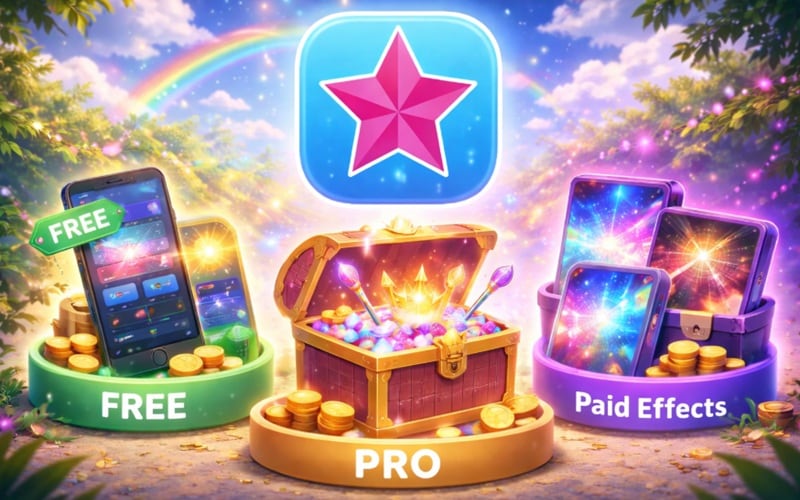
The typical structure includes:
- Free Version: Basic editing tools, limited effects, and core music video editing features.
- Pro Version: Unlimited access to all the power packs in Video Star.
- Paid Effects Packs: Individual visual effects, advanced filters, and transitions.
To better understand the standard version, Video Star Pro, and effect packs, see the 2026 pricing plan below:
| Plan | Price | What You Get | Best For |
| Free | $0 | Core editing tools, basic effects, music video timeline, some free 3D objects & color effects | Beginners exploring the app |
| Month Pro | $5.99 / month | All current + future Power Packs unlocked, all advanced effects & tools | Casual editors who want full access |
| 3-Month Pro | $17.99 / month | Same as Monthly Pro but billed quarterly | Regular editors on a budget |
| Year Pro | $34.99 / year | Full Pro access for a full year | Dedicated creators & power users |
| Individual Packs | $0.99–$9.99 | Buy specific effect packs like Motion Madness, Cinema Pro, Multi-Layer add-ons | Users who want only specific tools |
Access and Platform Limitations
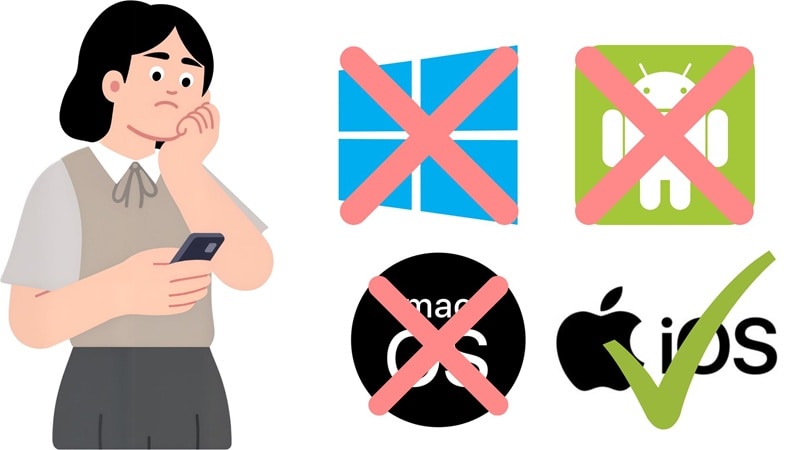
Here's something super important to know before you get too deep: Video Star download app is iOS only. There is no official Video Star for PC, no Android version, and no desktop editor. So, if you search for Video Star download PC or Video Star Pro PC, you will not find an official version.
Part 3. What Can You Actually Do With It? A Look at Video Star's Standout Features
Now, this is where Video Star genuinely earns its reputation. Like we said earlier, Video Star for iOS features are not just a filter app or a basic trimmer.
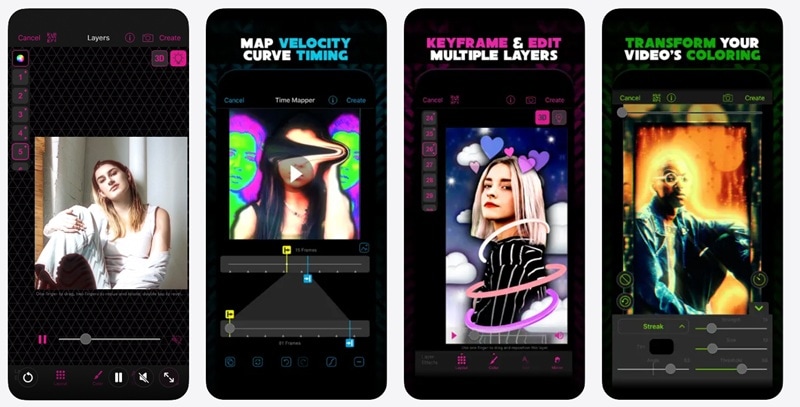
So, without further ado, let's break down what makes the Video Star edit experience stand out:
| Feature | What It Does | Why It Matters |
| Keyframe Animation | Control exactly when and how an effect moves frame-by-frame | Gives you smooth, cinematic motion you see in fan edits |
| Multi-Layer Editing | Stack clips, overlays, text, and even effects on top of each other | Lets you create complex edits instead of simple one-layer videos |
| Massive Effects Library | Access tons of visual styles like glitch, warp, blur, color shifts, and transitions | You never run out of creative ideas when using the app |
| Re-timing Tools | Adjust speed, freeze frames, or stretch clips to match exact beats in a song | Essential for music edits where timing makes or breaks the video |
| Color Effects & Presets | Apply effects like Y2K, muted tones, or aesthetic filters in one tap | Quickly sets the mood without spending time on manual color grading |
Part 4. Pros and Cons of Video Star
From all the features above, it’s easy to see why so many people want to get Video Star Pro on iOS. But like any editing app, Video Star also comes with strengths and limitations.
- Huge Effects Library: With thousands of color grades, motion effects, 3D objects, and transitions, you'll probably never run out of things to experiment with.
- Ideal for Music-Driven Edits: Video Star was literally built for this. Beat-syncing, re-timing, and audio-reactive editing are baked right into the DNA of the app.
- Huge, Supportive Community: If you're stuck, someone's already made a YouTube video about it. That includes daily challenges on Instagram and TikTok, tons of tutorials, and a passionate editor community.
- iOS Exclusive: This is probably the app's biggest weakness. If you don't have an iPhone or iPad, you're out of luck. No Android, no PC, no web version.
- Storage Hog: At 721.5 MB, it takes up a serious chunk of your phone storage. Factor that in before you download.
- Subscription Fatigue: Individual effect packs can add up fast. Some users feel nickel-and-dimed, especially when the effects you want keep appearing behind a paywall.
Part 5. No Video Star on PC? Try Wondershare Filmora Instead
If you're an iPhone user who loves fan edits and wants the most powerful mobile tool available, Video Star is genuinely hard to beat. However, editing music videos often becomes easier on a larger screen. After all, when you work with multiple clips, audio tracks, and effects, editing on a phone can feel limiting.
Since an official Video Star download app for PC doesn't exist, you need a workaround. And if you want a top app like Video Star for PC that actually feels like an upgrade, Wondershare Filmora is the heavyweight champion you’re looking for.
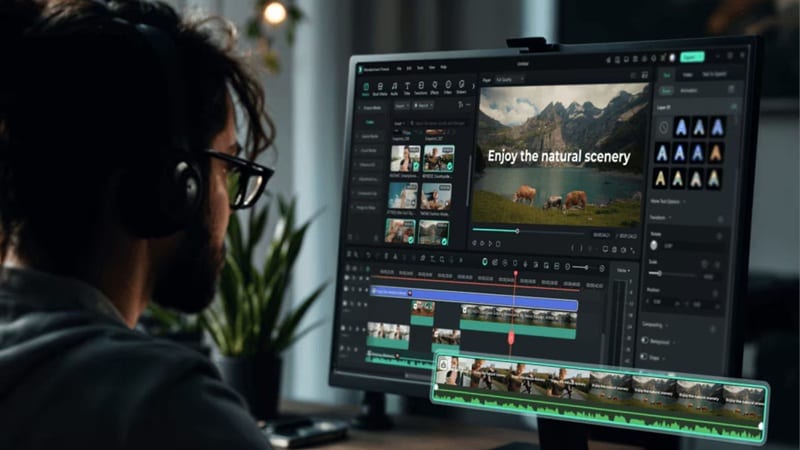
Why Filmora Feels Like an Upgrade
Filmora is an all-in-one video editor available for desktop and mobile. It offers many of the same capabilities as Video Star, but expands them with professional editing tools designed for larger projects. Below, let’s explore what their main capabilities are!
Tons of Royalty Free Media
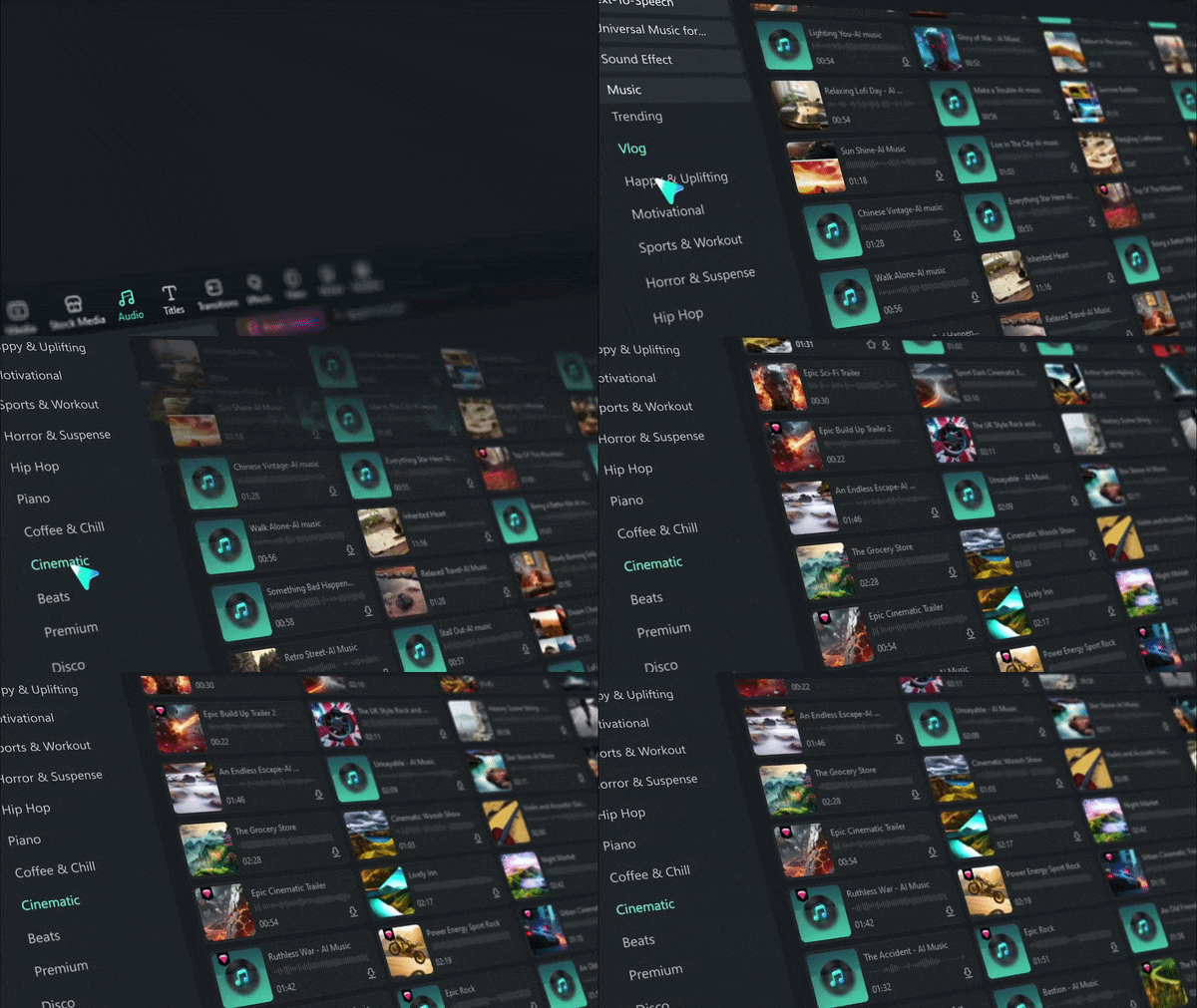
Filmora includes a huge built-in library of music, sound effects, and visual assets. No more hunting YouTube for free background music or worrying about copyright strikes since everything you need is right there in the app!
Custom Music When Needed
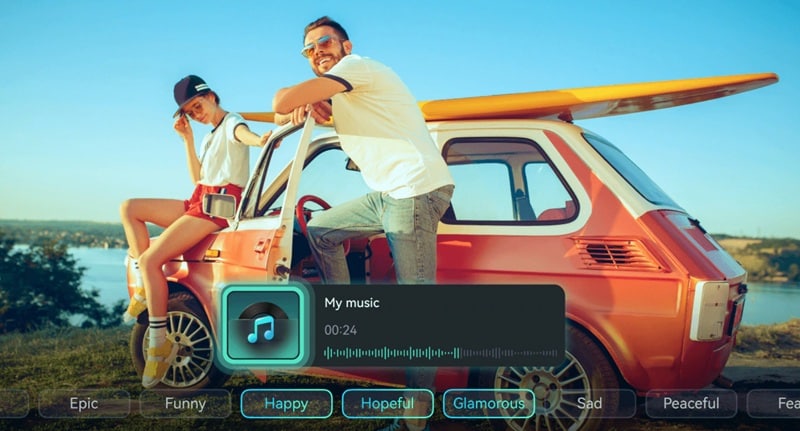
Other than a rich royalty-free music collection, you can also create a custom track that perfectly fits the vibe of your video. Filmora's AI music generator can create background music to match your mood, length, and genre. With this feature, you can even make great soundtracks with no music production skills needed.
Edits That Hit Every Beat
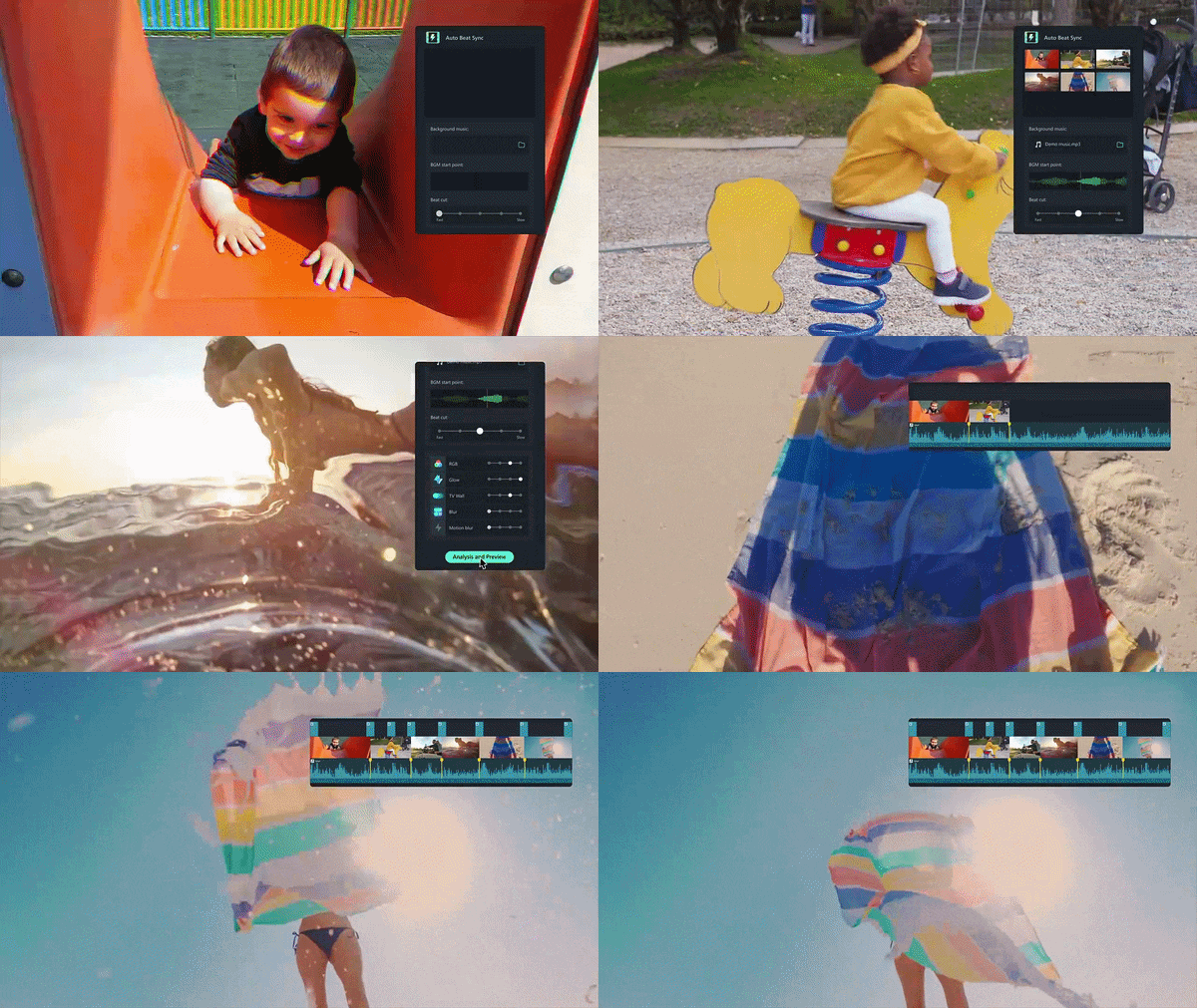
This is a HUGE one. What would take you hours of manual keyframe timing in Video Star can be done automatically in Filmora. With AI Auto Beat Sync, you can automatically align your cuts to the rhythm of any track, and the results are tight and professional.
Advanced Audio Tools for Full Control
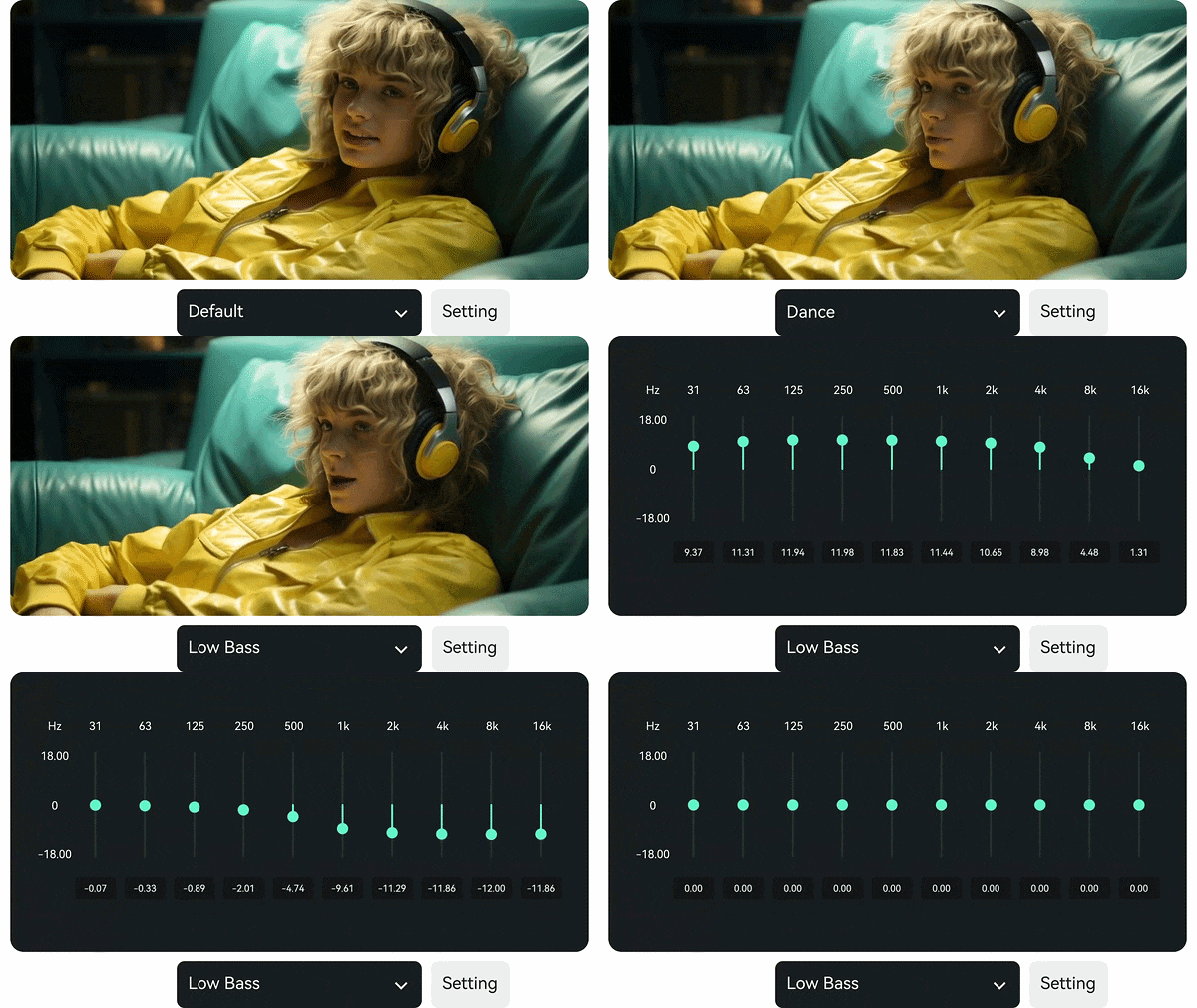
Filmora gives you granular control over your audio: EQ settings, audio ducking, noise removal, beat detection, and multi-track audio mixing. For fan edits where the music is everything, this level of audio control is a genuine game-changer.
Multi-Platform Freedom
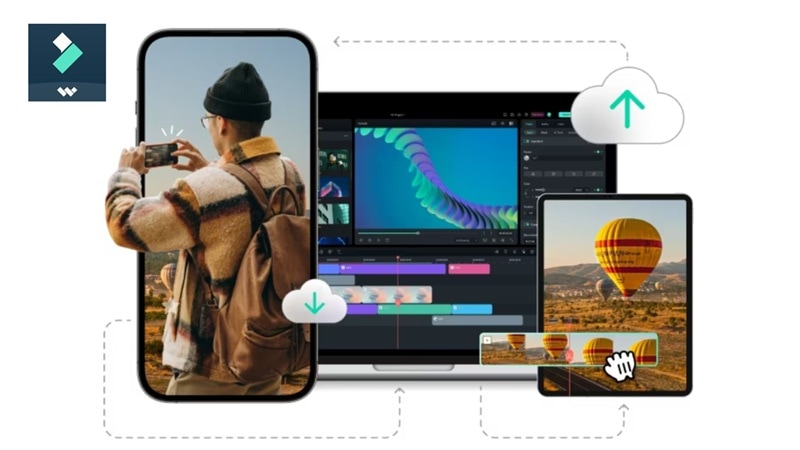
Unlike the Apple-locked Video Star iOS, you're not chained to one device. We're talking Windows, Mac, iOS, Android, and Filmora runs on all of it. Which means you can start an edit on your phone and finish it on your laptop. That kind of flexibility is priceless.
 Secure Download
Head-to-Head: Video Star vs. Wondershare Filmora
At the end of the day, both Video Star and Filmora are built for creators who care about their edits, but they serve different needs. To see their differences better and decide which one fits your workflow and edit goals more, let’s see how they stack up side by side:
| Feature | Video Star | Filmora |
| Platform | iOS only (iPhone & iPad) | Windows, Mac, iOS, Android |
| Learning Curve | High (Unique UI) | Low (Intuitive & Modern) |
| Editing Style | Effects-based | Full editor |
| AI Tools | Limited | Extensive (AI music gen, auto sync, AI effects) |
| Beat Sync | Manual keyframe timing | AI Auto Beat Sync (automatic) |
| Multi-Layer Editing | Yes (Power Pack required) | Yes (built-in) |
| Royalty-Free Music | No | Yes (built-in library) |
| Best For | Fan edits, lip-sync, mobile | All video types including music videos, vlogs, professional projects |
Secure DownloadConclusion
The Video Star app is still one of the most powerful tools for music-based editing on iPhone. If you enjoy building fan edits, syncing clips to beats, and experimenting with effects, it delivers a level of control that few mobile apps can match. That said, it’s not for everyone. The learning curve is real, and the iOS-only limitation is a dealbreaker for many.
In that case, if you want a bigger canvas, PC editing power, AI tools that speed up your workflow, and multi-platform flexibility, Wondershare Filmora is the natural next step. It fills every gap that Video Star leaves open. With a rich media library and extensive AI features, it takes your edits to the next level with more professional tools and an easier workflow.
FAQs About Video Star
-
Is Video Star good for beginners, or do you need editing experience?
It’s a bit of both! While you can start making simple videos immediately, the "Pro" features like keyframing and multi-layering have a steep learning curve. -
How often does Video Star release new effects and updates?
The developers are very active. In 2026, we see Video Star iPhone updates nearly every month, often introducing new 3D objects, updated motion blur algorithms, or trending color presets. -
Does Video Star work for long YouTube videos?
Not really. Video Star is optimized for short-form content: fan edits, TikTok clips, Instagram Reels, short music videos. If you're trying to edit a 10-minute YouTube video with complex storytelling and multiple audio tracks, you'll hit the limits of a mobile editing app pretty quickly. For longer-form projects, something like Wondershare Filmora on desktop is a much better fit.
