

 TL;DR:
Vidful AI is a browser-based, third-party video generator that packages models like Sora 2, Veo 3, and Kling AI into simple templates for creators looking to quickly generate viral social media formats like the AI Hug trend.
● Vidful AI is distinct from Vidu AI (an underlying model by ShengShu Technology) and is optimized for quick, template-driven social clips, whereas users needing precise cinematic control or iterative scene shaping should opt for official platforms like Luma Dream Machine or Runway Gen-4.
● Free access is limited to approximately 8 credits (with generations costing 2 to 10 credits each) and produces watermarked, non-commercial 720p exports, meaning users must upgrade to a paid tier ($9.9 to $99.9/month) to unlock 1080p resolution and commercial usage rights.
● For users who need post-generation adjustments, Wondershare Filmora is recommended as an all-in-one alternative that generates AI clips using OpenAI Sora 2 and Google Veo 3.1 while providing built-in editing tools like Auto Reframe and AI Extend to fix awkward crops or short outputs.
Ask AI for a summary
 ChatGPT
 Perplexity
 Gemini
 Claude
 Grok
Grok
Scrolling through Reels and TikTok, you have probably seen the viral AI hug trend. However, many AI video generators often produce weird hands or stiff motion. Vidful AI claims to solve these issues. In this Vidful AI review, we'll explore how this tool works for AI image-to-video creation and if it's worth your time.
Vidful AI is a browser-based AI video generator powered by multiple top-tier AI models for creating short animated clips from text or images. While it's pretty famous for generating AI hug videos, its capabilities are not limited to that.
In this Vidful AI review, we break down how the Vidful AI video generator works. We will also cover the performance pros and cons, and compare it with its alternatives.
Part 1. What Is Vidful AI?
Vidful AI is a third-party AI video generation platform that runs in the browser. Its main appeal is speed; you upload an image (or type a prompt), and it generates a short animated clip in minutes. Vidful AI video generator also leans hard into social-first templates, so creators can jump straight into trends rather than build prompts from scratch.
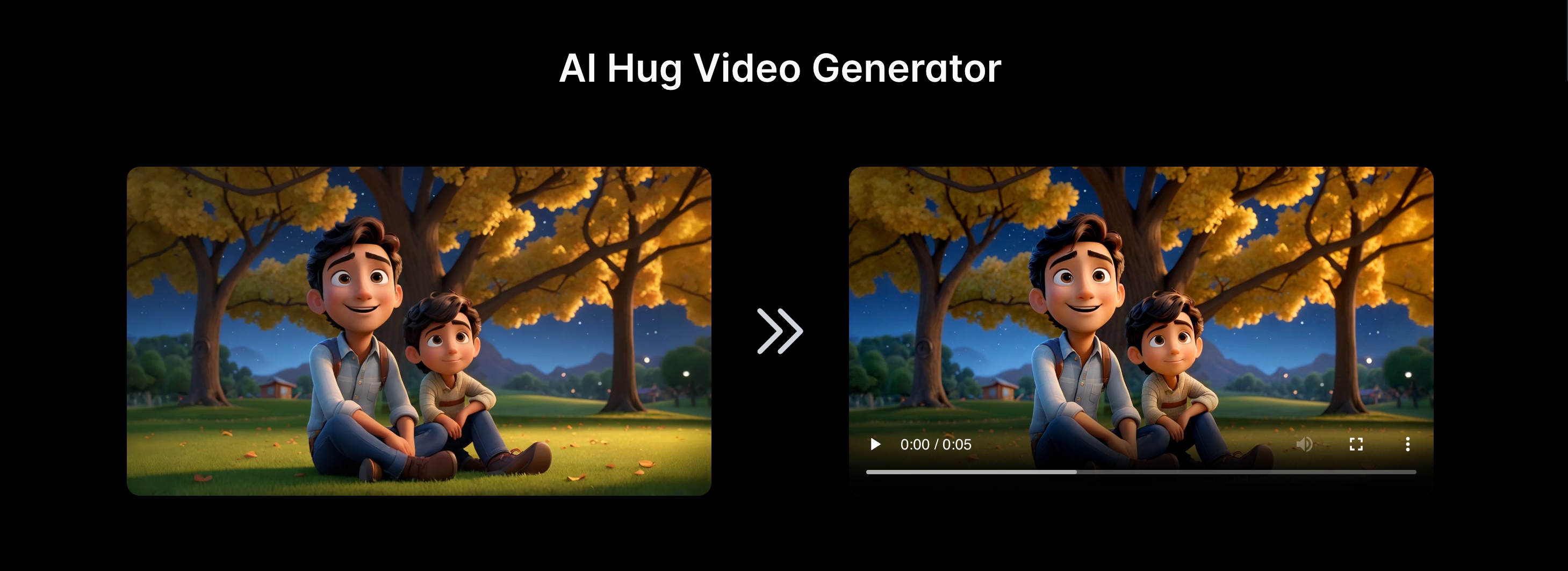
The AI models it integrates include Kling AI, Sora 2, Veo 3, Runway, and several others, giving you more flexibility in how you want your videos to be generated. In practice, Vidful is most commonly used for:
- Image-to-video, which turns a single photo into a short moving clip
- Quick short-form output content that fits TikTok, Shorts, and Reels
- Viral formats, especially AI Hug videos, because Vidful publishes dedicated "AI Hug" pages and guides around this trend
Vidful AI vs Vidu AI
Vidful AI video generator is often mentioned in the same conversation as Vidu AI video, either because the names sound similar or the results can look alike. However, they are actually different. Vidful acts like a creator-friendly layer for trend-style generation, while Vidu is the underlying model and official ecosystem behind the Vidu name.
Relationship Between Vidful AI and Vidu AI
Vidu animate photo AI refers to the video generation model and its official platform under the Vidu brand. It was developed by ShengShu Technology, with research roots linked to Tsinghua University, and it is positioned on strengths such as strong visual consistency and more natural motion—the two things that matter a lot for image-to-video results.
Vidful AI sits on the user-facing side. It is a third-party web platform that packages AI video generation into quick workflows and trend-ready pages. Vidful's own site frames its product as being powered by multiple AI models.
Part 2. Core Features: Vidful AI Image to Video & AI Hug Templates
Vidful AI is built around fast creation for short-form content. The platform highlights two main inputs, text and images, then packages popular "effects" (like AI Hug) so you can generate trend-style clips with minimal setup. It also positions itself as being powered by multiple video models, including Kling AI and Luma Dream Machine.
Vidful AI Image to Video
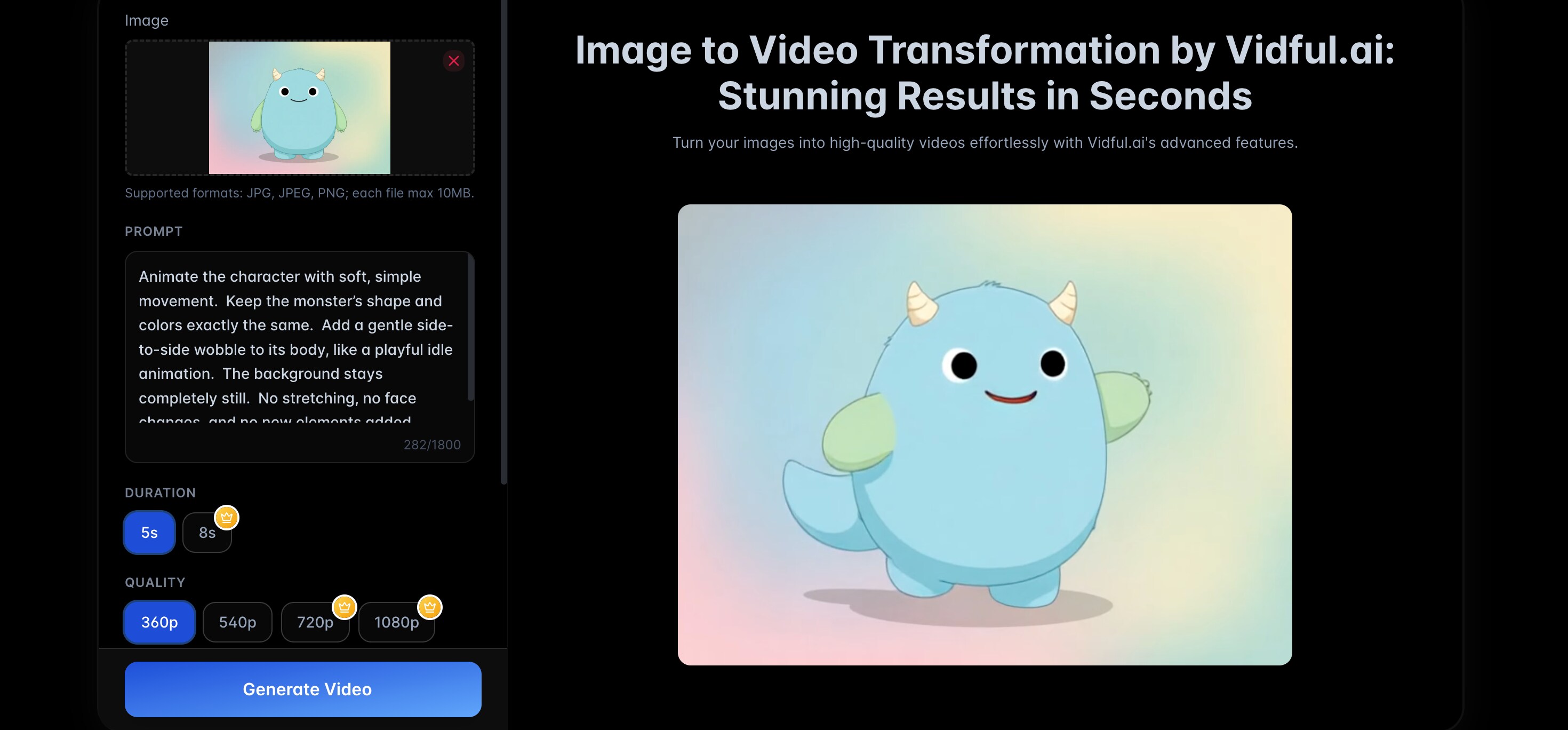
This is Vidful's main workflow. You upload a single image, add a short prompt (optional but helpful), and generate a short dynamic clip from that still photo. Vidful promotes this as a quick way to animate portraits, characters, products, or scenes for social posts.
What it's best at:
- ✅ Single-image animation for short clips (Reels, TikTok, or Shorts)
- ✅ Character and scene stability, because the reference image anchors the look across frames (results still vary by image quality and prompt)
- ✅ More natural motion cues when you add a simple "motion prompt," like "gentle camera push-in," "smile," or "turn head slightly"
💡Tip for better results: start with a clear, high-resolution photo, clean lighting, and an uncluttered background. The model has fewer details to "guess," so motion usually looks smoother.
Text-to-Video
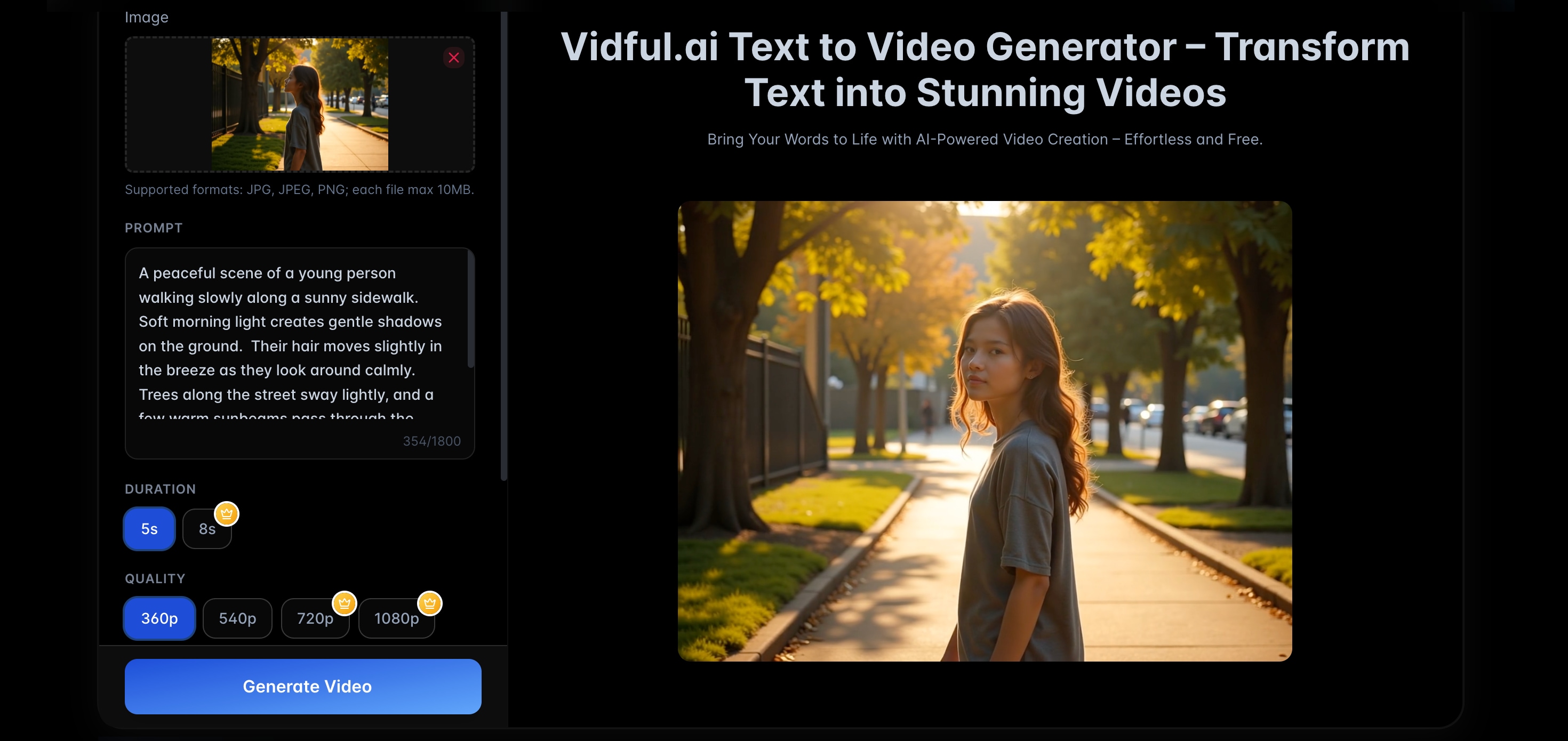
Vidful also offers a text-to-video mode that turns a written prompt into a generated clip. The site positions it as a straightforward "type text, get video" workflow, with guidance to keep inputs clear and concise.
In real use, text-to-video tends to be strongest for:
- Concept visualization (quick scene ideas, mood, basic actions)
- Simple social hooks (short scenes that support a caption or voiceover)
It is usually less reliable for long, multi-scene storytelling. If you need story structure, generate short segments and stitch them together later in editing.
The AI Hug Trend & Viral Templates
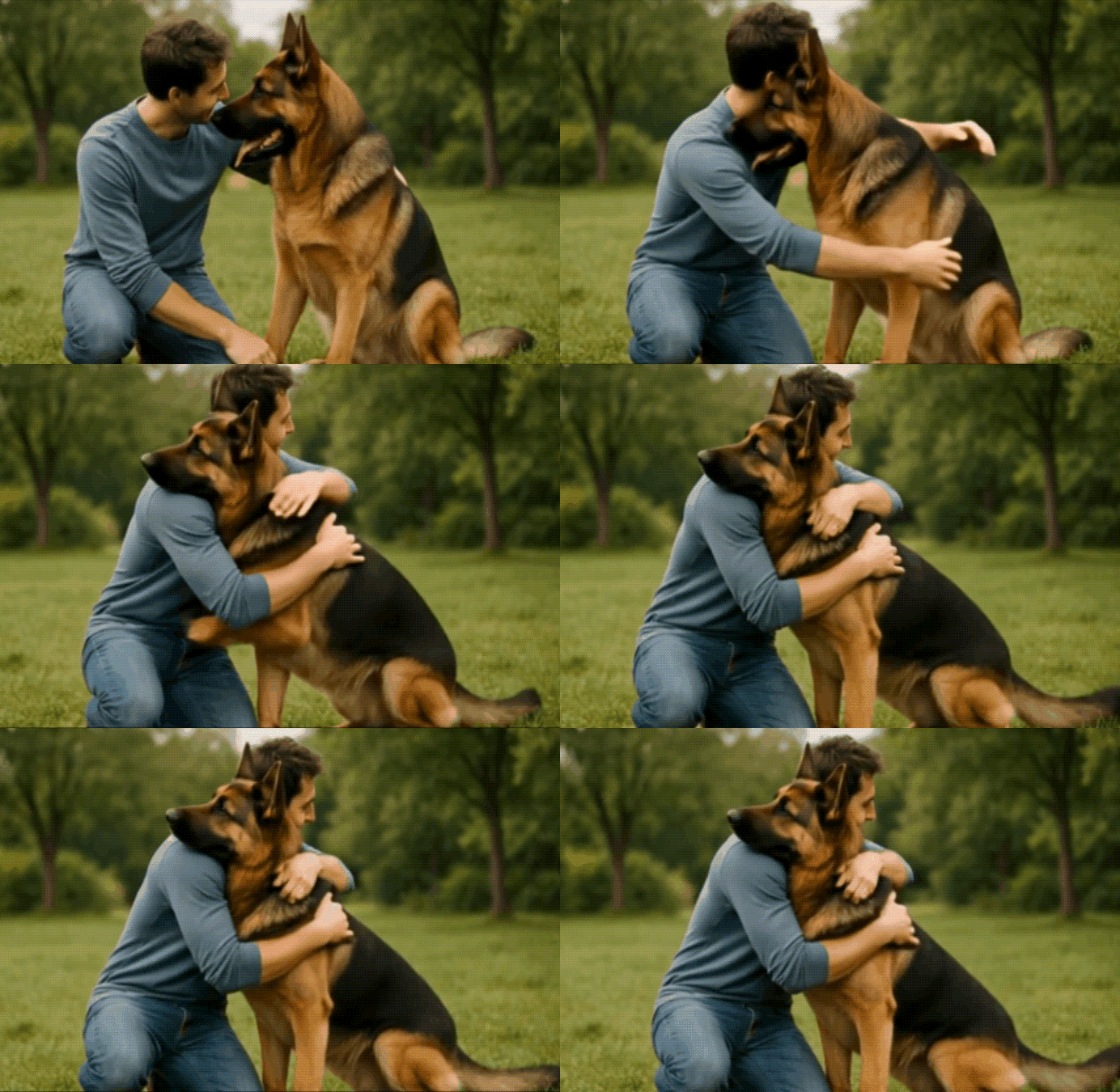
Vidful leans heavily into viral formats, and AI Hug is the headline example. It provides dedicated AI Hug pages that describe the tool as beginner-friendly and fast without technical skills. The flow is designed for shareable, emotional clips.
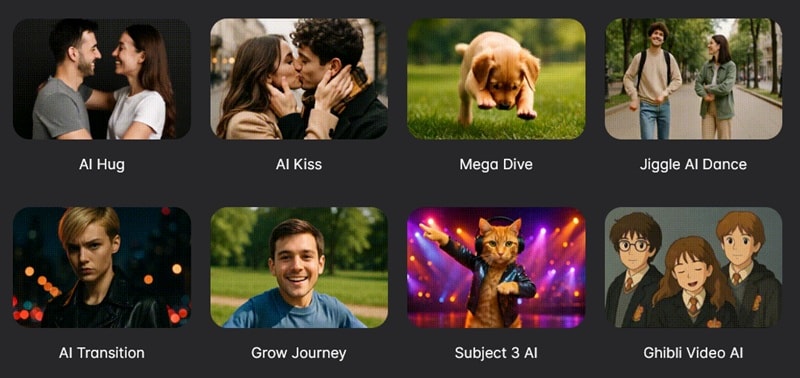
Other than the AI Hug template, you'll also find pre-made AI effects, like:
- Ghibli AI
- Jellycat AI
- AI Kiss
- AI Muscle Generator
- AI Angle Wings
- AI Venom Transformation, and more
Next, the step-by-step section can show the exact clicks and settings to generate your first Vidful AI image-to-video clip for free, then export it cleanly for editing.
Part 3. How to Use Vidful AI for Free (Step-by-Step)
Vidful AI promotes a free, browser-based workflow for generating short clips. For some tools, you can start without a login, then download the result.
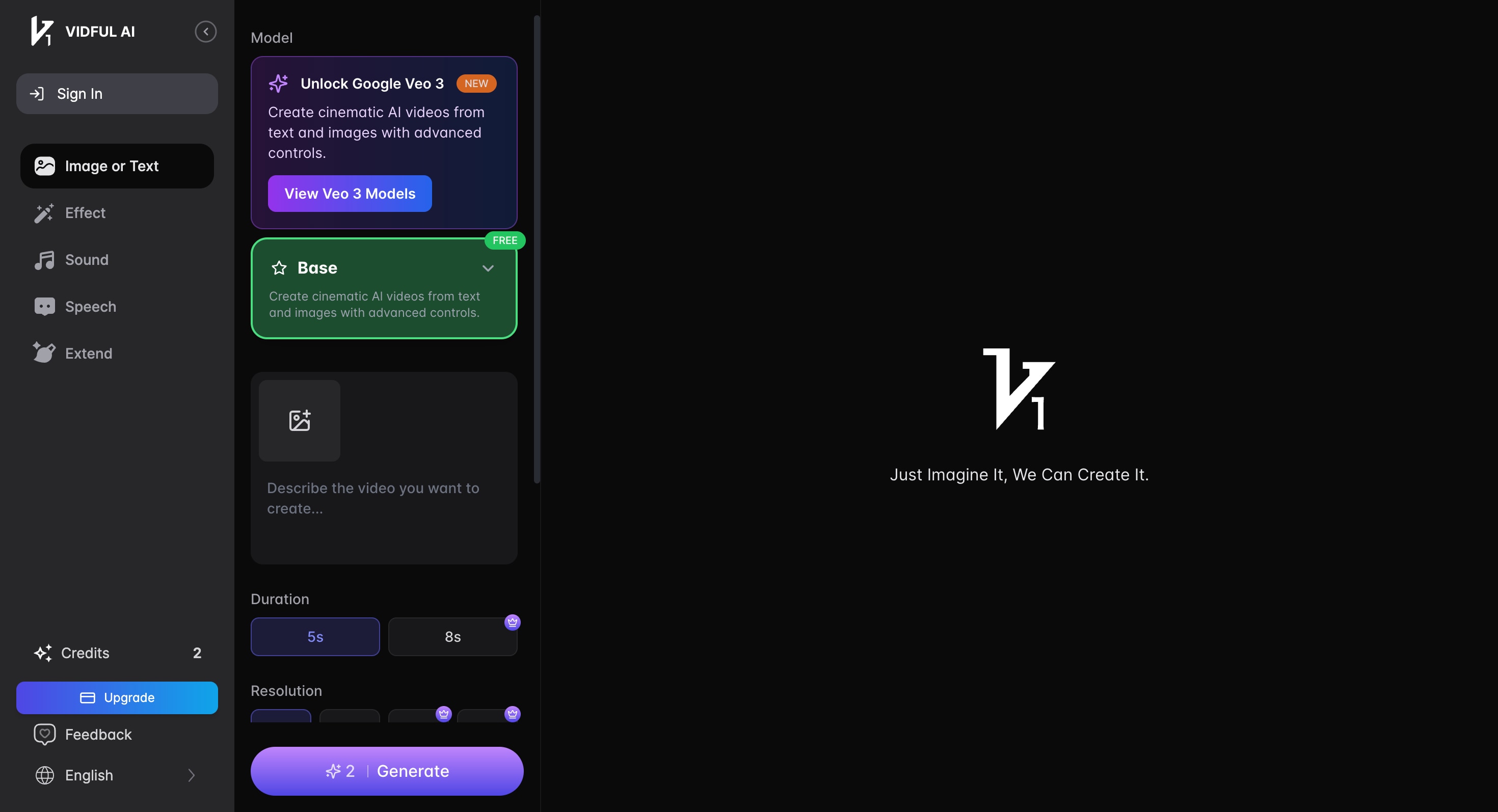
Open Vidful.ai and click Generate Videos for Free to reach the main creation page. From there, pick the workflow you want:
- Image to Video if you want to generate a clip from your own image
- Effects if you want to start quickly with ready-made templates
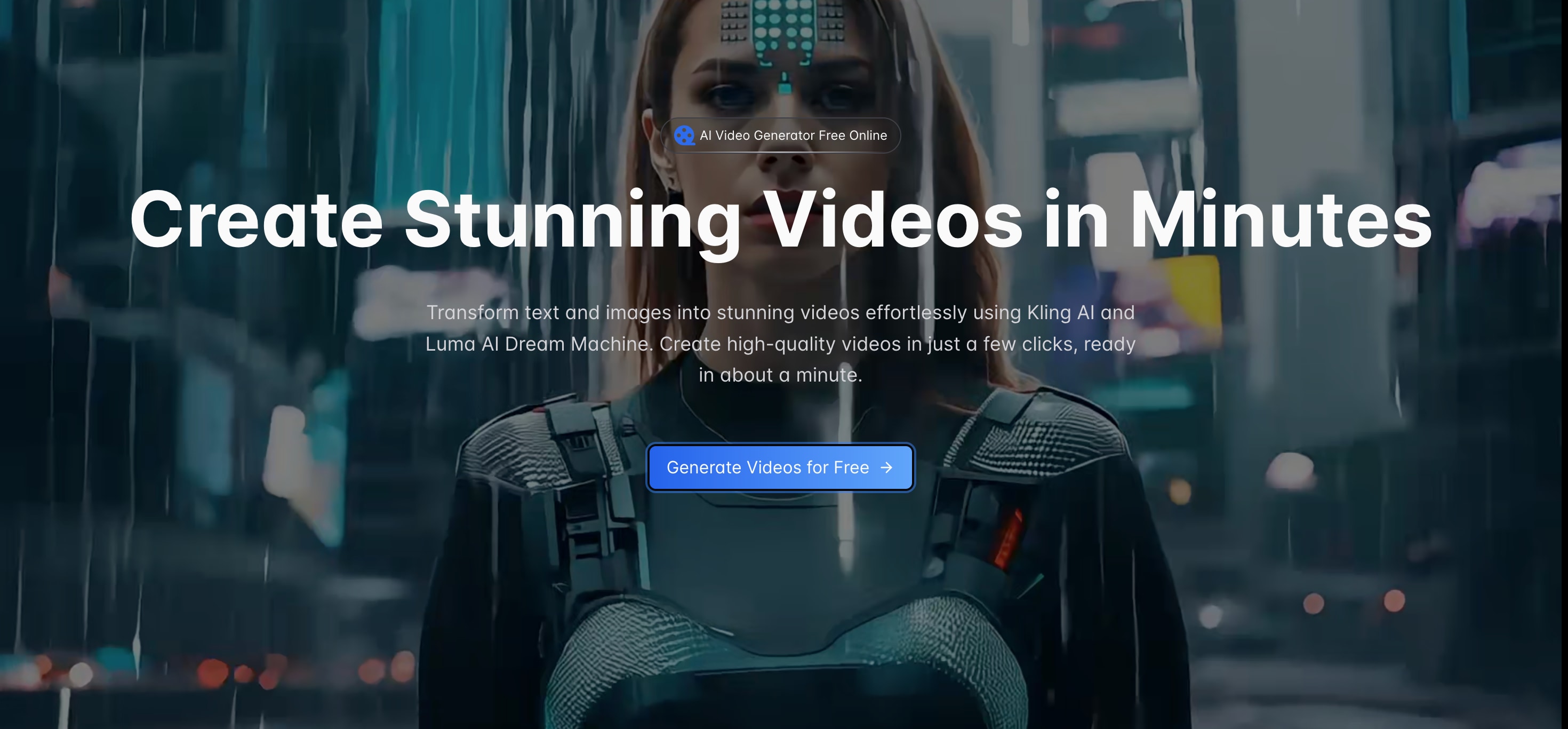
Upload one clear photo, then adjust the on-page options (style, camera, or similar controls).
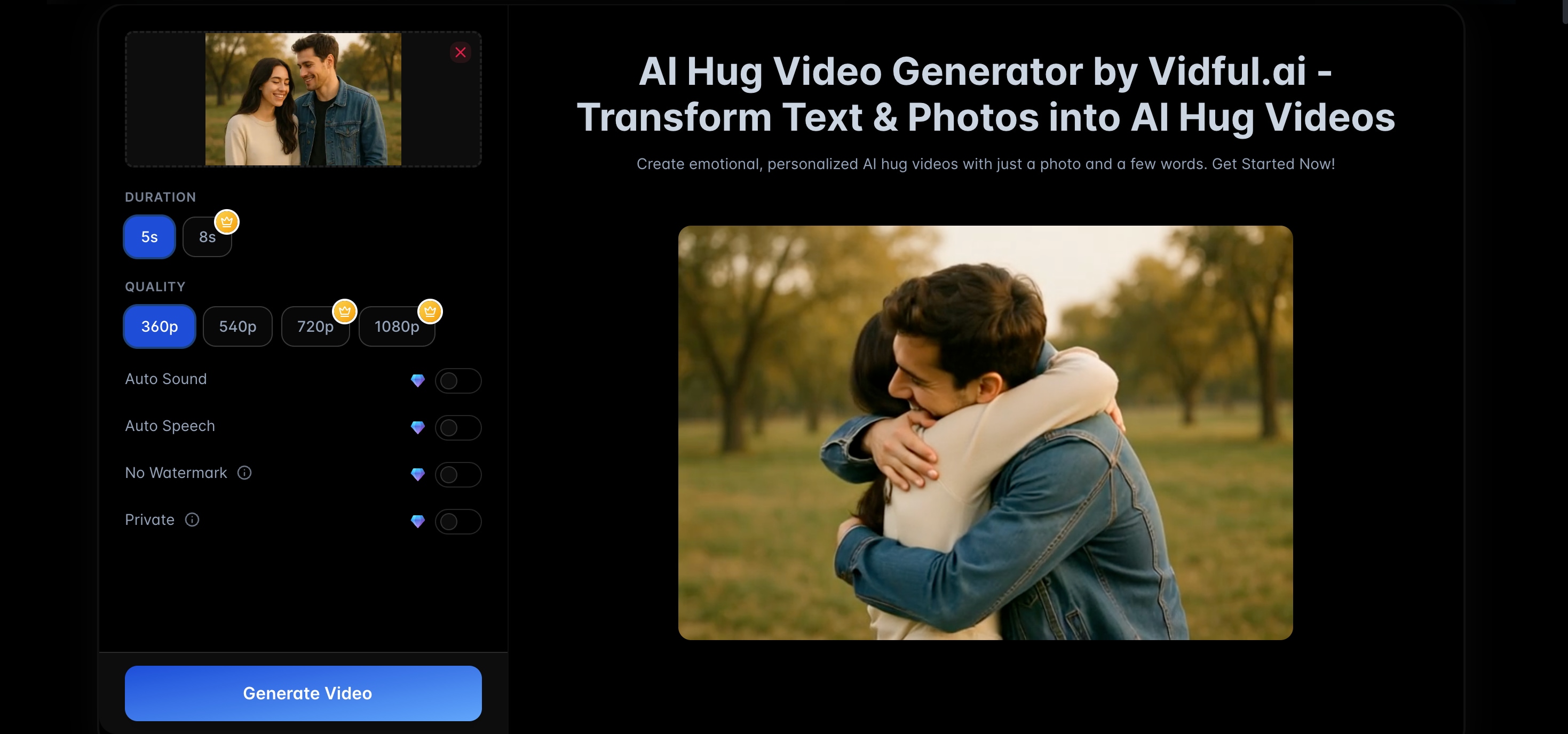
Open the AI Hug generator page, upload your photo or type a short description, then generate the hug clip.
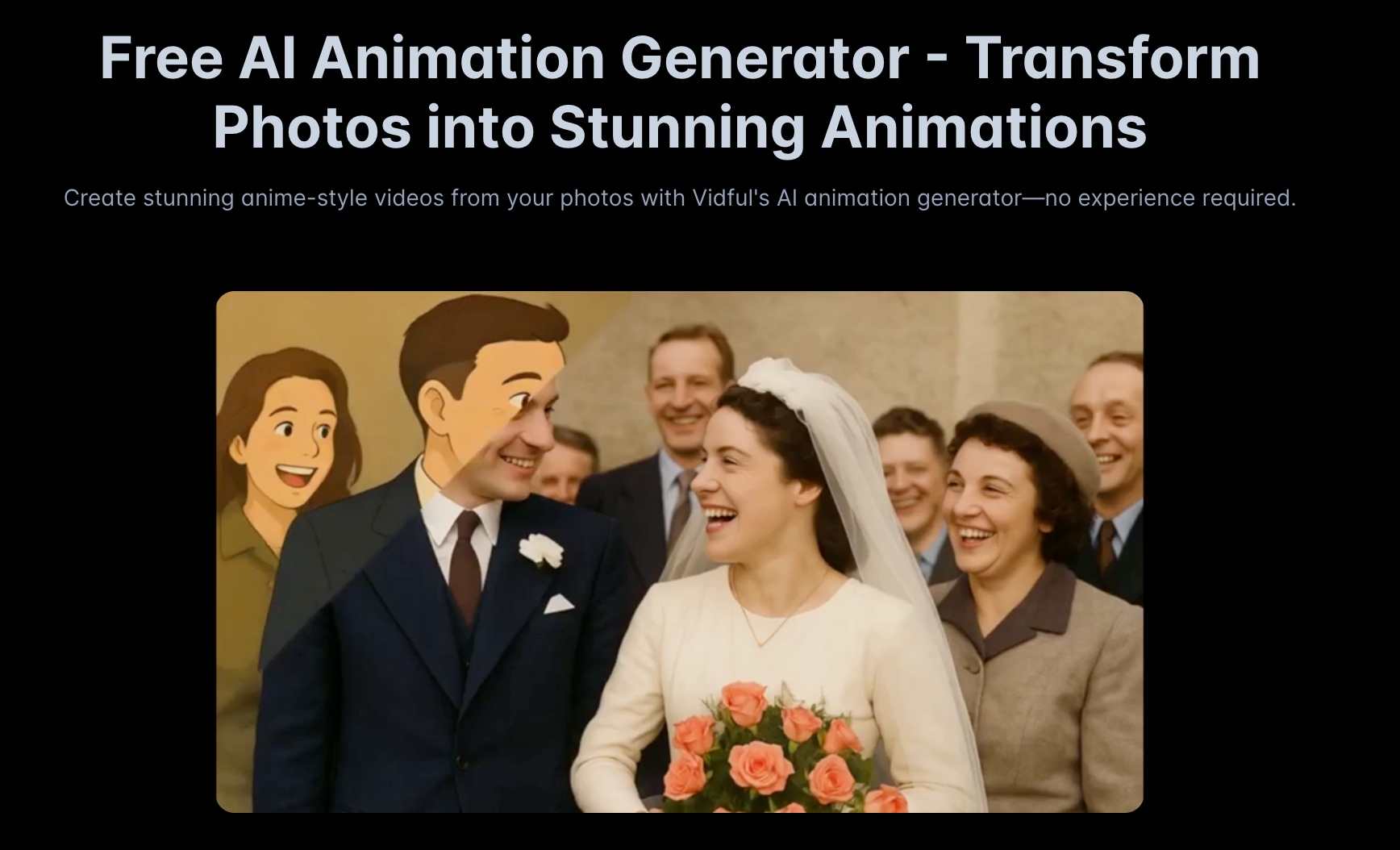
If faces drift, hands look odd, or motion feels too intense, regenerate with a smaller motion idea and a cleaner input. A simple prompt usually works better than a long one. And a sharp, well-lit photo tends to hold character details more consistently.
⚠️ Free usage limits to know before you export
If you're new, you'll get around 8 free AI credits to test things out, and each video generation usually costs 2–10 credits. However, note that videos created under the free plan come with a watermark.
Paid plans remove the watermark and unlock extra benefits such as:
- Auto sound and speech
- Private generation
- Commercial use rights
- Higher resolution output, and
- Additional features depending on the subscription tier
As of 2026, the details of Vidful's pricing plans are outlined below.
| Features | Basic | Pro | Ultra |
|
Cost |
$9.9/mo |
$49.9/mo |
$99.9/mo |
|
Monthly Credits |
100 credits |
1000 credits |
3,000 credits |
|
Google Veo 3 Support |
|||
|
Video Resolution |
720p |
1080p |
1080p |
|
AI Video Effects |
60+ |
60+ |
60+ |
|
Show More
Show Less
|
|||
Part 4. Vidful AI Performance Review (Pros & Cons)
Vidful AI is optimized for fast outputs. It focuses on short clips, simple controls, and trend templates, so you can generate something shareable without a complex setup.
- Fast generation for short clips. Most videos are ready in about a minute, and its Image to Video page also highlights "improved generation speed."
- Beginner-friendly controls. In Image to Video mode, Vidful promotes controls like style, lighting, and camera angles. These are useful for nudging the look without rewriting prompts over and over.
- Social-friendly formats. Several Vidful AI models for both image-to-video and text-to-video support 16:9 and 9:16, which fits the typical workflow for TikTok, Instagram Reels, and YouTube Shorts.
- Clear upgrade path for output quality. You can export up to 720p on the Basic plan and 1080p on the Pro and Ultra plans, plus add-ons like video upscaling.
- Lower quality in some AI effects. Compared to using more advanced standalone models directly, some of the built-in AI templates in Vidful still feel obviously AI-generated.
- Free plan friction. The free credits only let you generate a few videos, and advanced models may use more credits. There's also a watermark on free exports, and generation can be slower during busy hours.
- Commercial usage rules are strict. Content generated during an active subscription can be used commercially, while content created for free is not permitted for commercial use.
- Occasional platform blockers. Vidful documents "turnstile verify failed" issues and suggests switching network, VPN, or device, plus it notes inputs can be subject to review to enforce prohibited content rules.
Part 5. Vidful AI Use Cases
Vidful AI works best when you need short, scroll-stopping motion from simple inputs. It is made for quick experiments and trend formats, then you can polish the best result in a video editor.
AI hug and emotional storytelling videos
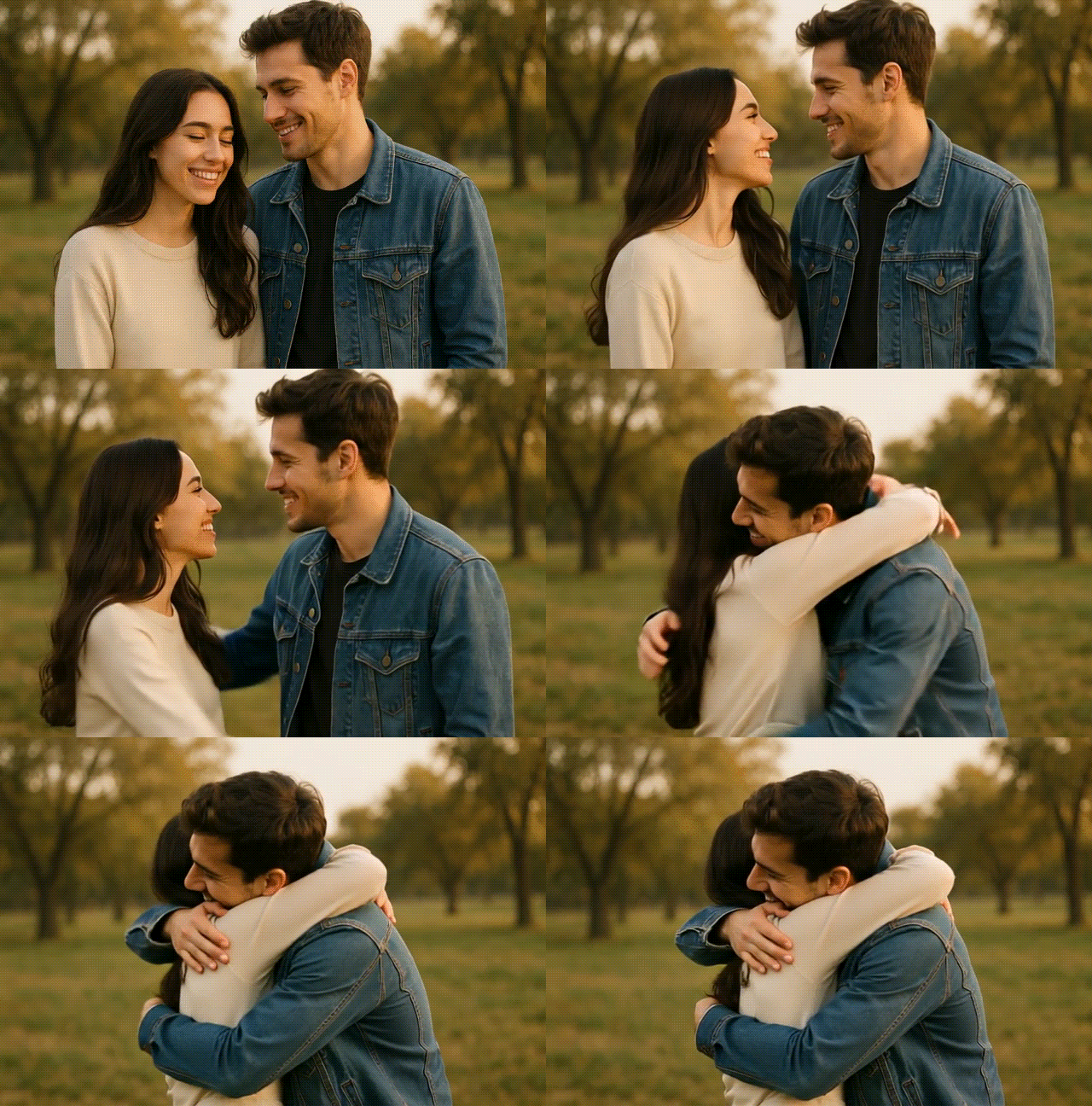
The most popular use case is the AI hug trend, creating a "warm moment" clip from text or photos, directly in the browser. Vidful positions this as a fast way to make personal videos for occasions like birthdays, reconnecting with loved ones, or long-distance moments.
Social media content creation
Social media is packed with AI videos right now, and you can use Vidful to create similar content for TikTok, Reels, and YouTube Shorts. Some model options also let you pick common aspect ratios like 9:16 for vertical posts or 16:9 for standard videos, so you don't have to resize everything later.

Marketing teasers and short promos
If you have a product photo, key visual, or campaign image, Vidful can turn it into a short animated teaser in minutes. Vidful's image-to-video pages describe this as useful for marketing and quick promotional content without installing software.
Experimenting with AI-generated motion
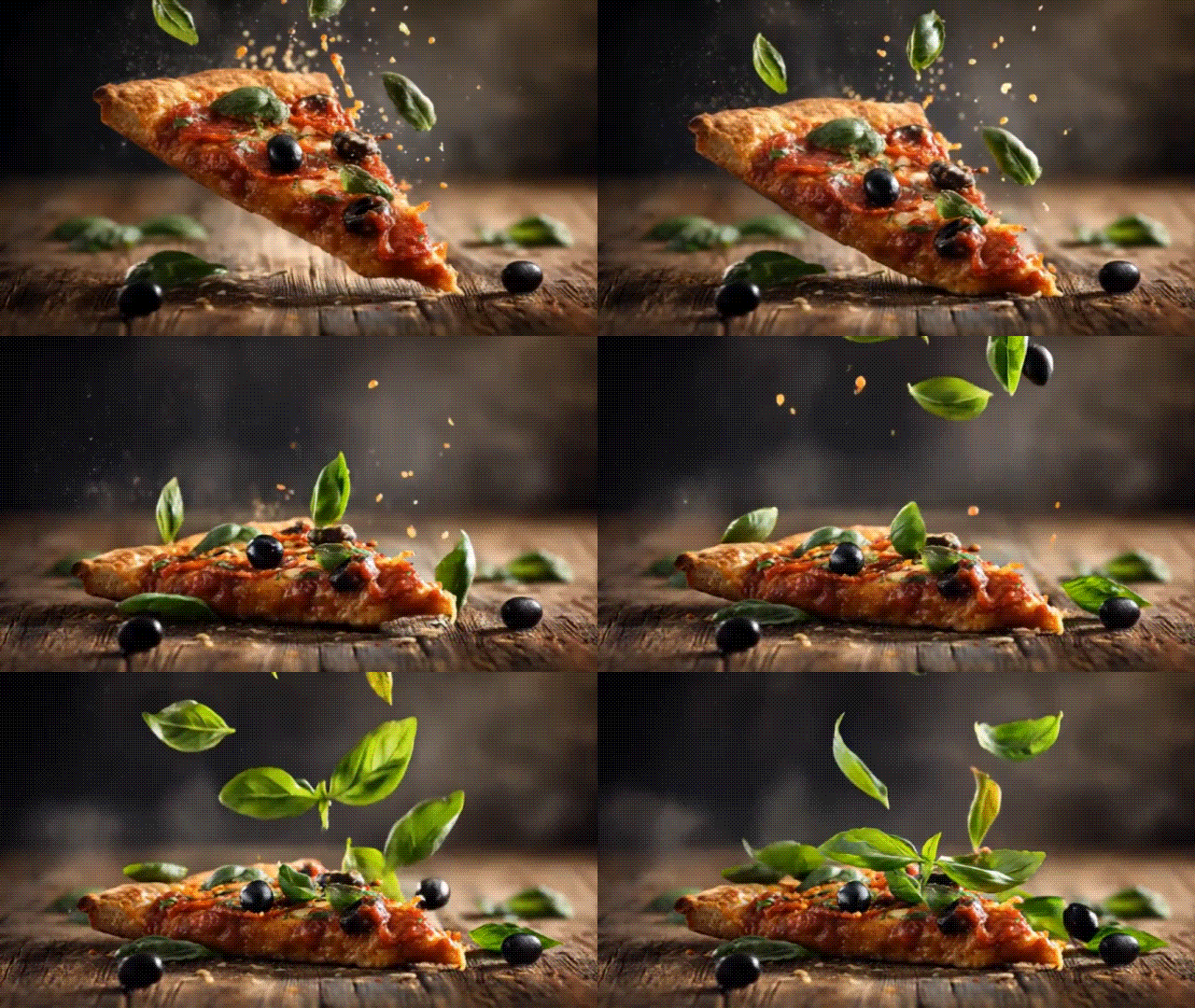
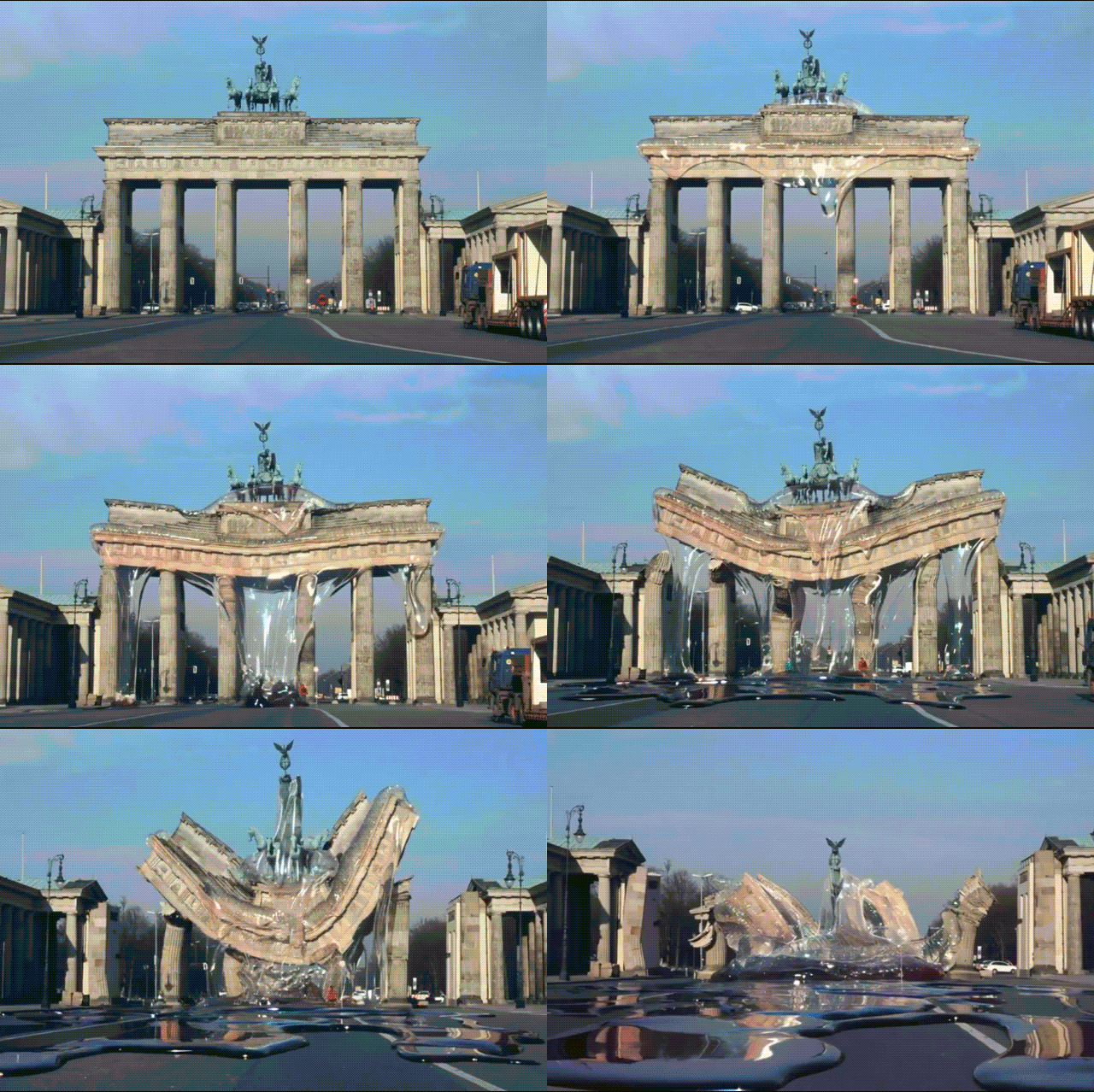
Since Vidful is a hub for many AI models, it's also useful as a "test lab" for comparing how different engines handle movement, facial consistency, and scene transitions. You can run the same prompt across multiple models and see which one delivers smoother motion or more realistic details.
Part 6. Vidful AI Alternatives & Comparison
While AI models like Sora, Luma, and Runway have their own official platforms, you might wonder why someone would bother using Vidful AI instead. There are actually differences that set them apart.
Having several tools in one platform is one advantage, but there are also differences in control, features, pricing, and video quality that can make one option a better fit than another.
Vidful AI vs Sora
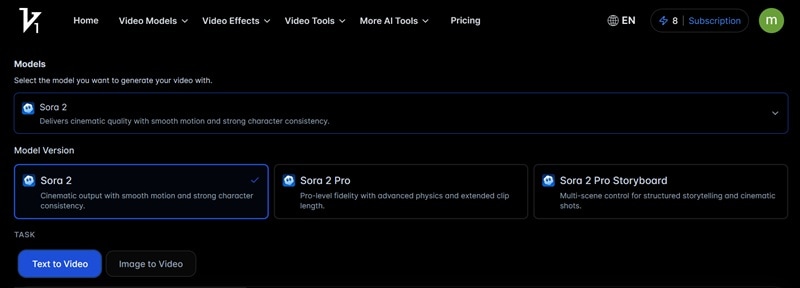
Sora 2 is one of the advanced models supported in Vidful AI, designed for higher-end video generation. While it also has its own official platform, the main trade-off is access and constraints.
OpenAI's Sora rollout started as invite-based and region-limited at launch, and availability expands over time. Another practical limitation is that image uploads depicting real people can be blocked, and it pushes creators toward its "Characters" system for likeness use.
|
Features |
Official Sora 2 Platform |
|
Pricing Models |
Subscription-based (starting from $20–$200/mo) |
|
AI Effects |
|
|
Accessibility |
Currently limited access depending on region |
|
Audio Support |
Yes, built-in synchronized audio generation |
|
Watermark |
|
|
Show More
Show Less
|
|
In terms of output quality, the results are not much different from using the original model directly compared to accessing it through Vidful. So, it can be a solution for those who don't have direct access to Sora 2 yet but still want to experiment with similar generation capabilities.
Vidful AI vs Luma Dream Machine
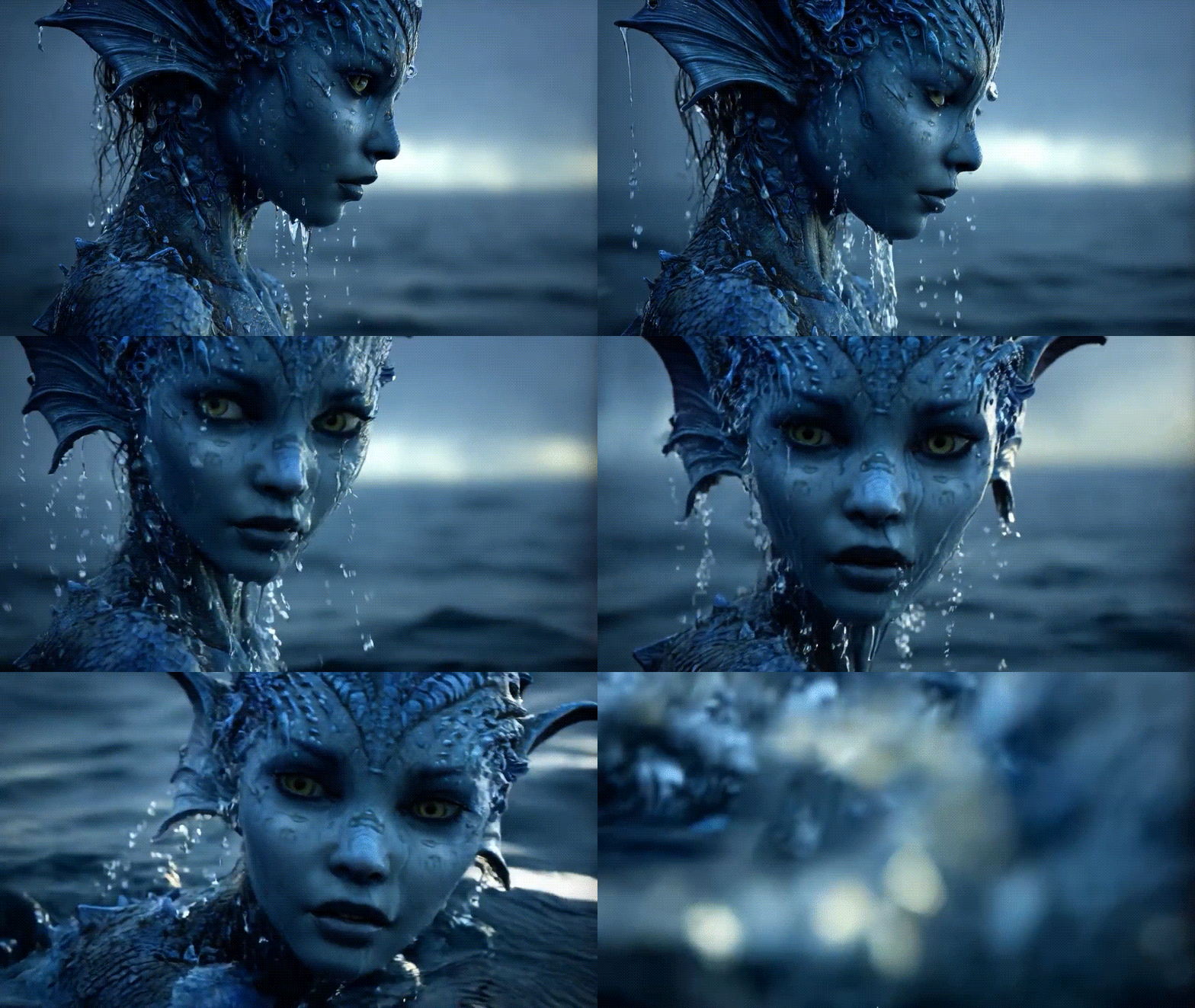
Luma's Dream Machine is one of the popular AI video generators that Vidful AI doesn't currently support. It's built around cinematic-style generations and supports both text-to-video and image-to-video within a single workflow.
The features it offers to ensure better creative control are generally more detailed compared to Vidful AI. For instance, in Dream Machine, you get tools such as:
- Modify: Edit images or videos by simply describing the changes you want.
- Start/End Frame: Control how a scene begins and ends for smoother transitions.
- Boards: A workspace where you can organize ideas, references, and shots in one place.
- Brainstorm: Get prompt suggestions and creative inspiration directly inside the platform.
- Share & Remix: Share your creations and even explore or remix others' projects to see how they were made.
These features make Dream Machine feel more like a creative studio, while Vidful focuses more on quick, trend-style video generation.
|
Features |
Luma Dream Machine |
|
Pricing Models |
Free for limited usage. Subscription-based (from $7.99/month) |
|
AI Effects |
|
|
Accessibility |
Easy browser access |
|
Audio Support |
|
|
Watermark |
No watermark for Plus and Unlimited users |
|
Show More
Show Less
|
|
Vidful AI vs Runway Gen-4
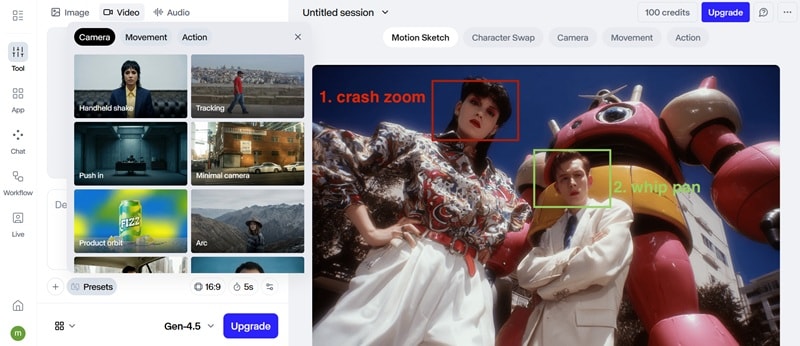
Runway positions itself as a full creative toolkit, not just a video generator. Within its Gen-4 ecosystem, it pushes advanced control features like visual references, stronger narrative capabilities, and Motion Sketch (in Gen 4.5) for more precise scene shaping.
Runway models (Gen-4 and Gen-4 Turbo) are available inside Vidful AI, though you don't get the same level of depth as using the official Runway platform. Vidful mainly gives access to the core generation engine, while offering basic controls similar to other AI video platforms.
|
Features |
Runway |
|
Pricing Models |
Free 100 credits. Subscription-based (starting from $35/mo or $336/yr) |
|
AI Effects |
|
|
Accessibility |
Easy browser access |
|
Audio Support |
|
|
Watermark |
No watermark for Pro users |
|
Show More
Show Less
|
|
Best Companion Tool: Filmora AI
While Vidful is a solid web-based tool, Wondershare Filmora offers a more robust, professional-grade alternative. As a comprehensive AI video editor, Filmora combines powerful AI Image to Video (powered by Sora 2) with advanced editing tools to refine your AI Hug videos perfectly.
 Secure Download
Inside the Image to Video template, you can also find an AI Hug-style option for quick results.. The output is natural and smooth, which helps the hug look less jittery and less "morphy" than many one-click generators.
As for Filmora AI Text to Video, it's helpful when you don't want to begin with a photo. Or when you want to prototype a quick scene idea before you commit to a full edit.
- Auto Reframe to resize for 9:16, 1:1, or 16:9 while keeping the subject centered (useful when your AI output crops awkwardly).
- Auto Caption to add subtitles fast, which usually improves watch time on short-form.
- AI Music and Sound Effects help you add background music and sound layers fast, so the audio matches the video's mood.
- AI Extend to smoothly lengthen a clip by generating extra frames, which helps when your AI video feels too short or cuts off too abruptly.
In short, Vidful is great for quick trend generation. Filmora is the "all-in-one" option if you want image-to-video, text-to-video, and real editing in a single workflow.
Conclusion
Vidful AI is worth trying if you want quick image-to-video clips and viral formats like the AI Hug trend, with minimal setup. Just keep the limits in mind: the free plan adds a watermark, does not include private generation, and can be slower at peak times, while paid plans add watermark-free downloads and commercial-use rights.
If you want an all-in-one workflow, generate and finish in Wondershare Filmora. Its AI Image to Video is powered by OpenAI Sora 2 and Google Veo 3.1, and it also supports AI Hug creation with smooth, natural-looking motion, then you can edit and export in the same app.

FAQs
-
Is Vidful AI free to use?
Yes, Vidful AI offers free access. New users typically receive a small number of free credits to test the platform and generate a few videos. However, free exports come with a watermark, and some advanced models or higher-quality settings may require more credits.
-
How to Get High-Quality Results with Vidful AI Image to Video?
Start with a sharp, well-lit photo, a clear face, and minimal background clutter. Then, keep the motion prompt simple. Mention controls like style, lighting, and camera angles to guide the look instead of writing long prompts. Then, refine the video result in a more complete video editor like Filmora.
-
Is Vidful AI the same as Vidu AI?
No. Vidful is a third-party site that positions itself as an AI video generator powered by models like Kling AI, Sora 2, and Veo 3. Vidu is the official platform and model reported as developed by ShengShu Technology with Tsinghua University, and it is described as having strengths like consistency and dynamic motion.
-
Can Vidful AI videos be used commercially?
Only videos generated during an active subscription can be used commercially, Vidful's help page says content created for free is not permitted for commercial use. If you plan to use the output for marketing, ads, or client work, check your subscription status before publishing.
