


 TL;DR:
VO3 AI is a paid, web-based platform that provides accessible text-to-video and image-to-video generation using top-tier models like Google Veo 3 and Sora 2, though its structural limits make it best suited for short B-roll rather than complete video production.
● Users can generate cinematic clips with synchronized audio, maintain character consistency across scenes, and produce AI headshots using a built-in suite of models that includes Veo 3.1, Seedance 2.0, Wan 2.5, and Nano Banana.
● The platform operates strictly on a paid subscription or pay-as-you-go credit system with no free tier, capping video outputs at 15 seconds per generation and requiring credit consumption for every prompt-based editorial change.
● Because VO3 AI lacks a traditional editing timeline, creators requiring precise frame adjustments, longer content assembly, and manual audio synchronization are better suited for Wondershare Filmora, which natively integrates Veo 3.1 alongside standard timeline editing capabilities.
Ask AI for a summary
 ChatGPT
 Perplexity
 Gemini
 Claude
 Grok
Grok
Tools like Google Veo 3 can generate incredibly realistic AI clips, but their pricing isn’t always beginner-friendly. That's why tools like VO3 AI exist to offer a more accessible way for creating cinematic clips from simple prompts.
The demand is real, too. According to Statista, the global AI market is expected to reach around $1.7 trillion by 2030, with generative video playing a growing role in content creation. But how well does the VO3 AI video generator actually work? And is it worth paying for? Let’s break it down properly.
Part 1. VO3 AI Overview: What You’re Actually Using
Most people already know about Google Veo 3, one of the most advanced AI video models right now. The problem is, not everyone can access it easily due to limited rollout and pricing barriers — and this is what VO3 AI is trying to address.
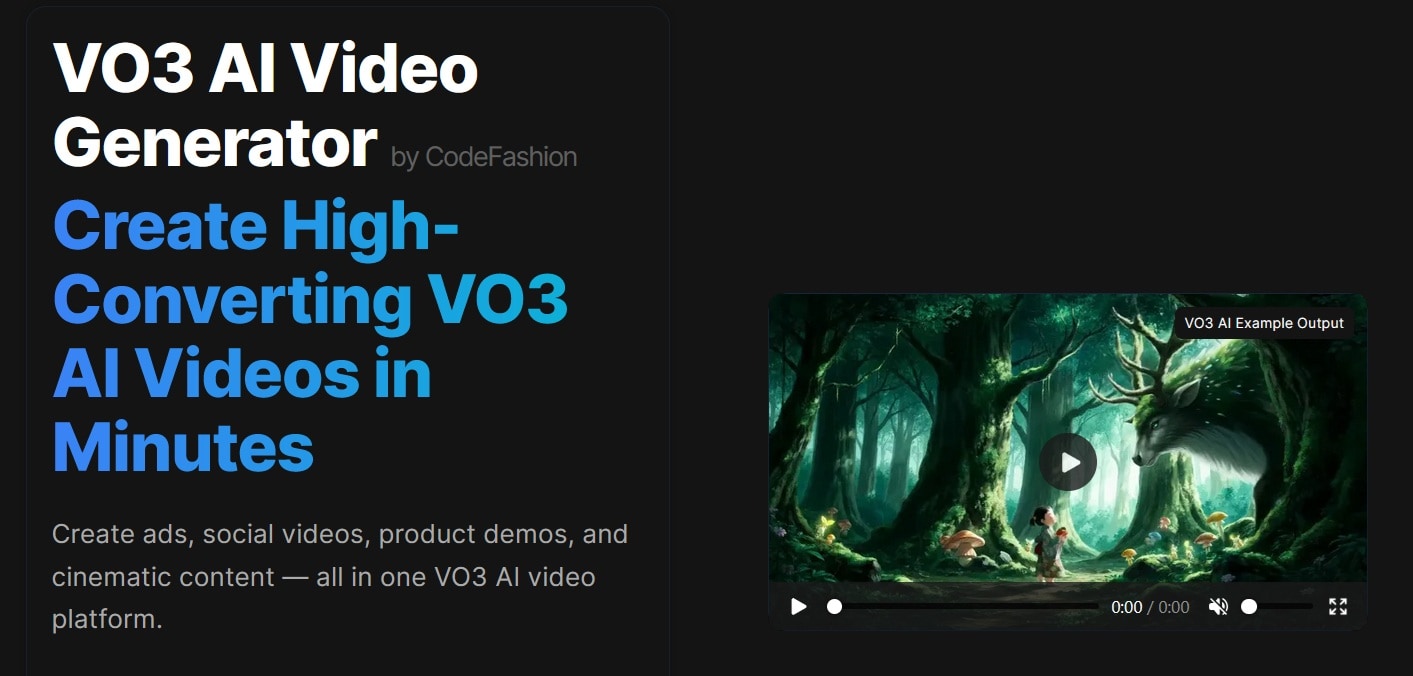
VO3 is a web-based platform that gives you access to advanced AI video generation through a simpler, more affordable interface. In other words, a lighter entry point to the same underlying technology.
Quick Overview of VO3 AI
| Category | Details |
| Type | Independent platform that uses Veo3 technology |
| Platform | Web-based |
| Core Use | AI video and image creation at an accessible price point |
| AI Models | Sora, Veo, Kling, Seedance, Hailuo, WAN, Nano Banana, Flux Kontext, Qwen Image |
Part 2: What Can You Actually Build with The VO3 AI Toolbox?
Once you get inside VO3 AI, the experience is pretty straightforward. But behind that simple interface, there are several tools working together. Here’s a closer look at what you can do with the VO3 ai video generator.
1. Turn Prompts Into Cinematic Clips
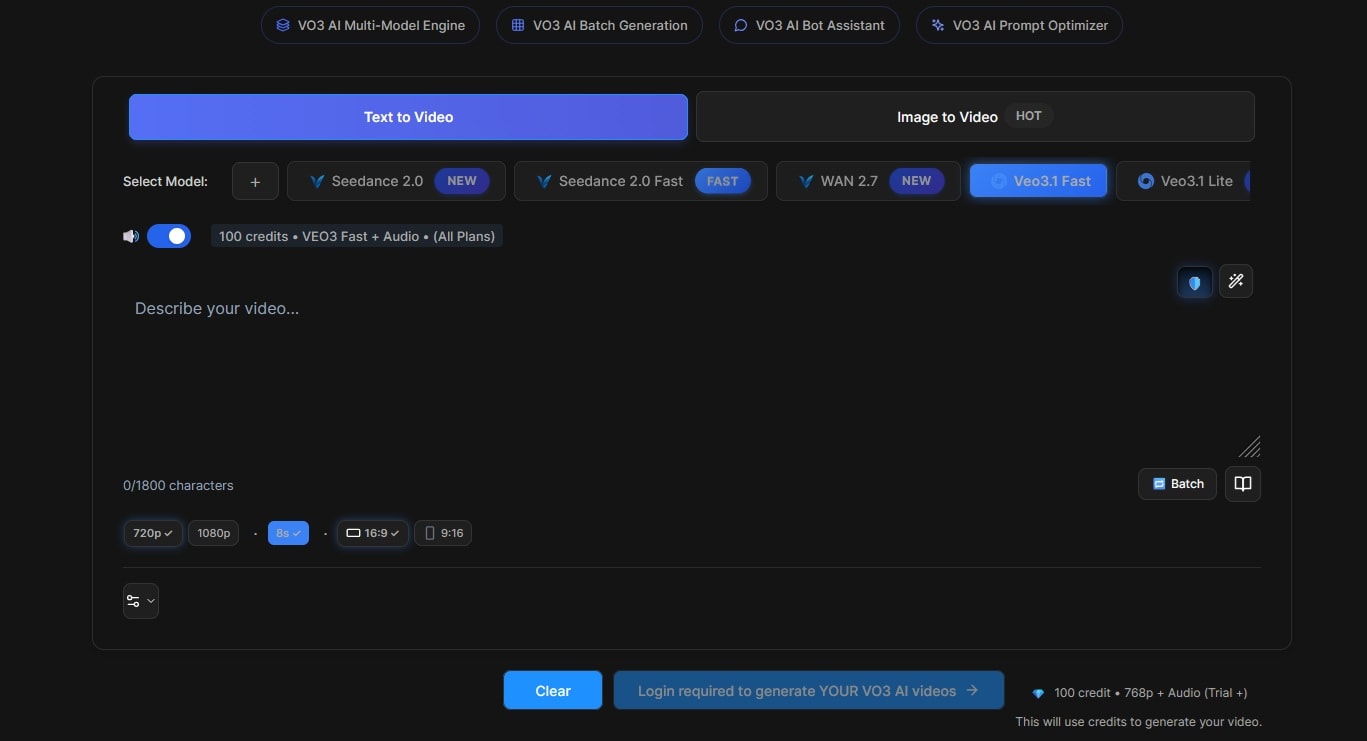
VO3 AI generates videos from three types of inputs:
- Text prompts — Describe a scene and the AI builds it. You can batch-generate multiple clips and use the built-in prompt optimizer if you're not sure how to word things.
- Image to video — Upload a still image, and VO3 AI animates it with motion and camera movement. You can set a first and last frame to control direction, or use multiple images as references.
Some models available on VO3 AI can generate synchronized sound effects, ambient audio, or music to match your video. If you'd rather add your own audio, silent model options are available too.
Supported models: VO3 Basic (No Audio), Seedance 2.0 (Basic and Fast), Wan (2.5 and 2.7), Veo 3.1 (Basic, Fast, Lite), Kling (3.0, 2.6 Pro), Sora 2 (Basic and Pro).
2. Generate AI Images Alongside Video
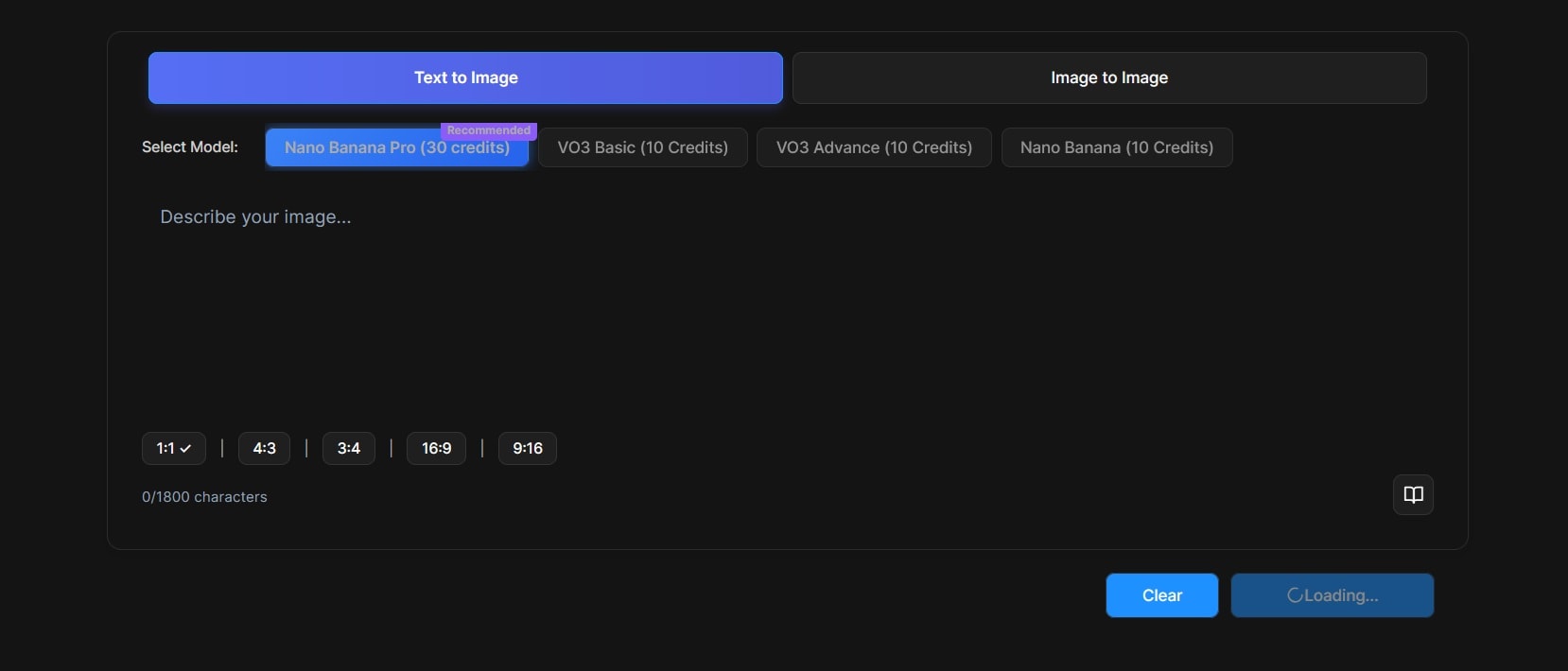
VO3 AI also includes image generation, which helps when:
- You want a starting frame for a video. First, generate an image, and then convert it to video. The prompt library helps if you're stuck on how to describe what you want.
- You need visual consistency. Visual consistency is essential when you want to create images featuring the same characters, faces, or environments across multiple scenes. With VO3 AI’s Multi Image Fusion feature, maintaining that consistency becomes possible. Simply combine up to five reference images to achieve accurate character consistency and complex compositions.
- You’re testing ideas before animating. VO3 AI Image Generator is also perfect for producing multiple image variations for testing and creative exploration before turning them into animations.
Supported Models: Nano Banana Pro, Nano Banana, VO3 Basic, VO3 Advance.
3. Edit Videos Using Prompts
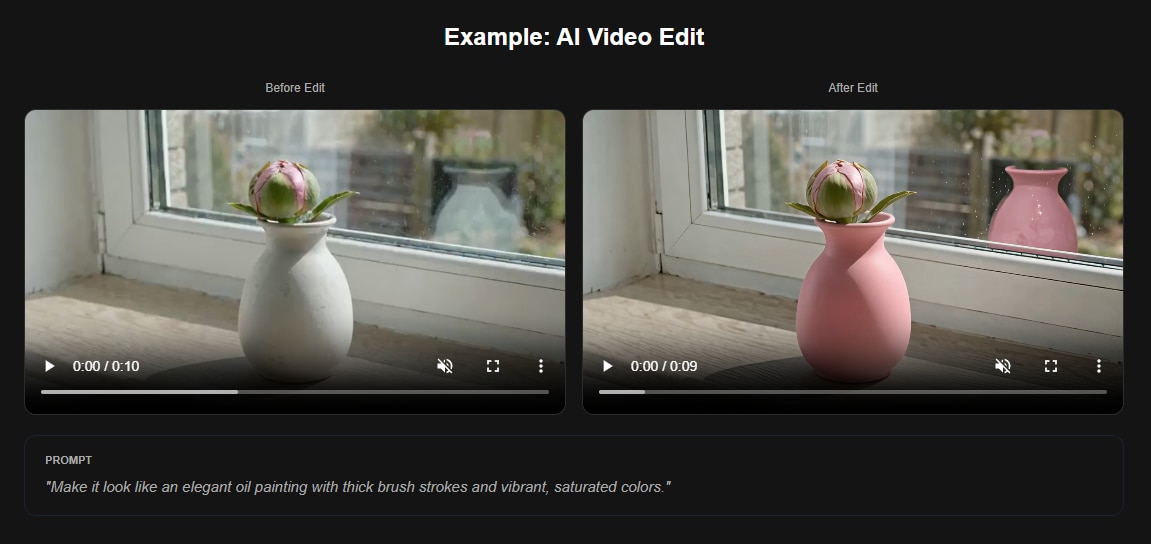
Instead of a traditional timeline editor, VO3 AI takes written commands to make changes, like:
- Swap out environments or backgrounds
- Change the visual style or add cinematic filters
- Adjust lighting, tone, and atmosphere
What you need to do is describe the change you want, and the AI applies it while keeping the original footage's structure intact. It's not a replacement for a full editor. But for quick creative changes, it's faster.
4. Create AI Headshots from Selfies
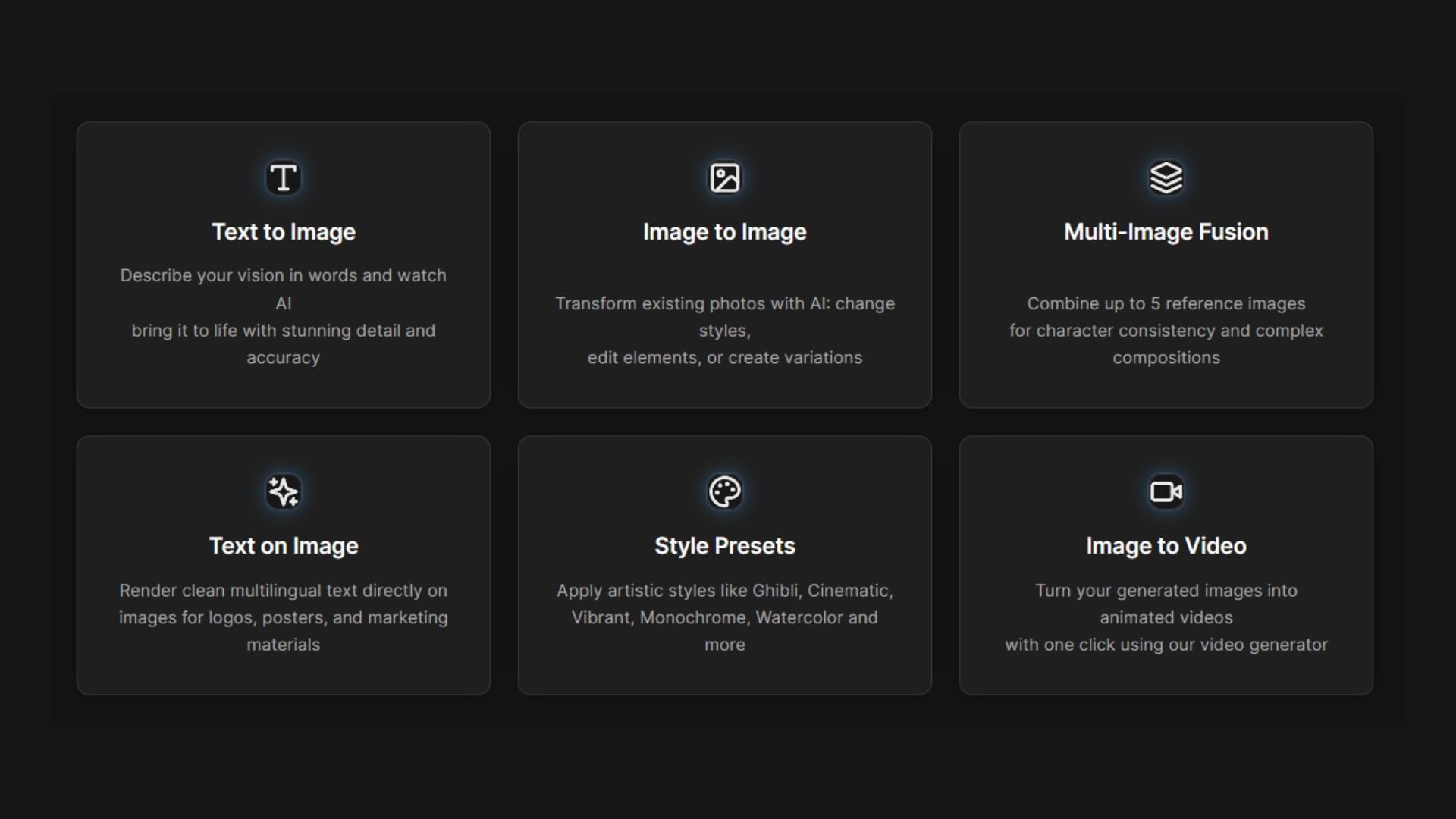
Upload a photo, and VO3 AI can:
- Generate stylized portraits. Simply type in your desired prompt and choose a style you like, such as Ghibli, Cinematic, Vibrant, and many more. Within seconds, VO3 AI will stylize your portrait accordingly.
- Create professional-looking headshots. Have a photo of yourself, but need a more professional-looking image for job applications? VO3 AI Image Generator can be a solution. It’s a smart, time-saving solution for creating a strong first impression.
- Experiment with different styles. With the Image to Image feature, you can upload your reference image and apply any style you want just by adding a prompt.
Part 3. VO3 AI Pricing: Plans and Credits
Despite many users hoping to try VO3 AI for free, the platform currently does not offer a fully free version. Everything runs on paid plans or credits, with details as follows:
| Basic | Lite | Max | Studio | |
| Pricing* | $39.9/mo or $275/yr | $19.9/mo or $214/yr | $99.9/mo or $999/yr | $199/mo or $2,999 |
| Credits | 4,000 | 2,500 | 17,500 | 30,000 |
| VO3 AI & Google Veo3 | up to 320s of video | up to 200s of video | up to 1,400s of video | N/A |
| Sora 2 & Wan 2.5 | up to 320s of video | up to 200s of video | up to 1,400s of video | N/A |
| Nano Banana | up to 400 images | up to 250 images | up to 1,750 images | N/A |
Also, there are pay-as-you-go options. which you paid a certain amount of money and got credits.
| Basic Pack | Flex Pack | Max Pack | Flex Ultra | |
| Pricing* | $4.99/mo | $59.9/mo | $129/mo | $239/mo |
| Credits | 300 | 5,000 | 15,000 | 30,000 |
| VO3 AI & Google Veo3 | N/A | up to 50 of video | up to 150 of video | up to 300 of video |
| Sora 2 & Wan 2.5 | N/A | up to 50 of video | up to 150 of video | up to 300 of video |
| Nano Banana | N/A | up to 500 images | up to 1300 images | up to 2300 images |
*) Prices are subject to change and may vary by country, plan, and ongoing promotions.
Part 4. VO3 AI Videos: Quality Tiers in Action
VO3 AI video doesn’t give the same output quality across all plans. The higher your tier, the better your results. Let’s break that down in a way that actually makes sense.
1. Basic Tier: Simple and Experimental
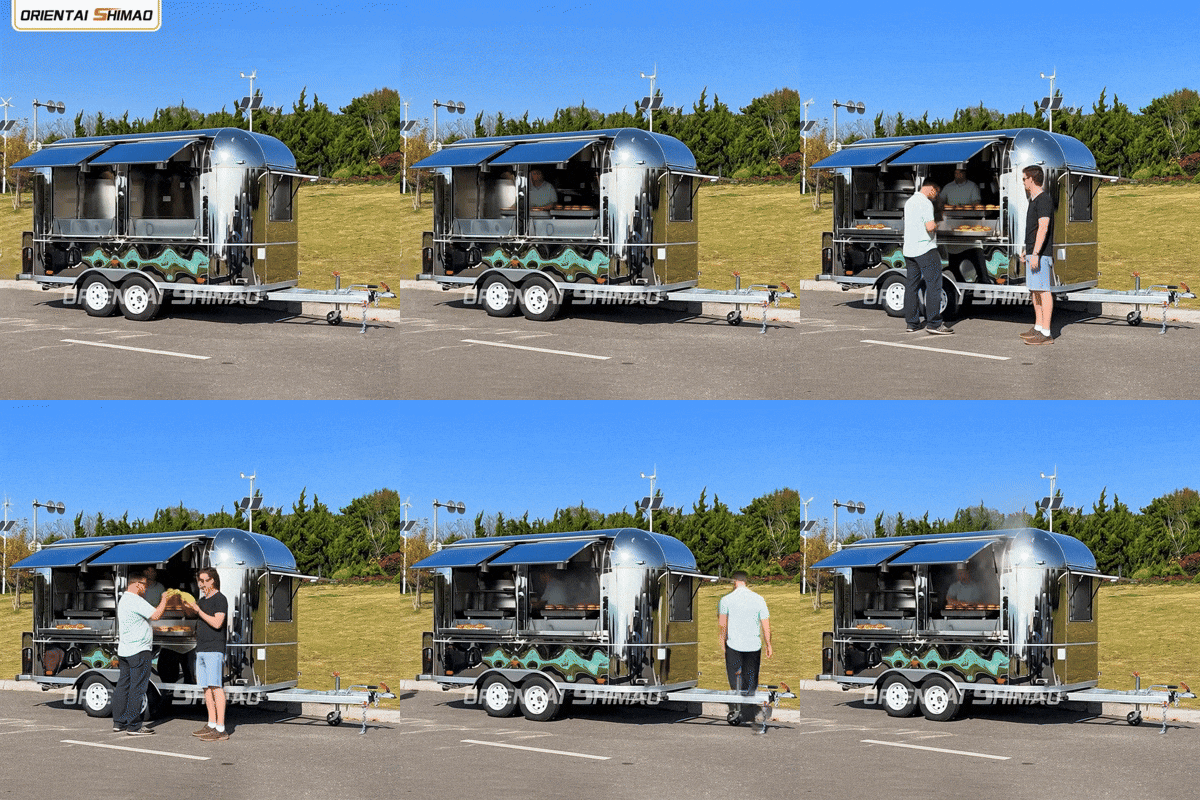
Prompt: A stainless steel food truck is selling hamburgers on the street.
2. Advanced Tier: More Stable Motion

Prompt: The camera starts to zoom in on the emperor taking a delicious bite. The camera slowly zooms back out as the emperor is enjoying his dish so much that his spirit starts coming out of his body.
3. Premium Tier: Near-Cinematic Output

Prompt: a cinematic rear tracking shot of a black nissan gtr driving fast down an open road at sunset, camera low behind the car focused on the back view, glossy black paint reflecting golden sunlight, aggressive acceleration as the car speeds past, twin exhaust shooting bright blue and orange flames, flames bursting with each rev, heat distortion visible, slight motion blur on the road, ultra realistic reflections, dramatic lighting, high-speed energy, 4k cinematic quality, smooth camera movement, car commercial styleaudio: no music, only raw engine and exhaust sound, deep aggressive revving.
Part 5. Honest Review: Pros and Cons of VO3 AI
After testing how the VO3 AI video generator works, it does some things really well, but also comes with limitations you should know upfront.
- Fast and Easy to Use: VO3 AI is designed with simplicity in mind, making it highly accessible even for beginners. The interface is clean, and most features rely on prompt-based inputs rather than complex controls.
- Multiple Input Options: One of VO3 AI’s biggest strengths is its flexibility in content creation. You can generate videos from text prompts, convert images into motion, or even create audio-driven visuals.
- Great for B-roll: VO3 AI video generator works particularly well for generating short cinematic clips and B-roll footage. Whether you need background visuals for social media, ads, or presentations, the platform can quickly produce aesthetically pleasing results.
- No Free Version: Despite many users searching for a free option, VO3 AI currently operates on a paid-only model. This can be a barrier for beginners who want to explore the tool before committing financially.
- Short Length: The generated videos are relatively short, under 5 minutes, especially on lower-tier plans. While this works fine for quick clips or B-roll, it may feel limiting for users who want to create longer, more complex video content in a single generation.
- No Editing Timeline: Unlike traditional video editors, VO3 AI does not provide a timeline-based editing interface. While prompt-based editing is innovative, it can feel restrictive for users who prefer precise, manual control over each frame and transition.
Part 6. Level Up Your Videos with Veo 3.1 via Wondershare Filmora
While VO3 AI is a fantastic "lite" portal, it isn't the only way to get high-end results. If you want a more robust, professional environment, Wondershare Filmora has actually integrated Veo 3.1 directly into its interface.
 Secure Download
Filmora is a full video editor that has been around long enough to earn a reputation among content creators. It's not an AI wrapper or a standalone generator like VO3, but it's a proper timeline-based editor that happens to have Veo 3.1 built in, alongside other AI models like Seedance 2.0, Sora 2, and ToMoviee.
Why Filmora Makes More Sense
- Veo 3.1 and Seedance 2.0 Integration: You get the world-class power of Veo 3.1 and Seedance 2.0 baked right into your editor.
- A Real Timeline: In VO3, you edit with text prompts, which can eat up credits fast. In Filmora, you have a professional timeline where you can drag, drop, and trim without spending extra.
- AI Music and Sound Effects: Filmora can generate AI music and sound effects to match your video, giving you a full audio-visual suite.
- More AI Features: From AI Smart Cutout to AI Extend, it handles all the "boring" parts of editing automatically.
- Unlimited Media: You get a massive library of stock footage and stickers to mix with your AI clips.
The Ultimate Combined Workflow
Those points really solidified Filmora as an all-in-one video creation tool, but if you still want to use VO3 ai, that's possible too. You can combine them by:
- Generate clips in VO3 AI
- Import them into Filmora
- Edit, refine, and finalize your video
This way, you’re not stuck choosing one tool. You’re using both where they work best.
Secure DownloadConclusion
VO3 AI is a great starting point for creating quick, cinematic clips using simple prompts, especially if you want an affordable and easy-to-use solution. However, its limitations, such as short video length, lack of a timeline, and credit-based system, can slow down more advanced projects. That’s where Wondershare Filmora stands out.
By combining powerful AI tools like Veo 3.1 with a full professional editing timeline, Filmora gives you more control, flexibility, and long-term value. If you’re serious about scaling your content and creating polished videos efficiently, Filmora is the smarter, more complete choice.
FAQs About VO3 AI
-
How long are VO3 AI videos?
VO3 AI videos can reach up to 15 seconds in length per generation, depending on your selected model. If you need a longer video, you can extend the clips or combine multiple generations into one more cohesive video using an editor like Filmora. -
What happens if I run out of credits mid-month?
If you run out of credits, you simply can’t generate new videos until you get more credits. You have two options: buy additional credits (pay-as-you-go) or wait until your plan renews (if you're on a subscription). Credits are required for every video generation, and they are usually deducted when the generation starts. -
Does VO3 AI work on my phone?
Yes, VO3 AI works on your phone through a web browser like Chrome, Safari, etc., though it’s still better and more comfortable to work on a desktop. There is no full standalone mobile app yet.
