

 TL;DR:
Wondershare Filmora is the recommended tool for generating AI pole dance videos from a single photo due to its VEO 3 quality animation and built-in timeline editor, while Viggle offers a free but heavily restricted web-based alternative.
● Filmora requires AI credits to generate videos using its templates or text prompts, but it allows you to fully customize outfits, backgrounds, and post-generation edits like music and captions directly within its desktop or mobile app.
● Viggle limits users to five relaxed-mode video generations per day with no post-editing capabilities, and requires the uploaded photo to already feature a pole if you choose the option to keep your original background intact.
● Users should expect occasional visual glitches with hands, fingers, or leg placement across these tools, as current AI models still struggle with the complex body mechanics required for pole dancing poses.
Ask AI for a summary
 ChatGPT
 Perplexity
 Gemini
 Claude
 Grok
Grok
AI has allowed you to pull off any wildest thing you can think of. And that includes making yourself do pole dancing, even if you've never done it before in your life.
The trend of AI pole dance videos has made a new wave on social media platforms like TikTok, and it's honestly too fun to miss. If you want to join in, you can easily make one yourself using an AI pole dance generator like Wondershare Filmora. What you need is just a photo to make such an effect. We'll explain in more detail.
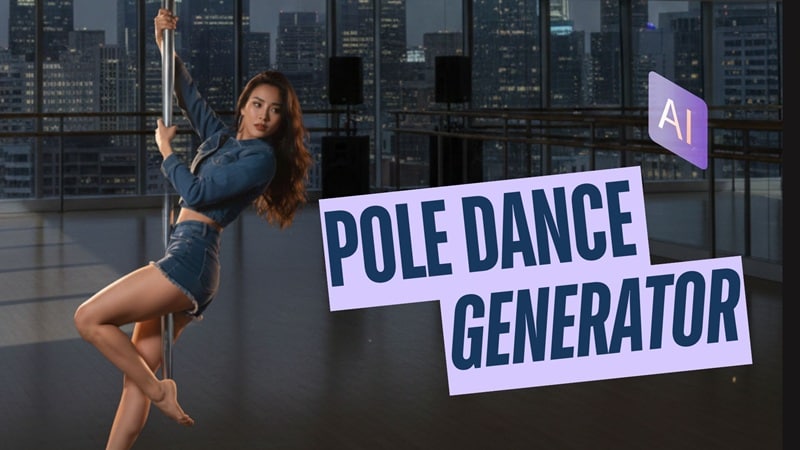
Part 1. The Best AI Pole Dance Video Generator: Wondershare Filmora
When it comes to generating creative or trending AI videos, Filmora is among the most complete and easiest tools to help you stay on trend.
This AI video editor is packed with many smart features, including the AI Image to Video Generator that you can use to turn your ordinary photo into a full AI pole dance video. This feature, powered by VEO 3 quality, ensures the animation has smooth motion and cinematic quality, perfect for trending social media clips.
 Secure Download
What's better is that it uses ready-made pole dance templates you can apply instantly, so you only need to upload your picture to generate one.
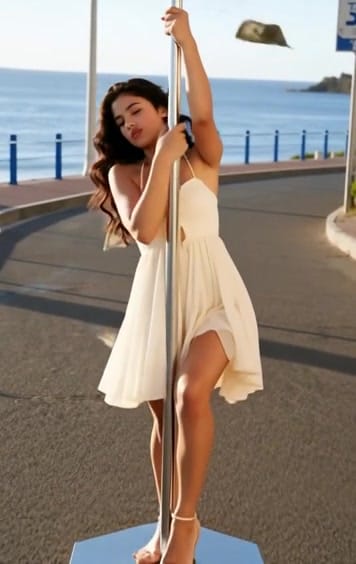
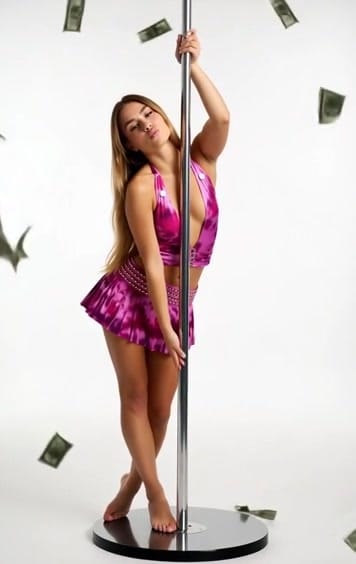
AI Pole Dance Effect #1
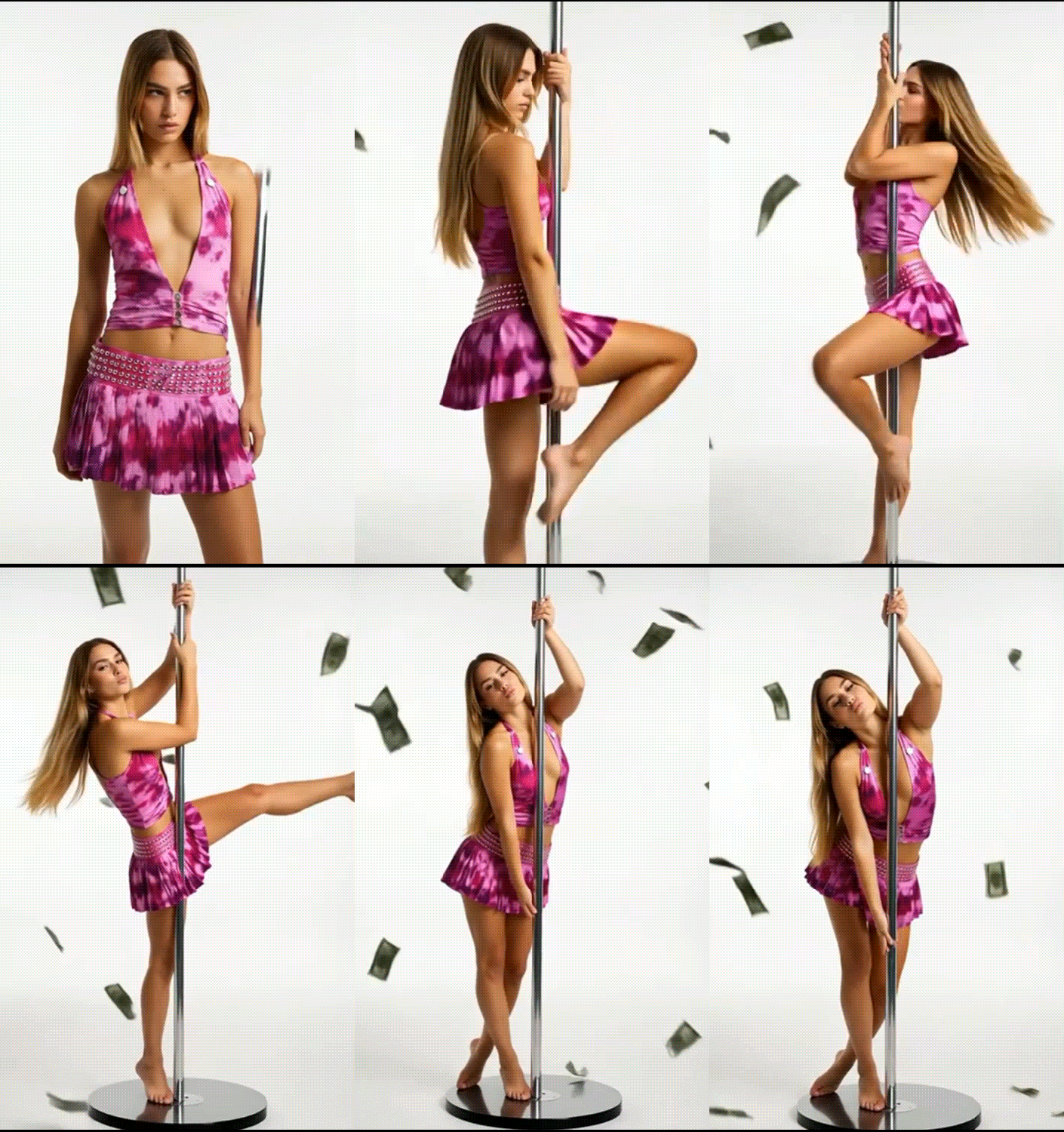
AI Pole Dance Effect #2
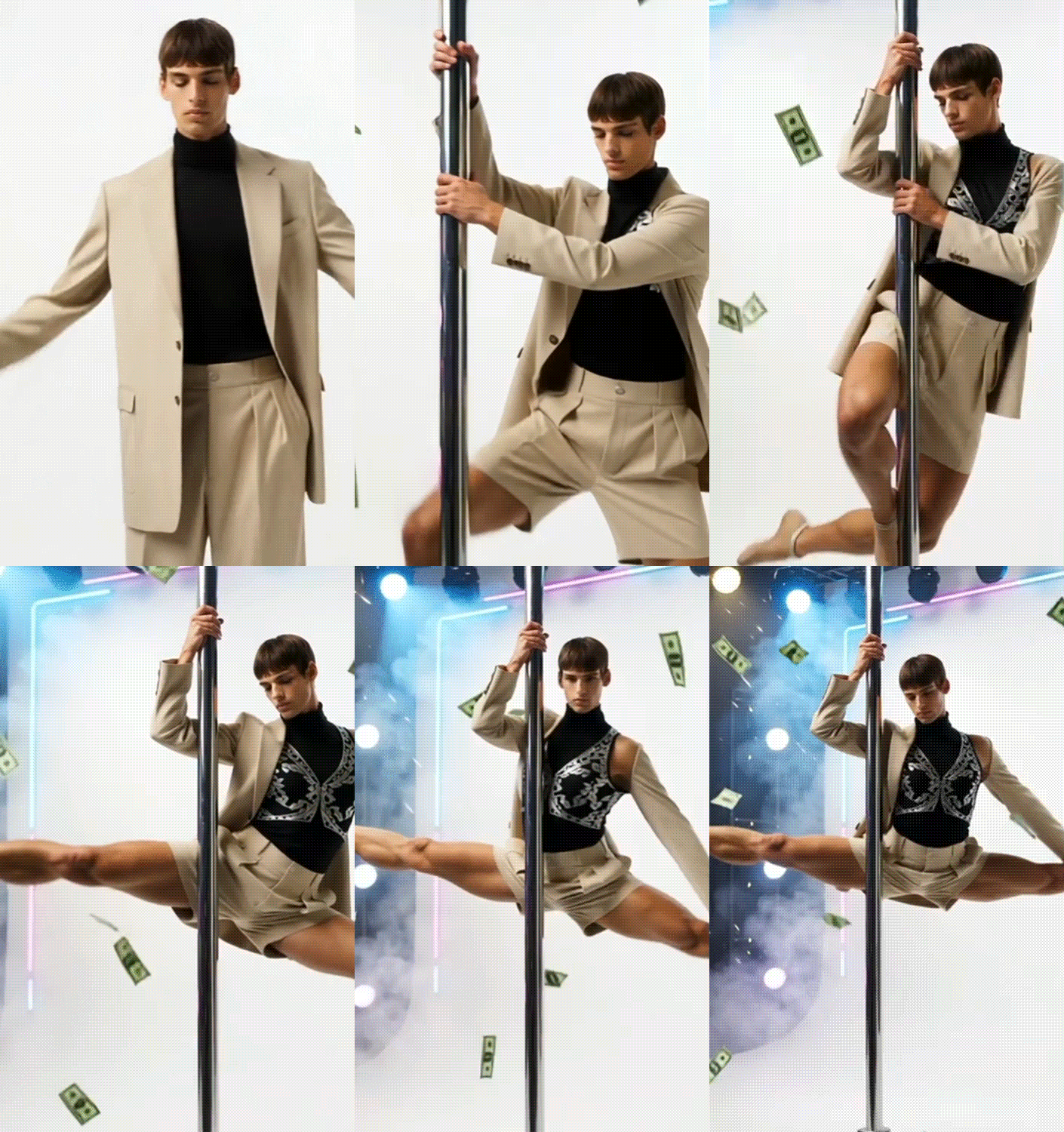
AI Pole Dance Effect #3
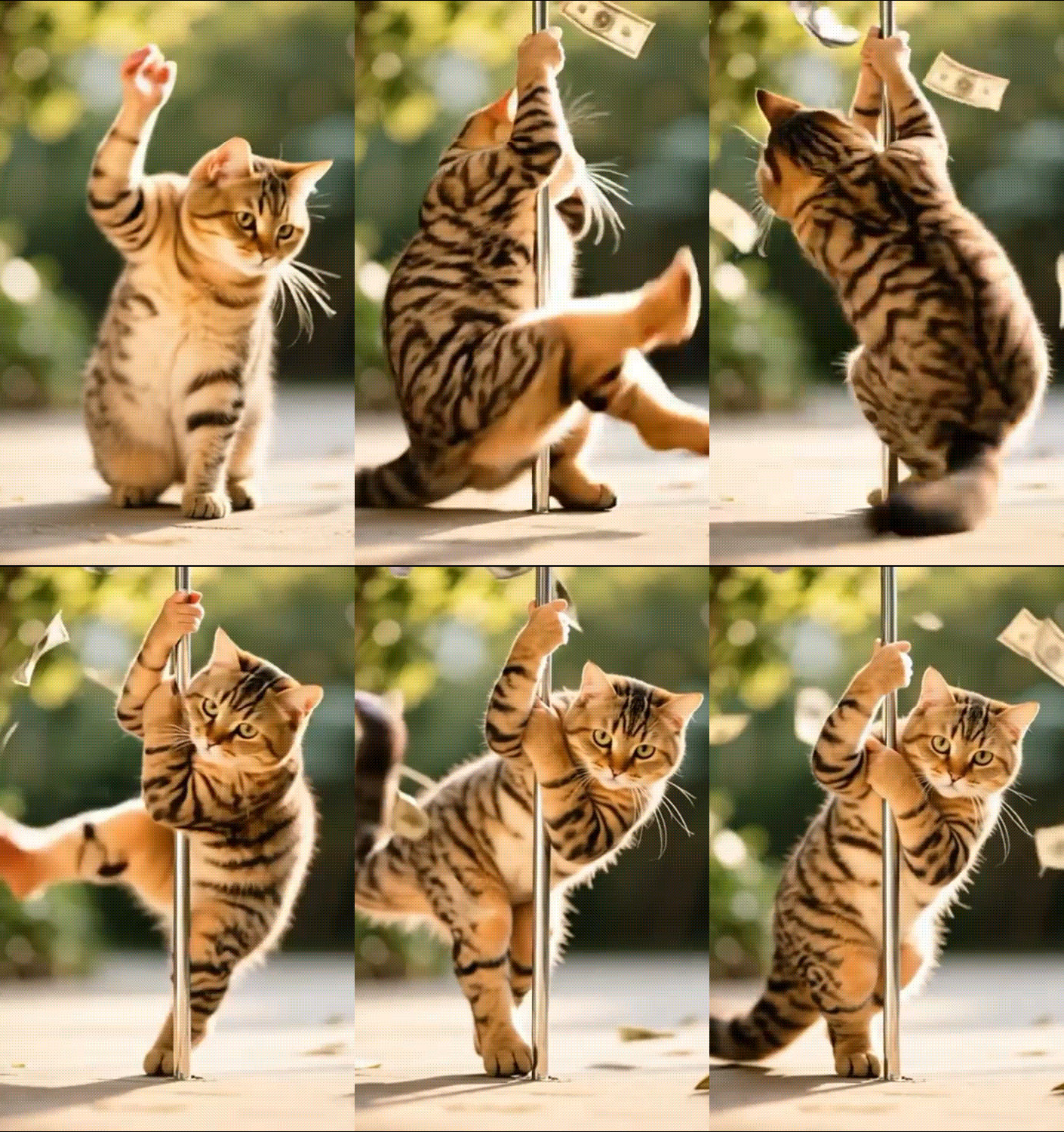
Another advantage of using Filmora is that the AI generator is built directly into the video editor. This means you're not limited to whatever the AI gives you. After the pole dance video is generated, you can refine it, such as:
- Replacing the music
- Adding caption text
- Layer the clip with effects and more.
Filmora is available as both desktop software and a mobile app, so you can create and edit your AI pole dance video on whichever device you are most comfortable with.
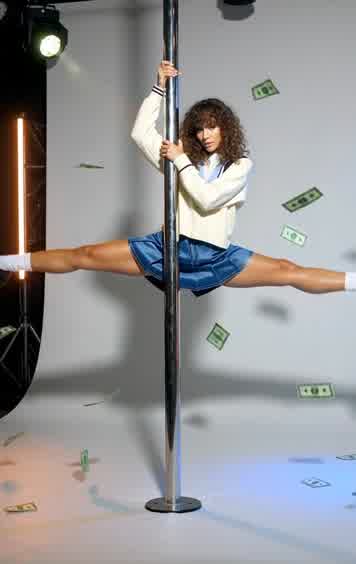
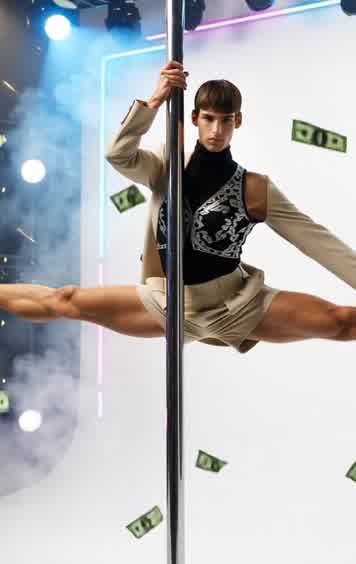
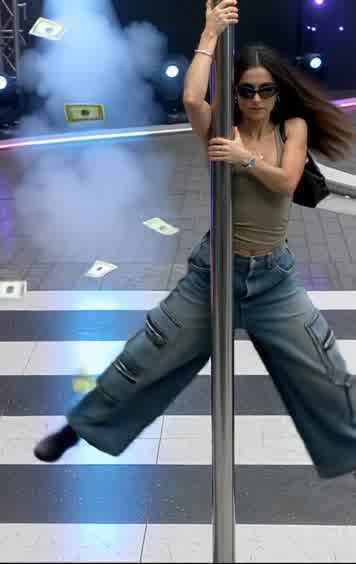
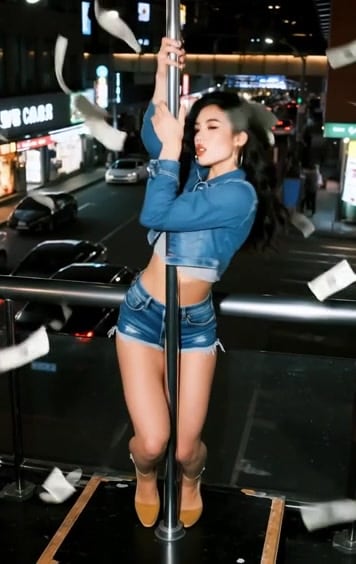
Part 2. Step-by-Step: How to Make an AI Pole Dance Video with Filmora (Mac/Windows)
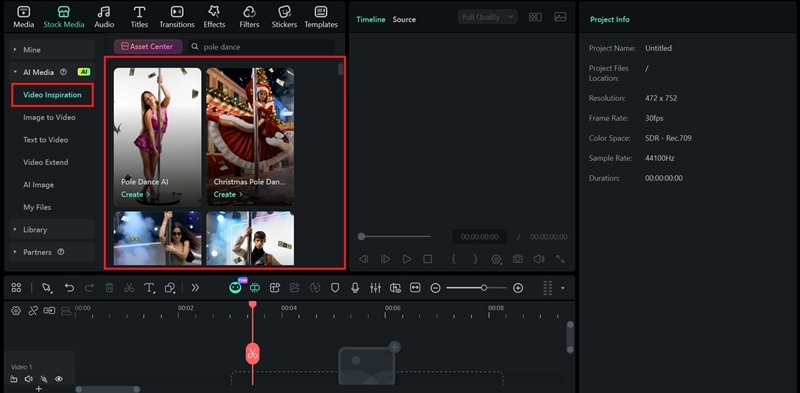
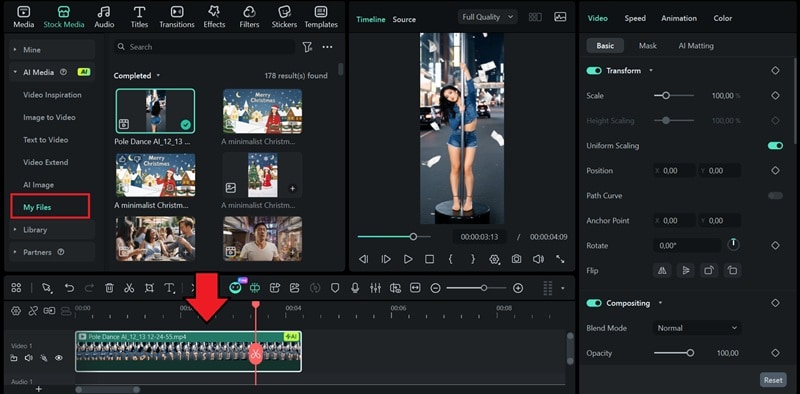
If you are using Filmora's desktop, whether on Windows or Mac, you get the full editing timeline, more control, and all the AI tools in one place. Make sure you have updated the software to the latest version, and follow the steps below to use the AI pole dance effect.
 Secure Download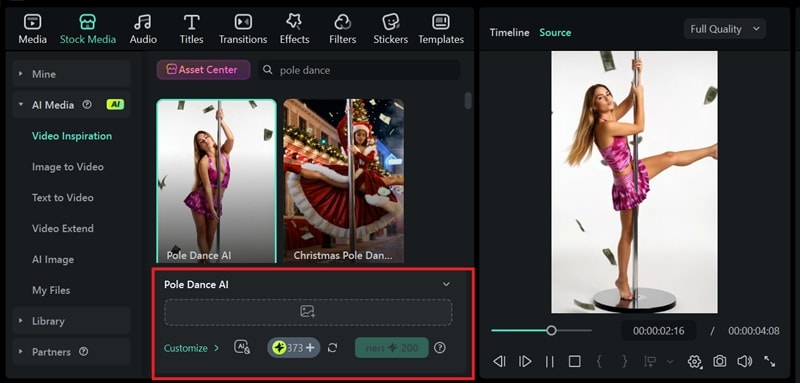
Part 3. Creative Content Ideas for Your AI Pole Dance Video
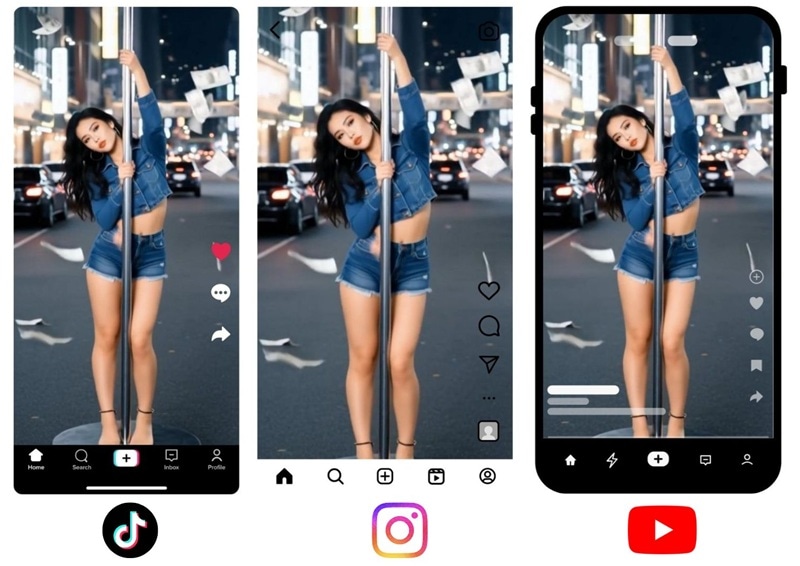
Don't just keep the AI pole dance videos to yourself. This type of content is pretty versatile, where you can use it for all kinds of creative content.
1. Promo Content for Dance Pages
If you run a dance page or fitness account, you can leverage this AI pole dance trend to boost engagement and keep your page on trend. Algorithms on social media tend to push content that is similar to what people are already interacting with. This makes AI pole dance videos a great way to attract new viewers and make your page feel more active and fresh.
2. Meme Edits
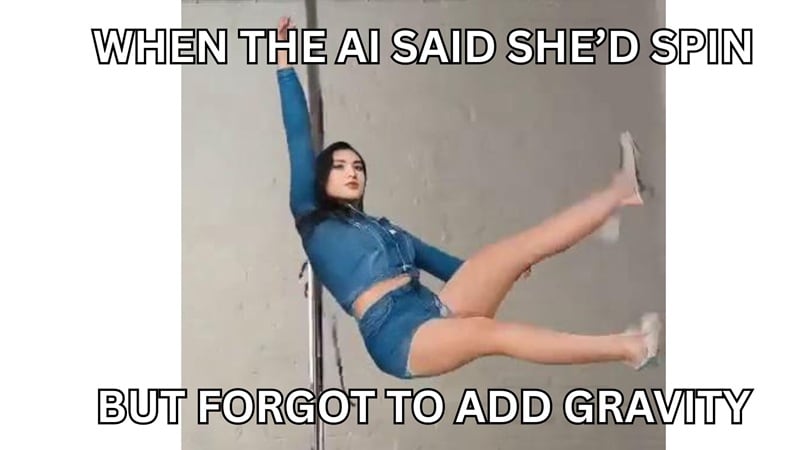
Anything can be a meme, even when your AI pole dance effect doesn't look perfect. You can turn the awkward poses, funny facial expressions, or glitchy movements into a hilarious meme that always works for grabbing attention. Post your AI pole dance on TikTok, add a trending sound or a relatable caption, and it's ready to entertain your viewers!
3. Music Visualization
Got a good music track but no visuals to match it? Your AI pole dance video can double as a dynamic music visualizer. Add colorful effects, and you instantly get an eye-catching clip for your music. Pole dance videos are usually good when paired with music like energetic pop, EDM, or sultry R&B.
Part 4. Free AI Pole Dance Video Generator Alternatives (Viggle Review)
If you are looking for a free AI pole dancing video generator, you can try options like Viggle. It's a web-based platform designed to generate short dance clips from photos or character models using pre-set motions.

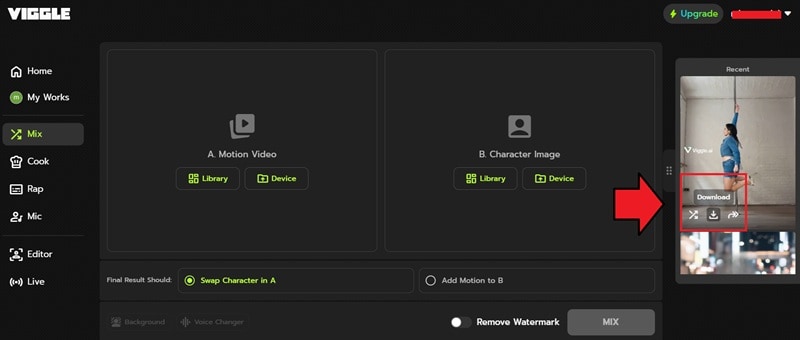
However, keep in mind that most AI pole dance generators that are free come with certain limitations. In Viggle, you're limited to five relaxed-mode videos per day and only two video generations at a time. There are also no customization options after generating the video.
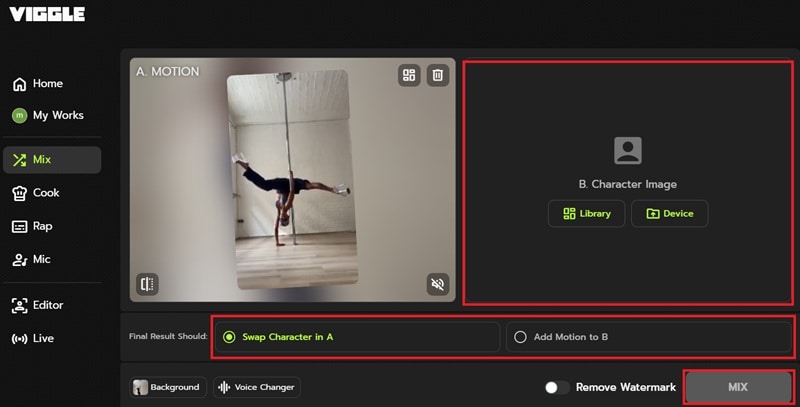
How to Generate an AI Pole Dance Video for Free
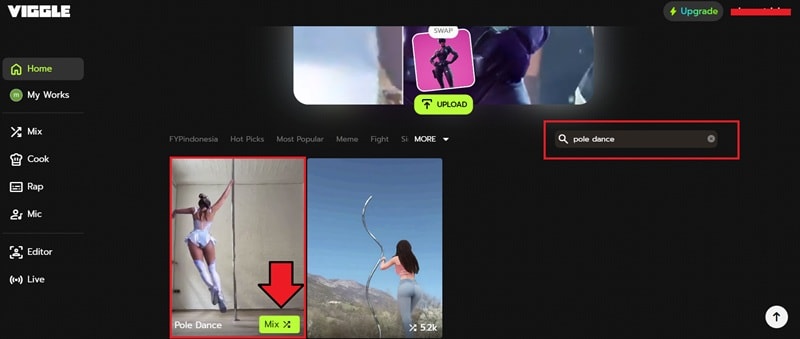
- Swap Characters in A: Replace the character with your photo and use the background template.
- Add Motion to B: Apply the dance motion directly to your picture so your original background stays intact.
Conclusion
That's how simple it is to use an AI pole dance video generator! Filmora helps you easily make videos from photo using its template-based AI pole dance generator. Paired with a full suite of editing tools, you can quickly refine and publish your unique content.
Don't stop at one clip. There are tons of other trendy AI templates in Filmora waiting for you to play with. The process stays the same every time; just pick a template, drop in your photo, and let the AI do its thing. You can keep your content fresh and fun without any extra effort!

FAQs
-
Can I change the outfit, background, or style for my AI pole dancing video using text prompts?
Yes. If you want more control, Filmora's Image to Video feature includes a prompt box where you can describe the outfit, background, or overall style you want. You can ask the AI to change your clothes or switch the location when asking it to generate the pole dance animation
-
How long does it take for Wondershare Filmora to generate an AI pole dance video?
It depends on your internet speed and the complexity of the template you choose. Normally, it only takes a few seconds to a couple of minutes. The process is pretty quick.
-
Why does the AI mess up hands or legs sometimes in the generated video?
This "glitch" happens because AI is still learning to understand body shapes and movement perfectly. Pole dancing involves complex poses, so the model may occasionally struggle with hands, fingers, or leg placement. Filmora keeps improving its AI, so the results are getting better over time.
-
Is Wondershare Filmora a free AI pole dance video generator?
Not entirely. Although Filmora is free to download, you need AI credits to use its AI pole dance generator. Filmora often gives free credits during events or promotions, though, so it's worth checking the app regularly to see if any are available!
