Explore AI Basquiat Style Prompts
Browse AI Basquiat style prompts for crown portraits, oil-stick figures, brick murals, torn-paper collages, and gallery canvases. Turn each still into video templates, social covers, or motion-ready exhibition clips.
Loading more AI Basquiat style prompts...
 Category:
 Duration:
 Aspect Ratio:
Why Generate Basquiat-Style Art With Filmora?
Basquiat-style images need jagged crowns, visible oil-stick energy, and empty space for later titles. Filmora helps you generate the still, compare models, layer graphics, and export a gallery or social cut.
Turn Crown Scribbles Into Filmora Stills
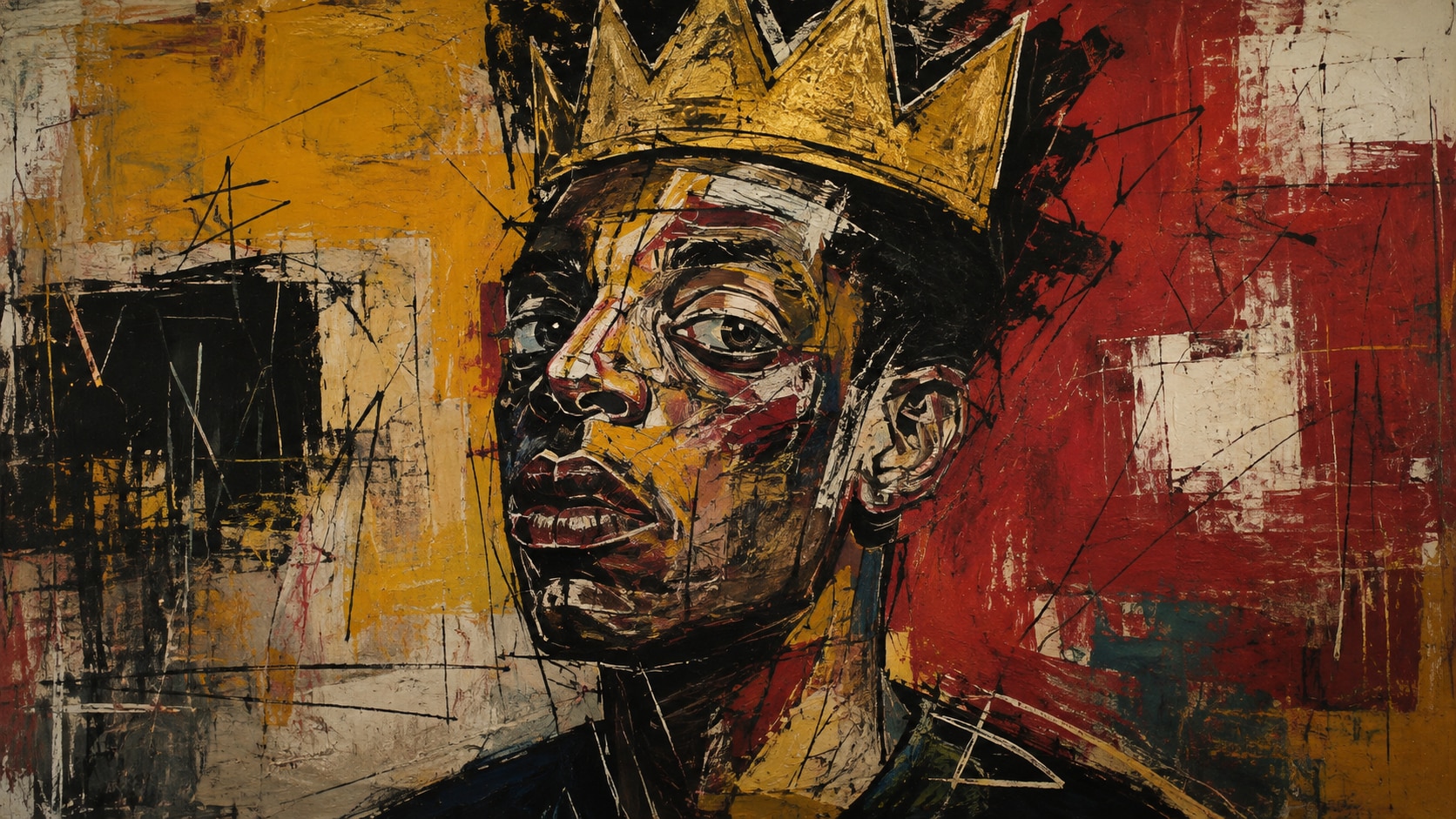
Turn Crown Scribbles Into Filmora Stills
Start with a precise Basquiat style prompt, then use Filmora's AI image generator to keep crown glyphs, oil-stick contours, and color blocks clean enough for later titles.
- Crown First - Hold a jagged halo, primitive figure, or boxer stance as the readable center of the frame.
- Word-Free Marks - Generate unreadable glyphs and arrows so real captions can be added in Filmora.
- Raw Canvas Options - Compare wall grit, torn paper, and studio canvas before you commit.
Keep Contours Sharp With GPT Image 2
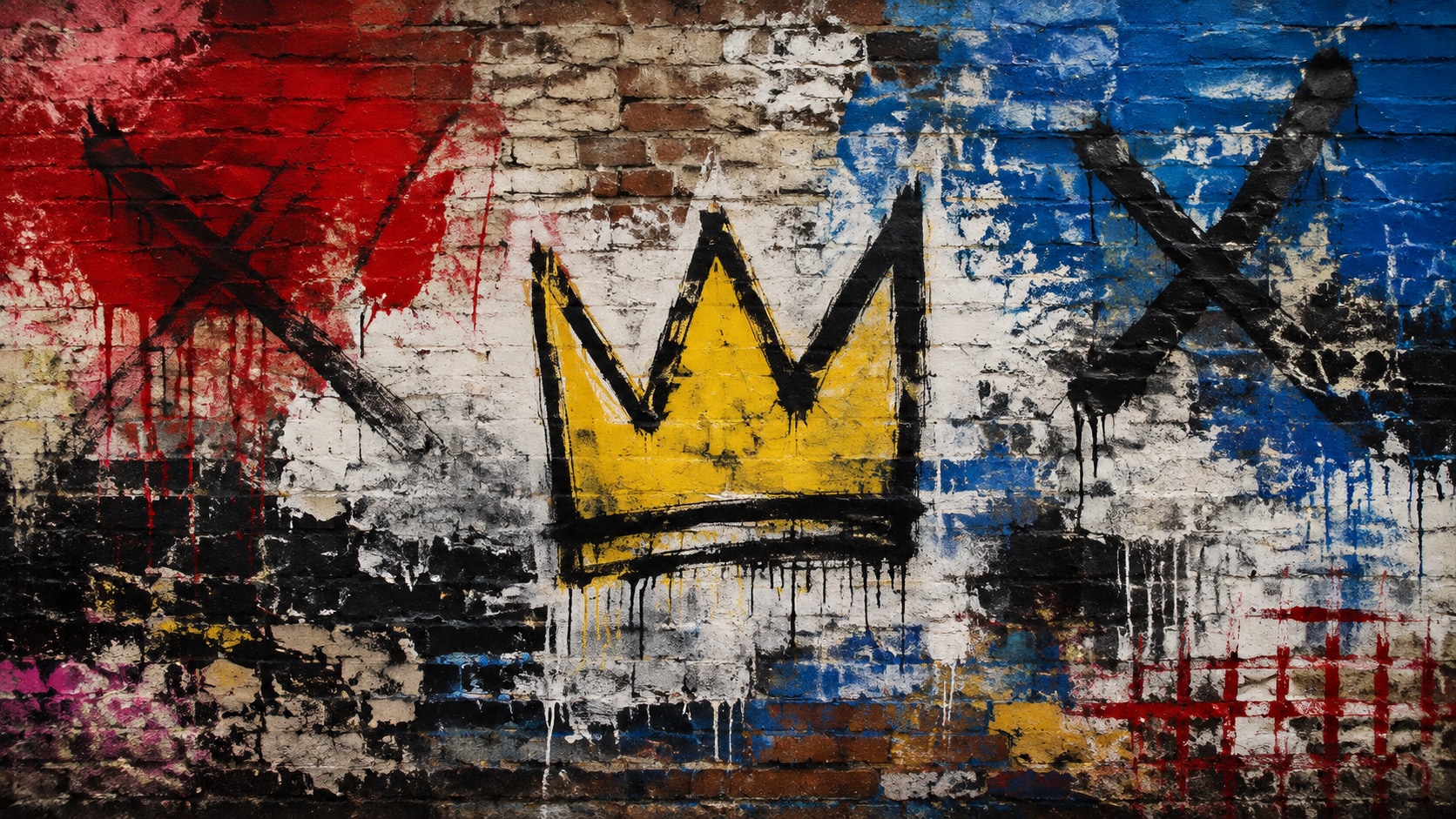
Keep Contours Sharp With GPT Image 2
When the crown, teeth, or color blocks start to smear, switch to Filmora's GPT Image 2 so the drawing energy stays intentional.
- Prompt Control - Describe crown spikes, contour weight, palette, and empty title space in one pass.
- Texture Follow-Through - Keep oil-stick crumbs, drips, and scratched highlights without turning into noise.
- Edit-Ready Edges - Leave clean outer margins for stickers, type, and social safe zones.
Push Wilder Color With Nano Banana
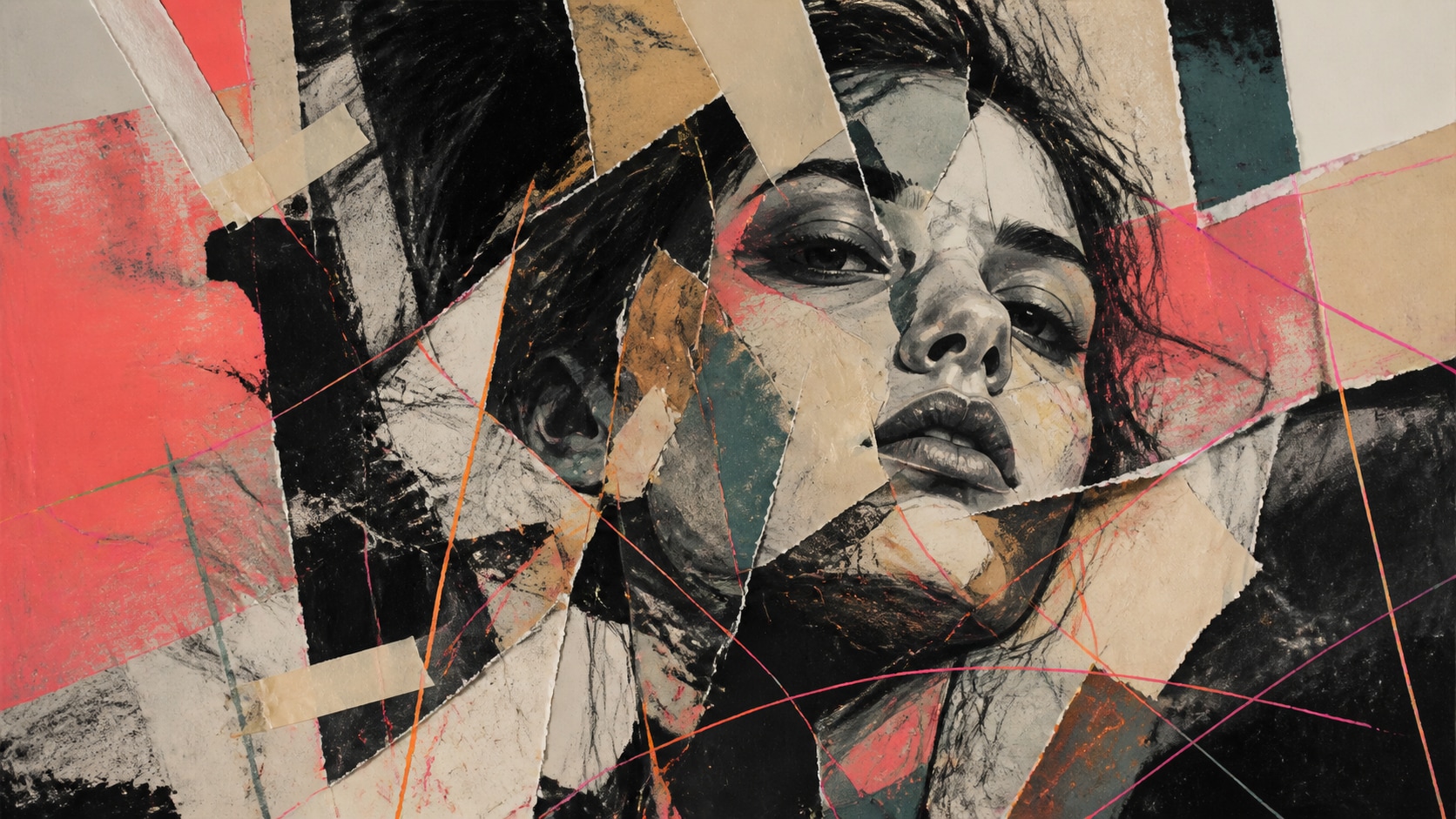
Push Wilder Color With Nano Banana
Use Filmora's Nano Banana when one crown idea needs a dirtier wall, a hotter yellow-red split, or a tighter social crop.
- Style Range - Explore mural, collage, studio-canvas, and icon treatments from the same sketch.
- Variant Testing - Generate several graffiti directions before locking a campaign still.
- Fast Creative Loop - Stay inside Filmora instead of bouncing between extra art tools.
Animate Paint Energy Into Video
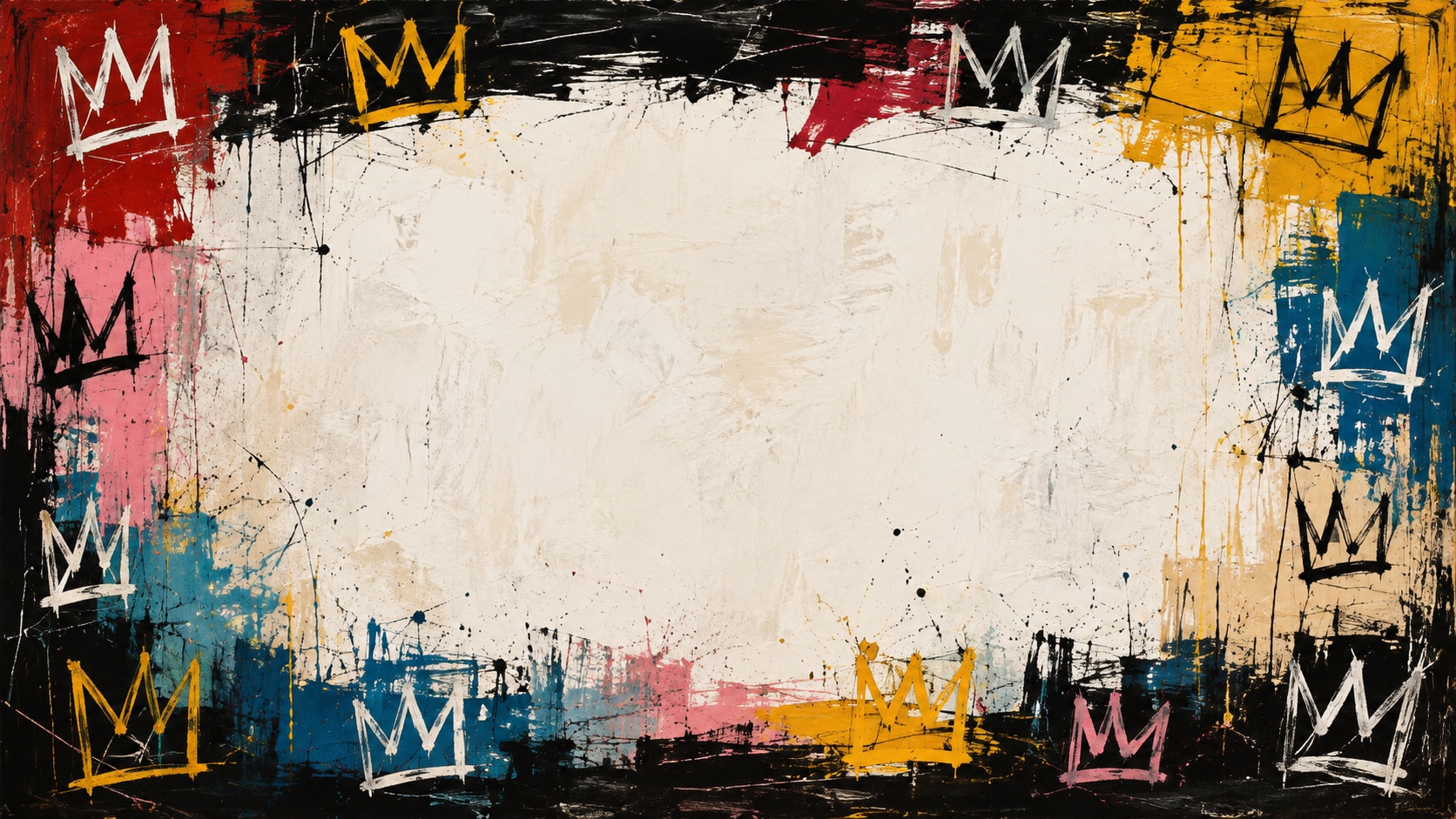
Animate Paint Energy Into Video
After the still is generated, use Filmora's AI Image to Video to add drip motion, crown pulses, captions, and export-ready audio.
- Motion Ideas - Add paint drips, sticker pops, light sweeps, or a slow push into the crown.
- Social Crops - Recut one mural into 16:9, 9:16, and 1:1 without regenerating the art.
- Final Export - Finish with type, music, and platform-ready output in Filmora.
Frequently Asked Questions About Basquiat Style Prompts
How to Make Basquiat-Style Art From Prompts
Pick a crown or scribble scene, set the raw texture, generate a clean still, then finish motion and captions in Filmora.
Step 1 Choose a Crown or Scribble Scene

Step 2 Set Texture, Model, and Ratio

Step 3 Generate, Layer, and Export

-
1: Choose a Crown or Scribble Scene
Pick a halo portrait, brick mural, torn collage, boxer hero, or raw gallery canvas. -
2: Set Texture, Model, and Ratio
Paste the prompt into Filmora's AI Image tool, choose GPT Image 2 or Nano Banana, then tune crown scale, contour weight, and title space. -
3: Generate, Layer, and Export
Generate the still, grade the color blocks, add motion or captions if needed, then export a mural, reel, or cover.
AI Basquiat Style Prompts for Crown Graffiti Art
Use AI Basquiat style prompts to generate crown icons, scribble anatomy, street-wall panels, and motion-ready neo-expressionist covers for Filmora editing.