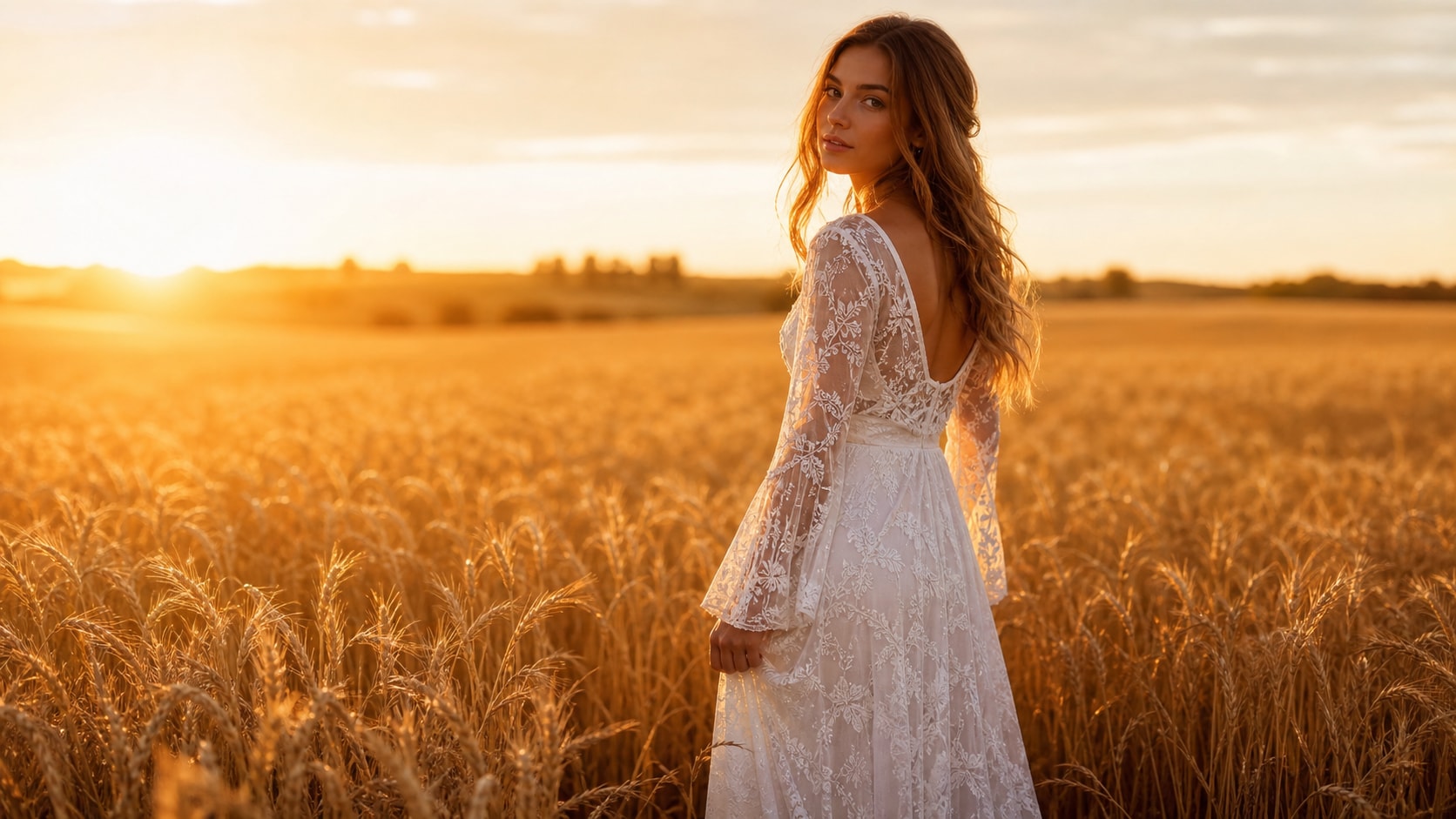
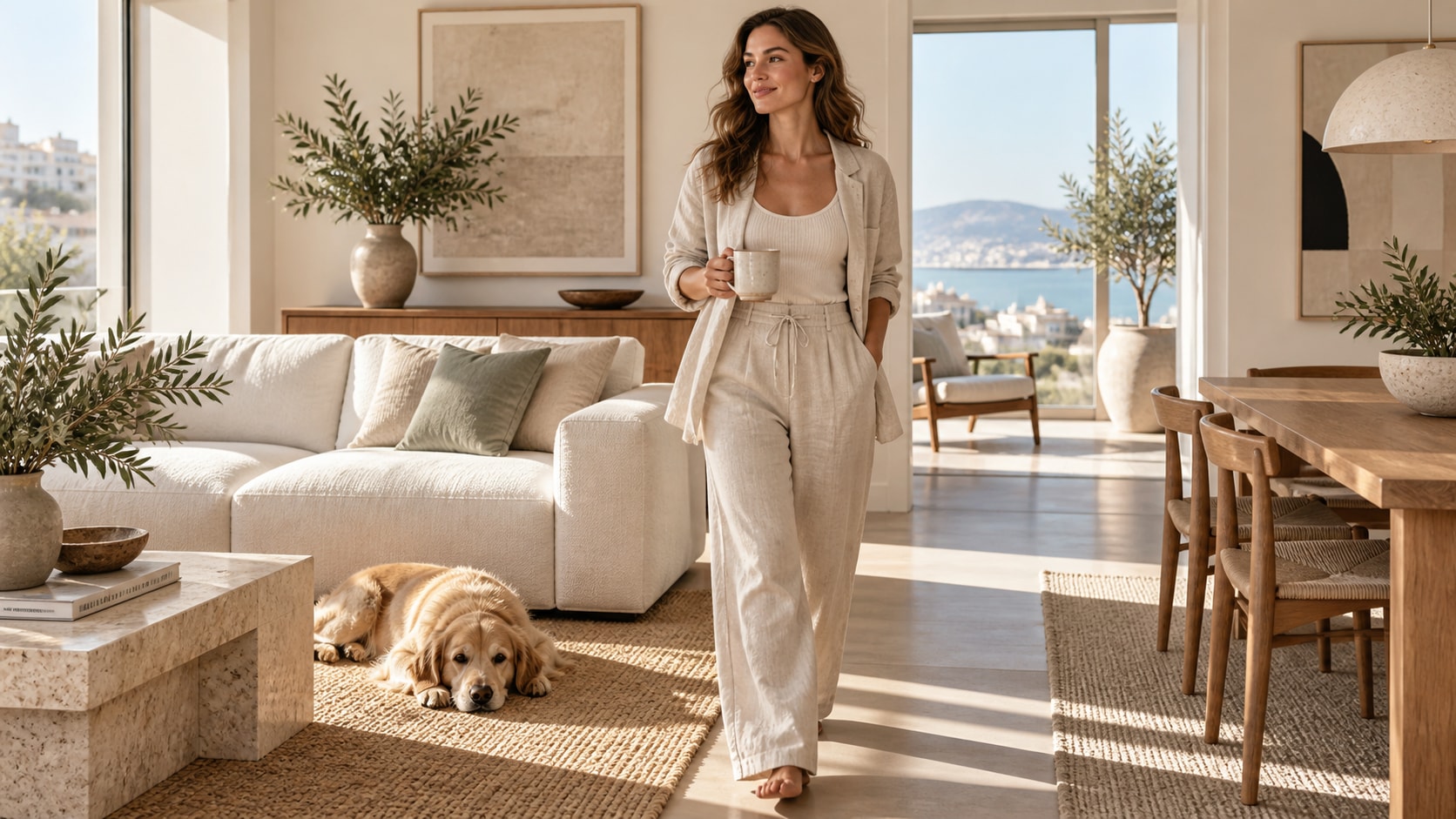
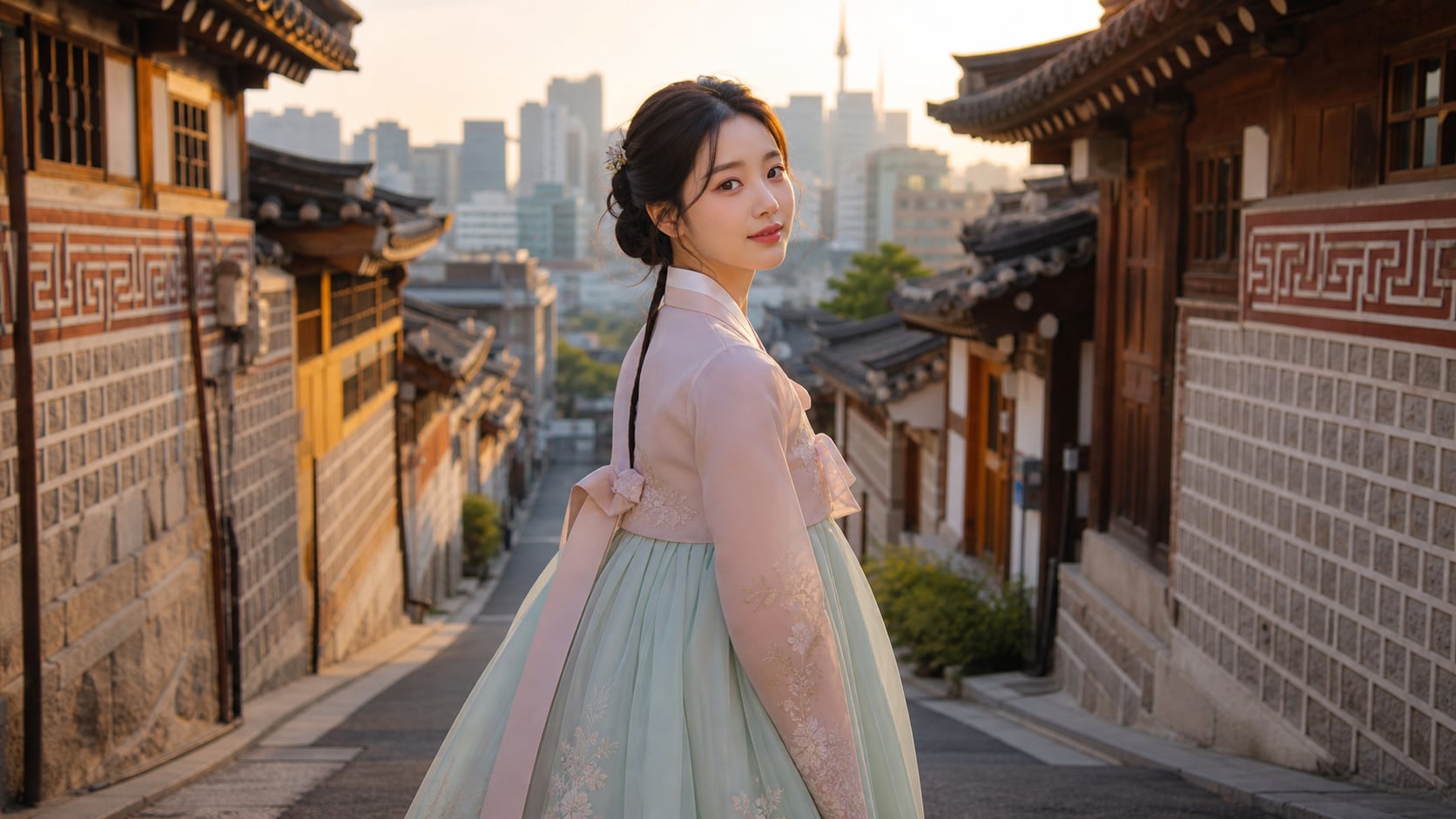
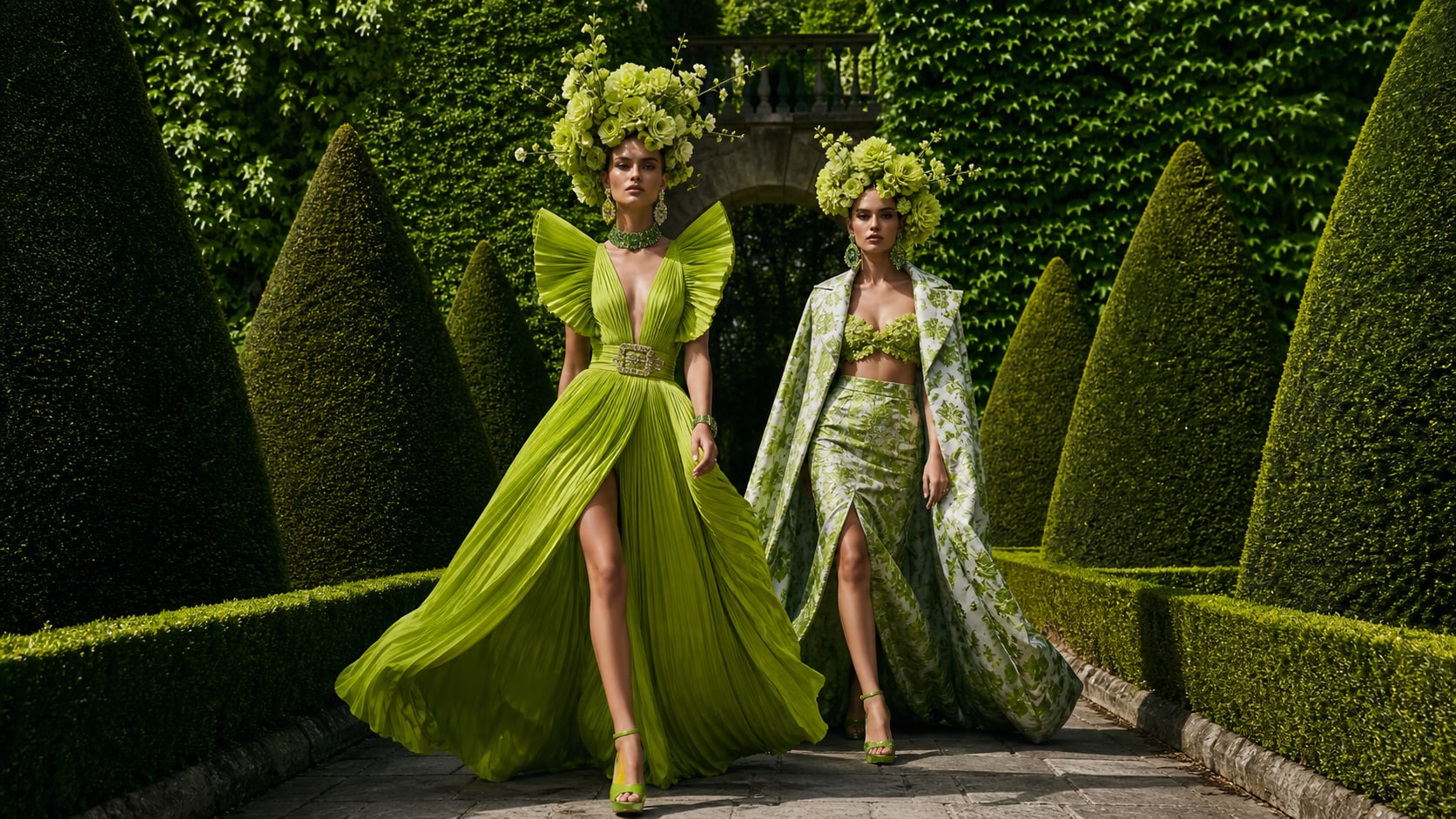
Explore Maid Dress AI Prompts
Browse ai maid dress prompts for adult fashion try-on portraits, cafe uniforms, gothic lolita variations, pastel styling, and polished outfit studies. Use each idea to create assets for video templates, reels, social posts, covers, and export-ready visuals.
Loading more maid dress prompts...
 Category:
 Duration:
 Aspect Ratio:
Why Create Maid Dress Looks With Filmora?
Maid dress visuals work best when the garment silhouette, lace, apron, accessories, and setting are clearly described. Filmora helps turn those fashion prompts into edit-ready try-on images, character boards, and social videos.
Generate Maid Dress Looks With Filmora
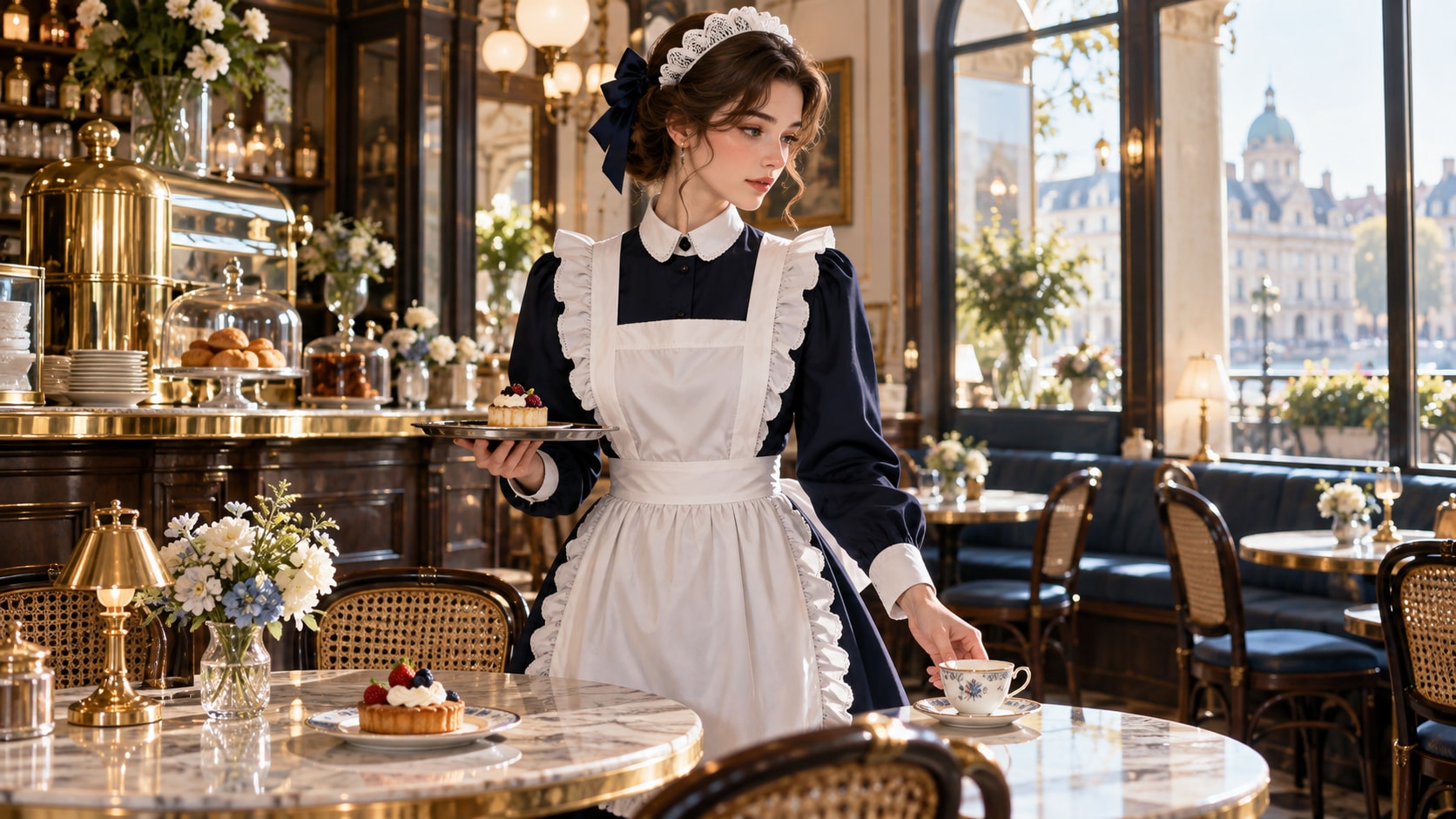
Generate Maid Dress Looks With Filmora
Start with a precise maid dress prompt, then use Filmora's AI image generator to turn adult fashion try-on portraits, cafe uniforms, gothic lolita variations, pastel styling, and polished outfit studies into clean, edit-ready stills. Use it for adult fashion try-on portraits, cafe uniforms, gothic lolita variations, pastel styling, and polished outfit studies, then continue refining crop, color, overlays, and motion in Filmora.
- Prompt to Image - Turn a garment brief into a polished fashion still with controlled silhouette, pose, and visual balance.
- Clean Visual Structure - Keep enough breathing room for outfit notes, captions, or campaign copy added later in Filmora.
- Fast Iteration - Compare studio catalog, cafe lifestyle, street, seasonal, and editorial directions quickly.
Use GPT Image 2 for Fabric, Fit, and Uniform Detail
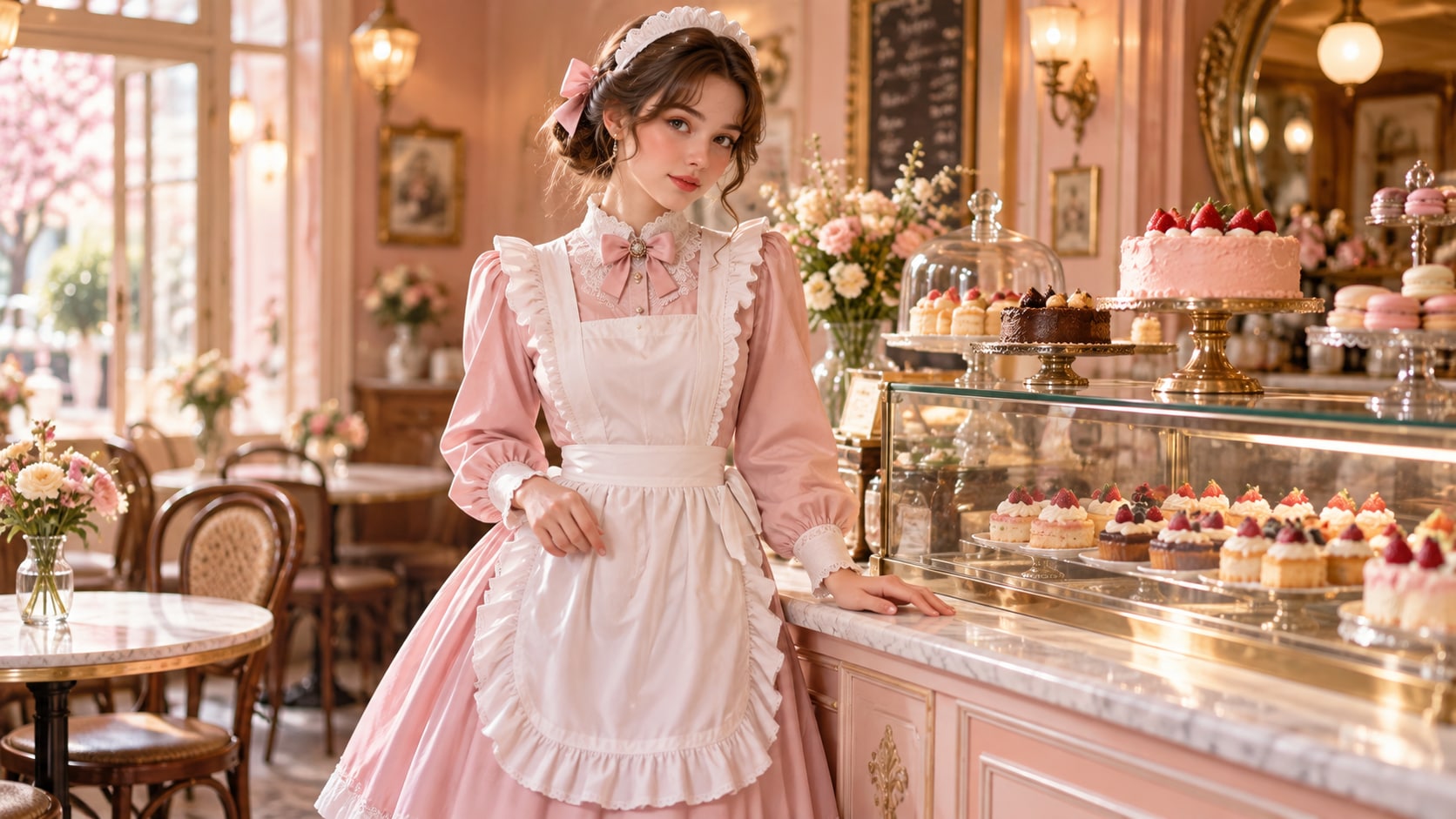
Use GPT Image 2 for Fabric, Fit, and Uniform Detail
When the scene needs dependable subject detail, texture, or background control, Filmora's GPT Image 2 helps follow a structured prompt. GPT Image 2 helps preserve apron construction, lace trim, buttons, sleeves, stockings, shoes, hair styling, and believable adult anatomy.
- Prompt Following - Specify garment construction, accessories, fabric texture, pose, setting, light direction, and camera distance.
- Detail Control - Preserve lace, pleats, buttons, hemlines, hair, hands, and realistic fabric folds with more control.
- Edit-Ready Results - Keep the fashion frame clean before adding typography, stickers, or motion.
Try Nano Banana for Cafe and Costume Variants
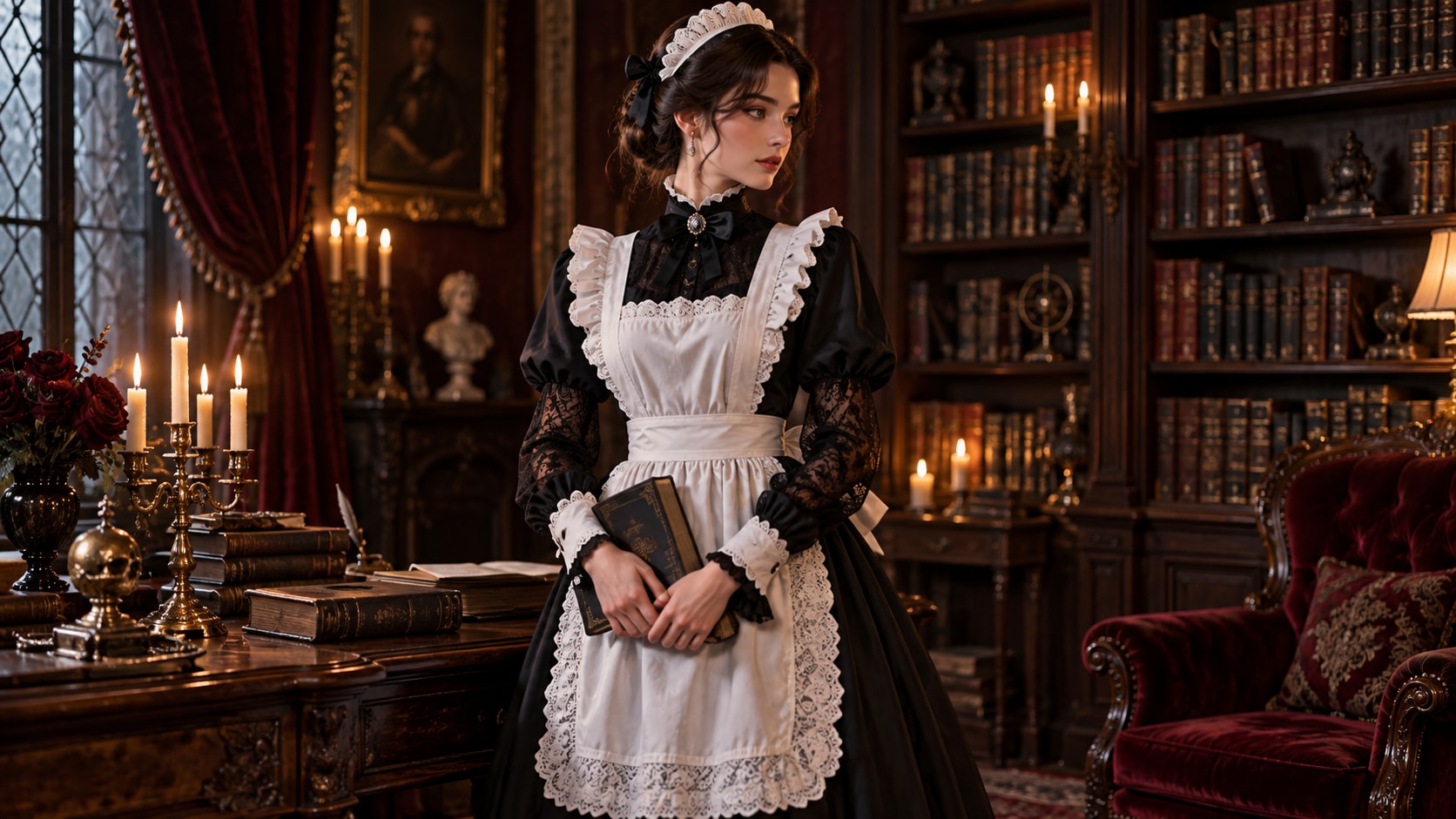
Try Nano Banana for Cafe and Costume Variants
Use Filmora's Nano Banana when one idea needs another palette, mood, composition, or social treatment. Try French cafe, pastel dessert shop, gothic library, Victorian parlor, modern studio, or seasonal uniform treatments while keeping the outfit coherent.
- Style Range - Move between classic, gothic, pastel, coquette, bridal-inspired, and modern minimalist treatments.
- Variant Testing - Test alternate color families, locations, and crops from the same outfit concept.
- Creative Flow - Keep styling exploration connected to Filmora's editing and export tools.
Turn Maid Dress Looks Into Video
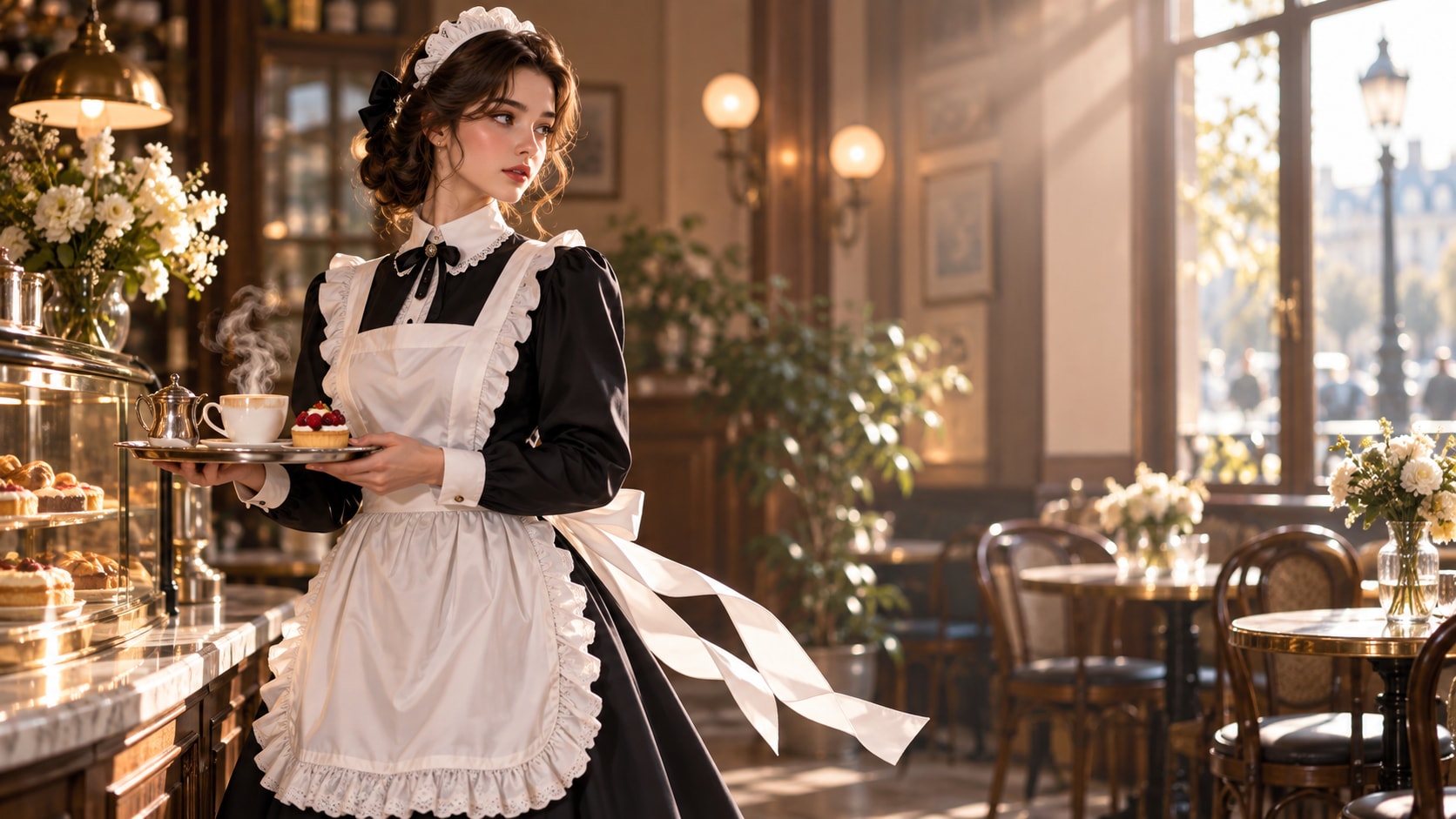
Turn Maid Dress Looks Into Video
After generating the still, use Filmora's AI Image to Video workflow to add camera movement, overlays, effects, sound, and social-ready exports. Animate a skirt swish, apron tie, curtain movement, tray gesture, cafe steam, or a gentle camera slide across the outfit.
- Motion Ideas - Animate a skirt swish, curtain movement, walking step, jewelry glint, or gentle camera slide.
- Social Formats - Create 16:9 campaign banners, 9:16 fashion reels, and square outfit posts from one still.
- Final Export - Finish with text, music, transitions, and storefront-ready exports.
Frequently Asked Questions About Maid Dress Prompts
How to Generate Maid Dress Images With AI
Choose a maid dress setup, define the subject and visual mood, generate the still, then personalize or animate it in Filmora.
Step 1 Choose a Maid Dress Prompt

Step 2 Set Style, Model, and Ratio

Step 3 Generate, Edit, and Export

-
1: Choose a Maid Dress Prompt
Pick a maid dress setup such as a classic cafe uniform, a pastel maid look, a gothic lace outfit, or a clean fashion catalog portrait. -
2: Set Style, Model, and Ratio
Paste the prompt into Filmora's AI Image tool, choose GPT Image 2 or Nano Banana, select a ratio, and refine subject detail, lighting, and framing. -
3: Generate, Edit, and Export
Generate the still, adjust crop and color, add motion or overlays if needed, then export it for outfit try-ons, cosplay mood boards, cafe branding, social posts, fashion reels, and character styling studies.
Maid Dress AI Prompts for Premium Visuals
Use ai maid dress prompts to create adult fashion try-on portraits, cafe uniforms, gothic lolita variations, pastel styling, and polished outfit studies and motion-ready visuals for Filmora editing.