Explore Netflix Style Poster AI Prompts
Browse ai netflix style poster prompts for ensemble casts, suspense scenes, romance dramas, crime thrillers, sci-fi worlds, and credits-ready key art. Use each idea to create assets for video templates, reels, social posts, covers, and export-ready visuals.
Loading more netflix style poster prompts...
 Category:
 Duration:
 Aspect Ratio:
Why Create Streaming-Style Posters With Filmora?
A strong streaming poster needs a readable story hook, clear subject hierarchy, and enough negative space for accurate titles. Filmora helps transform genre prompts into key art, teasers, thumbnails, and motion-ready campaign frames.
Generate Streaming-Style Posters With Filmora
Generate Streaming-Style Posters With Filmora
Start with a precise Netflix style poster prompt, then use Filmora's AI image generator to turn ensemble casts, suspense scenes, romance dramas, crime thrillers, sci-fi worlds, and credits-ready key art into clean, edit-ready stills. Use it for ensemble casts, suspense scenes, romance dramas, crime thrillers, sci-fi worlds, and credits-ready key art, then continue refining crop, color, overlays, and motion in Filmora.
- Prompt to Image - Turn a story premise into a readable poster composition with a clear focal subject and controlled visual scale.
- Clean Visual Structure - Leave clean space for accurate titles, cast details, and credits that can be added later in Filmora.
- Fast Iteration - Compare thriller, romance, comedy, sci-fi, and documentary directions before choosing a campaign key art.
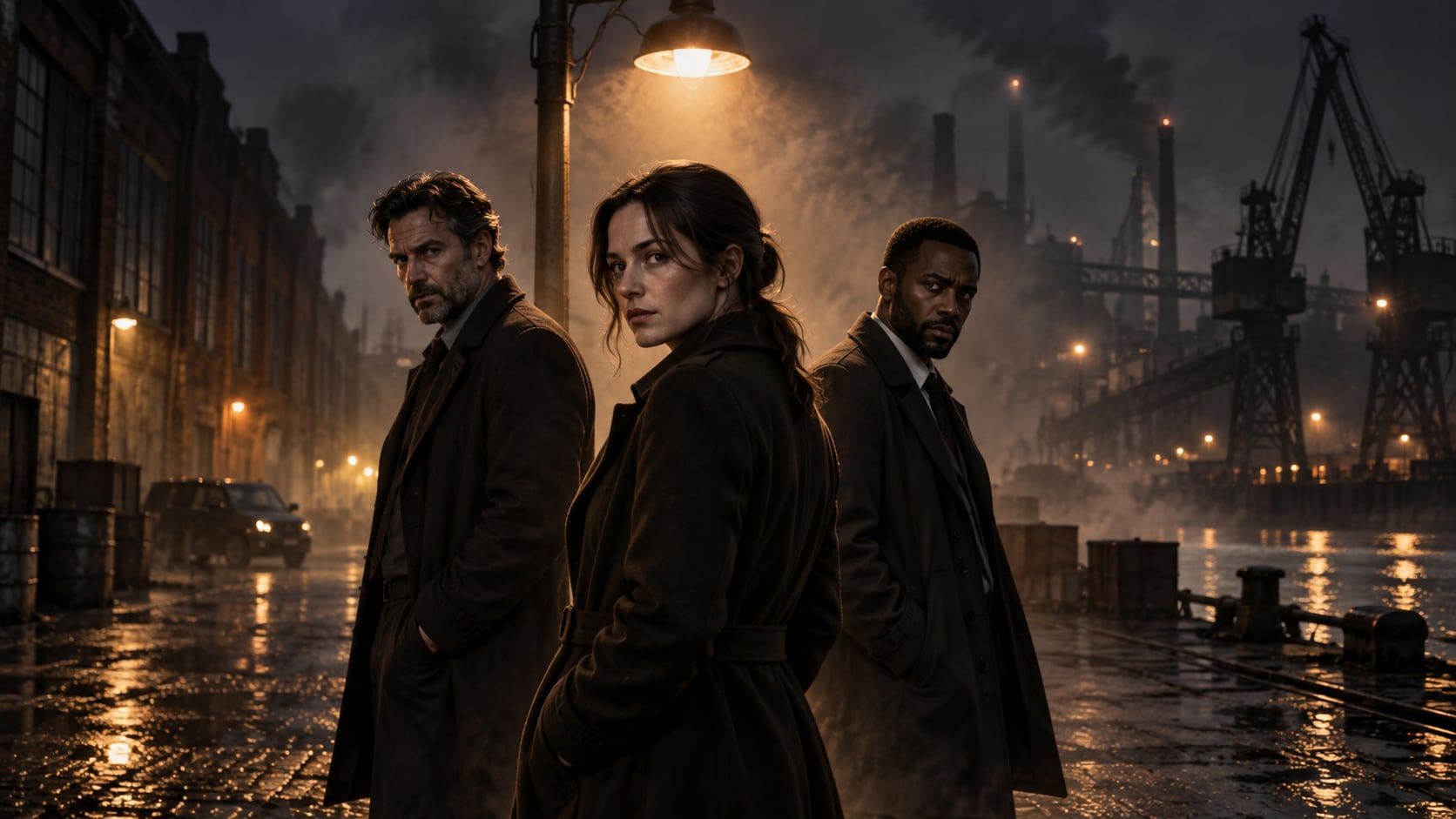
Use GPT Image 2 for Cast, Genre, and Story Detail
Use GPT Image 2 for Cast, Genre, and Story Detail
When the scene needs dependable subject detail, texture, or background control, Filmora's GPT Image 2 helps follow a structured prompt. GPT Image 2 helps structure ensemble placement, facial expression, wardrobe, practical lighting, atmospheric depth, and a clean area for later title design.
- Prompt Following - Describe the cast, setting, genre mood, camera distance, color grade, and poster hierarchy.
- Detail Control - Hold faces, wardrobe, smoke, practical light, architecture, and atmospheric depth with greater consistency.
- Edit-Ready Results - Keep generated signage and credits abstract so final text remains editable.
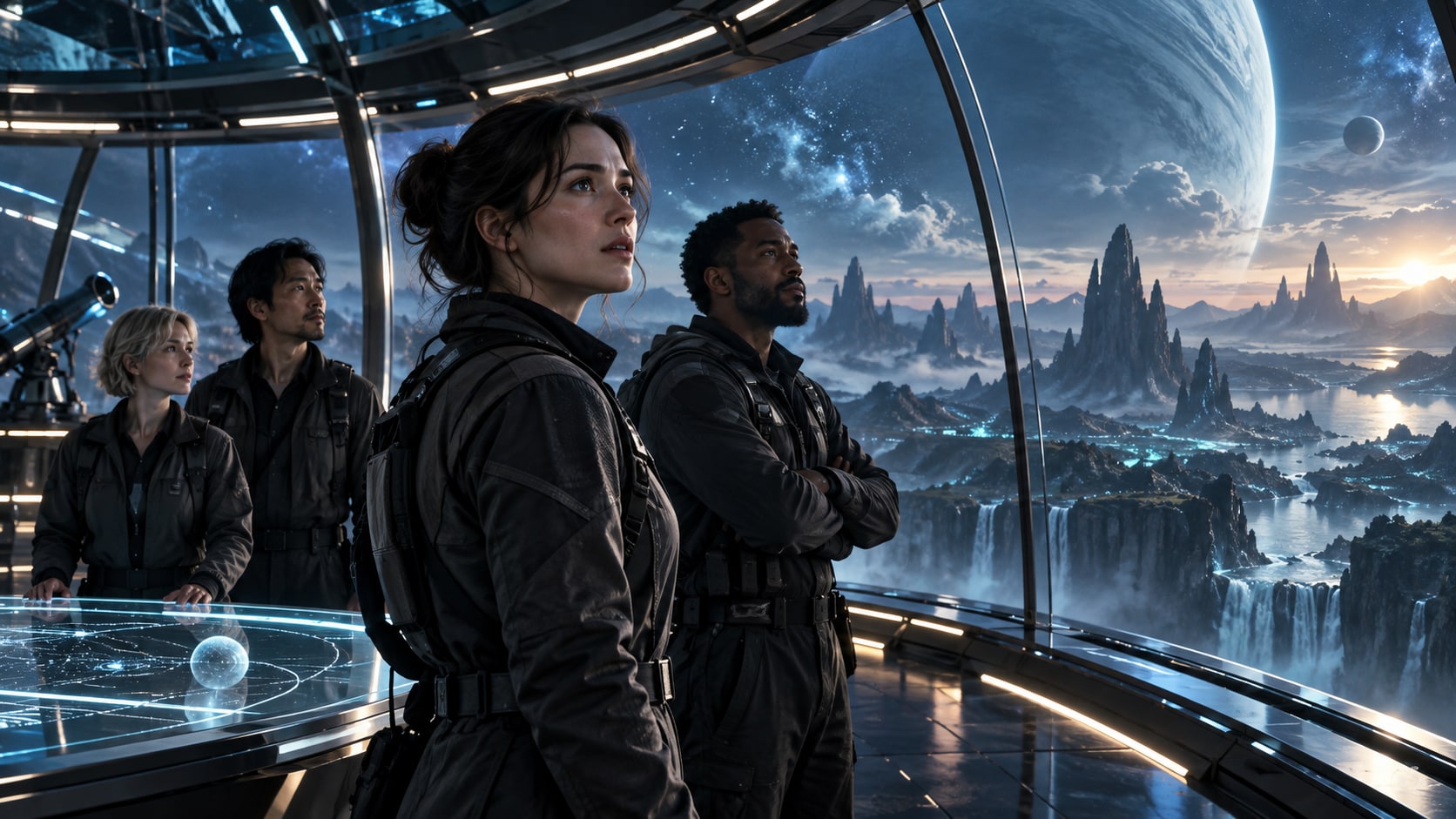
Try Nano Banana for Genre and Key-Art Variants
Try Nano Banana for Genre and Key-Art Variants
Use Filmora's Nano Banana when one idea needs another palette, mood, composition, or social treatment. Test prestige drama, crime noir, romantic mystery, historical epic, psychological thriller, or science-fiction variants from one fictional premise.
- Style Range - Explore streaming drama, retro cinema, prestige crime, fantasy adventure, and minimalist key-art variants.
- Variant Testing - Try alternate ensembles, viewpoints, and color treatments without rebuilding the whole concept.
- Creative Flow - Keep prompt, image generation, layout refinement, and social export in one workflow.
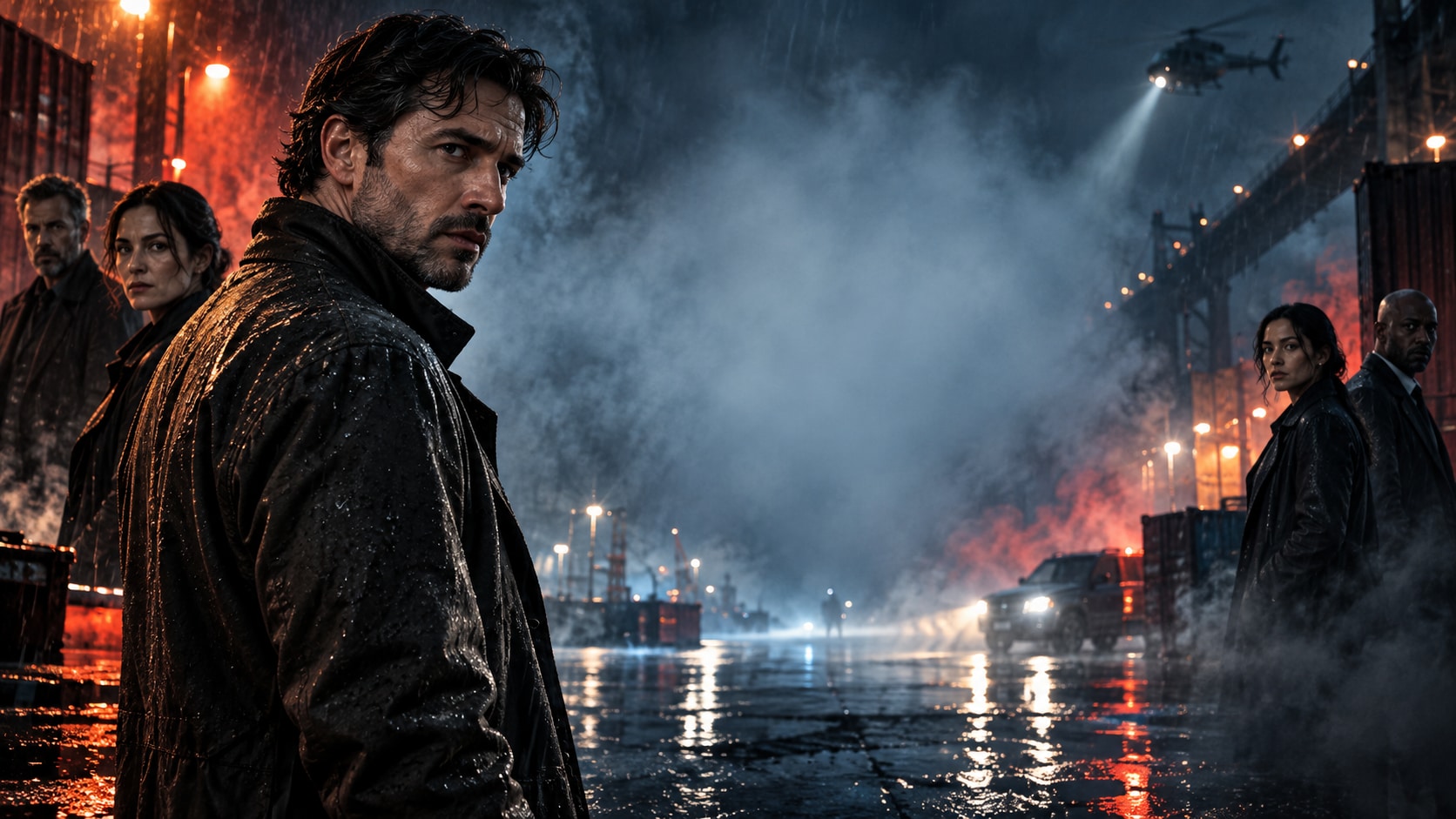
Turn Streaming-Style Posters Into Video
Turn Streaming-Style Posters Into Video
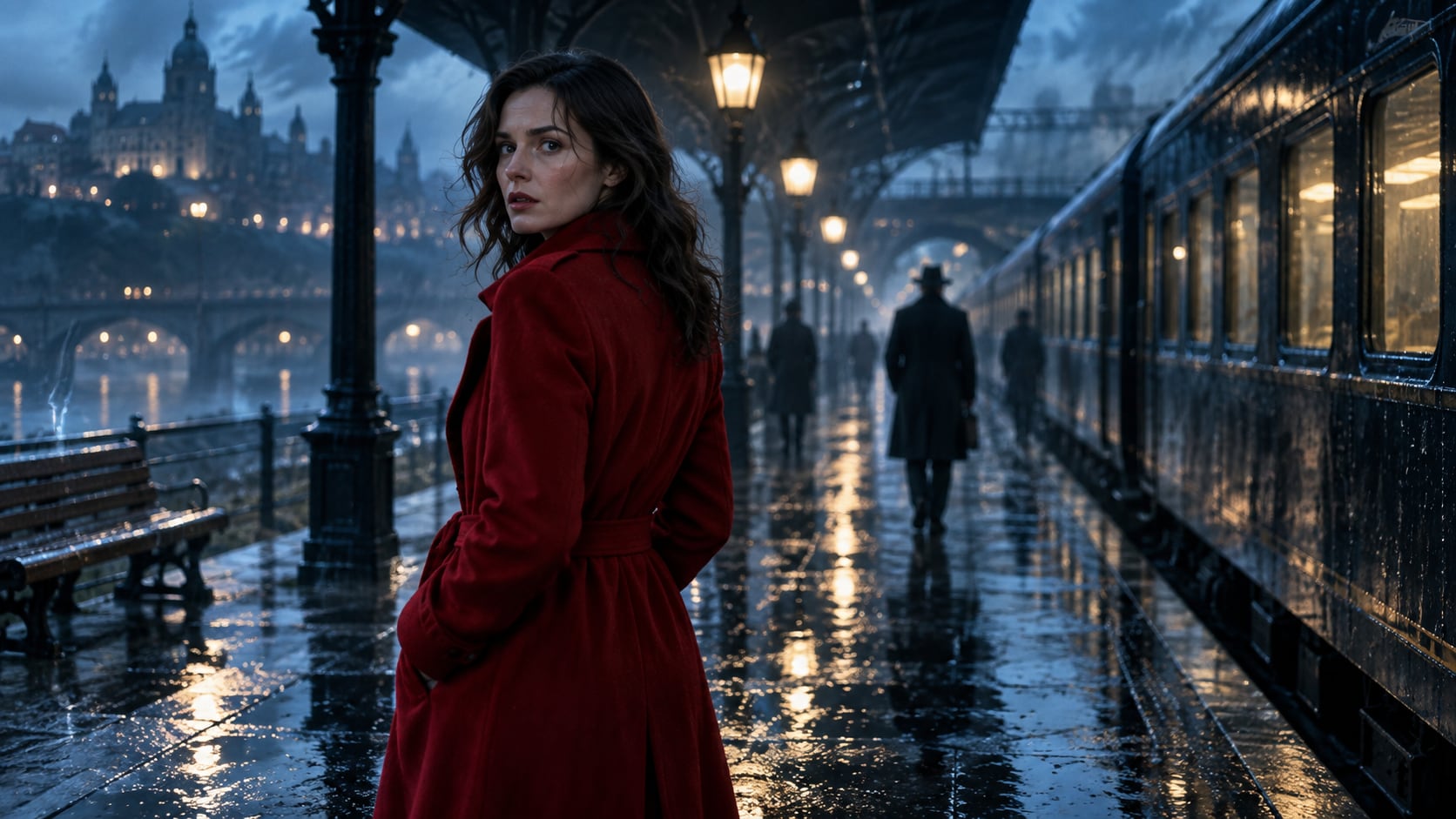
After generating the still, use Filmora's AI Image to Video workflow to add camera movement, overlays, effects, sound, and social-ready exports. Animate rain, smoke, flickering practical lights, drifting dust, passing train lights, or a slow push toward the central character.
- Motion Ideas - Animate rain, dust, sparks, light leaks, drifting smoke, or a slow camera move for a teaser.
- Social Formats - Reframe the poster for widescreen trailers, vertical shorts, and square campaign tiles.
- Final Export - Add correct titles, music, transitions, and final export settings in Filmora.
Frequently Asked Questions About Netflix Style Poster Prompts
How to Generate Netflix Style Poster Images With AI
Choose a netflix style poster setup, define the subject and visual mood, generate the still, then personalize or animate it in Filmora.
Step 1 Choose a Netflix Style Poster Prompt

Step 2 Set Style, Model, and Ratio

Step 3 Generate, Edit, and Export

-
1: Choose a Netflix Style Poster Prompt
Pick a netflix style poster setup such as a rainy mystery poster, a prestige family drama, a sci-fi ensemble, or a clean streaming thumbnail. -
2: Set Style, Model, and Ratio
Paste the prompt into Filmora's AI Image tool, choose GPT Image 2 or Nano Banana, select a ratio, and refine subject detail, lighting, and framing. -
3: Generate, Edit, and Export
Generate the still, adjust crop and color, add motion or overlays if needed, then export it for fictional film concepts, social teasers, pitch decks, trailer covers, and cinematic video projects.
Netflix Style Poster AI Prompts for Premium Visuals
Use ai netflix style poster prompts to create ensemble casts, suspense scenes, romance dramas, crime thrillers, sci-fi worlds, and credits-ready key art and motion-ready visuals for Filmora editing.