Explore AI Orange Juice Ad Prompts
Browse orange juice ad prompts for glass bottles, fresh oranges, pour shots, condensation, citrus groves, social banners, and clean product mockups. Each prompt avoids generated text so final slogans, prices, and campaign labels can be added cleanly in Filmora.
Loading more orange juice ad prompts...
 Category:
 Duration:
 Aspect Ratio:
Why Use Orange Juice Ad Prompts With Filmora?
Orange juice ads need crisp liquid detail, fresh citrus color, believable condensation, clean product staging, and space for final copy. Filmora helps creators generate the still image, refine the product look, animate the result, and export the campaign in social-ready formats.
Generate Fresh Citrus Product Heroes
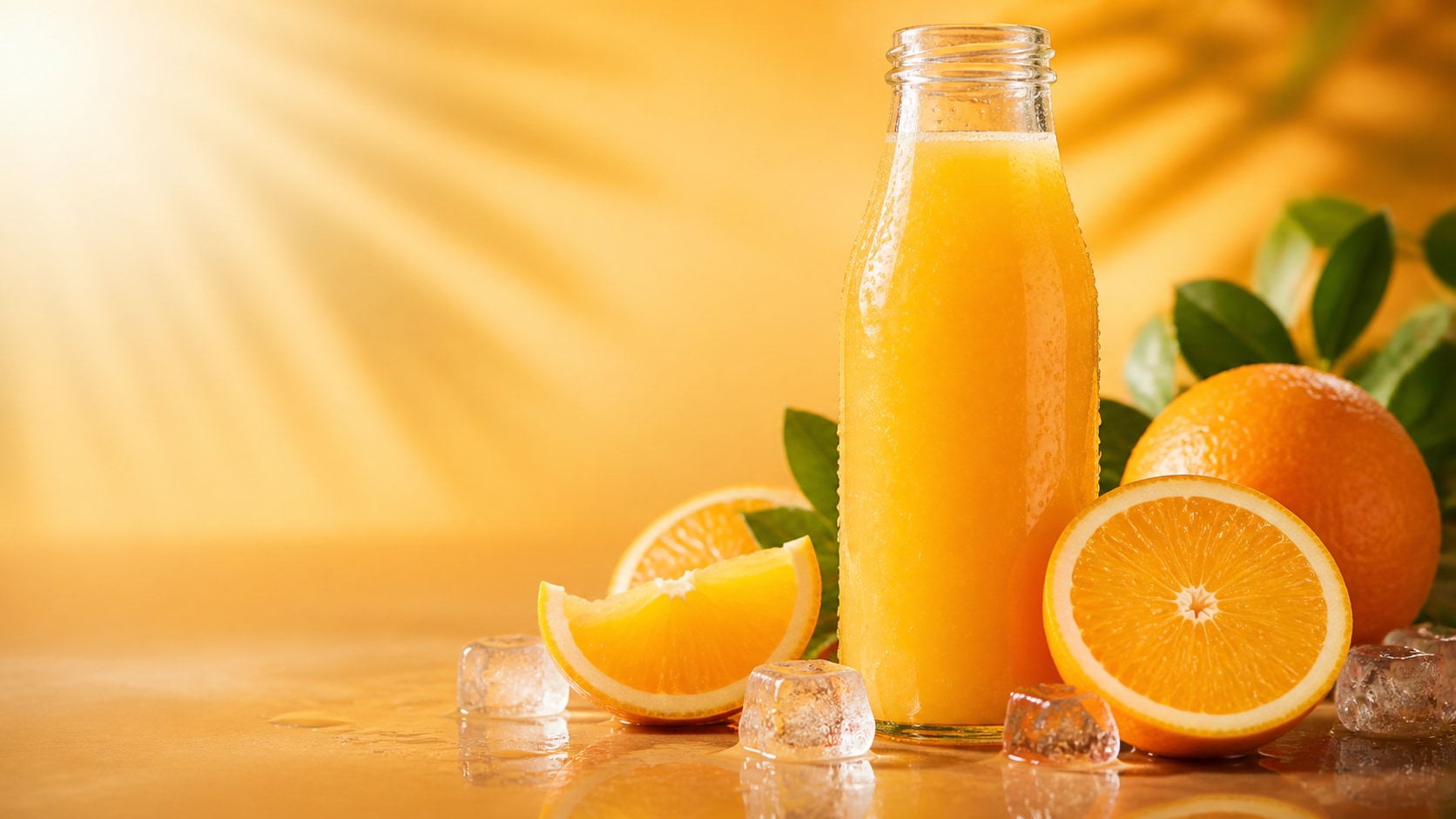
Generate Fresh Citrus Product Heroes
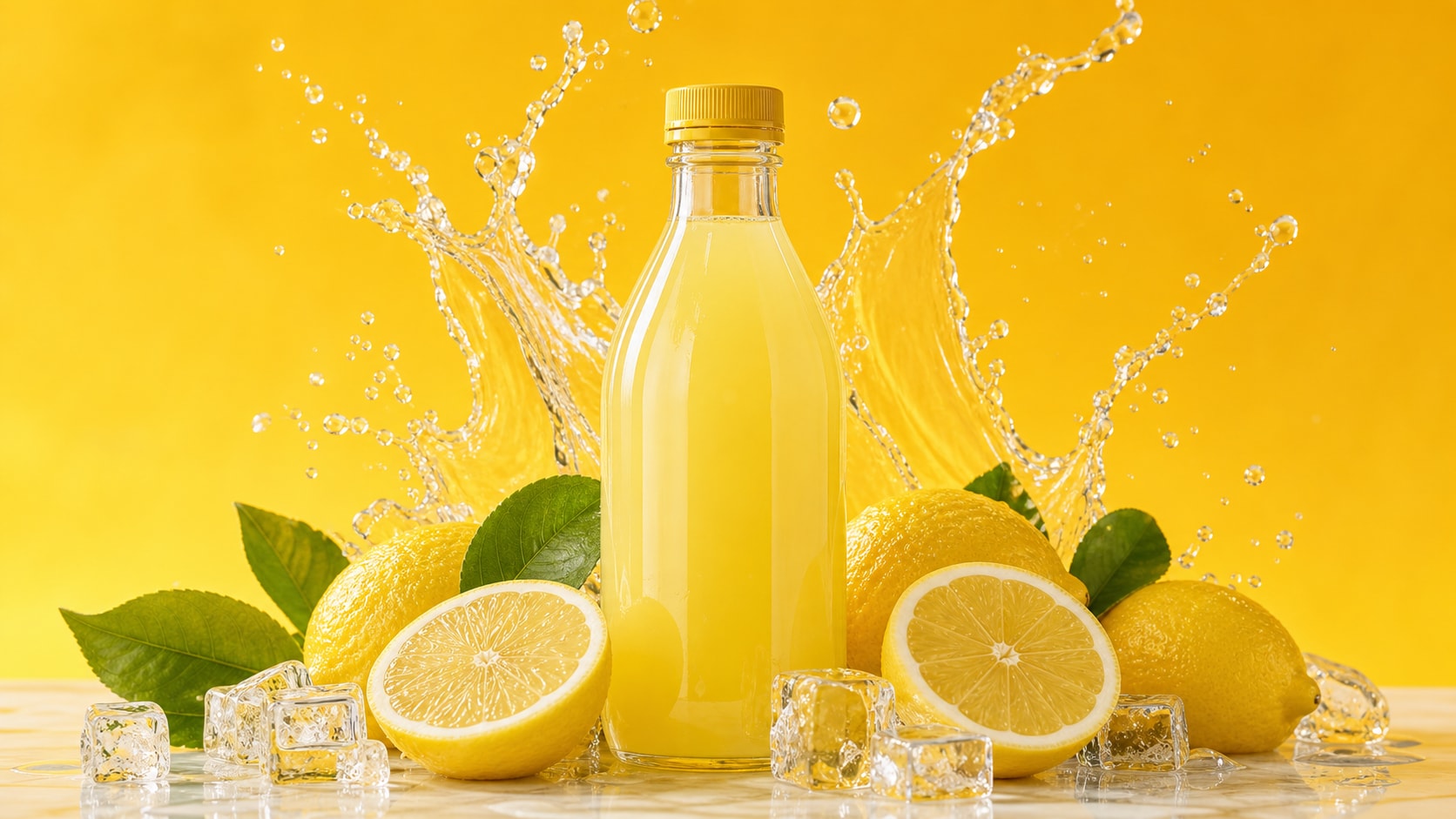
Start with a clear AI orange juice ad prompt, then use Filmora's AI image generator to create bottle shots, glasses, orange slices, condensation, and clean copy space for later campaign text.
- Product Focus - Describe one bottle, one glass, or a packshot with the fruit arranged around it.
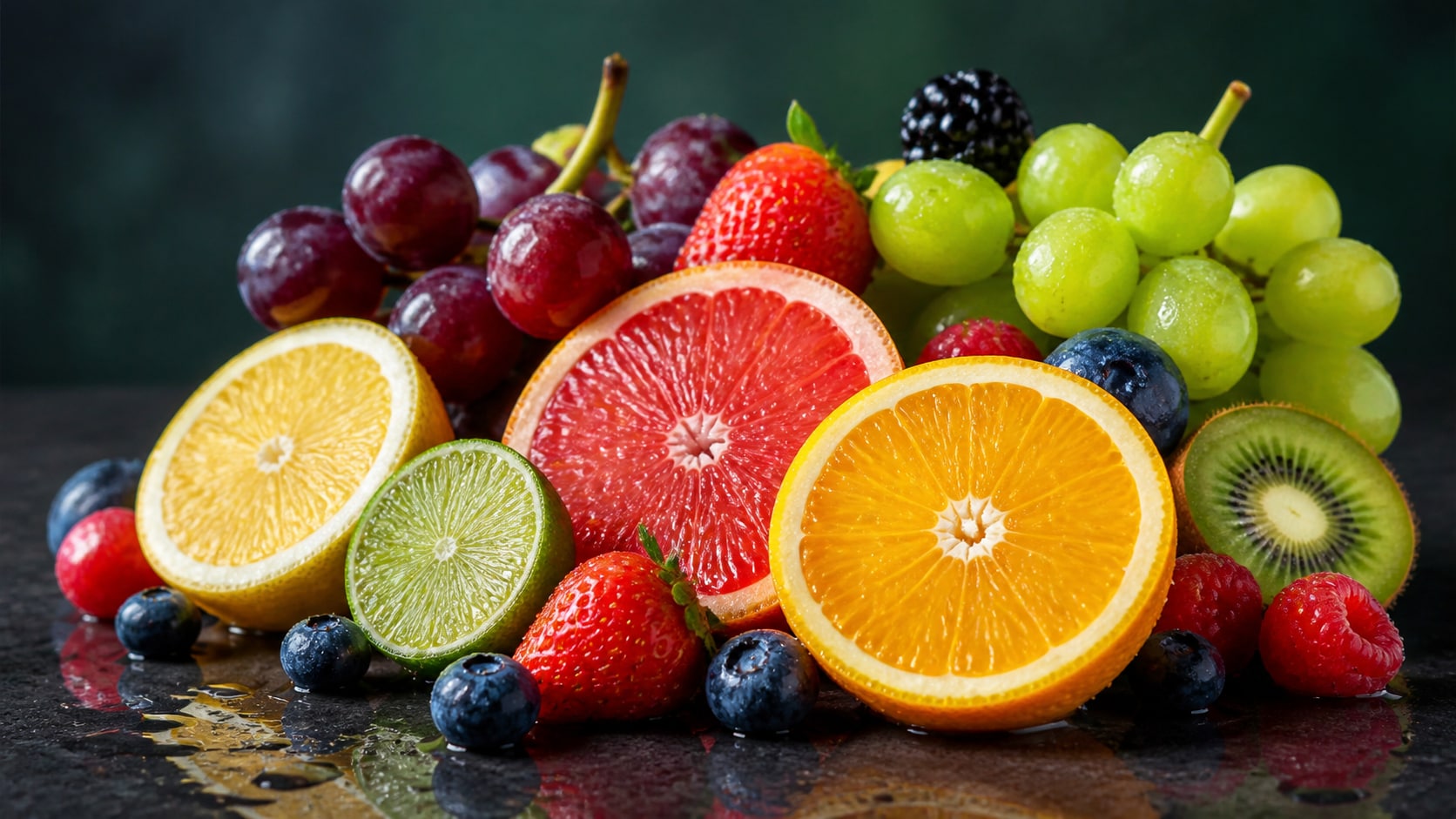
- Fresh Texture - Use pulp detail, ice sparkle, juice clarity, peel texture, and bright citrus highlights.
- Editable Layout - Keep the generated image text-free so final ad copy stays readable in Filmora.
Use GPT Image 2 for Cleaner Prompt Following
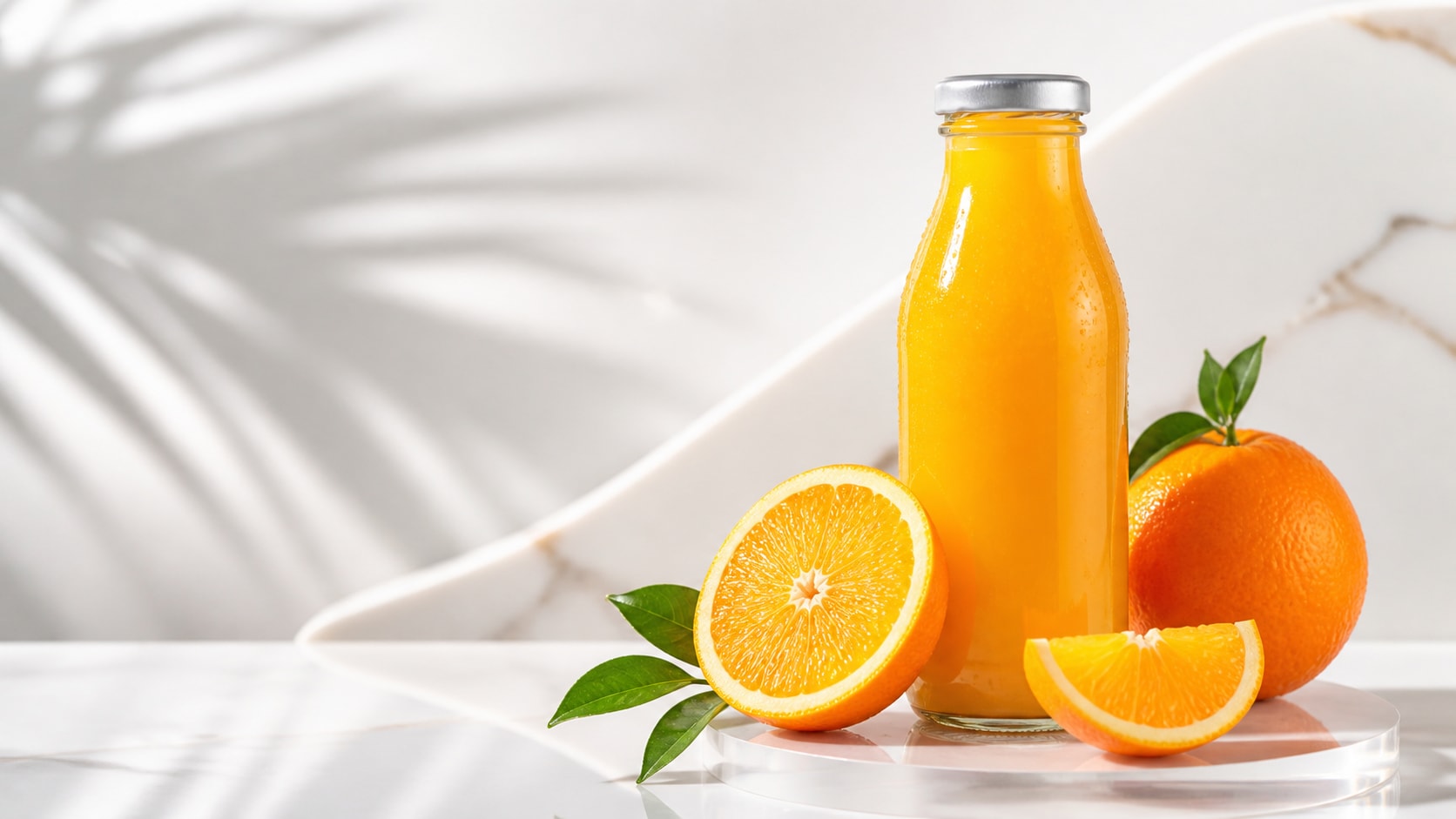
Use GPT Image 2 for Cleaner Prompt Following
When a bottle mockup needs precise label-free packaging, splash shape, shadow direction, and blank headline space, Filmora lets creators work with GPT Image 2 for controlled product-ad compositions.
- Mockup Control - Specify bottle angle, glass transparency, fruit placement, and surface material.
- Ad Structure - Reserve top, side, or center negative space for headlines and offer copy.
- Fast Variants - Generate multiple bottle, can, glass, or poster directions before editing.
Explore Nano Banana for Bright Citrus Styles
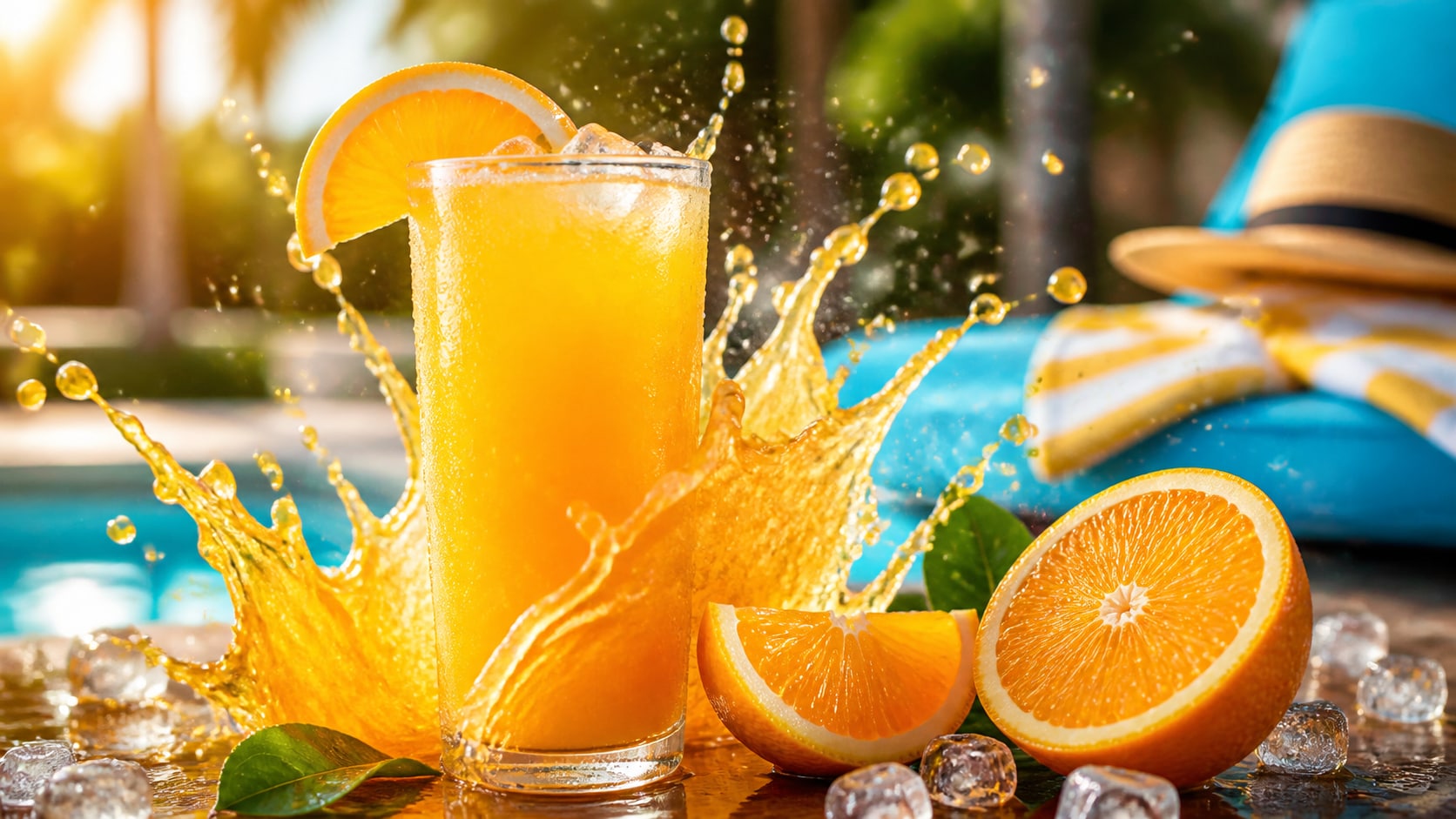
Explore Nano Banana for Bright Citrus Styles
Use Filmora's Nano Banana model when the same orange juice commercial prompt needs brighter summer color, glossy lighting, warmer lifestyle mood, or playful social ad variants.
- Style Range - Try orchard sunlight, studio yellow, poolside summer, or premium minimal looks.
- Scene Variants - Rework one product idea as a poster, reel cover, thumbnail, or menu image.
- Creative Speed - Compare several citrus atmospheres before choosing the edit direction.
Animate Beverage Ads Into Social Videos
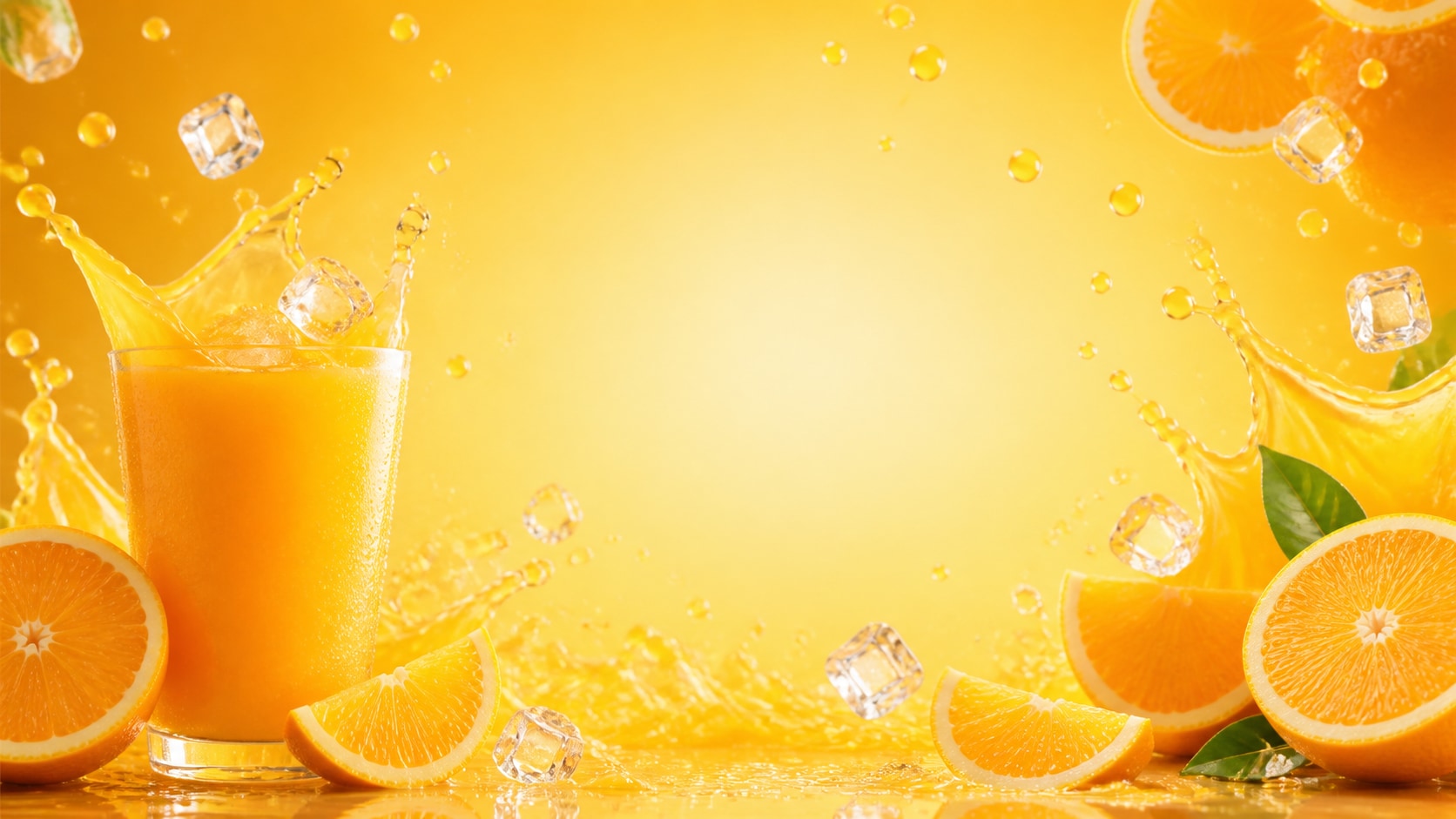
Animate Beverage Ads Into Social Videos
After generating a still ad, use Filmora's AI Image to Video workflow to add slow camera pushes, juice pours, citrus splash motion, text overlays, music, and export-ready crops.
- Motion Ideas - Animate splash arcs, ice sparkle, condensation, orange slices, or a slow product zoom.
- Social Formats - Turn one still into 16:9 banners, 9:16 reels, and 1:1 product posts.
- Finish in Filmora - Add readable slogans, stickers, effects, audio, and final brand polish after generation.
Frequently Asked Questions About Orange Juice Ad Prompts
How to Generate Orange Juice Ads With AI Prompts
Choose a beverage concept, define the product details, generate a clean still image, then finish the ad layout and motion in Filmora.
Step 1 Choose an Orange Juice Ad Prompt

Step 2 Set Product Style and Ratio

Step 3 Generate, Edit, and Export

-
1: Choose an Orange Juice Ad Prompt
Pick a scene such as a bottle mockup, splash poster, pour shot, orchard commercial, social cover, or chilled glass product photo. -
2: Set Product Style and Ratio
Paste the prompt into Filmora's AI Image tool, choose GPT Image 2 or Nano Banana, select 16:9, 9:16, or 1:1, and refine lighting, fruit detail, and blank copy space. -
3: Generate, Edit, and Export
Generate the orange juice image, adjust crop and color, add readable text or motion if needed, then export the campaign visual from Filmora.
AI Orange Juice Ad Prompts for Fresh Campaign Visuals
Use AI orange juice ad prompts to create citrus bottle ads, splash posters, social covers, commercial mockups, and motion-ready beverage visuals for Filmora editing.