Explore Gemini AI Fruit Photography Prompts
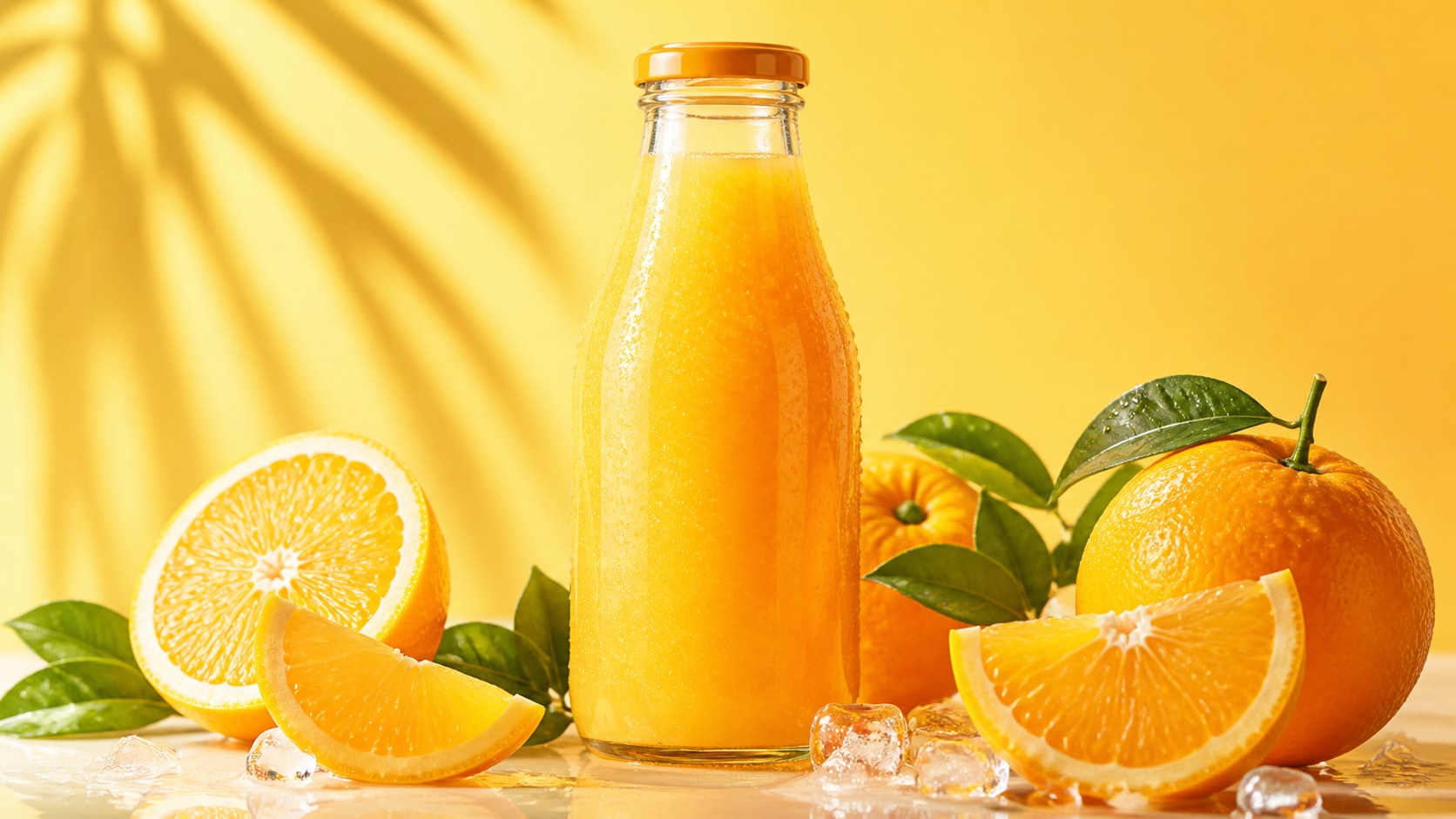
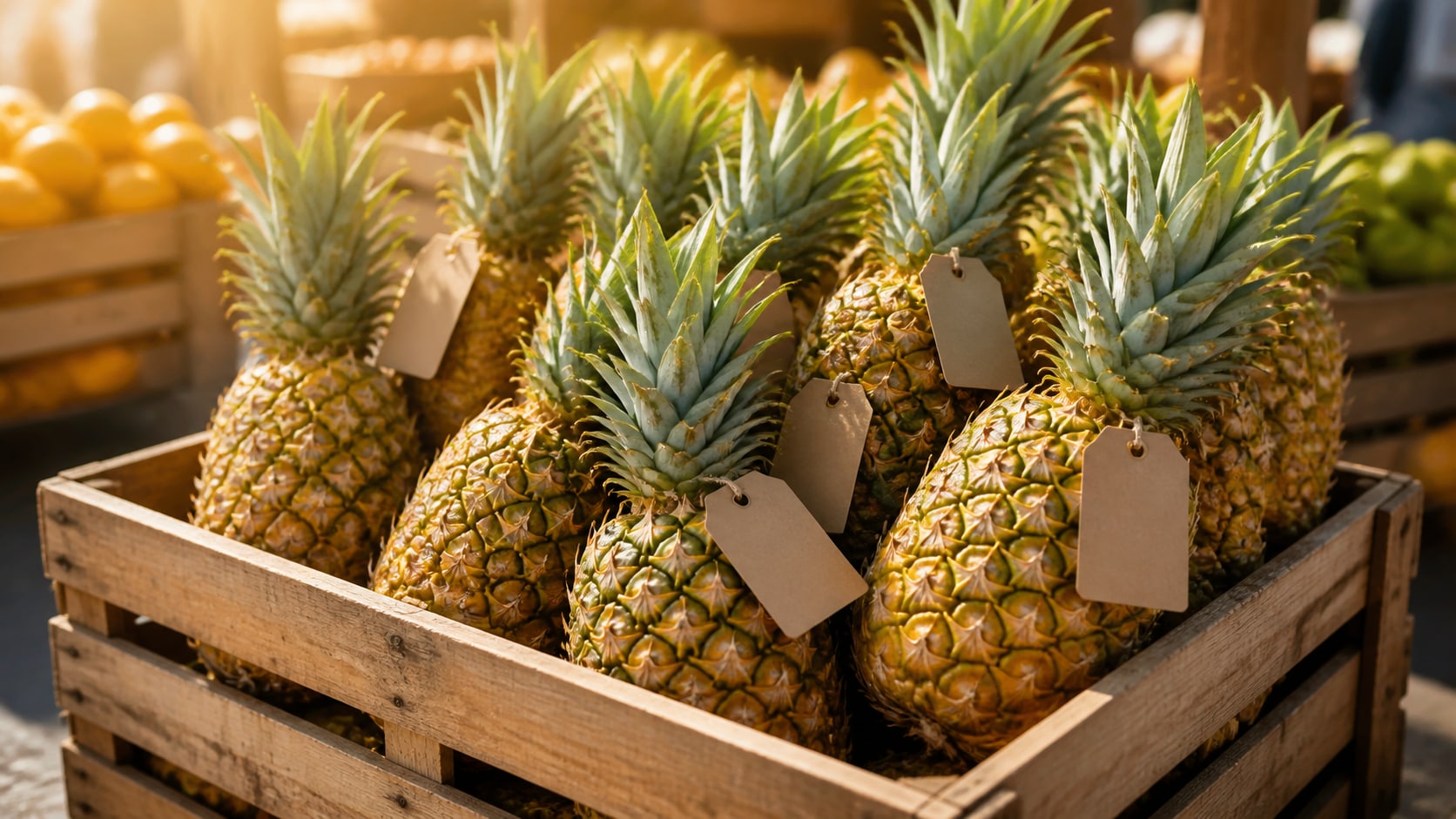
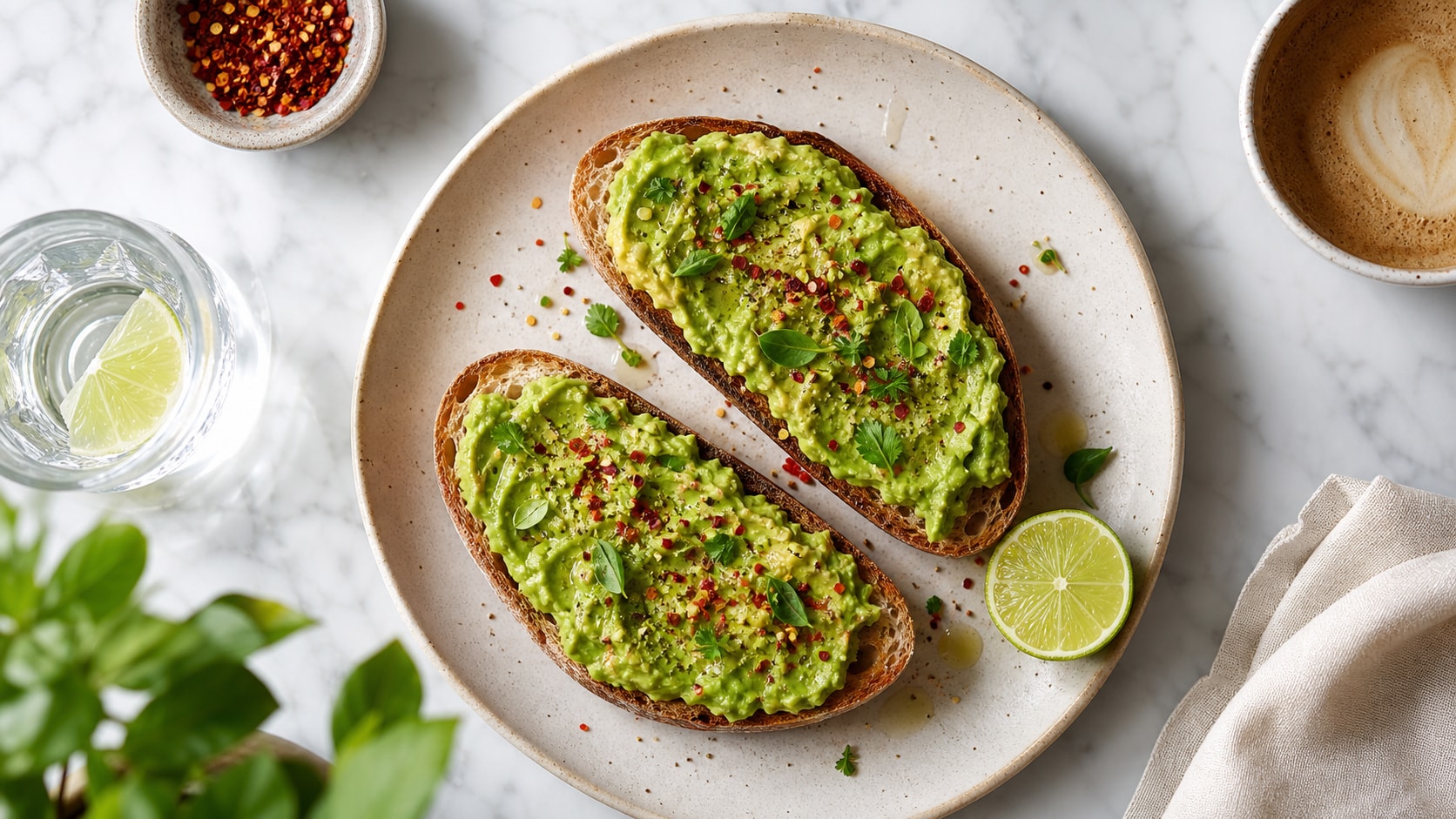
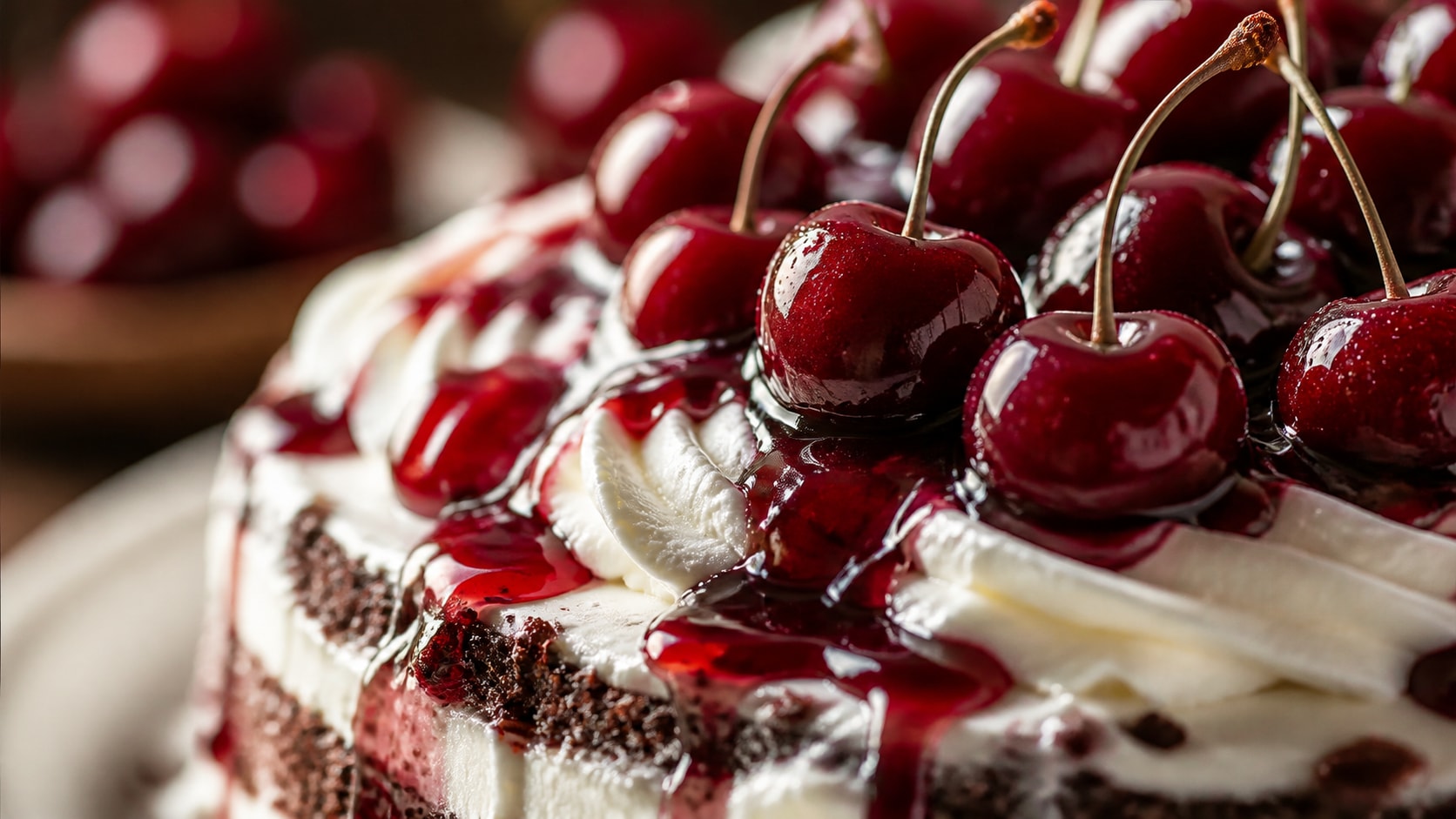
Browse fruit photography prompts for apples, berries, citrus, grapes, tropical fruit, water droplets, studio lighting, clean backgrounds, and ecommerce-style layouts. Each prompt is built for copy-paste generation and later crop, color, text, or motion edits in Filmora.
Loading more fruit photography prompts...
 Category:
 Duration:
 Aspect Ratio:
Why Use Fruit Photography Prompts With Filmora?
Fruit photography needs believable texture, appetizing color, controlled lighting, clean backgrounds, and crop-ready composition. Filmora helps creators generate still images, compare model outputs, enhance the edit, animate the result, and export fruit visuals for product pages or social media.
Generate Realistic Fruit Photos Fast
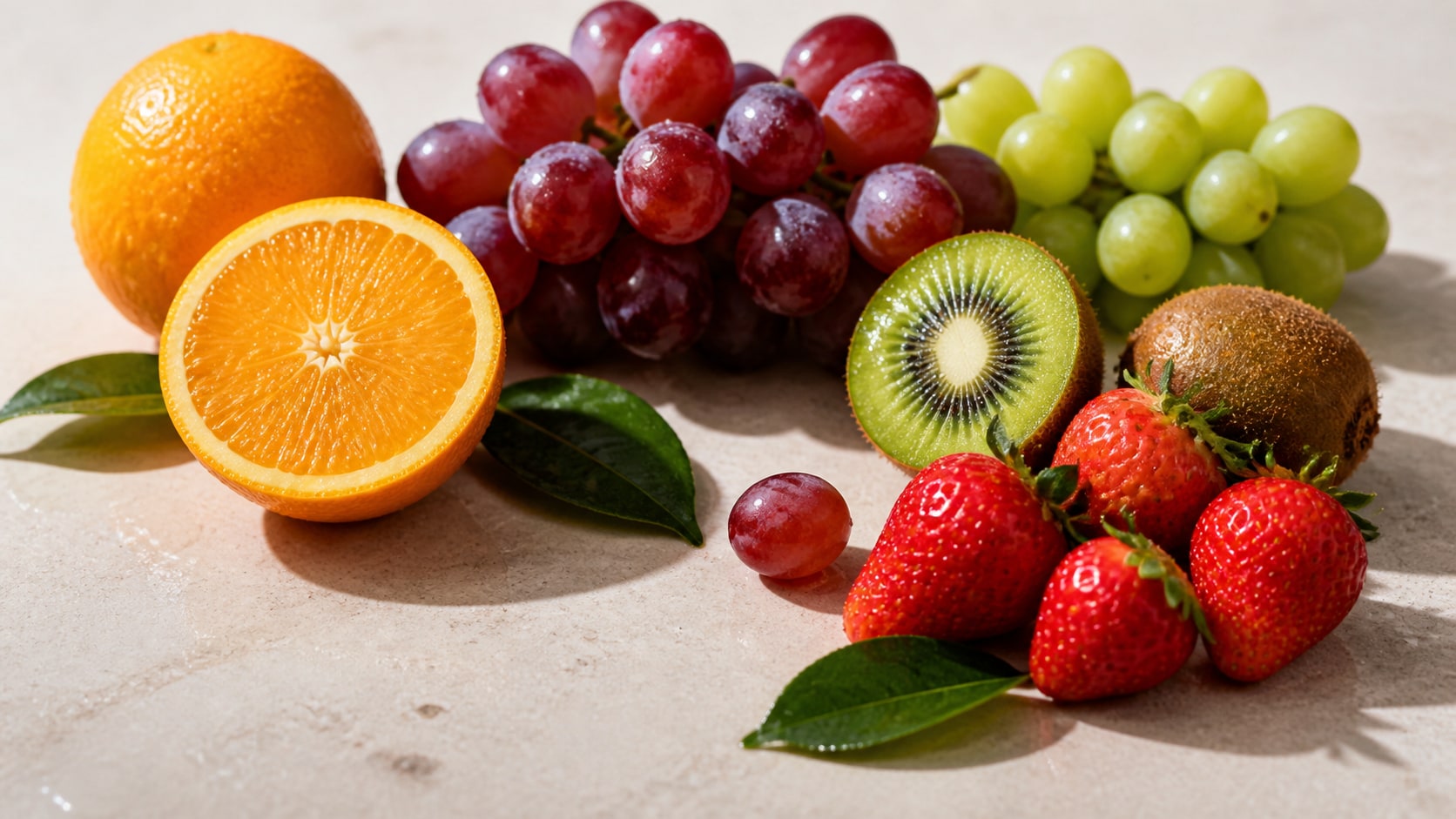
Generate Realistic Fruit Photos Fast
Use Filmora's AI image generator to turn detailed fruit photography prompts into polished still lifes, macro shots, grocery images, recipe visuals, and clean product photos.
- Texture Control - Describe peel, pulp, seeds, droplets, frost, skin pores, and cut surfaces.
- Lighting Choice - Use softbox, window light, backlight, hard shadow, or moody restaurant light.
- Clean Output - Keep images text-free and add final labels or product copy in Filmora.
Use GPT Image 2 for Product Precision
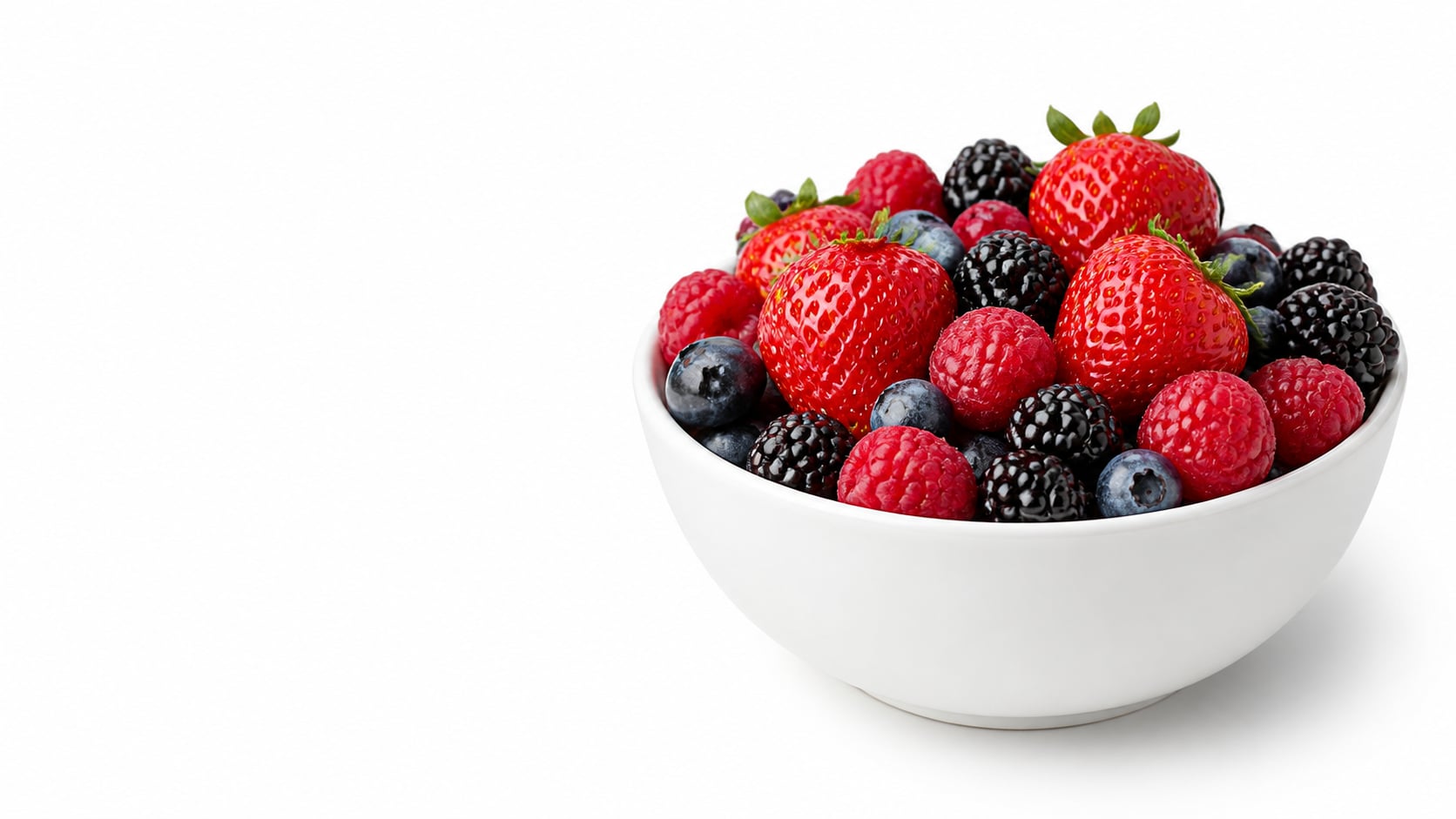
Use GPT Image 2 for Product Precision
When a Gemini fruit product photography prompt needs exact object placement, blank ecommerce space, or clean packaging mockups, Filmora supports GPT Image 2 for sharper prompt control.
- Ecommerce Layout - Specify hero fruit, surface, shadow, background color, and negative space.
- Packshot Support - Create label-free jars, cartons, trays, or produce cartons for later branding.
- Variant Testing - Compare white background, lifestyle, macro, and premium campaign looks.
Try Nano Banana for Creative Food Styles
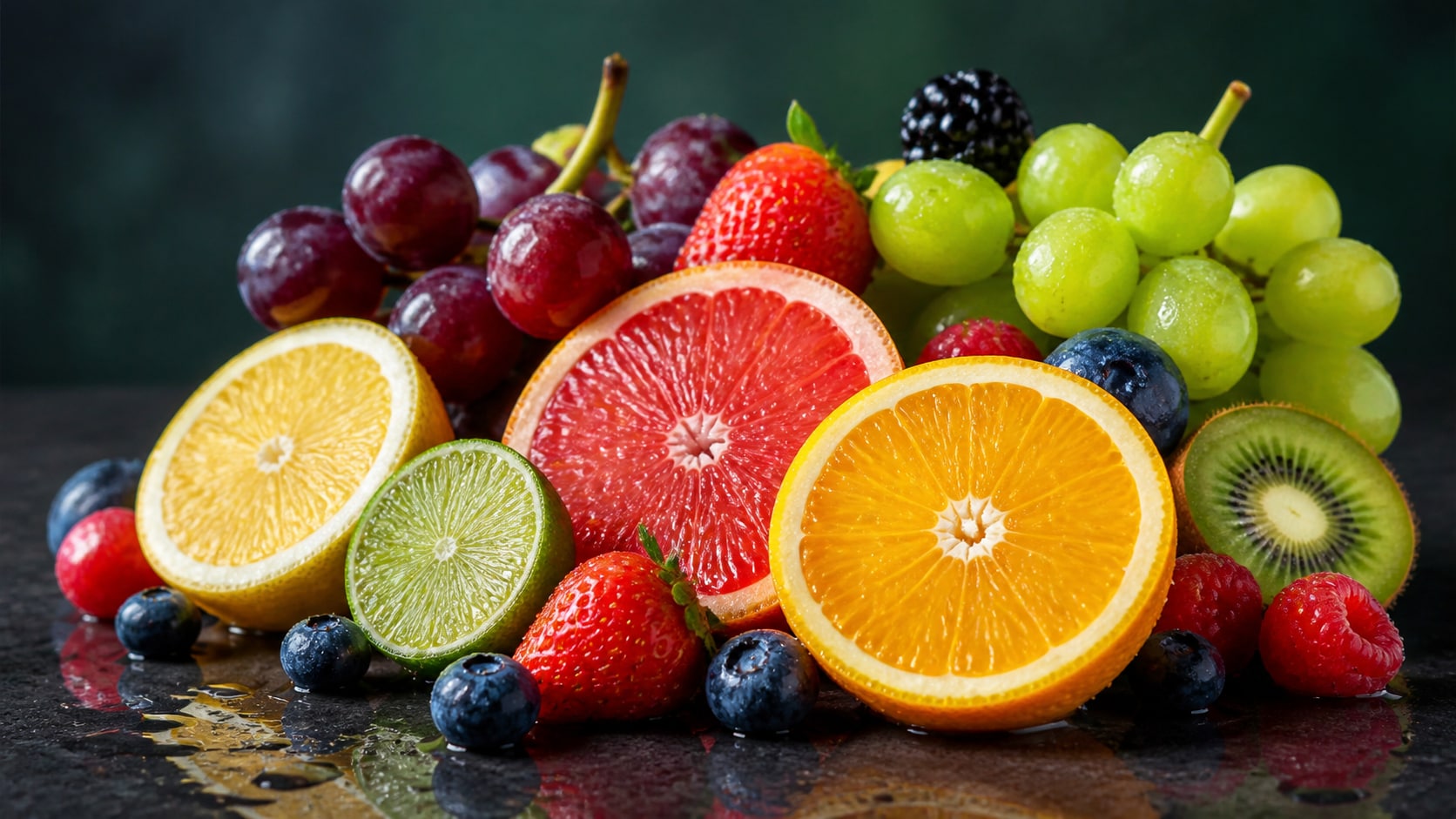
Try Nano Banana for Creative Food Styles
Use Nano Banana in Filmora when a fruit scene needs brighter campaign color, softer lifestyle styling, macro drama, or multiple produce variants from the same prompt.
- Style Range - Explore minimal studio, grocery ad, farmer market, tropical, or moody macro looks.
- Color Options - Balance red berries, yellow citrus, green leaves, purple grapes, and neutral surfaces.
- Fast Direction - Generate several creative routes before polishing the chosen image.
Turn Fruit Photos Into Video Assets
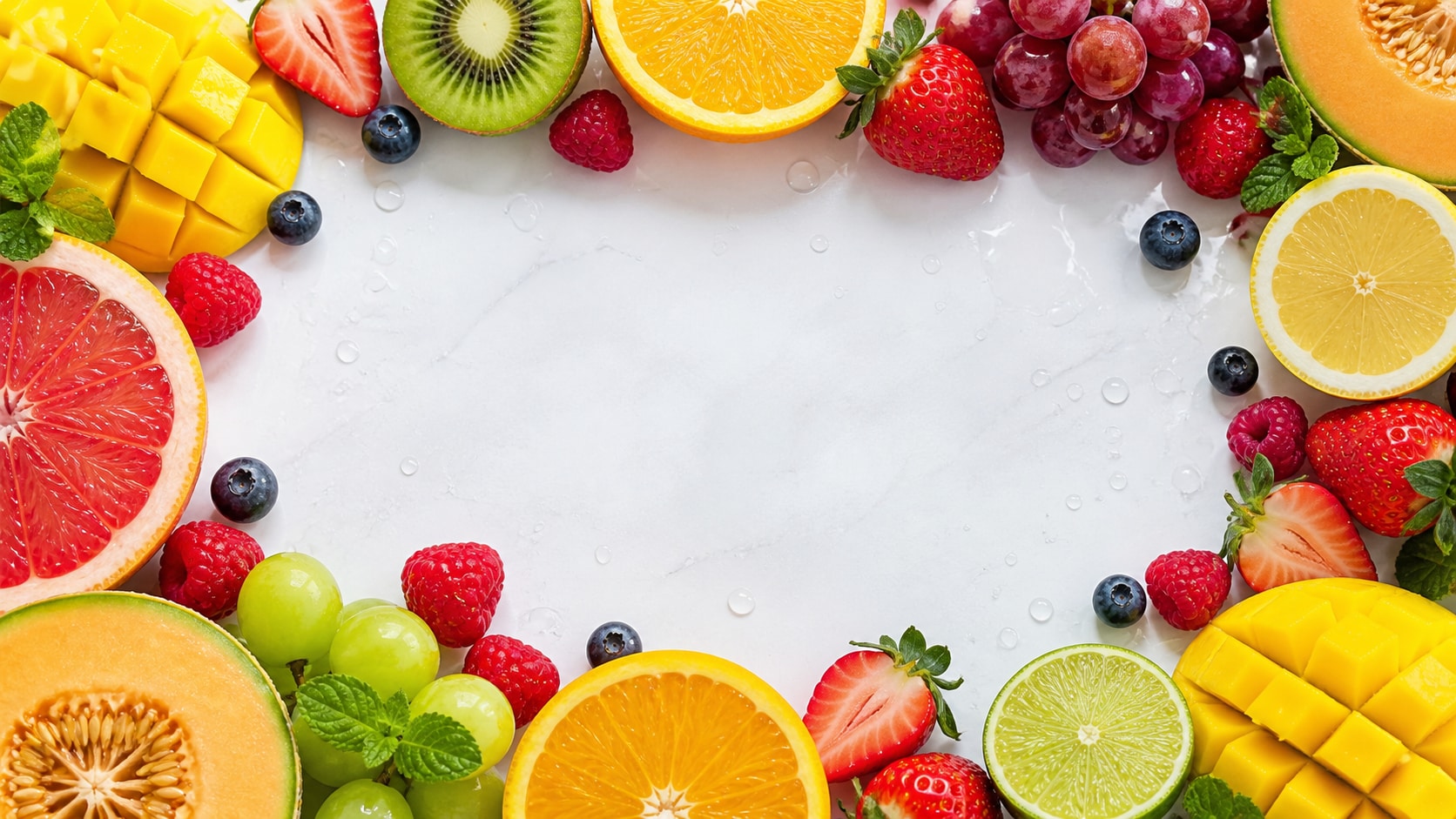
Turn Fruit Photos Into Video Assets
After generating the still, use Filmora's AI Image to Video workflow to add camera motion, fresh light sweeps, ingredient callouts, text overlays, music, and export-ready crops.
- Motion Ideas - Animate a slow push-in, droplet sparkle, slicing transition, or parallax table scene.
- Format Options - Create 16:9 product banners, 9:16 reels, and 1:1 ecommerce gallery images.
- Finish Fast - Add labels, recipe titles, stickers, audio, and final export presets in Filmora.
Frequently Asked Questions About Fruit Photography Prompts
How to Generate Fruit Photos With AI Prompts
Choose a fruit scene, define texture and lighting, generate the still image, then finish the layout, motion, or export in Filmora.
Step 1 Choose a Fruit Photography Prompt

Step 2 Set Light, Surface, and Ratio

Step 3 Generate, Edit, and Export

-
1: Choose a Fruit Photography Prompt
Pick a still life, macro droplet shot, ecommerce packshot, smoothie ad, market scene, or social cover concept. -
2: Set Light, Surface, and Ratio
Paste the prompt into Filmora's AI Image tool, choose GPT Image 2 or Nano Banana, then refine lens, shadow, background, and crop. -
3: Generate, Edit, and Export
Generate the fruit image, polish color and framing, add titles or motion if needed, then export the visual from Filmora.
Gemini AI Fruit Photography Prompts for Realistic Visuals
Use Gemini AI fruit photography prompts to create ecommerce produce shots, studio still lifes, macro fruit details, recipe covers, and motion-ready food visuals for Filmora editing.