Explore AI Cherry Fruit Image Prompts
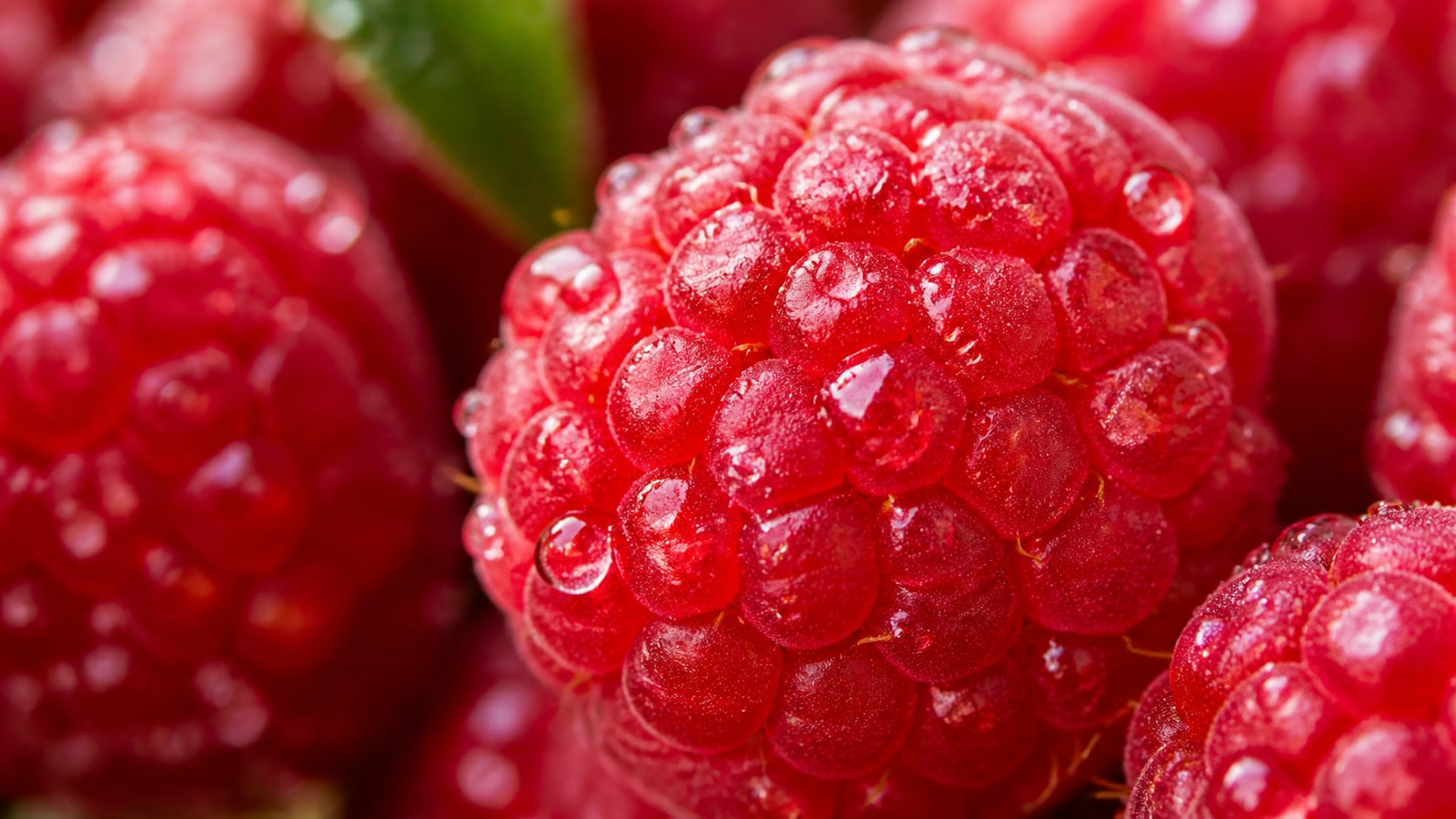
Browse cherry image prompts for macro highlights, fresh bunches, product packs, desserts, dark red still life images, orchard scenes, and social covers. Generate clean images first, then refine text and motion in Filmora.
Loading more cherry image prompts...
 Category:
 Duration:
 Aspect Ratio:
Why Use Cherry Prompts for AI Fruit Photos?
Cherry visuals rely on glossy skin, deep red color, stems, reflections, scale, and clean composition. Detailed prompts help AI generate images that feel fresh, premium, and easy to crop.
Control Gloss and Color
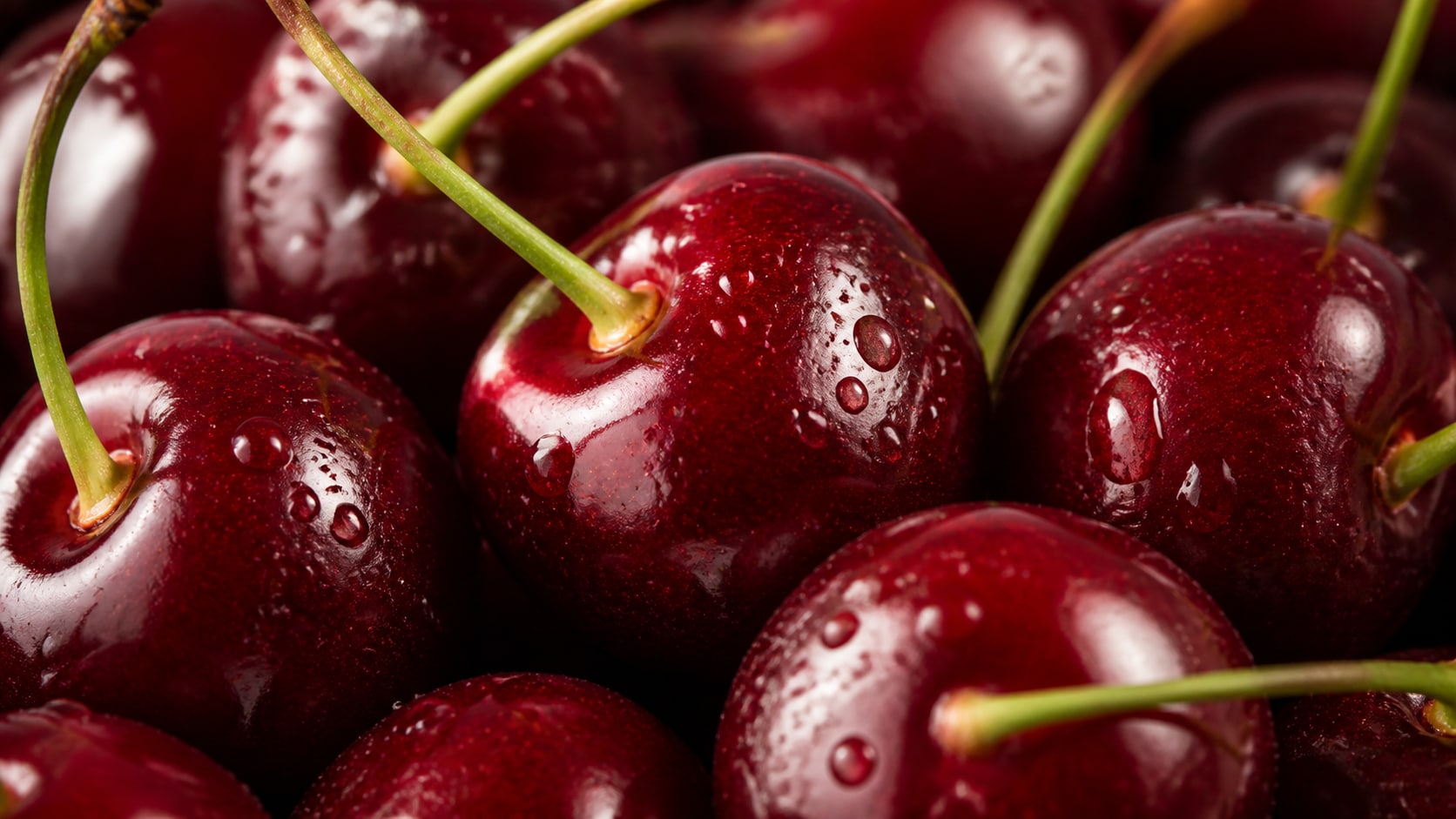
Control Gloss and Color
A realistic cherry prompt should specify deep red skin, subtle color variation, visible stems, bright highlights, and natural surface texture.
- Gloss Detail - Mention polished skin, soft reflections, and tiny moisture droplets.
- Natural Color - Use crimson, burgundy, ruby, and warm red variation.
- Clean Lighting - Choose window light, studio softbox, or moody side light.
Build Product and Dessert Shots
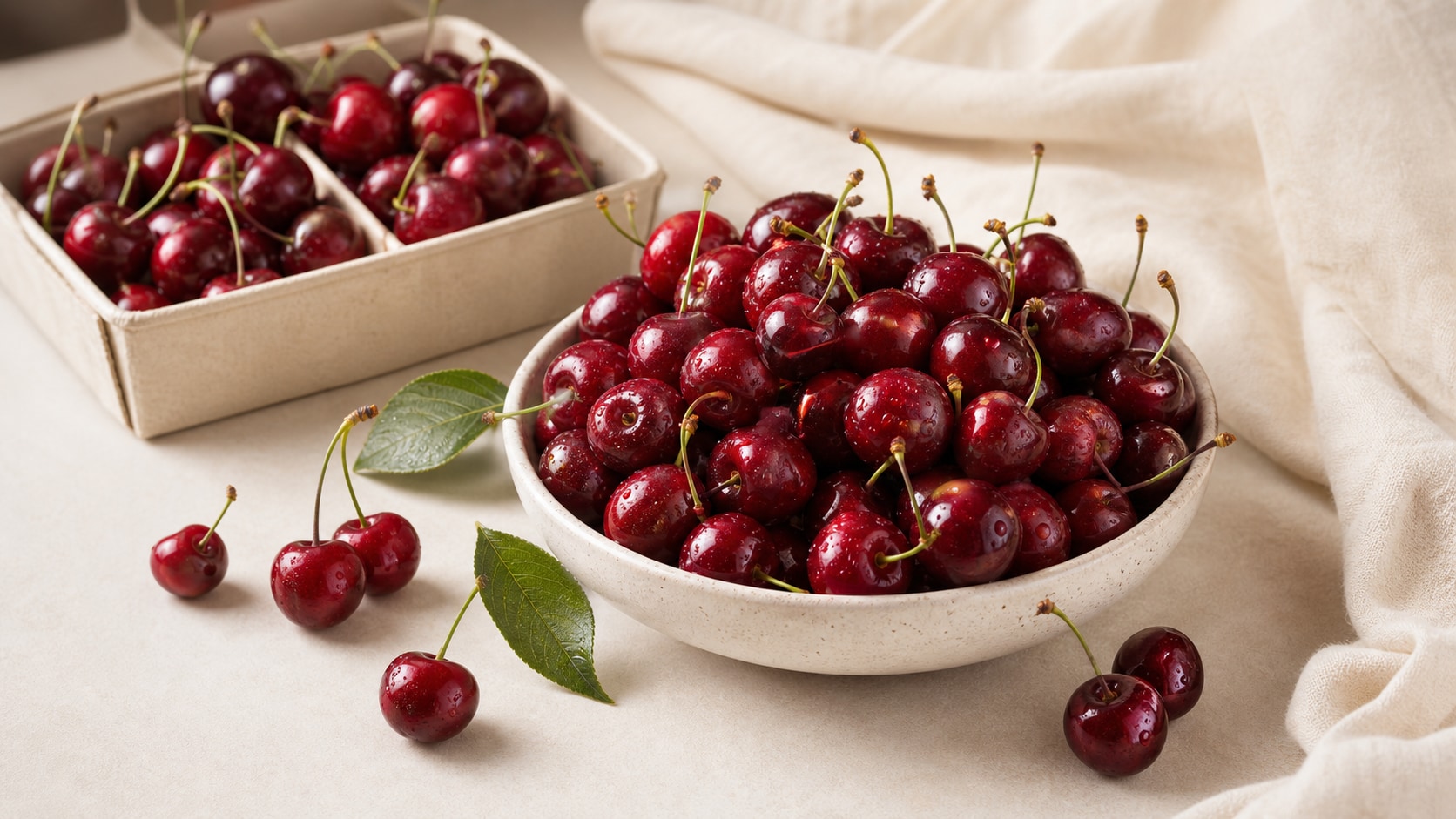
Build Product and Dessert Shots
Product and dessert prompts should name the bowl, carton, cake, cream, chocolate, or label-free packaging while keeping the fruit hero clear.
- Product Focus - Use bowls, cartons, jars, dessert plates, or premium packshots.
- Food Pairings - Add chocolate, vanilla cream, pastry, yogurt, or sparkling drinks.
- Blank Space - Reserve space for final copy or product labels added after generation.
Create Orchard and Harvest Scenes
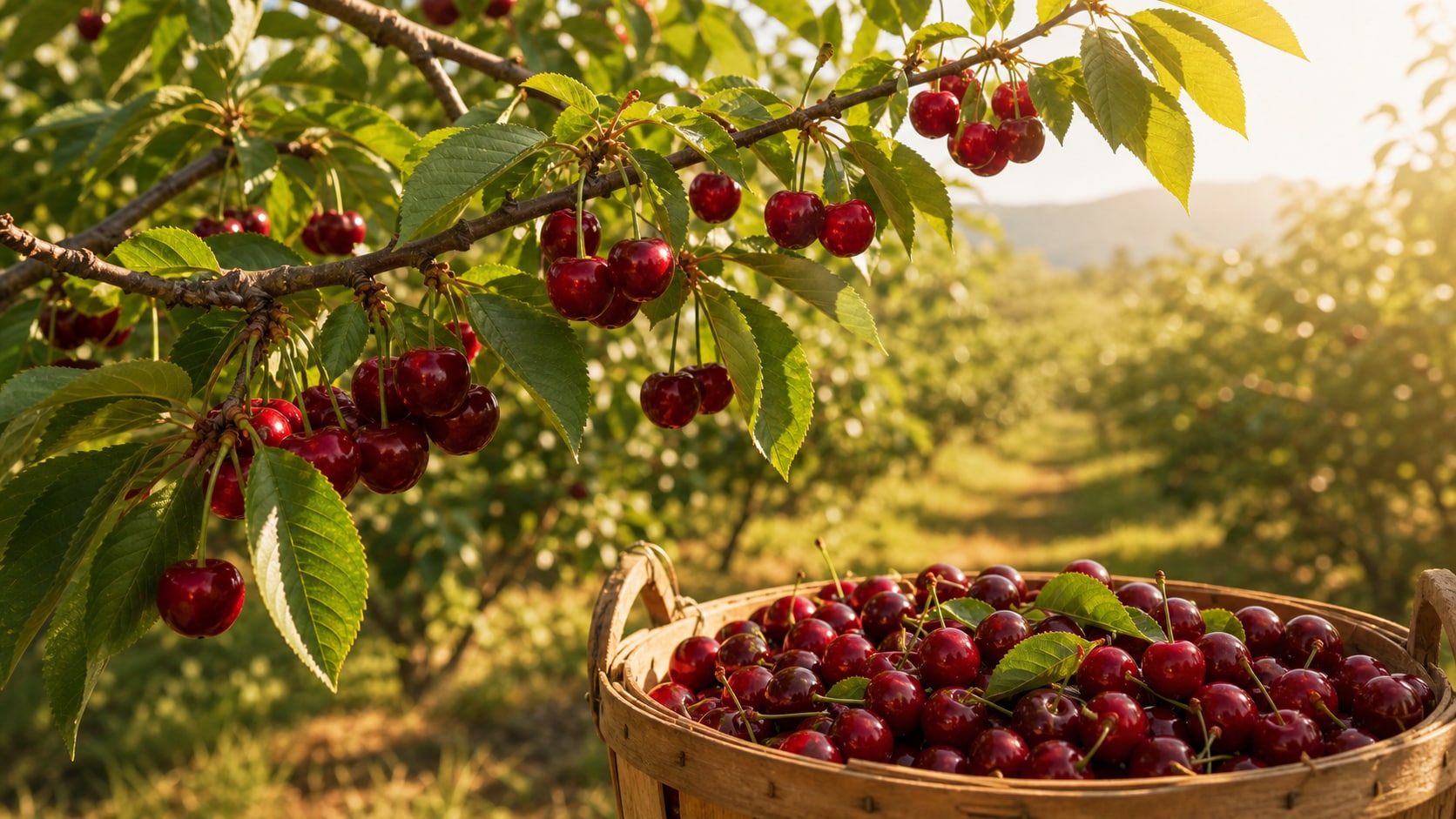
Create Orchard and Harvest Scenes
Orchard prompts add context and seasonality. Mention hanging fruit, leafy branches, baskets, sunlight, and natural depth so the scene feels fresh.
- Seasonal Mood - Use spring blossom, summer harvest, morning dew, or golden hour light.
- Depth - Keep cherries sharp with soft branch or orchard blur behind them.
- Harvest Props - Use baskets, wooden crates, linen, or simple market trays.
Turn Cherry Images Into Social Assets
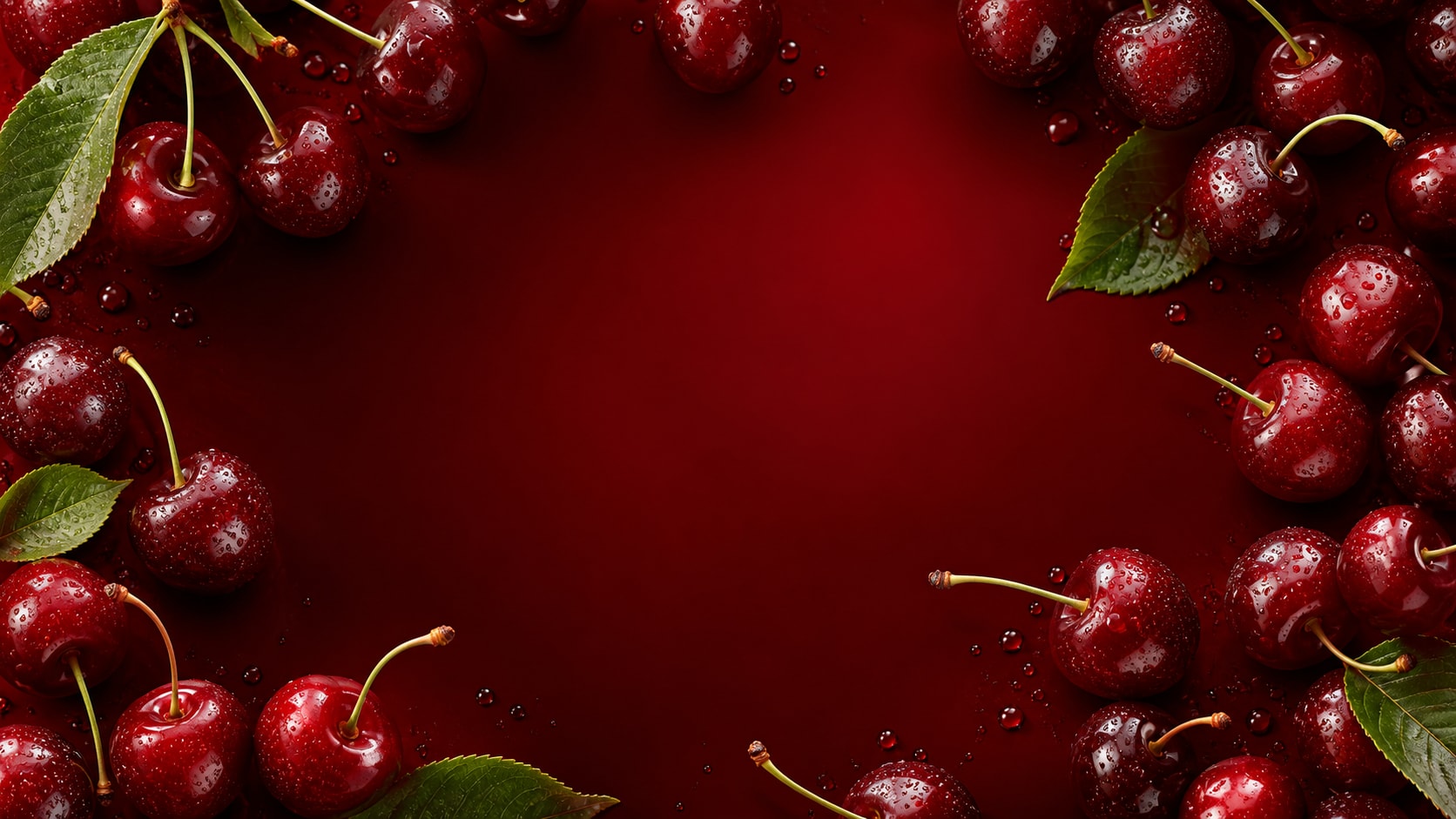
Turn Cherry Images Into Social Assets
After generating a cherry still, use Filmora to crop, grade red tones, add readable titles, animate highlights, and export covers, recipe cards, or product videos.
- Motion Ideas - Animate slow zooms, sparkle highlights, falling cherries, or dessert reveal cuts.
- Format Options - Use square cards, vertical stories, and wide banners from the same concept.
- Text Control - Generate without readable words, then add exact copy in Filmora.
Frequently Asked Questions About Cherry Image Prompts
How to Generate Cherry Images With AI Prompts
Choose the cherry subject, define color and gloss, generate the image, then polish the final asset in Filmora.
Step 1 Choose a Cherry Concept

Step 2 Set Color, Gloss, and Ratio

Step 3 Generate, Edit, and Export

-
1: Choose a Cherry Concept
Pick macro close-up, orchard branch, dessert topping, product carton, still life, or social cover. -
2: Set Color, Gloss, and Ratio
Paste the prompt into Filmora's AI Image tool, choose a ratio, and refine stems, highlights, droplets, surface, and no readable text. -
3: Generate, Edit, and Export
Generate the cherry image, polish crop and red tones, add titles or motion if needed, then export for posts, ads, or recipes.
AI Cherry Fruit Prompts for Glossy Red Images
Use AI cherry fruit image prompts to create macro close-ups, orchard harvest scenes, dessert details, product photos, and rich red social covers.