Explore Free Raspberry Fruit Photo Prompts
Browse raspberry photo prompts for macro berry detail, fresh baskets, dessert styling, beverage garnishes, product photography, and clean social backgrounds. Each prompt is designed for realistic generation and easy Filmora editing.
Loading more raspberry fruit prompts...
 Category:
 Duration:
 Aspect Ratio:
Why Use Raspberry Prompts for AI Food Photos?
Raspberry images depend on tiny drupelet texture, natural bloom, color variation, freshness, and gentle shadows. Detailed prompts make close-ups look crisp and appetizing.
Capture Macro Berry Detail
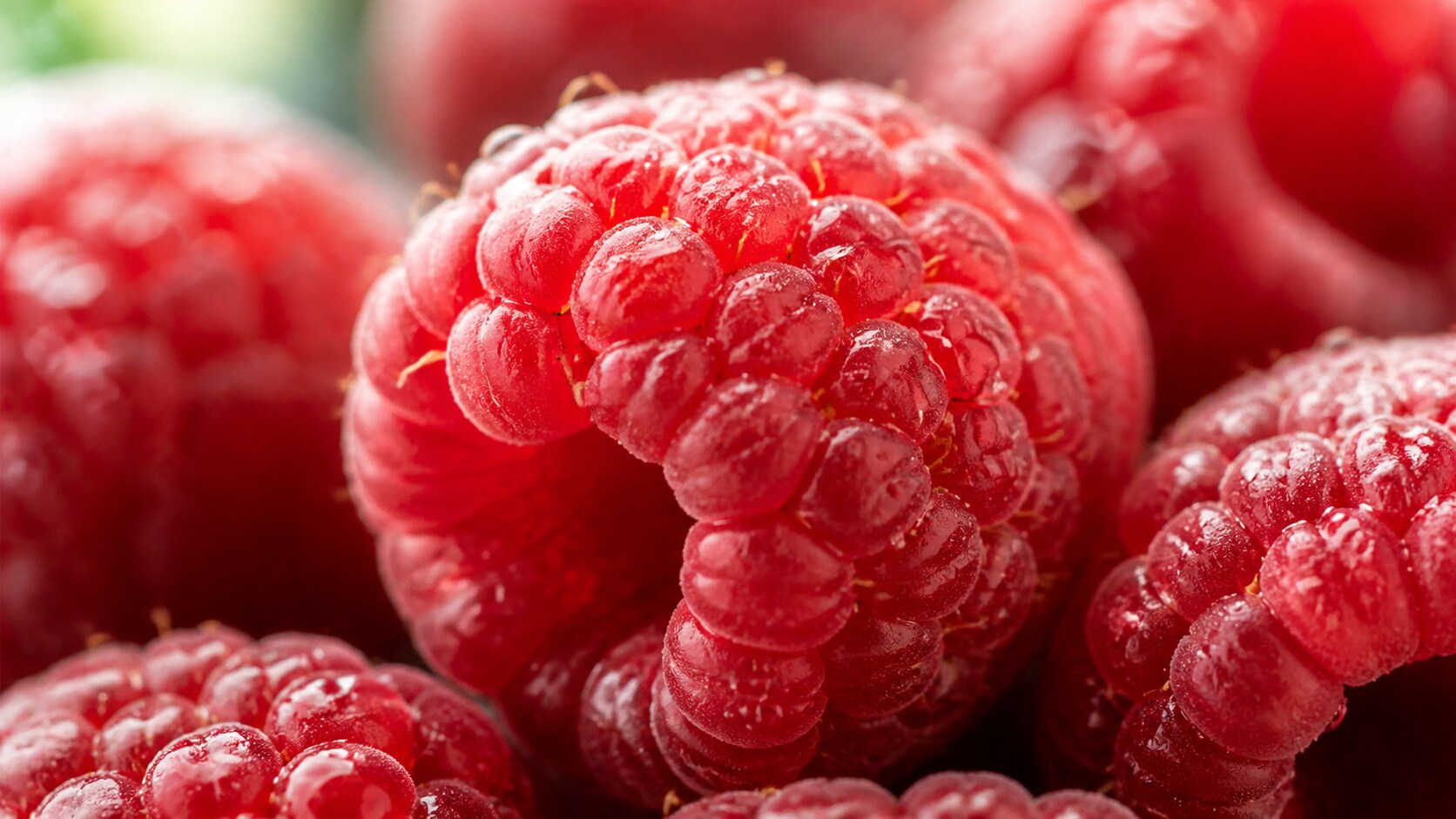
Capture Macro Berry Detail
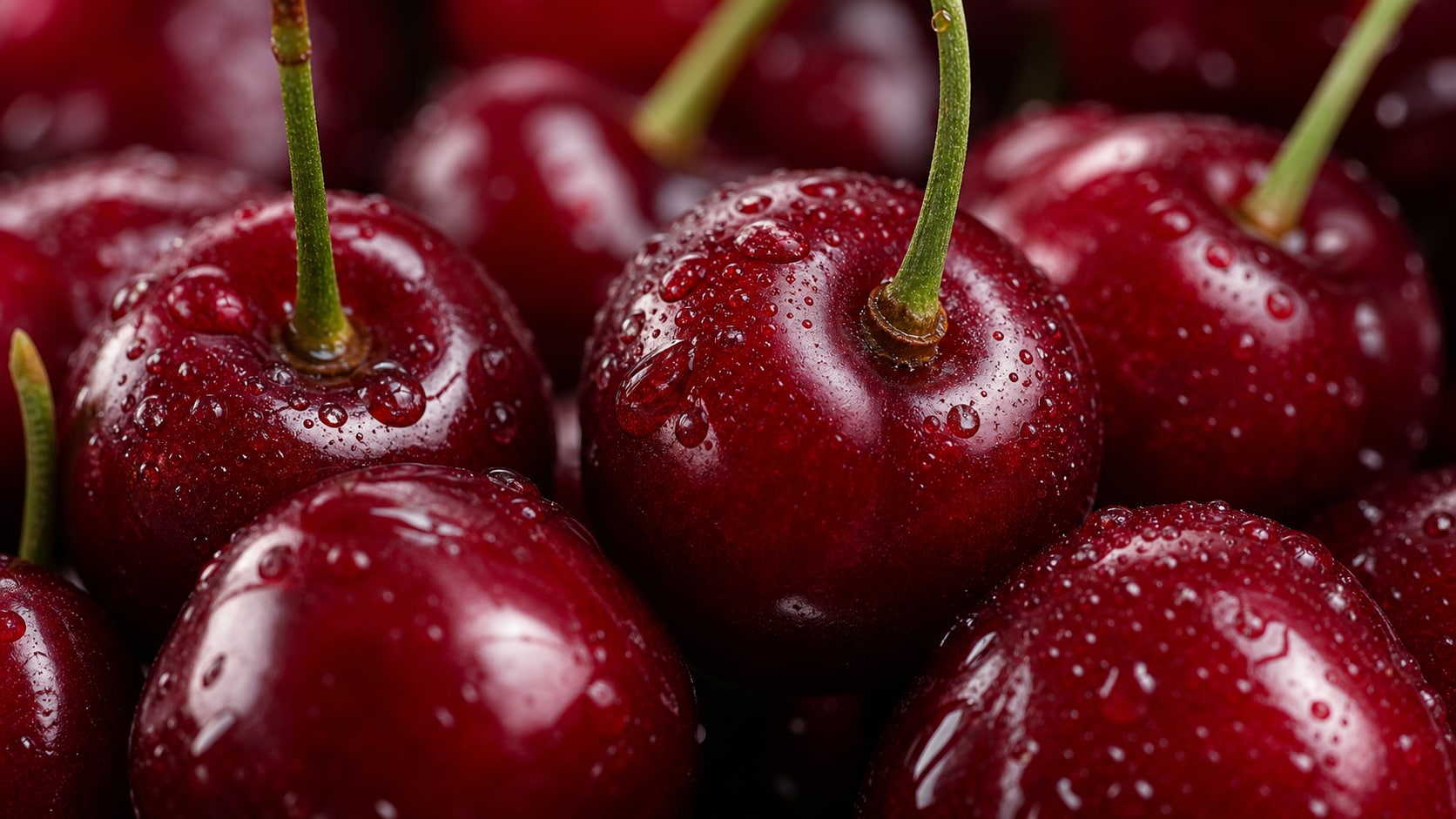
A macro raspberry prompt should describe individual drupelets, tiny hairs, water droplets, realistic color shifts, and shallow depth of field.
- Texture Detail - Mention drupelets, fine surface hairs, dew beads, and natural uneven edges.
- Lens Choice - Use macro lens, shallow depth of field, or extreme close-up food photography.
- Fresh Color - Balance deep red, pink highlights, and soft natural shadows.
Build Product and Market Photos
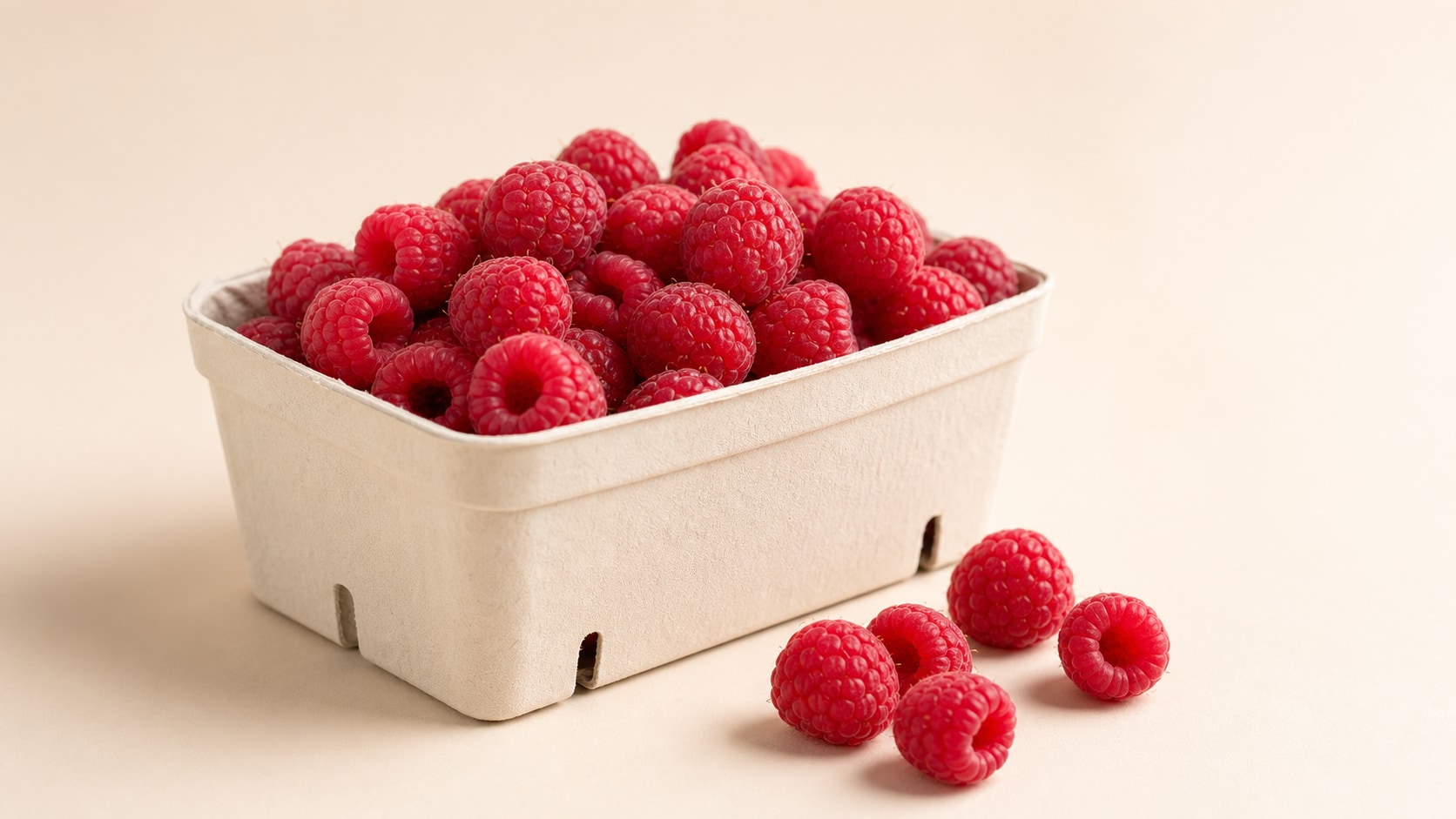
Build Product and Market Photos
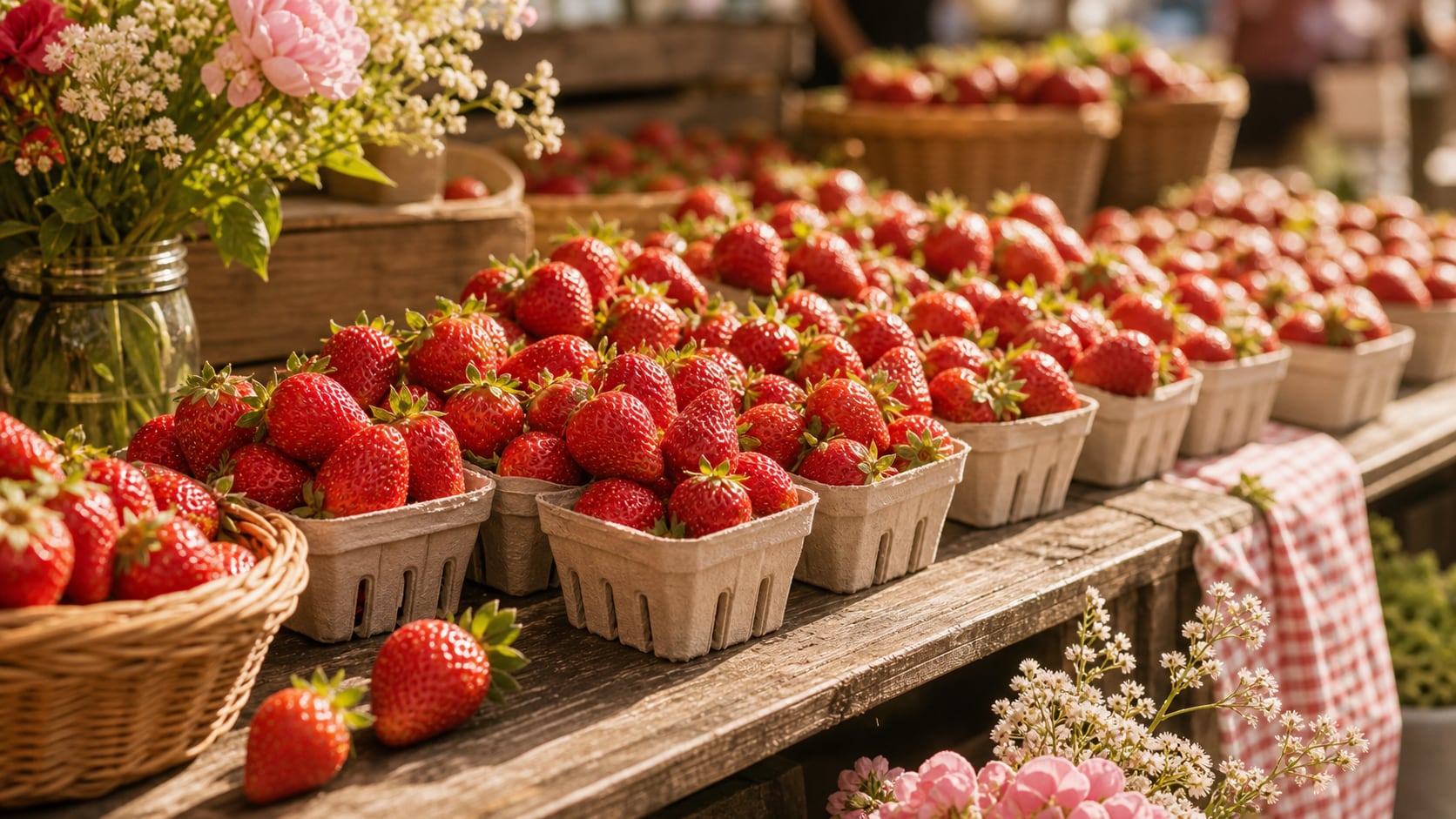
Product prompts work best with a clear berry hero, clean packaging, controlled shadows, and a simple background that supports labels added later.
- Hero Subject - Use one berry cluster, a basket, a carton, or a clean jar mockup.
- Ad Ready - Reserve blank areas for product names, prices, or seasonal copy.
- Lighting - Use softbox light, window light, or bright market daylight.
Create Dessert and Drink Accents
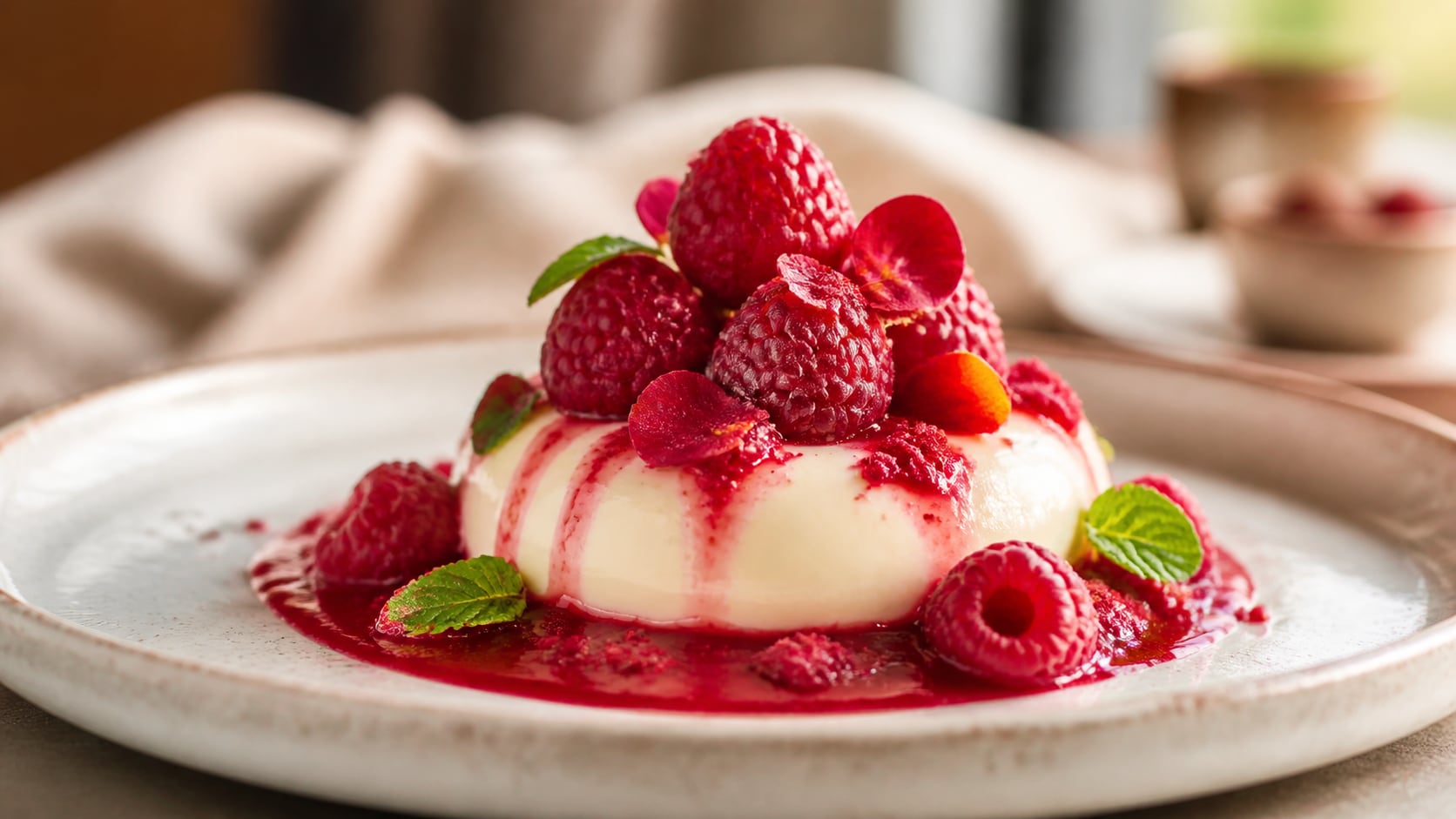
Create Dessert and Drink Accents
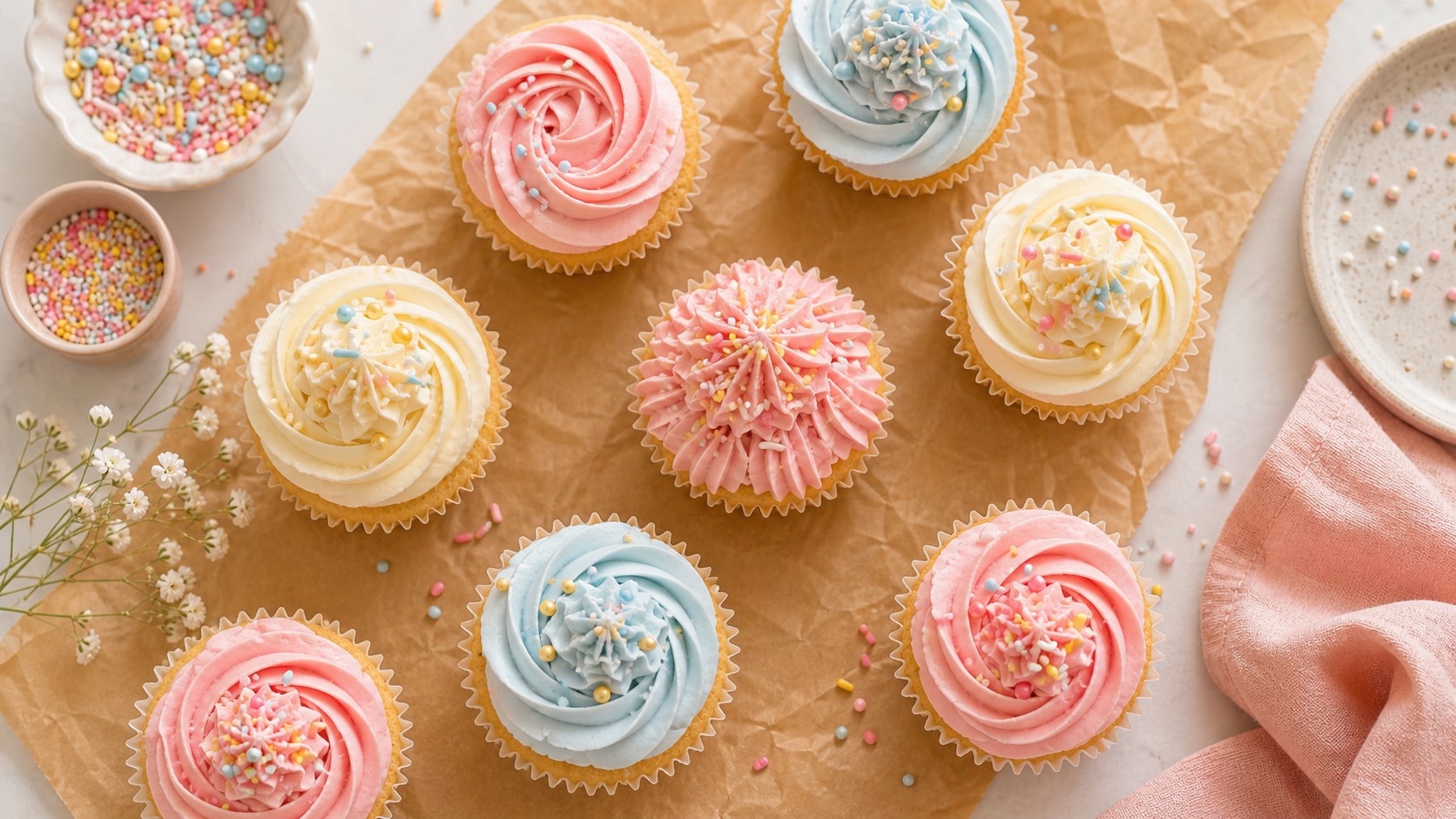
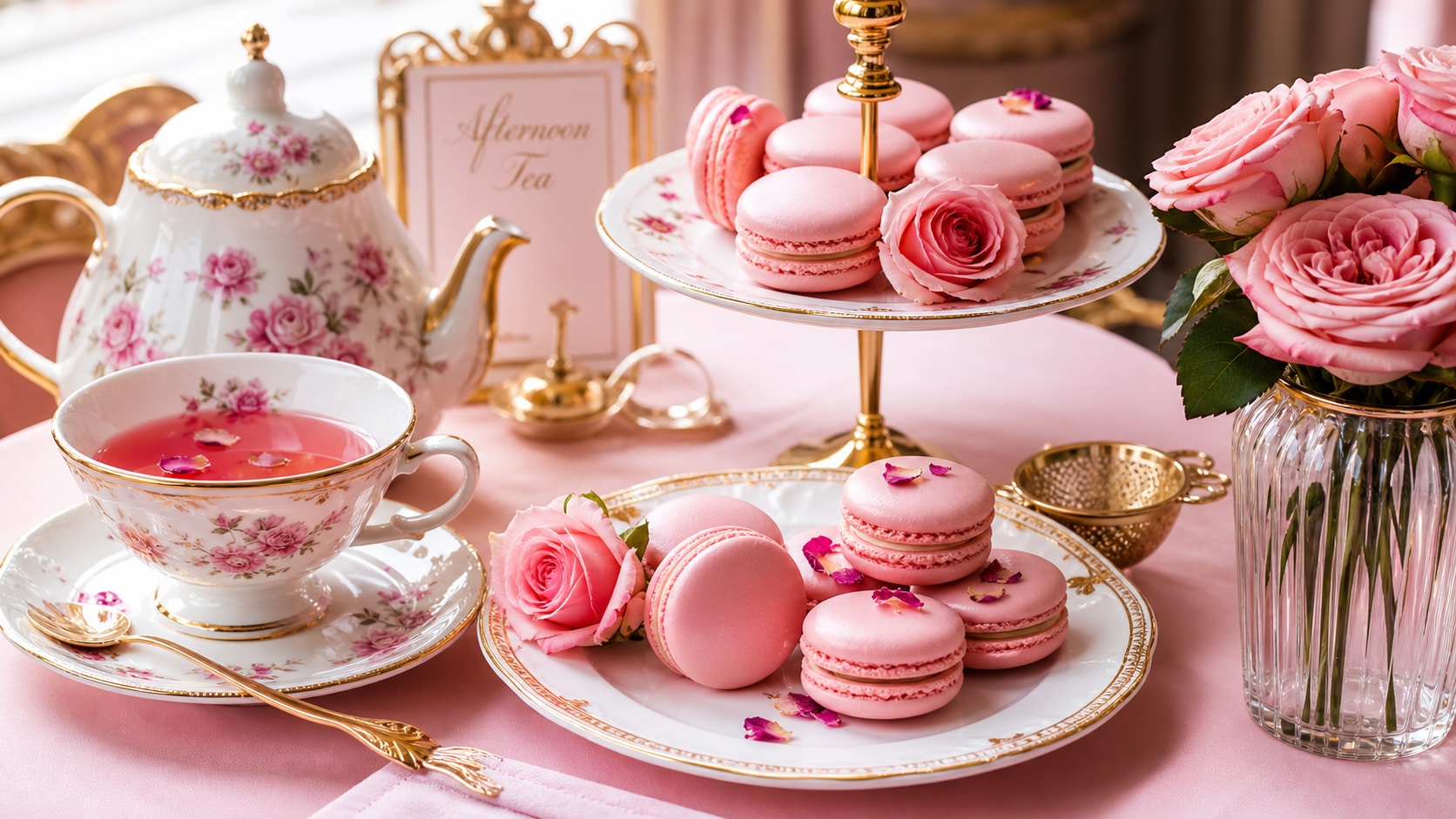
Raspberry prompts can add color and freshness to desserts, smoothie bowls, cocktails, pastries, and cafe scenes when the composition stays uncluttered.
- Food Pairings - Use cream, chocolate, vanilla, yogurt, lemon, mint, or pastry textures.
- Scene Control - Keep one main dish and a few berries as accents.
- Crop Options - Generate square product shots, wide banners, or vertical recipe covers.
Turn Raspberry Photos Into Social Assets
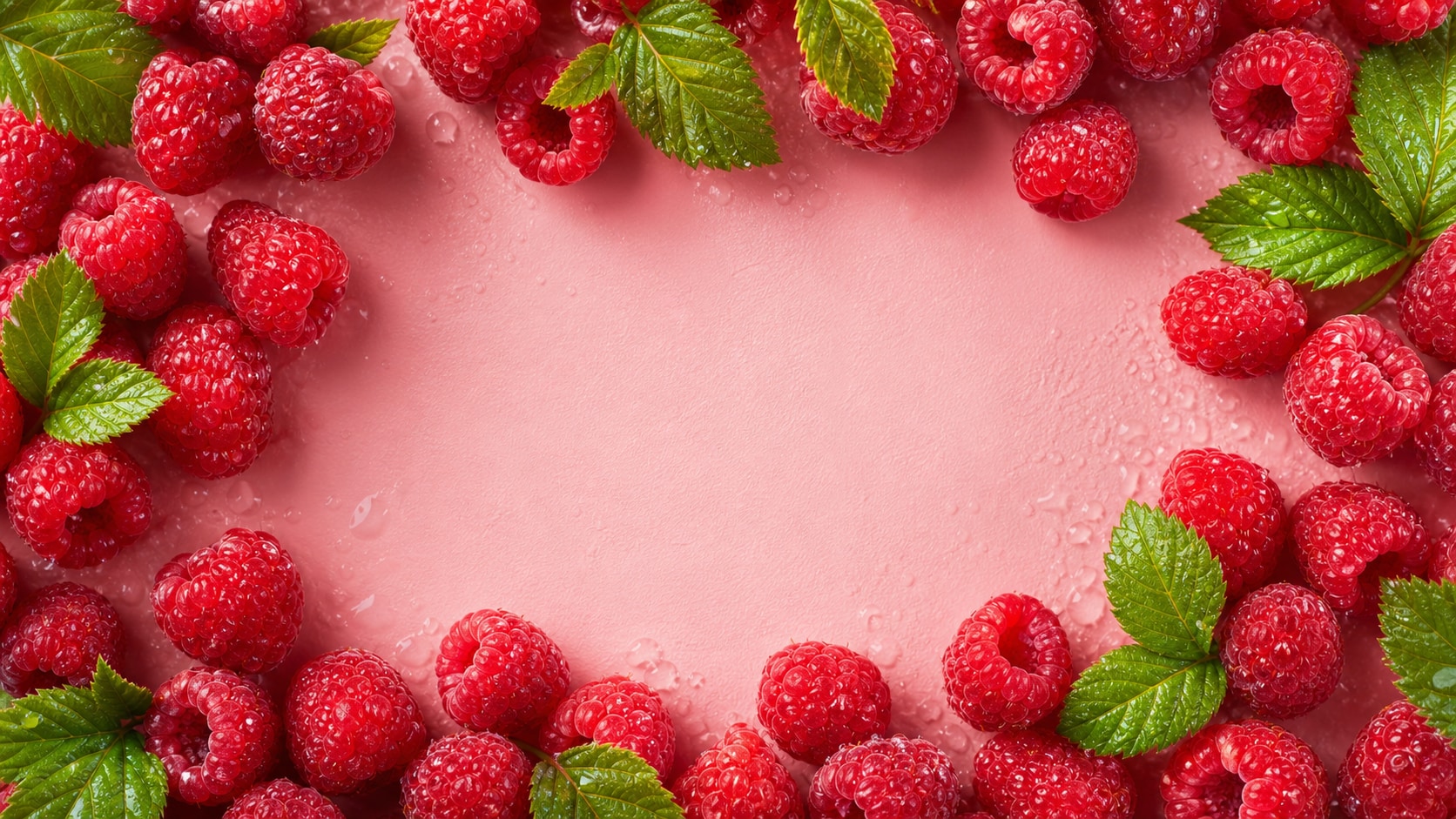
Turn Raspberry Photos Into Social Assets
After generation, Filmora can crop the still, add recipe titles, create motion covers, adjust color, and export the image for posts, thumbnails, or ads.
- Motion Ideas - Animate gentle zooms, sparkle highlights, ingredient callouts, or recipe transitions.
- Readable Space - Keep generated words out of the image and place final text later.
- Consistent Sets - Repeat lighting and surface details for a berry content series.
Frequently Asked Questions About Raspberry Photo Prompts
How to Generate Raspberry Fruit Photos With Prompts
Choose the berry scene, define the texture and light, generate the image, then polish it for publishing in Filmora.
Step 1 Choose a Raspberry Scene

Step 2 Set Texture, Surface, and Ratio

Step 3 Generate, Polish, and Export

-
1: Choose a Raspberry Scene
Pick macro droplets, market basket, dessert garnish, smoothie bowl, product carton, or social cover. -
2: Set Texture, Surface, and Ratio
Paste the prompt into Filmora's AI Image tool, choose a format, and refine droplets, berry texture, lighting, surface, and no readable text. -
3: Generate, Polish, and Export
Generate the berry image, adjust crop and color, add titles or motion if needed, then export for recipes, ads, posts, or thumbnails.
Free Raspberry Fruit Prompts for Fresh AI Photos
Use raspberry fruit photo prompts to create macro droplets, market baskets, dessert details, product shots, and clean social visuals.