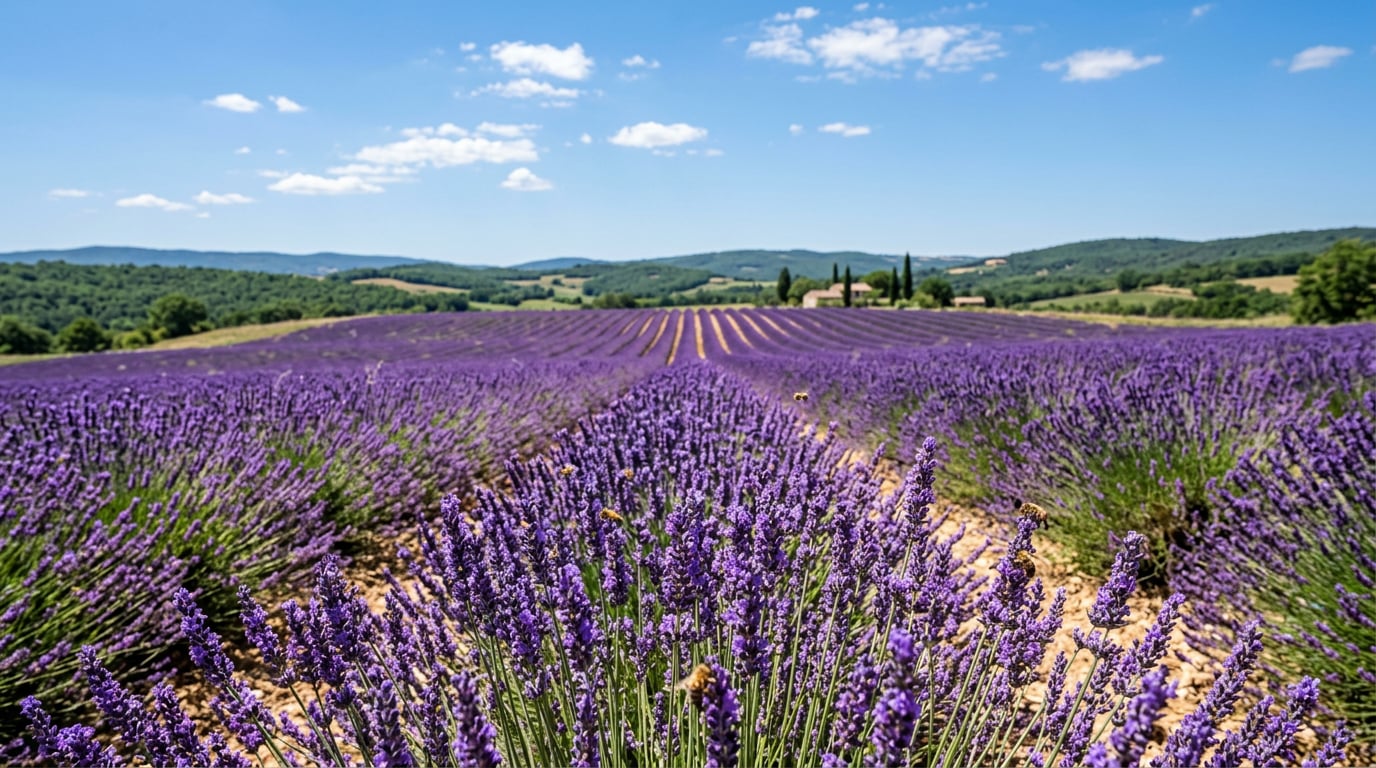
Explore Fruit Wallpaper AI Prompts
Browse fruit wallpaper prompts for citrus patterns, berry backgrounds, tropical phone screens, vintage fruit art, minimalist layouts, and cute pastel designs. Generate text-free wallpapers first, then crop and animate them in Filmora.
Loading more fruit wallpaper prompts...
 Category:
 Duration:
 Aspect Ratio:
Why Use Fruit Wallpaper AI Prompts?
Wallpaper prompts need stable spacing, clear repeat patterns, balanced color, clean negative space, and the correct aspect ratio. Good wording keeps fruit backgrounds decorative without clutter.
Design Phone-Ready Lock Screens
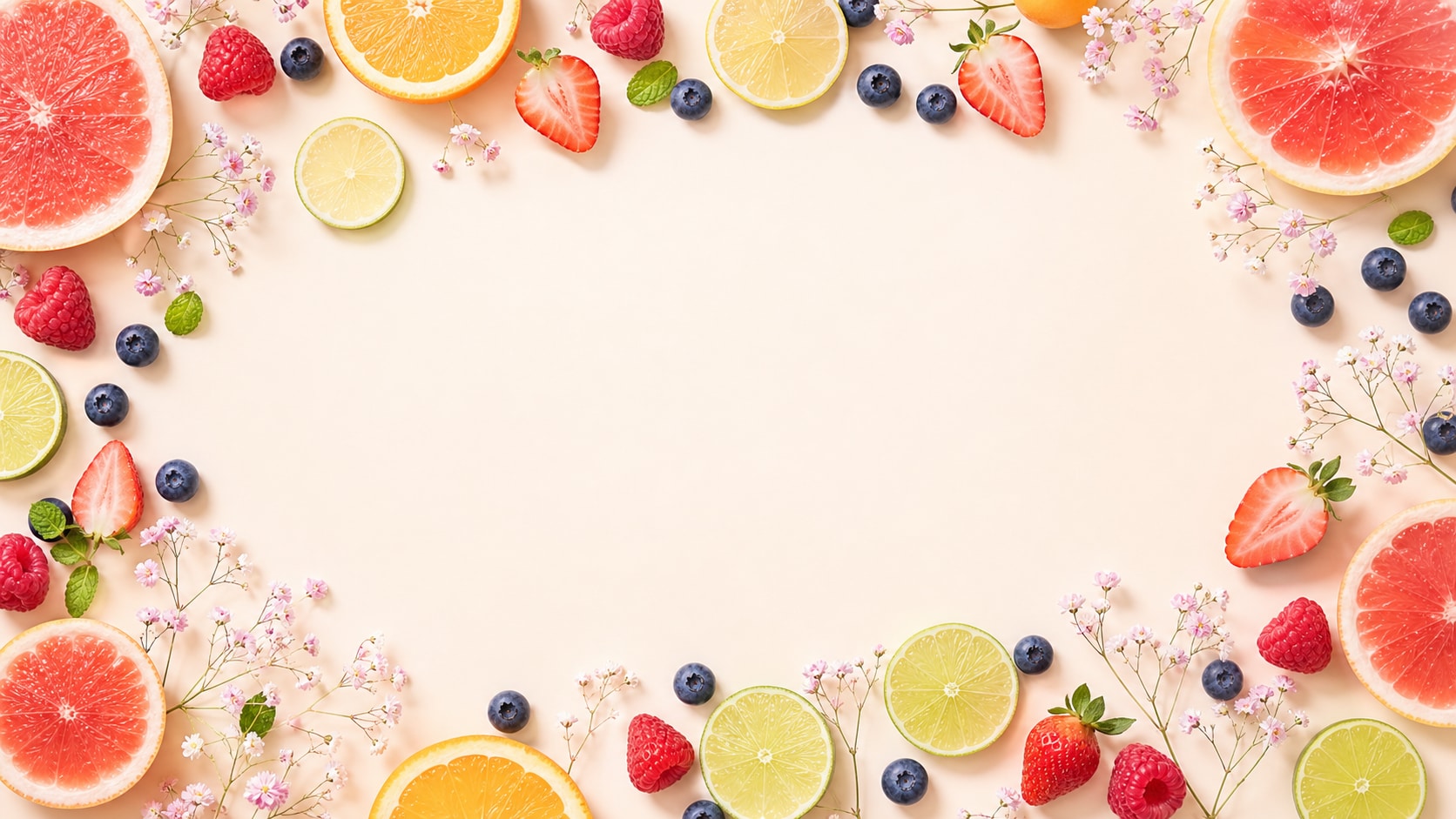
Design Phone-Ready Lock Screens
A lock screen prompt should specify vertical composition, open top or center space, soft contrast, and fruit elements placed away from important UI areas.
- Mobile Crop - Use vertical 9:16 framing for phones, stories, and lock screens.
- Clean Space - Reserve calm areas for clock widgets, icons, or later titles.
- Color Mood - Try pastel citrus, berry pink, tropical green, or vintage cream palettes.
Create Seamless Fruit Patterns
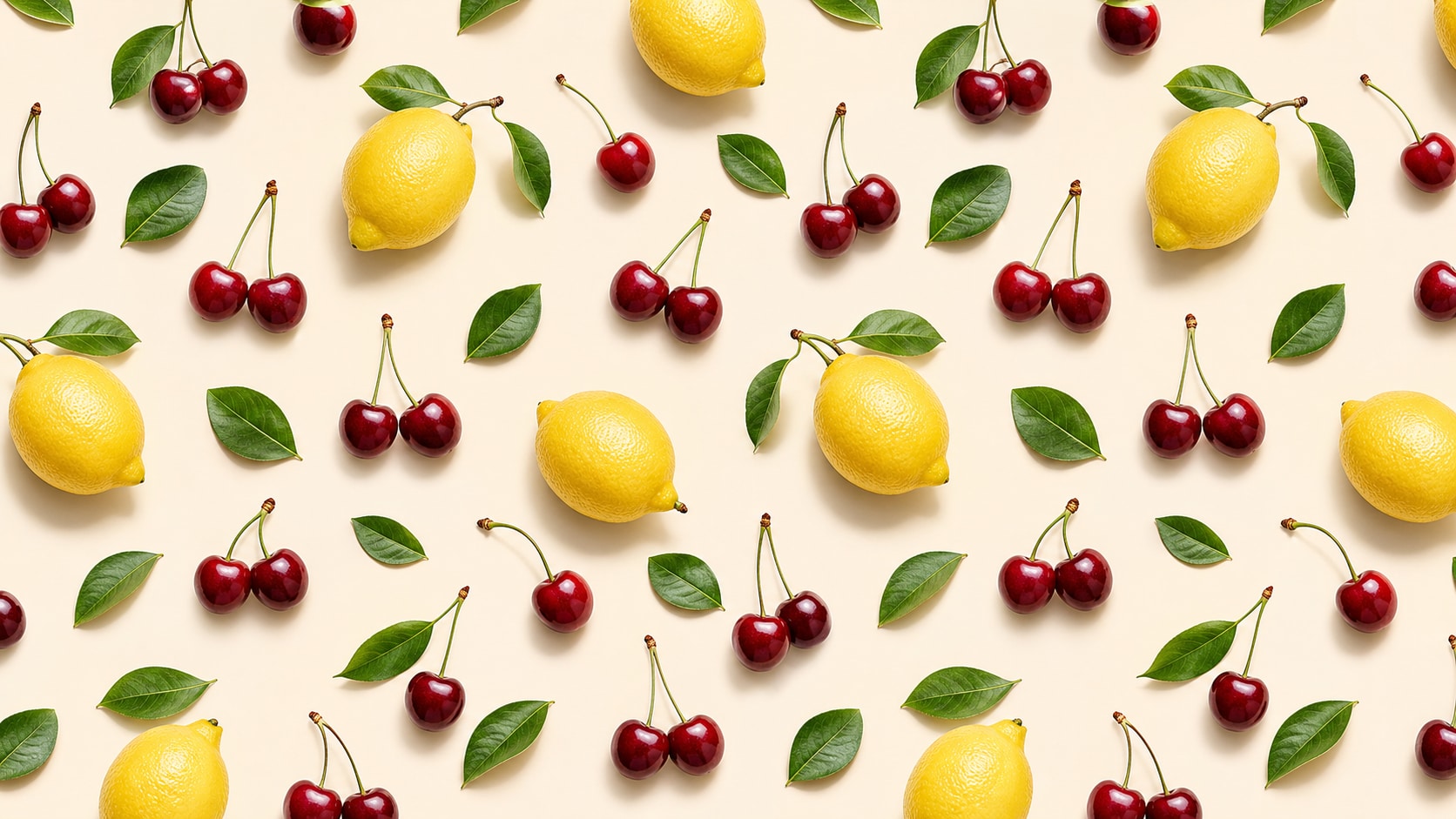
Create Seamless Fruit Patterns
Pattern prompts should mention repeat spacing, consistent scale, background color, and simple fruit silhouettes for tileable wallpaper or product mockups.
- Repeat Control - Use seamless pattern, evenly spaced motifs, and consistent scale.
- Motif Choice - Pick lemons, cherries, strawberries, peaches, grapes, or mixed tropical fruit.
- Usable Output - Avoid readable text and overly dense clusters.
Build Minimalist and Vintage Looks
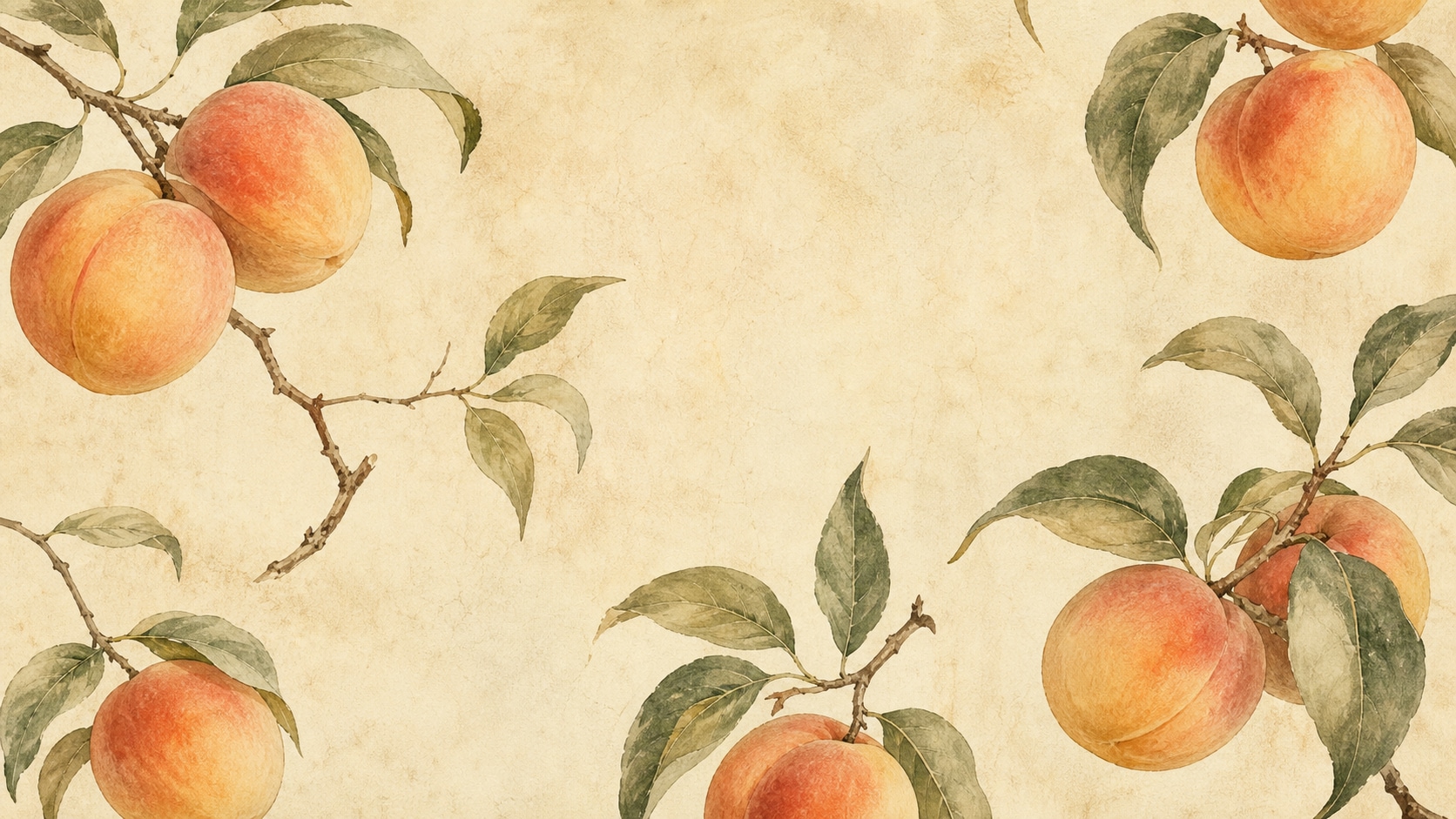
Build Minimalist and Vintage Looks
Minimalist and vintage prompts work best with a limited palette, subtle paper grain, simple fruit shapes, and enough blank space for a calm background.
- Minimal Style - Use few fruits, soft shadows, and clean geometric spacing.
- Vintage Mood - Add paper texture, muted tones, hand-painted fruit, or retro kitchen poster cues.
- Calm Contrast - Keep icons and app labels readable after cropping.
Turn Wallpapers Into Motion Backgrounds
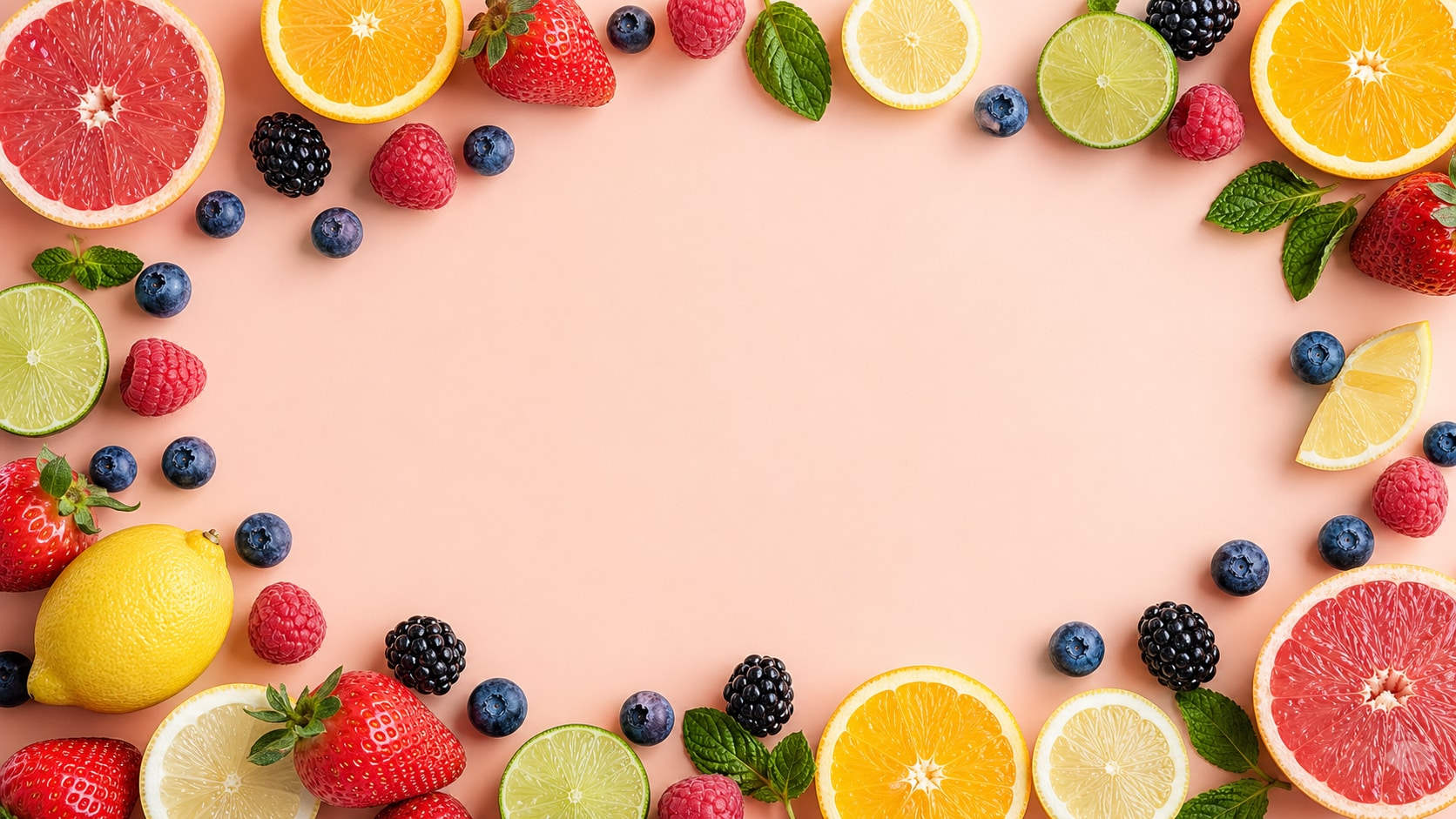
Turn Wallpapers Into Motion Backgrounds
After generation, Filmora can crop one wallpaper into multiple formats, add slow parallax, animate fruit drift, adjust color, and export moving backgrounds.
- Motion Ideas - Animate gentle float, soft zoom, light sweep, or pattern drift.
- Format Set - Create phone, desktop, story, reel, and banner versions.
- Text Control - Add any final labels or titles outside the AI image.
Frequently Asked Questions About Fruit Wallpaper Prompts
How to Generate Fruit Wallpapers With AI Prompts
Pick a fruit style, set wallpaper ratio and spacing, generate the image, then crop or animate the design in Filmora.
Step 1 Choose a Wallpaper Style

Step 2 Set Fruit Motifs and Ratio

Step 3 Generate, Crop, and Export

-
1: Choose a Wallpaper Style
Pick phone lock screen, seamless pattern, minimalist background, vintage fruit art, or cute pastel layout. -
2: Set Fruit Motifs and Ratio
Paste the prompt into Filmora's AI image generator, choose the ratio, and refine pattern spacing, palette, background, and no readable text. -
3: Generate, Crop, and Export
Generate the wallpaper, adjust color and crop, add motion if needed, then export for phone screens, desktops, stories, or backgrounds.
Fruit Wallpaper AI Prompts for Fresh Backgrounds
Use fruit wallpaper AI prompts to create seamless patterns, phone lock screens, minimalist backgrounds, vintage fruit art, and cute pastel screens.