Explore AI Pineapple Image Prompts
Browse pineapple image prompts for photorealistic fruit shots, tropical drink ads, label-free product mockups, beach scenes, 3D cute characters, macro texture, and bright social backgrounds. Each prompt is ready for generation and later Filmora editing.
Loading more pineapple image prompts...
 Category:
 Duration:
 Aspect Ratio:
Why Use Pineapple Image Prompts With Filmora?
Pineapple visuals need sharp texture, tropical color, clean composition, and a flexible workflow for product, social, and video outputs. Filmora helps creators generate realistic or stylized stills, refine the crop, add titles or effects, animate the image, and export polished summer assets.
Generate Tropical Pineapple Visuals
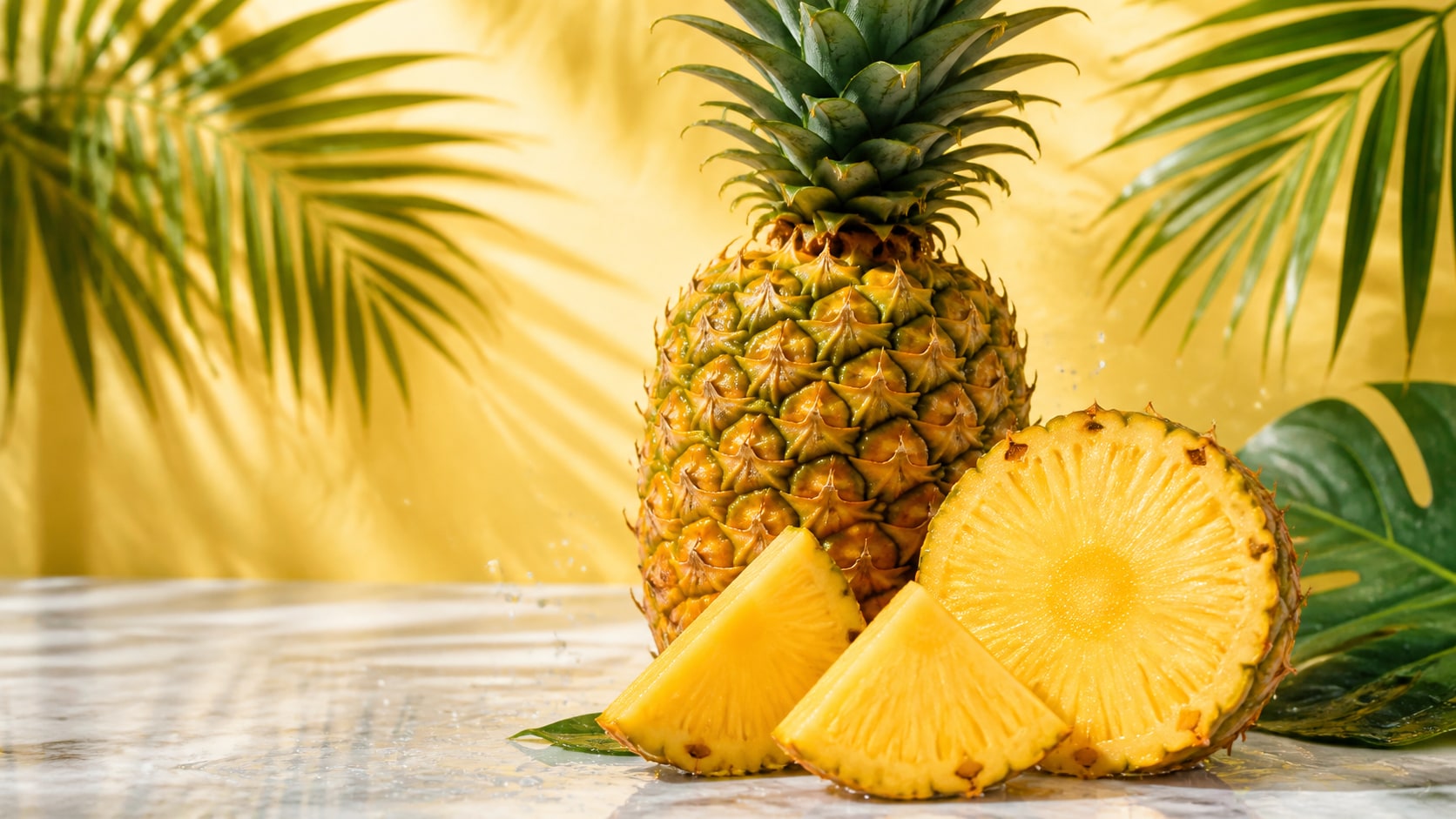
Generate Tropical Pineapple Visuals
Start with a detailed pineapple image prompt, then use Filmora's AI image generator to create product photos, beach scenes, smoothie ads, wallpapers, and clean social covers.
- Texture Detail - Describe spiky leaves, diamond skin, juicy slices, droplets, and cut fruit surfaces.
- Tropical Mood - Use beach light, palm leaves, pool reflections, bright studio color, or sunset warmth.
- Design Space - Keep images text-free so titles and campaign copy can be added later.
Use GPT Image 2 for Product Accuracy
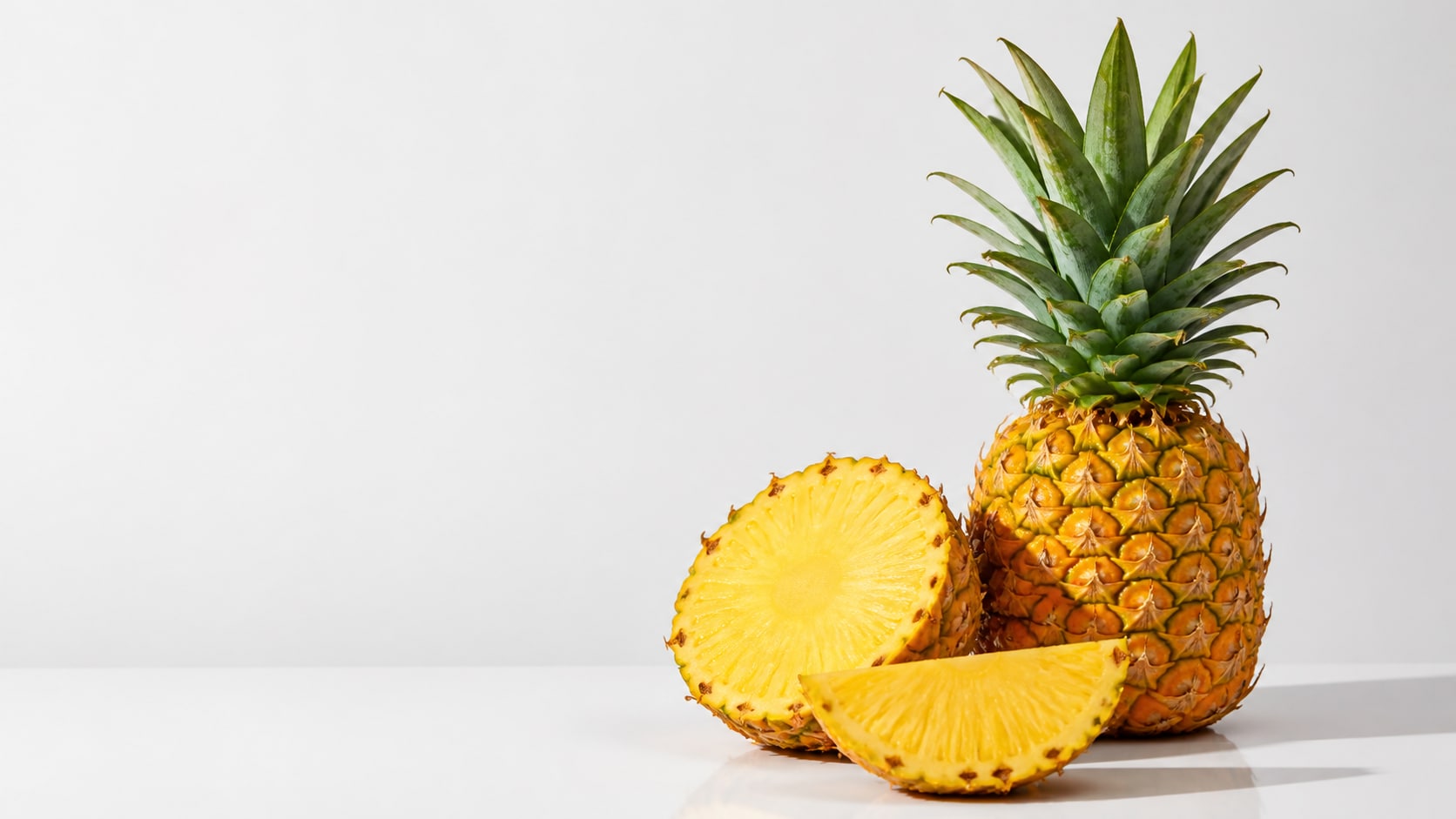
Use GPT Image 2 for Product Accuracy
When a pineapple product photography prompt needs controlled fruit placement, accurate texture, blank ad space, or label-free packaging, Filmora supports GPT Image 2 for cleaner prompt following.
- Packshot Control - Set the pineapple angle, slice shape, leaf direction, surface, and shadow.
- Ad Layout - Reserve clean space for headlines, prices, stickers, or product labels added in Filmora.
- Model Choice - Test realistic product photos, 3D renders, and lifestyle campaign images.
Try Nano Banana for Bright Summer Styles
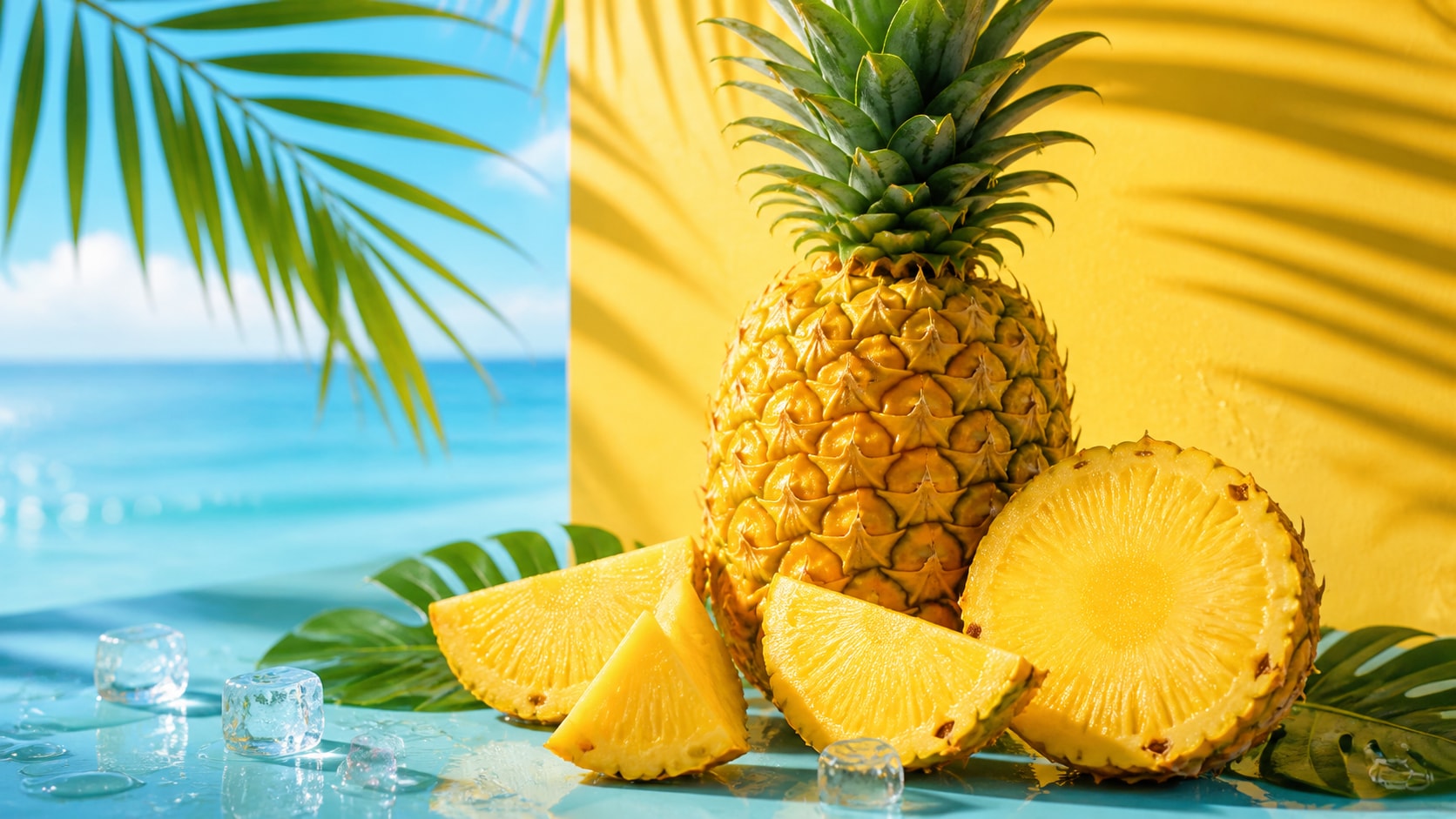
Try Nano Banana for Bright Summer Styles
Use Filmora's Nano Banana when the same AI pineapple image prompt needs playful color, tropical campaign styling, cute 3D character mood, or multiple summer variants.
- Style Range - Explore photorealistic, smoothie ad, tropical wallpaper, cute 3D, or premium studio looks.
- Color Polish - Balance pineapple yellow, leaf green, ocean blue, coral, and clean neutral backgrounds.
- Fast Iteration - Generate several versions before choosing one for the final edit.
Animate Pineapple Images Into Video
Animate Pineapple Images Into Video
After generating a pineapple still, use Filmora's AI Image to Video workflow to add slow zooms, summer light sweeps, stickers, text overlays, tropical music, and social exports.
- Motion Ideas - Animate water droplets, fruit sparkle, palm shadows, camera pushes, or smoothie splashes.
- Social Crops - Turn one pineapple image into 16:9, 9:16, and 1:1 deliverables.
- Finish in Filmora - Add readable titles, effects, audio, and export presets for campaigns or posts.
Frequently Asked Questions About Pineapple Image Prompts
How to Generate Pineapple Images With AI Prompts
Choose a pineapple concept, define the texture and setting, generate a clean still, then polish the final crop or motion in Filmora.
Step 1 Choose a Pineapple Prompt

Step 2 Set Style, Light, and Ratio

Step 3 Generate, Edit, and Export

-
1: Choose a Pineapple Prompt
Pick a product photo, smoothie ad, beach wallpaper, macro texture, cute 3D character, or tropical social cover. -
2: Set Style, Light, and Ratio
Paste the prompt into Filmora's AI Image tool, choose GPT Image 2 or Nano Banana, and refine texture, lighting, background, and crop. -
3: Generate, Edit, and Export
Generate the pineapple image, adjust color and framing, add text or motion if needed, then export the tropical visual from Filmora.
AI Pineapple Image Prompts for Tropical Visuals
Use AI pineapple image prompts to create product photos, smoothie ads, tropical wallpapers, cute 3D characters, macro details, and motion-ready summer visuals for Filmora editing.