Explore AI Photo Prompts in New York
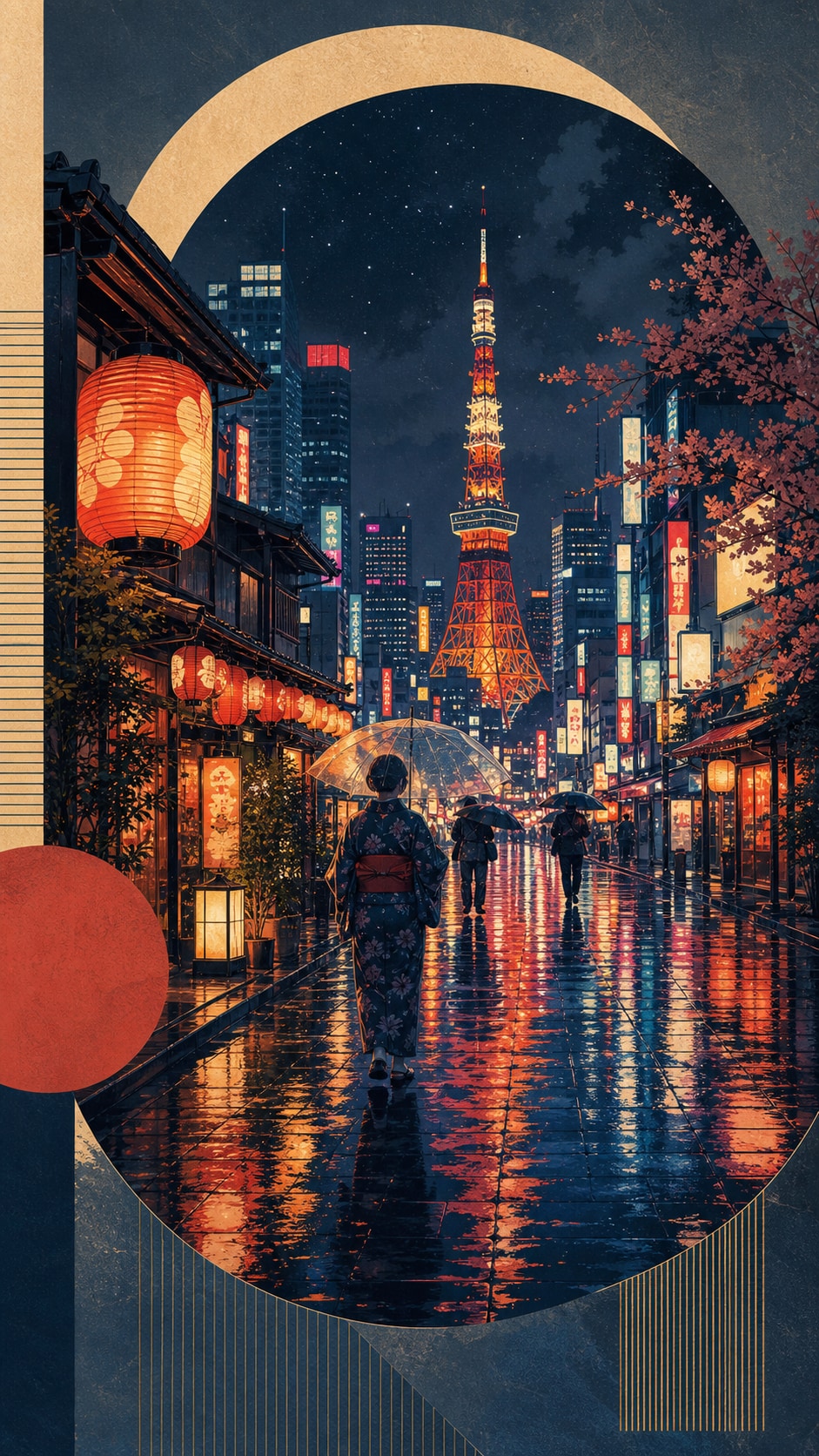
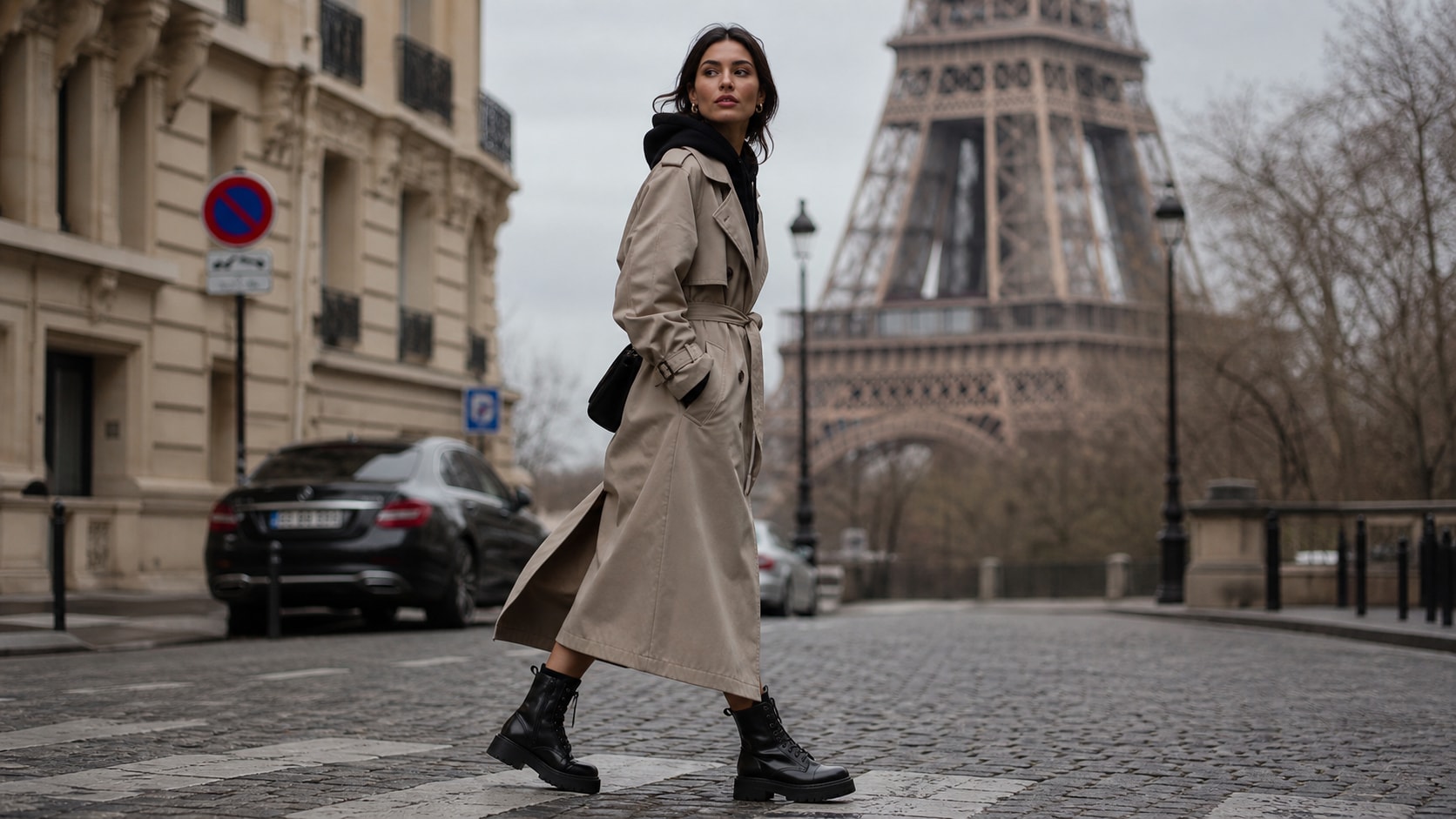
Browse ai photo prompts in new york for skyline portraits, Central Park autumn scenes, Brooklyn Bridge views, subway moments, street photography, and Times Square nightlife. Use each idea to create assets for video templates, reels, social posts, covers, and export-ready visuals.
Loading more New York photo prompts...
 Category:
 Duration:
 Aspect Ratio:
Why Use New York Photo Prompts With Filmora?
New York images benefit from scale, recognizable architecture, human energy, and a deliberate focal point. Filmora helps turn those ingredients into polished travel stills, social covers, and short city edits.
Generate New York Travel Photos With Filmora
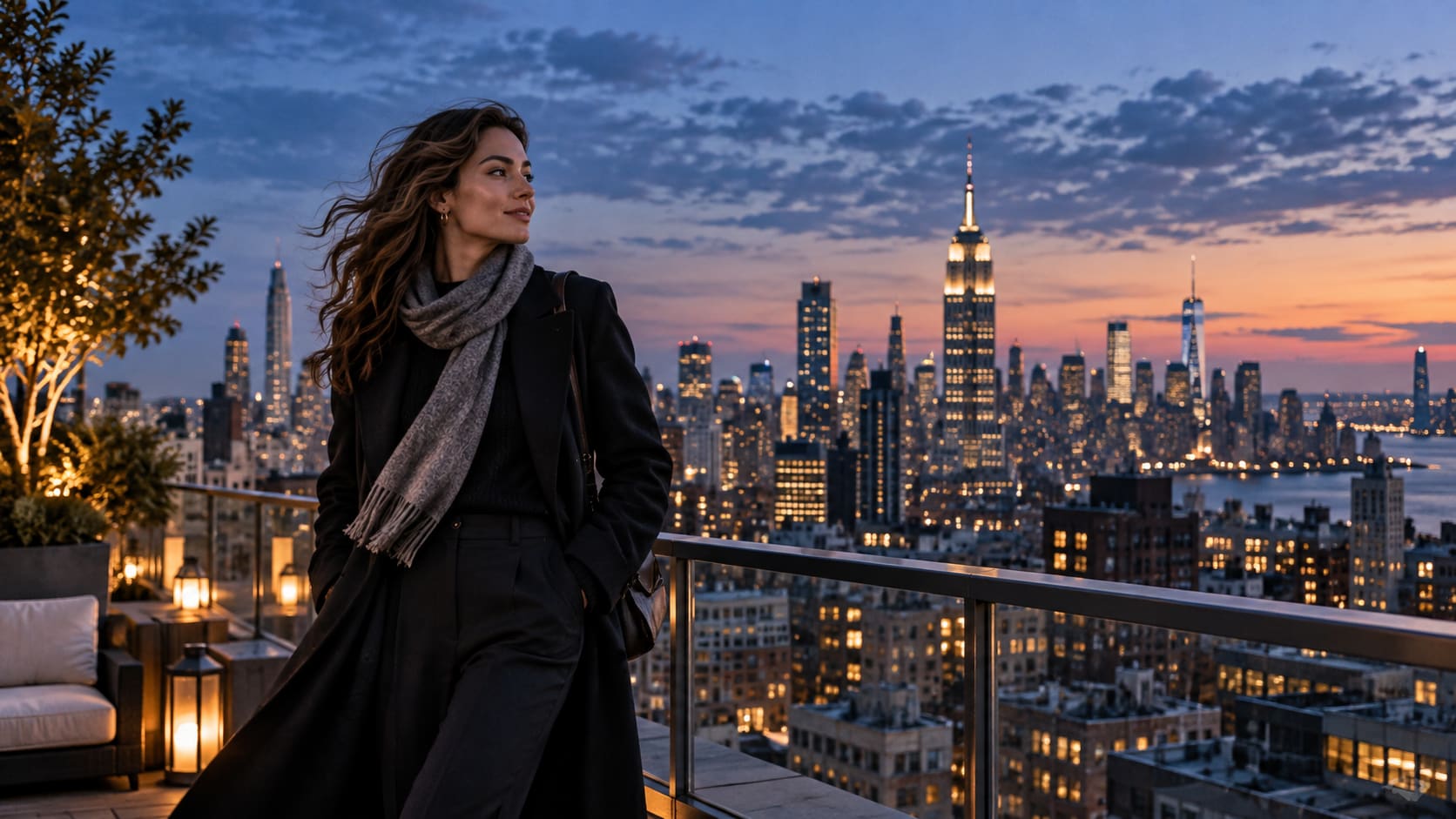
Generate New York Travel Photos With Filmora
Start with a precise New York photo prompt, then use Filmora's AI image generator to turn skyline portraits, Central Park autumn scenes, Brooklyn Bridge views, subway moments, street photography, and Times Square nightlife into clean, edit-ready stills. Use it for landmark scale, street portraits, seasonal parks, elevated skyline views, and urban travel stories with a consistent visual direction.
- Prompt to Image - Describe viewpoint, subject scale, weather, landmark detail, and the intended crop in one focused request.
- Clear Visual Hierarchy - Keep one clear focal point so buildings, traffic, people, and light support the frame instead of competing.
- Fast Iteration - Compare several locations and camera heights before choosing the strongest travel or social composition.
Use GPT Image 2 for Landmark, Crowd, and Surface Detail
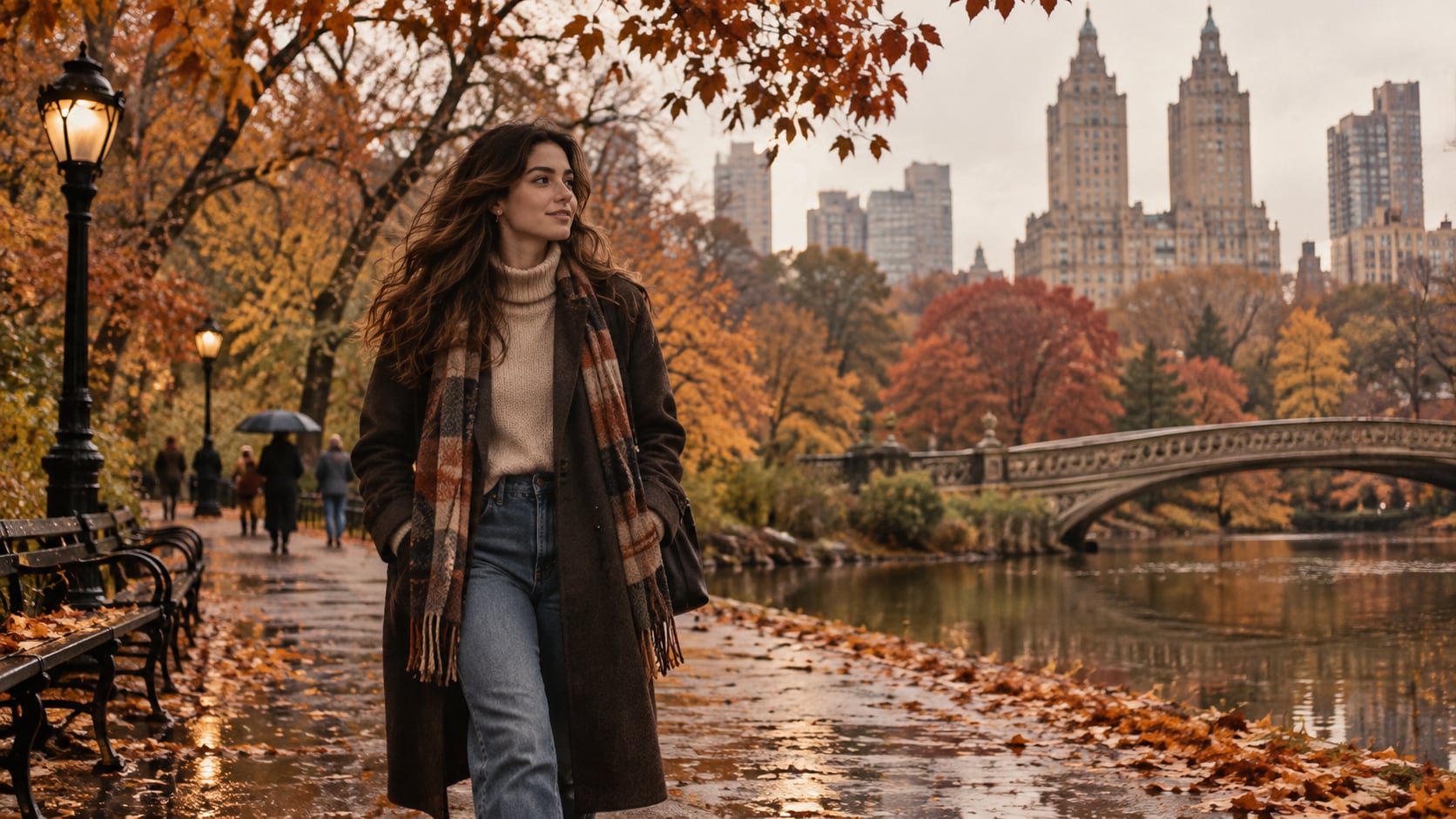
Use GPT Image 2 for Landmark, Crowd, and Surface Detail
When the scene needs dependable subject detail, texture, or background control, Filmora's GPT Image 2 helps follow a structured prompt. This is useful when stone, glass, wet pavement, fall leaves, subway texture, skyline depth, and human scale need to stay believable.
- Prompt Following - Name lens feeling, time of day, surface texture, lighting direction, and how much background should remain visible.
- Detail Control - Preserve believable stone, glass, fabric, water, pavement, foliage, and atmospheric depth.
- Edit-Ready Results - Keep generated signage abstract or unreadable before adding correct titles and branding in Filmora.
Try Nano Banana for City Mood Variants
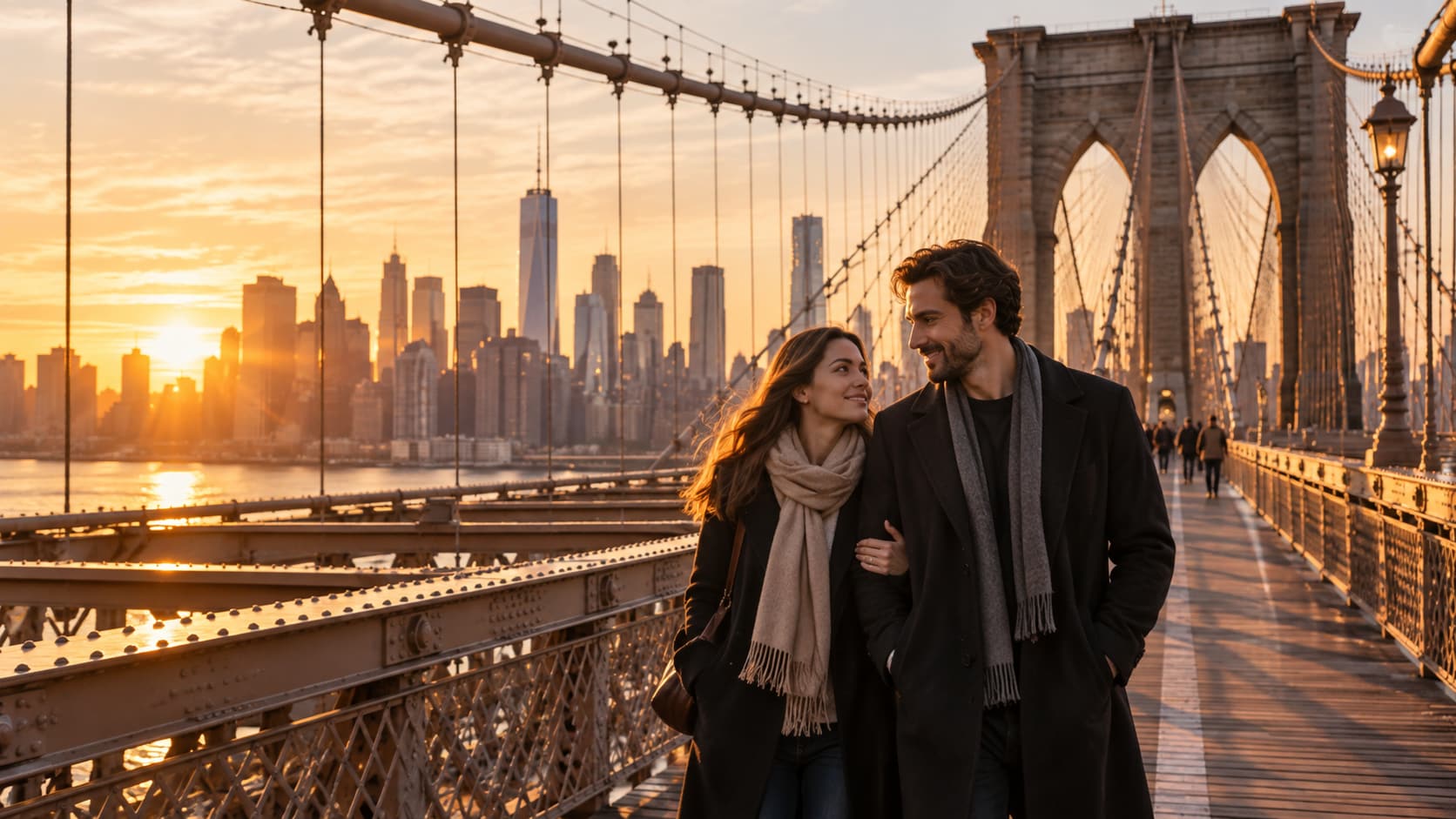
Try Nano Banana for City Mood Variants
Use Filmora's Nano Banana when one idea needs another palette, mood, composition, or social treatment. Try golden-hour travel, black-and-white documentary, neon nightlife, autumn editorial, rainy romance, or quiet morning treatments.
- Style Range - Move between candid documentary, polished travel editorial, fashion portrait, cinematic night, and quiet landscape treatments.
- Variant Testing - Test color temperature, season, crowd density, and camera distance without rebuilding the entire idea.
- Creative Flow - Keep prompt, generation, refinement, and export connected in one Filmora workflow.
Turn New York Travel Photos Into Video
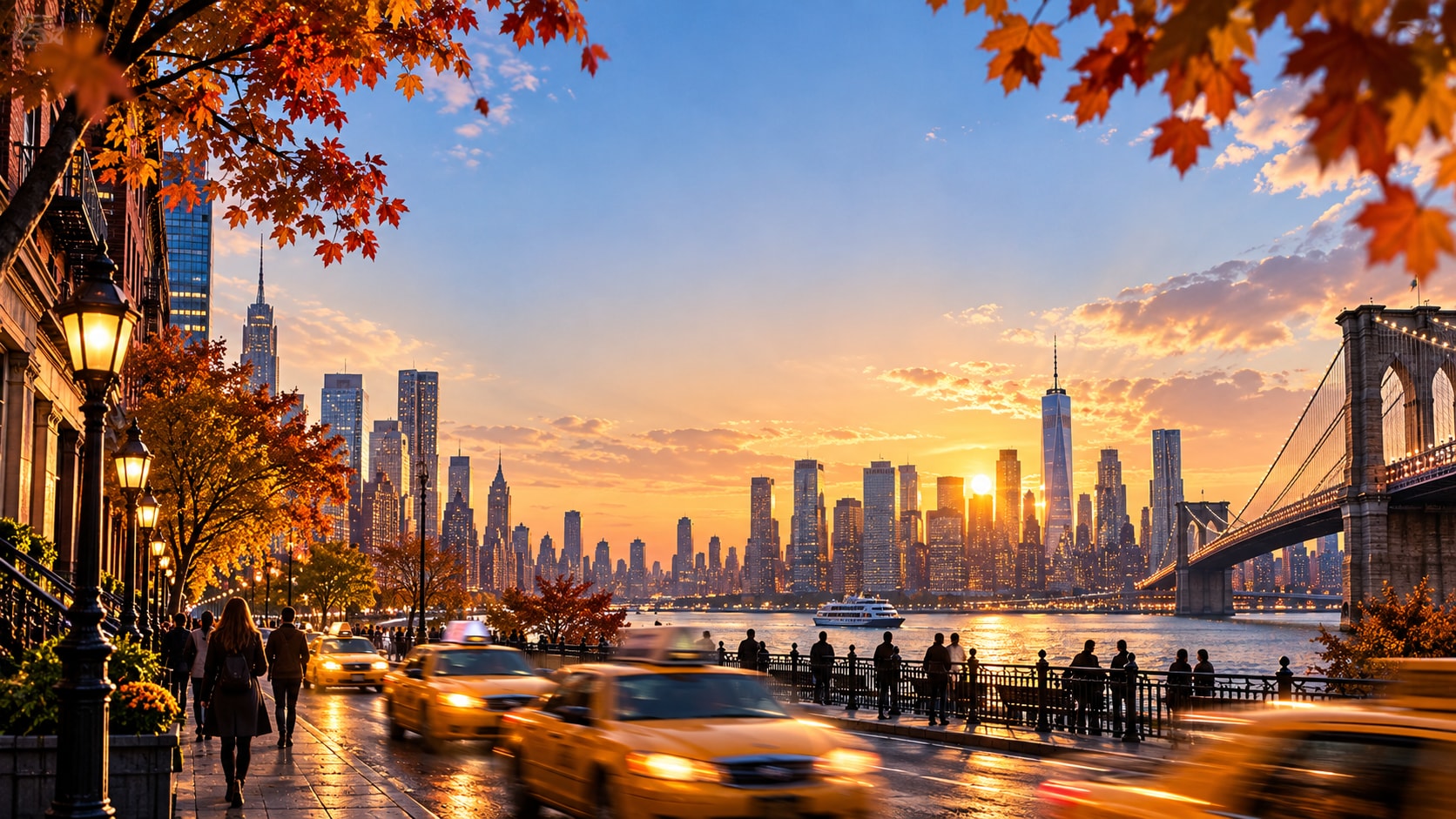
Turn New York Travel Photos Into Video
After generating the still, use Filmora's AI Image to Video workflow to add camera movement, overlays, effects, sound, and social-ready exports. Animate traffic light trails, falling leaves, subway movement, skyline pushes, umbrella passes, or a slow reveal toward the landmark.
- Motion Ideas - Animate passing traffic, water shimmer, flag movement, falling leaves, rain, light trails, or a gentle camera push.
- Social Formats - Reframe one still for a 16:9 travel video, 9:16 reel, or square social tile.
- Final Export - Finish with titles, music, effects, transitions, and platform-ready exports.
Frequently Asked Questions About New York Photo Prompts
How to Generate New York Photos With AI
Choose an new york setup, define the subject and visual mood, generate the still, then personalize or animate it in Filmora.
Step 1 Choose an New York Prompt

Step 2 Set Style, Model, and Ratio

Step 3 Generate, Edit, and Export

-
1: Choose an New York Prompt
Pick a setup such as a skyline portrait, a Central Park walk, a bridge sunrise, or a rainy street scene. -
2: Set Style, Model, and Ratio
Paste the prompt into Filmora's AI Image tool, choose GPT Image 2 or Nano Banana, select a ratio, and refine subject detail, lighting, and framing. -
3: Generate, Edit, and Export
Generate the still, adjust crop and color, add motion or overlays if needed, then export it for travel posts, city reels, thumbnails, tourism covers, and cinematic video backgrounds.
New York Travel Photos for Cinematic Travel Edits
Use ai photo prompts in new york to create skyline portraits, Central Park autumn scenes, Brooklyn Bridge views, subway moments, street photography, and Times Square nightlife and motion-ready visuals for Filmora editing.