
Explore Ancient Greek Girl Portrait Prompts
Browse these 15 ancient Greek girl AI prompts to generate marble-like portraits, elegant drapery, and mythic classical beauty. Use them as direct inputs for Filmora AI and choose the look that fits your page, wallpaper, or social creative.
Why Create Ancient Greek Girl Portraits With Filmora AI?
Use Filmora to move from prompt to polished classical art with fewer steps. You can choose a model, refine the portrait style, animate the result, and finish it in one editor.
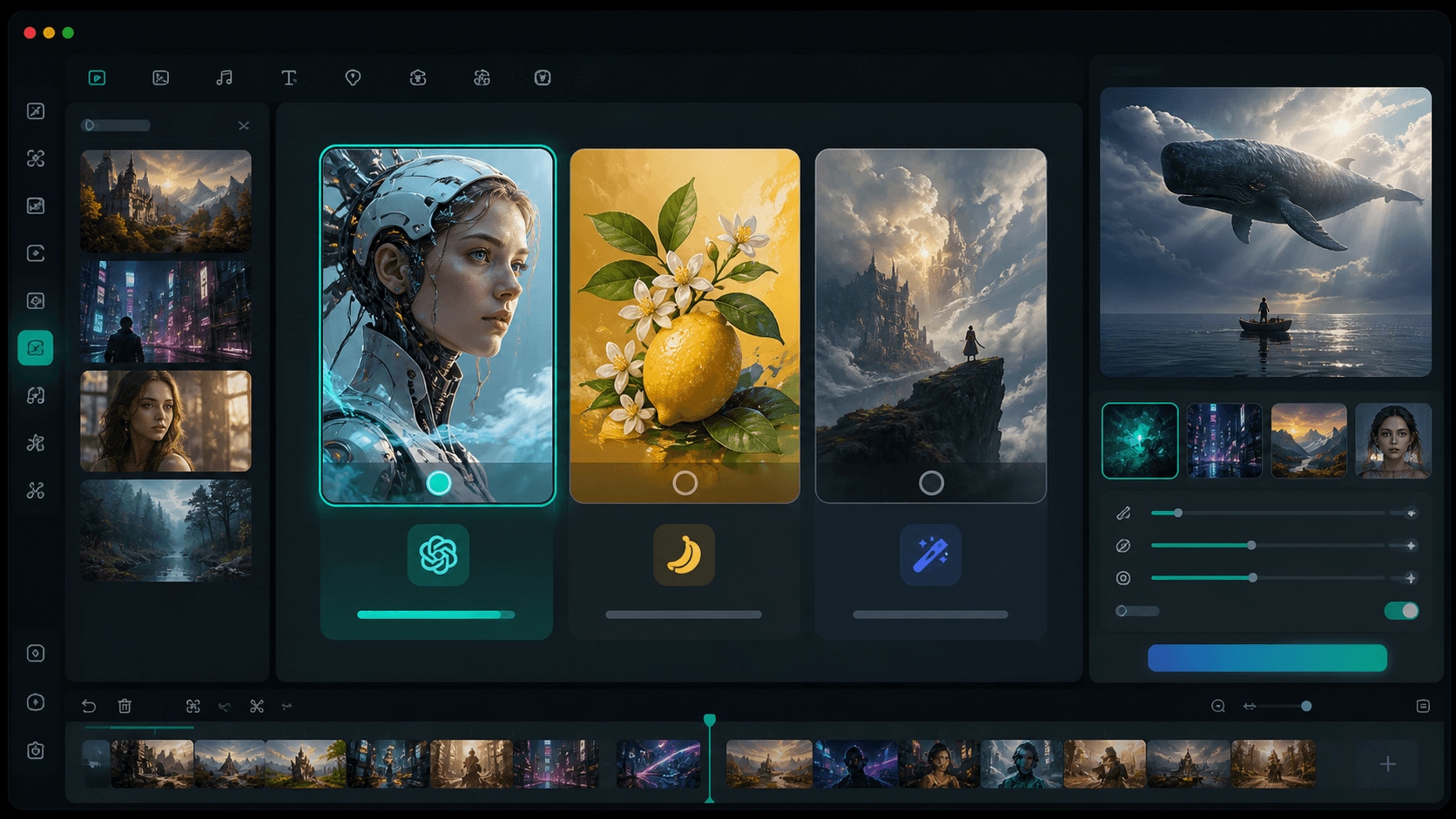
Choose Classical Image Models
Filmora gives you direct access to advanced generators like GPT Image 2 and Nano Banana 2 so you can shape every ancient Greek girl portrait with the exact mood, palette, and facial style you want.
- Switch models without leaving the page.
- Push classical portraits toward realism or illustration.
- Keep every prompt visually consistent.
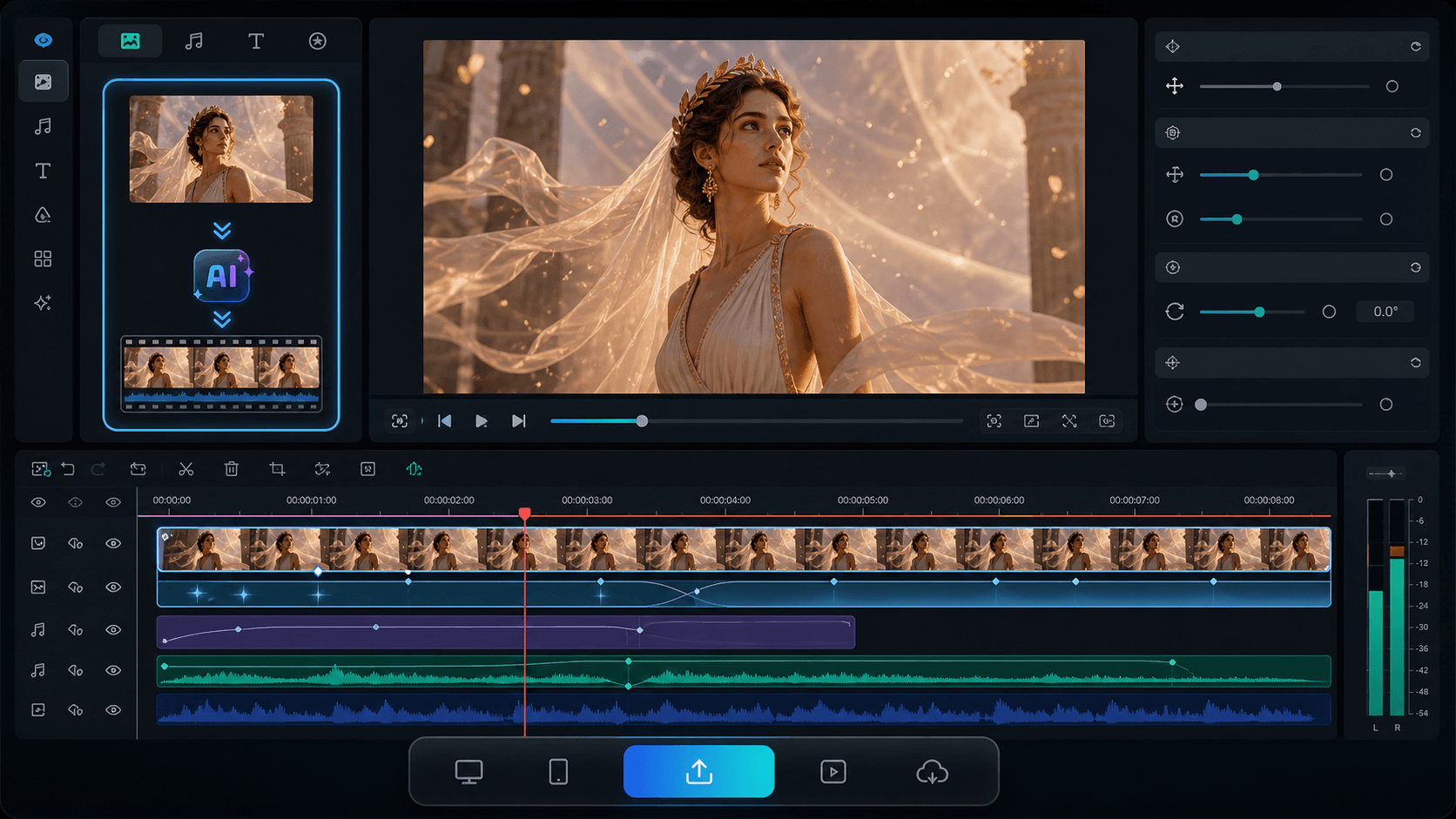
Control Drapery, Light, And Mood
Fine-tune linen folds, marble tones, olive wreaths, and sunlit shadows inside Filmora, then pair your prompt with the AI Image Generator for quick, repeatable classical portrait output.
- Describe clothing, pose, and lighting precisely.
- Create elegant portraits in a single pass.
- Keep the result clean and publish-ready.
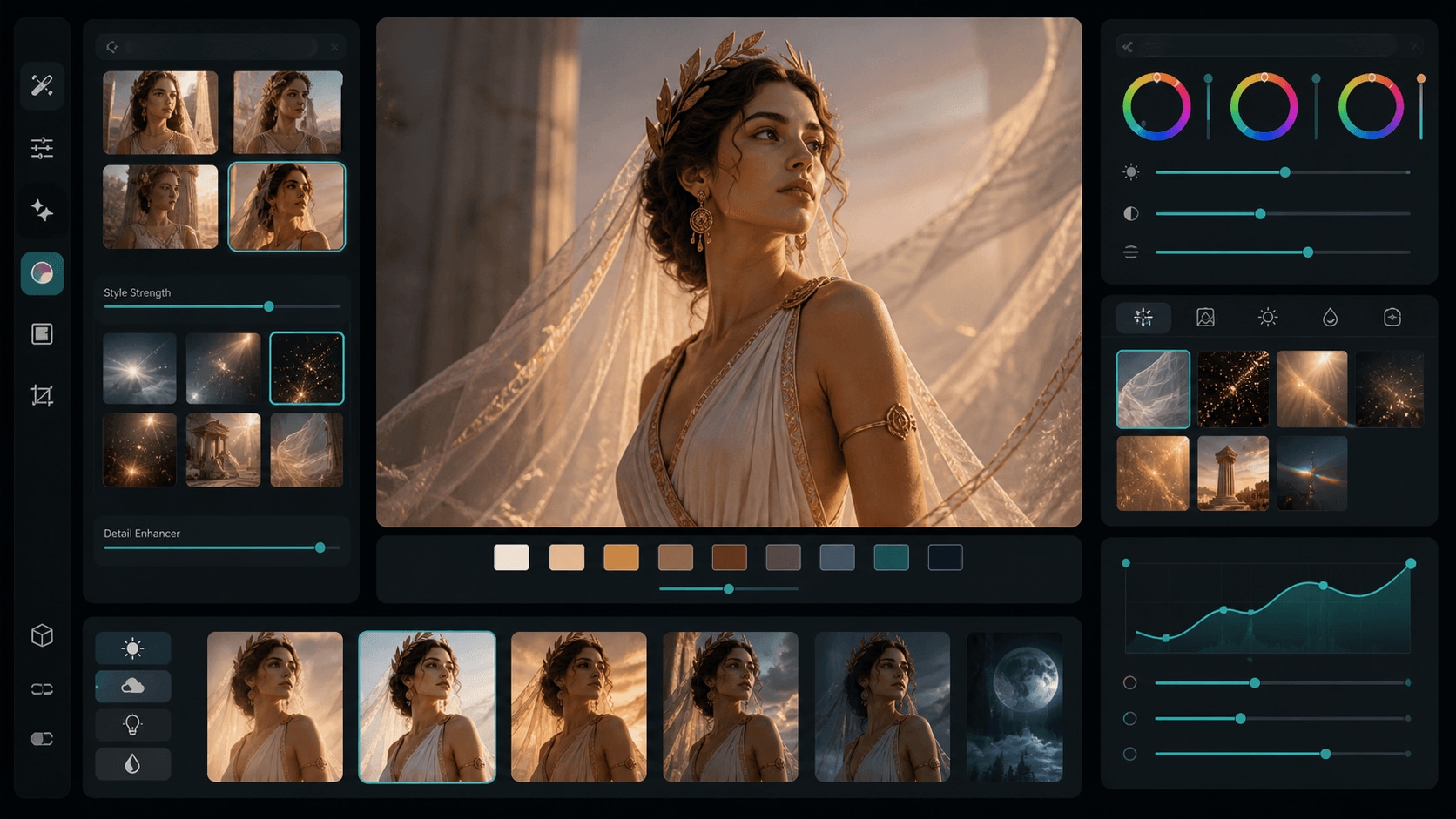
Turn Still Art Into Motion
Use AI Image to Video to add gentle wind, fabric movement, and cinematic motion to your ancient Greek girl images, then layer text and effects directly in the timeline.
- Animate portraits without rebuilding them.
- Add subtle movement for reels and shorts.
- Keep the classical mood intact.
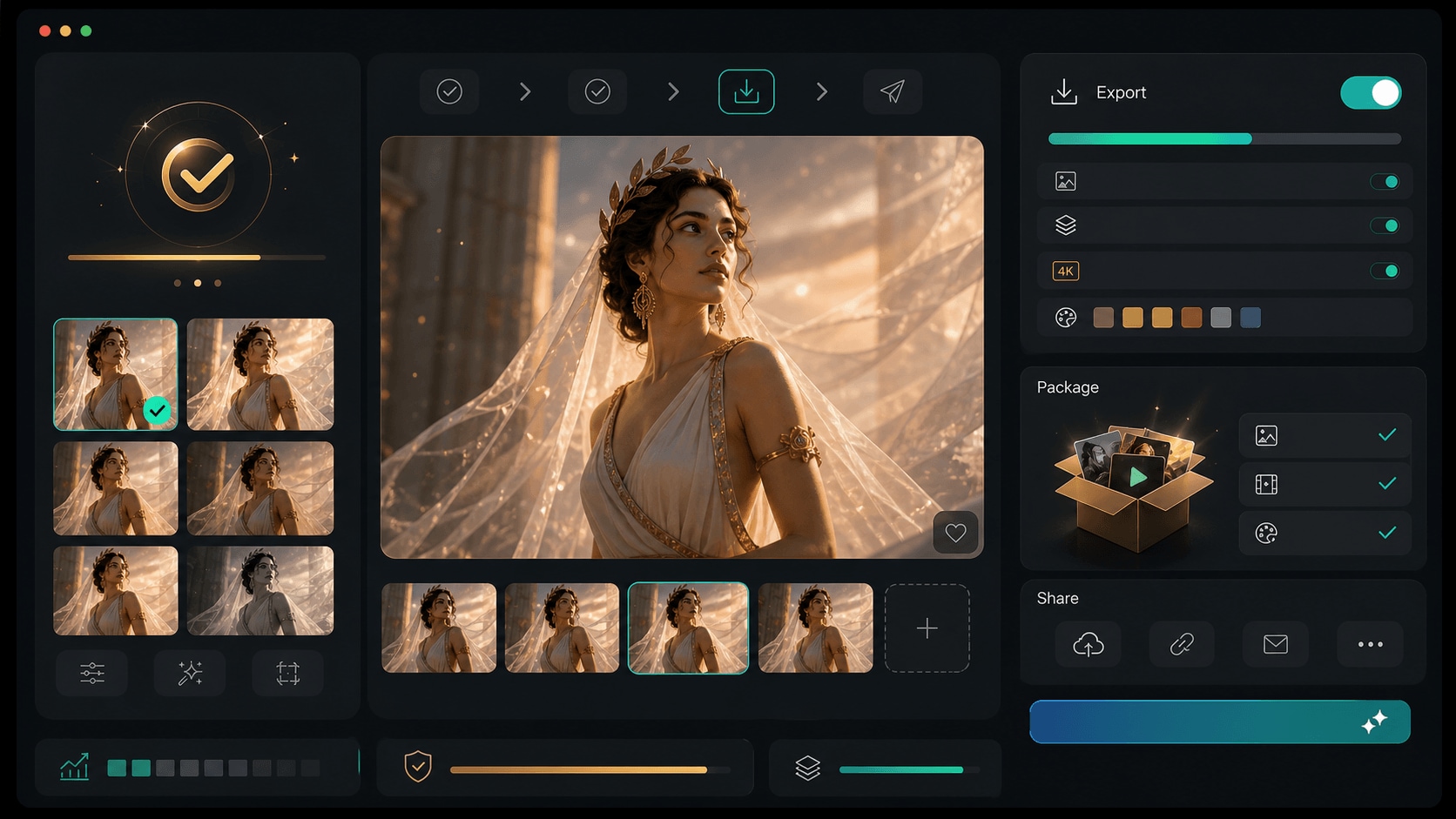
Finish In One Editor
Refine the generated portrait with overlays, stickers, sound, and export tools in Filmora, so the final ancient Greek girl page assets and video edits stay inside one workflow from prompt to publish.
- Edit, label, and export without switching tools.
- Keep the final visuals aligned with the page theme.
- Package everything for CMS delivery.
Frequently Asked Questions About Ancient Greek Girl Prompts
How to Generate Ancient Greek Girl Portraits With AI
Turn a simple text description into a polished classical portrait using Filmora's AI Image Generator and your favorite prompt from this page.
Step 1 Select A Prompt

Step 2 Choose Your Model

Step 3 Generate And Export

1. Select A Prompt
Pick a portrait prompt that fits the mood you want: regal, serene, editorial, or mythic.2. Choose Your Model
Paste the prompt into Filmora AI Image Generator and try GPT Image 2 or Nano Banana 2 for the look you want.3. Generate And Export
Render the portrait, refine it inside the editor if needed, and export the final image for CMS use.
More Ancient Greek Girl Prompt Ideas
Filmora helps you turn ancient Greek girl ideas into polished classical portraits, then move through editing and publishing without breaking the workflow.




