
Explore Popular Burning Mask AI Prompts
Discover intense, fiery prompt concepts designed to craft a stunning burning mask ai portrait. From dystopian styles to vivid cinematic realism, find the exact wording to generate your ultimate burn ai art directly in Filmora.
Loading more burning mask prompts...
 Category:
 Duration:
 Aspect Ratio:
Why Use a Burning Mask AI Prompt?
A burning mask concept immediately grabs attention with its striking, rebellious aesthetic. Whether you are aiming to create a burning man ai photo or a dark cinematic character, these targeted prompts help you generate high-impact visuals that resonate with your audience.
Craft Surreal Festival Atmospheres
Craft Surreal Festival Atmospheres
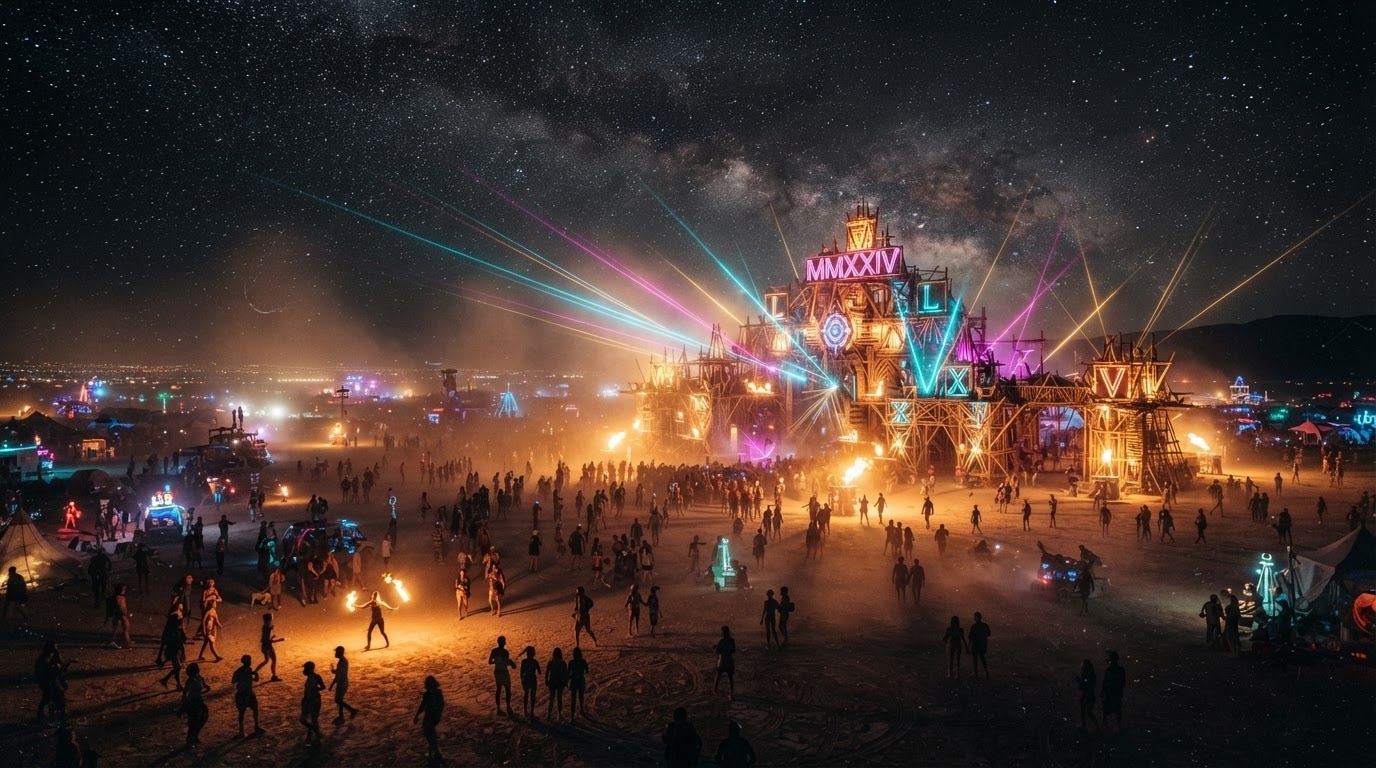
Transport your audience to the desert playa by generating breathtaking burning man ai pictures. Utilize advanced text-to-image capabilities to instantly visualize massive artistic structures, dusty plains, and glowing nighttime events.
- Generate highly detailed festival environments that capture a vibrant, surreal atmosphere perfectly.
- Experiment with glowing neon accents and dramatic shadows to create stunning visual depth.
- Build an entire narrative sequence around dystopian or bohemian desert party themes effortlessly.
Cinematic Character Portraits
Cinematic Character Portraits
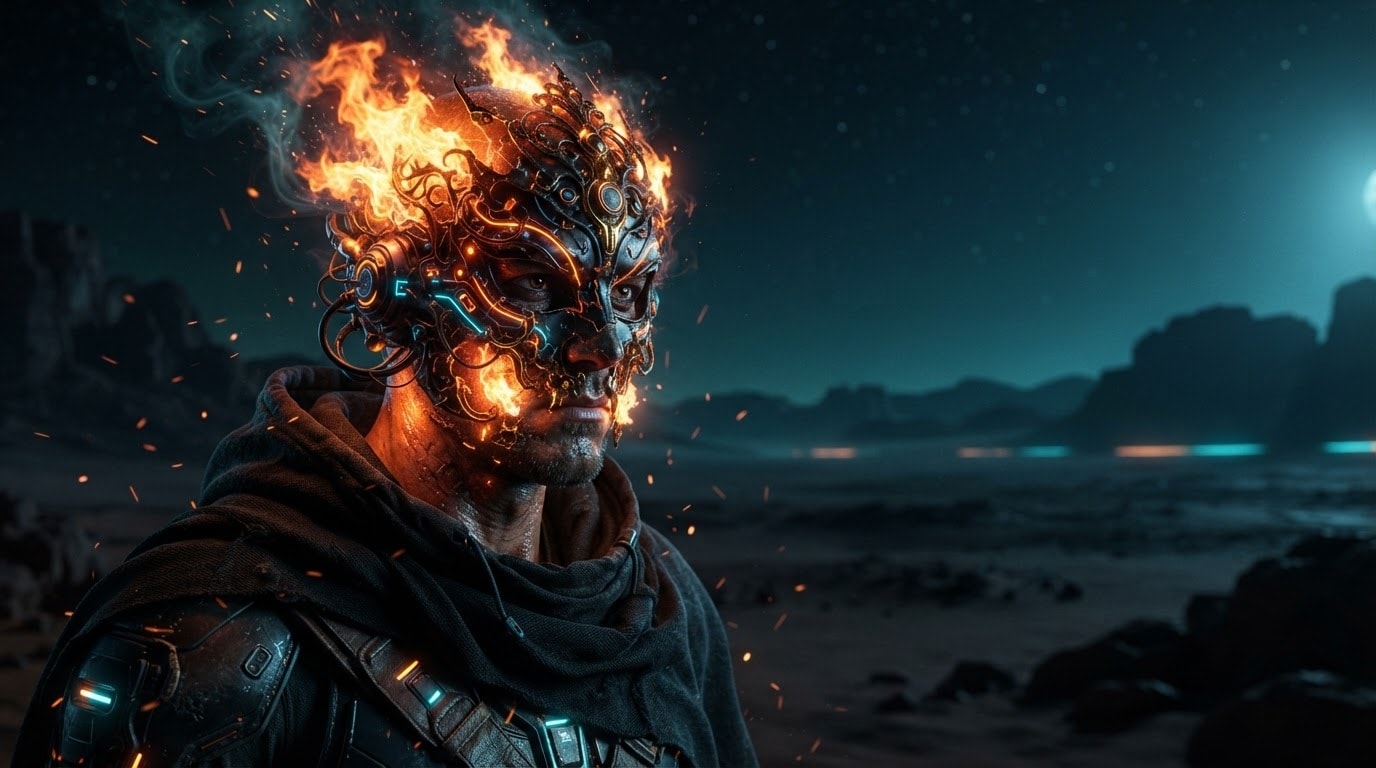
The right burning mask ai portrait can completely elevate your storytelling. By seamlessly integrating Filmora's AI tools, which feature robust models like GPT Image 2, you can produce highly realistic and emotionally gripping character art.
- Control the exact shape, texture, and intensity of the fiery elements on your subject's face.
- Render photorealistic lighting that reflects the glowing flames accurately across the portrait.
- Blend futuristic sci-fi elements with raw, elemental fire for a truly unique aesthetic.
Engage With Bold Visuals
Engage With Bold Visuals
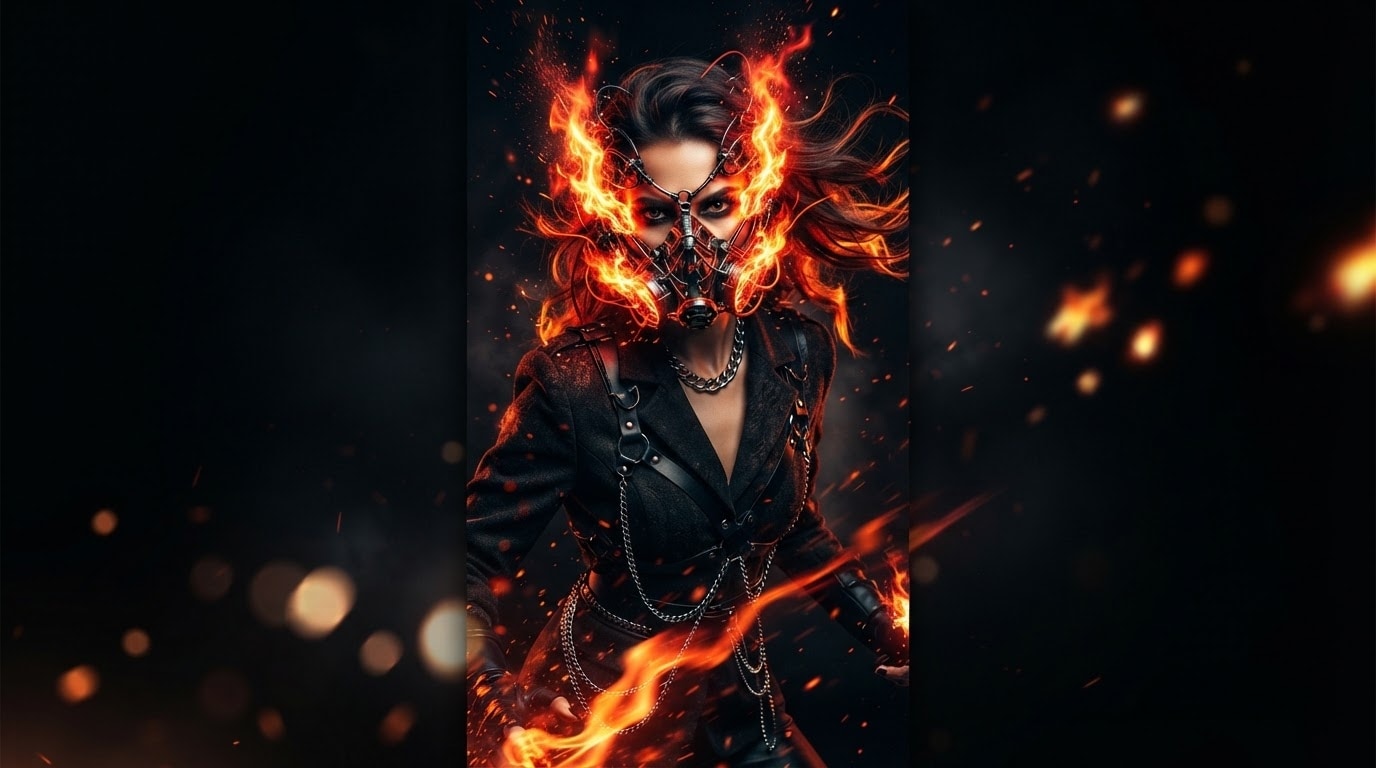
Social media algorithms favor bold, scroll-stopping imagery, and burn ai art fits the bill perfectly. Instantly capture your viewers' attention on Instagram and TikTok by integrating these high-contrast, fiery visuals into your next video project.
- Stop the scroll instantly with high-contrast imagery that demands viewer attention and interaction.
- Animate your static fiery artwork into dynamic video sequences using advanced editing effects.
- Elevate your brand identity by incorporating edgy, modern aesthetics into your regular content.
Seamless AI Generation Workflow
Seamless AI Generation Workflow
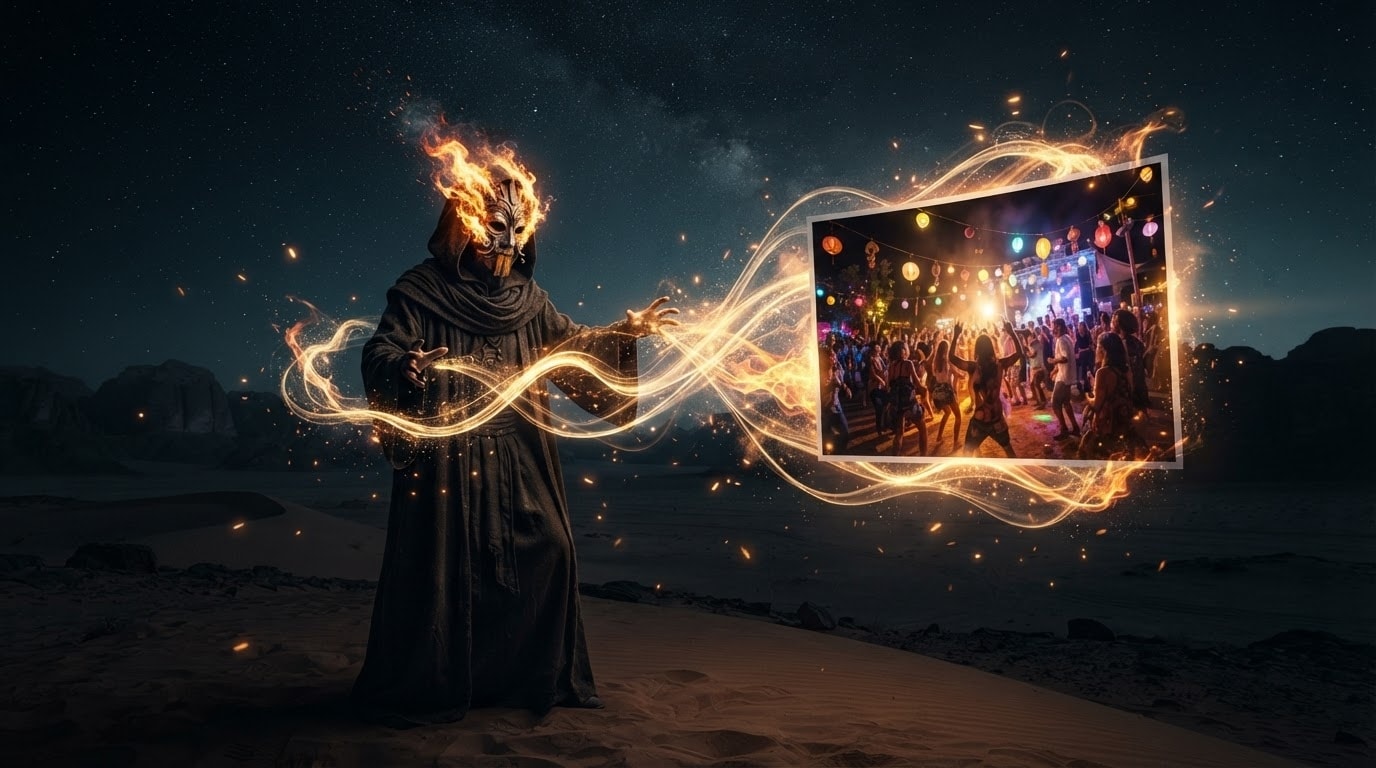
With Filmora, crafting ai burning man photos is incredibly intuitive and entirely self-contained. Choose between versatile built-in engines like ChatGPT Image 2 or Nano Banana to output your ideal concept without ever leaving the editing timeline.
- Access powerful AI generation engines directly inside your video editing workspace without external tools.
- Choose from multiple industry-leading generation models to match your specific artistic vision.
- Drop your newly generated images straight onto the timeline for immediate color grading and editing.
Frequently Asked Questions About Burning Mask AI Prompts
How to Generate a Burning Mask AI Portrait With Prompts
Transform your creative concepts into fiery, cinematic art using Filmora's built-in AI tools and a detailed burning mask ai prompt.
Step 1 Choose Your Preferred AI Model

Step 2 Enter the Burning Mask Prompt

Step 3 Generate and Edit Seamlessly

-
1:Choose Your Preferred AI Model
Open Filmora and launch the AI Image function. Select from powerful internal engines like GPT Image 2 or Nano Banana Pro to ensure your burning man ai pictures have the best lighting and detail. -
2:Enter the Burning Mask Prompt
Paste your detailed burning mask ai prompt into the text box. Specify the art style, such as cyberpunk, dystopian, or bohemian desert vibes, to get the perfect ai burning man photos. -
3:Generate and Edit Seamlessly
Click generate to create your burn ai art. Once ready, drop it directly onto your timeline to add video transitions, sound effects, or color grading before sharing to social media.
