Filmora
Filmora - AI Video Editor
Edit Faster, Smarter and Easier!
OPEN

15+ AI Prompts for Mermaid Baby Portraits

Generate Magical Underwater Portraits With AI Text-To-Image Prompts

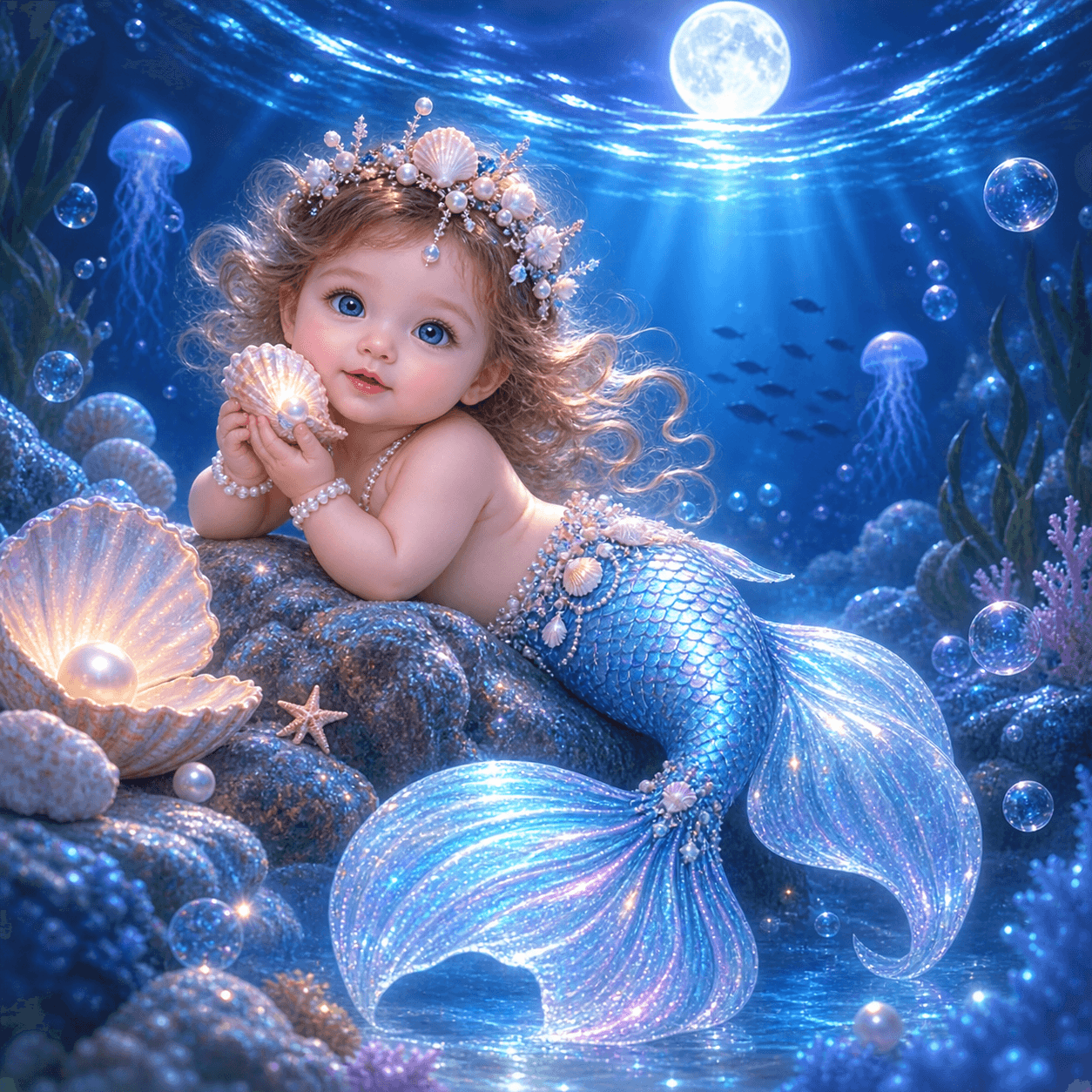
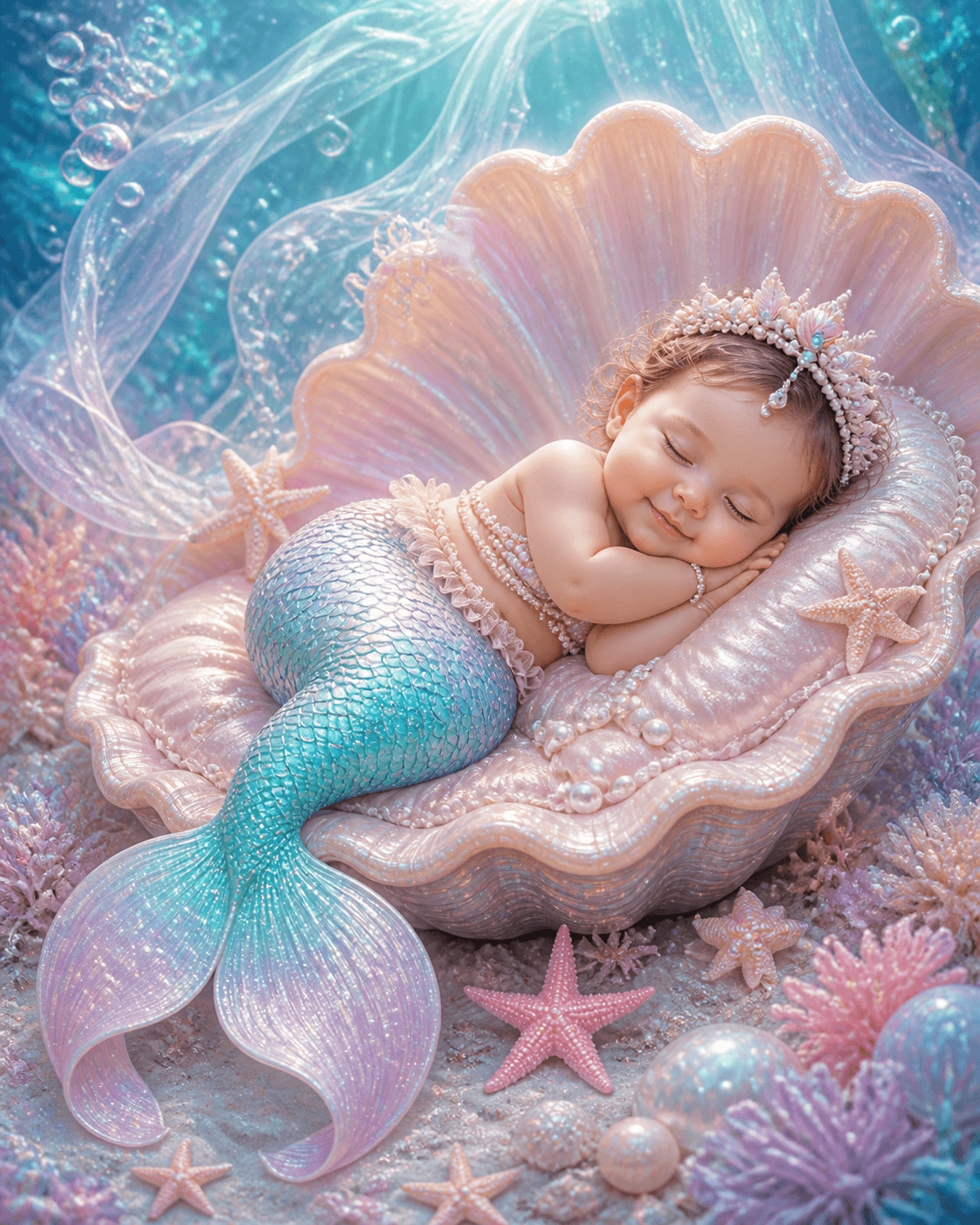
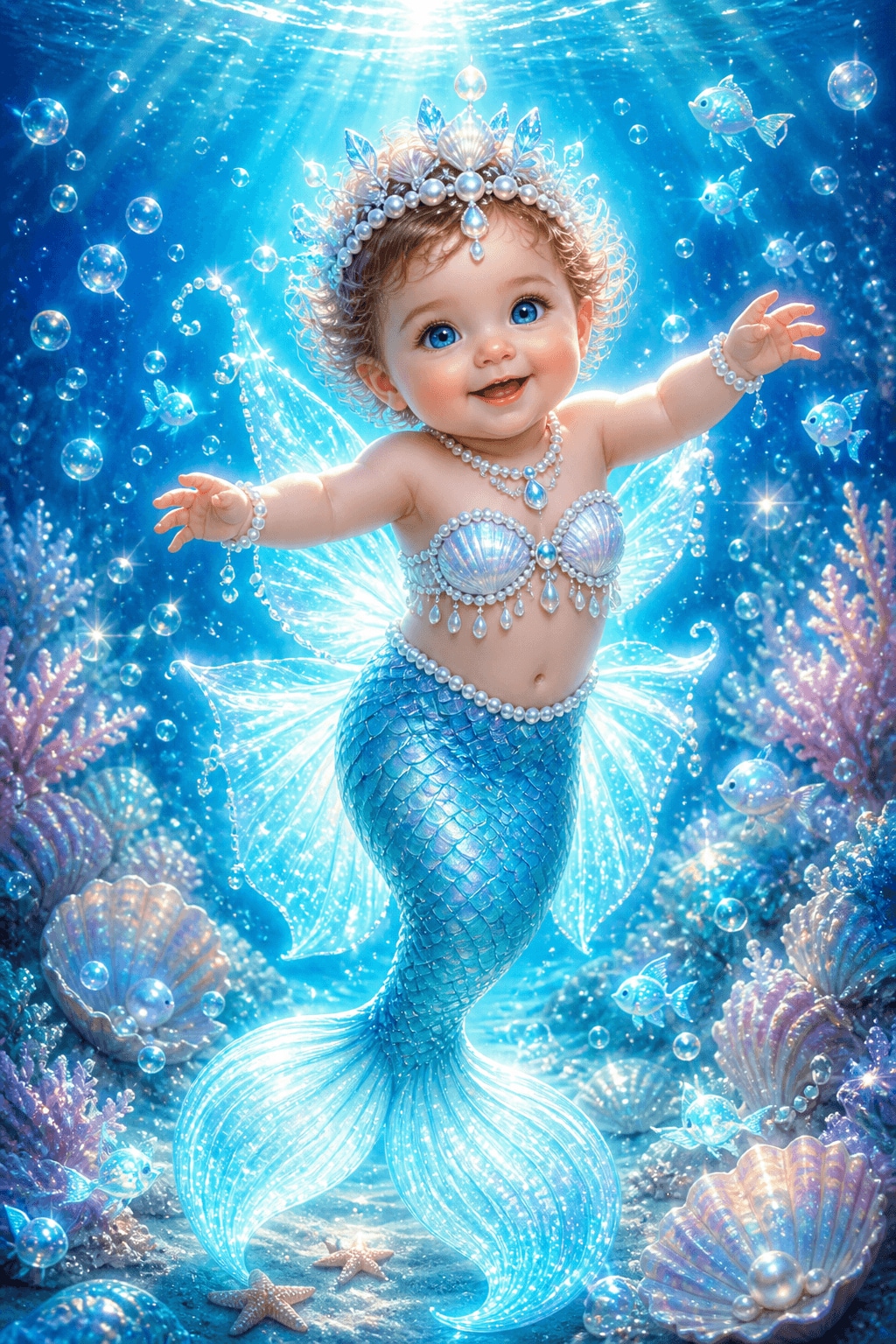
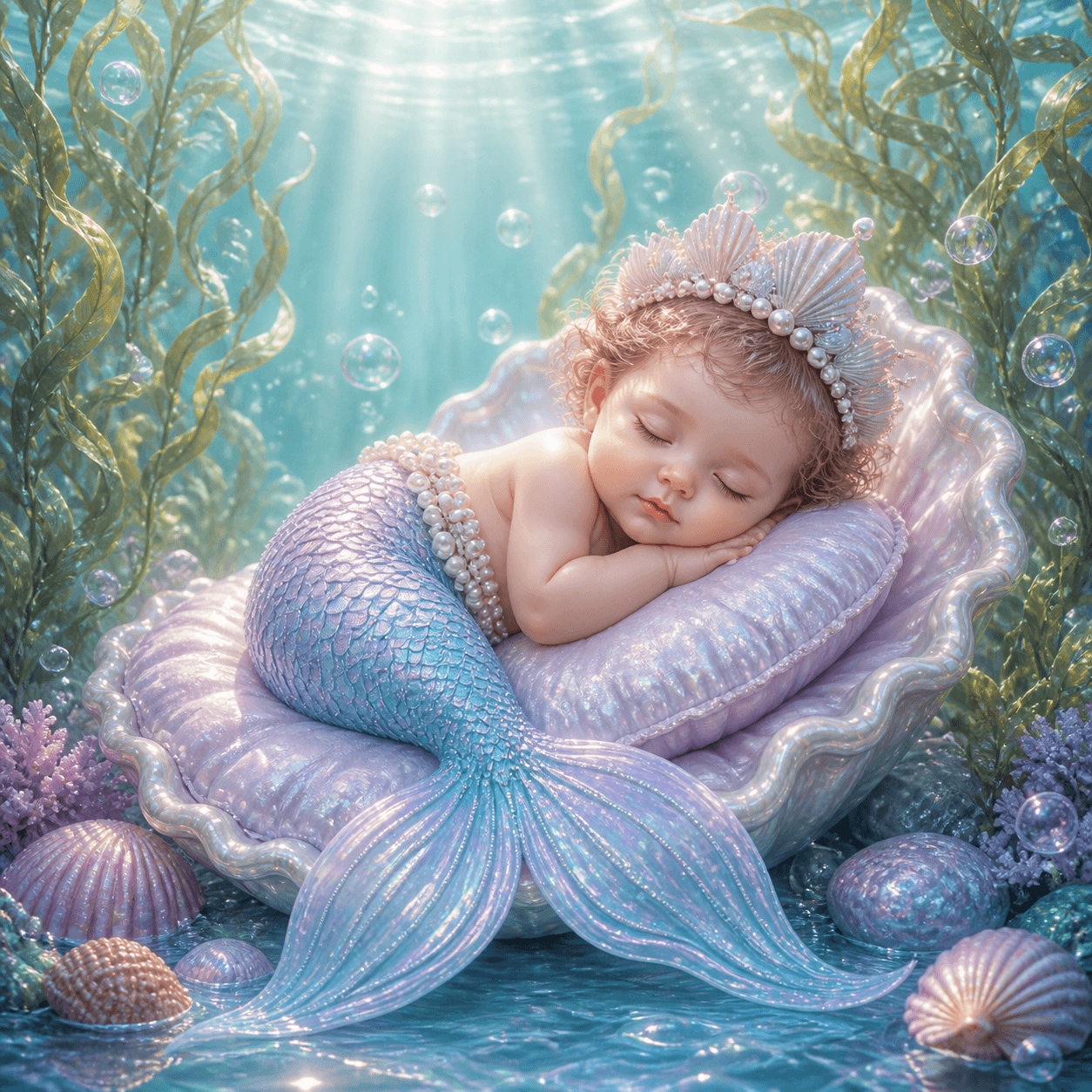
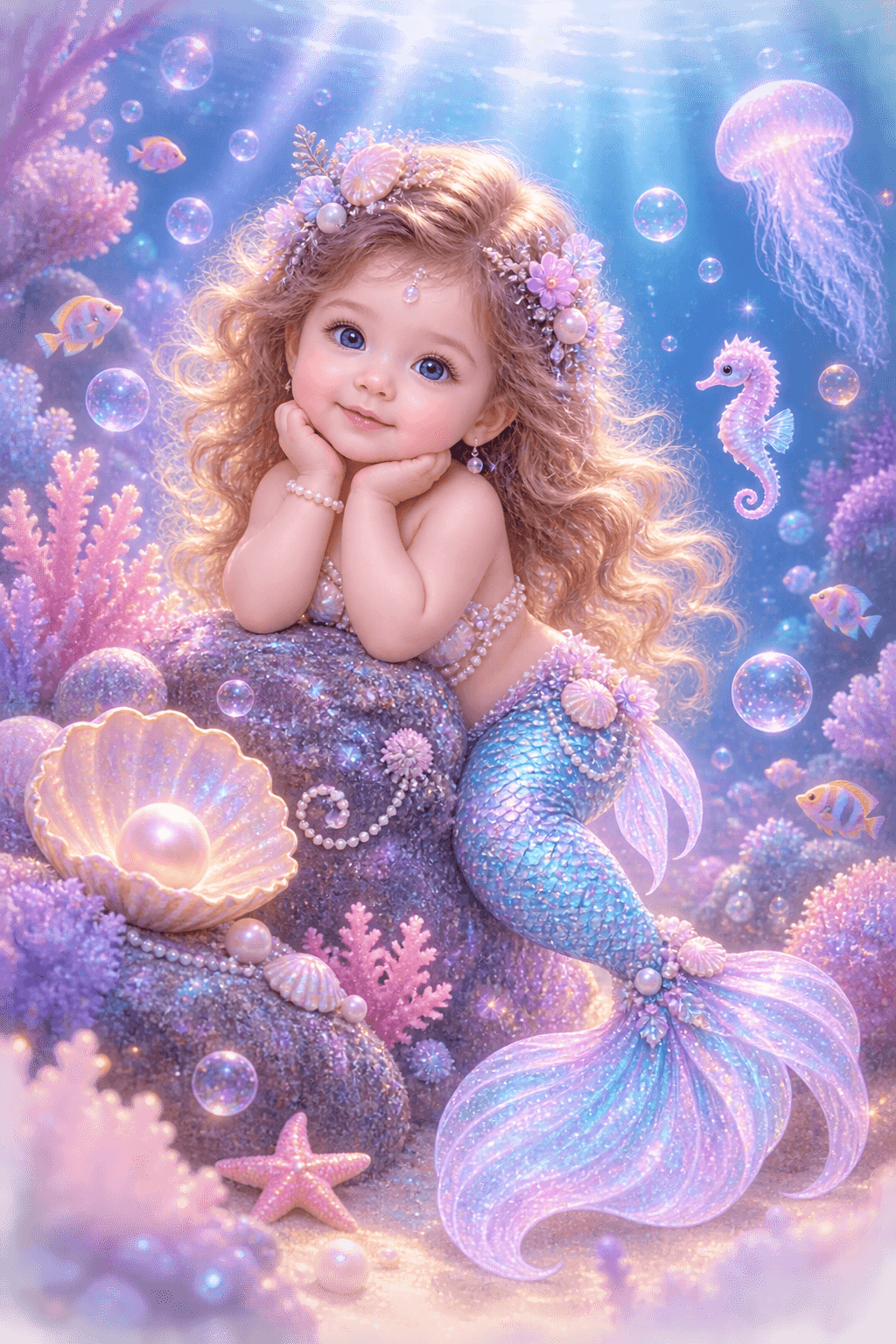
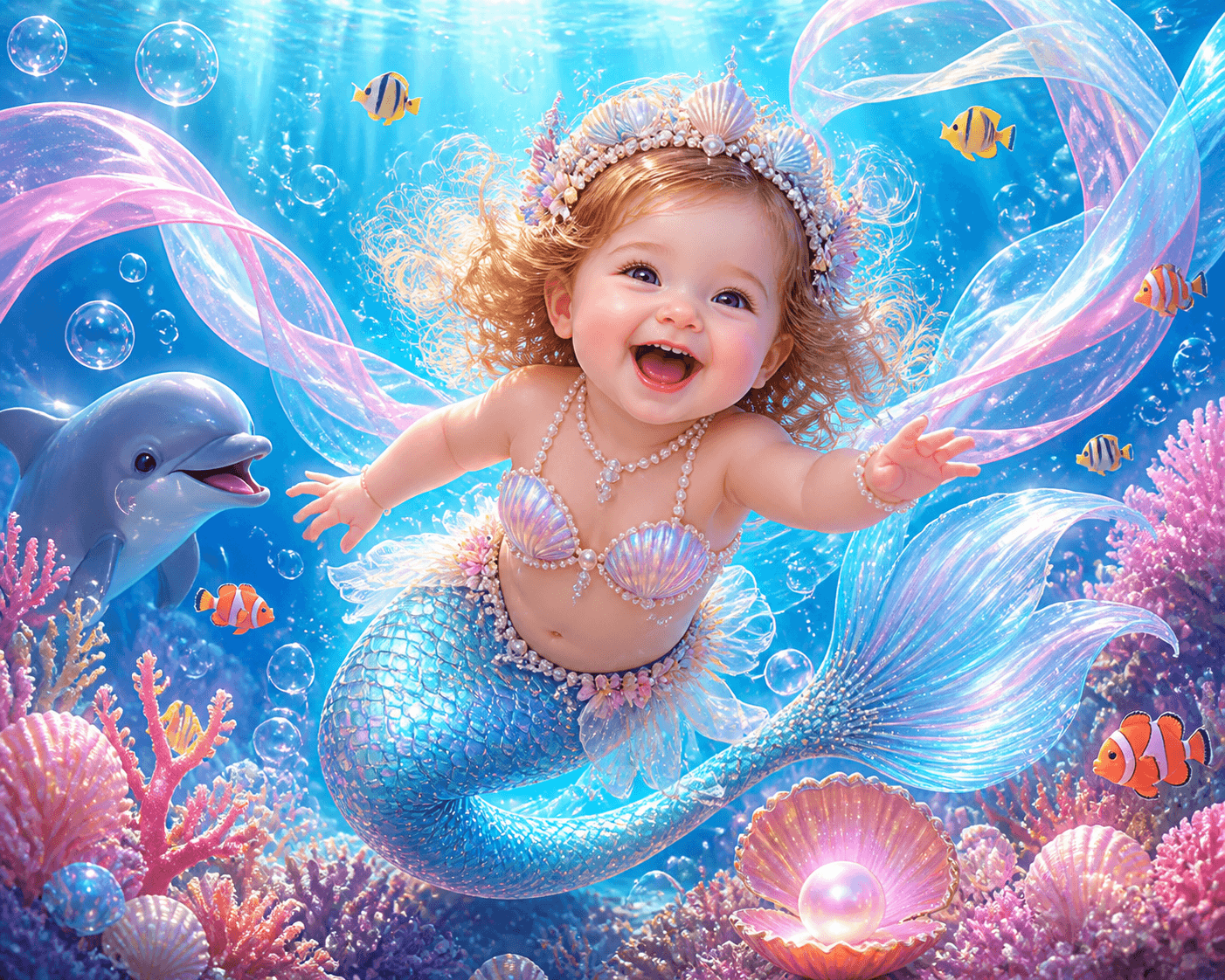
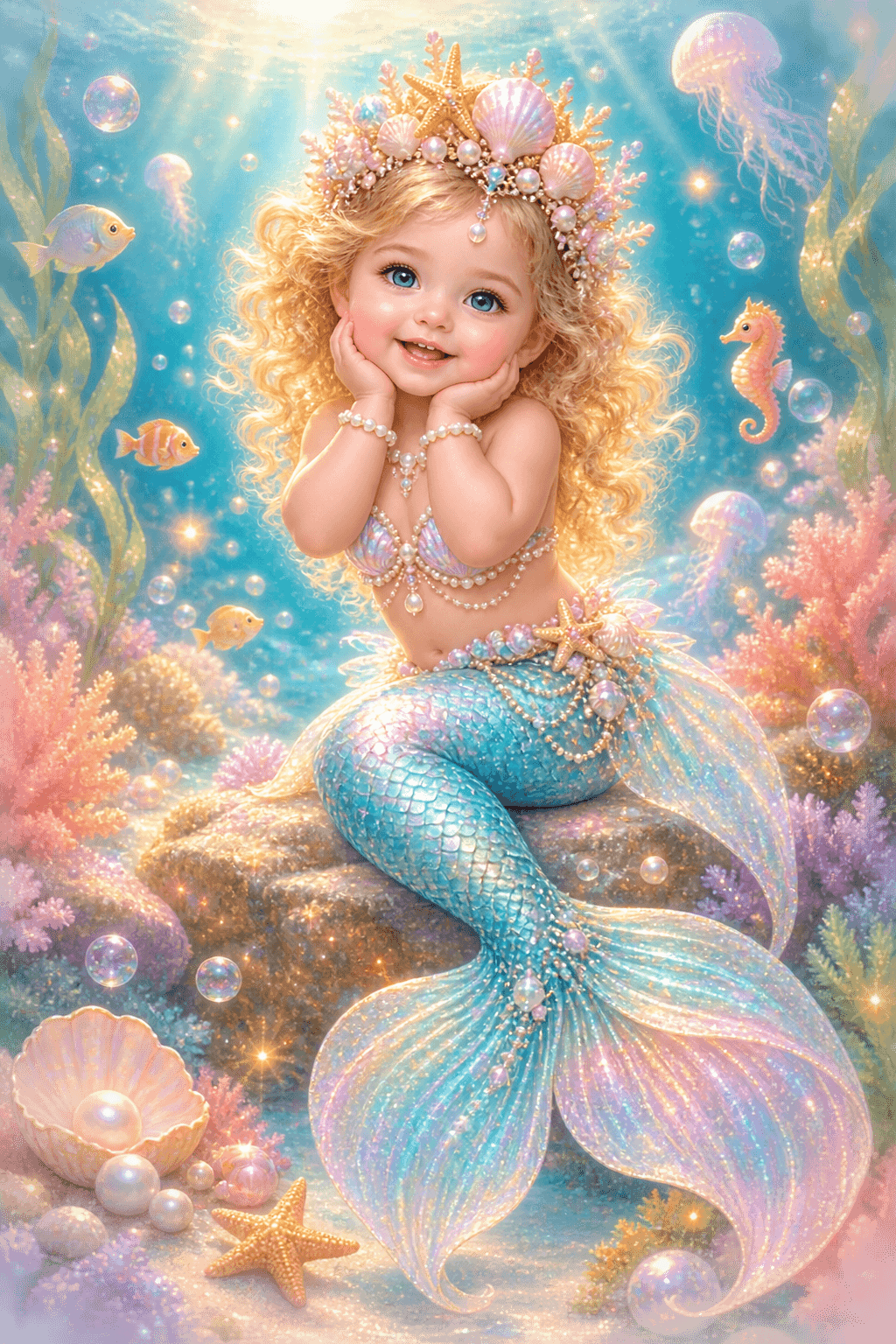
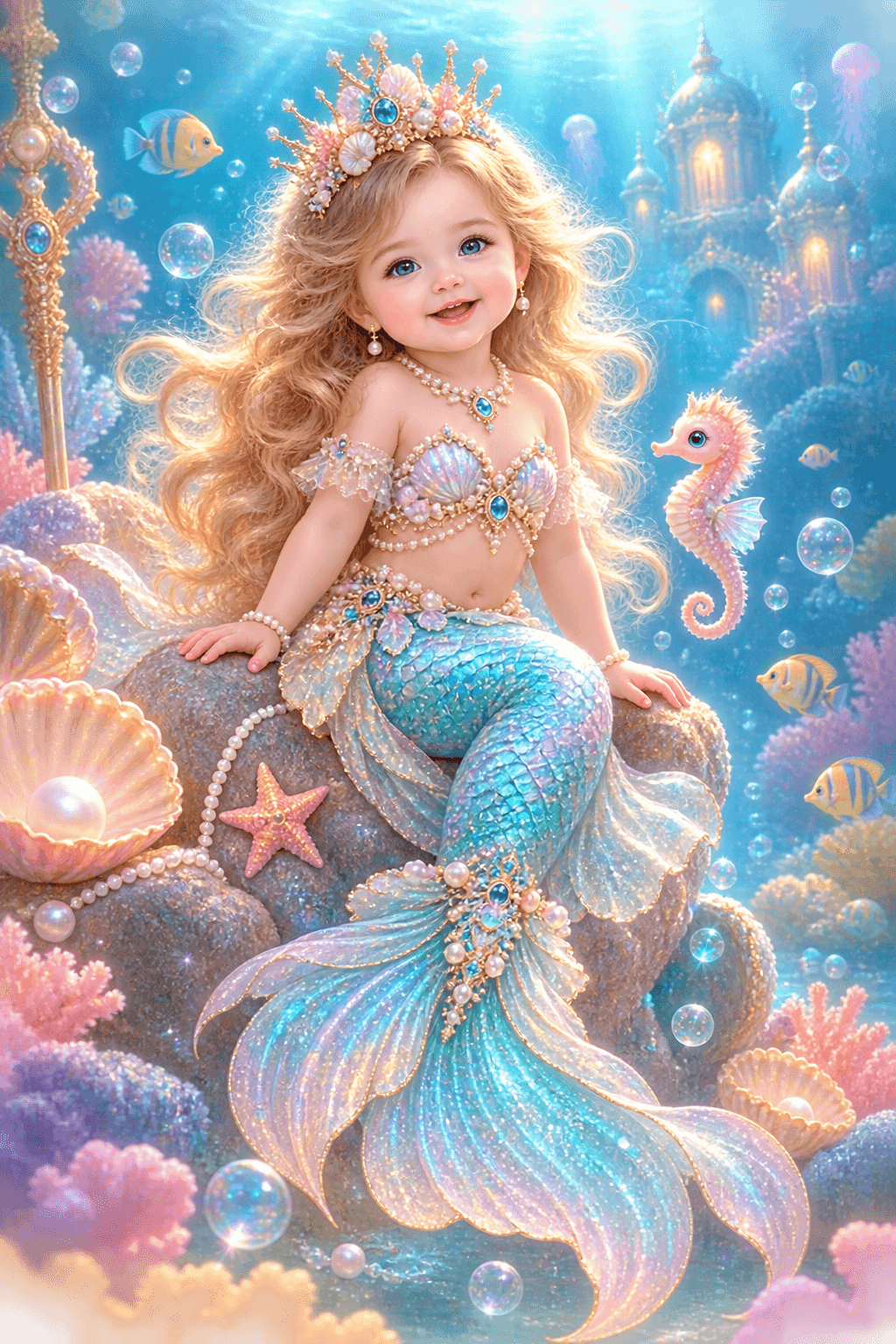
Turn a mermaid baby idea into a polished portrait collection with Filmora's AI Image Generator. Use coral light, soft bubbles, and shimmering tails to create a dreamy underwater look for social posts, wallpapers, or concept art.

15+

AI Prompts

2+

Image Models

100%

Customizable

Explore Mermaid Baby Portrait Prompts

Browse these 15 mermaid baby AI prompts to generate cute underwater portraits, glowing coral scenes, and magical fantasy beauty. Use them as direct inputs for Filmora AI and choose the look that fits your page, wallpaper, or social creative.
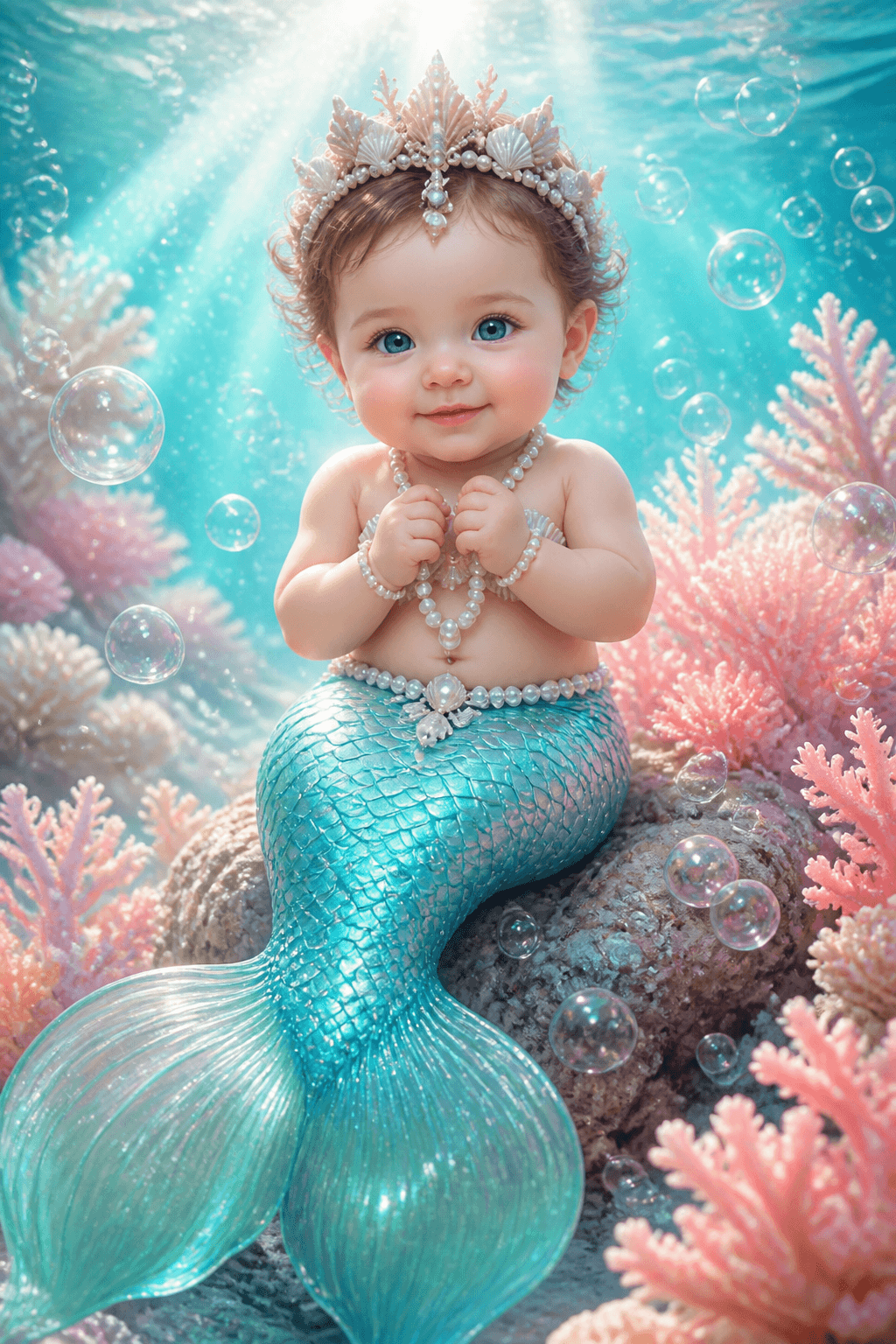
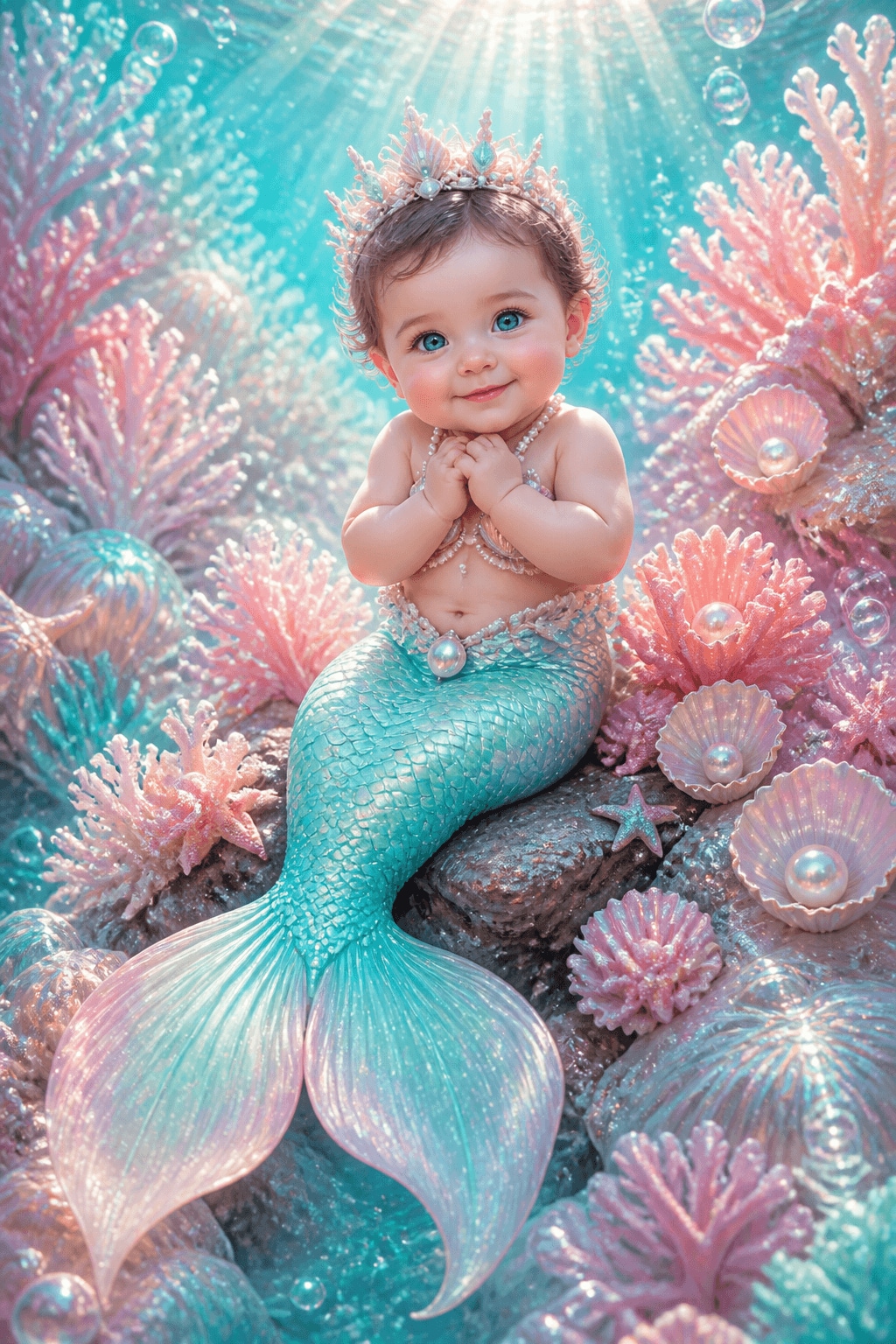
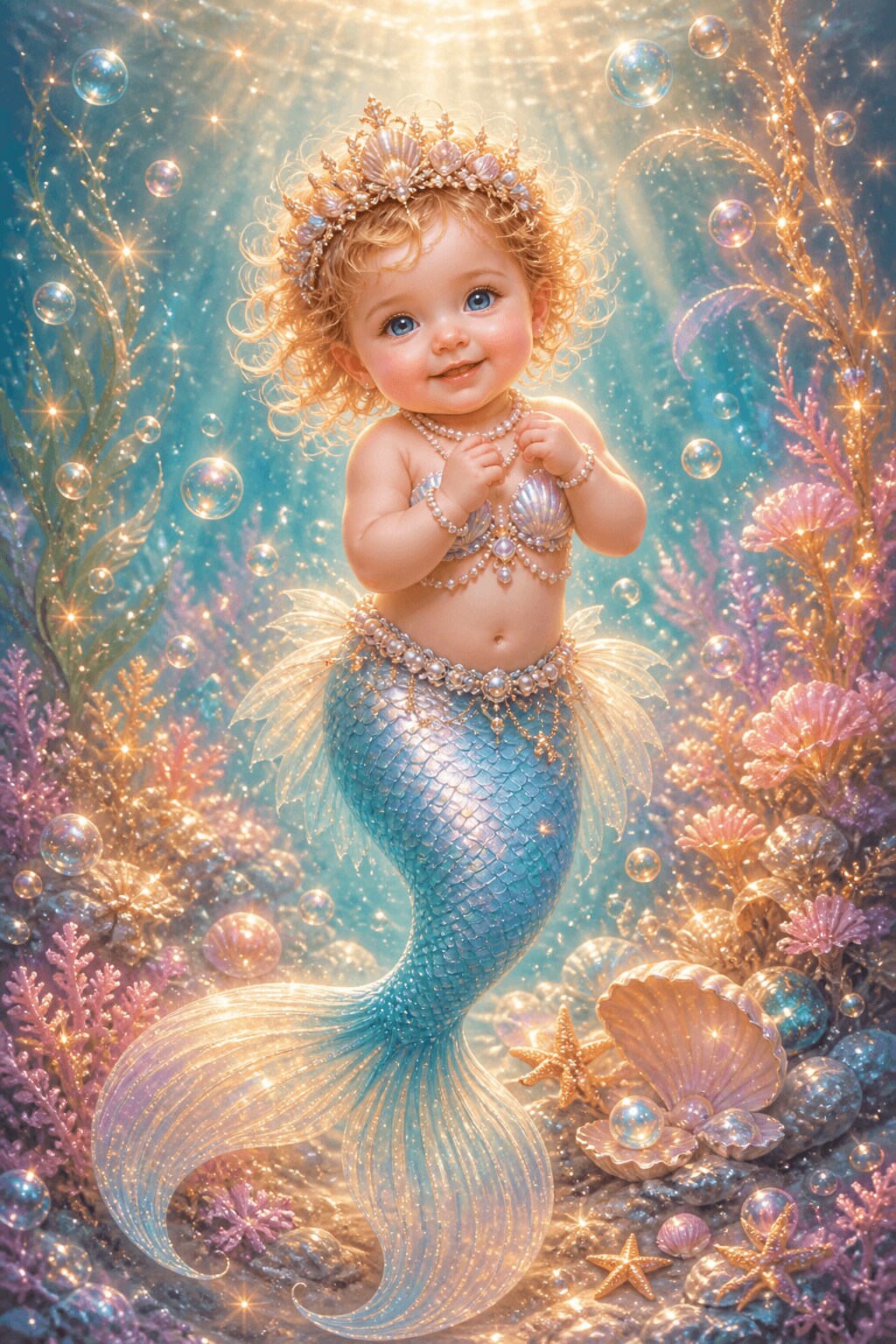
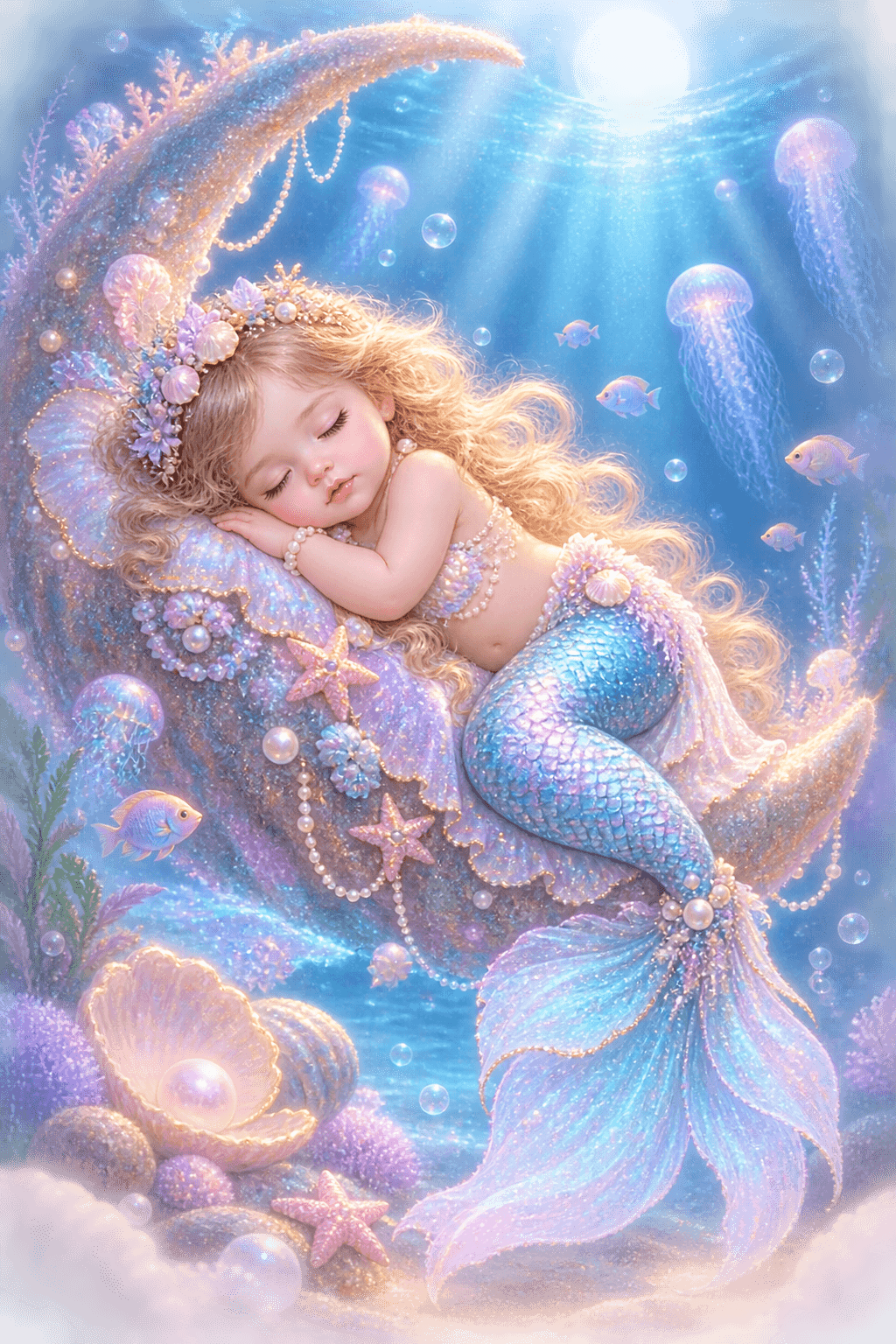
Pearl Tide Dream
9-16
Pearl Tide Dream
9-16
Mermaid Baby Portrait
{{ "15.4K" }}
Coral Hug
9-16
Coral Hug
9-16
Fantasy Mermaid
{{ "14.9K" }}
Moonlit Splash
1-1
Moonlit Splash
1-1
Mermaid Baby Portrait
{{ "13.7K" }}
Seashell Nap
16-9
Seashell Nap
16-9
Mermaid Scene
{{ "12.8K" }}
Baby Fin Glow
9-16
Baby Fin Glow
9-16
Cute Mermaid
{{ "15.1K" }}
Lagoon Lullaby
1-1
Lagoon Lullaby
1-1
Underwater Portrait
{{ "11.6K" }}
Shell Crown Story
9-16
Shell Crown Story
9-16
Fantasy Mermaid
{{ "10.8K" }}
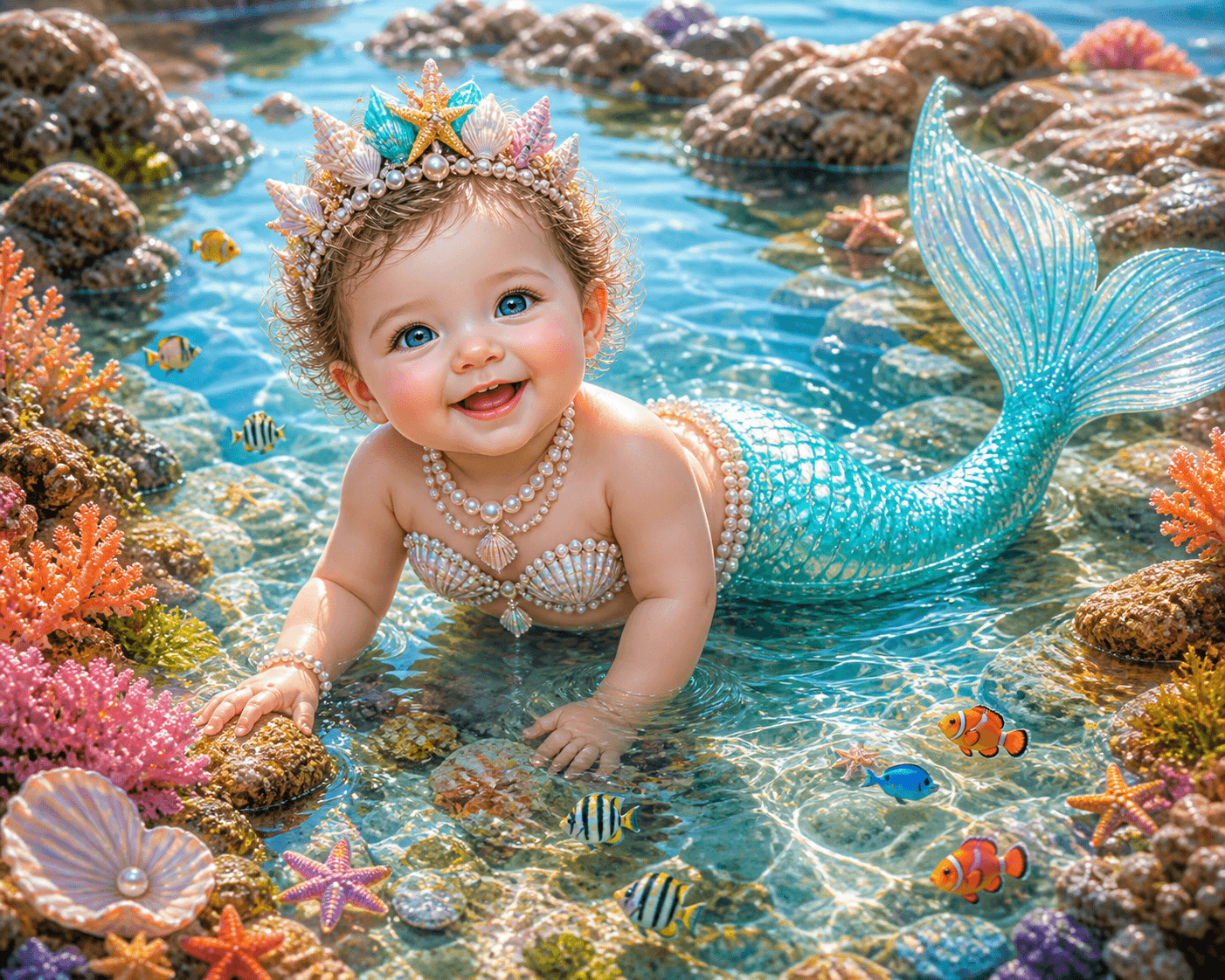
Tide Pool Wonder
16-9
Tide Pool Wonder
16-9
Mermaid Scene
{{ "9.8K" }}
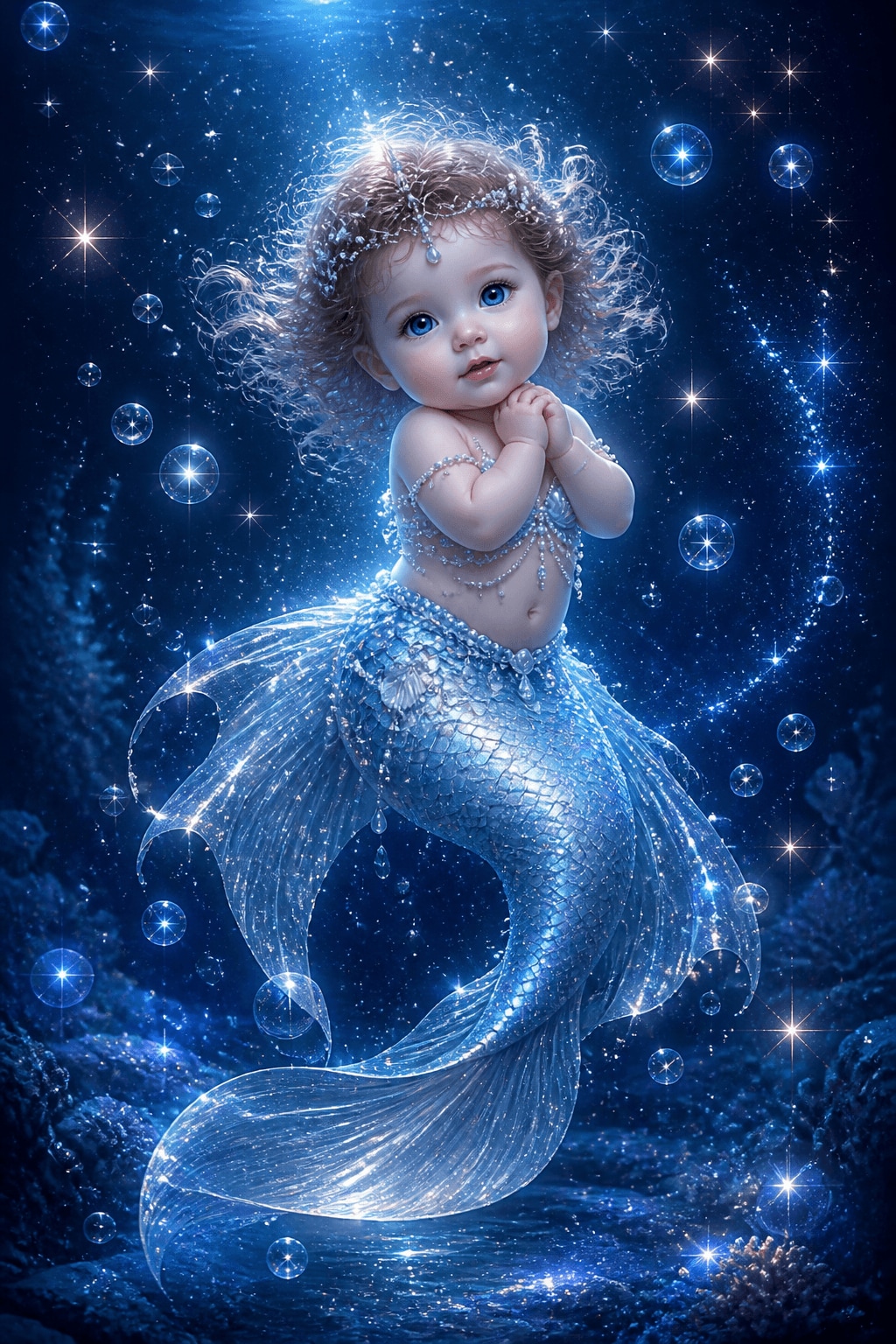
Starlight Pearl
9-16
Starlight Pearl
9-16
Mermaid Baby Portrait
{{ "14.4K" }}
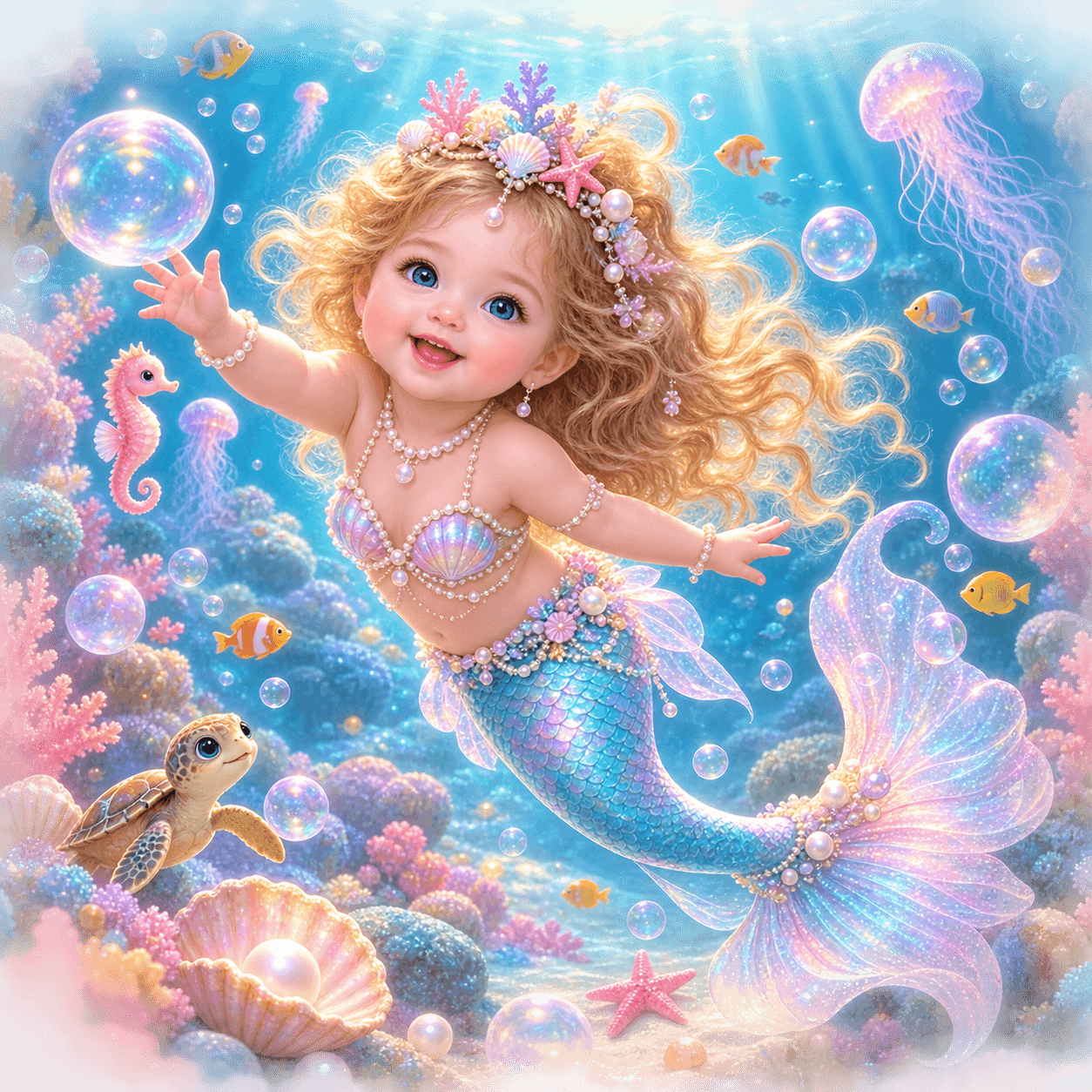
Bubble Garden
1-1
Bubble Garden
1-1
Underwater Art
{{ "8.9K" }}
Lilac Reef Baby
9-16
Lilac Reef Baby
9-16
Cute Mermaid
{{ "12.4K" }}
Aqua Giggle
16-9
Aqua Giggle
16-9
Mermaid Scene
{{ "9.4K" }}
Golden Shell Glow
9-16
Golden Shell Glow
9-16
Fantasy Mermaid
{{ "13.8K" }}
Tiny Sea Queen
1-1
Tiny Sea Queen
1-1
Mermaid Baby Portrait
{{ "10.5K" }}
Crescent Reef Nap
9-16
Crescent Reef Nap
9-16
Mermaid Scene
{{ "15.0K" }}

Why Create Mermaid Baby Portraits With Filmora AI?

Use Filmora to move from prompt to polished fantasy art with fewer steps. You can choose a model, refine the underwater style, animate the result, and finish it in one editor.
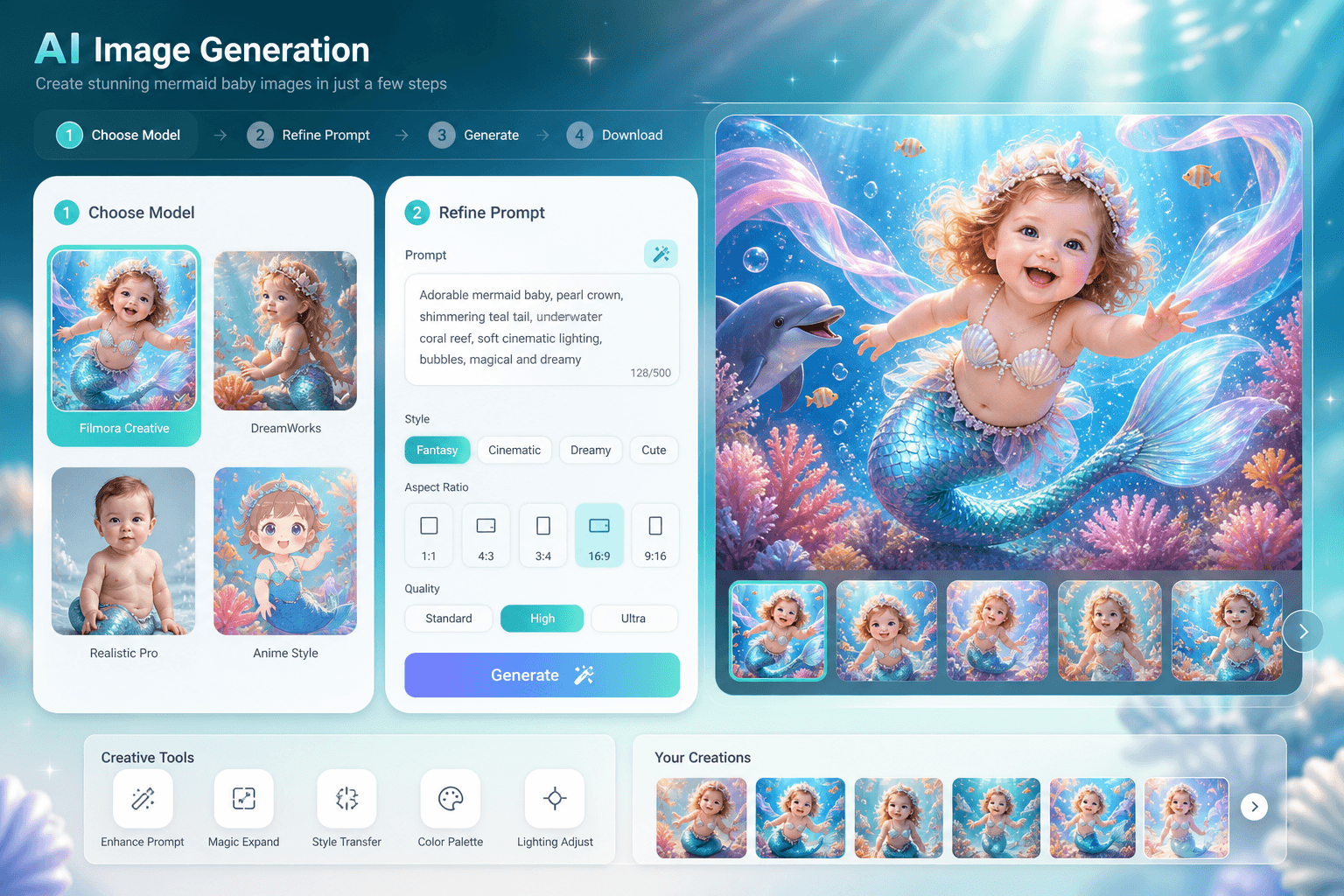
Filmora model selection for mermaid baby portraits

Generate Soft Fantasy Looks

Filmora gives you direct access to advanced generators like GPT Image 2 and Nano Banana 2 so you can shape each mermaid baby portrait with the right glow, color, and mood.

  • Switch models without leaving the page.
  • Keep the look cute, magical, and consistent.
  • Tune detail for portraits or scenes.
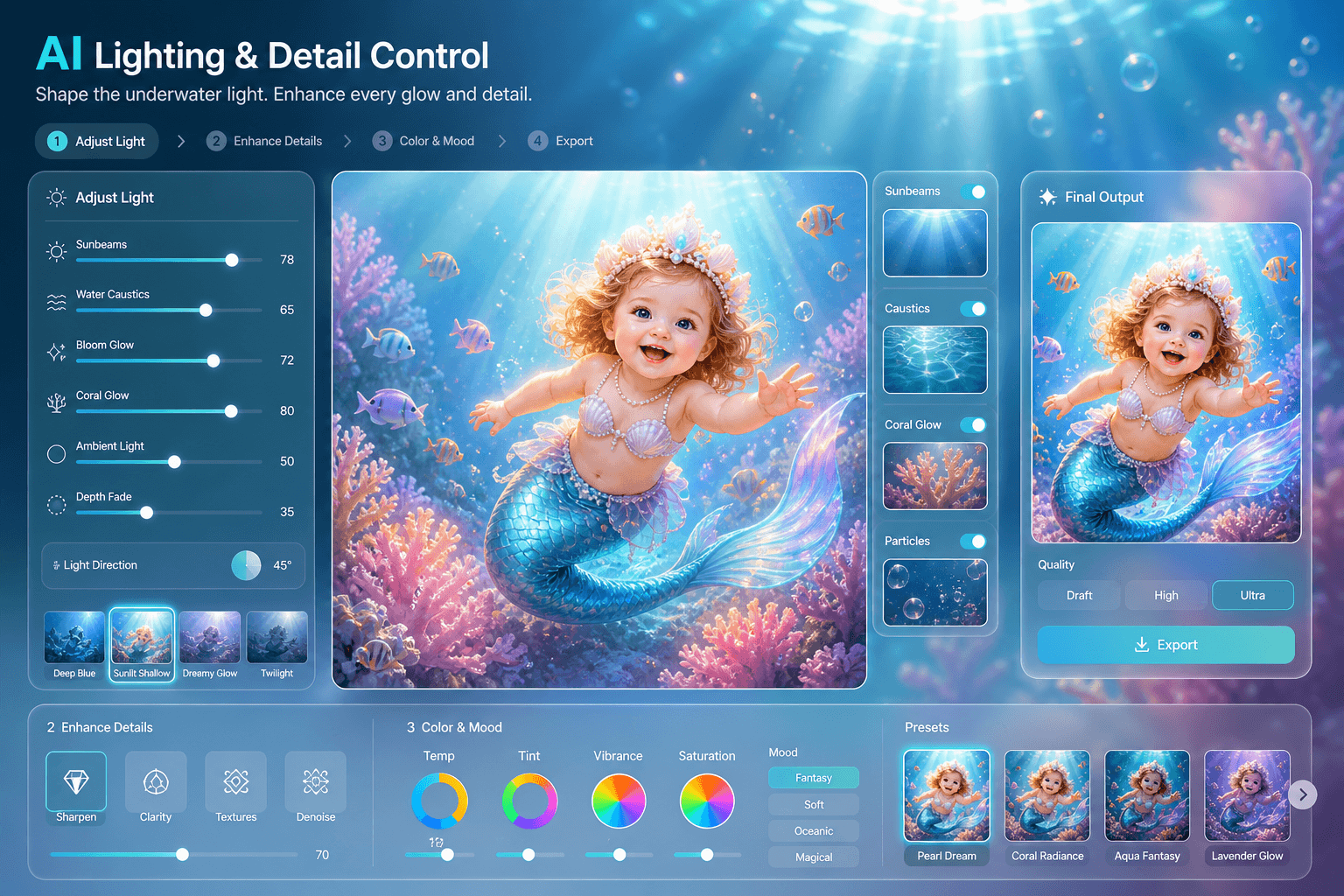
Filmora prompt control for mermaid baby portraits

Control Water And Light

Use AI Image Generator to refine bubbles, coral light, and underwater shimmer, then keep your mermaid baby prompt clean and repeatable for fast content production.

  • Describe lighting and environment precisely.
  • Create soft underwater portraits in one pass.
  • Keep the result publish-ready.
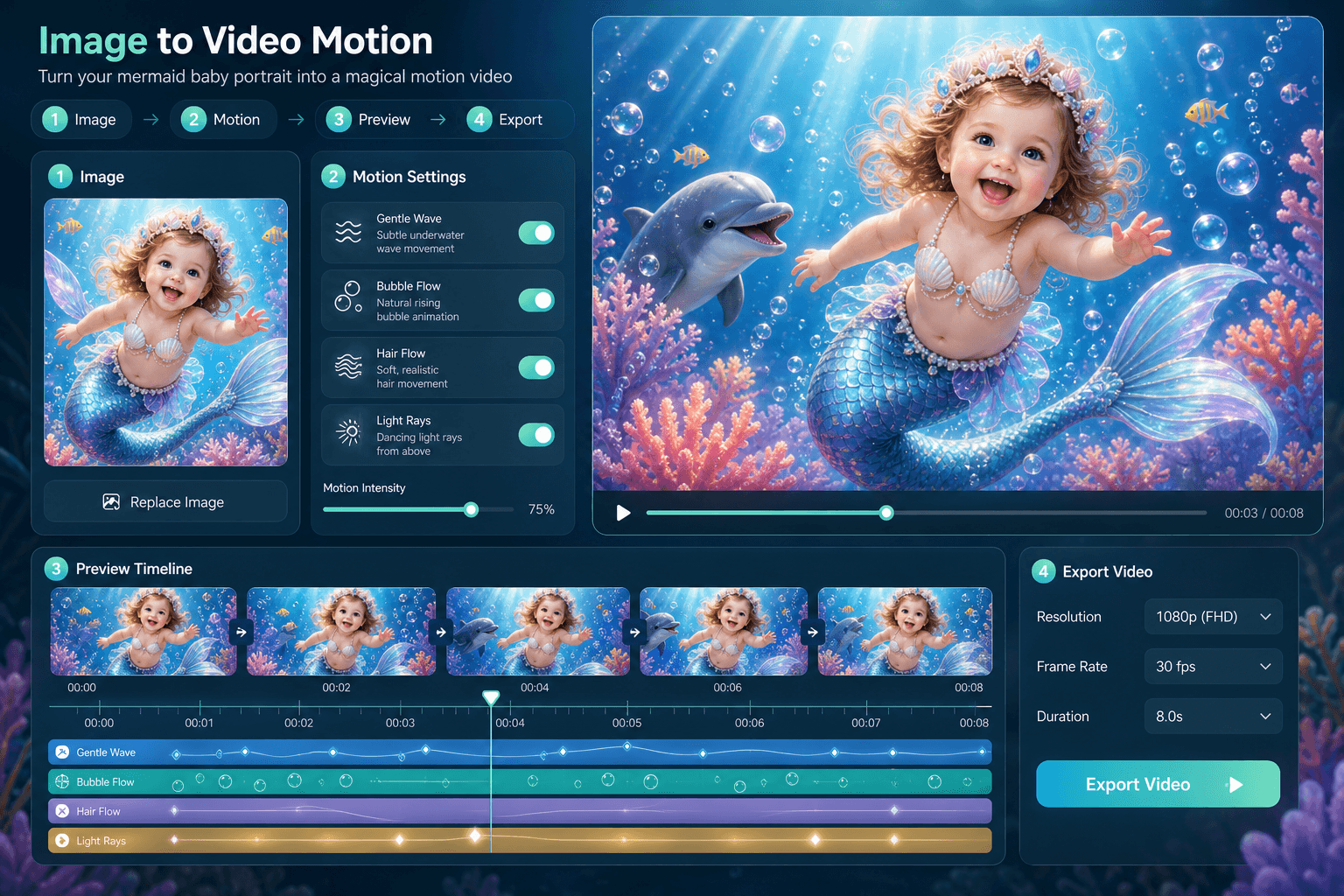
Filmora motion workflow for mermaid baby art

Animate The Scene

Use AI Image to Video to add drifting bubbles, gentle water motion, and cinematic movement to your mermaid baby images, then finish the edit in the timeline.

  • Animate portraits without rebuilding them.
  • Add motion for reels and shorts.
  • Keep the fantasy tone intact.
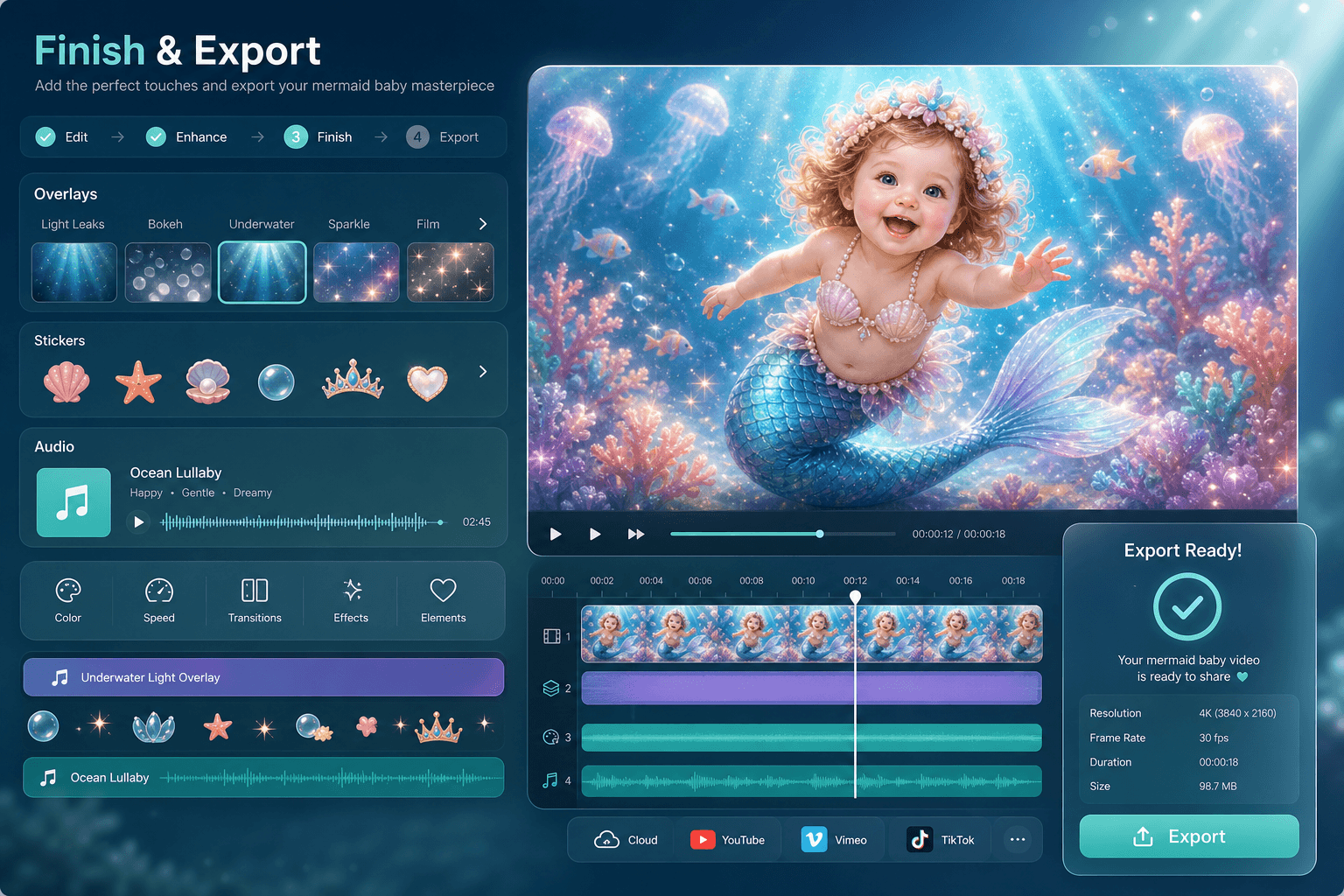
Filmora finishing workflow for mermaid baby assets

Finish In One Editor

Refine the generated mermaid baby visual with overlays, stickers, sound, and export tools in Filmora, so the final page assets stay inside one clean workflow from prompt to publish.

  • Edit, label, and export without switching tools.
  • Keep visuals aligned with the page theme.
  • Package everything for CMS delivery.

Frequently Asked Questions About Mermaid Baby Prompts

Open Filmora's AI Image Generator, paste one of the prompts, and choose the look you want. The prompts here are written as direct text-to-image inputs.
GPT Image 2 and Nano Banana 2 are both strong choices. Use GPT Image 2 for polished portrait realism and Nano Banana 2 for a more flexible, stylized result.
Yes. Most of the prompts here are written for vertical 9:16 outputs, which makes them a good fit for phone wallpapers and social portraits.
Use pearl crowns, coral reefs, bubbles, sea glow, shell details, and soft underwater light. Those details push the portrait toward a magical ocean aesthetic fast.
Yes. Generate the image first, then send it to AI Image to Video and finish it in the Filmora timeline with subtle motion, text, or effects.

How to Generate Mermaid Baby Portraits With AI

Turn a simple text description into a polished fantasy portrait using Filmora's AI Image Generator and your favorite prompt from this page.

Step 1 Select A Prompt

Pick a portrait prompt that fits the mood you want: cute, magical, sleepy, or dreamy.
step 1

Step 2 Choose Your Model

Paste the prompt into Filmora AI Image Generator and try GPT Image 2 or Nano Banana 2 for the look you want.
step 2

Step 3 Generate And Export

Render the portrait, refine it inside the editor if needed, and export the final image for CMS use.
step 3
  • 1. Select A Prompt

    Pick a portrait prompt that fits the mood you want: cute, magical, sleepy, or dreamy.
  • 2. Choose Your Model

    Paste the prompt into Filmora AI Image Generator and try GPT Image 2 or Nano Banana 2 for the look you want.
  • 3. Generate And Export

    Render the portrait, refine it inside the editor if needed, and export the final image for CMS use.