


Almost every video online now comes with captions, so making yours stand out can be a real challenge. One effective way is by adding a unique visual touch with a stylish Hindi text generator that can instantly boost viewer engagement, especially when targeting a Hindi-speaking audience.
However, scrolling through endless site options to find a reliable Hindi font generator that matches your editing style takes valuable time away from creating. But don't worry, we have done the heavy lifting for you by testing and organizing the best Hindi font generators for video edits available. Read on to dive into the list!
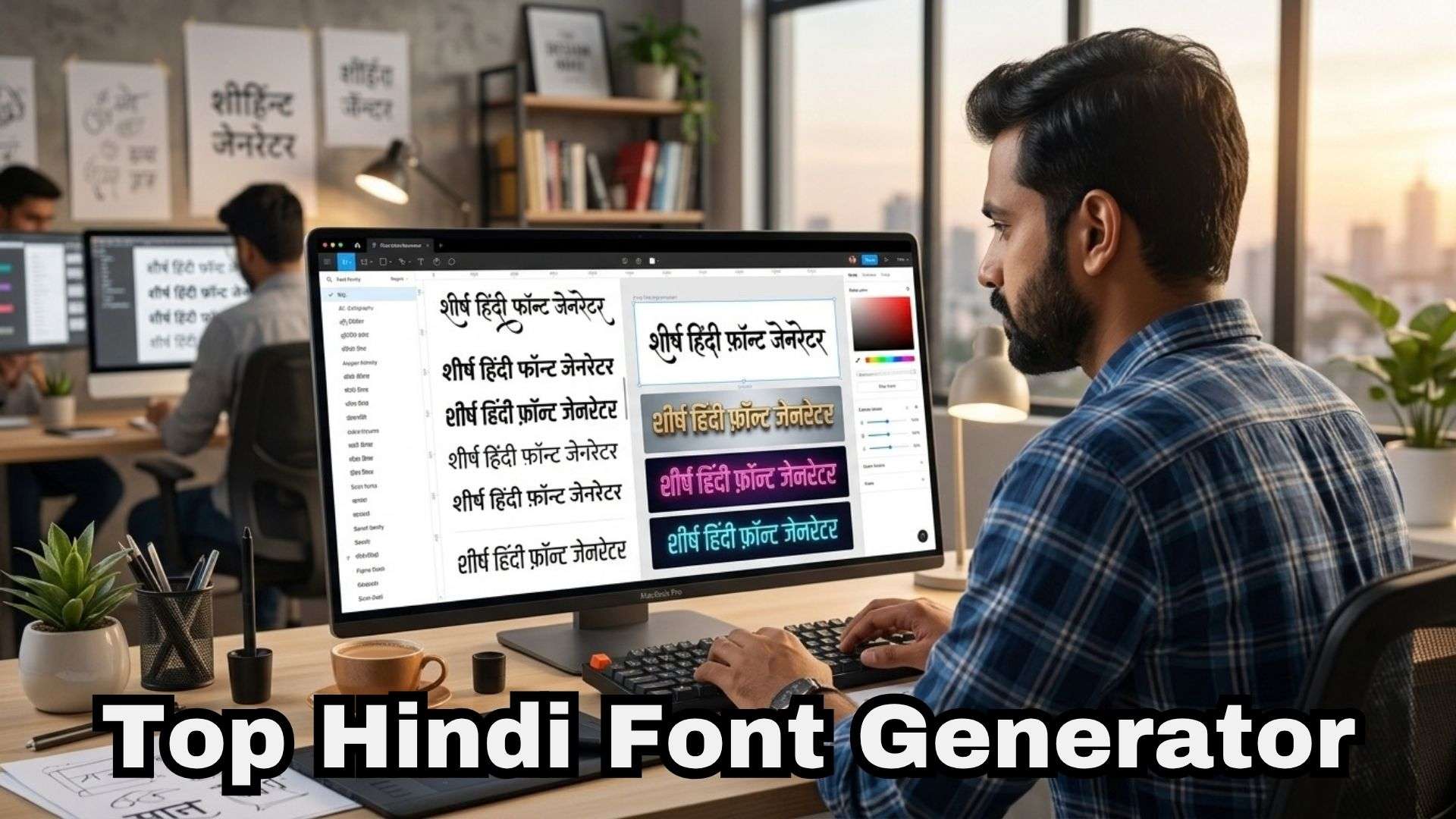
To give you practical recommendations, we put every Hindi font creator platform through hands-on testing in real content creation setups. We're not judging them all by the same narrow definition; we looked at how useful each one is for real creative work. Here are the main things we checked:
- Devanagari Rendering Accuracy: Checking if complex character combinations, half-letters, and mantras display correctly without glitched or broken symbols.
- Export Flexibility: Ensuring you can easily grab your designs as transparent PNG graphics, vector files, or quick copy-and-paste Unicode text.
- Font and Style Selection: Evaluating the variety of choices, from clean subtitle typography to bold 3D effects and traditional calligraphy.
- Text Customization: Testing controls for color gradients, outlines, drop shadows, and 3D extrusions.
- User Interface & Speed: Measuring how fast you can convert text without dealing with excessive pop-up ads or confusing site layouts.
Our Top 3 Hindi Font Generator Picks
After putting all ten stylish Hindi font generator options through their paces, three options stood out from the crowd for distinct reasons:

Hindi Font Generator Comparison Chart
The top three picks above are a quick glimpse into our recommendations. To help you compare all ten Hindi stylish font generator options at a glance, check out this side-by-side breakdown showing how they stack up in terms of platforms, outputs, and ideal use cases:
| Tool | Platform | Output/Use | Free Option | Best For |
| Filmora | Windows, macOS | Editable video text, captions, titles | Available (watermarked) | Direct video editing, motion captions, and video titles |
| Font Meme | Web | Styled text image | Available | Quick thumbnails/graphics |
| Text Studio | Web | Logo-style graphic | Available | Branding & logo text |
| Hindi Font Style | Web | Copy-paste Unicode text | Available | Captions, bios, comments |
| FontSpace | Web | Installable font files | Available | Building a font library |
| Hindi Calligraphy Font | Web | Installable calligraphy fonts | Available | Traditional/cultural projects |
| Indian Font Converter | Web, Android | Legacy-to-Unicode text | Available | Fixing old Kruti Dev/Chanakya files |
| CalligraphyMaker | Web, Android | Calligraphy-style image | Available (limited) | Quick calligraphy graphics |
| Google Fonts | Web | Installable webfont | Available | Clean subtitles, legibility |
| Easy Nepali Typing | Web | Installable font files | Available | Backup/legacy Devanagari fonts |
|
Show More
Show Less
|
||||
Top 10 Hindi Font Generators
Now let's dive into the full roundup. We’ll take a closer look at each Hindi font style generator and what it offers, using the same format throughout so you can compare them easily.
1. Wondershare Filmora
If you're looking specifically for a Hindi font generator for video edits, Filmora is the number one option. It supports native Devanagari typing directly on your video timeline. Meaning you can create, style, animate, and place Hindi text directly in your video project. With options such as Pancho Devanagari, Brahmos Devanagari, Sanchi Devanagari, and KunKun Devanagari, you'll have plenty of choices!
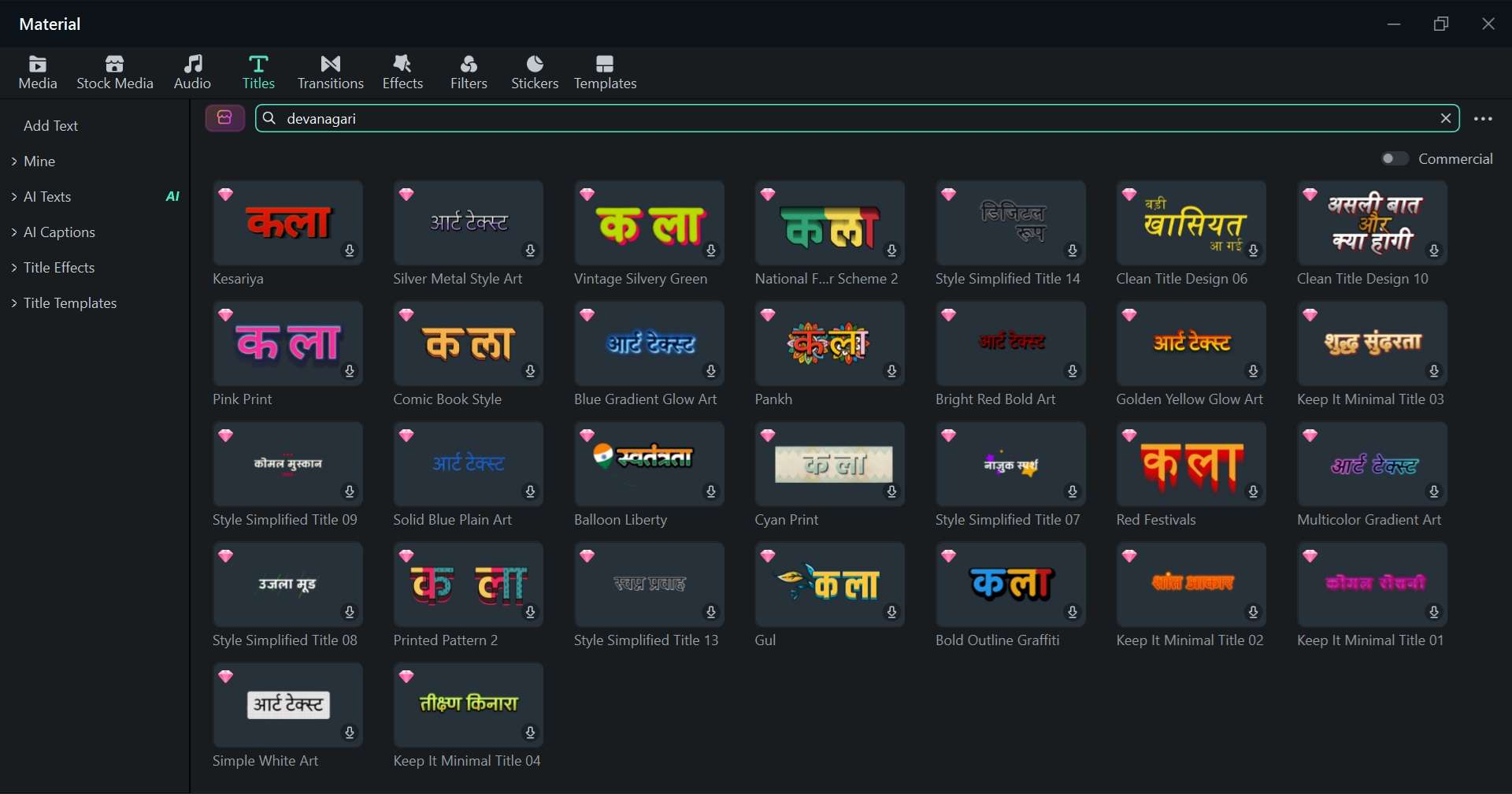
- Native Devanagari typing support right on the editing timeline.
- Dedicated Indian font library featuring styles like Akhand, Pancho, and Sanchi Devanagari.
- Auto-caption generation powered by AI for fast speech-to-text subtitling.
- Advanced text customization including motion tracking, keyframing, and 3D effects.
- Seamless video translation tools to localize content for broader audiences.
Windows & macOS.
A free version is available. Flexible paid plans are affordable and listed on the Filmora pricing page.
- Create and style Hindi text without moving between a Hindi style font generator and video editor.
- Useful when your Hindi captions or titles need animation and timing.
- There is an Apply-to-All option for batch editing.
- You can translate other languages' videos into Hindi with the AI translation feature.
- The free version adds a watermark when you export.
- Its main purpose is video editing rather than a standalone Hindi calligraphy text generator.
- Video creators.
- YouTubers.
- Reels and Shorts creators.
- Hindi caption editing.
- Content creators who want to add dynamic, animated Hindi captions and titles directly to their video projects.
 Secure Download
2. Font Meme
A strong, stylish Hindi font generator online you can rely on is Font Meme. Its Hindi page includes Devanagari fonts. You just need to pick a font from a long dropdown list, type your text, add an effect if you want one, and you've got a downloadable image in seconds.
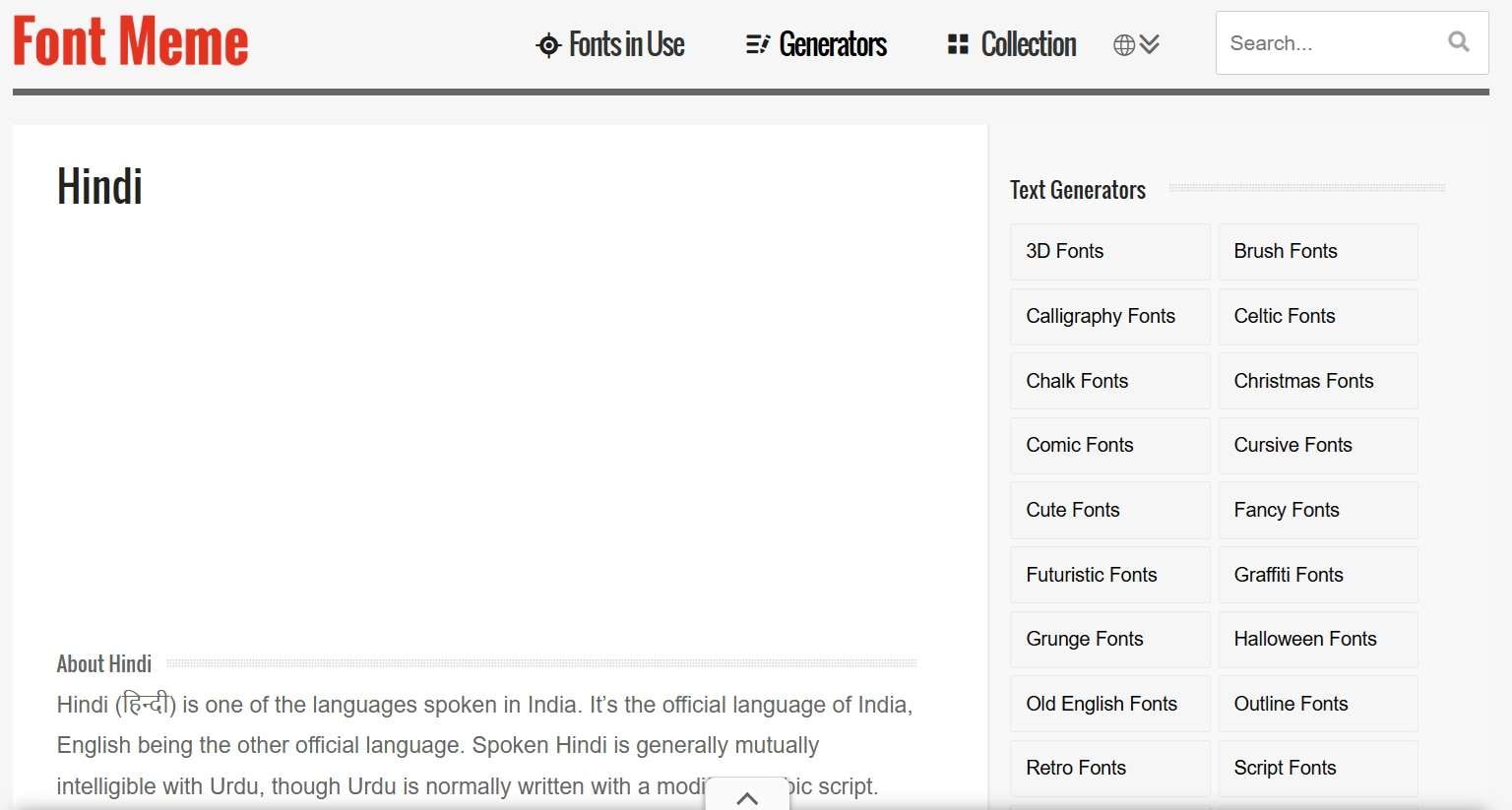
- Instant text-to-image conversion with custom Devanagari styles.
- A long dropdown of real Devanagari fonts, including Poppins Devanagari, Mukta, Hind, Rajdhani, Tillana, and Yantramanav, among dozens more.
- Clean preview screen showing real-time adjustments before downloading.
Online.
Free.
- You can generate and download without creating an account.
- There are extra image-editing tools like 3D rotation, borders, glow, and reflection effects for extra polish.
- What you generate is exactly what you get; nothing moves.
- Since fonts are pulled from many different sources, some render more cleanly than others.
- Quick Hindi text graphics.
- Thumbnails.
- Quote designs.
- Logos.
- Social posts.
3. Text Studio
Our next Hindi font generator recommendation, Text Studio, leans more toward logo-style graphics than plain captions. There are some Hindi font templates available, but you can also create custom text effects. It can be useful when your Hindi text needs a stronger visual treatment, such as a logo, title card, thumbnail element, or decorative heading.
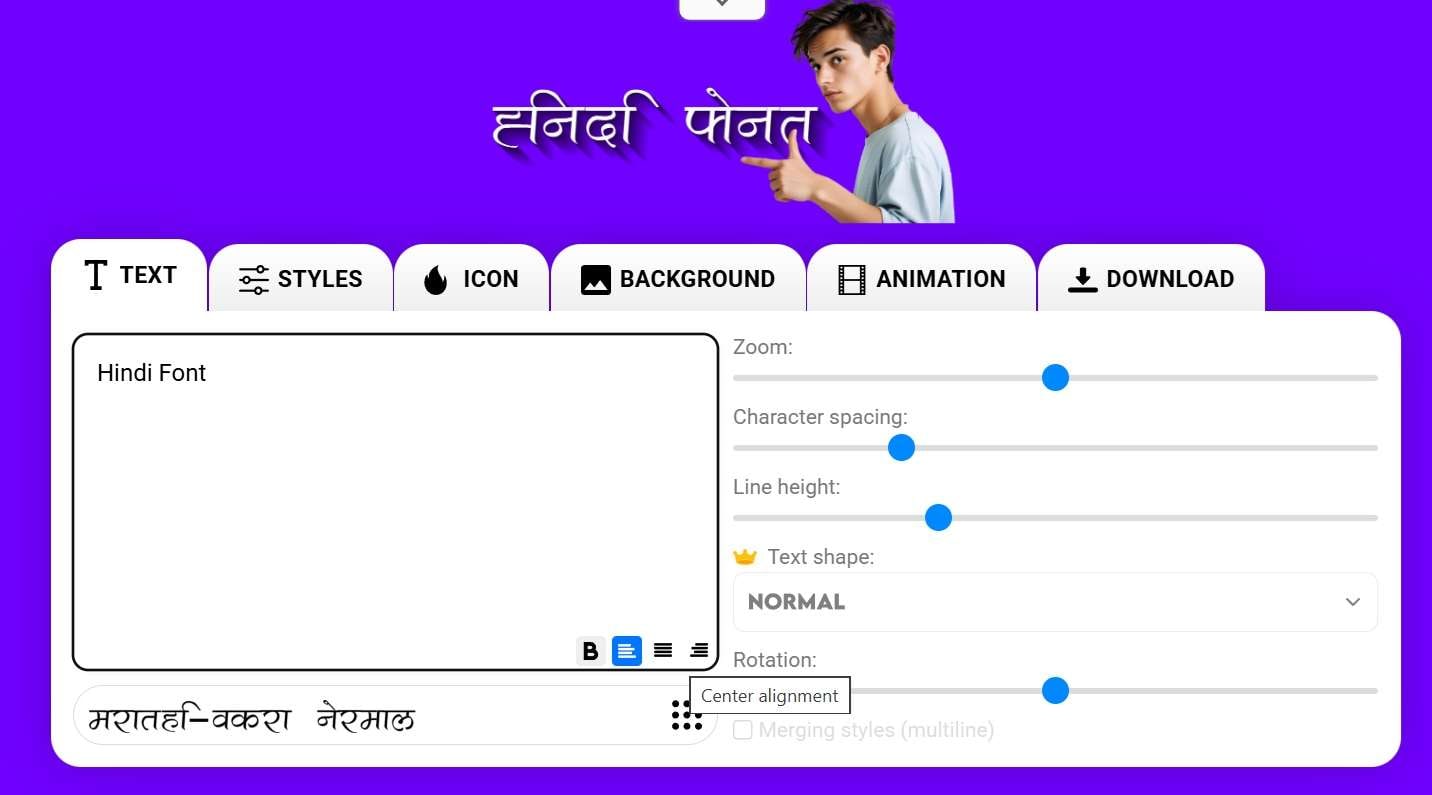
- Multiple Devanagari font options built into the various templates.
- Logo-style templates with layered effects like metallic sheens, neon glows, or glitter textures.
- Transparent PNG support.
Online.
A free version is available. The premium version starts at $9.99 per month or $129.99 for a lifetime.
- The platform also supports animated text effects.
- Plenty of options to browse before settling on a look.
- The website comes with a fair amount of on-page advertising.
- The best quality output usually sits behind a paywall.
- Hindi logos.
- Channel Art.
- Decorative text.
- Thumbnails.
- Title graphics.
4. Hindi Font Style
If you specifically searched for a Hindi fancy text generator, this site is much closer to what the phrase suggests. It previews Hindi text across a collection of AMS-style fonts and lets you change the font size, text color, and background color. It also provides PNG, transparent PNG, and TTF options for its font previews.
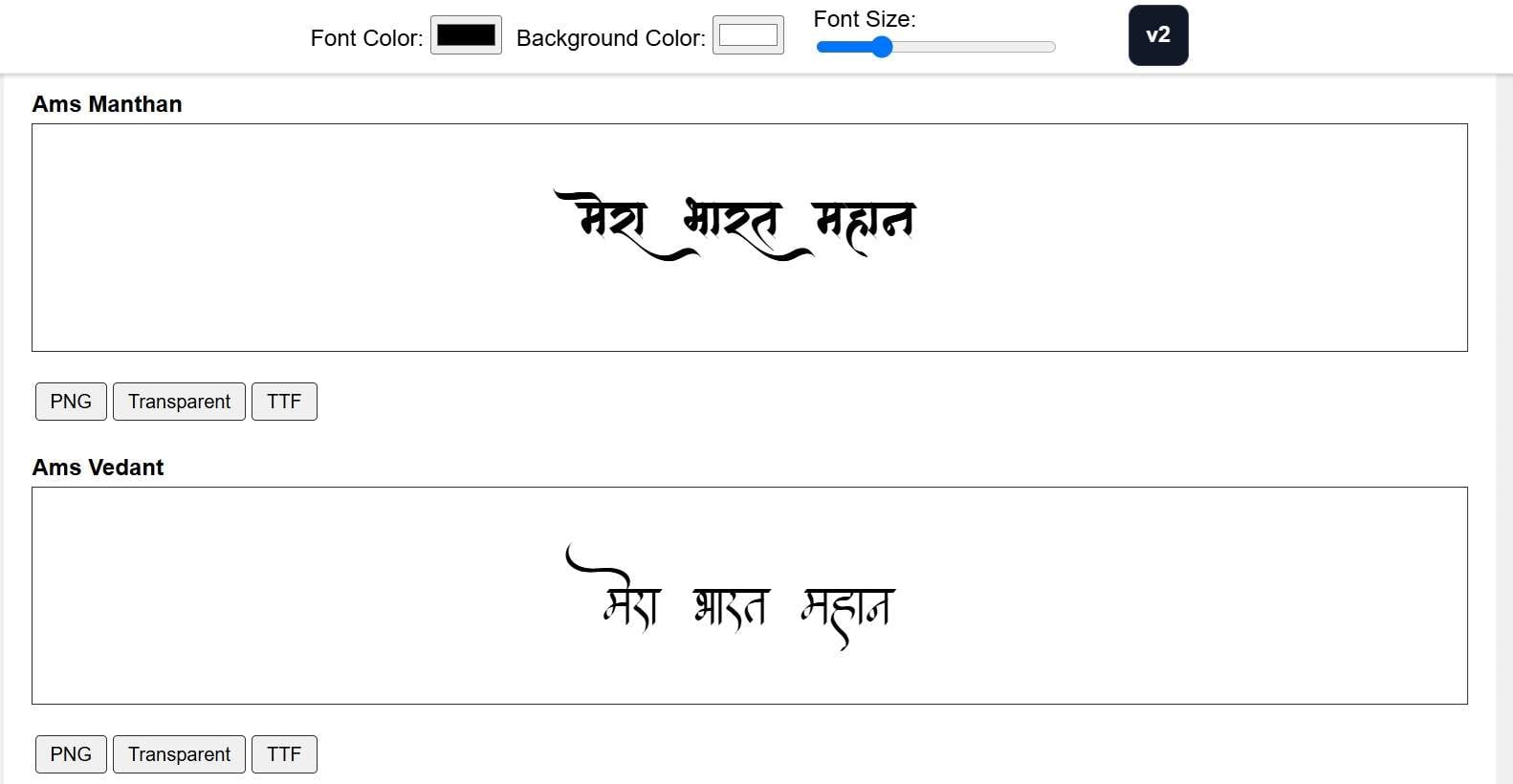
- Multiple fancy text style variations generated instantly and simultaneously.
- One-click copy button next to every style, so there's no manual text selection involved.
- A wide variety of decorative and symbol-based styles to scroll through.
Online.
Free.
- Very fast. Built specifically for the classic Hindi font generator copy-and-paste workflow.
- Fully compatible with Instagram, Facebook, WhatsApp, and YouTube comments.
- You pick from existing styles rather than adjusting color, size, or effects yourself.
- If you need a graphic for a thumbnail or overlay, this tool won't produce one.
- Social captions.
- Bios, comments.
- Hindi graphics.
- Users looking for AMS-style fonts.
5. Font Space
FontSpace is a little different from the other tools here. It is primarily a font discovery and download site, not a fancy Hindi text generator. It's pretty much a browsable library of actual Devanagari font files you download and install yourself. If you'd rather build your own collection to use across Premiere, Canva, or Filmora, this is where you go shopping.
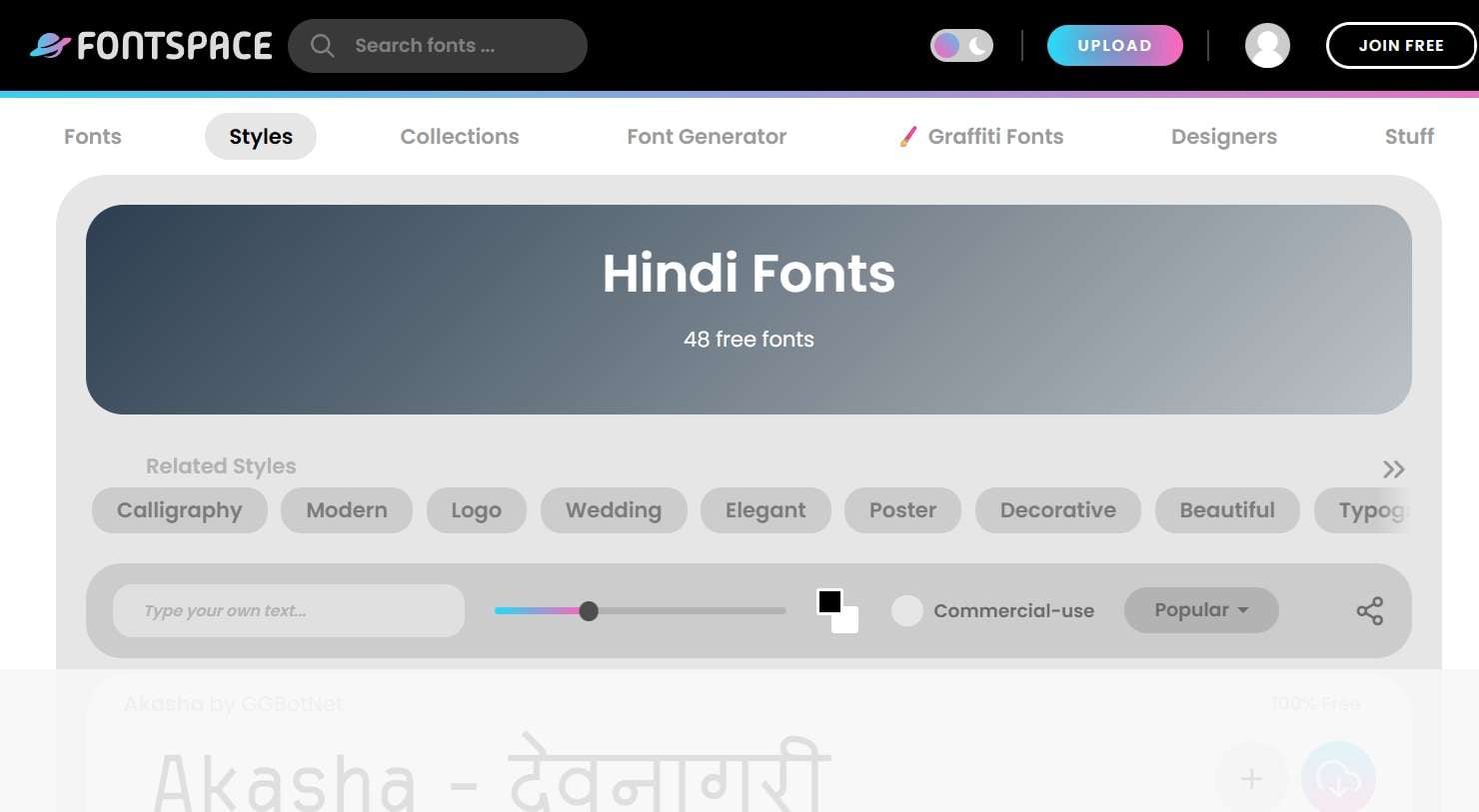
- A large, searchable library of downloadable Devanagari fonts from independent type designers.
- Clean filtering system to sort fonts by style, popularity, or license.
- Clear licensing tags indicating personal vs. commercial usage rights.
Online.
Free (some fonts carry separate commercial licensing terms).
- Usable in any software, not locked to a single browser tool.
- Useful for checking how a particular Hindi phrase looks.
- You have to install fonts locally before you can actually use them.
- Requires basic font-installation know-how. Not the friendliest option for total beginners.
- Finding Hindi and Devanagari fonts for video editors.
- Design software.
- Websites.
- Graphics.
6. Hindi Calligraphy Font
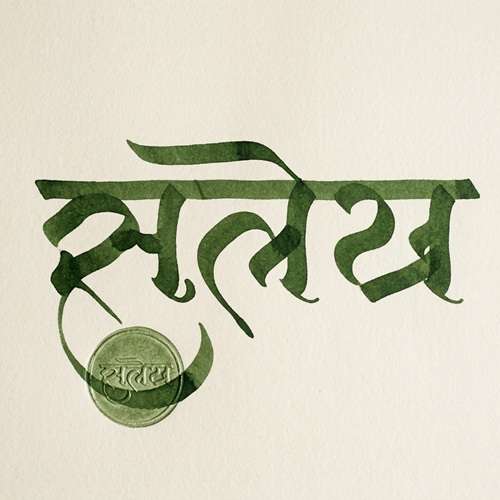
As the name suggests, this site skips the generic sans-serif options entirely. It acts as an online Hindi calligraphy font generator resource, providing access to elegant, artistic font files that bring a classic touch to your text designs. It is a good match for projects where the lettering itself is the visual feature.
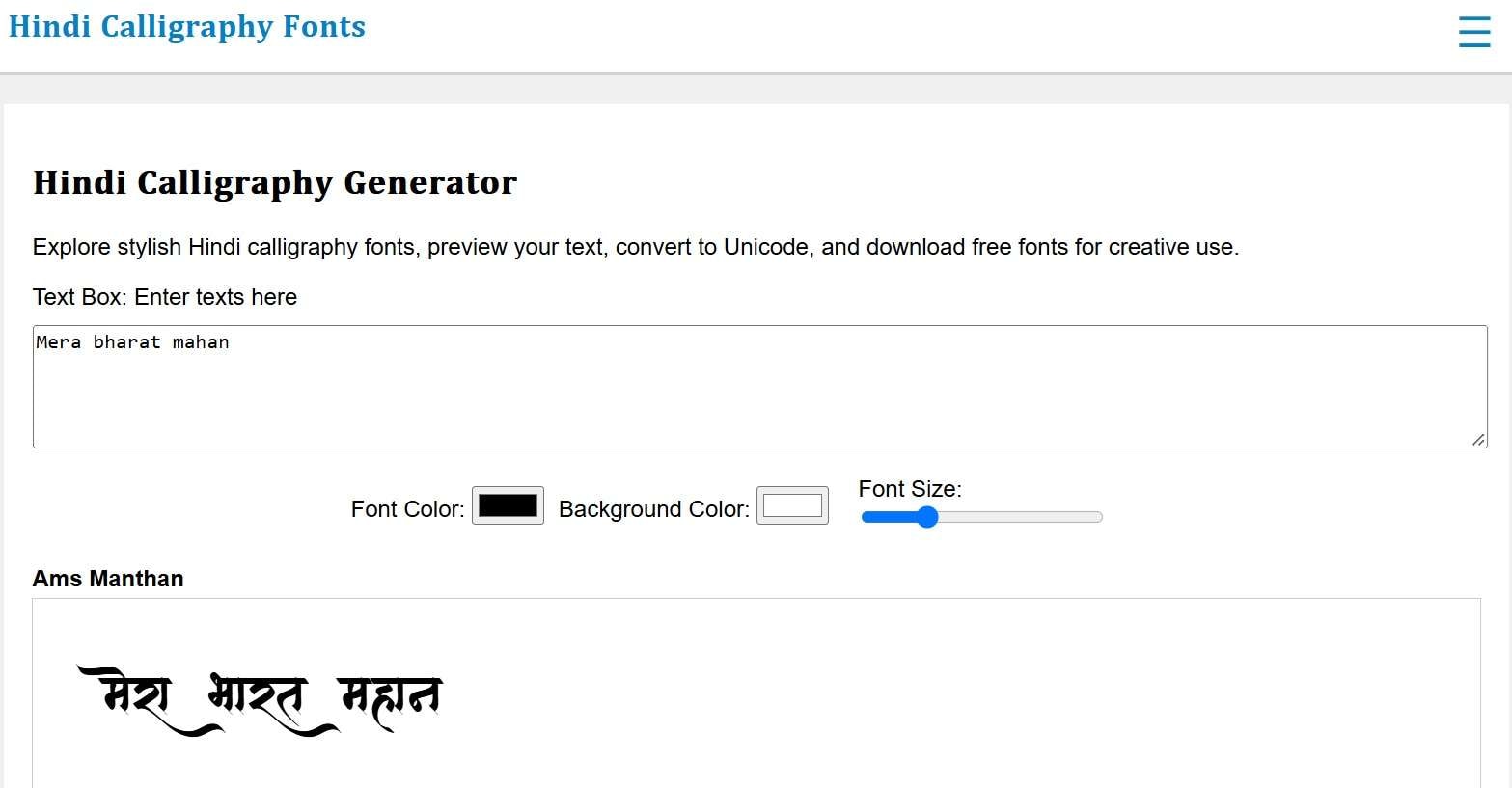
- Curated library of traditional Indian calligraphy scripts and brush styles.
- Downloadable font files optimized for clear rendering in design tools.
- Direct visual previews for classic Devanagari character formations.
Online.
Free.
- Finding a font doesn't take much digging.
- You can see your text before deciding on a style.
- Compared to broader font libraries, the catalog is fairly focused and limited.
- Ornate styles can hurt readability at small sizes.
- Invitations.
- Posters.
- Cultural artwork.
- Name designs.
- Decorative social posts.
7. Indian Font Converter
Our next Devanagari font generator is a converter. This one solves a very specific, very common headache: old Hindi documents typed in legacy fonts like Kruti Dev or Chanakya that show up as garbled junk text on modern devices. Paste it in, and it converts the text into proper Unicode (Mangal) that displays correctly everywhere.
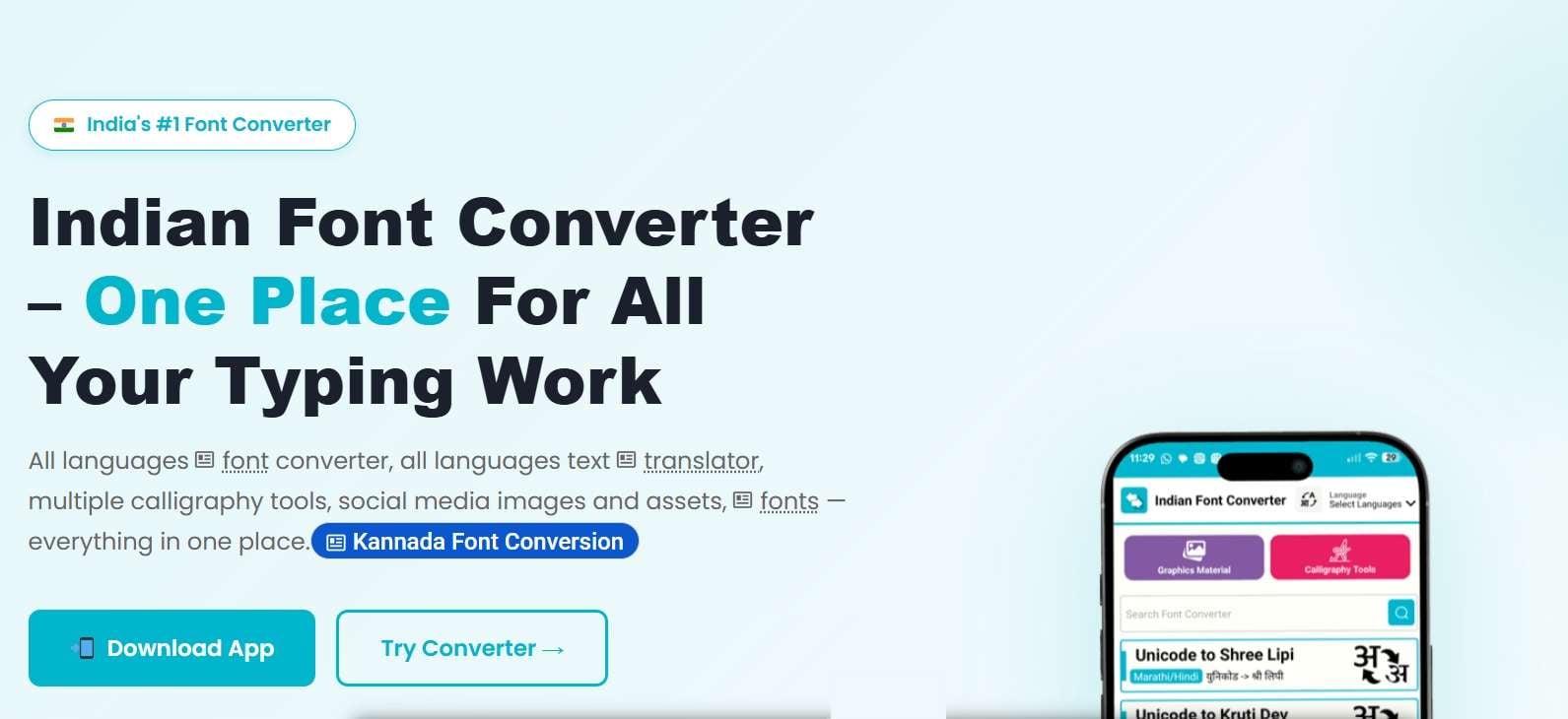
- Multi-format font encoding conversion (Kruti Dev to Unicode, Mangal, etc.).
- Support for multiple regional Indian language scripts alongside Devanagari.
- Clean, side-by-side input and output text boxes for real-time conversion.
Online & Android.
Free.
- No signup or payment required to convert text.
- Support for full paragraphs, not just short words or phrases.
- There's no styling, effects, or image export here.
- Users unfamiliar with Unicode and legacy encoding may need some time to understand the workflow.
- Hindi font conversion.
- Legacy DTP workflows.
- Kruti Dev/AMS users
- Designers working with older Hindi text.
8. CaligraphyMaker
As the name suggests, this is a Hindi calligraphy generator for crafting vector-based lettering. Its Hindi generator supports Hindi, Marathi, Gujarati, and English and lets you enter text, generate designs, and download the result. It can also accept English phonetic input and turn it into Hindi text, which can be useful if you do not have a Devanagari keyboard ready.
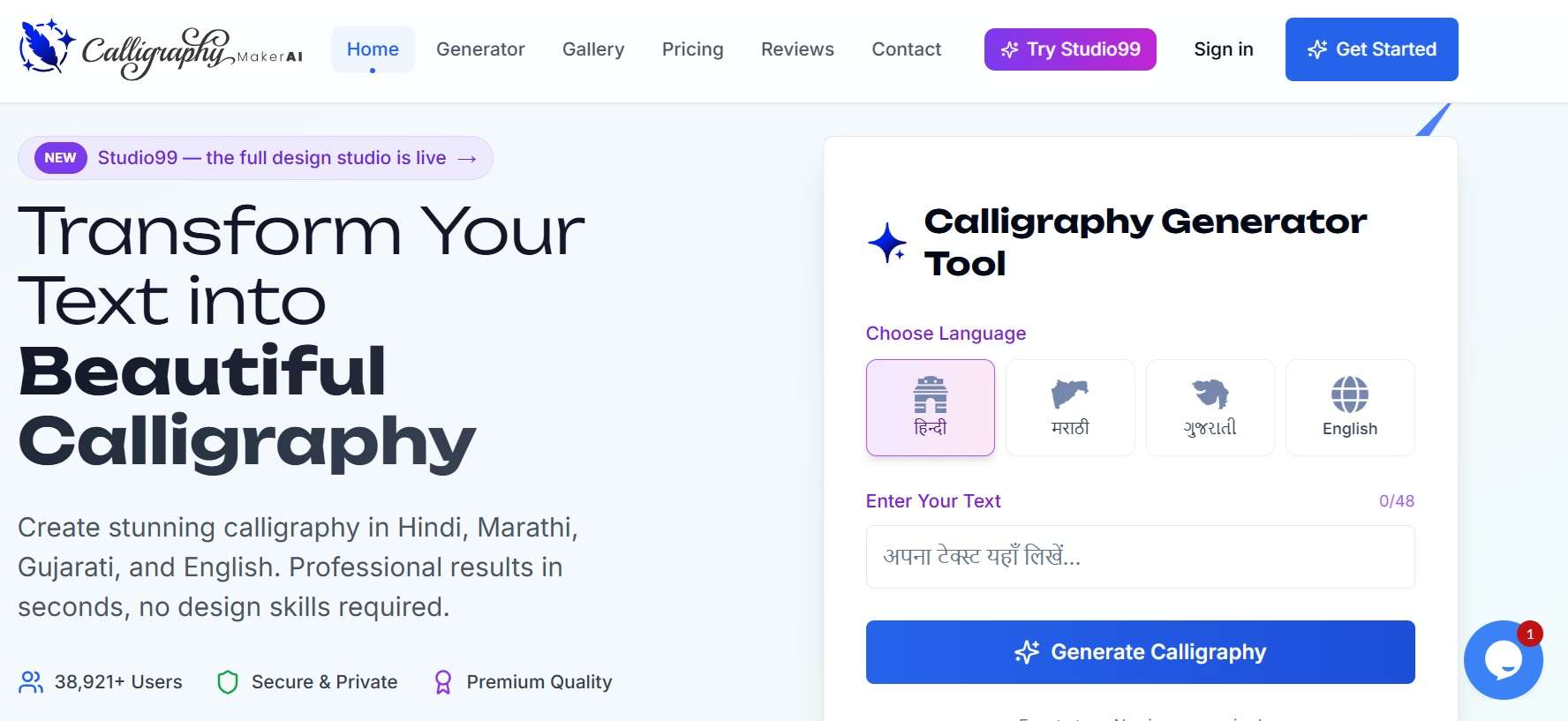
- Customizable colors and backgrounds for the final image.
- Devanagari Unicode text support alongside its other supported scripts.
- Multiple calligraphy and script style templates to choose from.
Online & Android.
Free version is available, with a paid upgrade (Studio99 Pro) at ₹399 per month.
- Minimal learning curve, just type and pick a style.
- Works across multiple scripts if your projects go beyond Devanagari.
- Complex Devanagari combinations aren't always its strong suit.
- You need another program for video timing and animation.
- Hindi calligraphy.
- Wedding cards.
- Festival greetings.
- Logos.
- Decorative artwork.
9. Google Fonts
Google Fonts belongs in this list for a different reason. It is not an online Hindi font style maker. Instead, it is a font library where you can find and use Devanagari typefaces such as Noto Sans Devanagari. That makes it a practical option if you want a clean, dependable font to install or use in a project rather than a ready-made fancy text graphic.
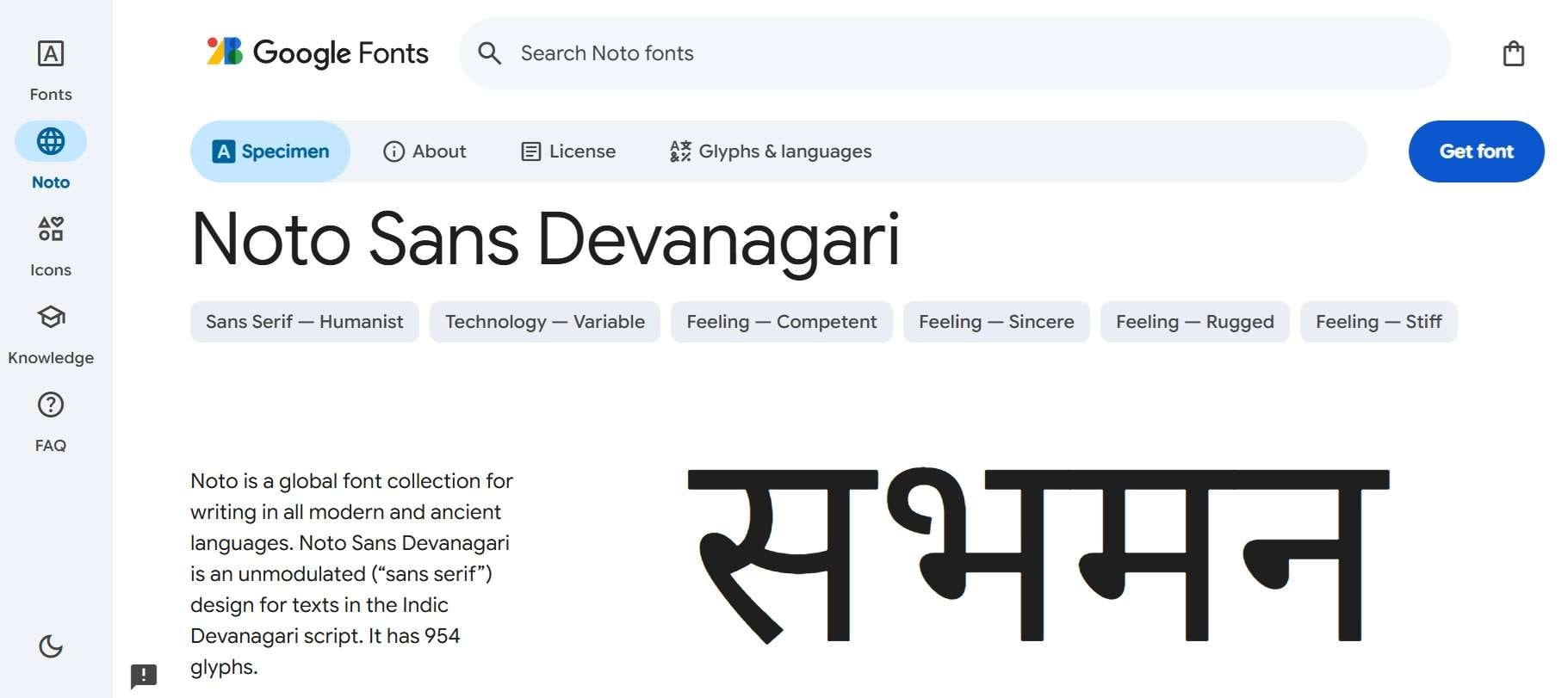
- Massive collection of professional, open-source Devanagari font families.
- Comprehensive weight selections ranging from Thin 100 to Black 900.
- Variable font downloads for fluid weight and width customization.
Online (font download or webfont link).
Free.
- Rarely shows missing glyphs or broken characters, even with complex text.
- Backed and regularly updated by Google.
- This is a utility font built for clarity, not a design statement.
- Won't give you the flair of a calligraphy or display font.
- Clean subtitles.
- Long-form video captions.
- UI text.
- Any project where legibility matters more than style.
10. Easy Nepali Typing
For our last pick, we have another option that works more like a font resource than a Hindi text design generator. Despite the site's name, it has a dedicated Hindi font download page with fonts such as Devanagari New, Devanagari Bold, Agra, Arjun, DevLys, Kurti Dev, New Delhi, Preeti, and Ritu. It's definitely worth a look if the more mainstream Hindi sites don't have the specific font you're after.
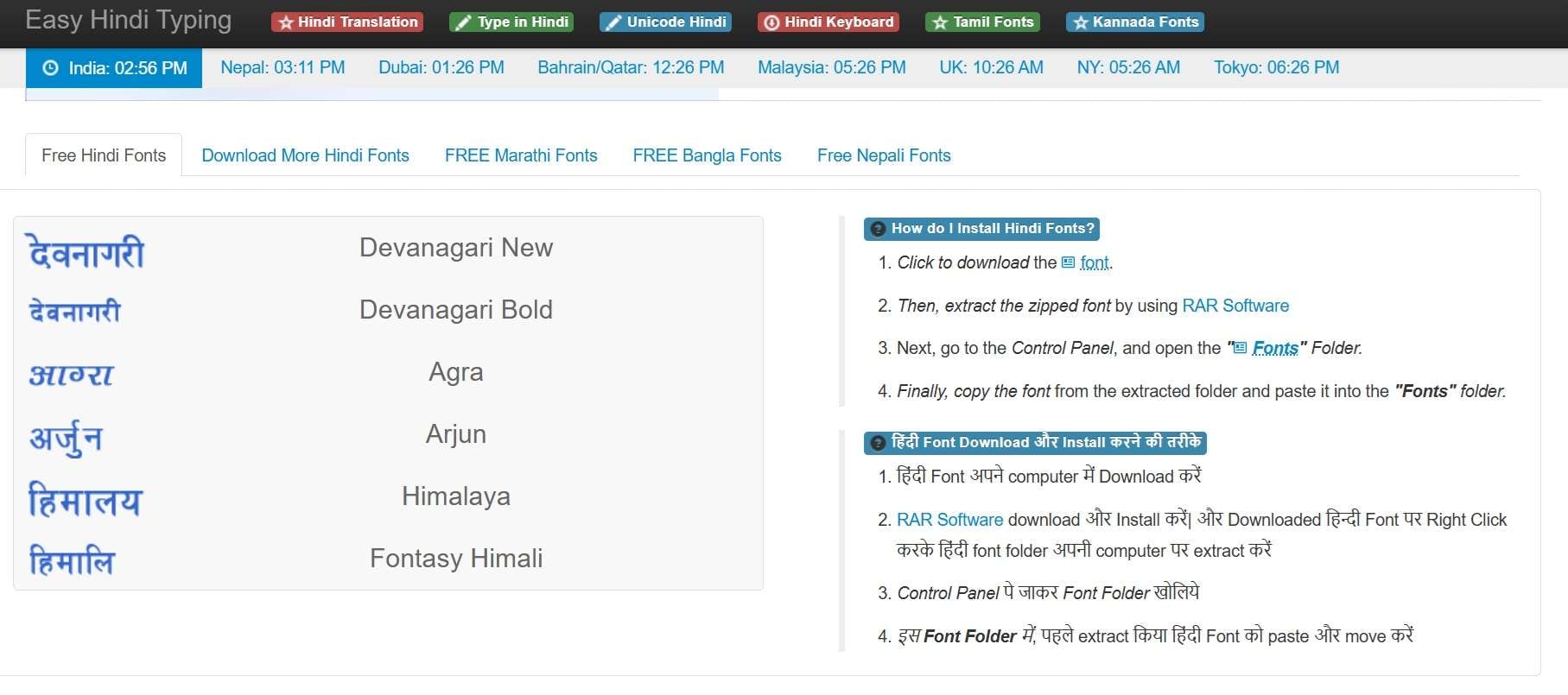
- Downloadable Devanagari font packs covering both Hindi and Nepali use cases.
- Coverage of both traditional and Unicode-based fonts, useful for older typing setups.
- Simple web interface with sample text preview cards.
Online.
Free.
- Handy if your work spans Hindi and Nepali Devanagari text.
- The listed Hindi fonts are available to download without a paid subscription.
- Font selection leans practical rather than decorative.
- It is primarily a download resource rather than a polished design tool.
- Downloading Hindi fonts.
- Legacy Hindi typography.
- Anyone hunting for a specific legacy Devanagari font not found elsewhere.
How to Choose the Right Hindi Font Generator
With 10 options on the list, it can still be hard to decide which one actually fits your project. The easiest approach is to start with what you want to create. A Hindi font generator for Instagram, for example, does not necessarily need the same features as a tool for editing a three-minute YouTube video.
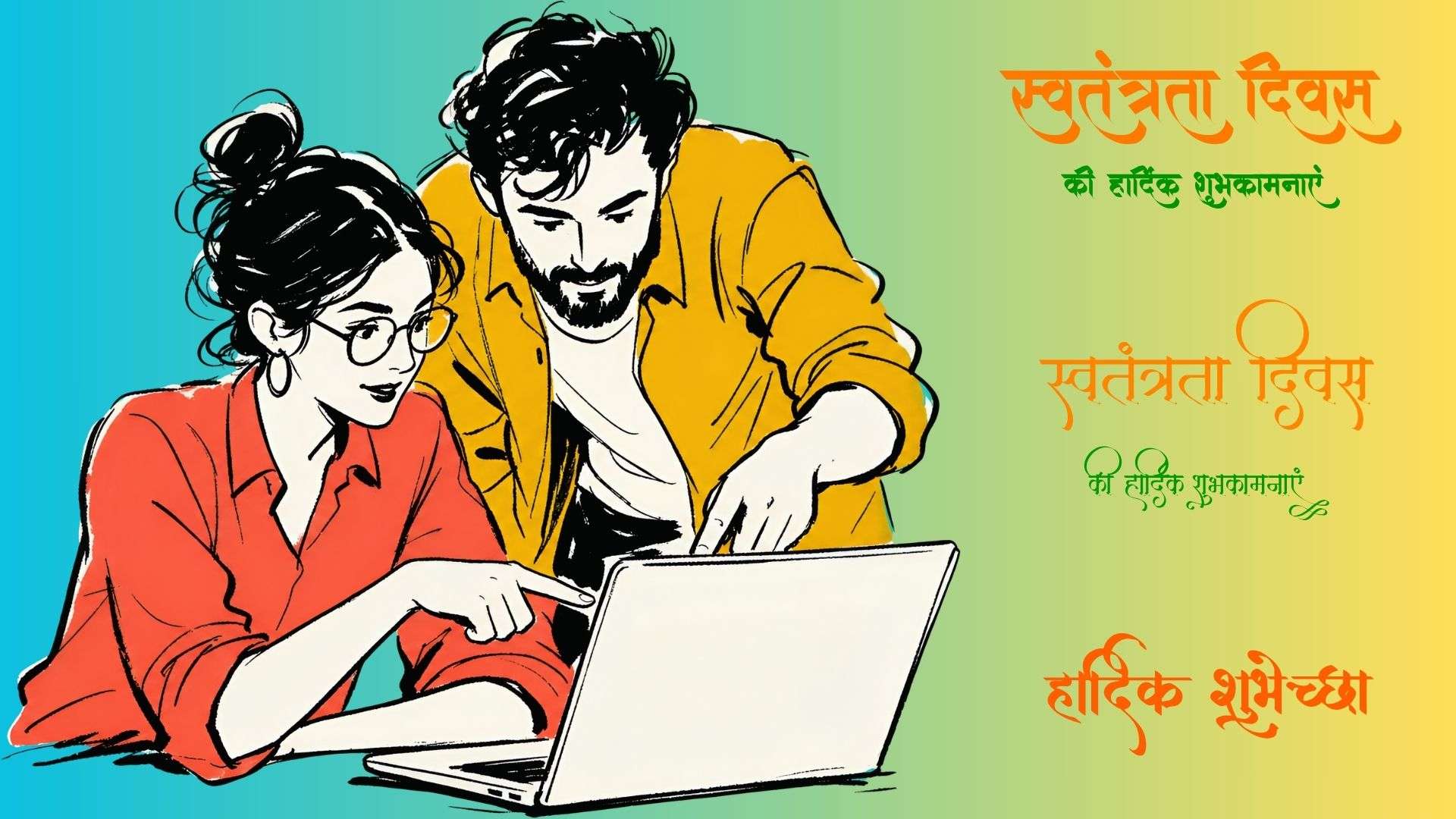
Let’s narrow it down based on your projects:
- For Fast Social Media Videos (Reels / Shorts): Filmora is the clear pick; its animated text presets and auto captions are built exactly for this kind of quick-turnaround content.
- For High-Impact Video Intros & Thumbnails: Font Meme or Text Studio deliver punchy, styled static graphics without much fuss.
- For Long-Form Videos & Clean Subtitles: Filmora and Google Fonts' Noto Sans Devanagari win on pure reliability and readability over long stretches of text.
- For Traditional or Cultural Projects: Hindi Calligraphy Fonts or CalligraphyMaker bring the ornate, hand-lettered feel these projects usually call for.
- For Legacy Text Compatibility: Indian Font Converter is the one to reach for if you're dealing with old Kruti Dev or Chanakya files that won't display correctly.
Conclusion
We just recommend 10 of the top stylish Hindi font generators, including online options even for video edits. However, choosing the right tool to generate your Hindi text ultimately comes down to balancing visual style with your editing workflow. Whether you want quick copy-and-paste Unicode snippets, high-resolution 3D graphic titles, or crisp subtitle fonts, having the right option saves you serious time while making your content look polished.
If you want the smoothest workflow for video projects, Wondershare Filmora is tough to beat. It brings native Devanagari support, AI auto-captions, and built-in Indian font presets like Akhand and Sanchi Devanagari directly into your editing timeline.
FAQs
-
Can I type Hindi using English letters in a Hindi font generator?
Some English-to-Hindi font generators support phonetic input, so you can type something like “namaste” and have it converted into नमस्ते. CalligraphyMaker and Hindi Font Style both provide this type of input, although their underlying workflows are different. -
Can I use a Hindi font generator without installing a Hindi keyboard?
Yes. Many online Hindi stylish font generators let you paste Hindi text directly, while some also provide transliteration from English input. This can be useful if you only need to create a short phrase and don't normally type in Devanagari. -
Why do some Hindi matras look broken or misaligned when pasted into editing software?
This usually happens due to font encoding mismatches. Older software often expects legacy font encodings like Kruti Dev instead of modern Unicode text. Using a tool like Indian Font Converter resolves this by converting your text into the exact format your editor supports.
