Explore Popular Werewolf Transformation AI Templates
Discover to use an AI Werewolf Transformation Generator and highlight your wildest face swaps. Whether you're figuring out how the Werewolf Transformation AI trend works or want to try different styles, find everything you need to command the spotlight online. 📸
Loading more werewolf transformation AI templates...
 Category:
 Duration:
 Aspect Ratio:
Why Create a Werewolf Transformation AI Video?
The Werewolf Transformation AI trend lets you hijack the internet's most thrilling full-moon scene. Master this trend to generate engaging reactions, boost your views, and bring endless scares to your followers online. 😂
Become the Beast with One Photo
Become the Beast with One Photo
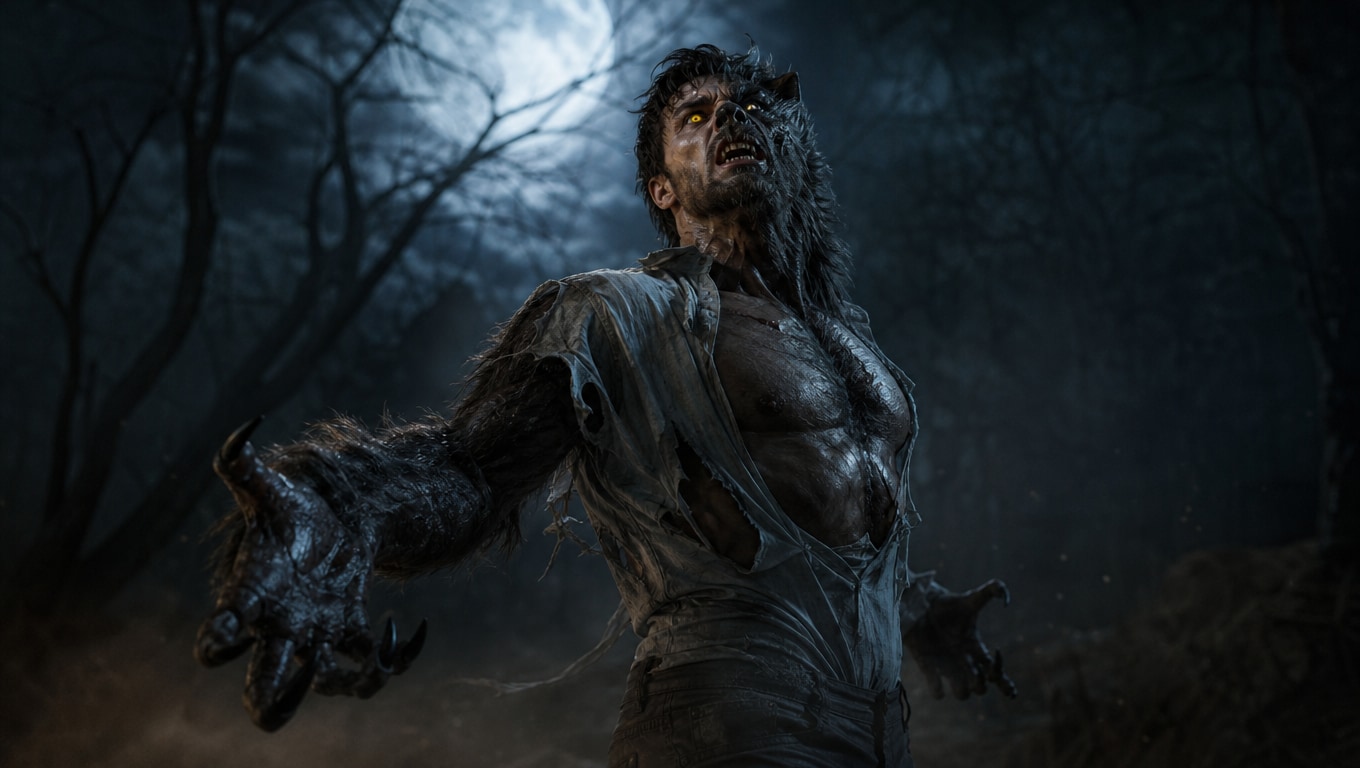
The core gameplay of the Werewolf Transformation AI video trend is replacing the main character in a cinematic transformation scene with your own photo. Instantly recreate the signature full-moon shift—complete with glowing yellow eyes, sharp fangs, and fur—using flawless AI motion tracking.
- Perfect Identity Preservation - Instantly swap your facial features onto the werewolf using a single selfie or full-body photo.
- Beat-for-Beat Accuracy - The AI correctly preserves every muscle twitch, camera angle, and lighting change from the original cinematic footage.
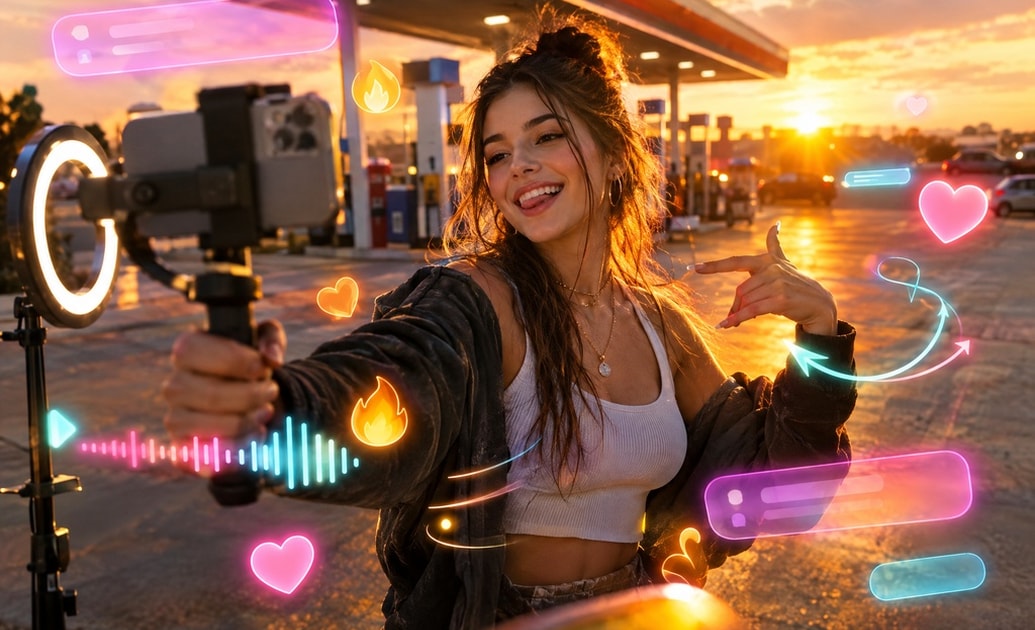
- Instant Virality - Jump on the hottest TikTok trend with an incredibly realistic 9:16 vertical output ready for Reels.
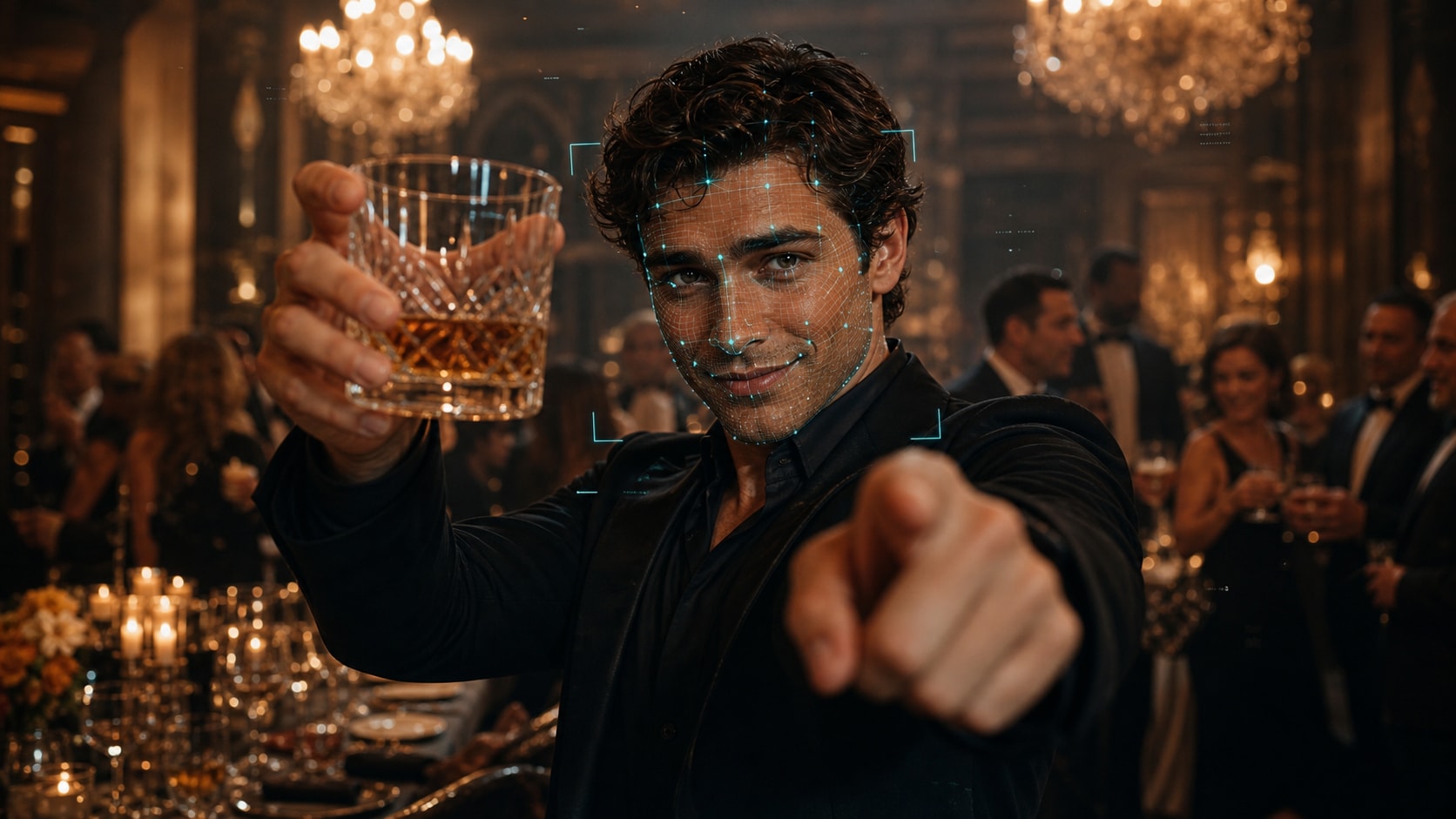
Powered by Veo 3.1 and Seedance 2.0
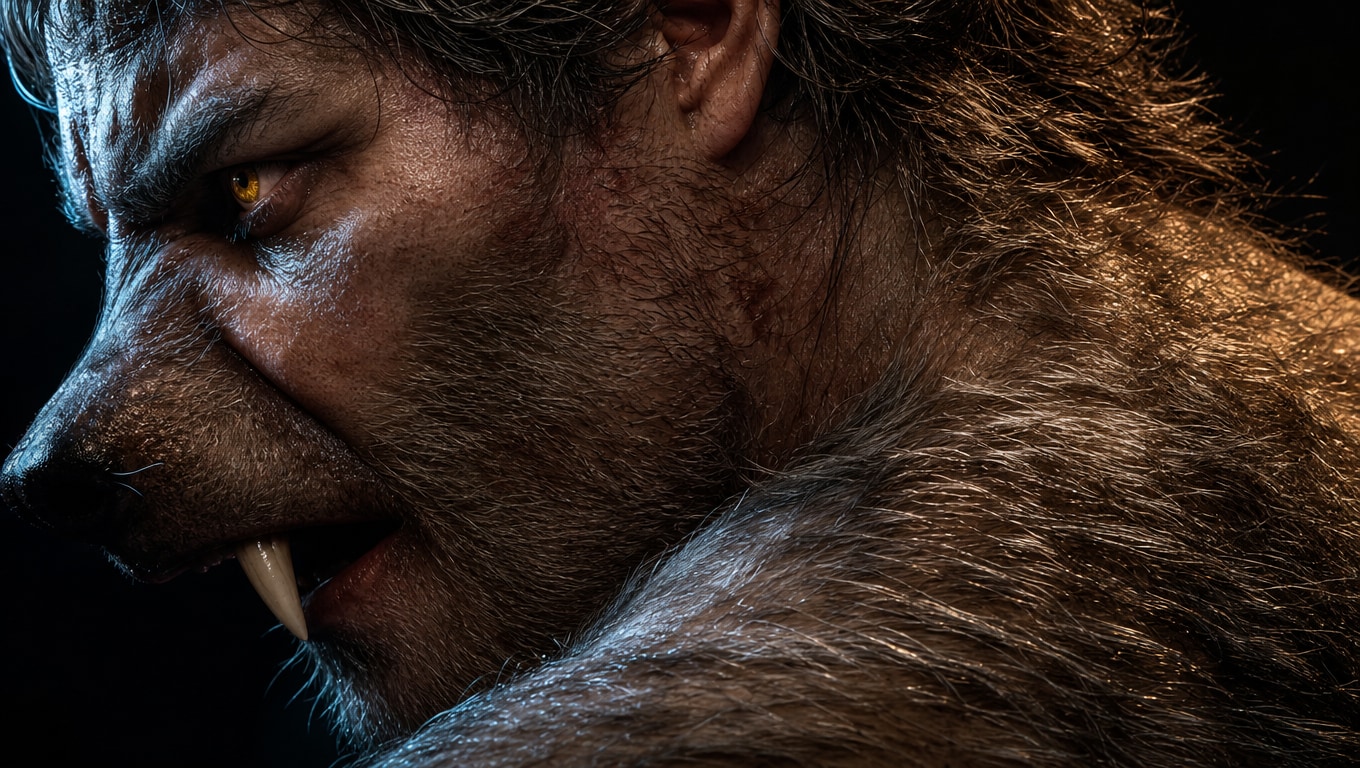
Powered by Veo 3.1 and Seedance 2.0
Filmora's AI video generator is an absolute powerhouse. By directly integrating advanced models like Veo 3.1 and Seedance 2.0 internally, generating high-fidelity video motion for your face swap has never been smoother.
- Built-in Generation - No external software needed; everything renders natively within Filmora.
- Smooth Motion - Seedance 2.0 ensures that complex transformation movements remain fluid and realistic.
- High-Fidelity Detail - Veo 3.1 retains incredible skin texture, fur detail, and lighting accuracy.
Choose From Multiple Monster Templates
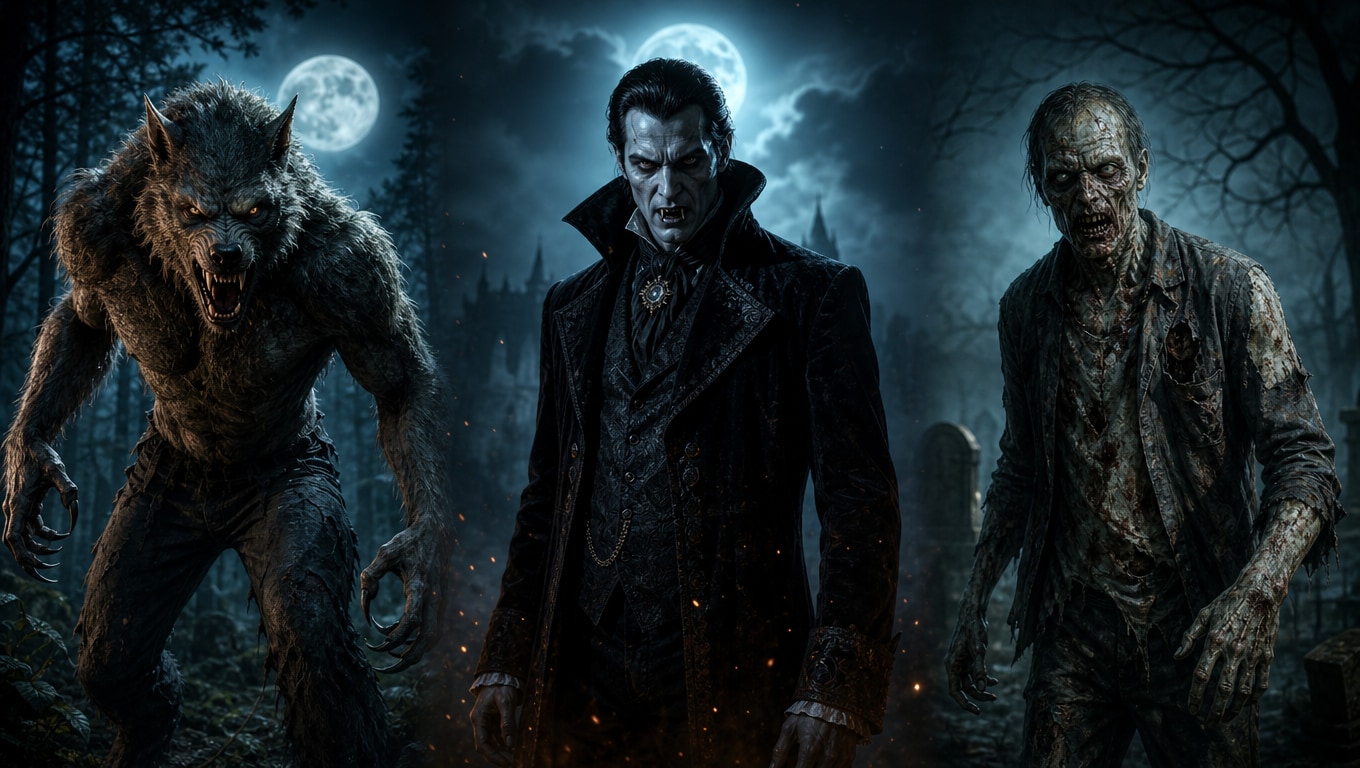
Choose From Multiple Monster Templates
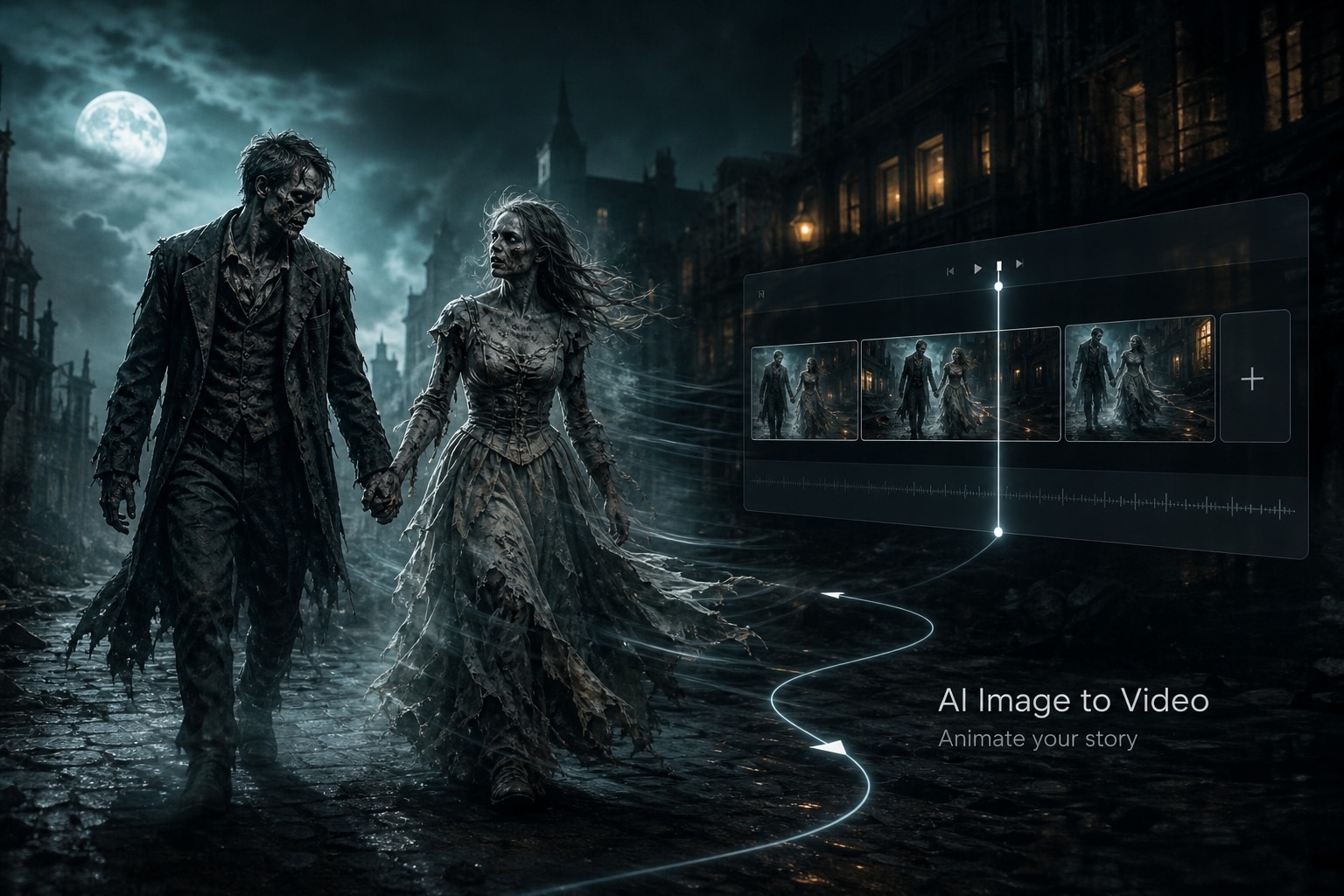
Don't limit your creativity! Filmora's AI image tools feature built-in access to multiple transformation templates, including werewolf, vampire, and zombie options. Generate dynamic transformations or start an AI image to video process easily.
- Versatile Options - Choose exactly which monster fits your comedic or horror vision, natively inside Filmora.
- No Subscription Chaos - Avoid juggling multiple expensive subscriptions to external AI platforms.
- Ultimate Customization - Alter the lighting, style, and tone of your generated AI Werewolf Transformation output.
The Ultimate All-in-One Workflow
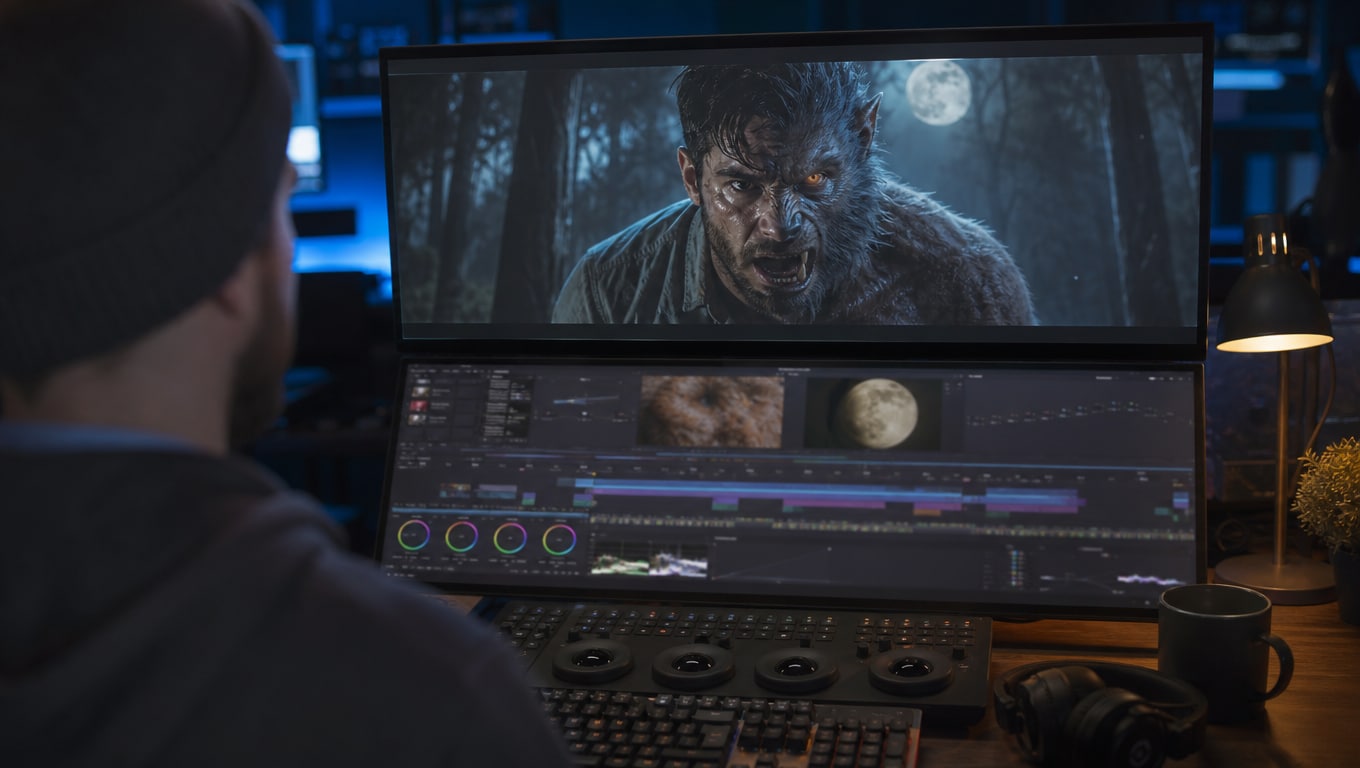
The Ultimate All-in-One Workflow
Filmora goes beyond just initial generation; it's a complete video editing and creation ecosystem. After configuring your AI Werewolf Transformation video generator settings, refine your clip seamlessly without switching tools.
- Unified Interface - Generate, track, edit, and render in one single workspace.
- Rich Asset Library - Elevate your clips with thousands of text overlays and effects.
- Video Enhancements - Apply professional video templates directly onto your newly generated AI clips.
Frequently Asked Questions About Werewolf Transformation AI Videos
How to Make an AI Werewolf Transformation Video
Transform a simple portrait into a terrifying beast. Follow these steps to use Filmora's integrated AI models and create your transformation video. 🐺
Step 1 Upload Your Portrait Photo
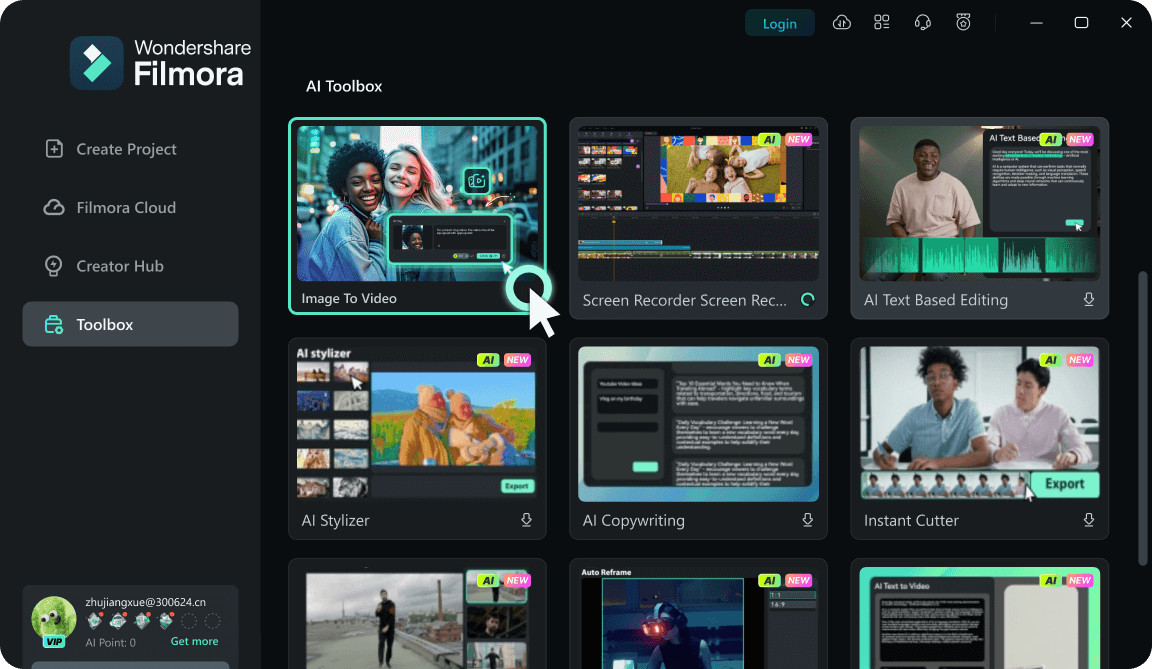
Step 2 Select the Werewolf Scene Template
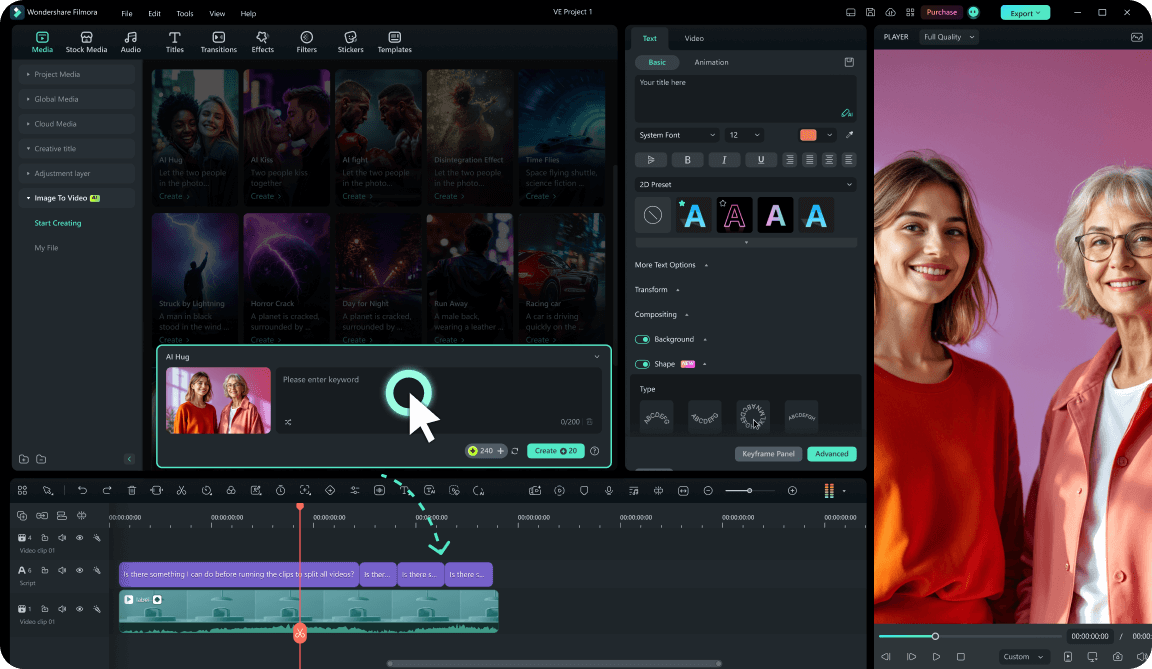
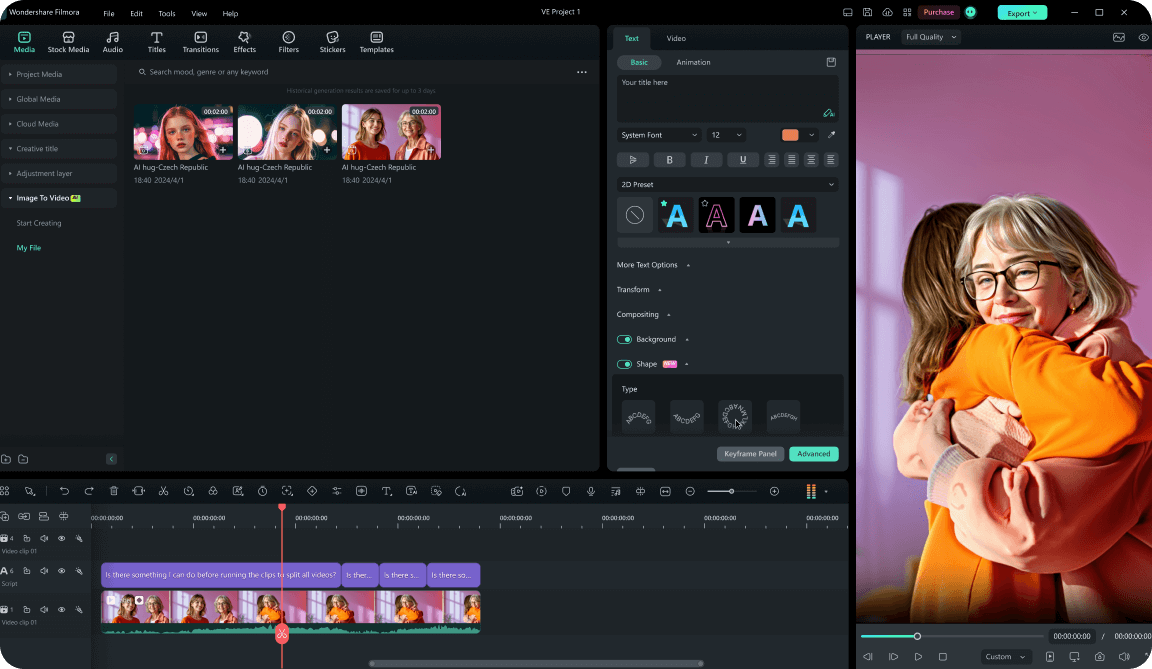
Step 3 Generate and Edit Smoothly
-
1:Upload Your Portrait Photo
Import a clear front-facing photo into Filmora. Our system will analyze your facial features to prepare for the AI Werewolf Transformation template. 📸 -
2:Select the Werewolf Scene Template
Choose the werewolf transformation template. The integrated Veo 3.1 and Seedance 2.0 models ensure seamless face replacement for the full-moon shift. 🐺 -
3:Generate and Edit Smoothly
Click generate to finalize the AI Werewolf Transformation video generator process. Use Filmora's all-in-one workflow to add text or music before sharing! 🎬