Prompt-to-Video Showcase:
Halloween Clips Made in Filmora
Want to know what a strong halloween video generator actually looks like in action? These clips were created entirely from text prompts, no camera, no crew, no location scouting. Each one includes the original halloween ai video prompts, so you can copy, remix, and make them your own.
Loading more Halloween AI clips...
 Category:
 Duration:
 Aspect Ratio:
Why Filmora Works for Halloween AI Videos
Most AI tools stop at generation. Filmora keeps going. Instead of handing you a clip and leaving you to figure out the rest, it connects prompt-to-video generation with a full editing suite, so a halloween ai video generator becomes part of your workflow, not a separate detour.
Describe the Scene, Get the Shot
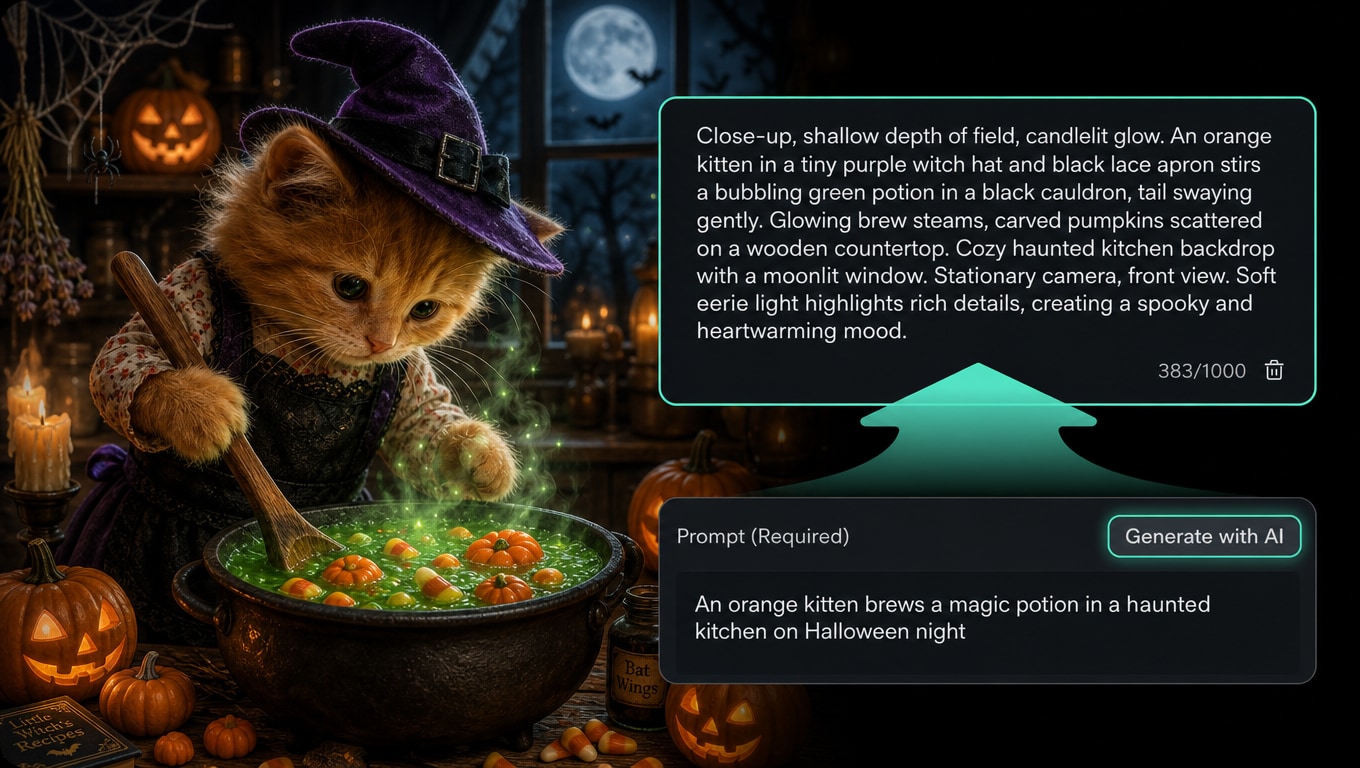
Describe the Scene, Get the Shot
You don't need a storyboard or a shot list. Type what you see in your head, like "a fog-covered graveyard with a single lantern glowing," and Filmora's AI turns it into a halloween ai video with believable motion and depth. Start from text or upload a reference image with AI image to video, then refine the result on the same timeline.
Sound That Sells the Scene
Sound That Sells the Scene
A Halloween clip lives or dies by its audio. Filmora pairs every generated scene with matching sound, from low creaks and distant wind to subtle ambient drones. You get a complete audiovisual package from one prompt, then fine-tune volume, timing, and layering directly in the editor.
Built for Every Platform You Post On
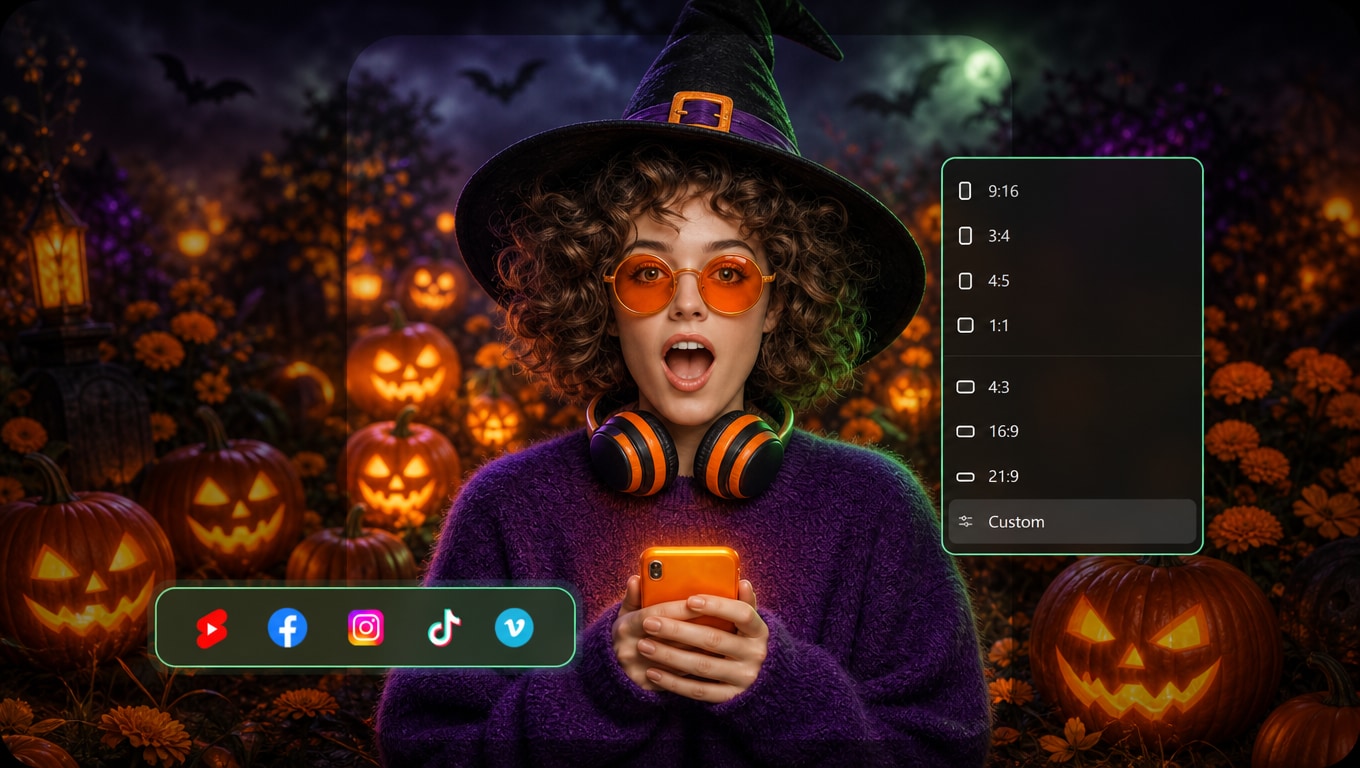
Built for Every Platform You Post On
One Halloween idea can become five different posts. Filmora's Auto Reframe instantly reshapes your clip for YouTube, TikTok, Shorts, and Reels, while Auto Captions add readable subtitles that match each platform's pacing and style.
- Vertical 9:16 for TikTok and Reels, square 1:1 for feed posts, and 16:9 for YouTube, all from one source clip.
- Captions styled to fit each platform, so your Halloween story stays clear even on mute.
From Raw Clip to Finished Video, Without Switching Apps
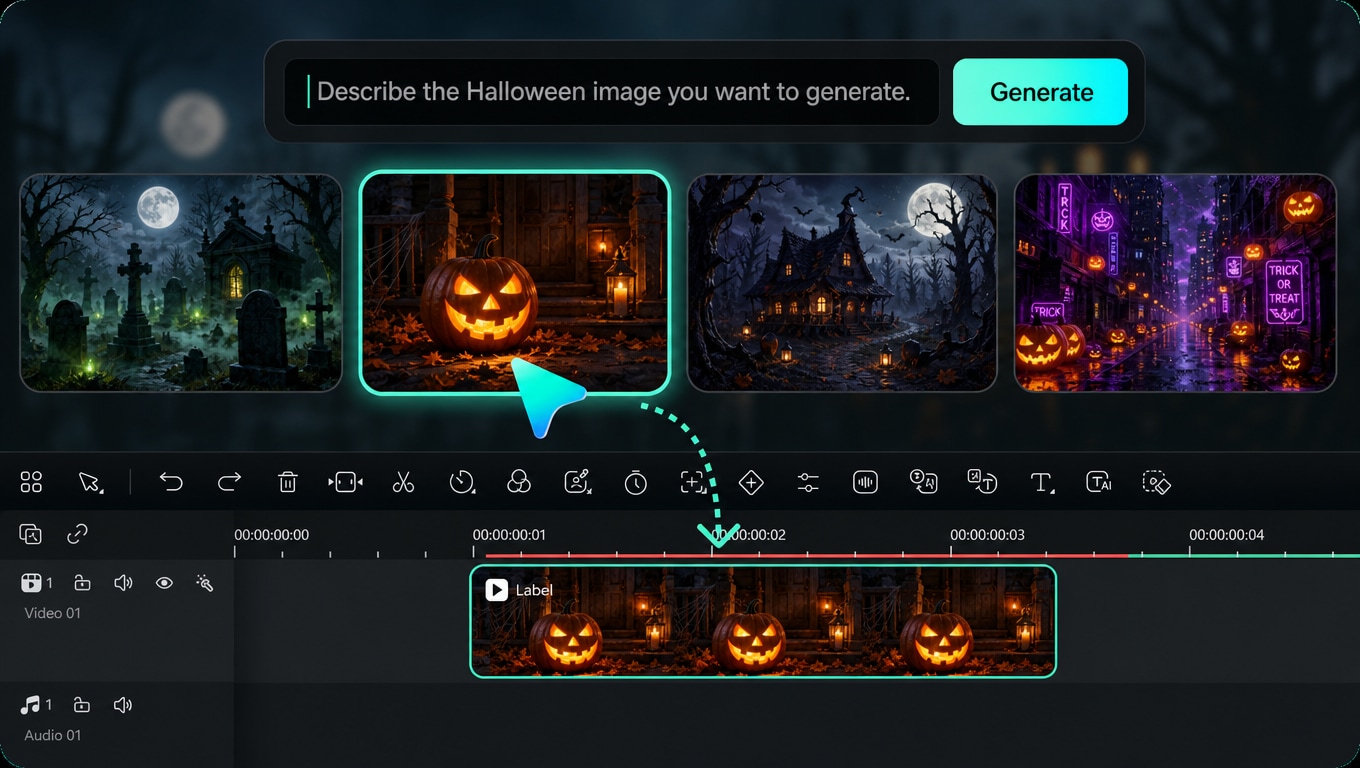
From Raw Clip to Finished Video, Without Switching Apps
Generating is only the first step. Filmora lets you take that raw Halloween clip and shape it into a finished video, cutting dead air, cleaning up audio, syncing music to the beat, and layering effects, all in one place.
- Smart editing tools handle the boring parts: cutting silences, removing noise, and matching cuts to music with AI Beat Sync.
- Everything lands on the timeline, ready to trim, layer, and export, whether you're making a quick Reel or a full Halloween short film.
Common Questions About Halloween AI Video
✔️ Stronger phrasing:
- "A narrow hallway lit by one flickering bulb, fog near the floor"
- "A slow push-in on a carved pumpkin glowing in the dark"
- "Cinematic, low saturation, cool moonlight"
- "Something scary"
- "A cool Halloween scene with lots of stuff happening"
- Long paragraphs that mix five different ideas
- Haunted houses, graveyards, and fog-filled forests.
- Vampires, witches, zombies, and other costumed characters.
- ASMR-style clips built around spooky sounds.
- Surreal or fantasy scenes that don't exist in real life.
- Short atmospheric clips for social media intros and outros.
How to Make a Halloween AI Video in Filmora
Three steps, one editor. Here's the full path from a written idea to a shareable Halloween clip.
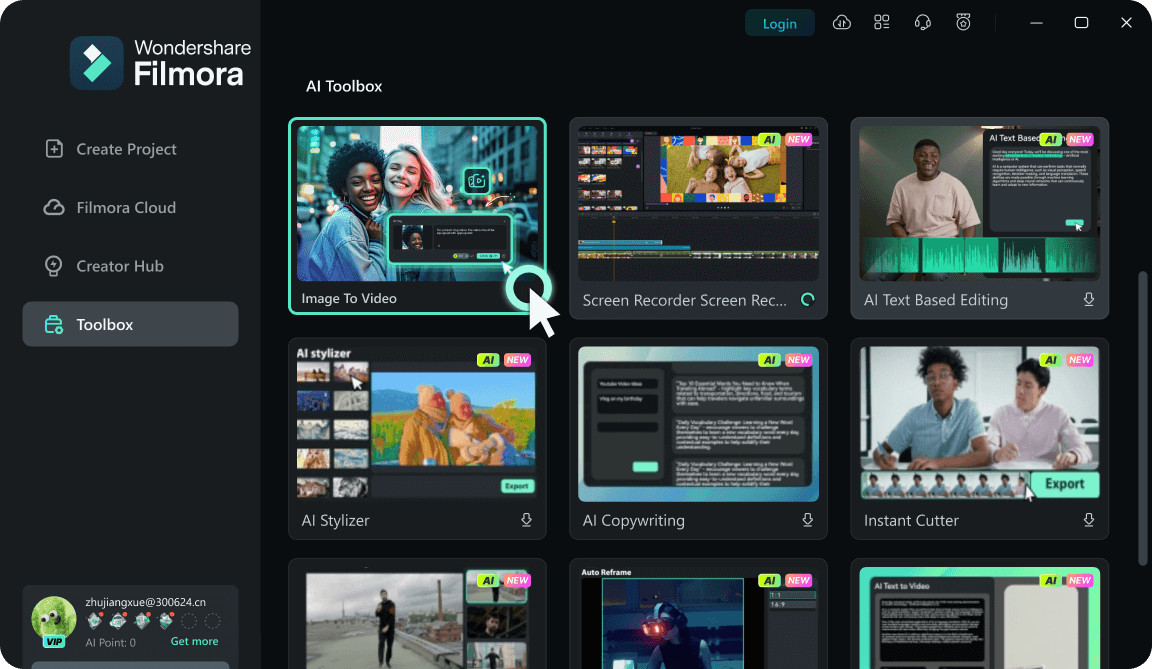
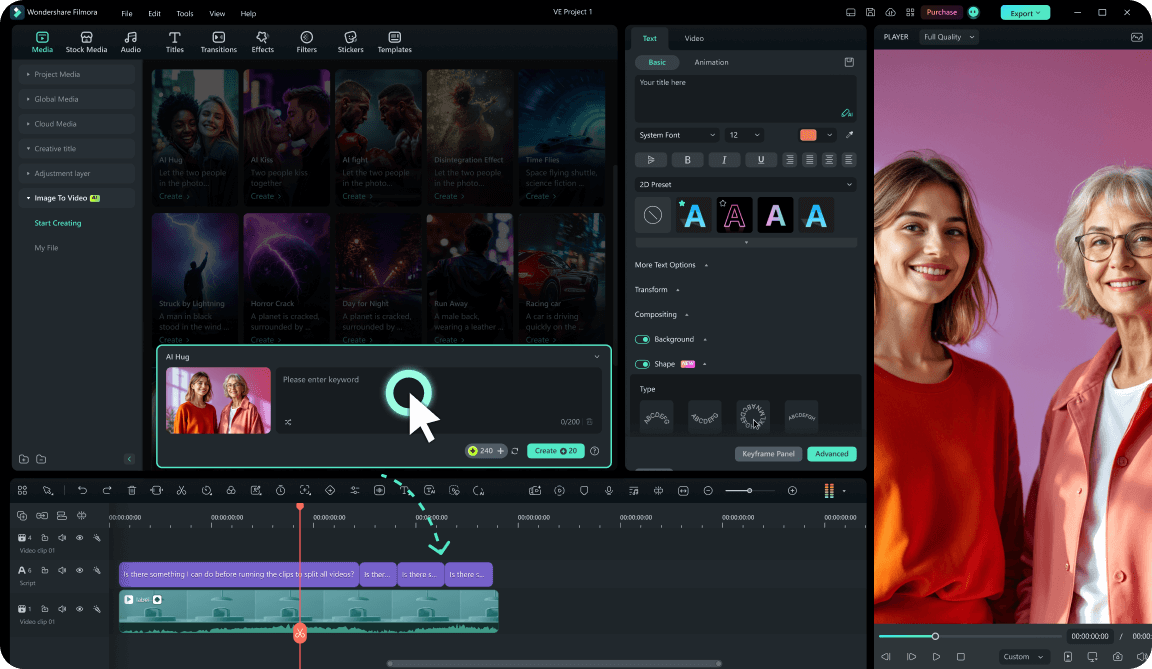
Step 1 Open Filmora and Find the AI Video Tool
Step 2 Write Your Halloween Prompt and Add a Reference Image
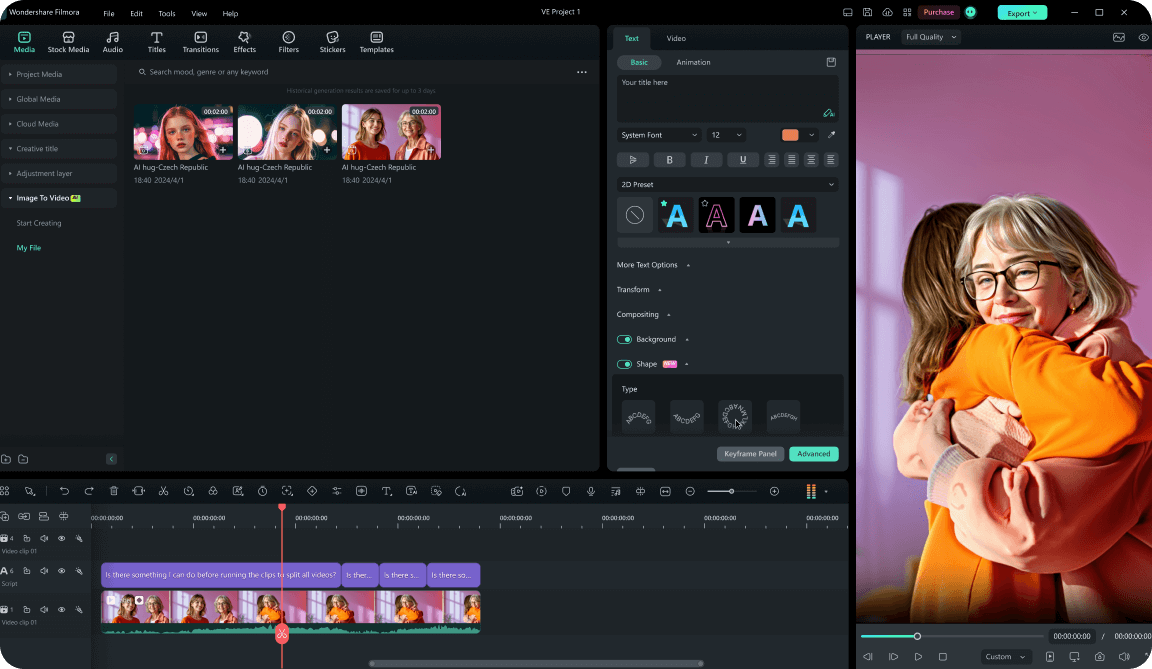
Step 3 Generate, Then Edit on the Timeline
-
Step 1: Open Filmora and Find the AI Video Tool
Launch Filmora on your desktop, then go to the AI Tools panel and choose Image to Video to start a new Halloween project. -
Step 2: Write Your Halloween Prompt and Add a Reference Image
Describe the scene you want in one or two sentences, like "a haunted mansion with glowing windows at night," "a vampire walking through fog," or "a glowing pumpkin in a dark forest." You can also upload an image to guide the look and framing. -
Step 3: Generate, Then Edit on the Timeline
Pick your AI model and hit Generate. When the clip appears, trim it, adjust the audio, add effects or captions, and export your finished Halloween video.
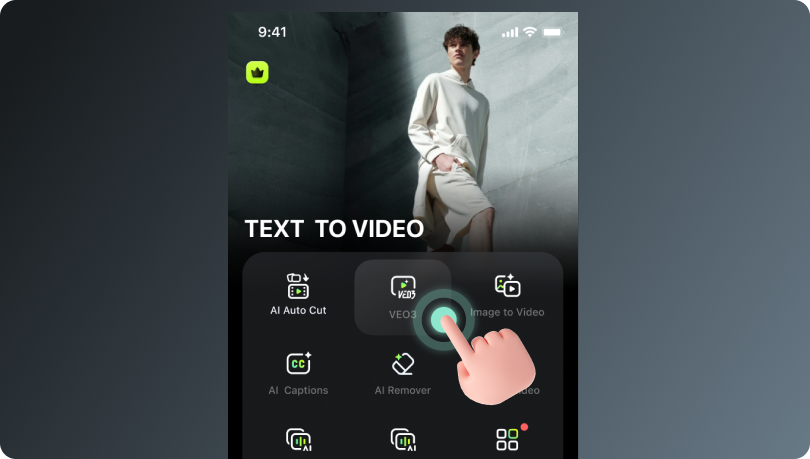
Step 1 Open the Filmora App and Choose AI Video
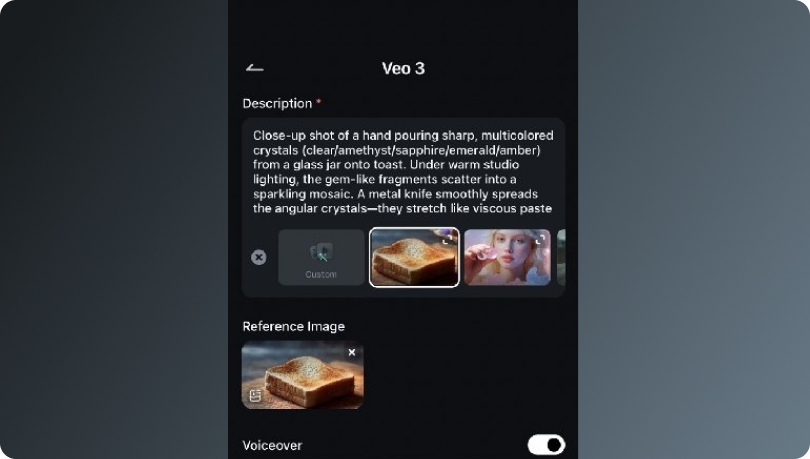
Step 2 Enter a Prompt or Start from a Preset
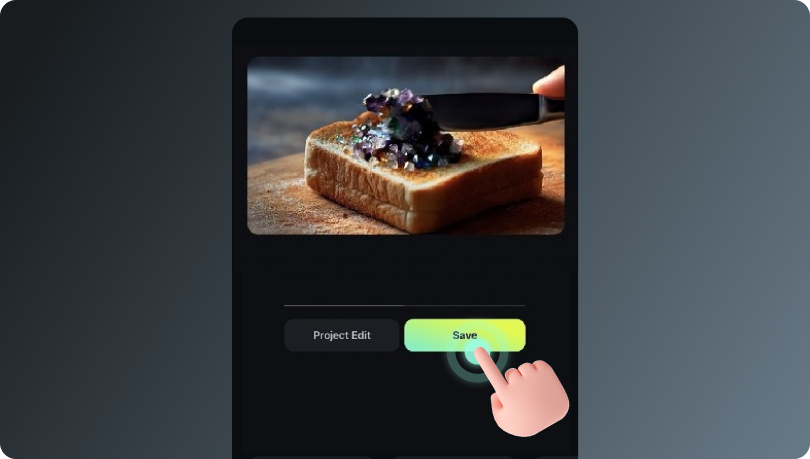
Step 3 Generate, Polish, and Share
-
Step 1: Open the Filmora App and Choose AI Video
Launch Filmora on your phone and tap AI Video from the home screen to begin. -
Step 2: Enter a Prompt or Start from a Preset
Type a short Halloween prompt, like "a ghost floating through a candlelit hallway," "a witch casting a spell in a dark forest," or "a creepy clown in a foggy carnival." You can also upload a reference image to lock in the visual style. -
Step 3: Generate, Polish, and Share
Tap Generate to create your Halloween clip. Once it's ready, trim, adjust visuals, add spooky audio, and export straight to your favorite platform.
Beyond a Single Halloween AI Video
Once you've made one clip, Filmora gives you room to build an entire Halloween content set, from credits to characters to platform-ready shorts.