Unleash the Night with Vampire AI Templates
Ready to sink your teeth into the latest social media craze? Explore our curated collection to see the vampire AI Video trend in action. From regal counts to gothic pets, find the perfect starting point and learn how to make vampire videos with AI instantly. 📸
Loading more vampire AI video templates...
 Category:
 Duration:
 Aspect Ratio:
Unleash the Dark Side with Filmora
Whether you are aiming for a romantic gothic aesthetic or a truly terrifying creature feature, nailing the visual transformation is key. With Filmora, becoming a creature of the night is no longer a complex SFX project; it's a click away. 🦇
Flawless Face Swapping & AI Transformation
Flawless Face Swapping & AI Transformation
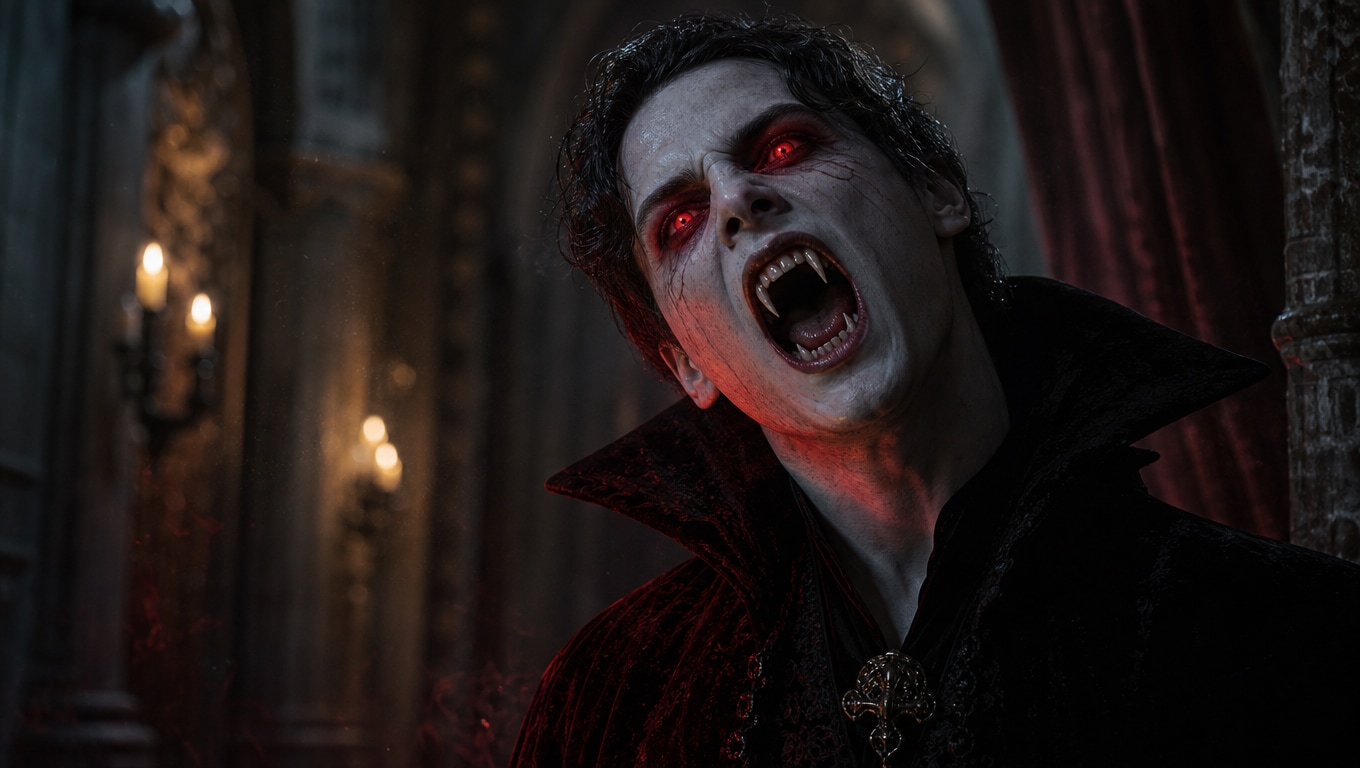
Don't let complicated video editing stop you from joining the fun. Our AI engine seamlessly maps your facial features onto a cinematic vampire. The result? A highly realistic AI Vampire Transformation that keeps your unique identity while adding the chilling allure of the undead.
- Identity Preservation - Your selfie becomes the star of the show, retaining your exact facial structure.
- Cinematic Motion - The AI flawlessly matches the dramatic camera sweeps of the original footage.
- Instant Shareability - Generate ready-to-post 9:16 vertical clips tailored for TikTok and Instagram.
Harness the Power of Top-Tier AI Models
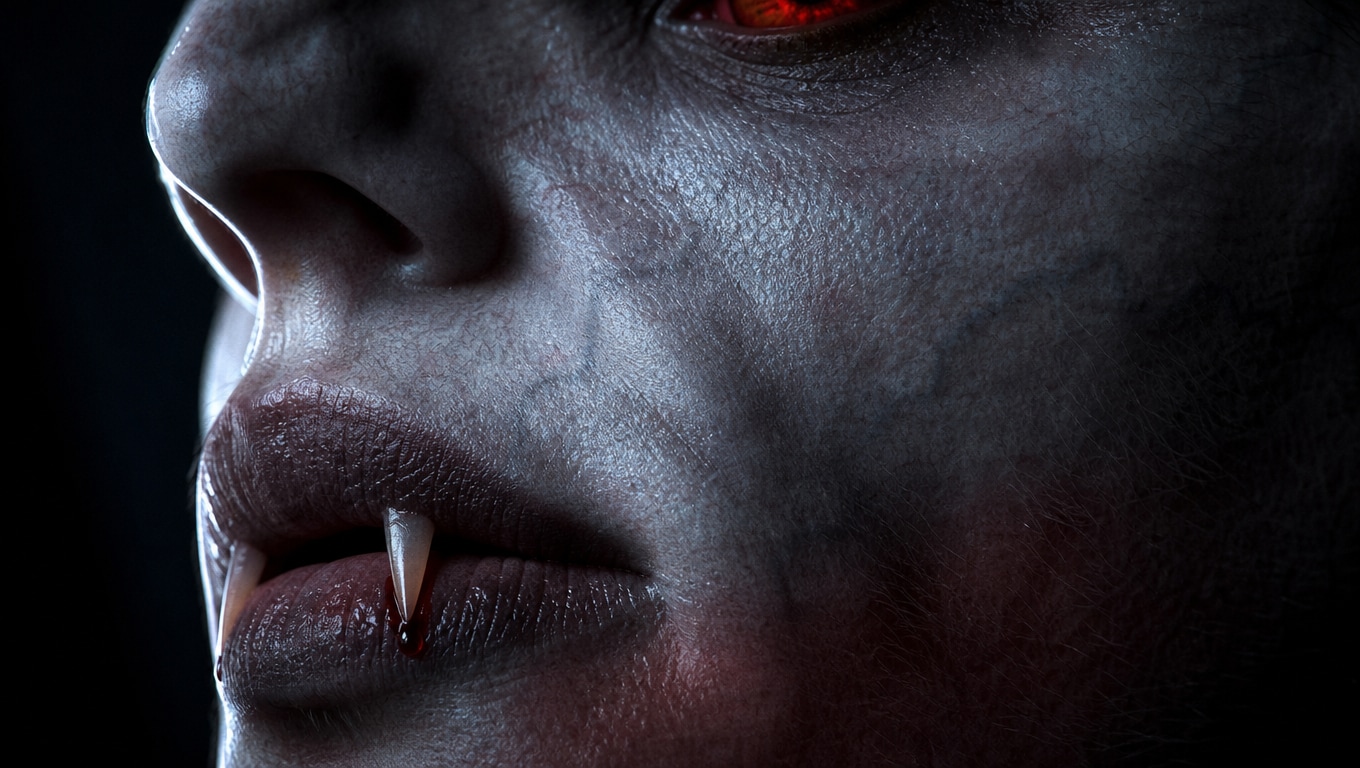
Harness the Power of Top-Tier AI Models
Under the hood, our AI video generator utilizes the most advanced industry engines. By seamlessly integrating Veo 3.1 and Seedance 2.0, we guarantee high-fidelity details—from the glow of the eyes to the texture of the skin—without the need for complex prompt engineering.
- No External Plugins - Everything is built natively into the Filmora ecosystem for maximum stability.
- Buttery Smooth Motion - Seedance 2.0 ensures that the transformation looks natural and fluid.
- Unmatched Realism - Veo 3.1 delivers lighting and shadows that look like a million-dollar Hollywood production.
Explore a Variety of Dark Fantasy Themes
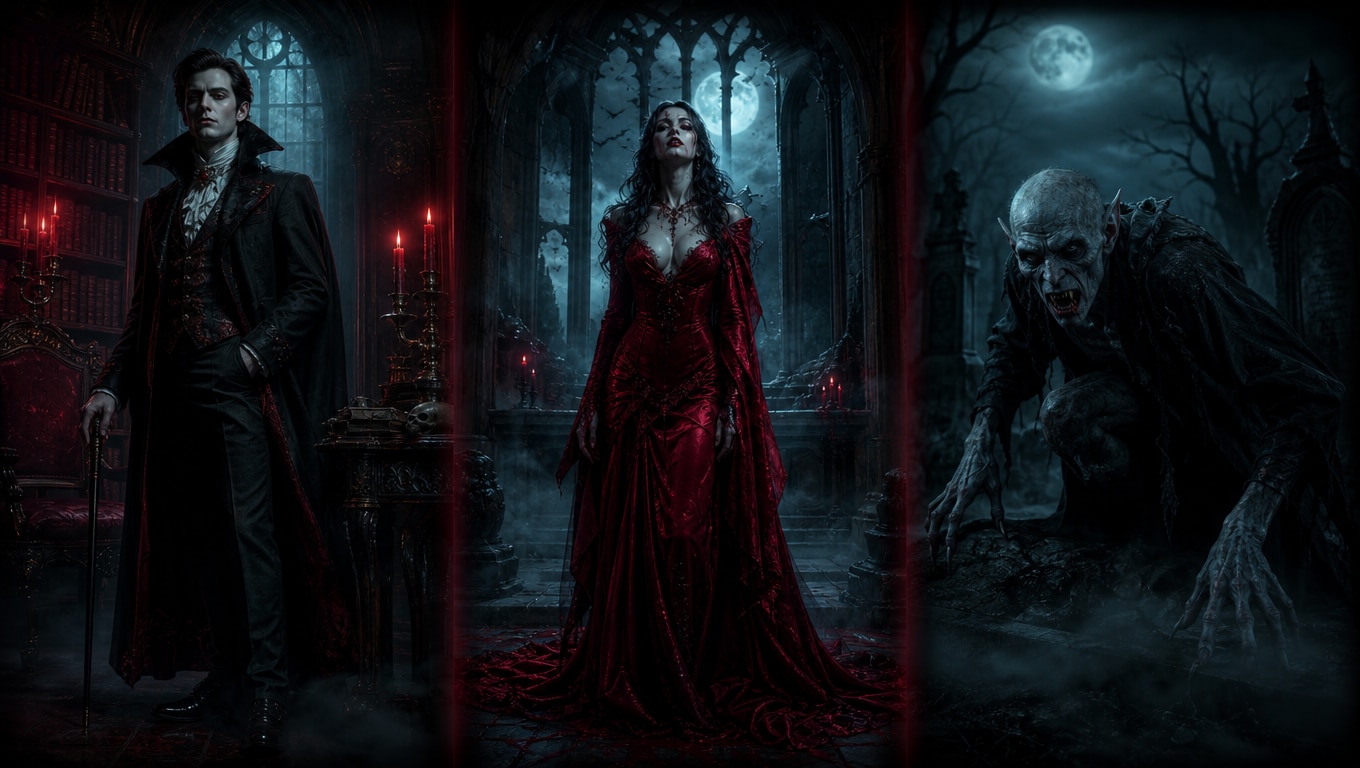
Explore a Variety of Dark Fantasy Themes
Why stick to just one look? Dive into a wide array of built-in themes. Whether you're generating a terrifying vampire bite ai video or transforming your cat into a regal vampire king, our diverse template library ensures you never run out of creative inspiration.
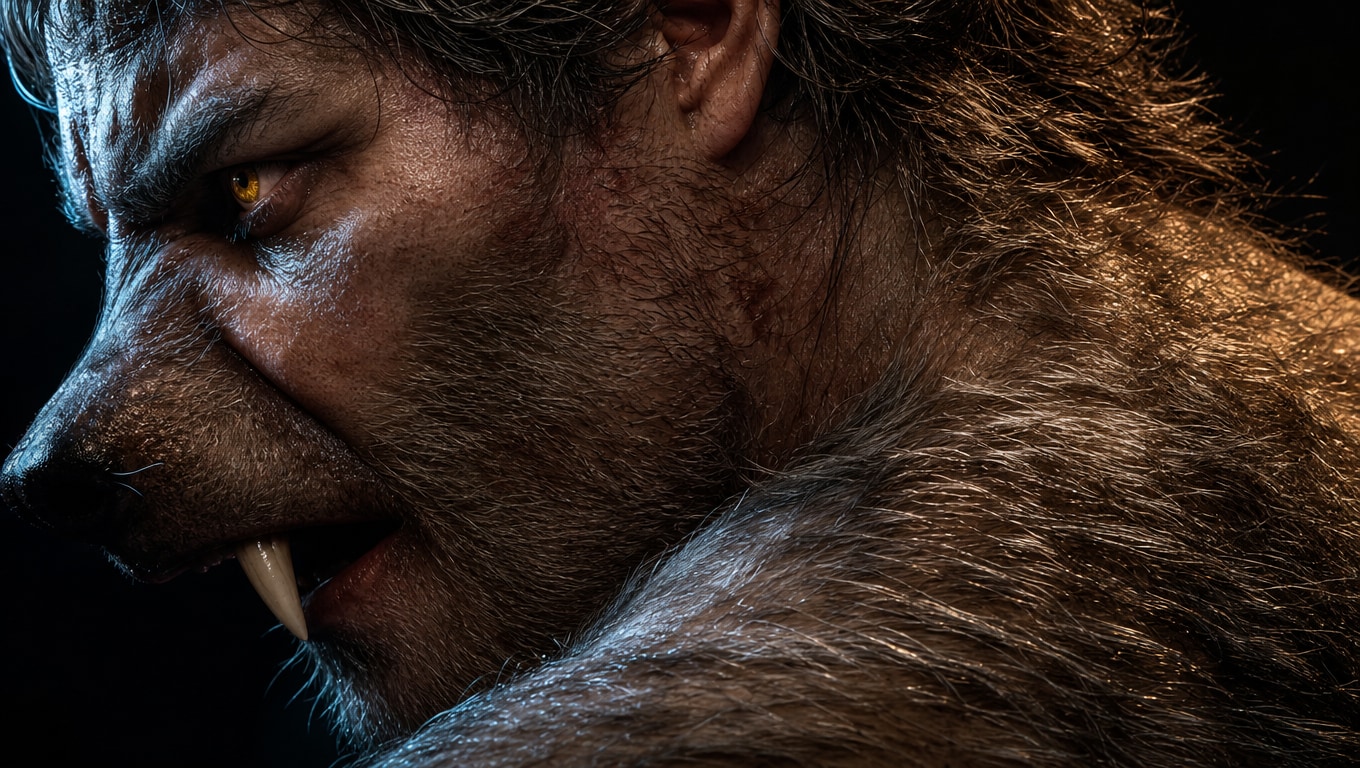
- Diverse Character Styles - Choose from elegant nobles, feral creatures, or even spooky pets.
- One-Stop Shop - Say goodbye to paying for multiple AI subscriptions across different websites.
- Total Control - Adjust the mood and color grading of your AI generation to match your specific vision.
Polished Results: From AI Generation to Final Cut
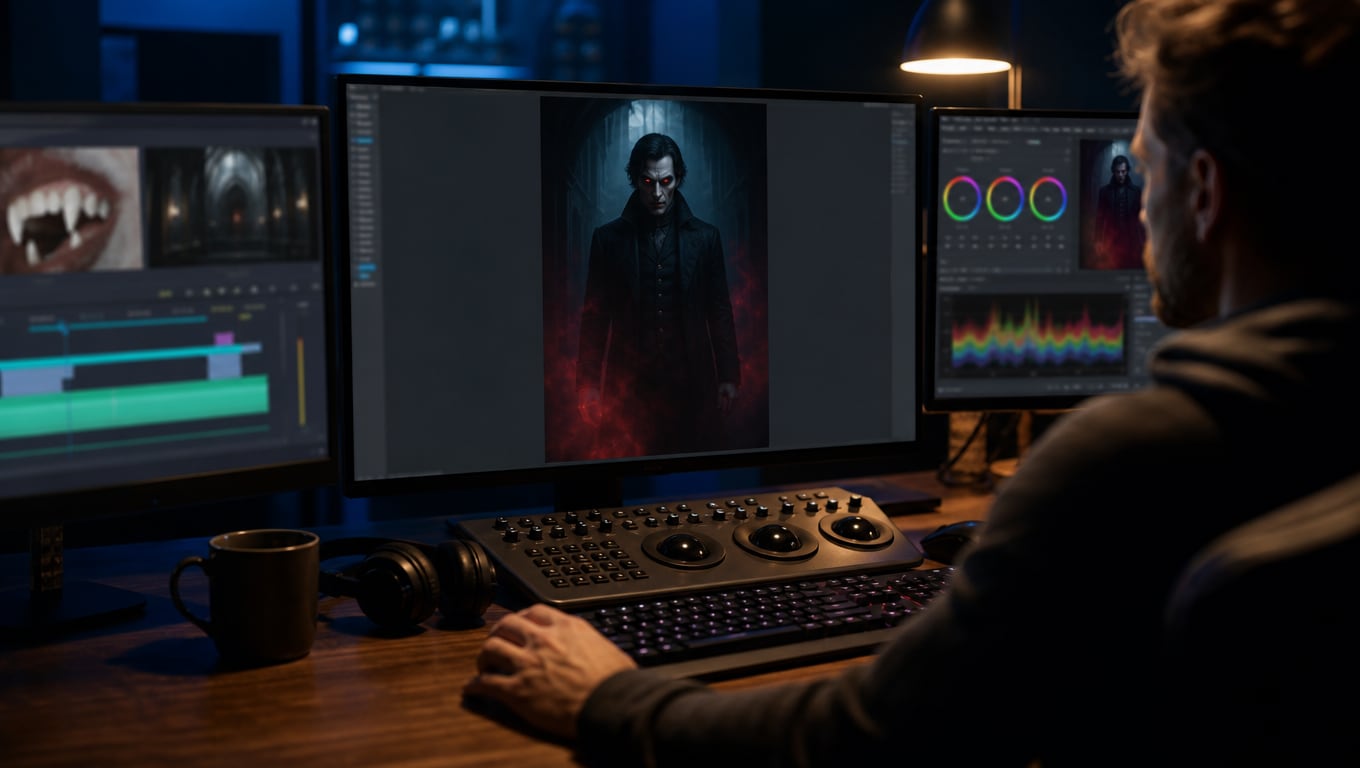
Polished Results: From AI Generation to Final Cut
Generating the clip is only half the battle. Filmora shines as a complete ecosystem. Once your Vampire AI Video generator creates the magic, take it straight to the timeline. Add eerie soundtracks, apply cinematic color grading, and insert custom captions without ever leaving the app.
- All-in-One Workspace - Generate, edit, and export from a single unified interface.
- Massive Asset Library - Enhance your creations with thousands of gothic overlays, effects, and fonts.
- Pro-Level Editing - Drop your AI clips into professional-grade video templates for a polished finish.
Your Vampire Transformation Questions Answered
From Selfie to Vampire in 3 Steps
Transform a simple portrait into a creature of the night. Follow this quick guide to utilize our AI generator. 🧛♂️
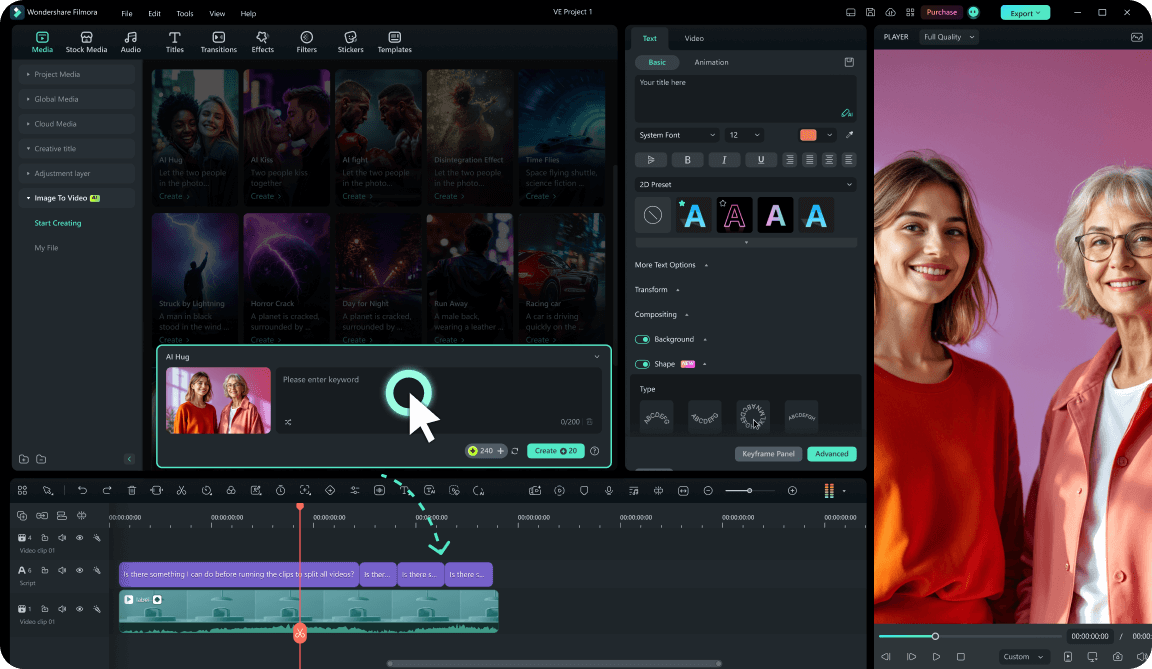
Step 1 Import Your Base Image
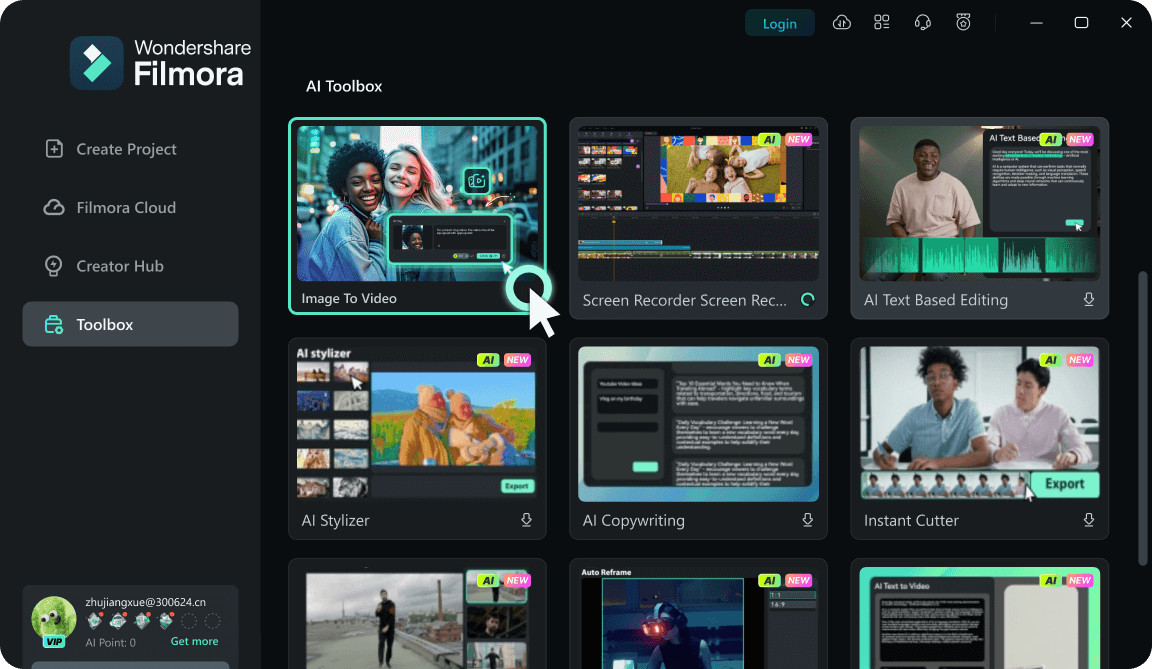
Step 2 Choose Your Vibe & Generate
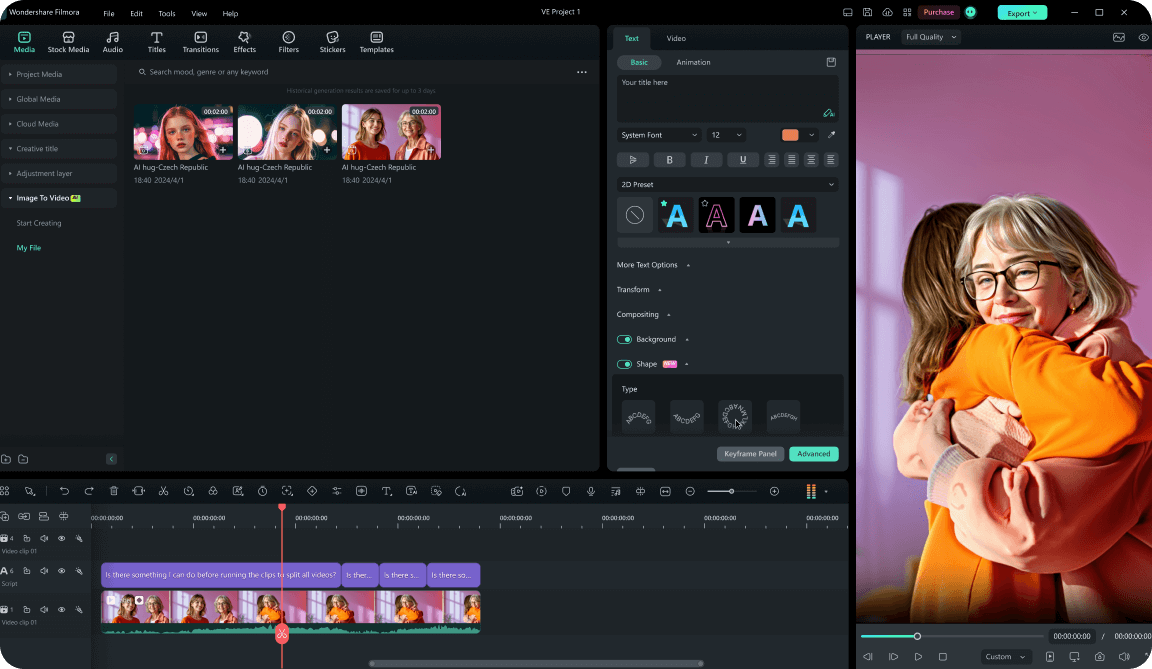
Step 3 Polish and Share
-
1: Import Your Base Image
Open Filmora and navigate to the AI tools section. Select a vampire template and upload a clear, well-lit photo of yourself. 📸 -
2: Choose Your Vibe & Generate
Select a scene. The advanced underlying engines (Veo 3.1 & Seedance 2.0) will instantly process the image, creating a seamless and terrifyingly realistic vampire transformation. 🦇 -
3: Polish and Share
Once your vampire AI Video is ready, drag it to the timeline. Add atmospheric music, tweak the color grading, and export it for your socials! 🎬