
Animal Friend Video Templates & Prompts
Browse animal friend video resources for pet hugs, wildlife pairings, fantasy companions, and short emotional scenes, then build the full edit with Filmora templates.
Loading more animal friend video resources...
 Category:
 Duration:
 Aspect Ratio:
Bring Animal Friend Scenes to Life
Filmora helps you turn animal friendship images into polished short videos, from cozy pet moments to fantasy wildlife scenes, while keeping the workflow simple enough for fast social publishing.
Start With a Believable Bond
Start With a Believable Bond
Choose a photo where the animals already suggest a relationship, then use AI Image to Video to add a gentle hug, playful movement, curious glance, or cinematic camera drift. The best results feel intentional, not random.
- Use clear subjects, visible faces, and enough space around the animals for natural motion.
- Guide the scene with emotional prompts such as rescue, friendship, reunion, or adventure.
- Keep the first seconds visually clear so the bond is obvious before viewers scroll away.
Shape the Story for Social Feeds
Shape the Story for Social Feeds
After generation, trim the moment around the strongest gesture and pair it with Filmora templates, soft titles, and music that supports the mood. For stronger setups, explore pet portrait prompt ideas and adapt the tone to your audience.
- Open with the most expressive frame, then let the motion reveal the friendship.
- Create vertical, square, and widescreen versions without rewriting the whole edit.
- Use captions as emotional cues instead of explaining every detail on screen.
Polish the Clip Like a Story

Polish the Clip Like a Story
Use creative assets, captions, transitions, and sound design to make the generated clip feel edited from start to finish. If you want a livelier angle, combine the resource with AI animal dance ideas for a warmer or funnier follow-up scene.
- Add readable captions for reactions, friendship quotes, or short dialogue.
- Match transitions and music to the animal movement instead of overpowering it.
- Save reusable versions for pet channels, rescue stories, creator intros, and campaign posts.
Animal Friend Video FAQs
Make Animal Friend Videos
Create an AI video from a still image in three quick steps, then keep editing with captions, music, templates, and effects inside Filmora.
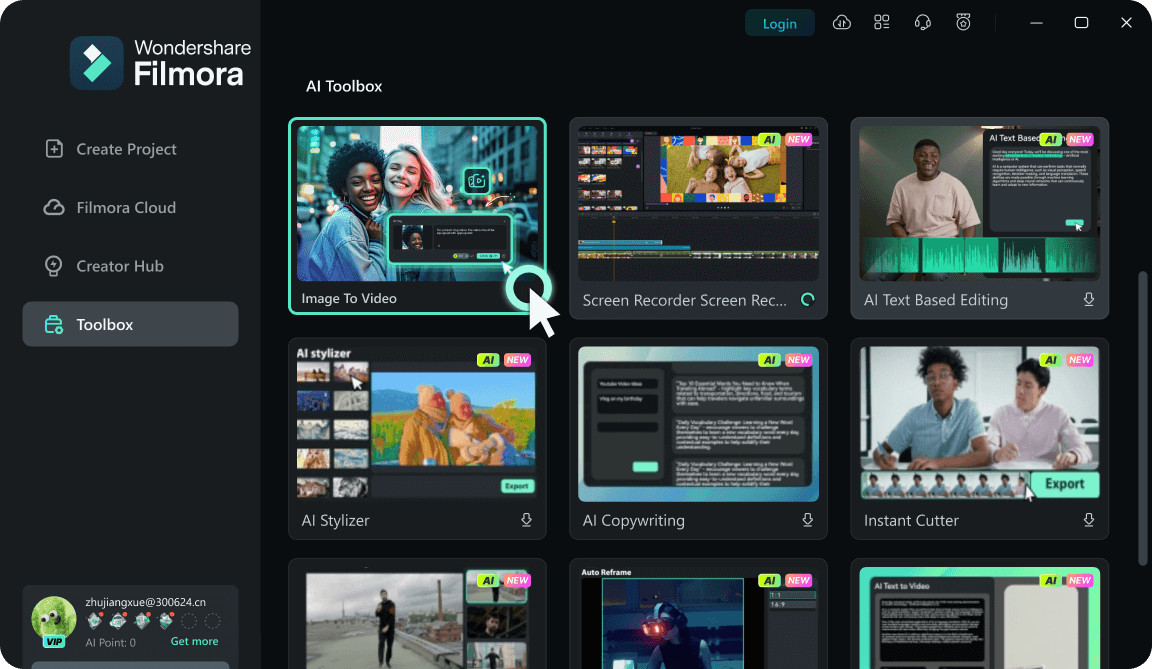
Step 1Upload Your Image
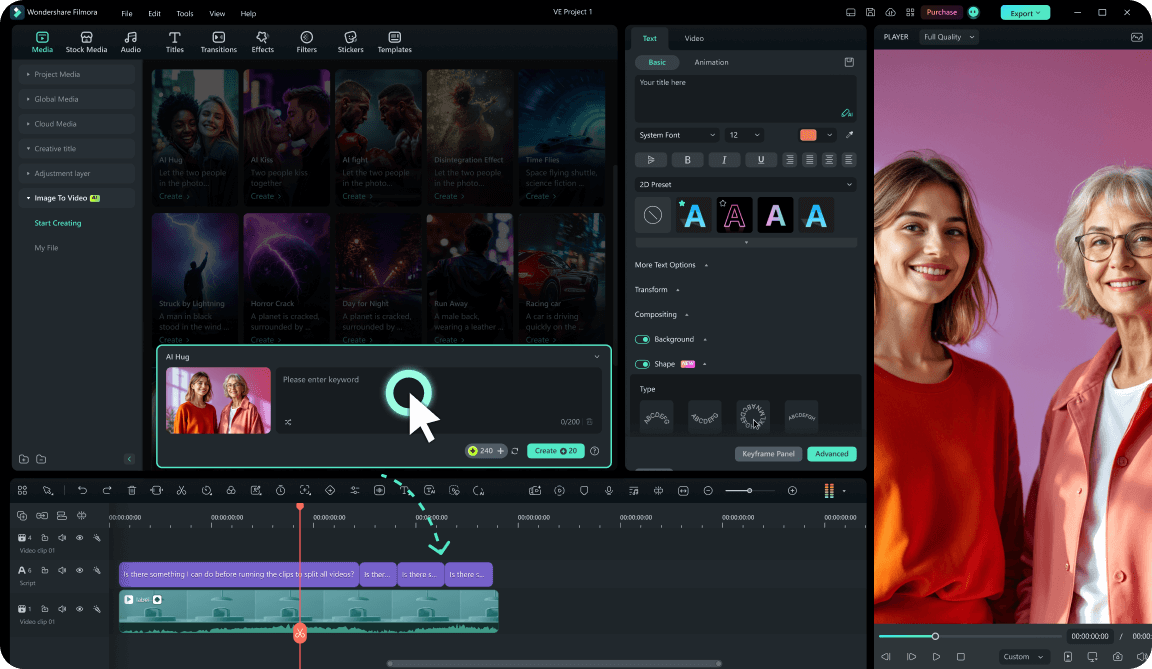
Step 2Generate AI Motion
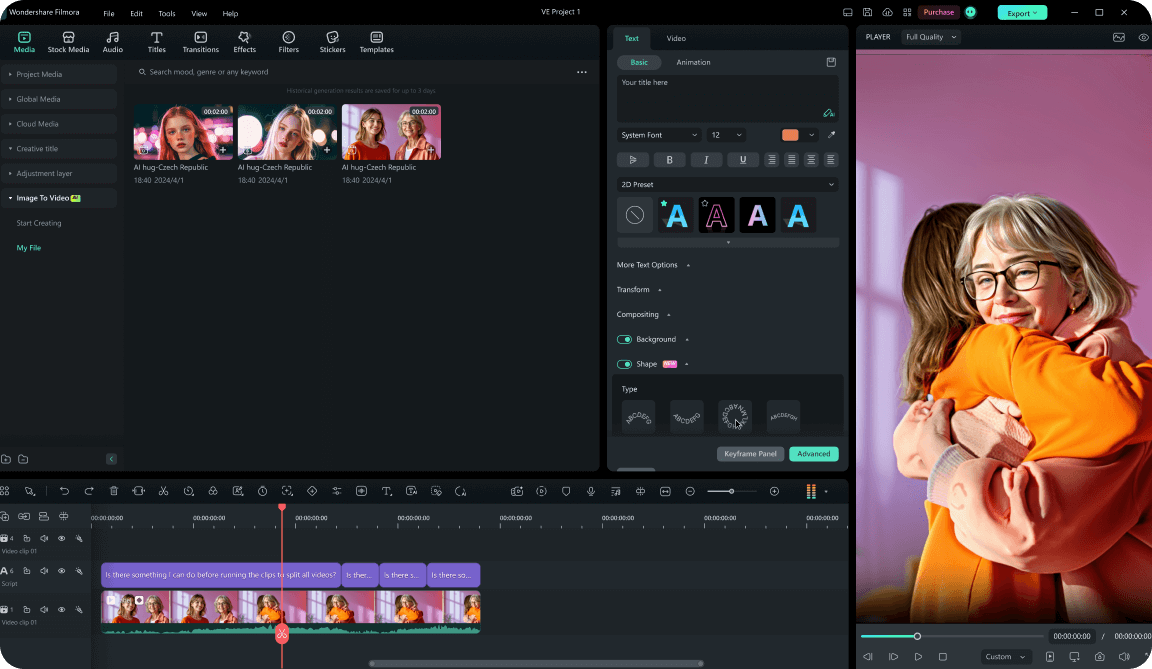
Step 3Edit and Export
1: Upload Your Image
Open Filmora's AI video workflow and upload a clear animal friend photo or concept image with a strong subject.2: Generate AI Motion
Enter a short prompt for the action, mood, or camera movement, then generate a video clip that stays easy to edit.3: Edit and Export
Trim the result, add captions, music, stickers, or templates, then export the finished video for social channels.




