100% Security Verified | No Subscription Required | No Malware


 ChatGPT
 Perplexity
 Gemini
 Claude
 Grok
Grok
Ever scrolled through TikTok or Instagram and stopped at a cat or dog dancing perfectly to the beat? These viral clips may look unreal at first, but many of them are created with AI animal dance technology. From playful dancing cats to energetic, beat-matched pet dance clips, ordinary pet photos are being turned into eye-catching videos that people can't help but watch again.
If you're curious about how to make your own AI dancing cat or turn a simple pet photo into a lively dance video with almost no effort, you're in the right place. In this guide, we'll show you easy ways to create adorable AI pet dance videos and bring your pets to life in just a few simple steps 🐾
In this article
Part 1. How to Make a Dancing Cat/Dog Video
If you're a content creator looking to keep up with visual trends and produce fun, scroll-stopping videos, the Filmora Mobile App [iOS/Android] is a smart choice. This AI-powered multimedia app makes it easy to turn ordinary images into eye-catching, animated videos using its Image-to-Video feature.
What really makes it stand out is its growing library of ready-made Image-to-Video templates built around viral formats—especially playful AI animal dance content. From upbeat AI dancing cat styles to other expressive pet animations, you simply upload a photo, pick a template, and watch it come alive with rhythmic motion and personality. No editing experience needed, just a few taps to create a lively, shareable AI animal dancing video that feels right at home on TikTok, Reels, or Shorts.
 Secure Download
Quick Guide: How to Make A Dancing Video With the Filmora App
As discussed, this efficient application lets your pet's image dance by using advanced artificial intelligence. To learn how to use this application for generating AI dancing cat videos, read the steps mentioned below:
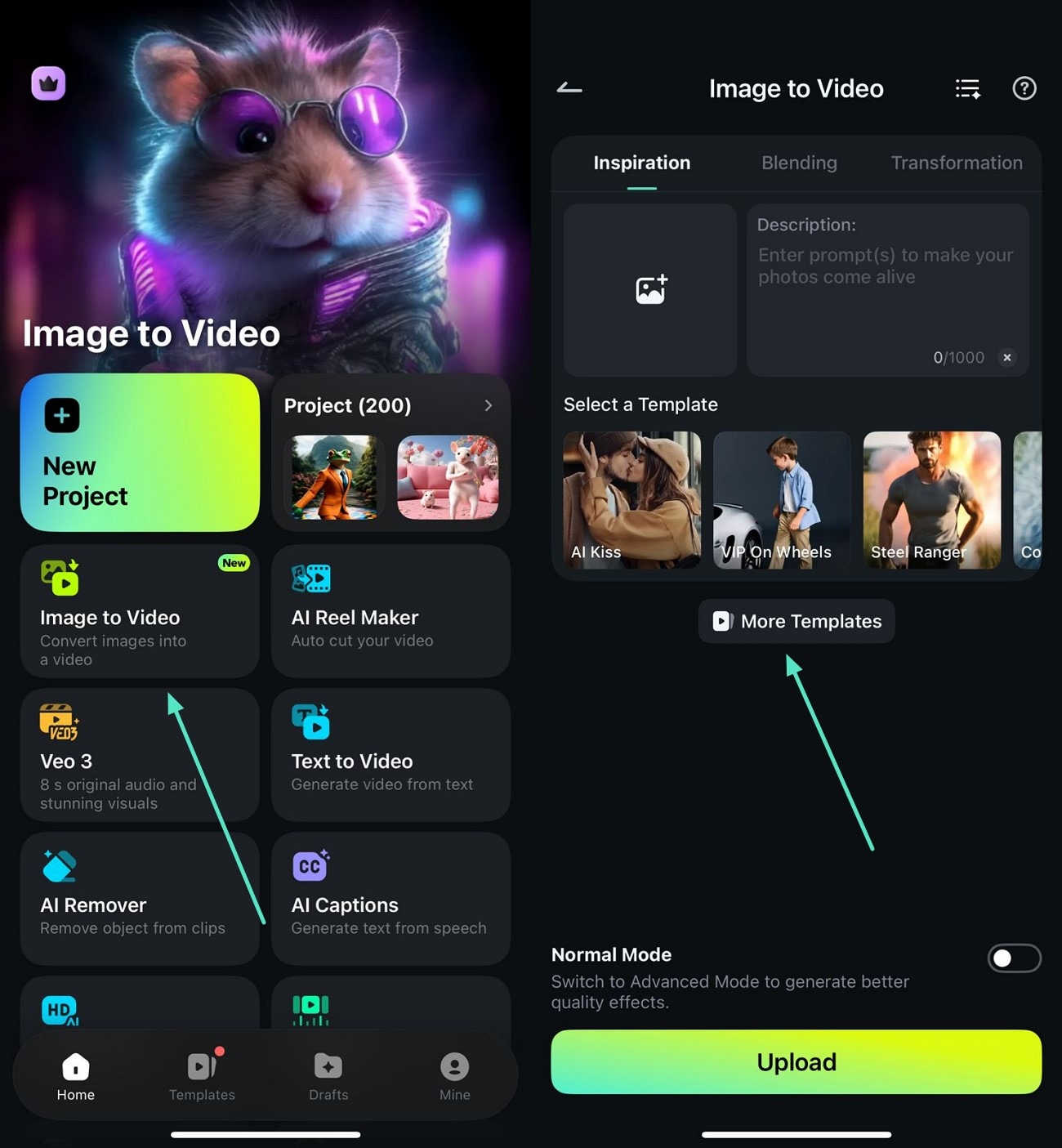
- Begin by launching the app and accessing the "Image to Video" feature.
- In the next interface, press the "More Templates" option to explore the animal dancing templates.
- Browse through the templates and select your favorite one by tapping on it.
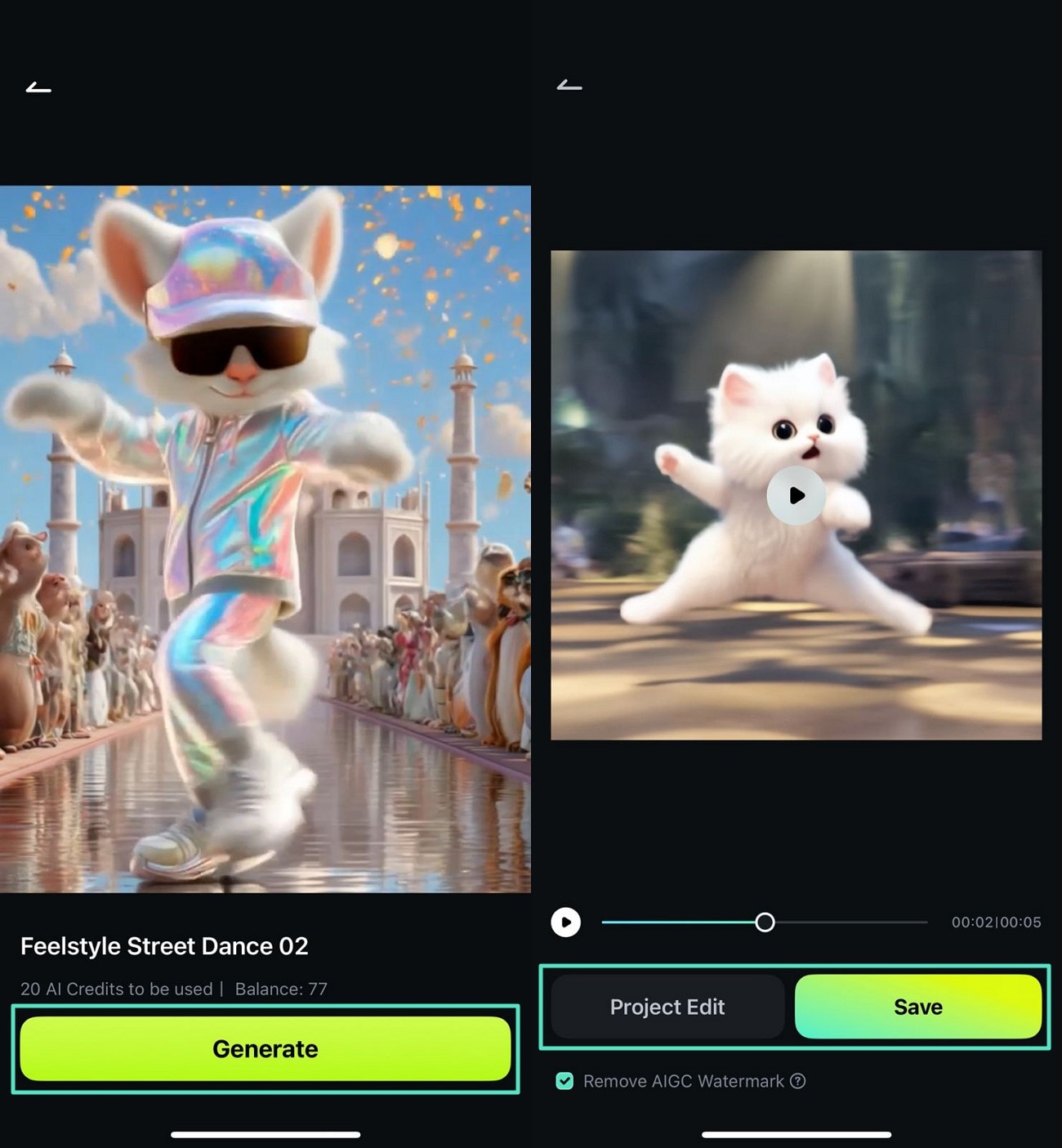
- Review the selected template and press the "Generate" button to proceed.
- Now import your pet's image to the tool's interface and wait for the process to complete.
- Once the video is generated, hit the "Save" button to export it to your device.
- Conversely, press "Project Edit" to consequently edit the video further.
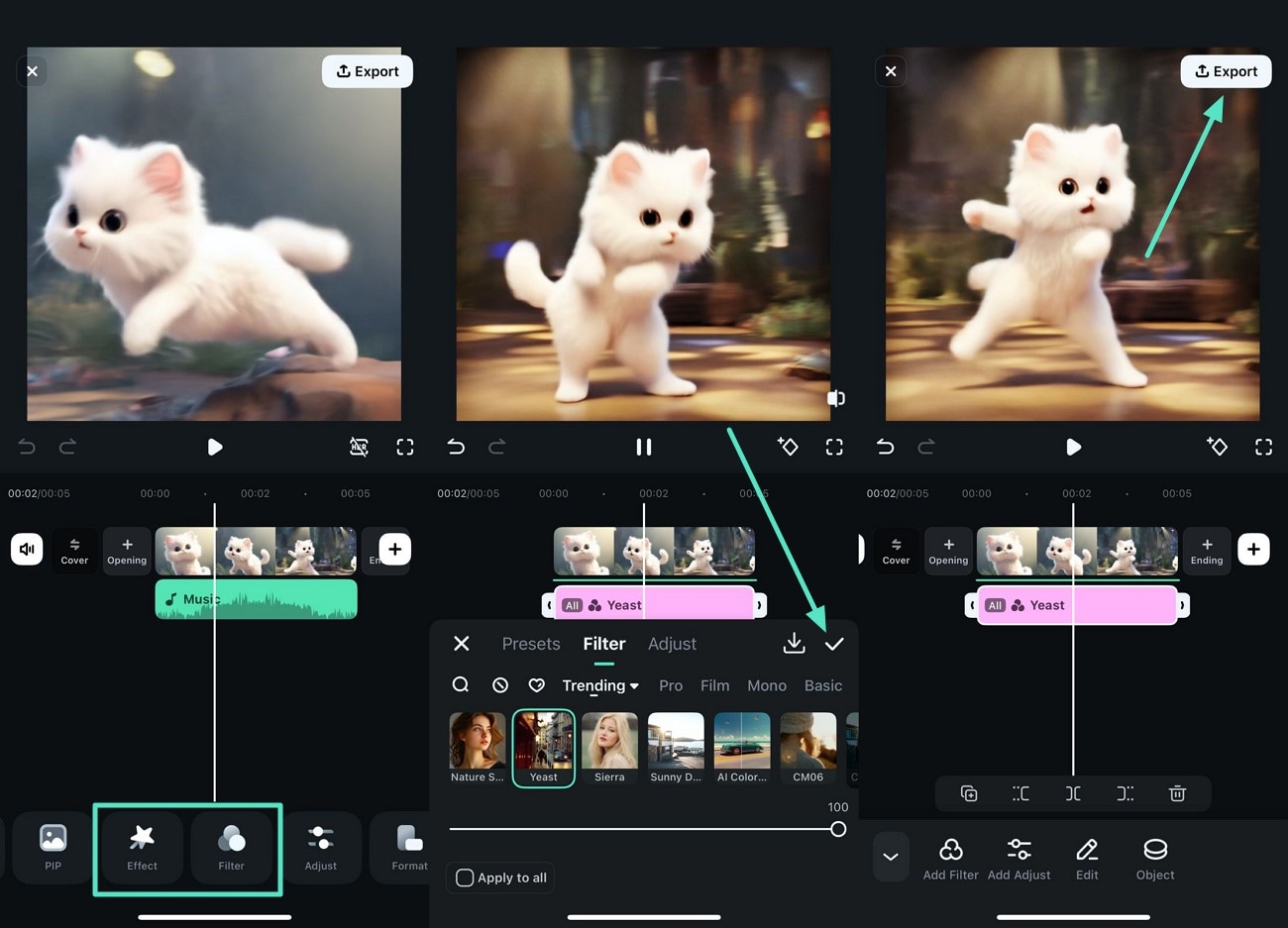
- Fine-tune the video in the main interface by accessing the toolbar at the bottom.
- Apply filters and effects by selecting from the library and tapping on the "Tick" icon.
- Once done, hit the "Export" button to successfully save the video to your phone.
Quick Tip: Popular AI Animal Dance Templates
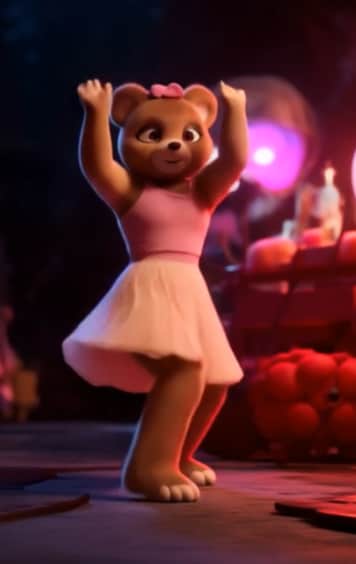
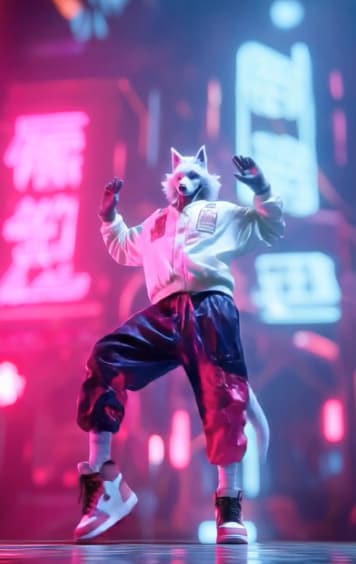
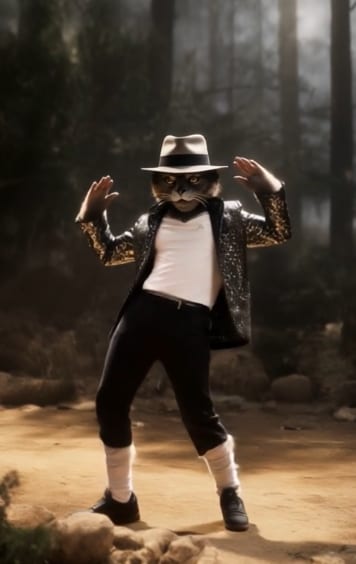
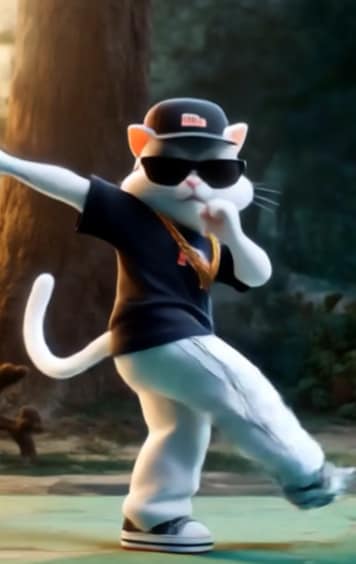
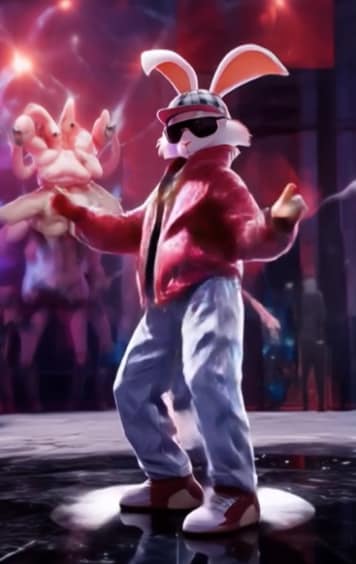
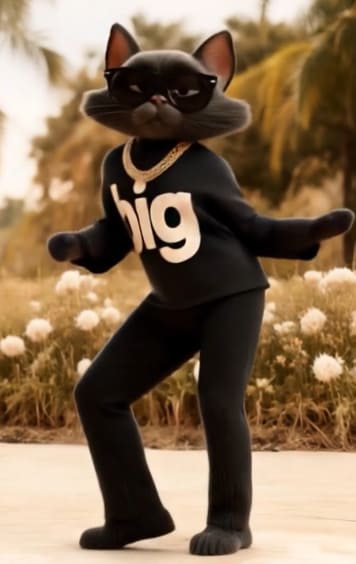
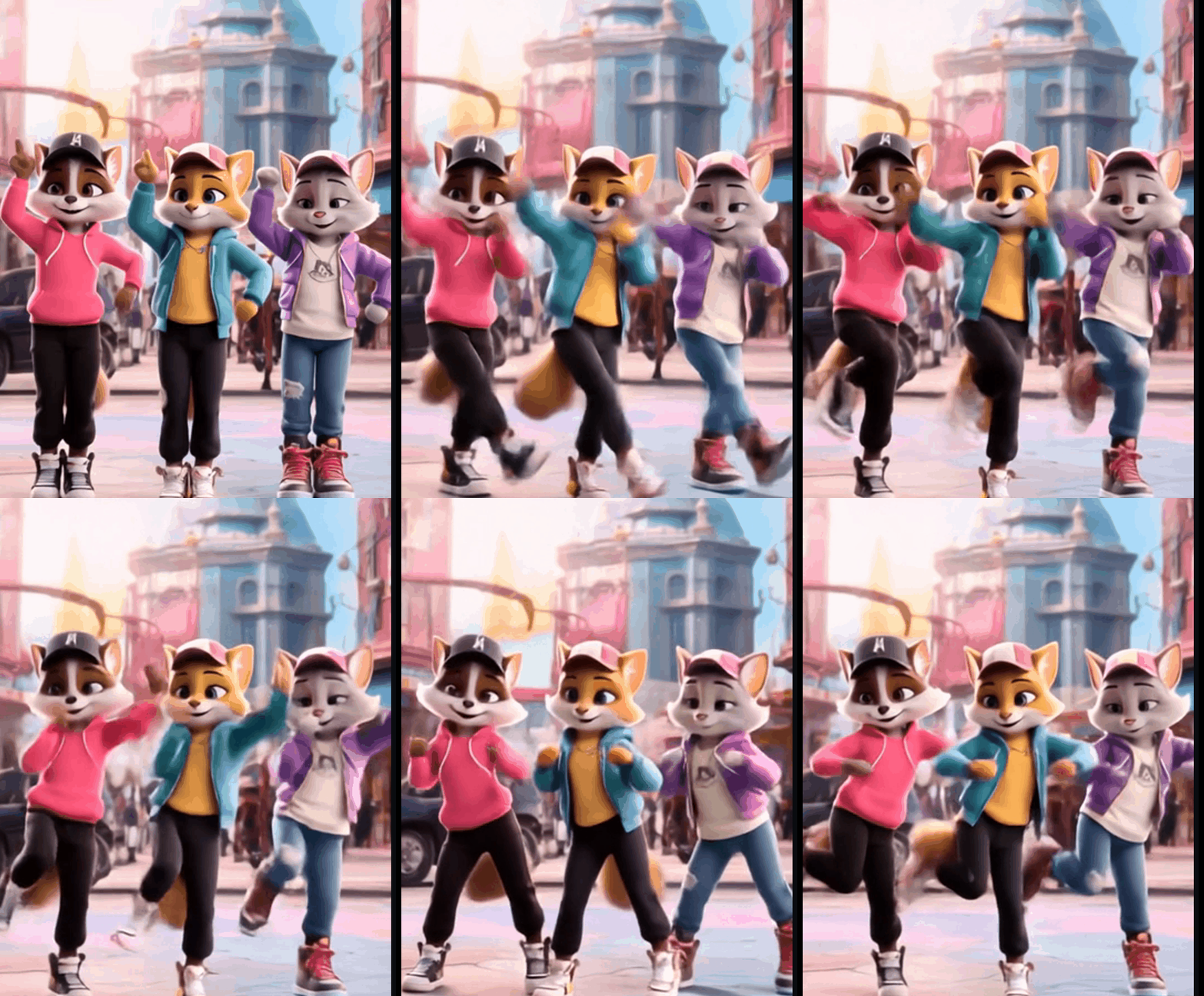
Now that you know how easy it is to create an eye-catching animal dance video, let's take a look at some popular AI dog dance Image-to-Video templates available in the app. The examples below showcase the final effects you can achieve—fun motions, smooth animations, and trendy rhythms—using just a single image.
If any of these styles catch your eye, you can recreate the same effect in seconds by selecting the template and uploading your own pet photo, making it perfect for quick, shareable content.
Apt Dance
With this template, make your pet dance to the signature APT-style steps along with the song playing in the background.
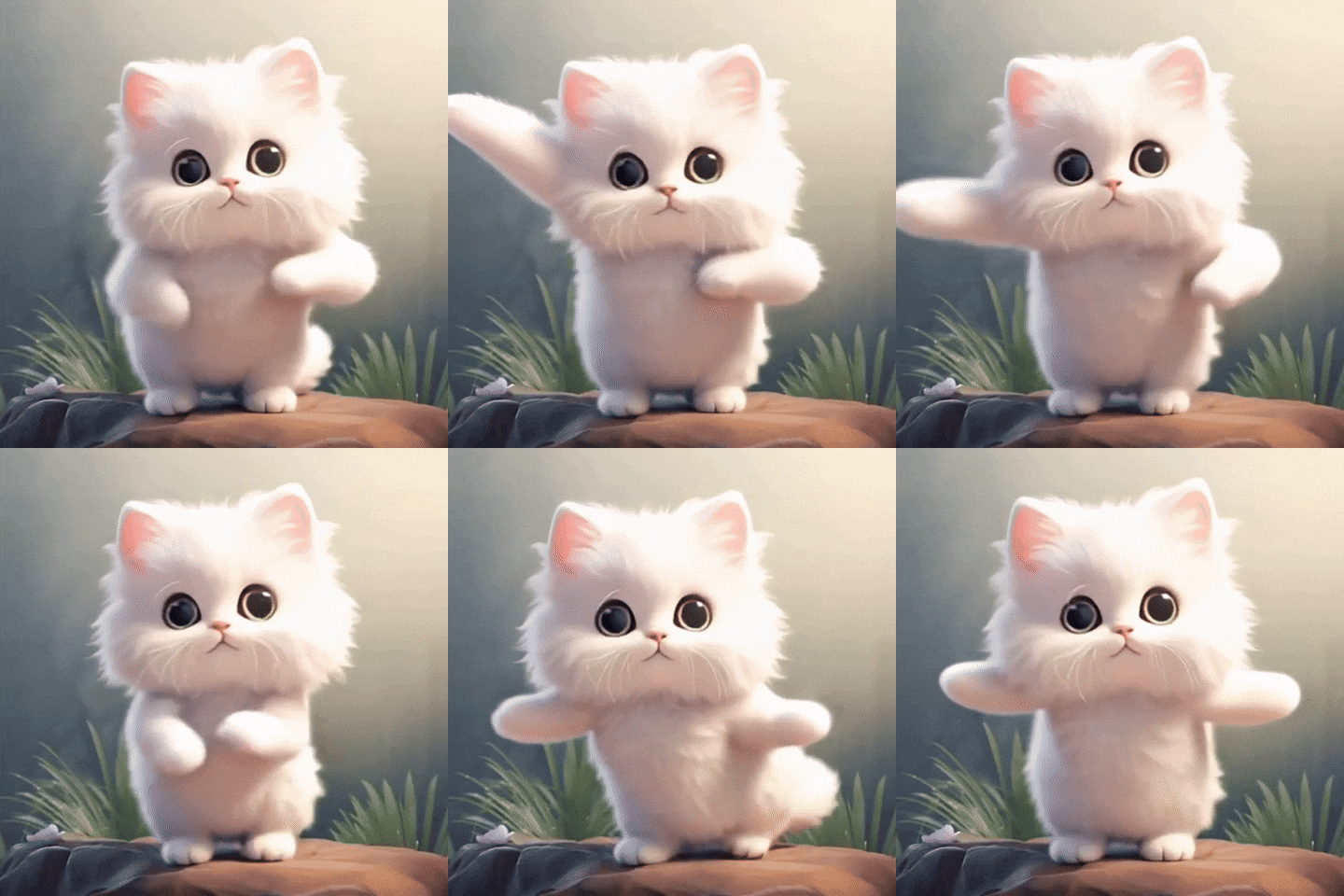
Subject 3 Groove
Let your pet groove to the beat with the cutest move, perfect to make your feline princess dance in style.
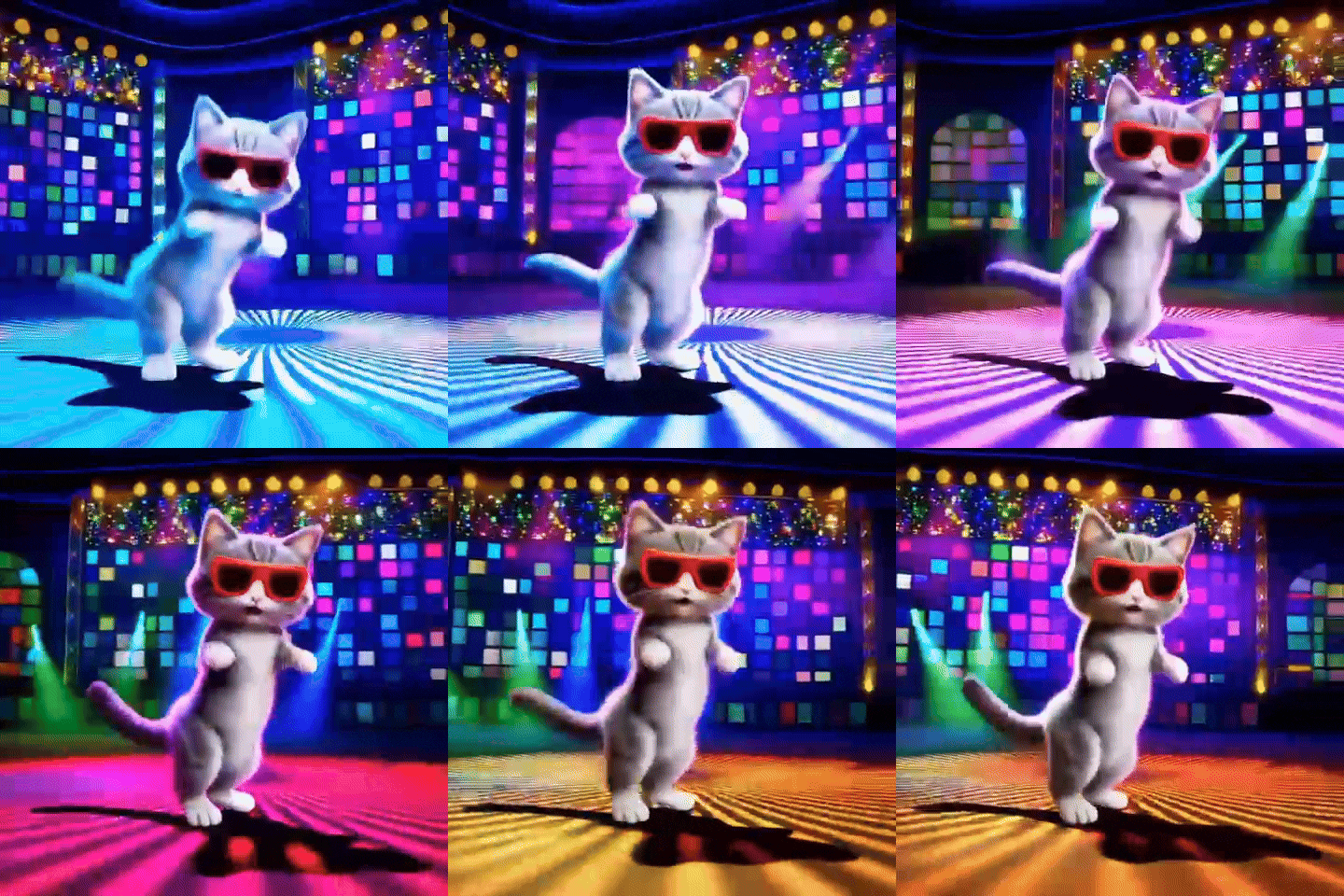
Disco
This template makes your pet shake a leg in the disco environment with proper disco lights and background.
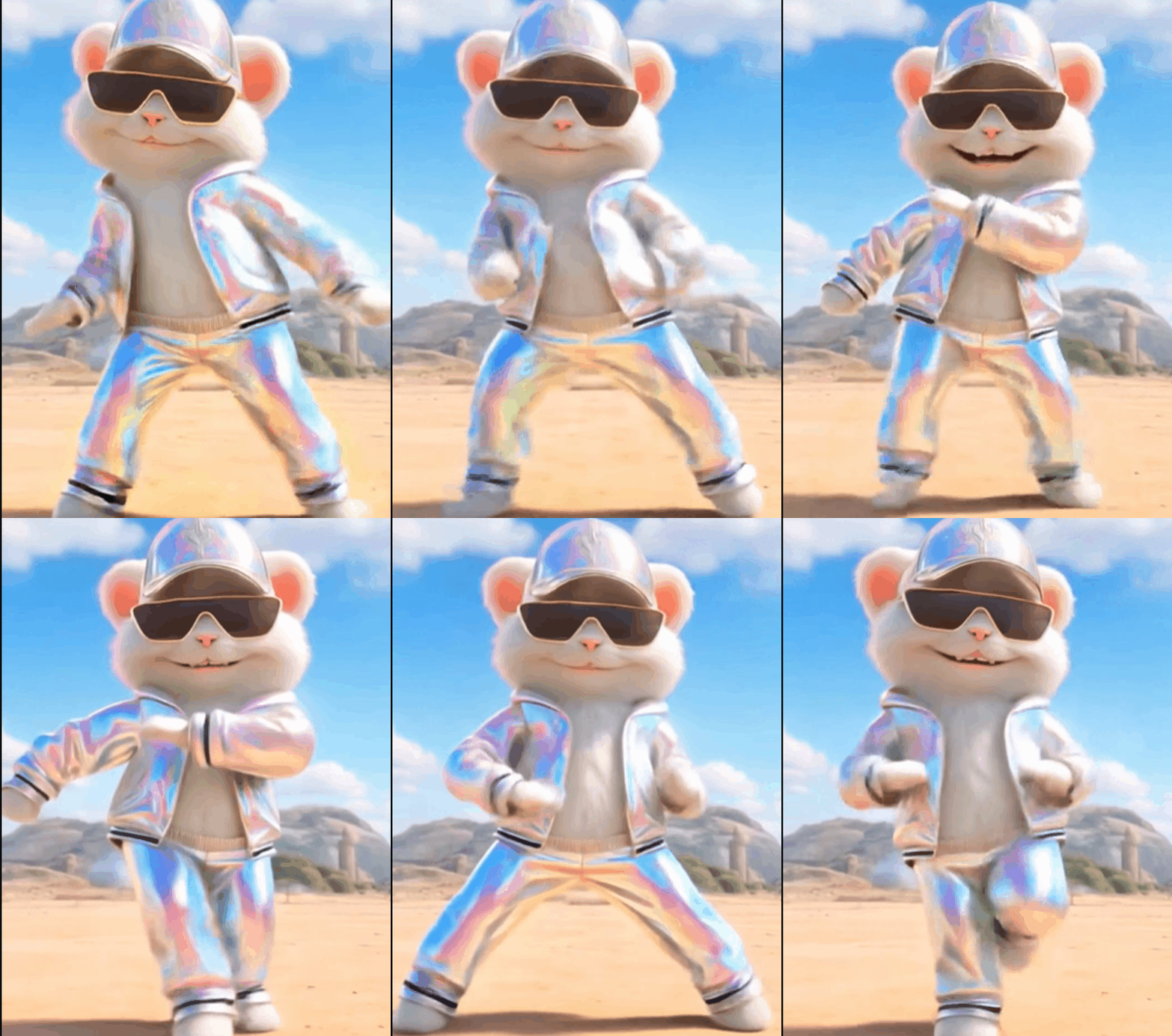
Dance with a rat
Upload the picture of your rat, and make it dance in a quirky and fun style with a proper retro getup.
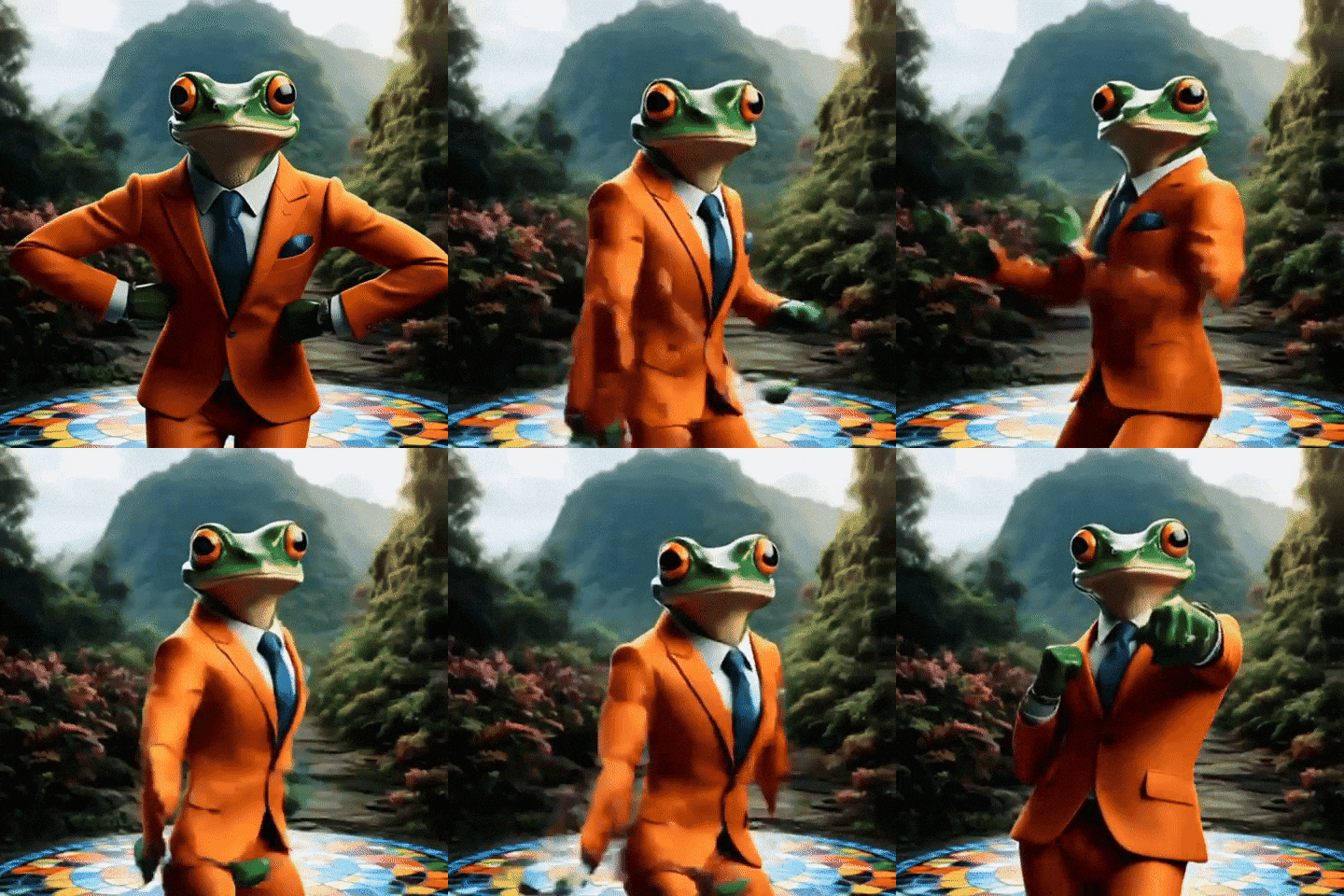
Join the Groove
Join the groove with the frog and shake your leg along with them to the viral, trendy dancing moves that the audience loves.

Part 2. Why is The AI Animal Dance Bringing a Trend of Changes in Video Creation?
Quick Win: If you're looking to quickly capture attention and increase shares on your social media, incorporating AI animal dance videos is a fun and effective way to do it.
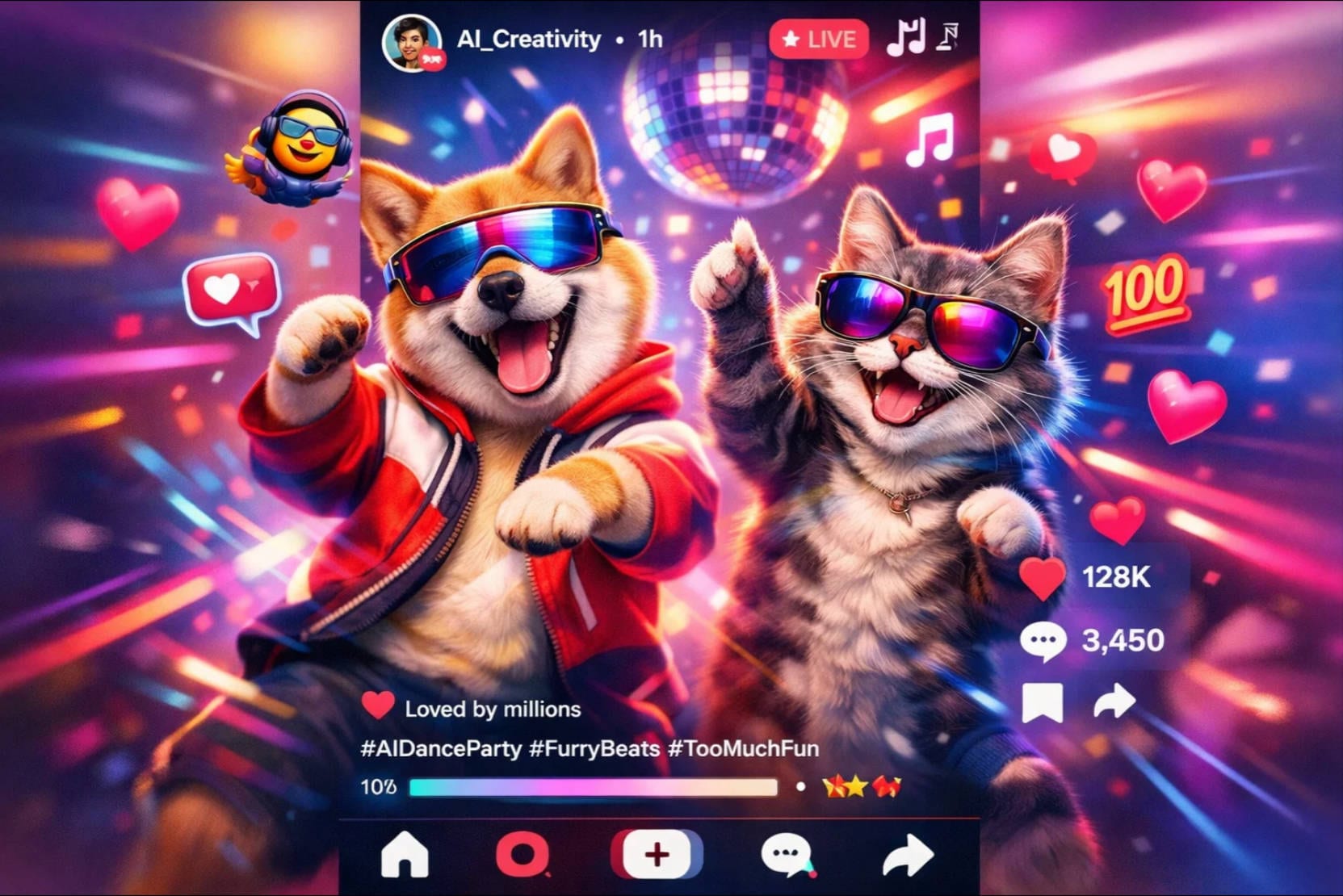
As discussed, these videos incorporate certain elements that instantly grab the user's attention. Mentioned below are some of the reasons why this AI animal dance trend is changing the video creation narrative:
- Cuteness and Humor: AI animal dance videos combine the irresistible charm of pets with playful, often hilarious dance moves. This mix creates content that easily captures attention and encourages viewers to share with friends.
- Social Media Influence: Social platforms like TikTok and Instagram favor unique, eye-catching videos that quickly engage users. AI-generated animal dances fit this demand perfectly, inspiring creators and brands to experiment with AI tools.
- Creative Self Expression: These videos allow creators to digitally customize animal movements and music, offering new ways to showcase personality and style. This level of control invites playful experimentation and helps users craft distinctive AI dancing dog content.
- Marketing Potential: Brands leverage AI animal dance content as a novel way to connect emotionally with audiences, using humor and cuteness to enhance brand appeal. Its shareability also boosts organic reach, making it a cost-effective marketing strategy.
Part 3. Turn Prompts into Dancing Pets: Advanced AI Video Creation
If you want to give your pet dancing video idea a visual representation, you can utilize the Idea-to-Video feature offered by the desktop version of Wondershare Filmora. This feature not only translates your text into videos but also provides proper customizable elements such as script, effects, and more.
Follow the steps mentioned below to learn how to use this advanced AI utility to take pet dances to a next level
- Start the process by launching Filmora and choosing the "AI Idea to Video" feature.
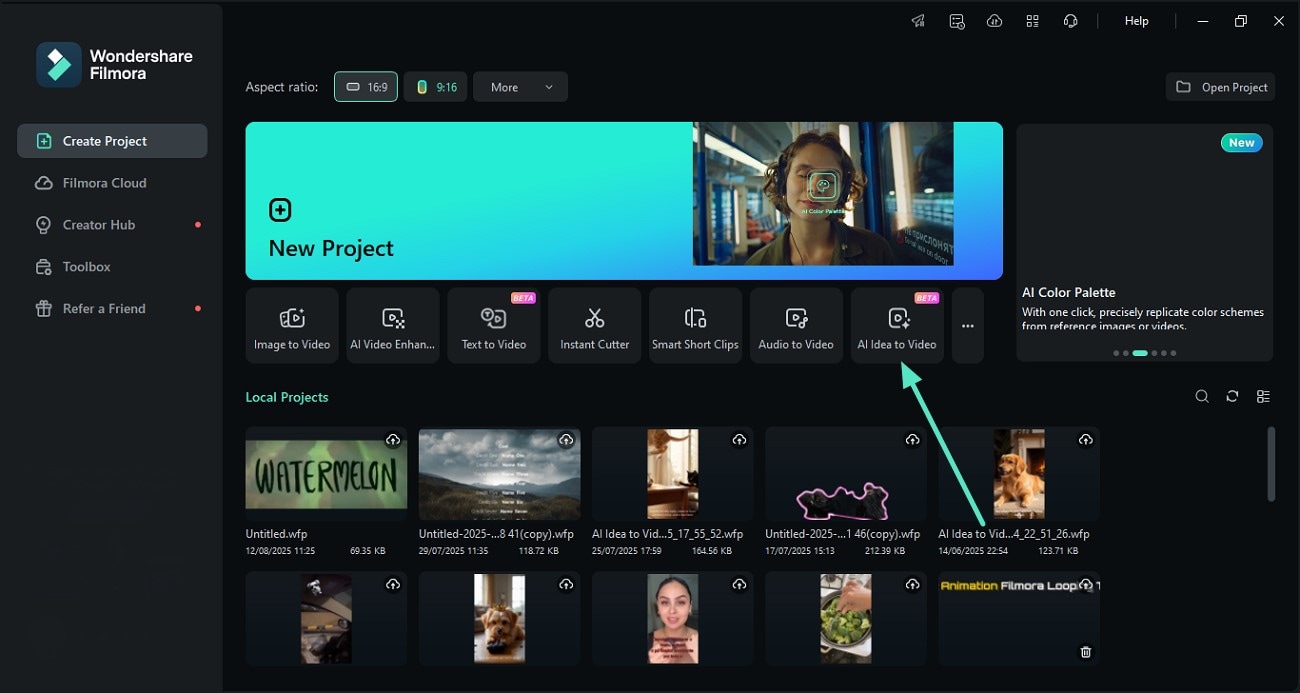
- In the following interface, input your text prompt into the designated field.
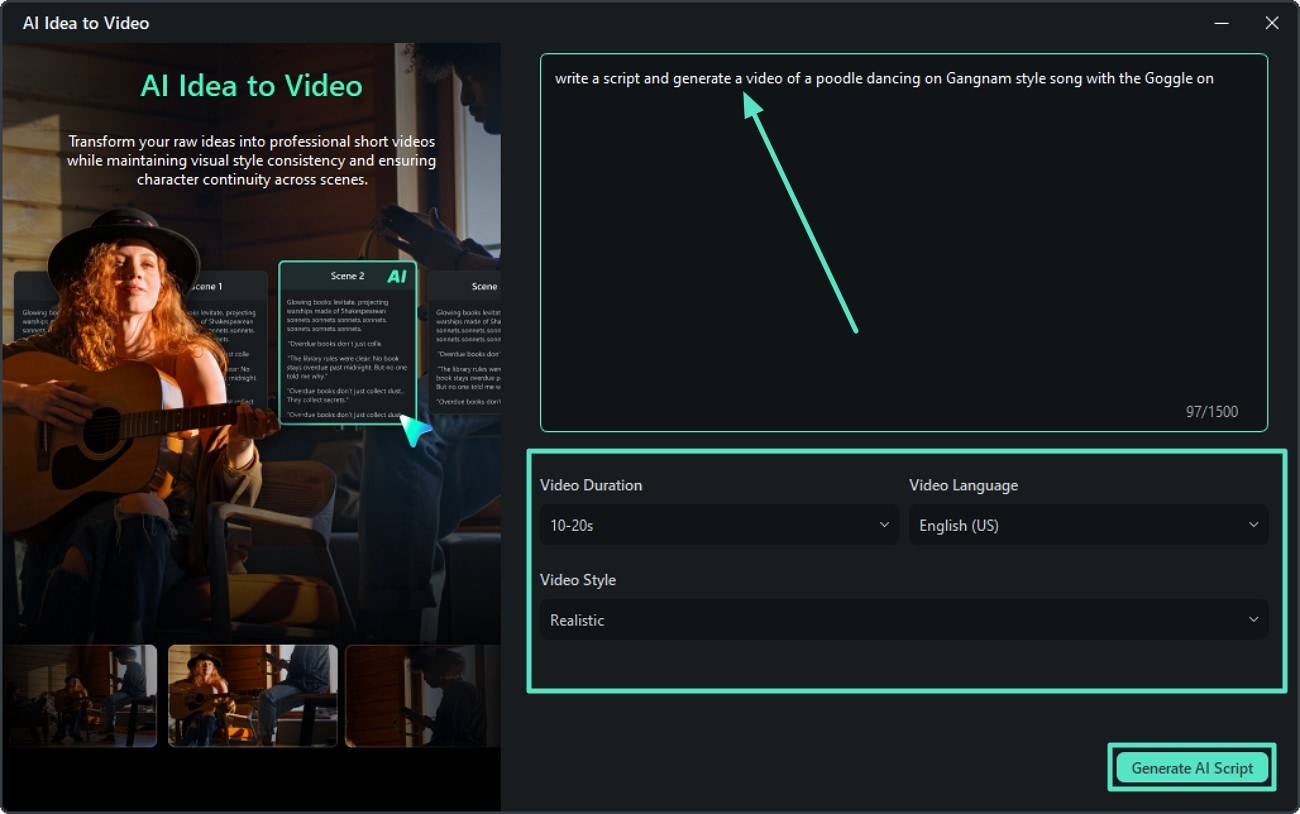
- Select the video duration from the options by expanding the drop-down menu.
- Next, choose the language and video style using the respective drop-down menus.
- Finally, press the "Generate AI Script" button located at the bottom.
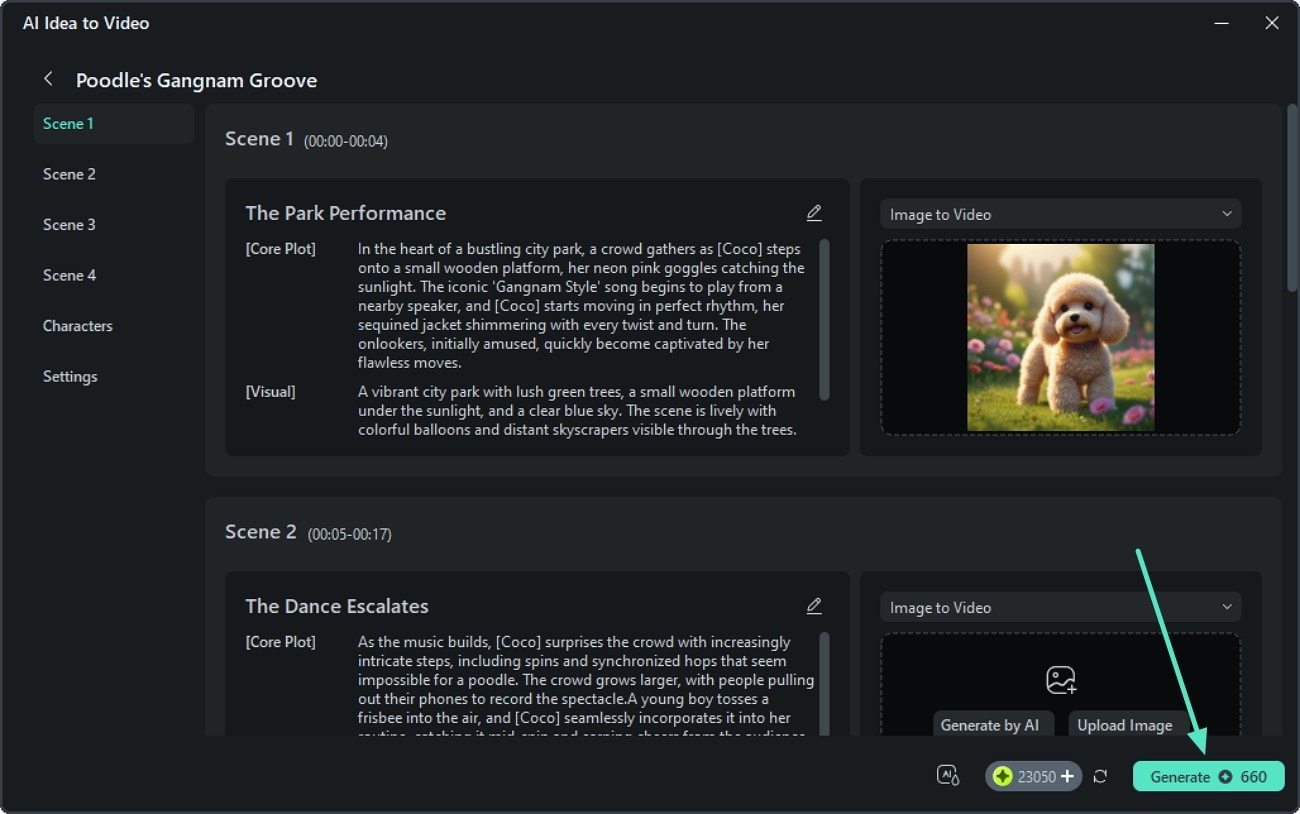
- Once the script is generated for each scene in the following interface, review it.
- Add reference images to the script in the designated section.
- Make changes if required by editing the text and then hit the "Generate" button.
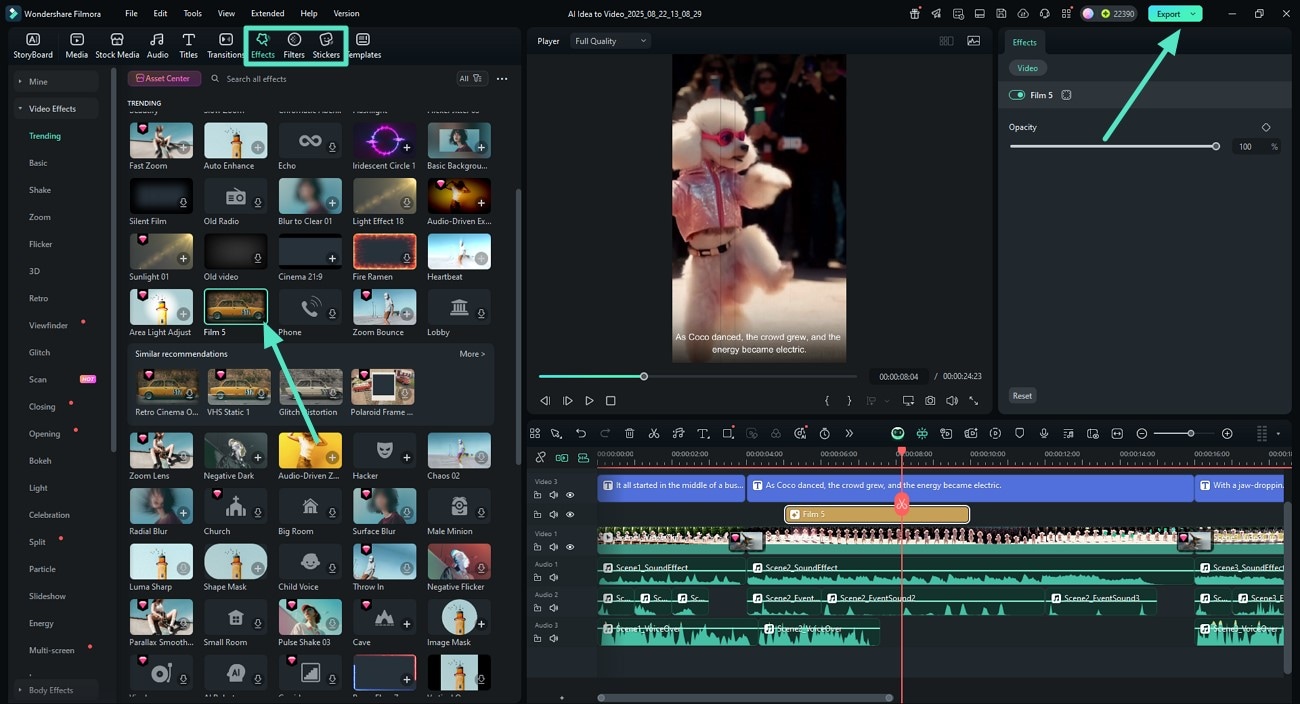
- After the successful generation of the video, head to the toolbar and access the "Effects" section.
- Apply the effect to the video by pressing the "+" icon.
- Repeat the procedure to apply "Filters" and "Stickers" to your AI dance video.
- Once the editing is done, hit the "Export" button to save the dancing video.
You Might Also Like 🐱🐶✨
- Quick Way to Create AI Cat Videos
- How To Make a Sad AI Cat Story
- How to Turn My Cat Into a Human Using AI
Conclusion
To sum up, this article explored the growing popularity of AI cat dance videos and how they enable creators to turn ordinary pet photos into fun, animated content. With AI-powered image-to-video technology and a wide range of trending templates, creating cute and engaging dancing cat videos has become fast and accessible for creators of all skill levels. As a result, it's easier than ever to keep up with visual trends and produce scroll-stopping content for social platforms.
Secure Download