
Featured How to Video Templates
Discover our most popular How to Video Templates for any platform
Loading more How to Video Templates...
 Category:
 Duration:
 Aspect Ratio:
Why Choose Filmora for How to Video Templates?
Professional how-to guides made easy for any platform
Professional Quality
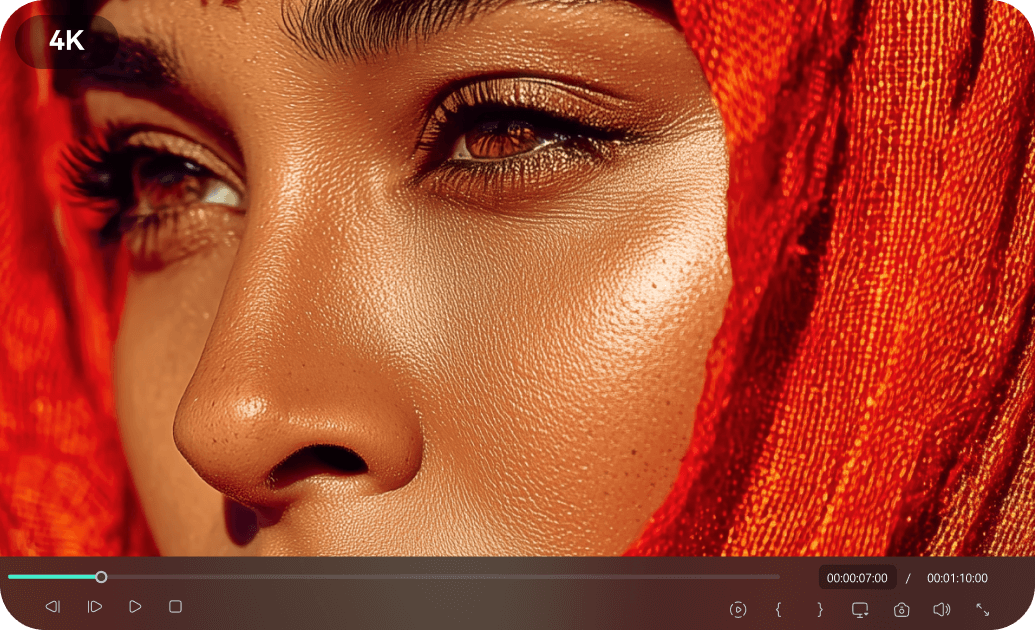
Professional Quality
Studio-grade How to Video Templates crafted by experts, ensuring your tutorials look polished and professional. Each template undergoes rigorous quality control to deliver clear, engaging content.
- 4K resolution support with crystal-clear output quality
- Color-graded for optimal visual clarity in tutorials
- Compatible with industry-standard editing practices
Easy Customization
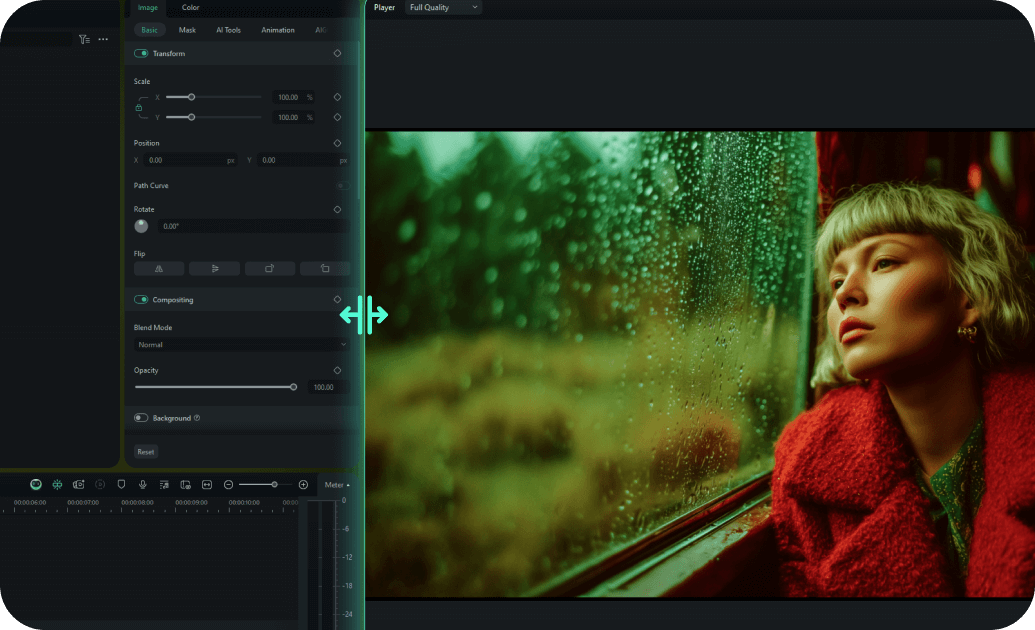
Easy Customization
Drag-and-drop interface allows you to customize any How to Video Template in minutes. Our intuitive design system makes creating professional tutorials accessible to creators of all skill levels.
- One-click text and media replacement system
- Smart color matching that adapts to your brand
- Pre-built animation presets for quick customization
- Real-time preview with instant feedback
Multiple Formats

Multiple Formats
Every How to Video Template is available in 16:9, 9:16, and 1:1 aspect ratios for all platforms. Create content that looks perfect whether it's for YouTube, Instagram, TikTok, or other social media.
- Automatic aspect ratio conversion with smart cropping
- Platform-optimized export settings for social media
- Responsive design elements that adapt to any format
- Cross-platform compatibility guaranteed
Instant Download

Instant Download
Download and start using your How to Video Templates immediately with lifetime access and updates. No waiting, no subscriptions - just instant access to premium tutorial templates whenever you need them.
- Immediate download after purchase confirmation
- Lifetime access with free template updates
- Cloud storage backup for easy re-downloading
- No recurring fees or subscription requirements
Frequently Asked Questions about How to Video Templates
How to Create How to Video Templates in Filmora
Make professional how-to videos in just a few simple steps, no advanced technical skills required.
Step 1 Browse & Select
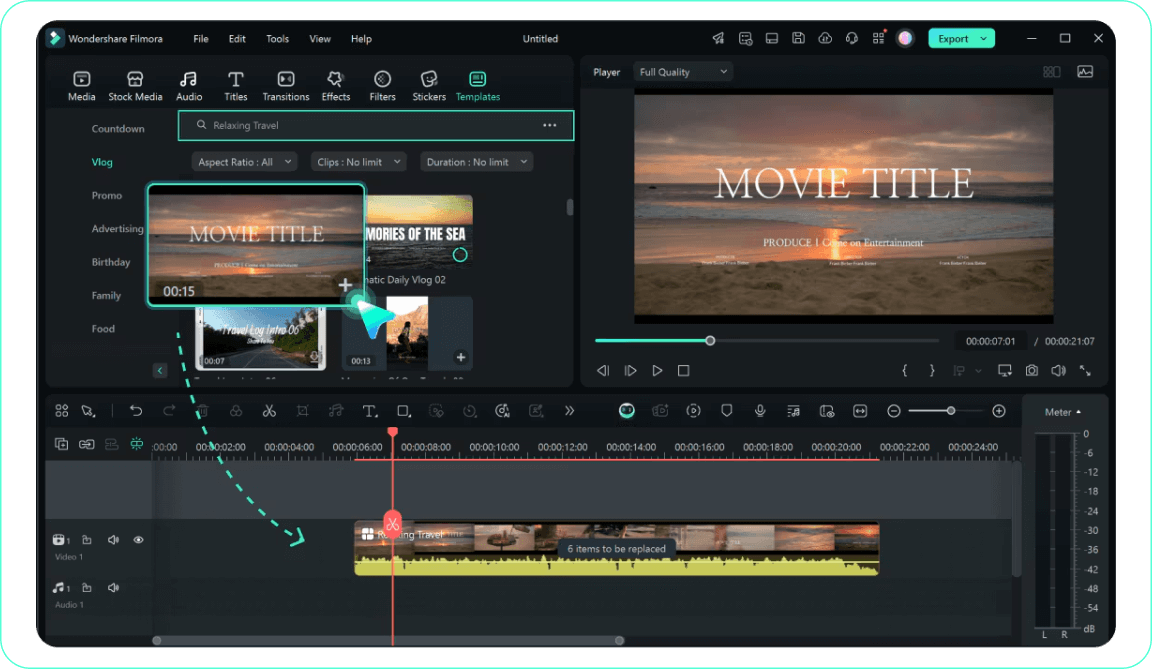
Step 2 Download Template
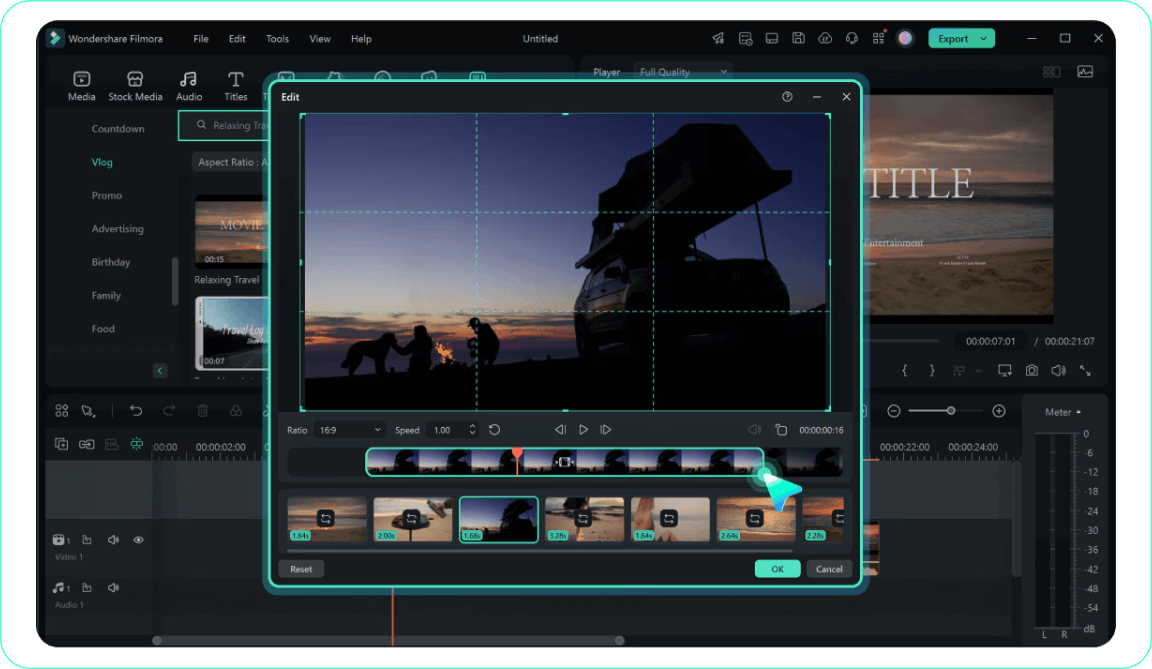
Step 3 Import to Filmora
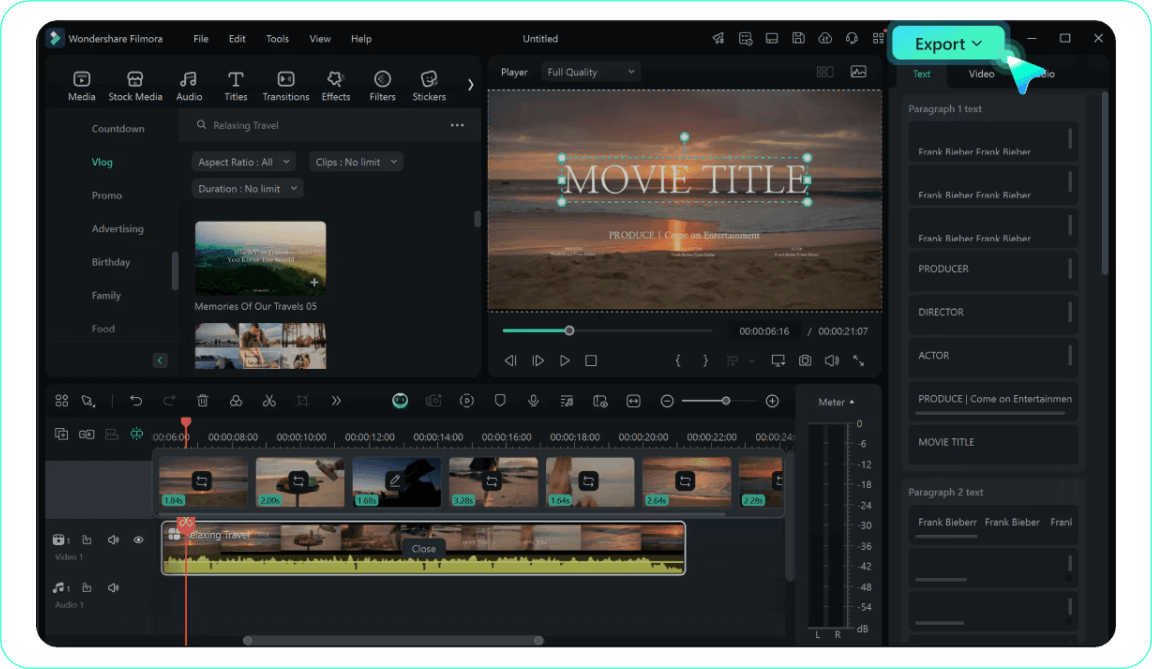
-
1:Browse & Select
Browse our How to Video Template collection and click on any template to preview it. Use filters to find templates by category, aspect ratio, or style. -
2:Download Template
Click the download button to get the How to Video Template file. It will be saved to your downloads folder and ready to import into Filmora. -
3:Import to Filmora
Open Filmora and import the How to Video Template file. Drag it to your timeline and start customizing the text, colors, and media to match your how-to video vision.
Explore More Video Templates
Discover other template categories for every occasion




