
Polar Bear Video Templates & Prompts
Browse polar bear video resources for arctic journeys, fantasy rides, wildlife shorts, and dramatic social edits, then assemble the final story with Filmora templates.
Loading more polar bear video resources...
 Category:
 Duration:
 Aspect Ratio:
Create Cinematic Polar Bear Clips
Filmora helps creators move from a static polar bear image to a polished short video, whether the scene is documentary-inspired, playful, surreal, or built for a dramatic social hook.
Build Atmosphere Before Action
Build Atmosphere Before Action
Start with a polar bear image that has a clear subject and strong environment, then use AI Image to Video to add walking motion, drifting snow, a slow camera push, or a fantasy-style reveal. The scene should feel cold, spacious, and easy to read.
- Use prompts that describe weather, camera movement, and the bear's direction.
- Keep the bear recognizable while letting the background carry the arctic mood.
- Open with a bold silhouette or face detail for a stronger first impression.
Cut the Moment for Short Platforms
Cut the Moment for Short Platforms
A polar bear video becomes stronger when the edit has a clear rhythm. Combine the generated clip with Filmora templates, icy title styles, ambient sound, and quick trims so it works for Shorts, Reels, TikTok, or a wildlife-inspired intro.
- Use the strongest movement as the opening shot, then build around it.
- Create vertical, square, and widescreen exports from the same Filmora project.
- Add a short caption that hints at adventure, climate, fantasy, or character.
Finish With Visual Texture

Finish With Visual Texture
Use creative assets, captions, transitions, and music to make the clip feel intentionally edited. For a playful variation, pair the scene with AI animal dance ideas and turn a serious polar bear shot into a surprising social moment.
- Layer subtle text, sound, and transitions without hiding the bear's motion.
- Keep the color grade crisp so snow, fur, and shadows remain readable.
- Reuse the same resource for wildlife reels, fantasy scenes, travel edits, and campaign posts.
Polar Bear Video FAQs
Make Polar Bear Videos
Create an AI video from a still image in three quick steps, then keep editing with captions, music, templates, and effects inside Filmora.
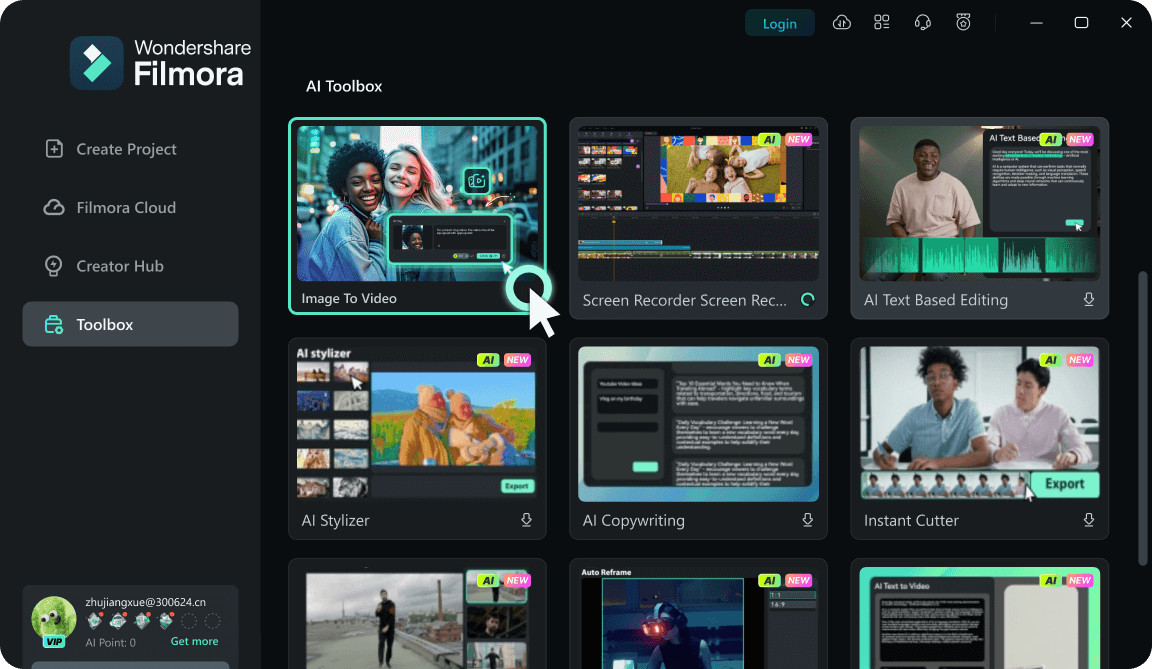
Step 1Upload Your Image
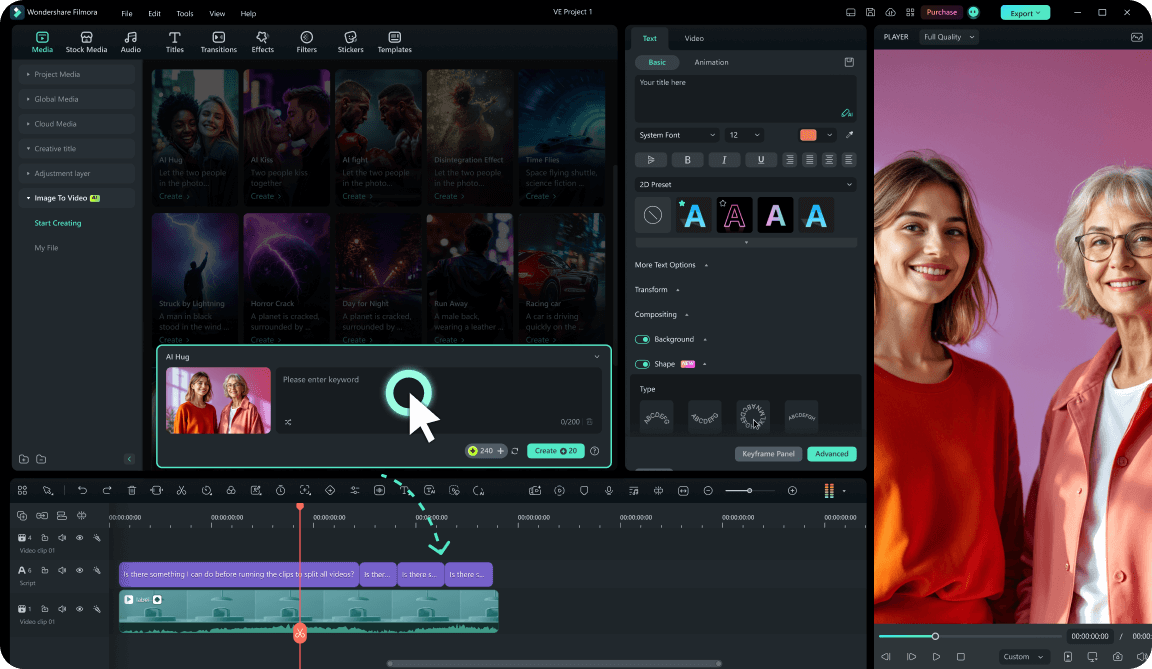
Step 2Generate AI Motion
Step 3Edit and Export
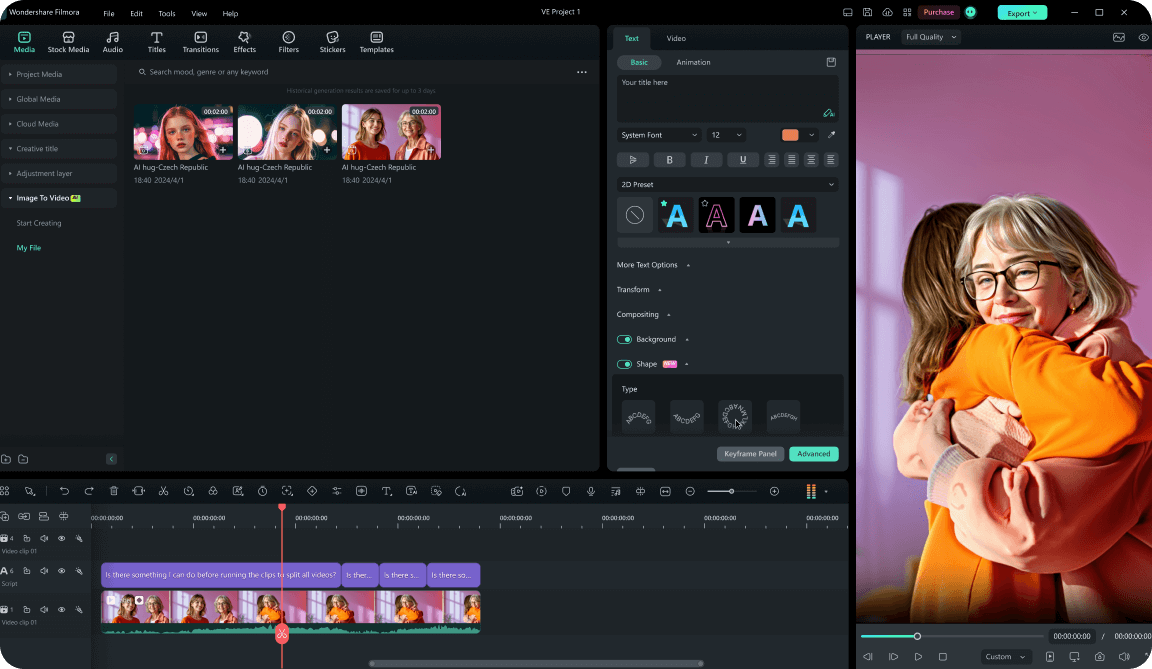
1: Upload Your Image
Open Filmora's AI video workflow and upload a clear polar bear photo or concept image with a strong subject.2: Generate AI Motion
Enter a short prompt for the action, mood, or camera movement, then generate a video clip that stays easy to edit.3: Edit and Export
Trim the result, add captions, music, stickers, or templates, then export the finished video for social channels.




