
Making a YouTube video, tutorial, or short film with AI sounds convenient, until you realize many generators only create a few seconds of footage at a time. Building a full-length video from short clips can mean juggling separate scenes, voiceovers, and edits to keep everything flowing. An AI long video generator can save effort, but each tool handles video creation differently.
This list compares seven options, including free AI long video generators and tools that turn text or scripts into videos.
Part 1. What Is an AI Long Video Generator?
An AI long-form video generator can build video content from different starting points, including a written prompt, a full script, still images, or footage you already have. These tools are useful for projects that need more than a quick clip, such as YouTube episodes, tutorials, product demos, documentaries, and animated narratives. What counts as “long-form” varies by platform, so there’s actually no single runtime that applies to every project.
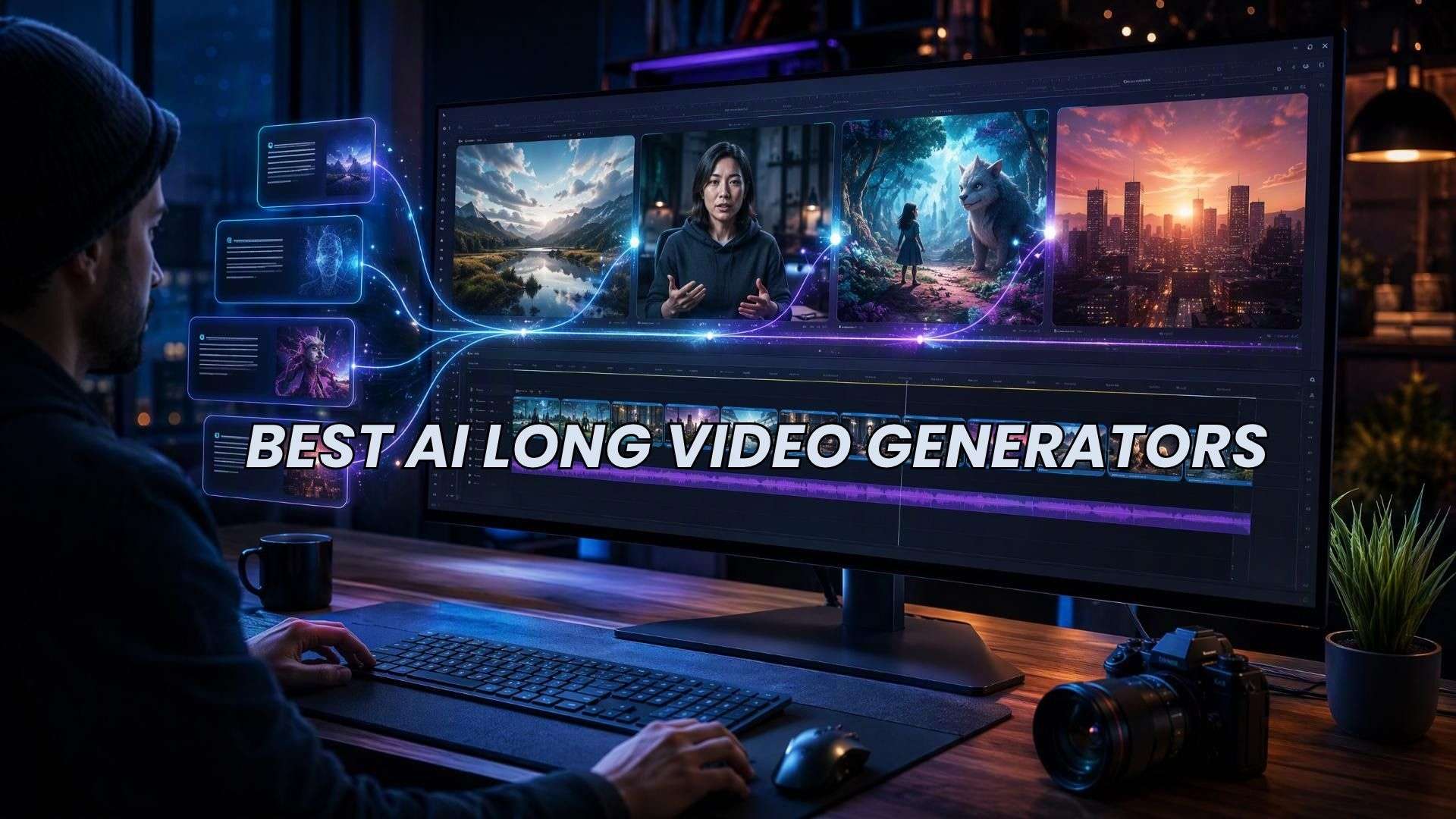
The tools also differ in how they work. Some assemble scenes and voiceovers from a script, while others produce short clips that you can extend or arrange in an editor. This means a tool advertised for long videos may still require you to piece together several generations. Look at the duration each tool supports, and whether its editing features match the amount of hands-on work you’re prepared to do.
Part 2. 7 Best AI Long Video Generators Compared
Choosing the best AI long video generator depends on how you plan to create your video.. Some tools turn scripts into narrated videos using stock footage, and others focus on animated stories or AI-generated scenes. The options below differ in their creative controls, costs, and the amount of editing each project may require.
| Tool | Best for | Highlights |
| Wondershare Filmora | AI creation with hands-on editing | Script-to-video, idea-to-video, AI Video Extender, multitrack timeline |
| LongStories.ai | Animated stories and recurring characters | Multi-scene storytelling with character consistency |
| InVideo AI | Faceless YouTube videos and explainers | Automated script, visuals, and narration workflows |
| Renderforest | Branded videos and presentations | Templates, stock media, and AI video generation |
| Pictory | Turning scripts and articles into videos | Script-to-video and URL-to-video workflows |
| Fliki | Narrated videos with AI voices | AI voices, multilingual narration, and text-to-video |
| OpenArt | Creative, multi-scene AI videos | Multiple AI models and Director for videos up to five minutes |
|
Show More
Show Less
|
||
1. Wondershare Filmora: Best for AI Video Generation and Hands-On Editing
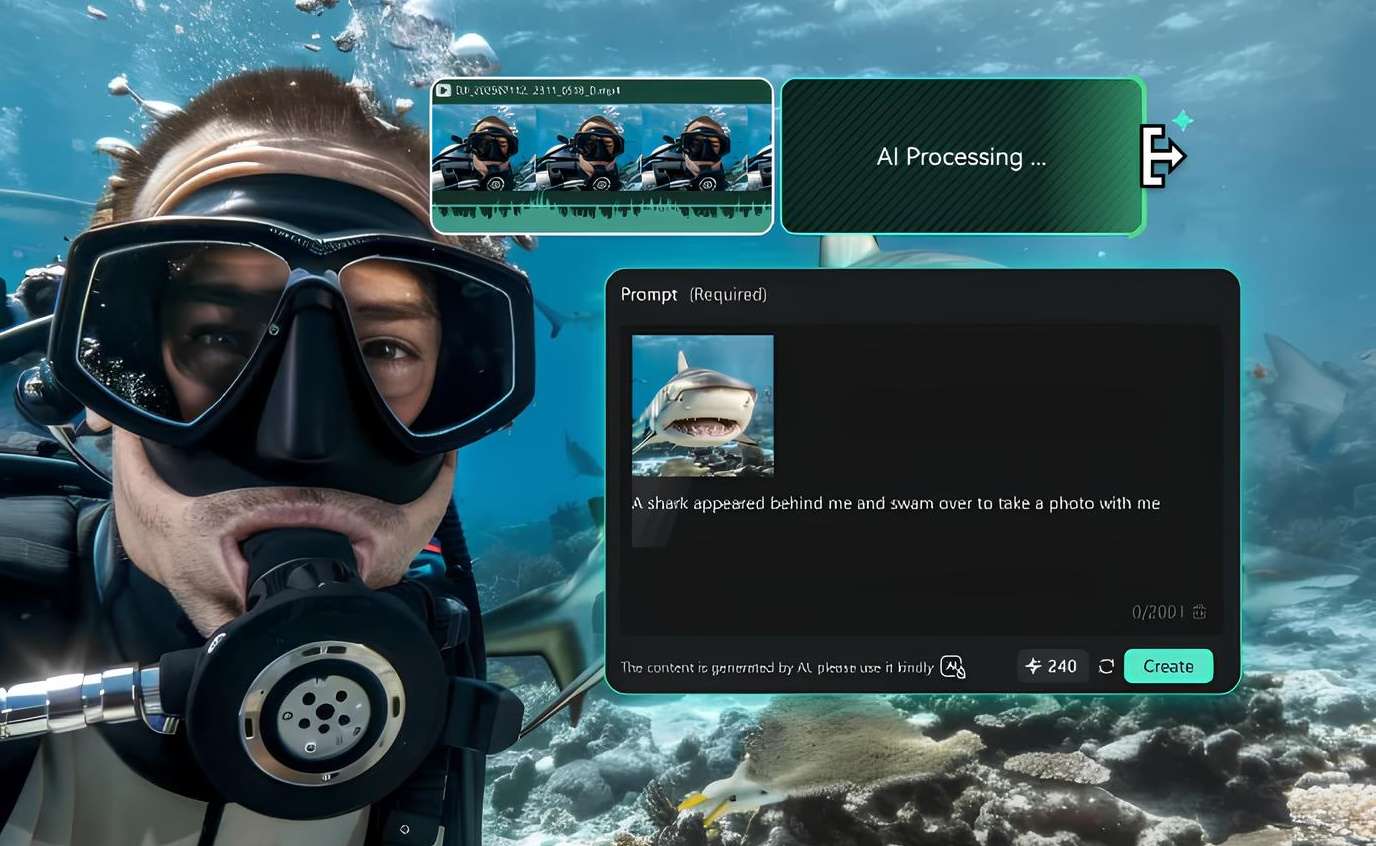
Filmora combines AI video generation with a multitrack editing timeline, making it an AI long video generator option for creators who want to shape the final cut themselves. Its script- and idea-to-video tools can create a starting draft, and you can then arrange scenes, add narration, and refine the video in the editor.
- AI Script-to-Video and AI Idea-to-Video
- AI Video Extender for extending existing footage
- Multitrack timeline for clips, music, voiceovers, titles, and transitions
- Captions and other AI editing tools
- Combines generation and hands-on editing.
- Gives you control over pacing, audio, and scene order.
- Supports detailed editing after the initial generation.
- AI tools use credits, and allowances depend on the plan.
- Longer videos may need to be built from several scenes and edited together manually.
YouTube creators and editors who want to generate video drafts and control the final cut.
Filmora offers flexible pricing plans to suit different budgets and editing needs. You can try it for free, and then choose between subscription plans and a perpetual license. Check the pricing page for the latest plans and prices.
Filmora suits creators who want to create a first draft and then refine it into a polished YouTube video with their own pacing, audio, and transitions.
 Secure Download
2. LongStories.ai: Best for Creating Story-Driven Videos
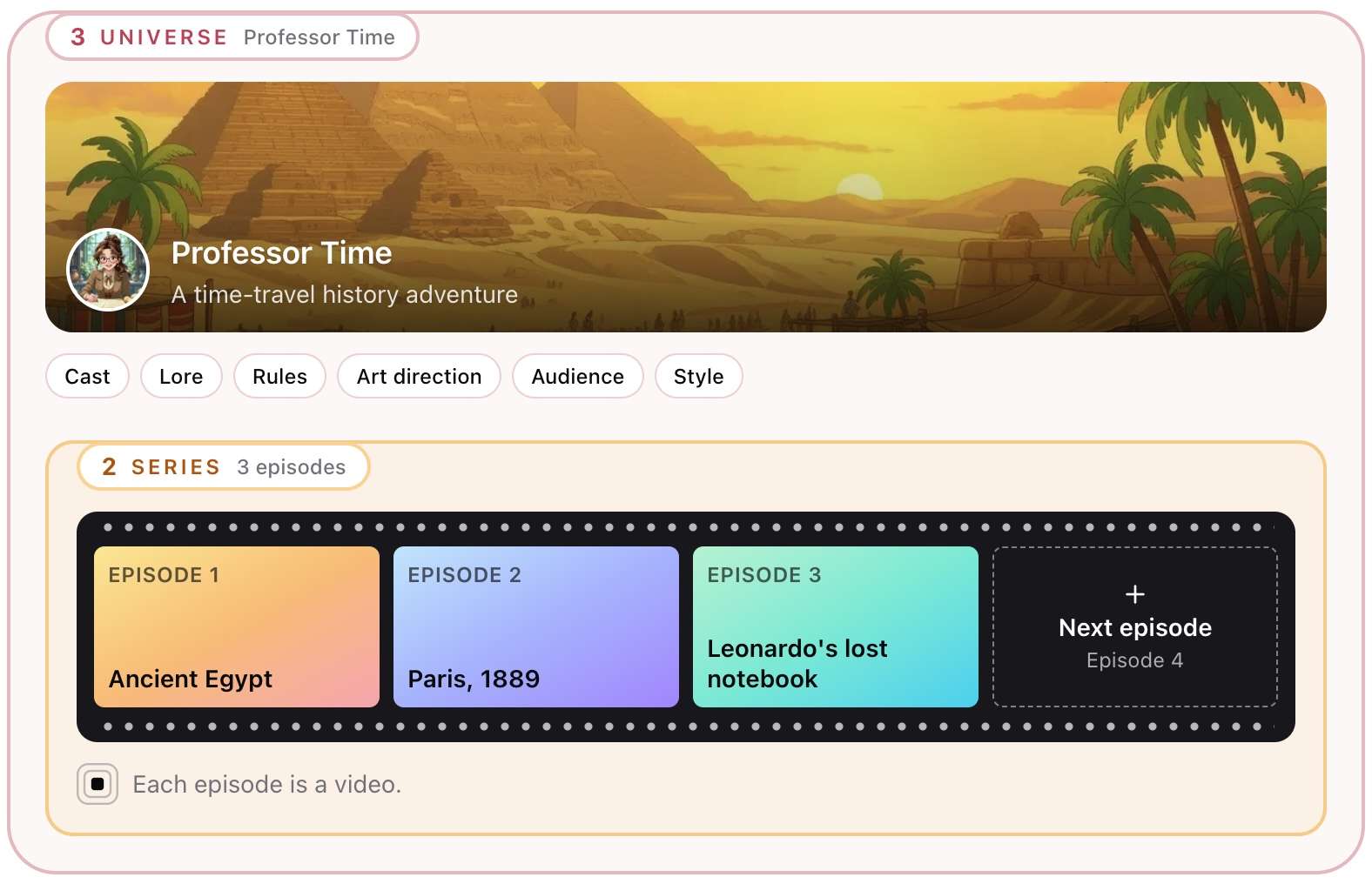
LongStories.ai is a long-form AI video generator designed for animated narratives, music videos, and episodic stories. Supports multi-scene storytelling and recurring characters, which suits connected narratives better than tools designed mainly for short clips.
- Idea-to-video and script-based story creation
- Multi-scene animation
- Character and visual-style consistency tools
- Narrator and character voices on paid plans
- Scene editing and regeneration
- Generates story-driven videos with multiple scenes.
- Maintains character and visual consistency across videos.
- Supports videos up to 15 minutes long on selected plans.
- Generates story-driven videos with multiple scenes.
- Maintains character and visual consistency across videos.
- Supports videos up to 15 minutes long on selected plans.
Creators making animated YouTube stories, recurring characters, and episodic narrative videos.
| Plan | Price | Details |
| Pro | $59/month | 4,500 credits/month; videos up to 10 minutes, remove watermark |
| Creator | $99/month | 8,500 credits/month; videos up to 10 minutes, API access |
| Creator Max | $199/month | 17,000 credits/month; videos up to 15 minutes, custom video model selection |
| Studio | $299/month | 26,000 credits/month (about 36 min of Pro video at 480p) |
| Studio Max | $499/month | 45,000 credits/month (about 63 min of Pro video at 480p) |
Choose LongStories.ai for animated narratives that need recognizable characters and connected scenes, especially if you're planning a recurring series.
3. InVideo AI: Best for Faceless YouTube Videos and Explainers
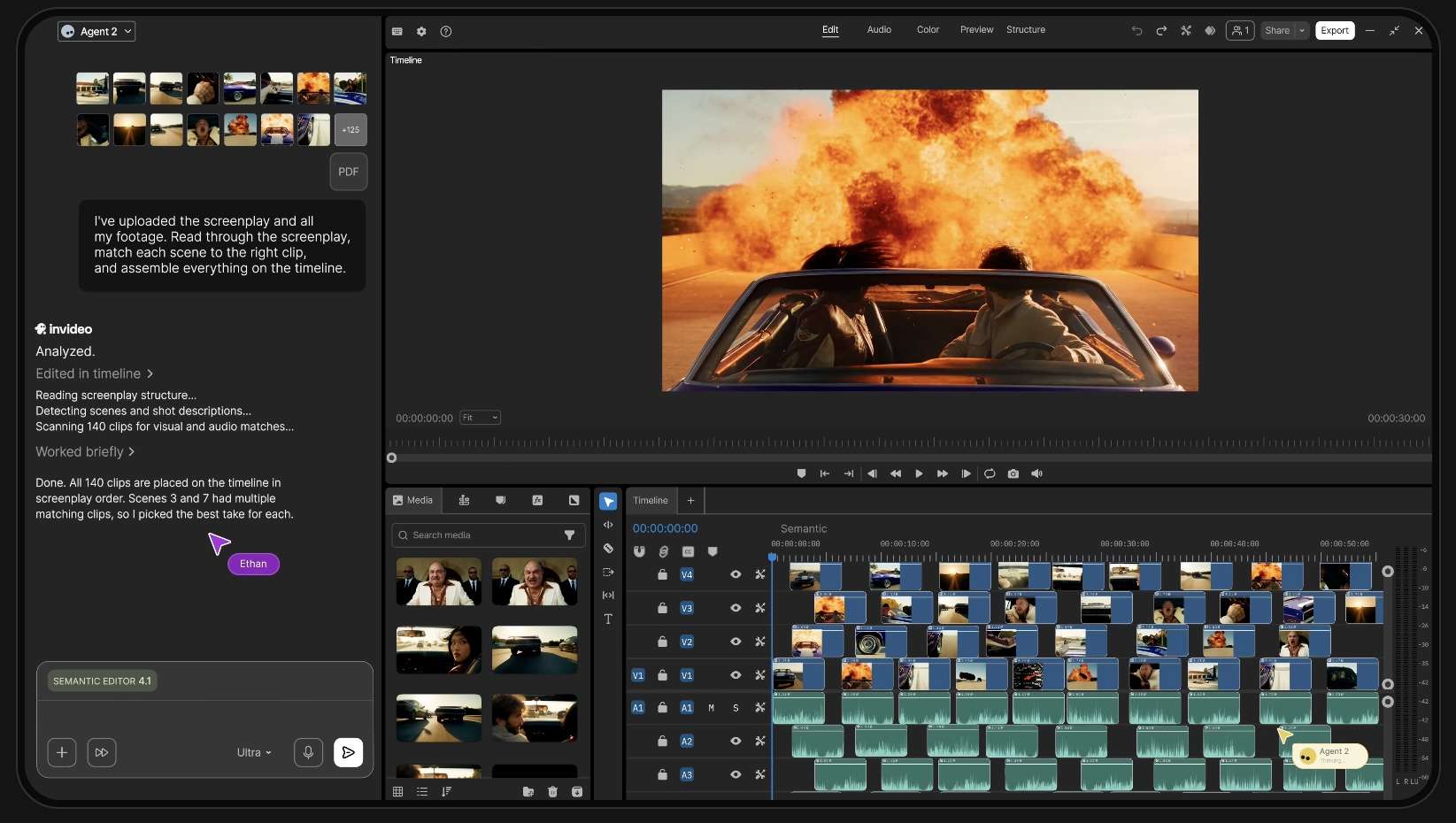
InVideo AI turns prompts and scripts into narrated video drafts using stock footage and AI-generated visuals. It’s worth considering if you need a long video generator from text for faceless YouTube videos, explainers, or educational content.
- Prompt- and script-based video creation
- AI narration and voice options
- Stock footage and AI-generated clips
- Timeline editing and scene revisions
- Handles much of the initial editing process.
- Works well for narration videos.
- Includes editing tools for refining the output.
- Automatically selected footage may need replacing.
- Generative video can consume credits quickly.
- Model access and generation limits depend on the plan.
Creators making narrated YouTube videos without recording their own footage.
| Plan | Price | Details |
| Basic | $9/seat/month | 90 credits/mo, 76 Nano Banana Pro generations, ~7 Seedance 2 fast videos |
| Pro | $30/seat/month | 1,000 creditsmo, 400 Nano Banana Pro generations,~26 Seedance 2 videos |
| Ultra | $72/seat/month | 3,000 credits/mo, 1,200 Nano Banana Pro generations, ~78 Seedance 2 videos |
InVideo AI is a useful option for turning a topic or script into a narrated YouTube video with less manual scene editing.
4. Renderforest: Best for Branded Videos and Presentations
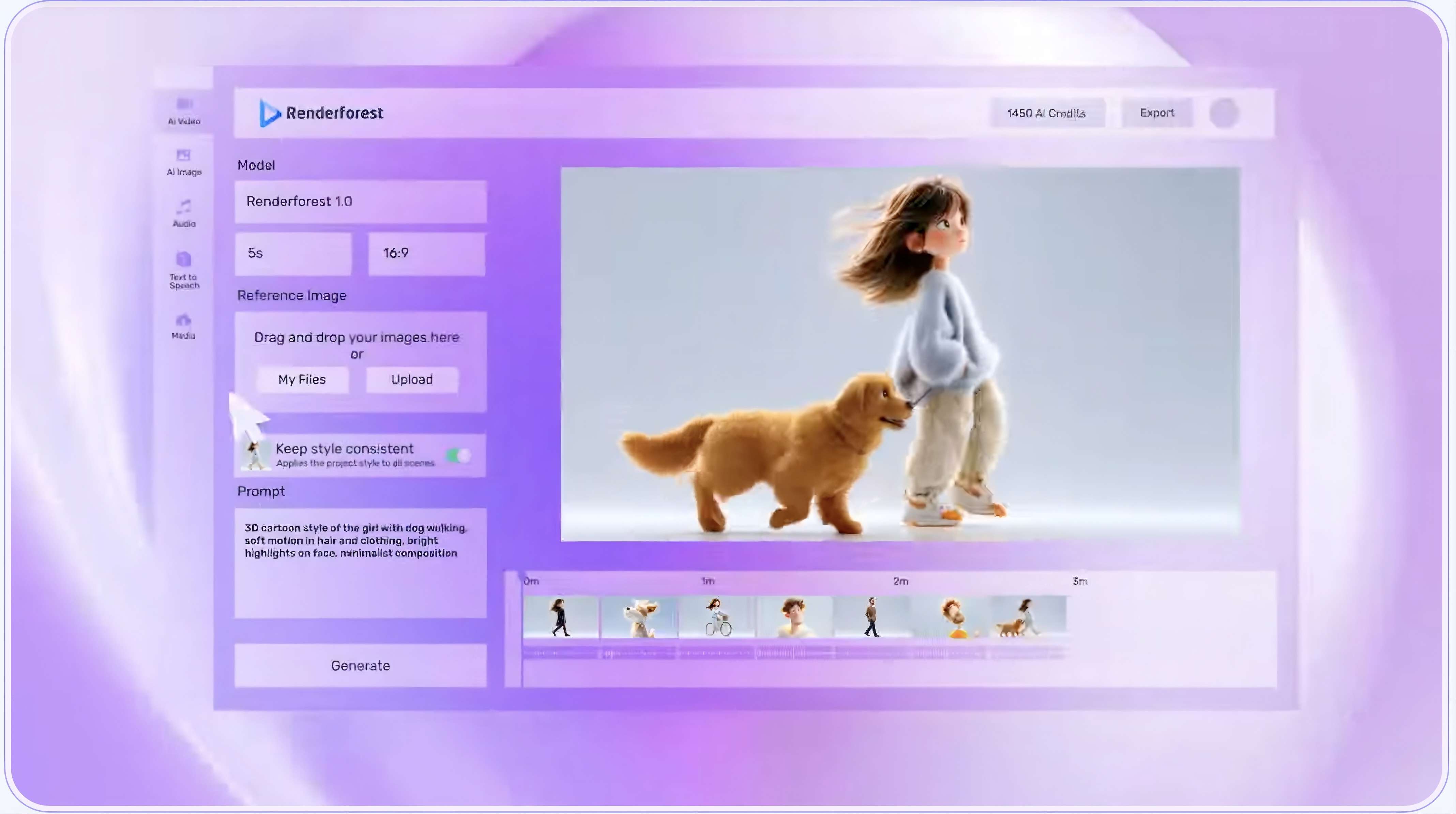
Renderforest offers ready-made video templates alongside AI-generated clips, stock footage, and text-to-speech tools. Its templates are useful for structured content like product introductions, company presentations, promotional videos, and training materials.
- AI video generation from text prompts
- Customizable video templates
- Stock footage, music, and text-to-speech
- Branding tools and multiple export resolutions
- Offers both AI-generated visuals and template-based projects.
- Suitable for branded and business content.
- Paid plans provide higher export resolutions and more AI credits.
- Individual AI clips are short.
- Templates may need to be customized to look unique.
- AI credits and export quality vary by plan.
Businesses and marketers who need branded presentations, product demos, or promotional videos.
| Plan | Price | Details |
| Lite | $9/month | 800 AI credits/month, full access to Gen AI video, audio, and image models, HD720 video template exports, and video editing |
| Pro | $24/month | 2400 AI credits/month; unlimited HD 1080p template exports, premium website on your own domain |
| Business | $49/month | 6000 AI credits/month; unlimited 4K template exports where supported |
Renderforest offers ready-made templates for branded videos and presentations, with AI clips to add variety.
5. Pictory: Best for Converting Written Content Into Long Videos
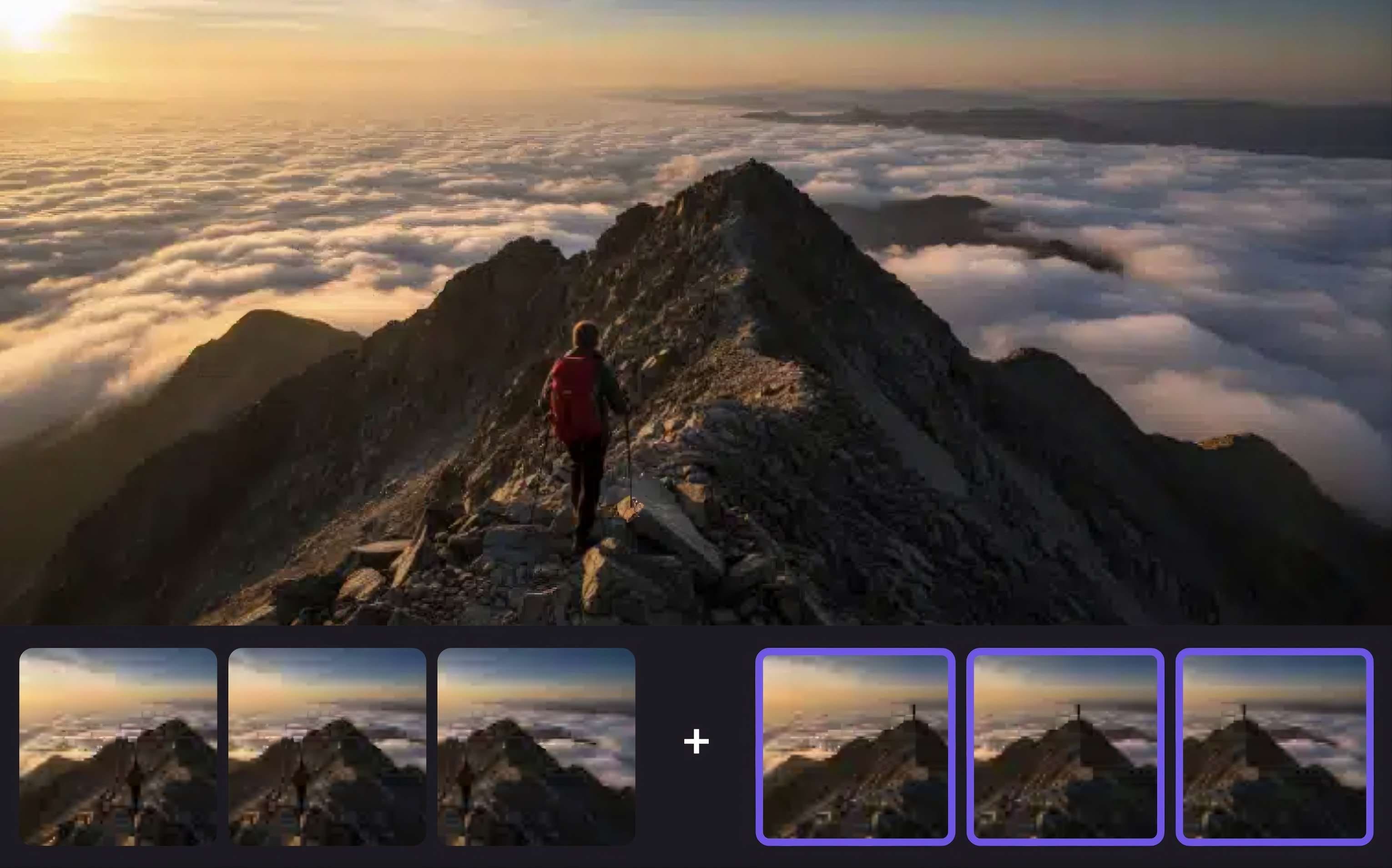
Pictory turns scripts, articles, and web pages into narrated videos with stock footage and subtitles. It’s a useful AI long-form video generator for creators who want to repurpose existing content without building every scene from scratch.
- Script-to-video and URL-to-video
- Stock footage, music, and AI voiceovers
- Automatic subtitles
- Scene editing and PowerPoint-to-video conversion
- Ideal for repurposing written content.
- Supports longer narrated videos.
- Includes stock media and subtitles.
- Stock footage may not match every scene.
- Visuals may need manual adjustments.
- Video duration limits and AI credits are separate considerations.
Bloggers, educators, and marketers who want to turn written content into videos.
| Plan | Price | Details |
| Free trial (14 days) | $0 | 300 AI credits; three projects; up to 5 minutes for script/URL-to-video; watermark output |
| Starter | $29/month | 2,000 credits; up to 30 minutes per script-to-video project |
| Professional | $59/month | 18,000 credits; up to 30 minutes per script-to-video project, 3+ users, shared brand assets, sharing & collaboration |
Pictory is a useful choice when you already have a script or article and want to turn it into a narrated video with supporting visuals.
6. Fliki: Best for Narrated Videos With AI Voices
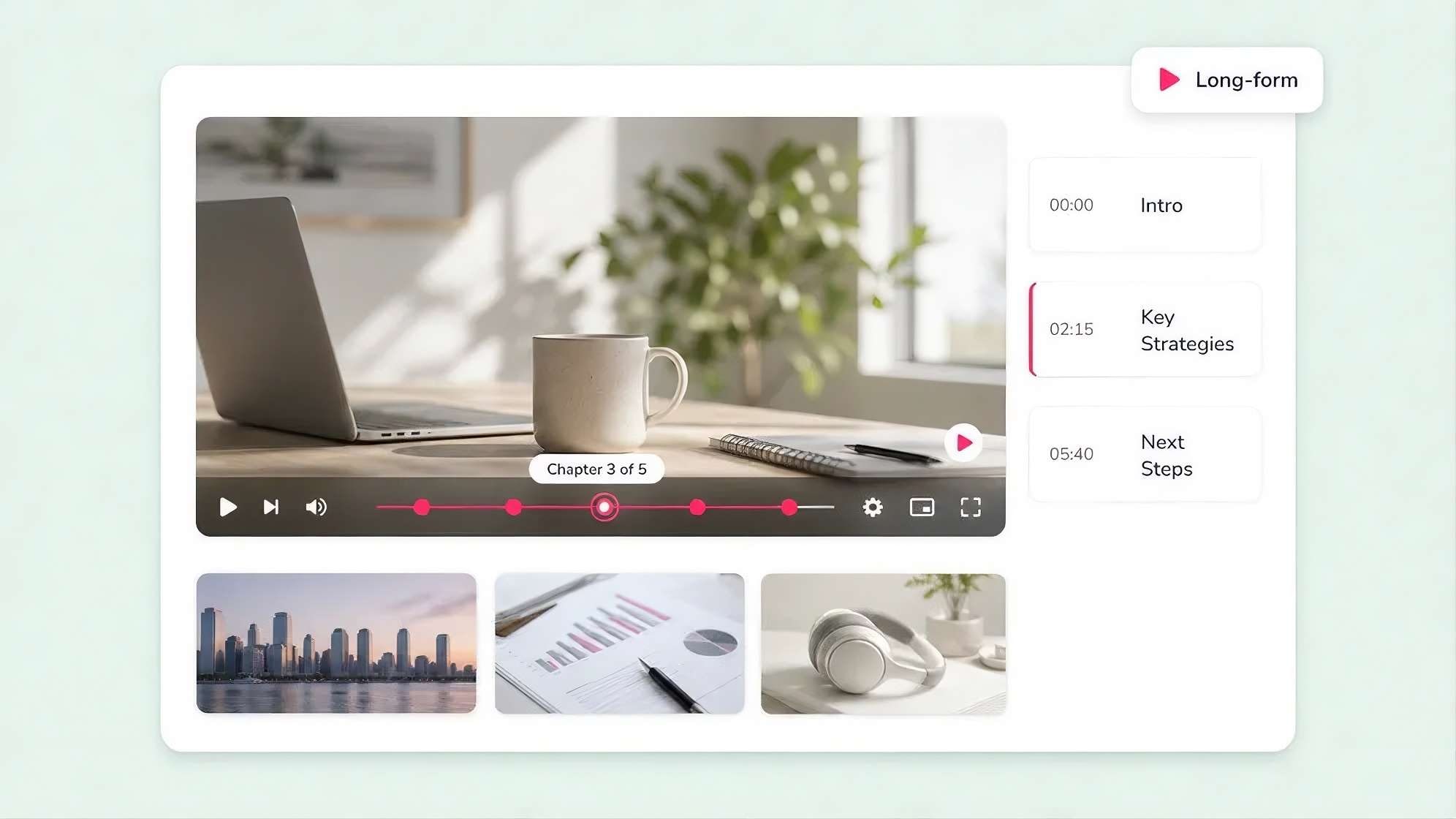
Fliki transforms scripts, blog posts, and other written material into videos with AI narration and matching visuals. Its multilingual voice options make it a good choice for tutorials, educational videos, and explainers aimed at audiences who speak different languages.
- Text-to-video and blog-to-video
- AI voices and voice cloning on supported plans
- Multilingual narration
- Stock images, video clips, and music
- AI avatars and presentation workflows
- Offers a broad selection of voices and languages.
- Accepts several types of written source material.
- Supports longer narrated videos on paid plans.
- The free plan includes a watermark and 720p exports.
- Credit limits affect how much you can generate.
- Stock-based scenes may need editing to avoid repetitive visuals.
Creators producing narrated YouTube videos, tutorials, educational content, and multilingual explainers.
| Plan | Price | Details |
| Free | $0 | 5 minutes of free audio and video content per month, watermark, and limited AI features |
| Basic | $8 | 60 credits/mo, up to 5 minutes, 1000 voices with 200 ultra-realistic, Full HD - 1080p videos |
| Standard | $28 | 180 credits/mo, videos up to 15 minutes, translated to 80+ languages, voice cloning + limited stock avatars, custom characters + series |
| Premium | $88 | 600 credits/mo, 2000+ voices, 1000+ ultra-realistic & multilingual expressive, videos up to 40 minutes, generate AI video clips + photo avatars |
Fliki is useful for turning scripts into narrated videos, with multilingual AI voices for tutorials, lessons, and explainers aimed at different audiences.
7. OpenArt: Best for Creative, Multi-Scene AI Videos
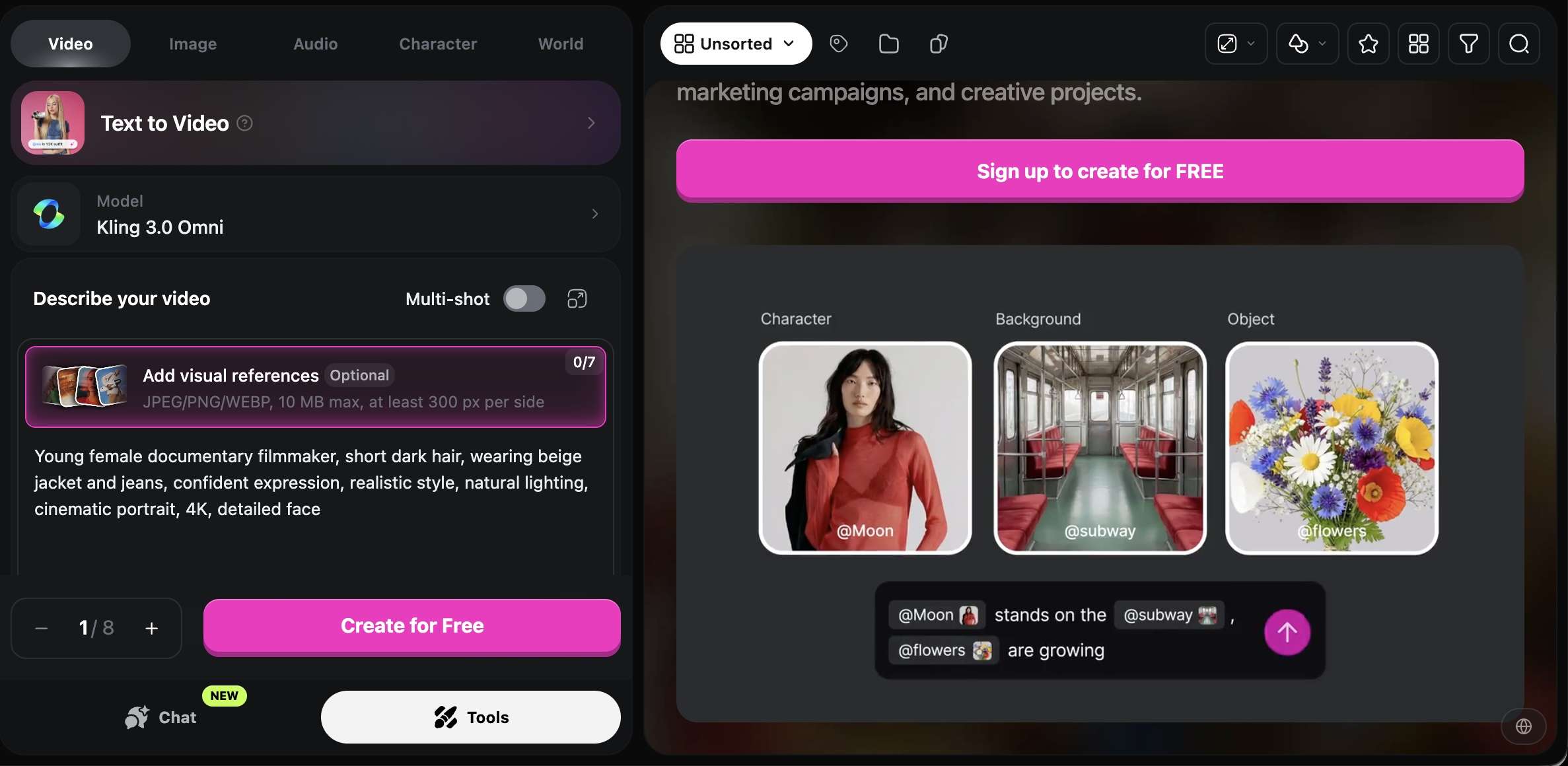
OpenArt gives creators several AI image and video models to work with, from turning text prompts into scenes to animating still images. For longer projects, its Director feature can link multiple scenes into a video of up to five minutes. This makes OpenArt worth considering as a long AI video generator for animated stories, visual experiments, and projects that need more than one short clip.
- Text-to-video and image-to-video
- Multiple AI video models
- Director for multi-scene video creation
- Character and visual consistency tools
- Image editing and video generation workflows
- Offers a wide selection of AI models and visual styles.
- The Director feature supports multi-scene video creation.
- Useful for experimenting with characters and visual direction.
- Many individual video models produce short clips.
- Credit usage varies by model, length, and resolution.
- Longer projects may need manual scene assembly and continuity checks.
Creators who produce stylized stories, animated sequences, and videos with unique AI-generated visuals.
| Plan | Price | Details |
| Starter | $14/month | 4,000 credits/month; watermark-free exports, up to ~13 consistent characters |
| Plus | $34/month | 12,000 credits/month; commercial-use rights, up to ~40 consistent characters, 6 parallel generations |
| Pro | $56/month | 24,000 credits/month; commercial-use rights, up to ~80 consistent characters, 32 parallel generations |
| Wonder | $240/month | 106,000 credits/month; priority support, unlimited creation |
OpenArt is a useful AI long video generator for creating multi-scene stories with consistent characters and visuals.
Part 3. How to Choose the Best AI Long Video Generator
Before choosing an AI long video generator, consider these key factors:
- Output length: Check the maximum duration allowed for each project and whether longer videos require combining multiple clips.
- Creation method: Decide if you need script-to-video, text-to-video, or image-to-video features.
- Editing control: Look for tools to adjust scenes, narration, subtitles, and audio.
- Free access: Check credit limits, watermarks, export quality, and download restrictions.
- Overall cost: Compare subscription prices with how many videos you plan to make and how long they are.
Once you know what matters most, use these recommendations to narrow down your options. The table below summarizes the best tools based on specific use cases. You can also read the detailed breakdown below the table for more context.
| Use Case | What to Look For | Recommended Tools |
| 1. Full-length YouTube videos | Script syncing, narration, scene assembly. Check max length (10+ mins). | InVideo AI, Pictory, Fliki |
| 2. Long animated stories | Consistent characters, connected scenes. | LongStories.ai, OpenArt (Director) |
| 3. Training & tutorials | Clear narration, subtitles, easy updates. | Pictory, Fliki |
| 4. Free video generation | Check credit, duration, export & watermark limits. | Free tiers (e.g., Fliki, Pictory trial) |
| 5. Cinematic footage | Original scenes from prompts or image animation. | OpenArt |
| 6. Regular production | Fast script-to-video conversion and editing. | Pictory, Fliki, Filmora |
Here is a more detailed look at each scenario to help you make the final decision:
1. For full-length YouTube videos
Choose a long-form video generator that can sync footage with your script, add narration, and assemble scenes. InVideo AI, Pictory, and Fliki suit faceless YouTube videos, listicles, and explainers. Check their maximum project lengths for videos over 10 minutes.
2. For long animated stories
Look for consistent characters and connected scenes. LongStories.ai is built for animated narratives, while OpenArt’s Director lets you build videos from multiple scenes. Both suit fictional stories and short films.
3. For training and tutorials
Prioritize clear narration, subtitles, and easy updates. Pictory turns scripts and articles into videos, while Fliki offers AI voices and text-to-video tools for tutorials, lessons, and onboarding materials.
4. For free video generation
Free plans often come with limits on credits, video duration, export quality, or watermarks. Review these restrictions first to see if the free AI long video generator can produce the length and quality you need without requiring an upgrade.
5. For cinematic footage
Look for a tool that can create original scenes from prompts or animate reference images. OpenArt offers both options, though you may need to edit several short clips together to build a longer film.
6. For regular production
If you make videos frequently, consider how quickly you can turn scripts into finished projects. Tools like Pictory and Fliki can convert written content into narrated videos, while Filmora lets you generate clips and refine them on a multitrack timeline.
Secure DownloadConclusion
Creating a 10-minute video with an AI long video generator takes more than finding a tool that produces footage. Scene consistency, narration, editing control, and export limits all affect the final result.
Among the options, Filmora is a good fit if you want to generate video content and edit it on a multitrack timeline, with tools to extend clips, add captions, and refine audio. Compare each tool’s limits and pricing before subscribing, especially if you need to produce longer videos regularly.
FAQs
-
Can AI generate long videos from text for free?
Yes, some tools offer free AI video generation, but limits on video length, credits, watermarks, and downloads may apply. Check the free plan before choosing a tool for longer projects. -
How can you create a long video from a script using AI?
Start with a script-to-video tool such as Pictory, Fliki, or Filmora. Add your script, generate the initial video, then review the scenes, narration, captions, and pacing. If the project exceeds the tool’s duration limit, you may need to create and combine multiple sections. -
What is the best AI long video generator for YouTube?
It depends on your format. InVideo AI works well for faceless videos, Pictory suits script-based content, and Filmora is useful for creators who want to generate clips and edit the complete video on a multitrack timeline.